MSI Prestige 14 AI Studio (C1Ux / C1Vx)
MSI Prestige 14 AI Studio (C1Ux / C1Vx) - Specificații



- HDD/SSD
- până la 4000GB SSD
- Slot M.2
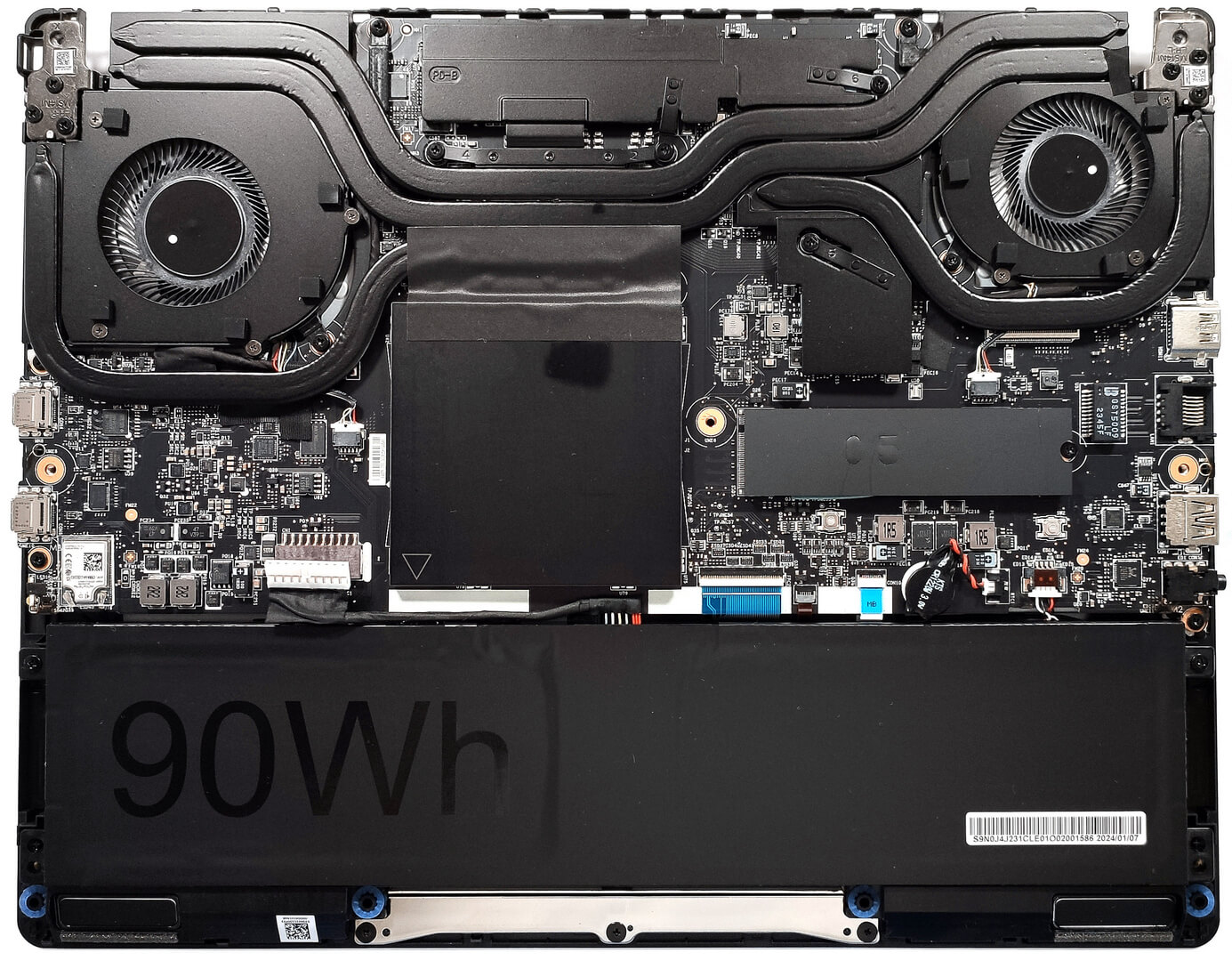
- 1x 2280 M.2 NVMe PCIe 4.0 x4 Vezi foto
- RAM
- up to 96GB
- SO
- Windows 11 Pro, Windows 11 Home
- Material Carcasă
- Aluminum
- Dimensiuni
- 313.4 x 246.5 x 18.95 mm (12.34" x 9.70" x 0.75")
- Greutate
- 1.70 kg (3.7 lbs)
- Porturi și conectivitate
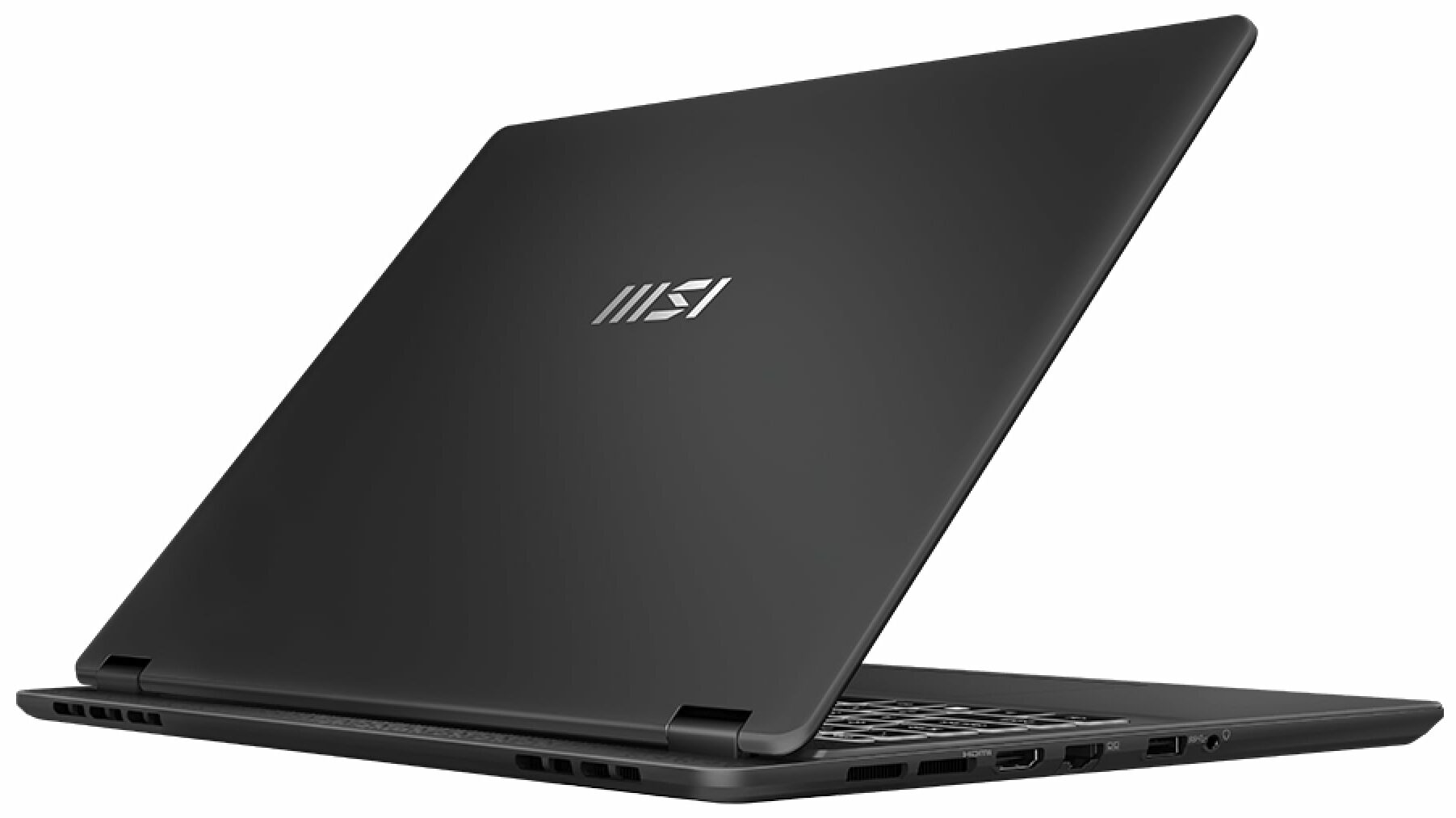
- 1x USB Type-A
- 3.2 Gen 2 (10 Gbps)
- 1x USB Type-C
- 3.2 Gen 2 (10 Gbps), Power Delivery (PD), DisplayPort
- 1x USB Type-C
- 4.0, Thunderbolt 4, Power Delivery (PD), DisplayPort
- HDMI
- 2.1 (8K@60Hz / 4K@120Hz)
- Cititor de carduri
- Ethernet LAN
- 10, 100, 1000 Mbit/s
- Wi-Fi
- 802.11be
- Bluetooth
- 5.4
- Mufă audio
- 3.5mm Combo Jack
- Caracteristici
- Cititor de amprente
- Cameră web
- FHD IR with HDR, 3D Noise Reduction+ (3DNR+)
- Tastatură iluminată
- Microfon
- Difuzoare
- 2x 2W Stereo Speakers
- Unitate optică
- Slot blocare securitate
- Kensington Lock
Toate MSI Prestige 14 AI Studio (C1Ux / C1Vx) configurații

Cumpără profilurile noastre pentru BOE NE140WUM-NX1 (BOE0A3A) / 14.0", WUXGA (1920 x 1200), 144 Hz, IPS
Pe lângă primirea de profiluri eficiente și prietenoase cu sănătatea, prin cumpărarea produselor LaptopMedia sprijiniți și dezvoltarea laboratoarelor noastre, unde testăm dispozitive pentru a produce cele mai obiective recenzii posibile.

Office Work
Office Work ar trebui folosit în principal de utilizatorii care petrec cea mai mare parte a timpului uitându-se la texte, tabele sau pur și simplu navigând. Acest profil urmărește să ofere o distincție și o claritate mai bună prin menținerea unei curbe gamma plate (2.20), a temperaturii native a culorii și a culorilor perceptiv exacte.

Design and Gaming
Acest profil se adresează designerilor care lucrează profesional cu culorile, precum și pentru jocuri și filme. Design and Gaming duce panourile de afișaj la limitele lor, făcându-le cât mai precise posibil în standardul sRGB IEC61966-2-1 pentru Web și HDTV, la punctul de alb D65.

Health-Guard
Health-Guard elimină modulația dăunătoare a lățimii impulsului (PWM) și reduce lumina albastră negativă care ne afectează ochii și corpul. Deoarece este personalizat pentru fiecare panou, reușește să mențină culorile perceptiv exacte. Health-Guard simulează hârtia, astfel încât presiunea asupra ochilor este redusă considerabil.
Obține toate cele 3 profiluri cu 33% reducere

Performanță CPU
Aici puteți găsi diferența de preț/performanță între toate procesoarele disponibile pentru MSI Prestige 14 AI Studio (C1Ux / C1Vx) Serii.
Aici, evaluăm performanța procesorului folosind o sarcină de randare 3D reală, analizând capacitatea sa de a gestiona eficient calcule complexe și sarcini de randare.
Rezultatele sunt de la testul Cinebench 2024 Multi-Core (un scor mai mare este mai bun)
Performanță GPU
Aici puteți găsi diferența de preț/performanță între toate plăcile video disponibile pentru MSI Prestige 14 AI Studio (C1Ux / C1Vx) Serii.
Rezultatele sunt de la 3DMark Time Spy (Grafică). Un scor mai mare este mai bun.
MSI Prestige 14 AI Studio (C1Ux / C1Vx) recenzie detaliată
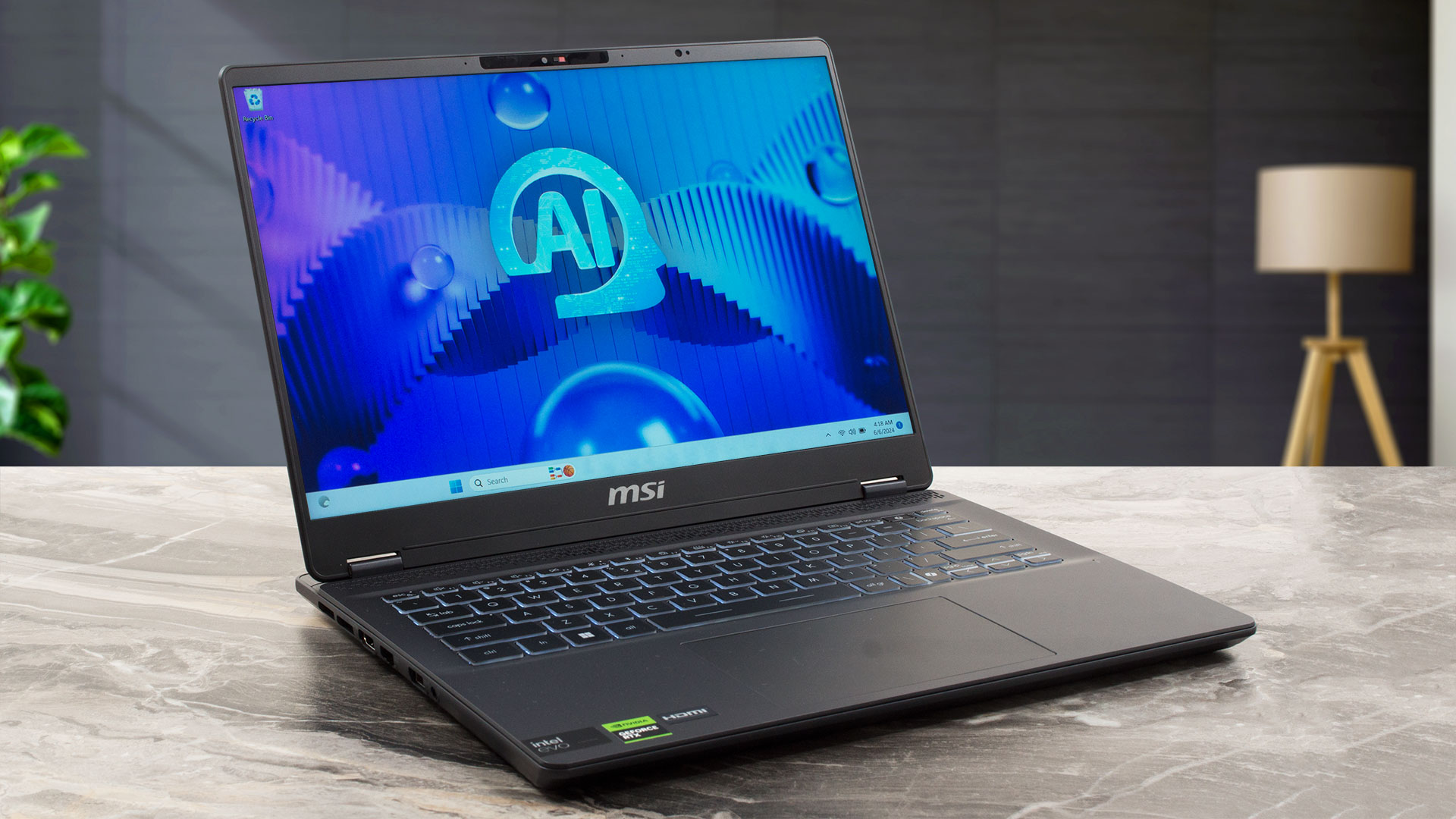
If you travel a lot and need a light but powerful machine with a good display and a long battery life, your options are a bit limited. Still, the MSI Prestige 14 AI Studio C1U could get your attention since it's offered with 28W Meteor Lake chips and a 45W dGPU (option). The memory isn't soldered and you get two SODIMMs for future RAM expansion alongside a big battery that can be paired with Intel Evo certification for even longer autonomous life. You don't get a whole plethora of ports, but the available connectors are modern, with DisplayPort and charging capabilities.The base display is[...]
Avantaje
- Respectable performance for a light 14-incher
- 2x DDR5 SODIMMs
- 144Hz refresh rate + wide viewing angles (BOE0A3A)
- 96% sRGB coverage + accurate color with our "Design and Gaming" profile (BOE0A3A)
- 474 nits max brightness + 7.5 ms pixel response times (BOE0A3A)
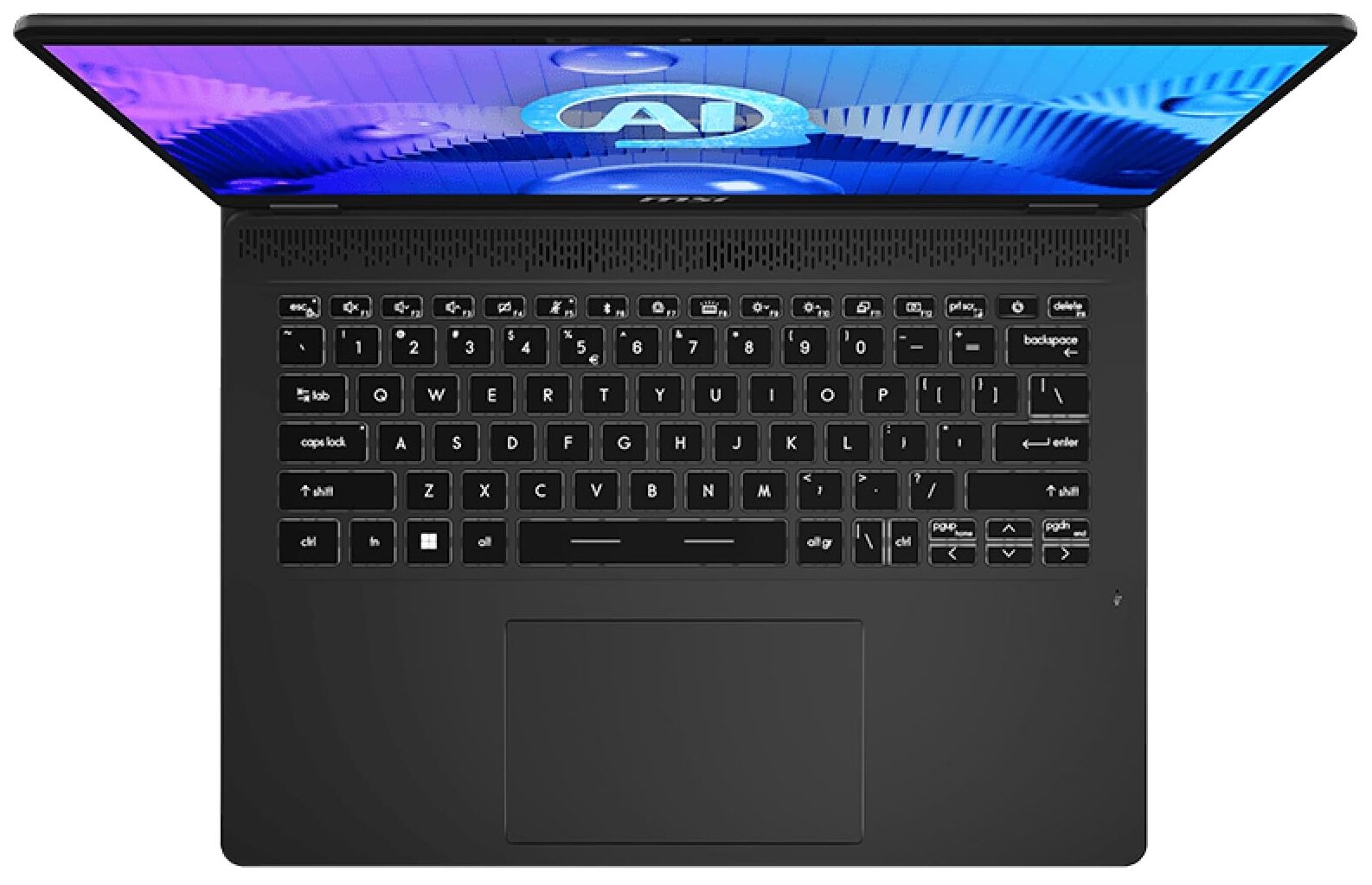
- Comfortable backlit keyboard
- Rigid aluminum chassis
- The Core Ultra 7 155HCore Ultra 7 155H can maintain 2.7 Ghz / 2.2 Ghz P and E core clock during short and medium loads
- The MSI Center offers plenty of customizations
- 1x 10 Gbps Type-C + Thunderbolt 4+ 1x 10 Gbps Type-A port
- Pretty big thermal system for such a form factor
- 1080p IR Web camera with privacy shutter and a fingerprint reader
- The fans aren't noisy
- Snappy SSD (1TB Samsung PM9A1a)
Dezavantaje
- Strange "Balanced" mode that offers lower CPU and GPU clocks than the Extreme mode + the same noise levels
- The bottom plate is hard to open
- Just three USB ports
- The touchpad is average at best
How to open MSI Prestige 14 AI Studio C1U - disassembly and upgrade options
Jocuri pe care le poți juca pe laptop-urile din această serie

Resolution: 1920 x 1080 (Full HD) |
NORMAL |
HIGH |
VERY HIGH |
MAX |
|---|---|---|---|---|
| NVIDIA GeForce RTX 4050 (Laptop, 45W) | 187 FPS REDĂ VIDEO | 156 FPS REDĂ VIDEO | 80 FPS REDĂ VIDEO | 46 FPS REDĂ VIDEO |

Resolution: 1920 x 1080 (Full HD) |
VERY LOW |
MED |
MAX |
|---|---|---|---|
| NVIDIA GeForce RTX 4050 (Laptop, 45W) | 697 FPS REDĂ VIDEO | 658 FPS REDĂ VIDEO | 584 FPS REDĂ VIDEO |

Resolution: 1920 x 1080 (Full HD) |
MIN |
MAX |
|---|---|---|
| NVIDIA GeForce RTX 4050 (Laptop, 45W) | 1472 FPS REDĂ VIDEO | 192 FPS REDĂ VIDEO |

Resolution: 1920 x 1080 (Full HD) |
MIN |
MED |
HIGH |
ULTRA |
|---|---|---|---|---|
| NVIDIA GeForce RTX 4050 (Laptop, 45W) | 107 FPS REDĂ VIDEO | 66 FPS REDĂ VIDEO | 37 FPS REDĂ VIDEO | 19 FPS REDĂ VIDEO |

Resolution: 1920 x 1080 (Full HD) |
MIN |
MED |
ULTRA |
|---|---|---|---|
| NVIDIA GeForce RTX 4050 (Laptop, 45W) | 636 FPS REDĂ VIDEO | 320 FPS REDĂ VIDEO | 148 FPS REDĂ VIDEO |

Resolution: 1920 x 1080 (Full HD) |
LOW |
MED |
HIGH |
ULTRA |
|---|---|---|---|---|
| NVIDIA GeForce RTX 4050 (Laptop, 45W) | 107 FPS REDĂ VIDEO | 84 FPS REDĂ VIDEO | 63 FPS REDĂ VIDEO | 52 FPS REDĂ VIDEO |

Resolution: 1920 x 1080 (Full HD) |
LOW |
MED |
HIGH |
EPIC |
|---|---|---|---|---|
| NVIDIA GeForce RTX 4050 (Laptop, 45W) | 173 FPS REDĂ VIDEO | 86 FPS REDĂ VIDEO | 69 FPS REDĂ VIDEO | 43 FPS REDĂ VIDEO |

Resolution: 1920 x 1080 (Full HD) |
LOW |
NORMAL |
HIGH |
MAX |
|---|---|---|---|---|
| NVIDIA GeForce RTX 4050 (Laptop, 45W) | 234 FPS REDĂ VIDEO | 210 FPS REDĂ VIDEO | 191 FPS REDĂ VIDEO | 168 FPS REDĂ VIDEO |

Resolution: 1920 x 1080 (Full HD) |
LOW |
MED |
U.NIGHT |
|---|---|---|---|
| NVIDIA GeForce RTX 4050 (Laptop, 45W) | 190 FPS REDĂ VIDEO | 164 FPS REDĂ VIDEO | 133 FPS REDĂ VIDEO |

Resolution: 1920 x 1080 (Full HD) |
LOW |
MED |
MAX |
|---|---|---|---|
| NVIDIA GeForce RTX 4050 (Laptop, 45W) | 497 FPS REDĂ VIDEO | 418 FPS REDĂ VIDEO | 323 FPS REDĂ VIDEO |



![[Septembrie 2026] Cele mai vândute mărci de laptopuri pe Amazon Global – Apple domină piața cu o cotă de venituri de peste 70%](https://laptopmedia.com/wp-content/uploads/2026/10/GLOBAL-Best-Brands-400x225.jpg)
![[Septembrie 2026] Amazon Global: Top 10 cele mai vândute laptopuri – MacBook Neo de la Apple ocupă locul 1, pe fondul dominanței dispozitivelor din gama economică și a celor premium](https://laptopmedia.com/wp-content/uploads/2026/10/Best-Selling-Laptops-GLOBAL-Top-10-400x225.jpg)
![[Septembrie 2026] Amazon Global: Top 10 cele mai bine vândute laptopuri pentru jocuri – ASUS ROG Strix G16 domină piața cu vânzări record](https://laptopmedia.com/wp-content/uploads/2026/10/Best-Selling-Gaming-Laptops-GLOBAL-Top-10-400x225.jpg)
![[Septembrie 2026] Clasamentul global al celor mai bine vândute plăci grafice pentru laptopuri de pe Amazon – Cipul M5 de la Apple surclasează NVIDIA în segmentul laptopurilor premium, dar RTX 5060 este singura placă grafică dedicată care a reușit să intre în top 10](https://laptopmedia.com/wp-content/uploads/2026/10/Best-Selling-GPUs-GLOBAL-Top-10-400x225.jpg)