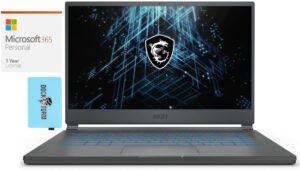
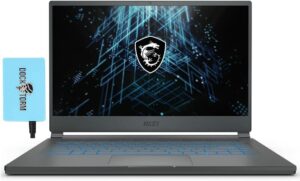
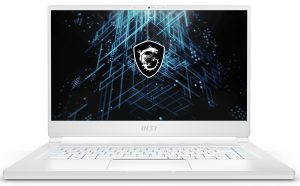
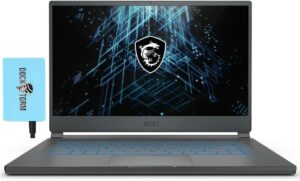
MSI Stealth 15M (RTX 30)
MSI Stealth 15M (RTX 30) - Specificații
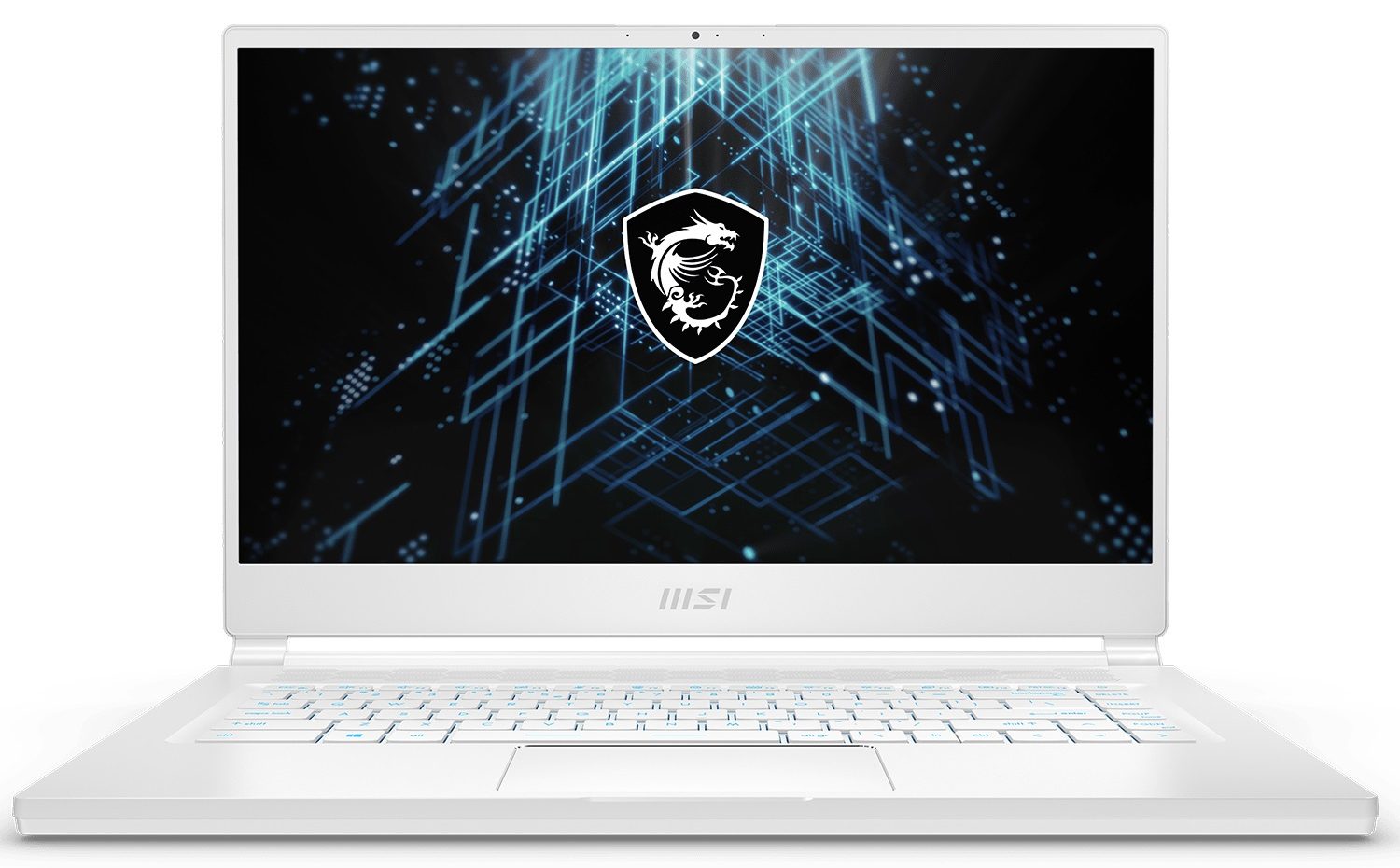
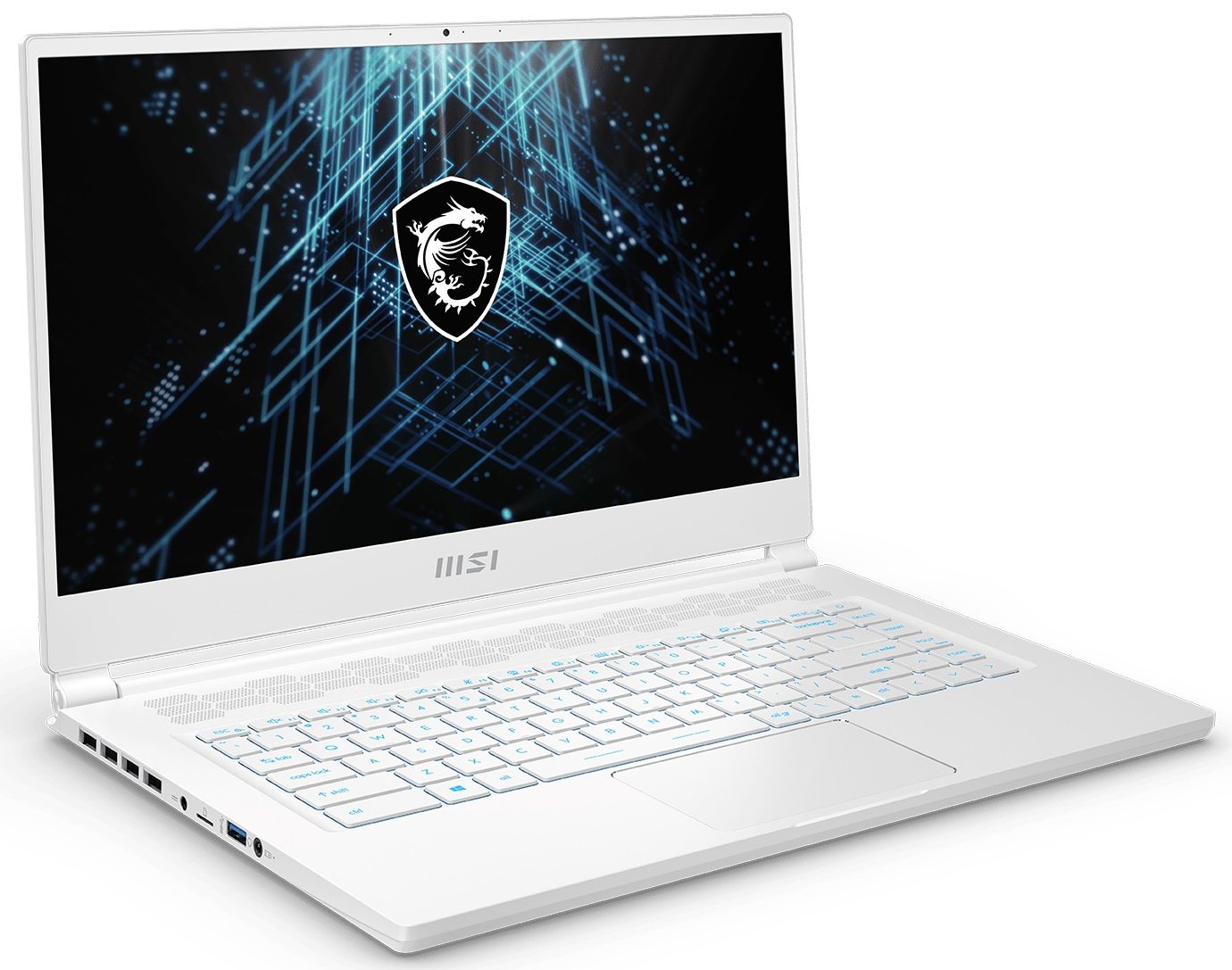
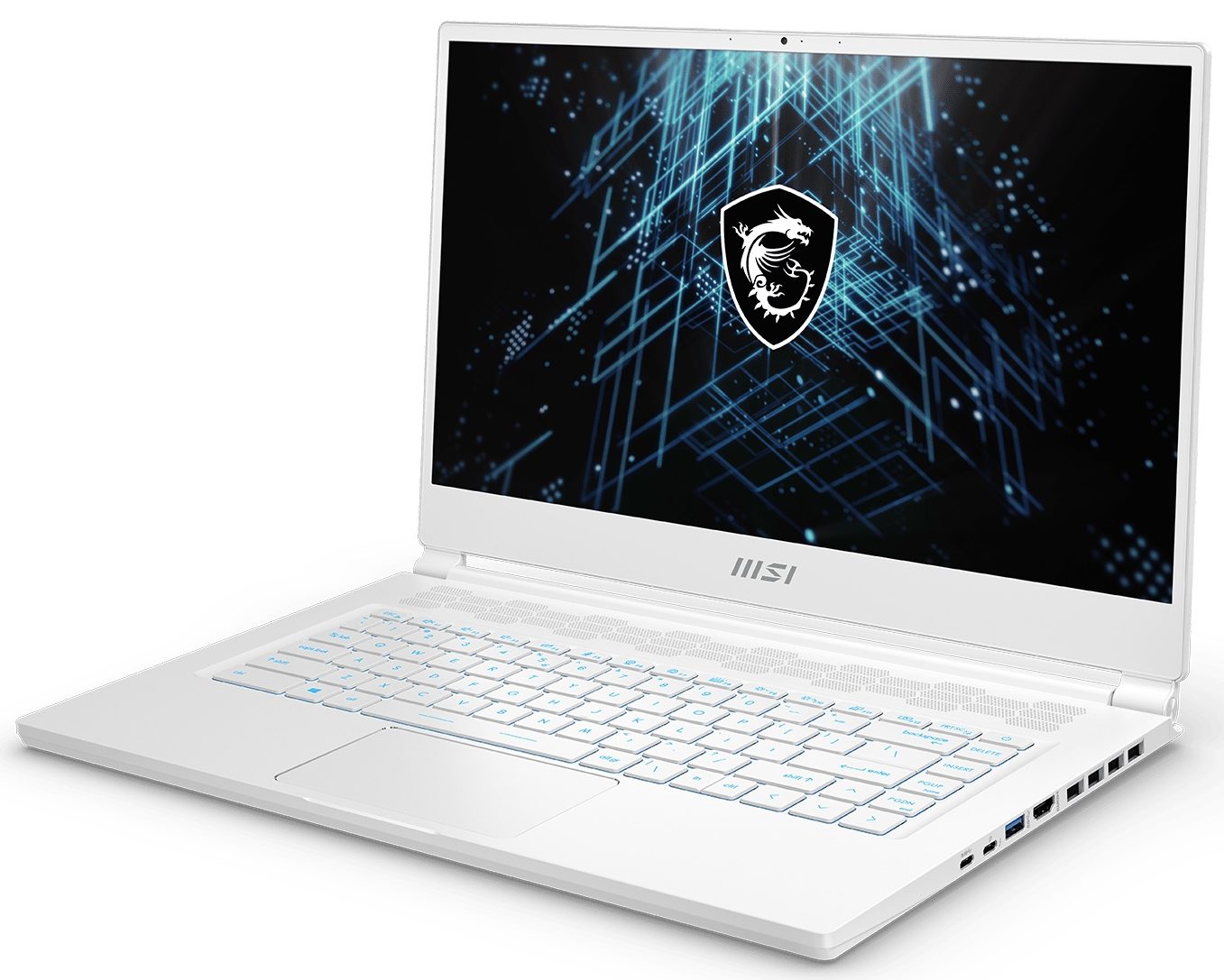
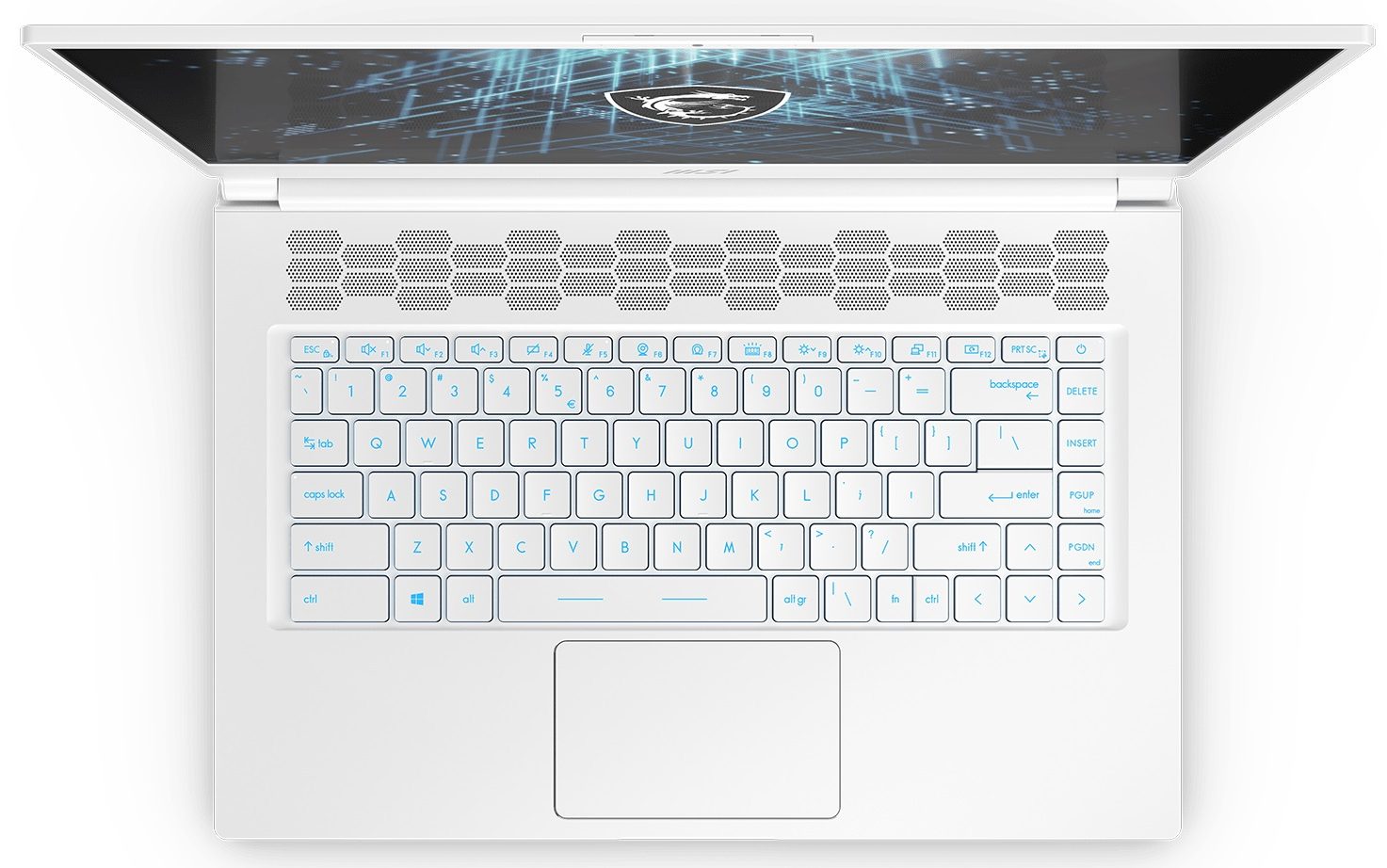
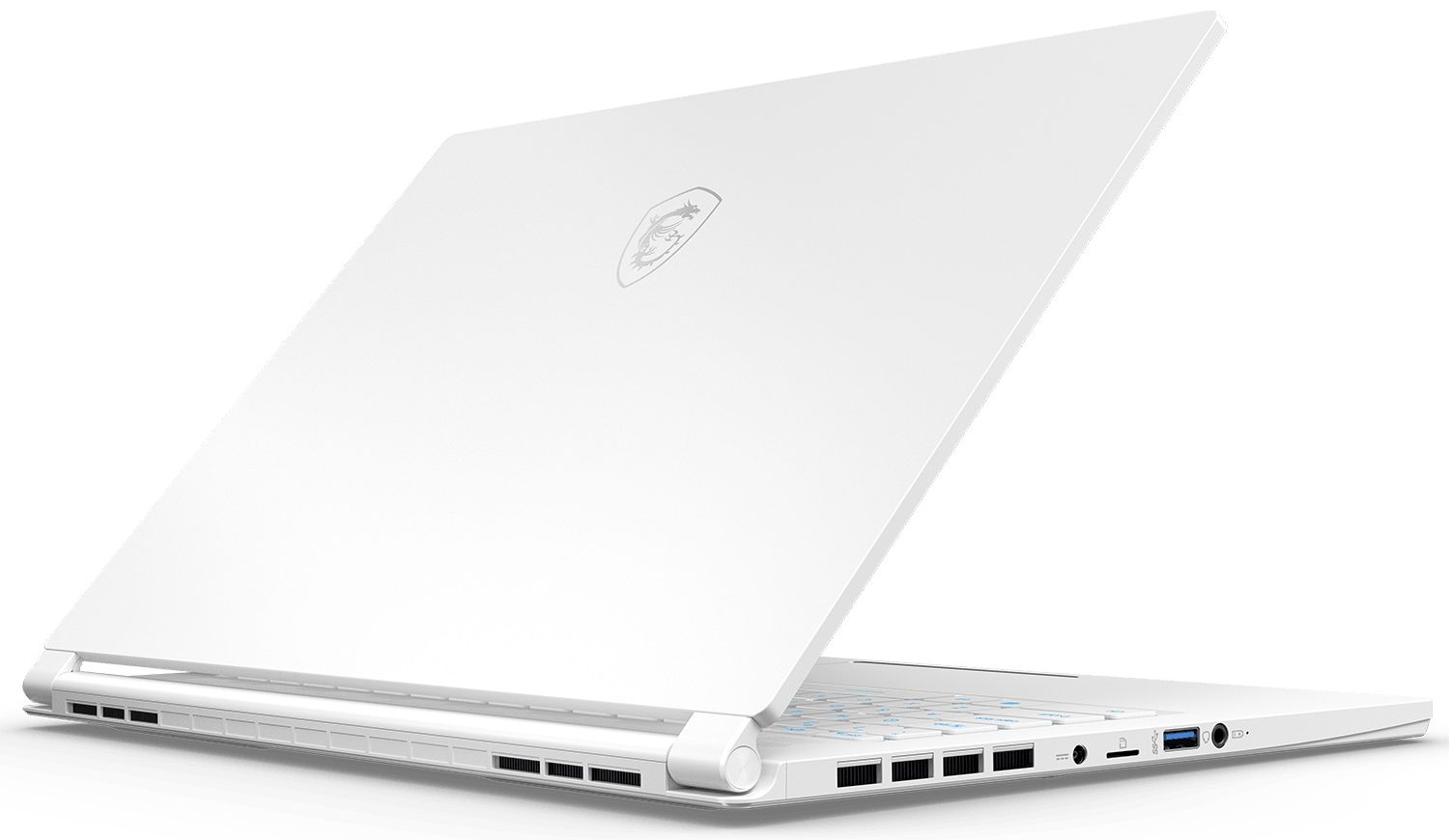
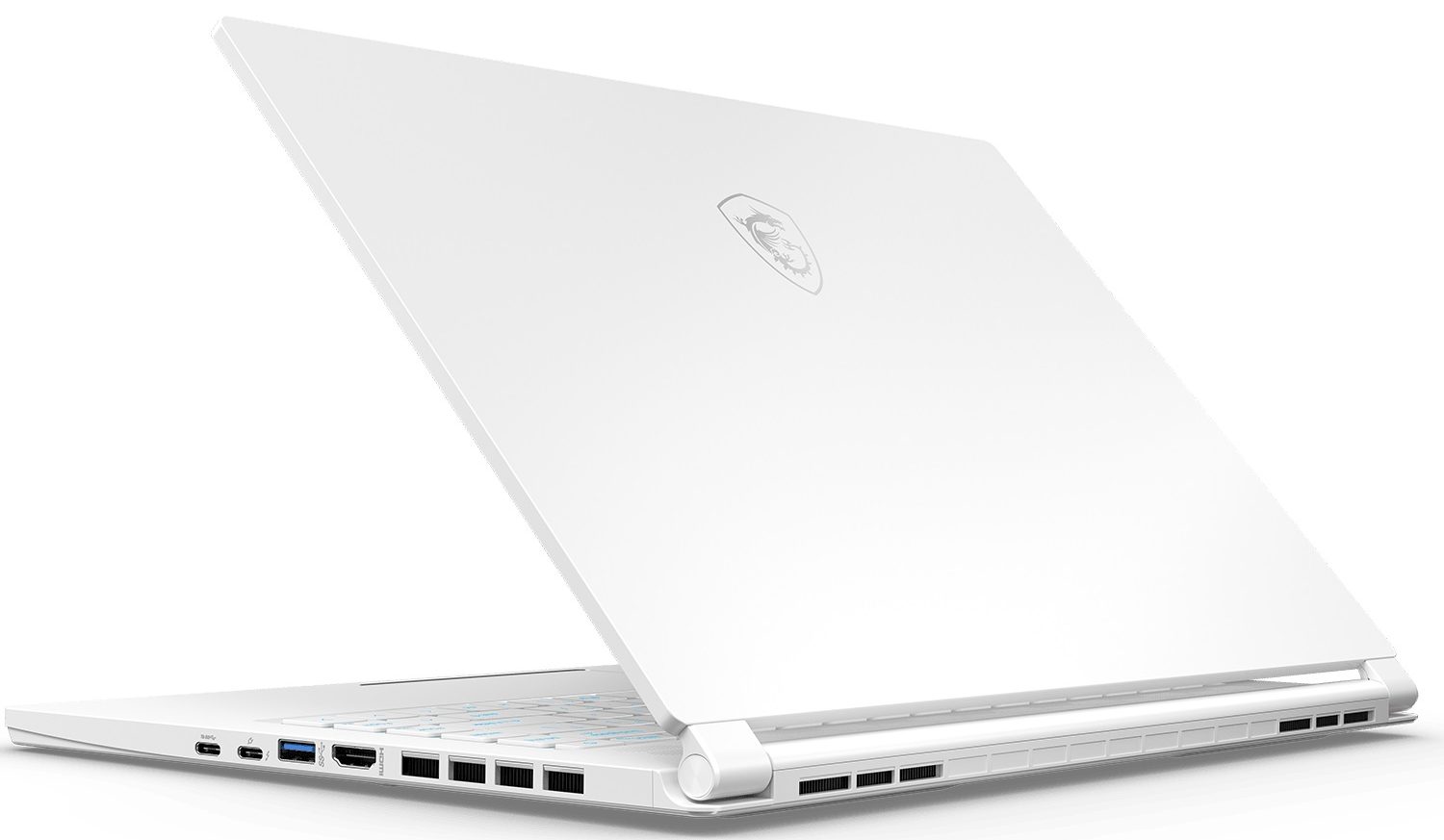
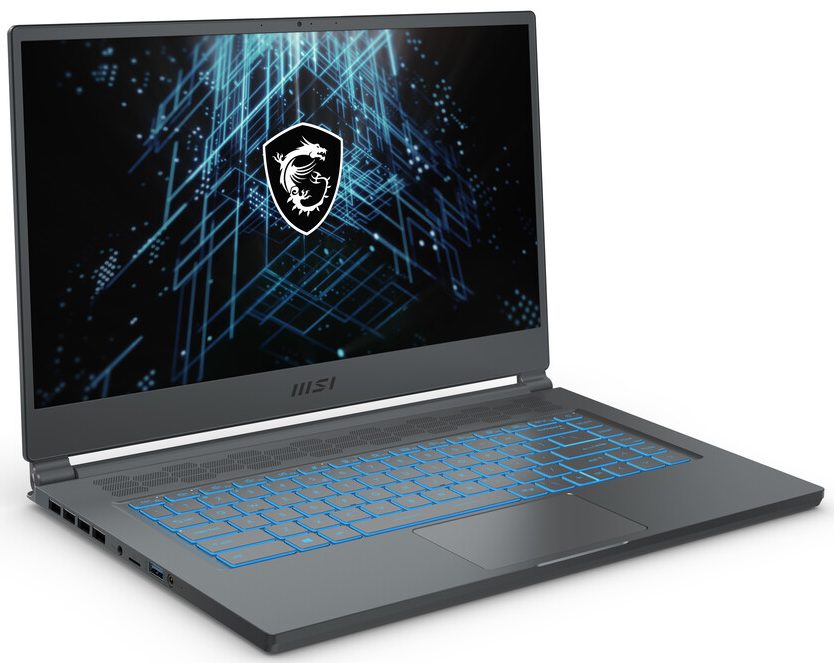
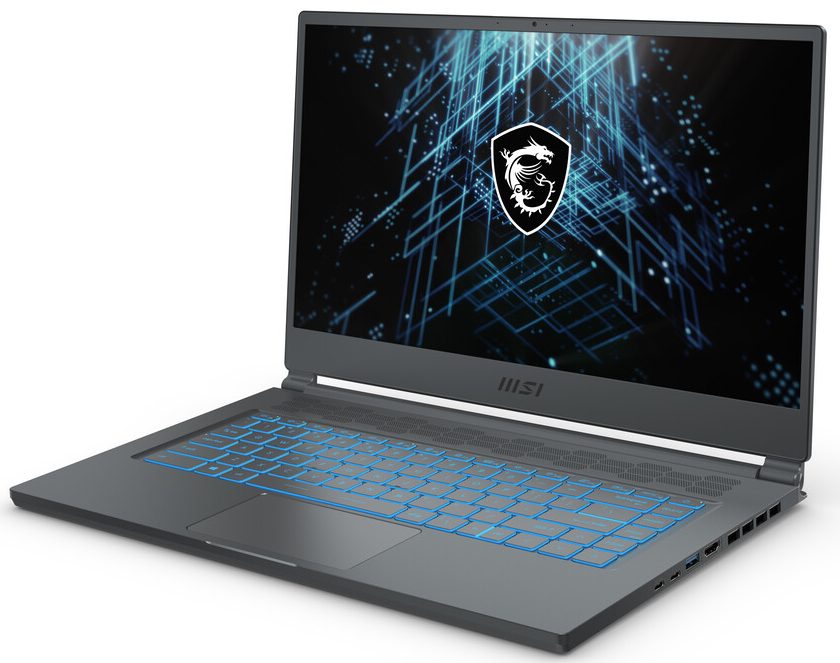


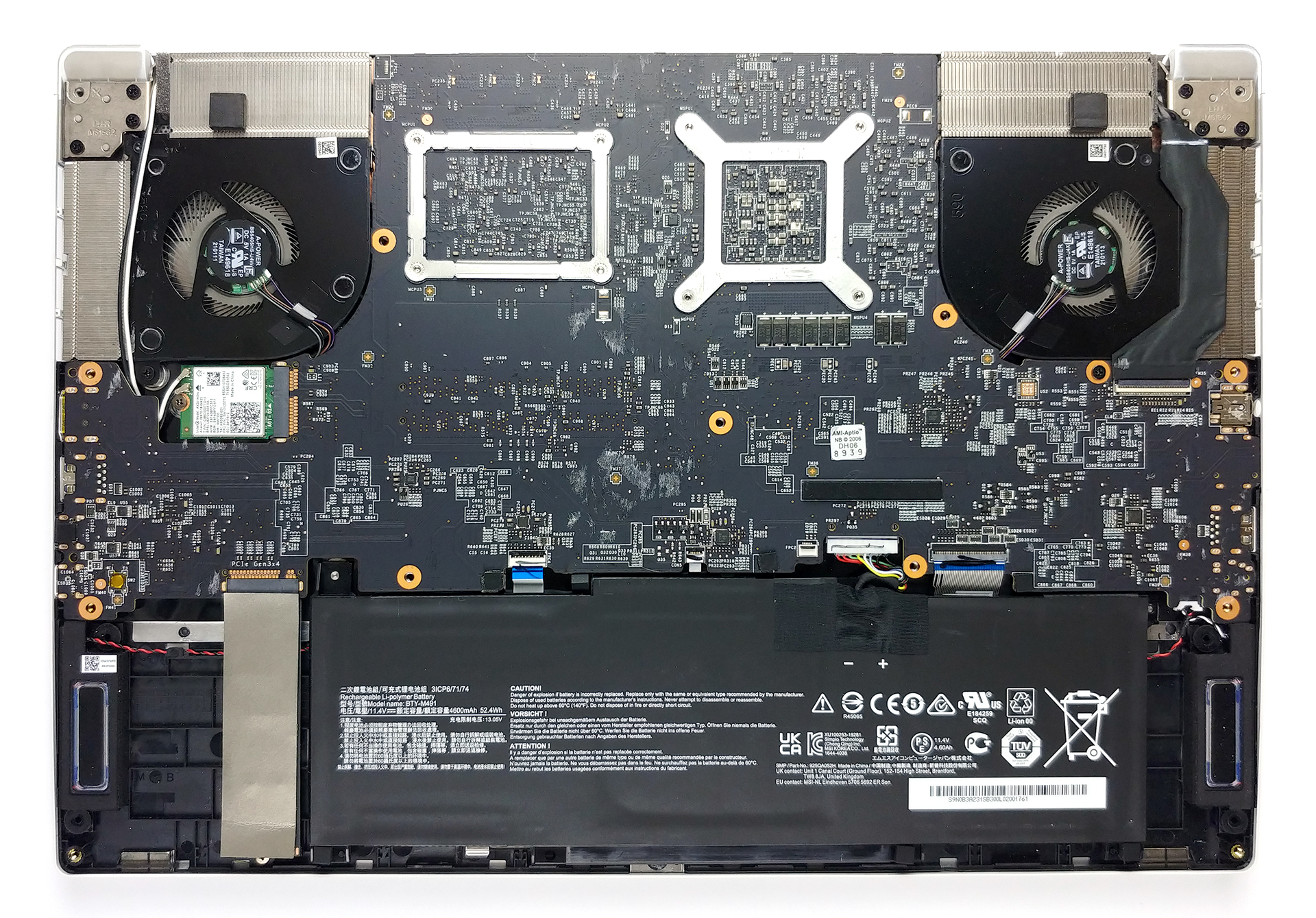
- HDD/SSD
- până la 8000GB SSD
- Slot M.2
- 1x M.2 NVMe slot Vezi foto
- RAM
- up to 64GB
- SO
- Windows 10 Pro, Windows 11 Home, Windows 10 Home, Windows 11 Pro, No OS
- Baterie
- 52Wh, 3-cell
- Material Carcasă
- Aluminum
- Dimensiuni
- 358.3 x 248 x 16.1 mm (14.11" x 9.76" x 0.63")
- Greutate
- 1.70 kg (3.7 lbs)
- Porturi și conectivitate
- 2x USB Type-A
- 3.2 Gen 1 (5 Gbps)
- 1x USB Type-C
- 3.2 Gen 2 (10 Gbps), DisplayPort
- 1x USB Type-C
- 3.2 Gen 2 (10 Gbps), Thunderbolt 4, Power Delivery (PD), DisplayPort
- HDMI
- Cititor de carduri
- MicroSD
- Wi-Fi
- 802.11ax
- Bluetooth
- 5.0
- Mufă audio
- 3.5mm Combo Jack
- Caracteristici
- Cititor de amprente
- optional
- Cameră web
- HD
- Tastatură iluminată
- Difuzoare
- 2x 2W, Nahimic 3
- Unitate optică
Toate MSI Stealth 15M (RTX 30) configurații
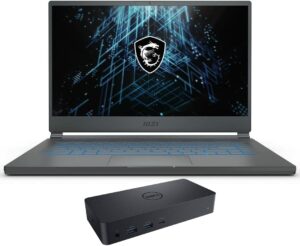
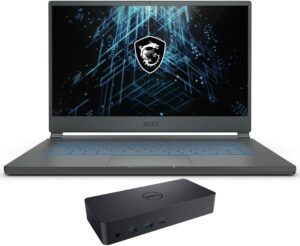
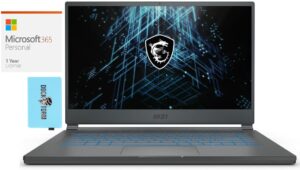
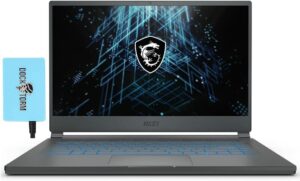
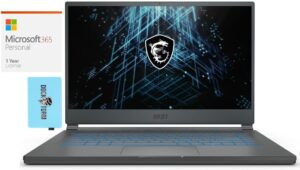
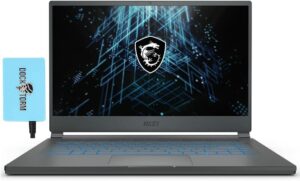

Cumpără profilurile noastre pentru BOE NV156FHM-NX4 (BOE0910) / 15.6”, Full HD (1920 x 1080), 144 Hz, IPS
Pe lângă primirea de profiluri eficiente și prietenoase cu sănătatea, prin cumpărarea produselor LaptopMedia sprijiniți și dezvoltarea laboratoarelor noastre, unde testăm dispozitive pentru a produce cele mai obiective recenzii posibile.

Office Work
Office Work ar trebui folosit în principal de utilizatorii care petrec cea mai mare parte a timpului uitându-se la texte, tabele sau pur și simplu navigând. Acest profil urmărește să ofere o distincție și o claritate mai bună prin menținerea unei curbe gamma plate (2.20), a temperaturii native a culorii și a culorilor perceptiv exacte.

Design and Gaming
Acest profil se adresează designerilor care lucrează profesional cu culorile, precum și pentru jocuri și filme. Design and Gaming duce panourile de afișaj la limitele lor, făcându-le cât mai precise posibil în standardul sRGB IEC61966-2-1 pentru Web și HDTV, la punctul de alb D65.

Health-Guard
Health-Guard elimină modulația dăunătoare a lățimii impulsului (PWM) și reduce lumina albastră negativă care ne afectează ochii și corpul. Deoarece este personalizat pentru fiecare panou, reușește să mențină culorile perceptiv exacte. Health-Guard simulează hârtia, astfel încât presiunea asupra ochilor este redusă considerabil.
Obține toate cele 3 profiluri cu 33% reducere

Performanță CPU
Aici puteți găsi diferența de preț/performanță între toate procesoarele disponibile pentru MSI Stealth 15M (RTX 30) Serii.
Rezultatele sunt de la testul CPU Cinebench R23 (scorul mai mare este mai bun)
MSI Stealth 15M (RTX 30) recenzie detaliată
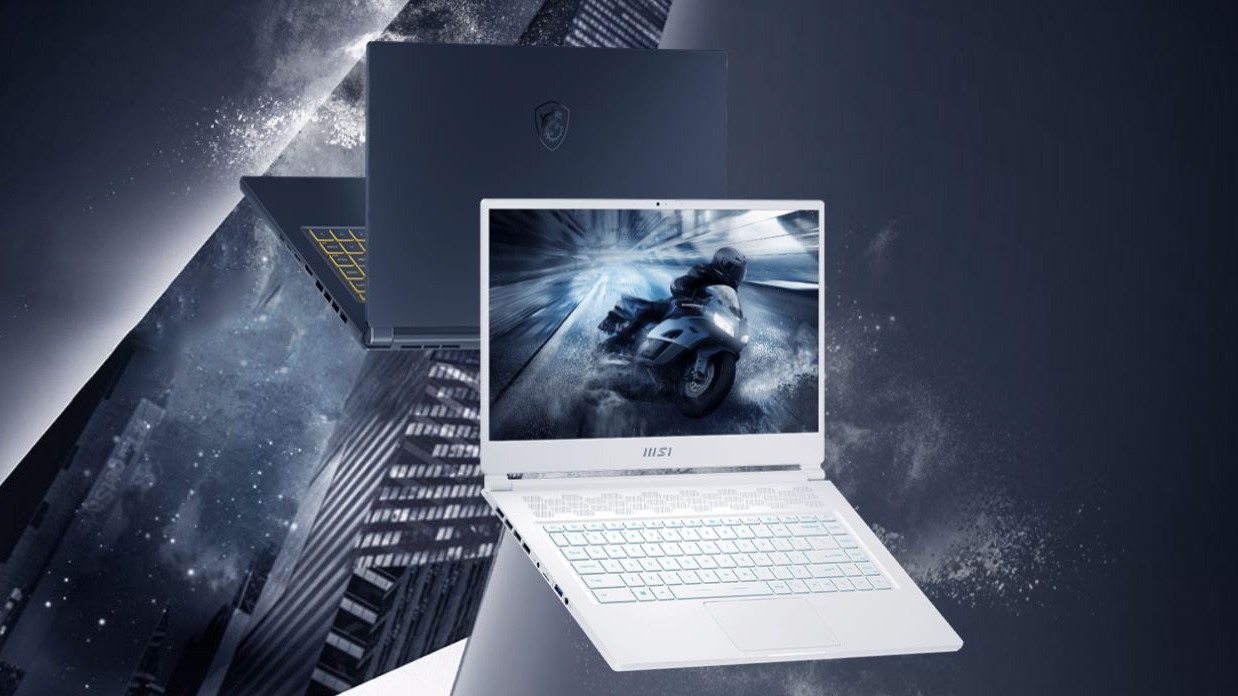
The first thought that came to our mind when we first took the MSI Stealth 15M in our hands was "Well, this looks familiar". In fact, its body is suspiciously similar to that of the older GS65 Stealth, but even in case the chassis is reused, the design is definitely changed.With that said, this laptop is directly marketed towards gamers and "young professionals", and promotes speed and power. Moreover, according to MSI, this is the thinnest and lightest gaming notebook on the market, but as usual - take this with a pinch of salt.By the way, you should know that the Stealth 15M comes i[...]
Avantaje
- Good amount of power inside a very thin and light notebook
- 3200 MHz memory in dual-channel, one M.2 PCIe x4 slot, Thunderbolt 4 + Wi-Fi 6 support, and a MicroSD card reader
- The display doesn't flicker at any brightness level (BOE NV156FHM-NX4)
- Has a good contrast ratio and comfortable viewing angles (BOE NV156FHM-NX4)
- 144Hz refresh rate paired with relatively good pixel response times (BOE NV156FHM-NX4)
Dezavantaje
- The cooling is a bit inefficient (and sounds weird)
- It gets pretty warm on the outside when gaming
- Covers only half of the sRGB color gamut (BOE NV156FHM-NX4)
- Battery life is only average
Jocuri pe care le poți juca pe laptop-urile din această serie

Resolution: 1920 x 1080 (Full HD) |
NORMAL |
HIGH |
VERY HIGH |
MAX |
|---|---|---|---|---|
| NVIDIA GeForce RTX 3060 (Laptop, 65W) | 172 FPS REDĂ VIDEO | 138 FPS REDĂ VIDEO | 82 FPS REDĂ VIDEO | 54 FPS REDĂ VIDEO |

Resolution: 1920 x 1080 (Full HD) |
MIN |
MAX |
|---|---|---|
| NVIDIA GeForce RTX 3060 (Laptop, 65W) | 804 FPS REDĂ VIDEO | 60 FPS REDĂ VIDEO |

Resolution: 1920 x 1080 (Full HD) |
VERY LOW |
MED |
MAX |
|---|---|---|---|
| NVIDIA GeForce RTX 3060 (Laptop, 65W) | 274 FPS REDĂ VIDEO | 246 FPS REDĂ VIDEO | 228 FPS REDĂ VIDEO |

Resolution: 1920 x 1080 (Full HD) |
MIN |
MED |
HIGH |
ULTRA |
|---|---|---|---|---|
| NVIDIA GeForce RTX 3060 (Laptop, 65W) | 91 FPS REDĂ VIDEO | 65 FPS REDĂ VIDEO | 39 FPS REDĂ VIDEO | - REDĂ VIDEO |

Resolution: 1920 x 1080 (Full HD) |
MIN |
MED |
ULTRA |
|---|---|---|---|
| NVIDIA GeForce RTX 3060 (Laptop, 65W) | 452 FPS REDĂ VIDEO | 269 FPS REDĂ VIDEO | 148 FPS REDĂ VIDEO |

Resolution: 1920 x 1080 (Full HD) |
LOW |
MED |
HIGH |
ULTRA |
|---|---|---|---|---|
| NVIDIA GeForce RTX 3060 (Laptop, 65W) | 91 FPS REDĂ VIDEO | 75 FPS REDĂ VIDEO | 60 FPS REDĂ VIDEO | 50 FPS REDĂ VIDEO |

Resolution: 1920 x 1080 (Full HD) |
LOW |
MED |
HIGH |
EPIC |
|---|---|---|---|---|
| NVIDIA GeForce RTX 3060 (Laptop, 65W) | 142 FPS REDĂ VIDEO | 85 FPS REDĂ VIDEO | 69 FPS REDĂ VIDEO | 43 FPS REDĂ VIDEO |

Resolution: 1920 x 1080 (Full HD) |
LOW |
NORMAL |
HIGH |
MAX |
|---|---|---|---|---|
| NVIDIA GeForce RTX 3060 (Laptop, 65W) | 158 FPS REDĂ VIDEO | 136 FPS REDĂ VIDEO | 132 FPS REDĂ VIDEO | 115 FPS REDĂ VIDEO |

Resolution: 1920 x 1080 (Full HD) |
PERF. |
ORIG. |
ENCH. |
|---|---|---|---|
| NVIDIA GeForce RTX 3060 (Laptop, 65W) | 189 FPS REDĂ VIDEO | 183 FPS REDĂ VIDEO | 164 FPS REDĂ VIDEO |

Resolution: 1920 x 1080 (Full HD) |
LOW |
MED |
U.NIGHT |
|---|---|---|---|
| NVIDIA GeForce RTX 3060 (Laptop, 65W) | 155 FPS REDĂ VIDEO | 149 FPS REDĂ VIDEO | 127 FPS REDĂ VIDEO |


![[August 2026] Clasamentul global al celor mai bine vândute plăci grafice pentru laptopuri de pe Amazon – Apple domină clasamentul, iar modelul RTX 5060 de la NVIDIA ocupă primul loc în clasamentul dedicat](https://laptopmedia.com/wp-content/uploads/2026/09/Best-Selling-GPUs-GLOBAL-Top-10-400x225.jpg)
![[August 2026] Clasamentul global al celor mai bine vândute procesoare pentru laptopuri de pe Amazon – Apple domină atât segmentul economic, cât și cel premium: A18 Pro și M5 surclasează Intel și AMD în august 2026](https://laptopmedia.com/wp-content/uploads/2026/09/Best-Selling-CPUs-GLOBAL-Top-10-400x225.jpg)
![[August 2026] Amazon Global: Top 10 cele mai vândute laptopuri – Apple MacBook Neo domină clasamentul, în timp ce laptopurile Windows din gama economică și de mijloc se luptă pentru volumul vânzărilor](https://laptopmedia.com/wp-content/uploads/2026/09/Best-Selling-Laptops-GLOBAL-Top-10-400x225.jpg)
![[August 2026] Cele mai vândute mărci de laptopuri pe Amazon Global – Apple domină în ceea ce privește veniturile, în timp ce HP se află pe primul loc în ceea ce privește varietatea de modele](https://laptopmedia.com/wp-content/uploads/2026/09/GLOBAL-Best-Brands-400x225.jpg)
![[August 2026] Amazon Global: Top 10 cele mai bine vândute laptopuri pentru jocuri – HP Victus 15 ocupă primul loc, în timp ce modelele accesibile domină clasamentul](https://laptopmedia.com/wp-content/uploads/2026/09/Best-Selling-Gaming-Laptops-GLOBAL-Top-10-400x225.jpg)