Ianuarie 01, 2024
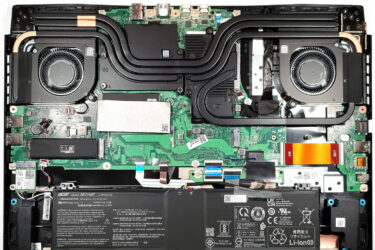
0How to open Acer Nitro 17 (AN17-51) – disassembly and upgrade options
Opening the Laptop Undo the 11 Phillips-head screws securing the bottom panel of the laptop. Use a plastic pry tool or carefully lift the bottom panel while holding firmly the two plastic exhaust vents on…
Ianuarie 01, 2024
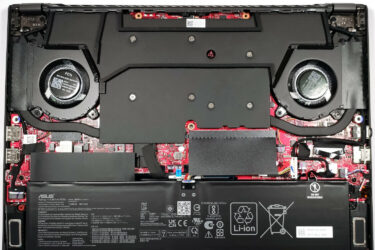
0How to open ASUS ROG Zephyrus G14 GA402 (2023) – disassembly and upgrade options
Opening the Laptop Undo the 11 Phillips-head screws securing the bottom panel of the laptop. Note that the three middle screws are covered by rubber caps. Remove these caps with a flathead screwdriver first. Start…

Ianuarie 01, 2024
0How to open HP Victus 16 (16-s0000, 2023) – disassembly and upgrade options
Step 1: Accessing the Internal Components Power off the HP Victus 16 (16-s0000, 2023) and place it on a soft, clean surface to prevent any scratches or damage. Remove the 8 Phillips-head screws securing the…
Ianuarie 01, 2024
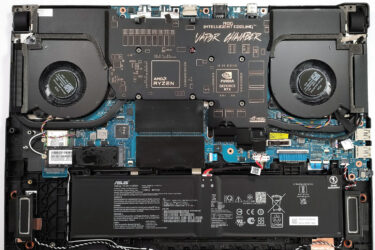
0How to open ASUS ROG Strix SCAR 17 G733 (2023) – disassembly and upgrade options
Step 1: Accessing the Internal Components Turn off your ASUS ROG Strix SCAR 17 G733 (2023) and place it on a soft, clean surface to prevent any damage. Undo the 11 Philips-head screws securing the…
Ianuarie 01, 2024
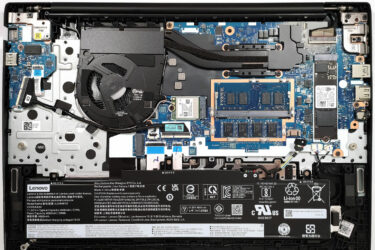
0How to open Lenovo ThinkPad E16 Gen 1 (AMD) – disassembly and upgrade options
Step 1: Accessing the Internal Components Ensure the Lenovo ThinkPad E16 Gen 1 (AMD) is powered off and placed on a soft, clean surface to avoid damage. Remove the 7 captive Phillips-head screws from the…
Ianuarie 01, 2024
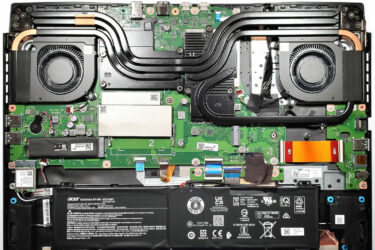
0How to open Acer Nitro 17 (AN17-41) – disassembly and upgrade options
Step 1: Accessing the Internal Components Ensure the Acer Nitro 17 (AN17-41) is powered off and placed on a soft, clean surface to prevent damage. Remove the 11 Phillips-head screws securing the bottom panel. Use…
Ianuarie 01, 2024
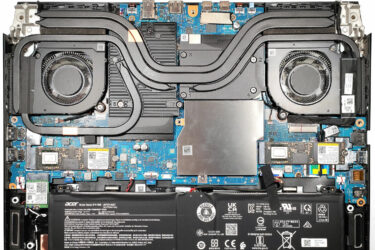
0How to open Acer Predator Helios 3D 15 SpatialLabs Edition (PH3D15-71) – disassembly and upgrade options
Step 1: Accessing the Internal Components Power off your laptop and place it on a soft, clean surface to avoid scratching or damage. Undo the 11 Torx-head screws securing the bottom panel of the laptop.…
Decembrie 06, 2023
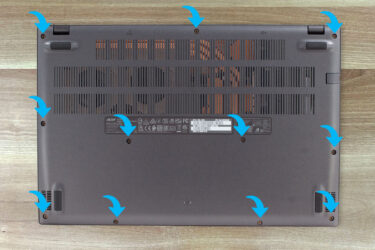
1How to open Acer Aspire 7 (A715-76G) – disassembly and upgrade options
1. Removing the Bottom Panel – Before you start, ensure the laptop is powered off and disconnected from any external power sources. – Place the laptop upside-down to access the bottom panel. – Use a…
Decembrie 05, 2023
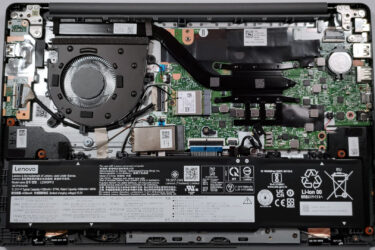
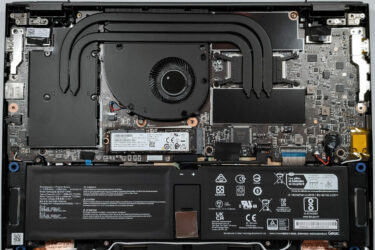
0How to open Lenovo IdeaPad Slim 3 (14 AMD, Gen 8) – disassembly and upgrade options
Step 1: Opening the Lenovo IdeaPad Slim 3 (14 AMD, Gen 8) Ensure the Lenovo IdeaPad Slim 3 (14 AMD, Gen 8) is powered off and placed on a soft, clean surface to prevent scratches…
Decembrie 02, 2023
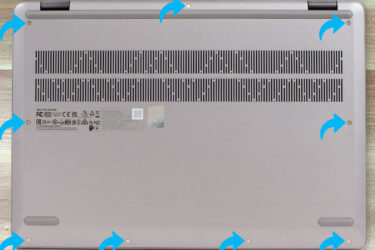
0How to open MSI Summit E14 Flip Evo (A13M) – disassembly and upgrade options
Step 1: Removing the Bottom Panel of MSI Summit E14 Flip Evo (A13M) Ensure the MSI Summit E14 Flip Evo (A13M) is powered off and placed on a soft, clean surface to prevent scratches or…
Noiembrie 24, 2023
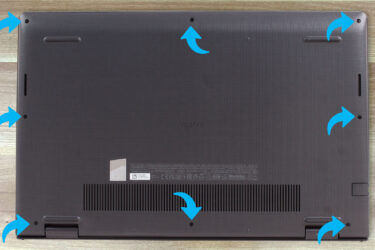
0How to open Lenovo IdeaPad Flex 5 (16″ AMD, Gen 8) – disassembly and upgrade options
Step 1: Opening the Lenovo IdeaPad Flex 5 (16 AMD, Gen 8) Ensure the Lenovo IdeaPad Flex 5 (16 AMD, Gen 8) is powered off and placed on a soft, clean surface to prevent scratches…
Noiembrie 21, 2023
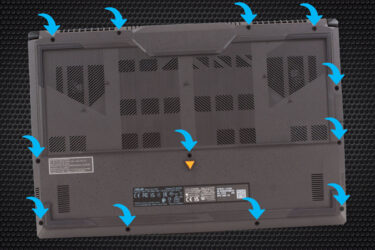
0How to open Dell Vostro 15 3535 – disassembly and upgrade options
1. Removing the Bottom Panel – Start by ensuring the laptop is powered off and disconnected from any power source. – Unscrew the 8 Phillips-head screws found at the bottom of the laptop. – Note…
Noiembrie 15, 2023
0How to open ASUS TUF Gaming A17 (FA707, 2023) – disassembly and upgrade options
1. Opening the Bottom Panel – Ensure the laptop is powered off and unplugged from any power source. – Using a Phillips-head screwdriver, remove the 12 screws securing the bottom panel. Note that one of…
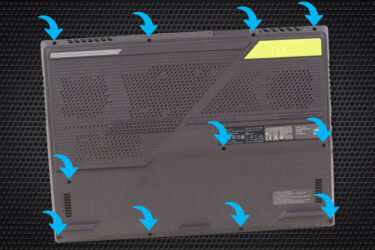
Noiembrie 13, 2023
0How to open ASUS ROG Strix G17 G713P (2023) – disassembly and upgrade options
1. Opening the Bottom Panel – Ensure the laptop is powered off and unplugged from any power source. – Using a Phillips-head screwdriver, remove the 11 screws that secure the bottom panel. Remember that one…
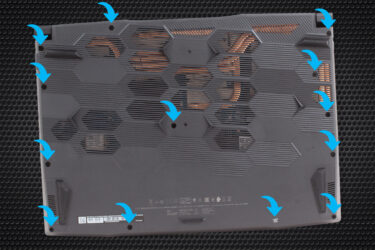
Noiembrie 10, 2023
0How to open the MSI Bravo 15 C7U – disassembly and upgrade options
1. Remove the Bottom Plate – Ensure the laptop is powered off and disconnected from any power source. – Using a Phillips-head screwdriver, unscrew the 13 screws securing the bottom plate. – To begin prying…
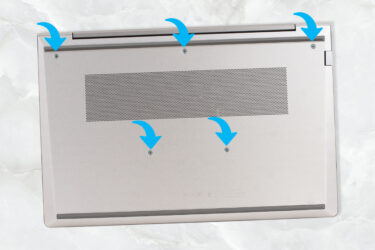
Noiembrie 09, 2023
0How to open the HP ProBook 440 G10 – disassembly and upgrade options
1. Remove the Bottom Plate – Ensure the laptop is powered off and unplugged from any power source. – Use a Phillips-head screwdriver to unscrew the 5 captive screws securing the bottom plate. Since these…
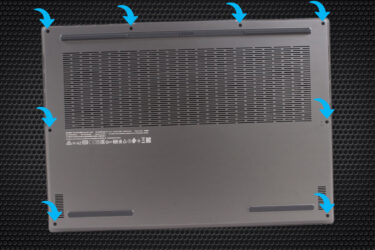
Noiembrie 09, 2023
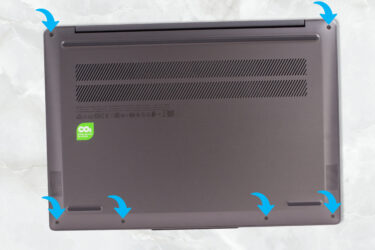
1How to open the Lenovo Legion Slim 7i / S7 (16″ Intel, Gen 8) – disassembly and upgrade options
1. Remove the Bottom Plate – First, ensure the laptop is turned off and unplugged from any power source. – Undo the 8 Phillips-head screws securing the bottom plate. – Using a plastic pry tool,…
Noiembrie 03, 2023
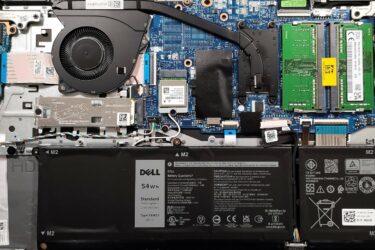
0How to open the Lenovo Yoga Slim 6i (14, Gen 8, 14IAP8) – disassembly and upgrade options
1. Remove the Bottom Plate – Begin by turning off the laptop and placing it upside down. – Using the appropriate screwdriver, undo the 6 Torx-head screws on the back of the laptop. Note: Prying…
Noiembrie 03, 2023
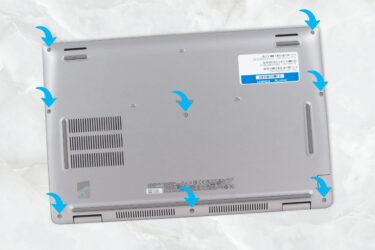
0How to open Dell Vostro 15 3530 – disassembly and upgrade options
1. Removing the Bottom Plate – Ensure the laptop is powered off and unplugged from any external power source. – Flip the laptop to access its bottom side. – Unscrew the 8 Phillips-head screws. Remember,…
Noiembrie 02, 2023
0How to open the Dell Precision 15 3580 – disassembly and upgrade options
1. Removing the Back Panel To begin the disassembly process for the Dell Precision 15 3580, start by undoing the 8 captive Phillips-head screws on the back of the laptop. Since these are captive screws,…



![[Mai 2026] Amazon Global: Top 10 cele mai vândute laptopuri de gaming – Modelul accesibil ASUS TUF Gaming A15 domină piața](https://laptopmedia.com/wp-content/uploads/2026/06/Best-Selling-Gaming-Laptops-GLOBAL-Top-10-400x225.jpg)
![[Mai 2026] Amazon Global: Top 10 cele mai vândute laptopuri – Modelul accesibil „MacBook Neo” de la Apple se clasează pe primul loc, pe fondul vânzărilor solide ale modelelor Air și Pro](https://laptopmedia.com/wp-content/uploads/2026/06/Best-Selling-Laptops-GLOBAL-Top-10-400x225.jpg)
![[Mai 2026] Cele mai vândute mărci de laptopuri pe Amazon Global – Apple domină atât în ceea ce privește numărul de unități vândute, cât și veniturile](https://laptopmedia.com/wp-content/uploads/2026/06/GLOBAL-Best-Brands-400x225.jpg)