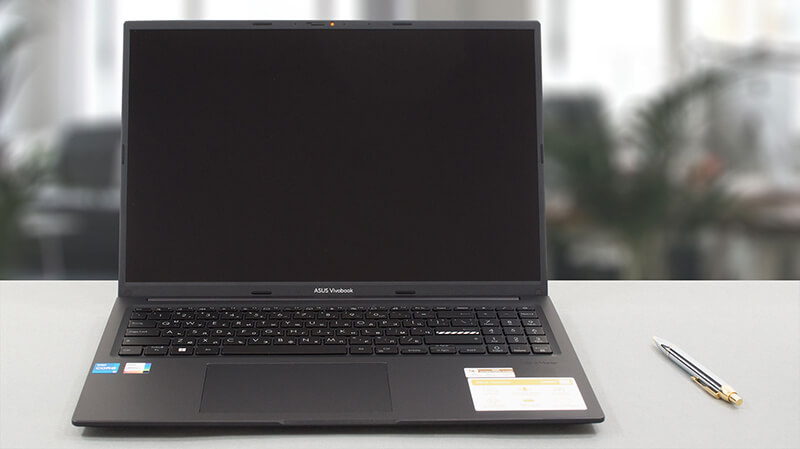
How to open ASUS Vivobook 16 (X1605) – disassembly and upgrade options
Even though it is a low-budget offering, the Vivobook 16 (X1605) comes with a few upgrade options – one SODIMM slot for memory, and one M.2 PCIe x4 slot for either Gen 3 or Gen 4 SSDs. Here’s how to access them.
Check out all ASUS Vivobook 16 (X1605) prices and configurations in our Specs System, or read more in our In-Depth review.
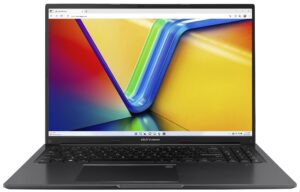
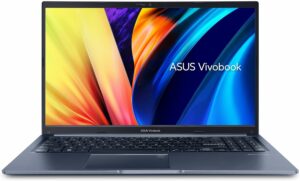
1. Remove the bottom plate
To access this notebook’s internals, you need to undo 10 Phillips-head screws. After that, pry the bottom panel with a plastic tool, and lift it away from the chassis.

2. Remove the battery
Inside, we find a 42Wh battery pack. To take it out, unplug the connector from the motherboard, and undo the 4 Phillips-head screws that hold it in place.
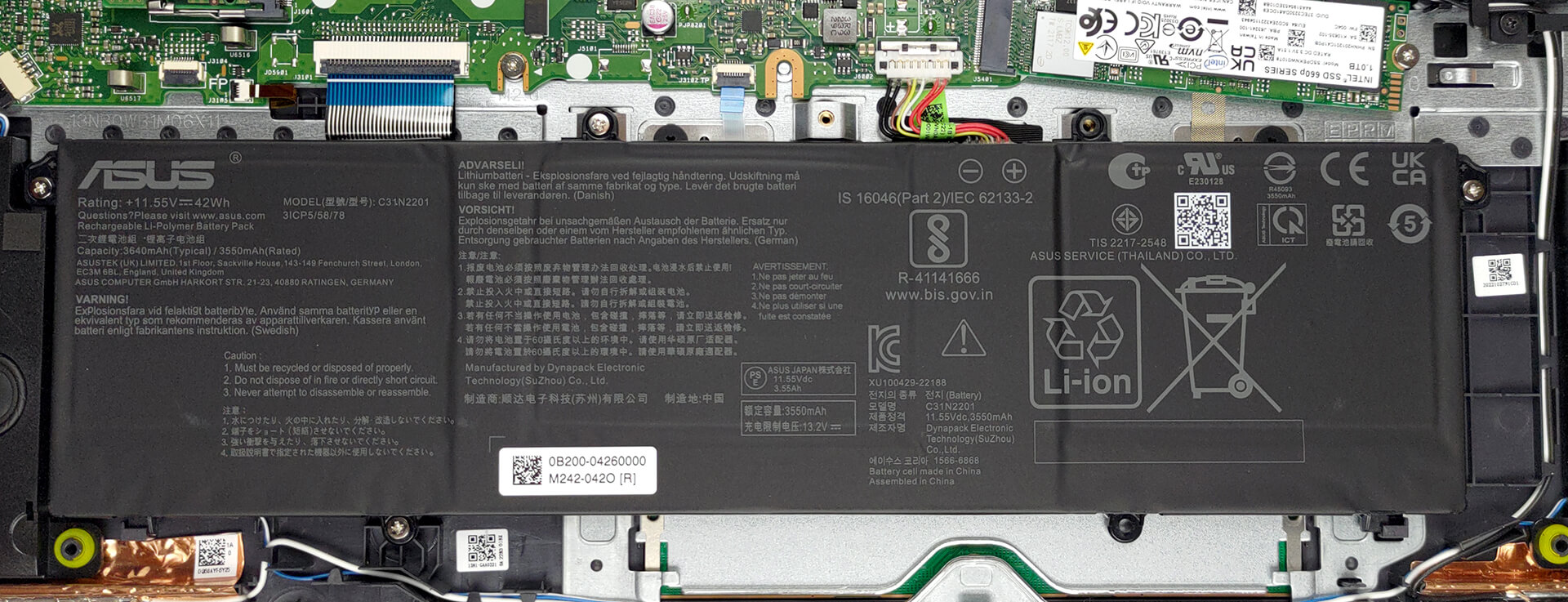
3. Upgrade memory and storage
This device features 8GB of DDR4 RAM soldered to the motherboard, with one SODIMM slot offering further expansion. As for storage, you get one M.2 PCIe x4 slot, which works with either Gen 3 or Gen 4 SSDs.
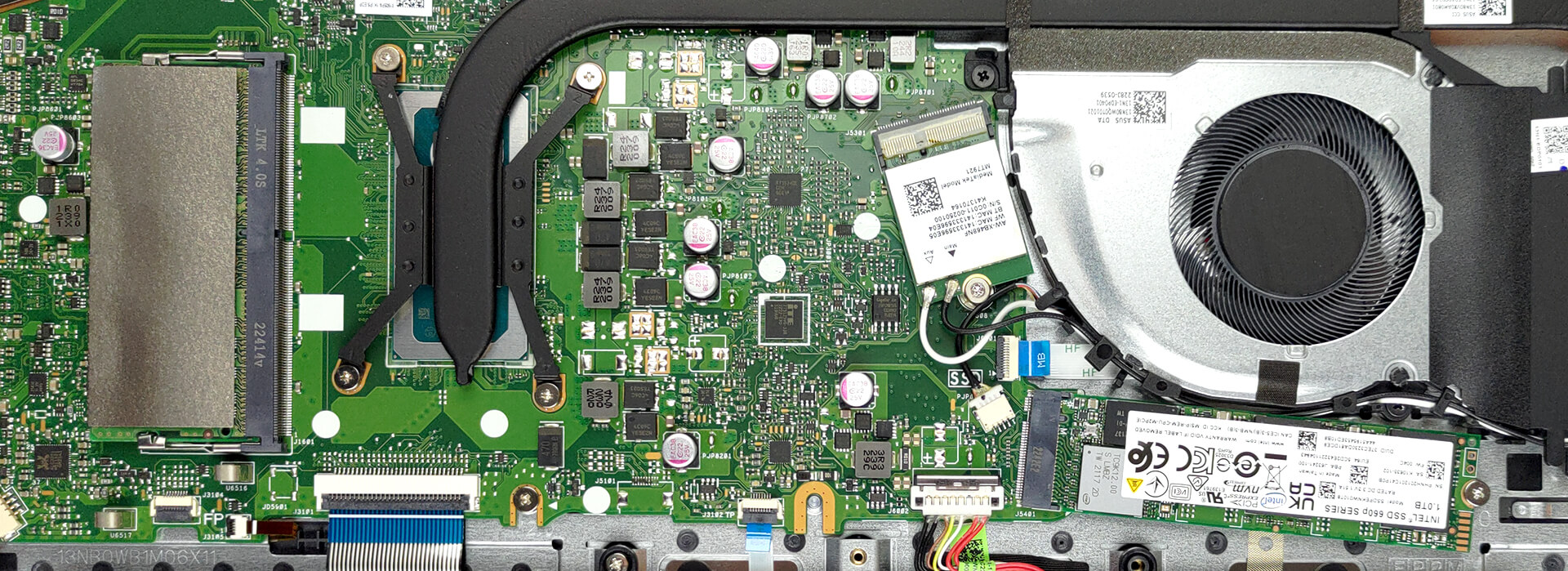
4. Cooling system
Cooling-wise, there is one very long heat pipe that connects to two heat sinks. A single fan blows the heat away from the chassis.

Check out all ASUS Vivobook 16 (X1605) prices and configurations in our Specs System, or read more in our In-Depth review.
ASUS Vivobook 16 (X1605 / F1605) djupgående recension
För inte mer än två år sedan var 16-tums bärbara datorer helt enkelt obefintliga. Numera är de på väg att bli en av de mest populära formfaktorerna på marknaden. Det är därför du ser enheter av denna storlek som kommer till i stort sett alla priser.Idag ska vi ta en titt på ASUS Vivobook 16 (X1605). Det är en ganska enkel produkt som strävar efter att ge dig inget mindre än vad du behöver för din dagliga dator- och multimediekonsumtion.Vi måste säga att vi inte kommer att täcka OLED-versionen av produkten eftersom vi "bara" kunde få tag på IPS-modellen. Ändå [...]
Fördelar
- Prisvärd och snabb
- Ingen PWM (Innolux N160JCE-ELL (CMN1618))
- Antibakteriell beläggning
- Bekvämt tangentbord och pekplatta
- Kamera med sekretesslucka
Nackdelar
- Ingen SD-kortläsare
- USB Type-C-port är endast avsedd för dataöverföring
- Täcker 54 % av sRGB-färgerna (Innolux N160JCE-ELL (CMN1618))
- Endast plast för byggmaterial
 Author: Alex Iliev

![[Juli 2026] Global ranking över de mest sålda bärbara grafikkorten på Amazon – RTX 5060 dominerar premiumsegmentet, Intel är fortfarande ledande i budgetsegmentet](https://laptopmedia.com/wp-content/uploads/2026/08/Best-Selling-GPUs-GLOBAL-Top-10-400x225.jpg)
![[Juli 2026] Global ranking över de bästsäljande bärbara datorprocessorerna på Amazon – Apple dominerar premiumsegmentet, Intel behåller förstaplatsen totalt sett](https://laptopmedia.com/wp-content/uploads/2026/08/Best-Selling-CPUs-GLOBAL-Top-10-400x225.jpg)
![[July 2026] Amazon Canada: Top 10 Best-Selling Laptops – Apple MacBook Neo Dominates the Market to Claim the #1 Spot](https://laptopmedia.com/wp-content/uploads/2026/08/Best-Selling-Laptops-CA-Top-10-2-400x225.jpg)
![[July 2026] Best-Selling Laptop Brands on Amazon Japan – HP and Lenovo Dominate Units and Revenue Amid Fierce Competition](https://laptopmedia.com/wp-content/uploads/2026/08/CO.JP-Best-Brands-2-400x225.jpg)
![[July 2026] Amazon Italy: Top 10 Best-Selling Laptops – Apple MacBook Neo Claims the #1 Spot Amid Budget-Friendly Dominance](https://laptopmedia.com/wp-content/uploads/2026/08/Best-Selling-Laptops-IT-Top-10-400x225.jpg)
