How to open Dell Precision 17 7770 – disassembly and upgrade options
Upgrading this device is both easy and intriguing. In this article, you are going to learn how to access the memory module(s), and the storage slots.
Check out all Dell Precision 17 7770 prices and configurations in our Specs System, or read more in our In-Depth review.
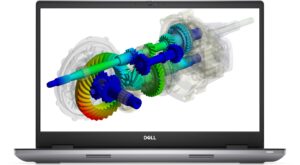
1. Open the service door
The first thing we see in this laptop is the service door. Pry it open with a plastic tool, and you’ll get access to one M.2 PCIe x4 slot.

2. Remove the bottom plate
To continue with the disassembly, undo the six captive Phillips-head screws. Then, pry the bottom panel with a plastic tool, starting from the front corners.

3. Remove the battery
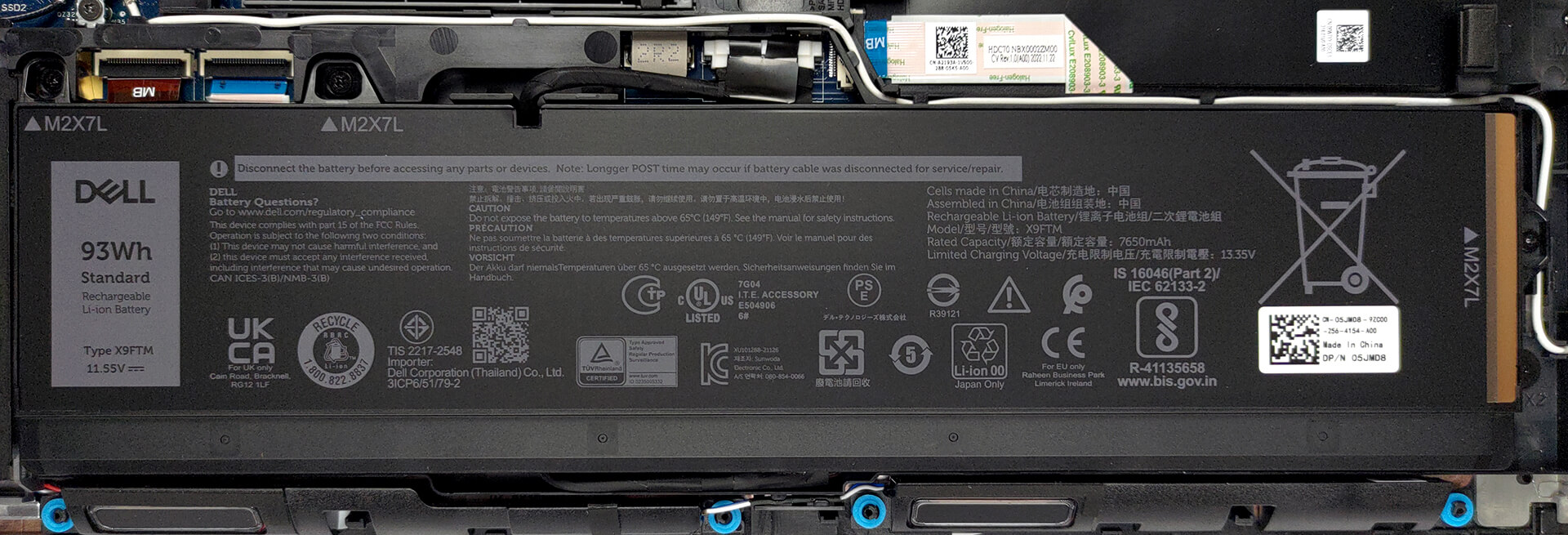
Inside, we find a 93Wh battery pack. It got us through 13 hours of Web browsing or more than 10 hours of video playback. To remove it, unplug the connector from the motherboard, and undo the three Phillips-head screws that secure it in place.
4. Upgrade memory and storage
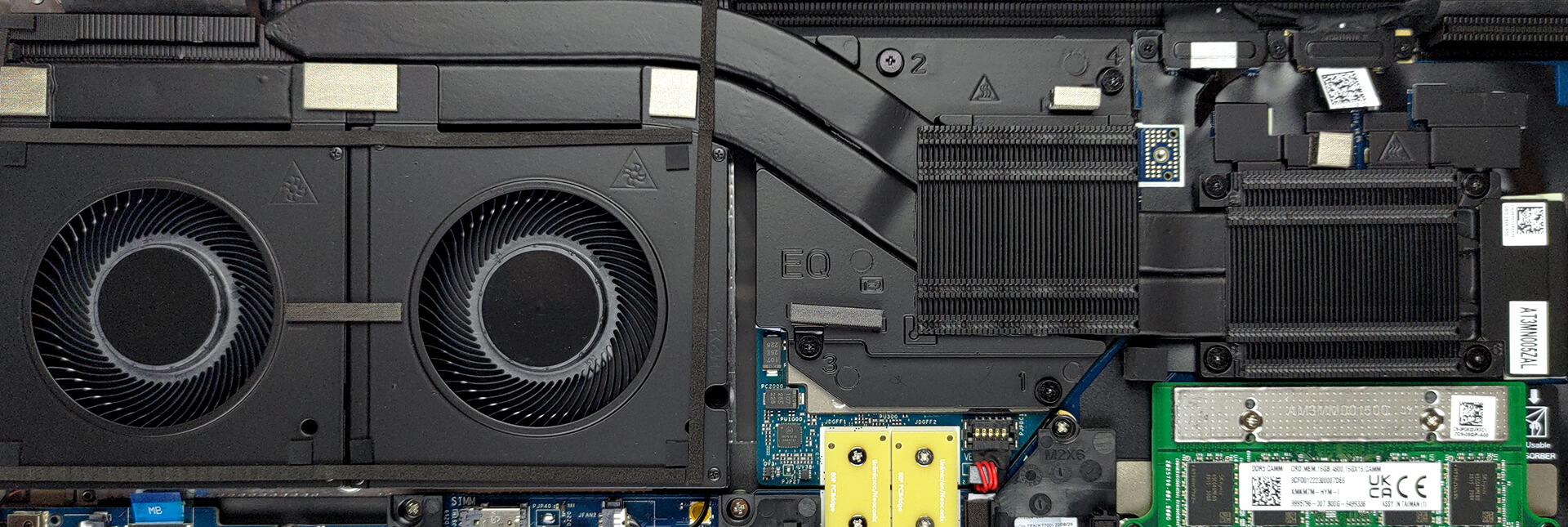
Next, there is the new CAMM memory Dell introduced to replace SODIMM. It takes less space but is considerably more difficult to upgrade. That’s because it is held in place by four screws. Two of them are used to mount the CAMM connector module to the system board. Interestingly, the same connector is used to put a SODIMM adapter, if you prefer to use the traditional memory type.
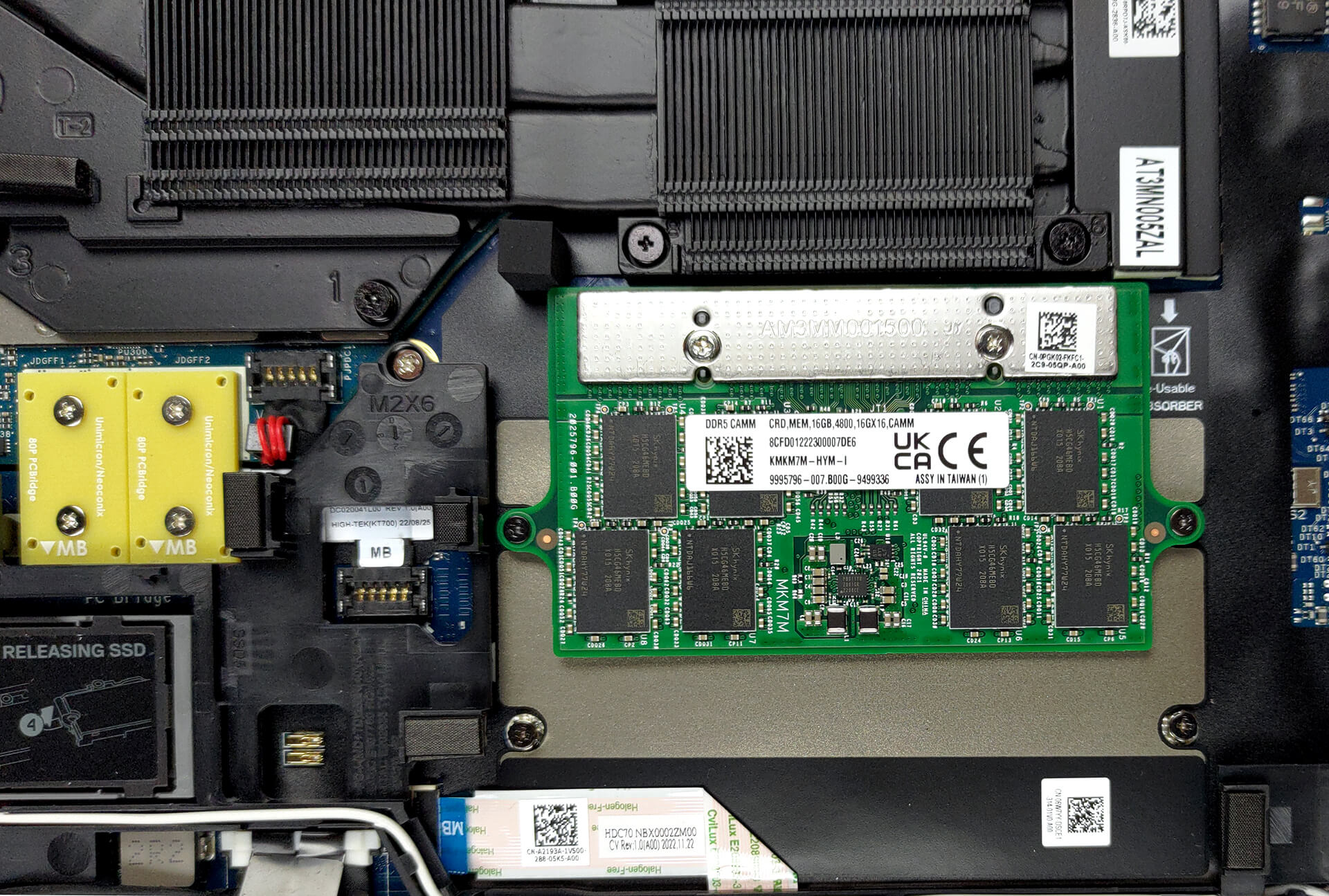
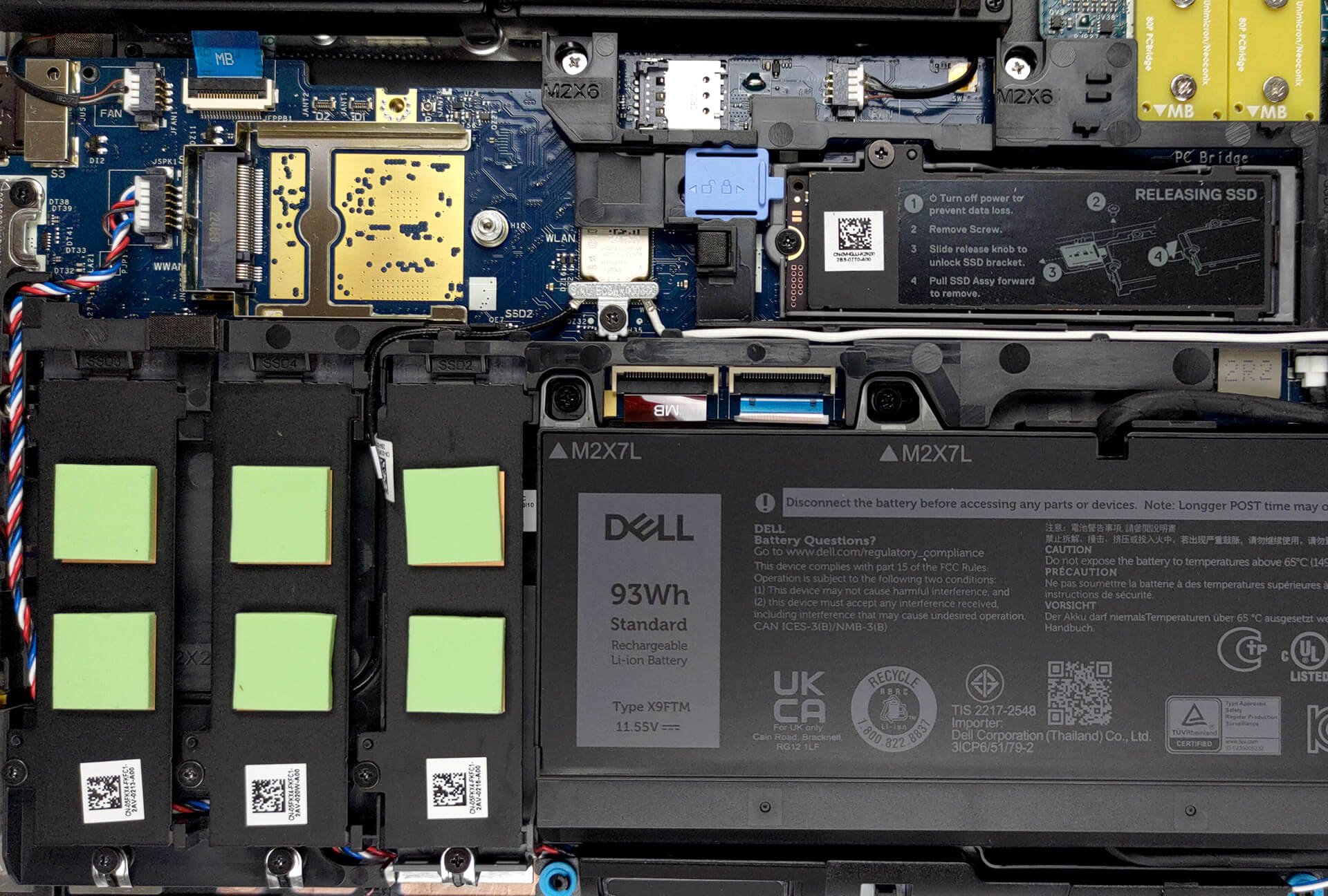
The difference between the two is that you can put up to 128GB of CAMM DDR5 RAM inside the laptop, while SODIMM memory is limited to 64 GB. On the flip hand, it supports ECC RAM. As far as the storage goes, you get a total of four M.2 PCIe x4 slots, which fit Gen 4 SSDs and support RAID mode.
5. Cooling system
Lastly, the cooling comprises two heat pipes, shared between the CPU and the GPU. They are attached to a long heat sink, which is being cooled down by two beefy fans. Furthermore, you get two heat sinks directly above the processor and the graphics card. Thankfully, the graphics memory and the VRMs are managed by a couple of heat spreaders.
Check out all Dell Precision 17 7770 prices and configurations in our Specs System, or read more in our In-Depth review.
Dell Precision 17 7770 djupgående recension
Idag har vi ytterligare en arbetsstation. Den här gången är det en stor pojke, och den är avsedd för tunga projekt. Ett bevis på detta är användningen av upp till NVIDIA RTX A5500 dedikerad grafik.Med det här grafikkortet kan du arbeta med professionell programvara, få fullt stöd och garanterad effektivitet. Båda är tack vare hur det är byggt och hur programvaran interagerar med drivrutinerna.Men hej, vi hoppade till grafikkortet innan vi ens sa namnet på den bärbara datorn. Det är en Dell Precision 17 7770. Och som en modern version av principen "Tjechovs pistol", om[...]

Fördelar
- Upp till 128 GB DDR5 (CAMM) + fyra M.2-platser
- Kapabel hårdvara
- 99% DCI-P3-täckning och exakta färger/li>
- Ingen PWM
- Fingeravtrycksläsare + IR-ansiktsigenkänning (tillval) och 5G-anslutning
- SD-kortläsare + 2x Thunderbolt 4 + HDMI 2.1
- Bra säkerhetsfunktioner
- Bra tangentbord och pekplatta
- Bra batteritid
Nackdelar
- Högt pris
- Kylningen är inte bra
- Inget om spilltålighet
 Author: Alex Iliev

![[Augusti 2026] Global ranking över de bästsäljande grafikkorten för bärbara datorer på Amazon – Apple dominerar, medan NVIDIAs RTX 5060 toppar listan över dedikerade grafikkort](https://laptopmedia.com/wp-content/uploads/2026/09/Best-Selling-GPUs-GLOBAL-Top-10-400x225.jpg)
![[Augusti 2026] Global ranking över de mest sålda bärbara datorprocessorerna på Amazon – Apple dominerar både i budget- och premiumsegmentet: A18 Pro och M5 krossar Intel och AMD i augusti 2026](https://laptopmedia.com/wp-content/uploads/2026/09/Best-Selling-CPUs-GLOBAL-Top-10-400x225.jpg)
![[Augusti 2026] Amazon Global: De 10 bästsäljande bärbara datorerna – Apple MacBook Neo toppar listorna medan prisvärda och mellanklassiga Windows-datorer kämpar om försäljningsvolymen](https://laptopmedia.com/wp-content/uploads/2026/09/Best-Selling-Laptops-GLOBAL-Top-10-400x225.jpg)
![[Augusti 2026] De bästsäljande bärbara datormärkena på Amazon Global – Apple dominerar omsättningen medan HP ligger i topp när det gäller modellutbudet](https://laptopmedia.com/wp-content/uploads/2026/09/GLOBAL-Best-Brands-400x225.jpg)
![[Augusti 2026] Amazon Global: De 10 mest sålda spelbärbara datorerna – HP Victus 15 tar förstaplatsen medan prisvärda modeller dominerar listan](https://laptopmedia.com/wp-content/uploads/2026/09/Best-Selling-Gaming-Laptops-GLOBAL-Top-10-400x225.jpg)
