How to open HP Omen 17 (2023, 17-ck2000) – disassembly and upgrade options
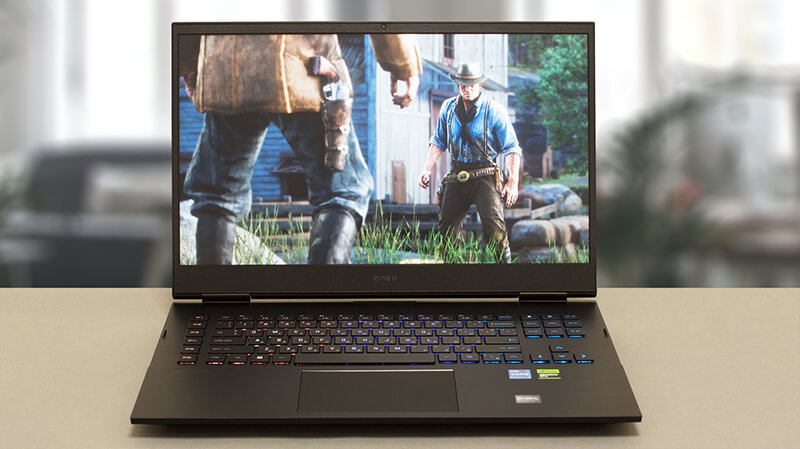
As a typical gaming notebook, the Omen 17 (2023, 17-ck2000) shows a very good upgradeability, with easy access and the option to use the latest and greatest in the world of tech.
Check out all HP Omen 17 (2023, 17-ck2000) prices and configurations in our Specs System, or read more in our In-Depth review.
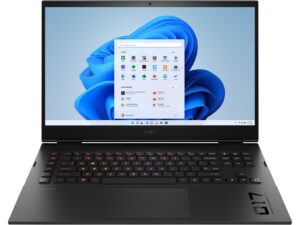
1. Remove the bottom plate
This laptop’s bottom panel is held in place by 8 Phillips-head screws. After you undo them, use a plastic tool to lift the backside of the panel from the chassis.
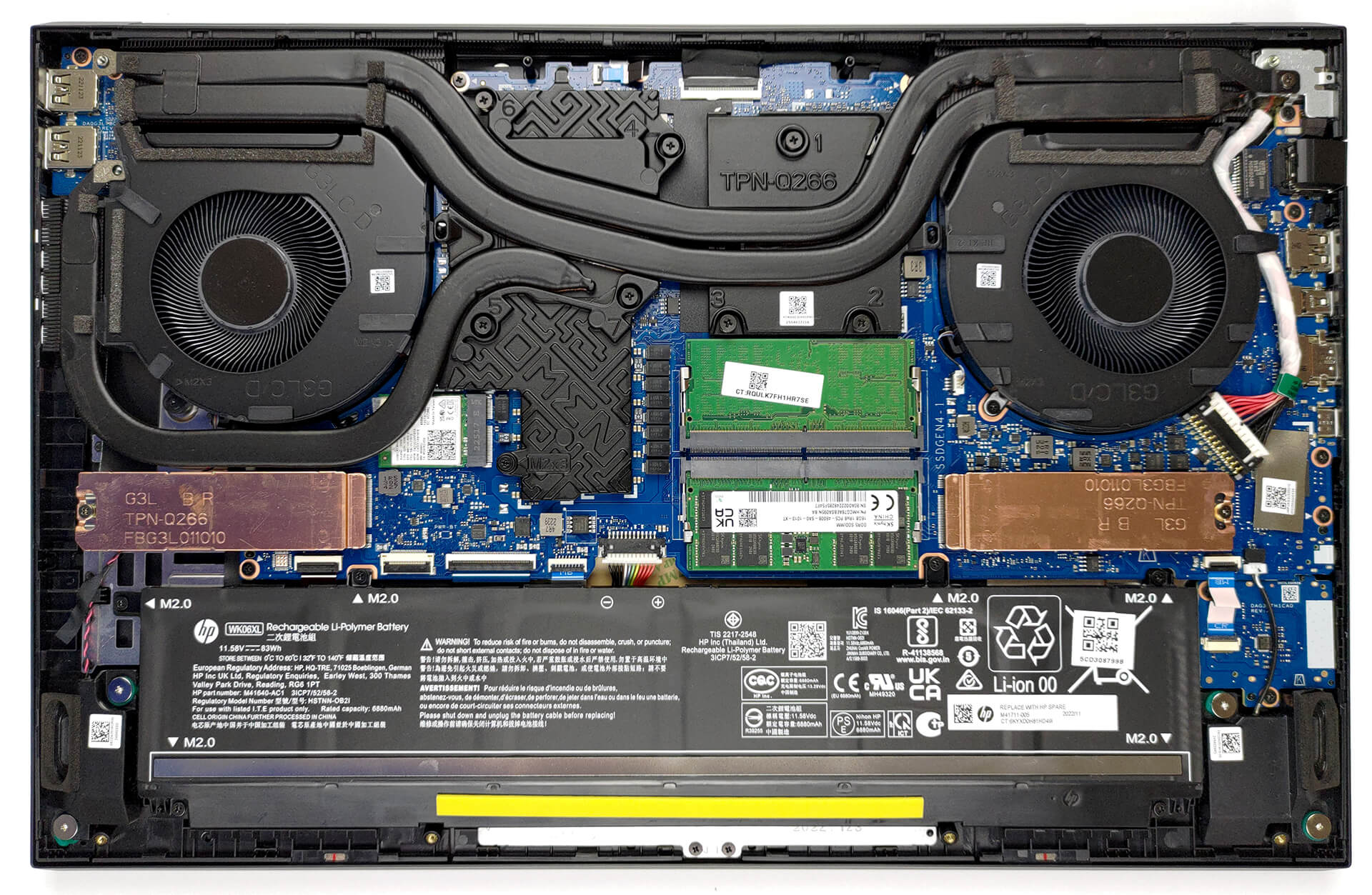
2. Remove the battery
Inside, we see an 83Wh battery pack. To remove it, unplug the connector from the motherboard, and undo the 6 Phillips-head screws that hold the battery to the device.
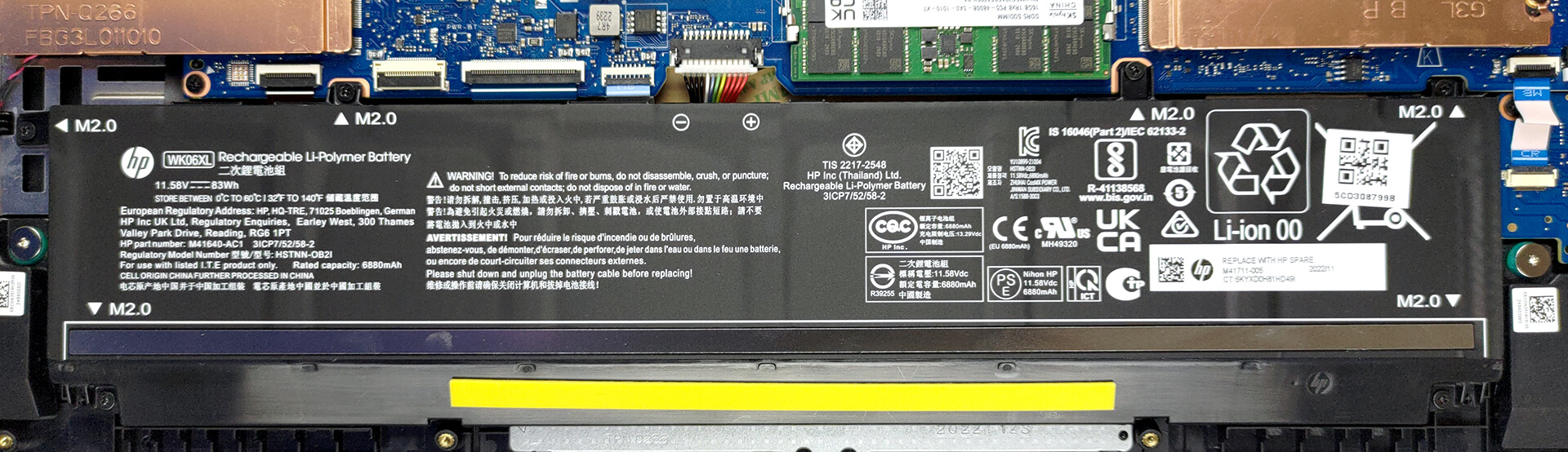
3. Upgrade memory and storage
Memory-wise, there are two SODIMM slots that work with DDR5 RAM. It supports modules that work at 5600MHz. As far as the storage goes, you get two M.2 PCIe x4 slots, which support Gen 4 SSDs.

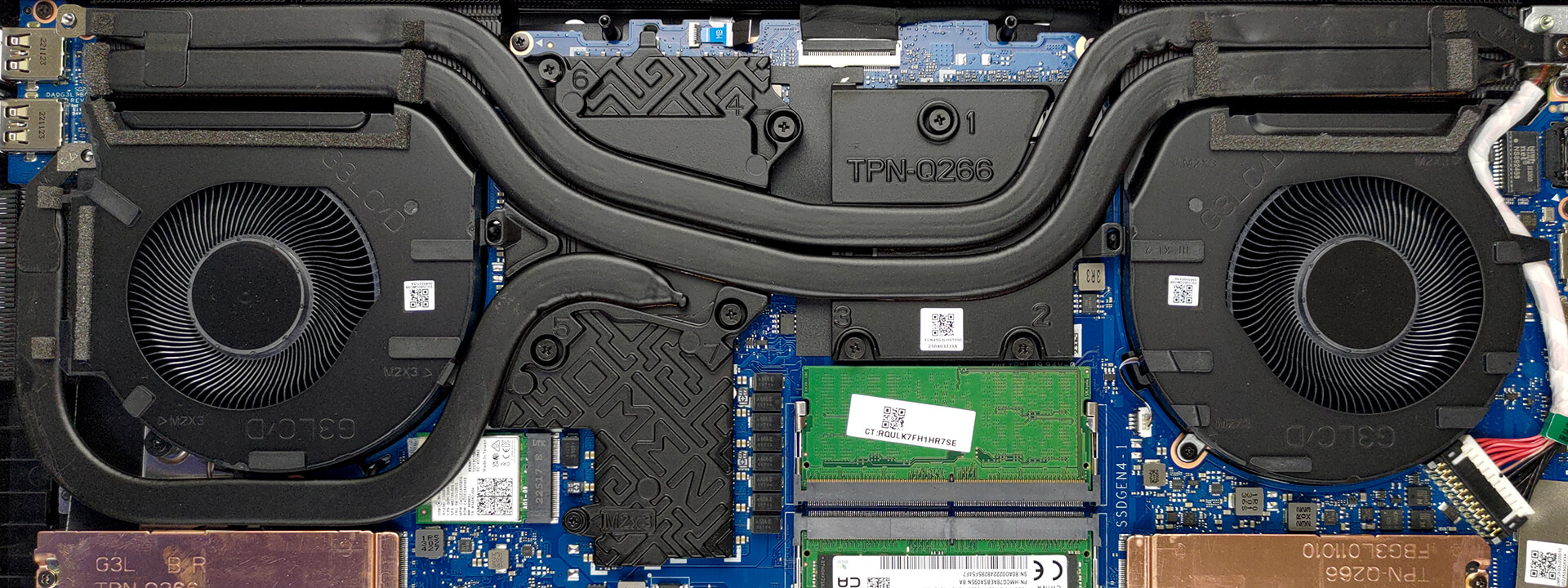
4. Cooling system
In terms of cooling, you get two heat pipes shared between the CPU and the GPU, with one more dedicated to the graphics card. They lead to three heat sinks, where two fans blow the heat away from the chassis. In addition, the VRMs and the graphics memory are being cooled by a couple of heat spreaders.
Check out all HP Omen 17 (2023, 17-ck2000) prices and configurations in our Specs System, or read more in our In-Depth review.
HP OMEN 17 (17-ck1000, ck2000, cm2000, 2022 / 2023) djupgående recension
HPs Omen-serie är ett av de äldre märkena för gaming notebooks på marknaden. Men trots den redesign som skedde för 3 år sedan har vi inte sett mycket action från HP. Detta lämnar en stor del av marknadsandelen till de direkta konkurrenterna Lenovo och ASUS.Inte för att Omen notebooks de senaste åren har varit floppar. De saknar bara innovation. Idag ska vi kolla in HP Omen 17 (2023, 17-ck2000). Det är företagets senaste satsning på spelmarknaden.Du kan hitta maskinen utrustad med en Core i9-13900HX - en 55W bas TDP CPU, som har potential att ta sig an en armé. Samtidigt[...]
Fördelar
- Thunderbolt 4 + SD-kortplats + mycket mer
- 91 % sRGB-täckning och exakt färgåtergivning tack vare vår profil för spel- och webbdesign (BOE BOE0B67)
- Ingen PWM (BOE BOE0B67)
- 240 Hz-panelen har mycket snabba pixelresponstider (BOE BOE0B67)
- MUX-omkopplare på kortet
- Bra tangentbord och pekplatta
- 2x DDR5 SODIMM + 2x M.2 PCIe x4-kortplatser
Nackdelar
- Högt ljud under spel
- Inte i nivå med sina konkurrenter
- Bräckliga gångjärn
 Author: Alex Iliev

![[Juni 2026] De mest sålda bärbara datormärkena på Amazon Global – Apples oöverträffade dominans i antal enheter och omsättning](https://laptopmedia.com/wp-content/uploads/2026/07/GLOBAL-Best-Brands-400x225.jpg)
![[Juni 2026] Amazon Global: De 10 mest sålda bärbara datorerna – Apples nya MacBook Neo stormar in på första plats och omformar marknaden med sitt överkomliga pris](https://laptopmedia.com/wp-content/uploads/2026/07/Best-Selling-Laptops-GLOBAL-Top-10-400x225.jpg)
![[Juni 2026] Amazon Global: De 10 mest sålda spelbärbara datorerna – Acers Nitro V 16S AI dominerar försäljningen, medan ASUS ligger i topp när det gäller den totala omsättningen](https://laptopmedia.com/wp-content/uploads/2026/07/Best-Selling-Gaming-Laptops-GLOBAL-Top-10-400x225.jpg)
![[Juni 2026] Global ranking över de mest sålda bärbara grafikkorten på Amazon – NVIDIA RTX 5060 är det mest sålda dedikerade grafikkortet](https://laptopmedia.com/wp-content/uploads/2026/07/Best-Selling-GPUs-GLOBAL-Top-10-400x225.jpg)
![[Juni 2026] Global ranking över de mest sålda bärbara datorprocessorerna på Amazon – Apple M5 dominerar, AMD Ryzen 7 260 tar en betydande andel i premiumsegmentet](https://laptopmedia.com/wp-content/uploads/2026/07/Best-Selling-CPUs-GLOBAL-Top-10-400x225.jpg)
