How to open Lenovo Legion Pro 5 (16″, 2023) – disassembly and upgrade options
The Legion Pro 5 (16″, 2023) comes with the mandatory for gaming laptops two DDR5 SODIMM slots and two Gen 4 M.2 PCIe x4 SSD slots.
Check out all Lenovo Legion Pro 5 (16″, 2023) prices and configurations in our Specs System, or read more in our In-Depth review.
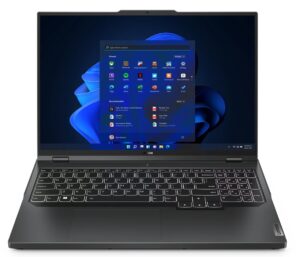
1. Remove the bottom plate
Taking this laptop apart requires the removal of 10 Phillips-head screws. After that, you need to pry the bottom panel with a plastic tool and remove it from the chassis.
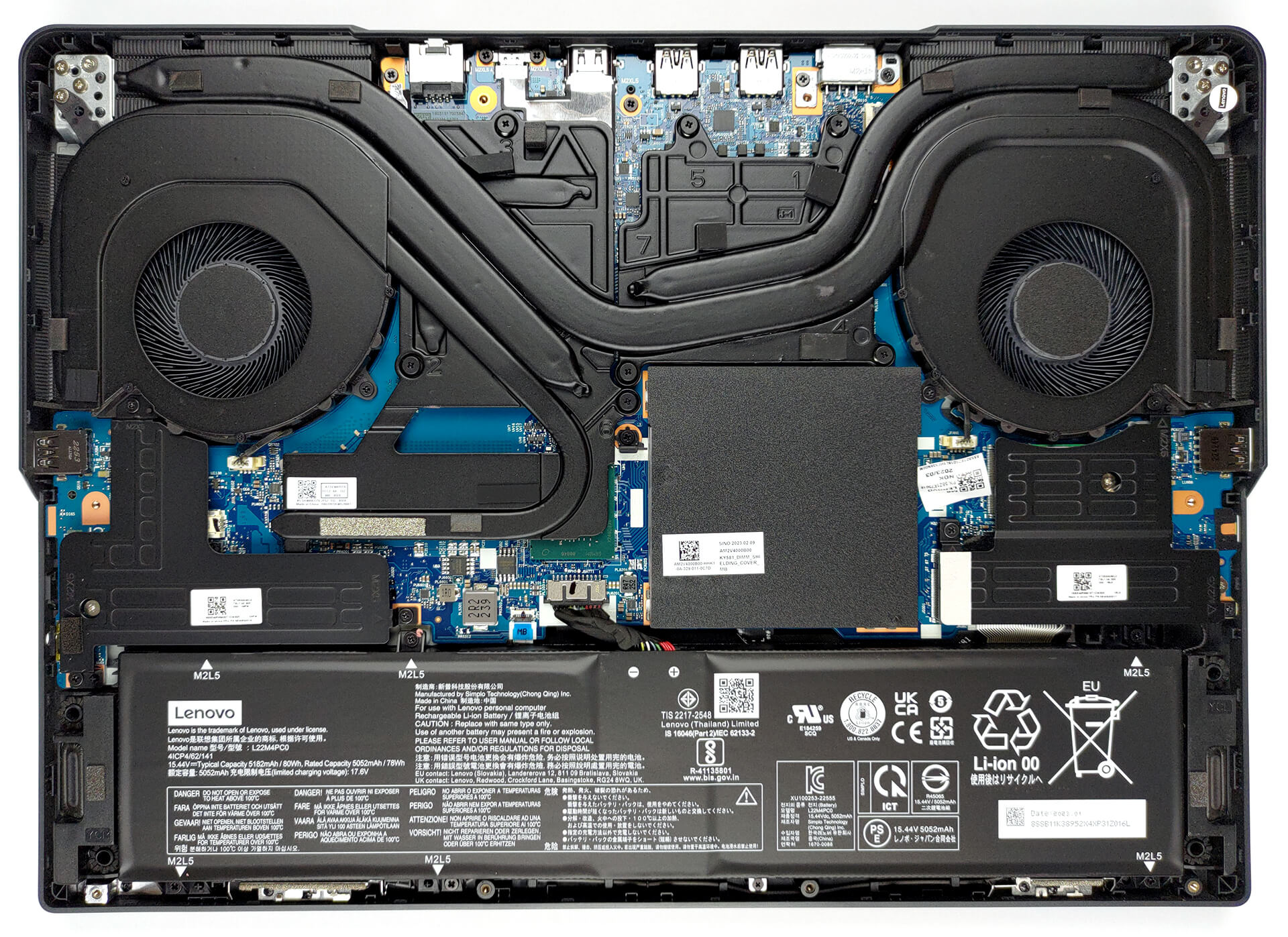
2. Remove the battery
Inside, there is an 80Wh battery pack. It lasts for 5 hours of Web browsing, or 4 hours of video playback. To remove it, unplug the battery connector. Then, undo the three Phillips-head screws that hold the left SSD cooler. After that, you have to undo 6 more Phillips-head screws that keep the battery in place.
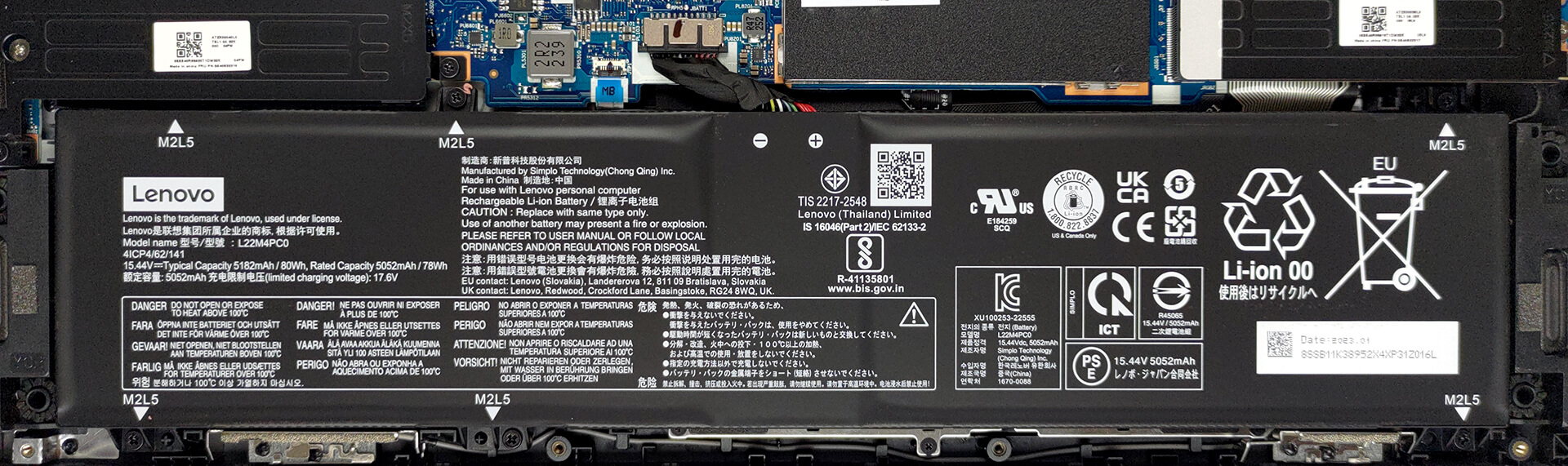
3. Upgrade memory and storage
Memory-wise, there are two SODIMM slots, which work with DDR5 memory. As far as the storage goes, there are two M.2 PCIe x4 slots, which fit Gen 4 SSDs.

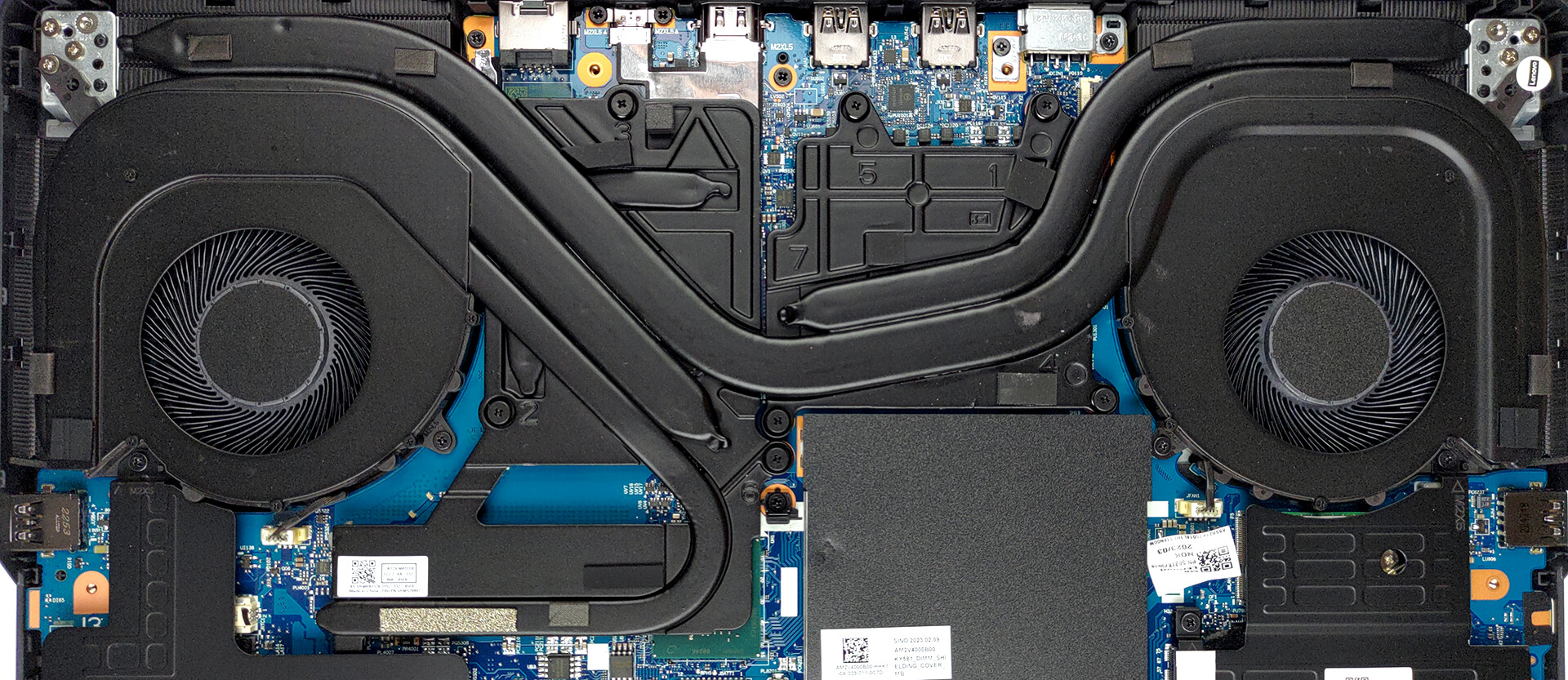
4. Cooling system
In terms of cooling, there is one heat pipe shared between the CPU and the GPU. In addition, there is one more for the processor, and two more for the graphics card. You will also find some heat spreaders, two fans, and four heat sinks.
Check out all Lenovo Legion Pro 5 (16″, 2023) prices and configurations in our Specs System, or read more in our In-Depth review.
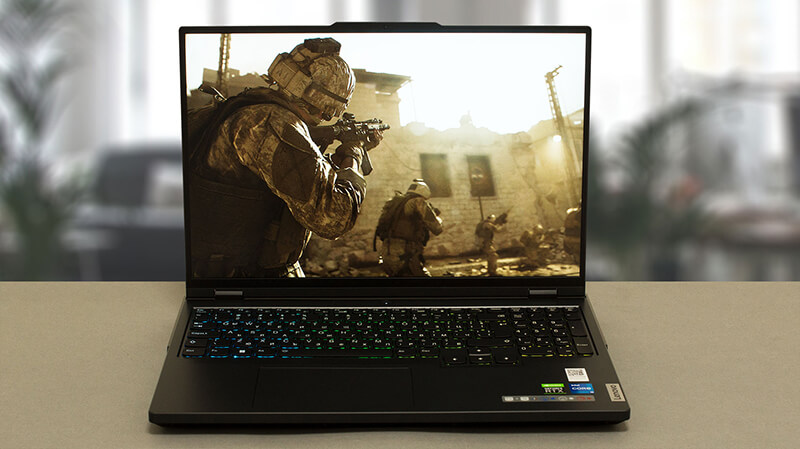
Lenovo Legion Pro 5 / Pro 5i (16″ Intel, 2023) djupgående recension
Lenovos Legion-varumärke expanderade med ett par "Pro" -enheter under de senaste åren. Nu är "Pro" inte bara ett suffix som indikerar en mer speciell vanlig anteckningsbok. Istället fokuserar Lenovo på att separera varumärket som helhet - Legion vs Legion Pro (istället för Legion 5 Pro till exempel).För inte mindre än en vecka sedan testade vi Legion Pro 7. Det är en häpnadsväckande bit hårdvara. Tyvärr har den en störande brist - dess pris är exceptionellt högt.På den ljusa sidan har Lenovo ett svar. Du kan få nästan alla funktioner i Legion Pro 7, men till ett p[...]
Fördelar
- Kylningen levererar på alla fronter
- 2x M.2 PCIe x4 Gen 4-kortplatser, 2x DDR5 RAM SODIMM-kortplatser i dubbelkanal, Wi-Fi 6
- Täcker 96 % av sRGB-färgskalan och har korrekt färgåtergivning med vår profil för spel- och webbdesign (BOE NE160QDM-NZ3 (BOE0B8B))
- Snygg panel med snabba svarstider (BOE NE160QDM-NZ3 (BOE0B8B))
- Ingen PWM (BOE NE160QDM-NZ3 (BOE0B8B))
- Stöd för G-Sync + MUX-omkopplare
- Stort urval av portar
- Bra tangentbord och pekplatta
- Tangentbordet förblir relativt svalt efter långa spelsessioner
- Bra byggkvalitet
Nackdelar
- Inget SD-kort och ingen Thunderbolt 4-port
- Undermålig batteritid
 Author: Alex Iliev

![[August 2026] Amazon Italy: Top 10 Best-Selling Laptops – Apple MacBook Neo Claims the Crown as Budget and Mid-Range Windows Machines Dominate Volume](https://laptopmedia.com/wp-content/uploads/2026/09/Best-Selling-Laptops-IT-Top-10-400x225.jpg)
![[August 2026] Amazon Italy: Top 7 Best-Selling Gaming Laptops – ASUS V16 Claims the #1 Spot Amid Strong Mid-Range Demand](https://laptopmedia.com/wp-content/uploads/2026/09/Best-Selling-Gaming-Laptops-IT-Top-10-400x225.jpg)
![[August 2026] Best-Selling Laptop Brands on Amazon Italy – Lenovo Dominates Market Share and Revenue Leadership](https://laptopmedia.com/wp-content/uploads/2026/09/IT-Best-Brands-400x225.jpg)
![[August 2026] Amazon India: Top 10 Best-Selling Laptops – Apple MacBook Neo Dominates the Charts with Massive Sales Lead](https://laptopmedia.com/wp-content/uploads/2026/09/Best-Selling-Laptops-IN-Top-10-400x225.jpg)
![[August 2026] Amazon India: Top 10 Best-Selling Gaming Laptops – HP Victus 15 Dominates the Market with Massive Unit Lead](https://laptopmedia.com/wp-content/uploads/2026/09/Best-Selling-Gaming-Laptops-IN-Top-10-400x225.jpg)
