How to open Lenovo Yoga 9 (14″, 2023) – disassembly and upgrade options
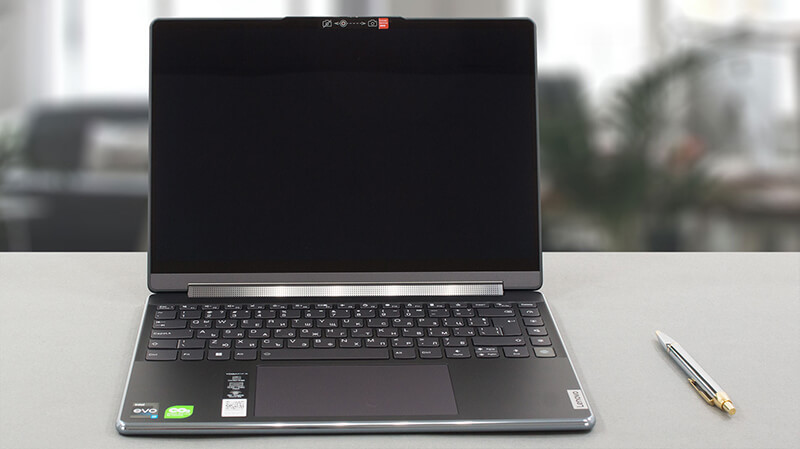
The Lenovo Yoga 9 (14″, 2023) is a really impressive notebook. However, upgradeability is definitely not among its strong points. On the bright side, you can still swap the default SSD for one with more speed or higher capacity.
Check out all Lenovo Yoga 9 (14″, 2023) prices and configurations in our Specs System, or read more in our In-Depth review.
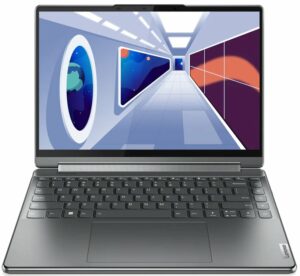
1. Remove the bottom plate
To access this laptop’s internals, you need to remove the back rubber foot. Then, undo the three Phillips-head screws, as well as the six other Torx-head screws. After that, pry the bottom panel with a plastic tool and lift it away from the chassis.
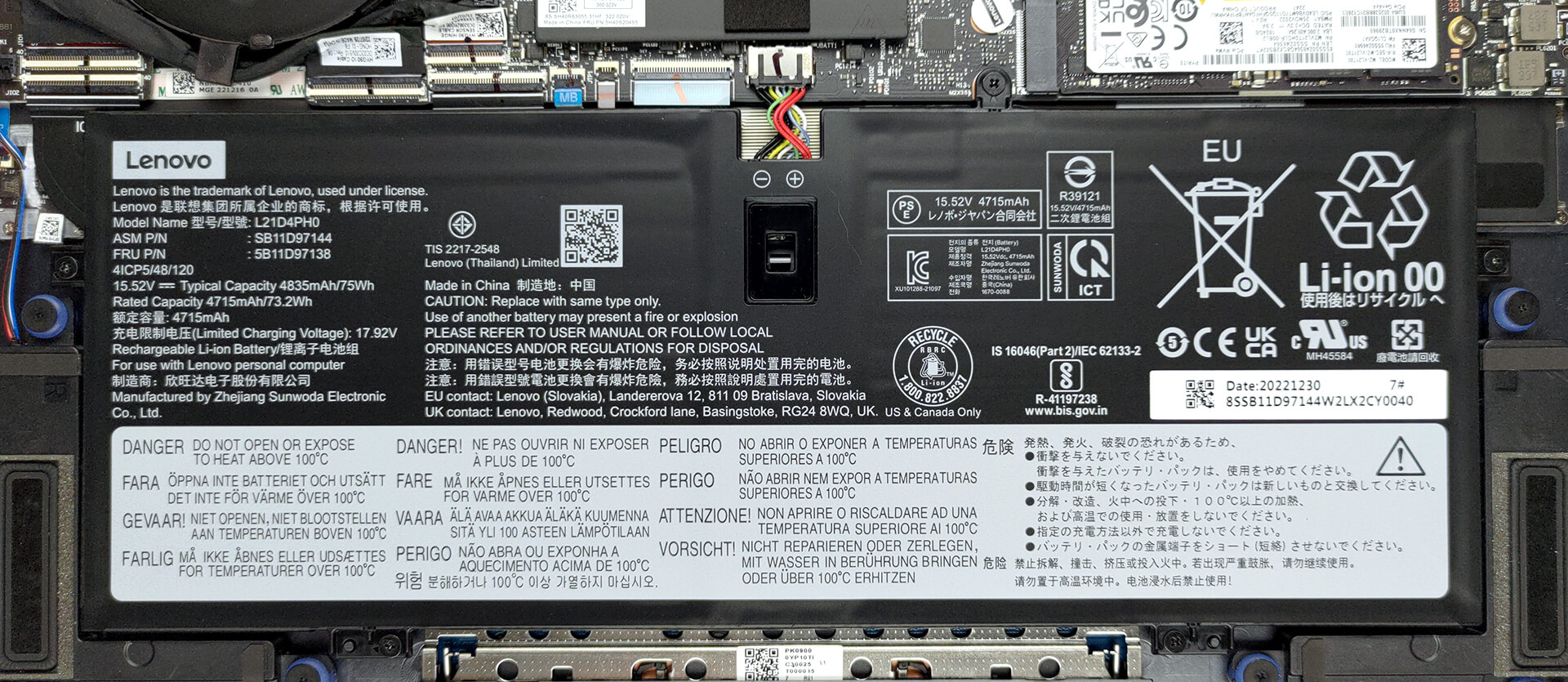
2. Remove the battery
This machine is equipped with a 75Wh battery pack. It lasts for 11 hours of Web browsing, or 10 hours and 30 minutes of video playback. To remove it, undo the 5 Phillips-head screws that hold it in place, and unplug the battery connector.
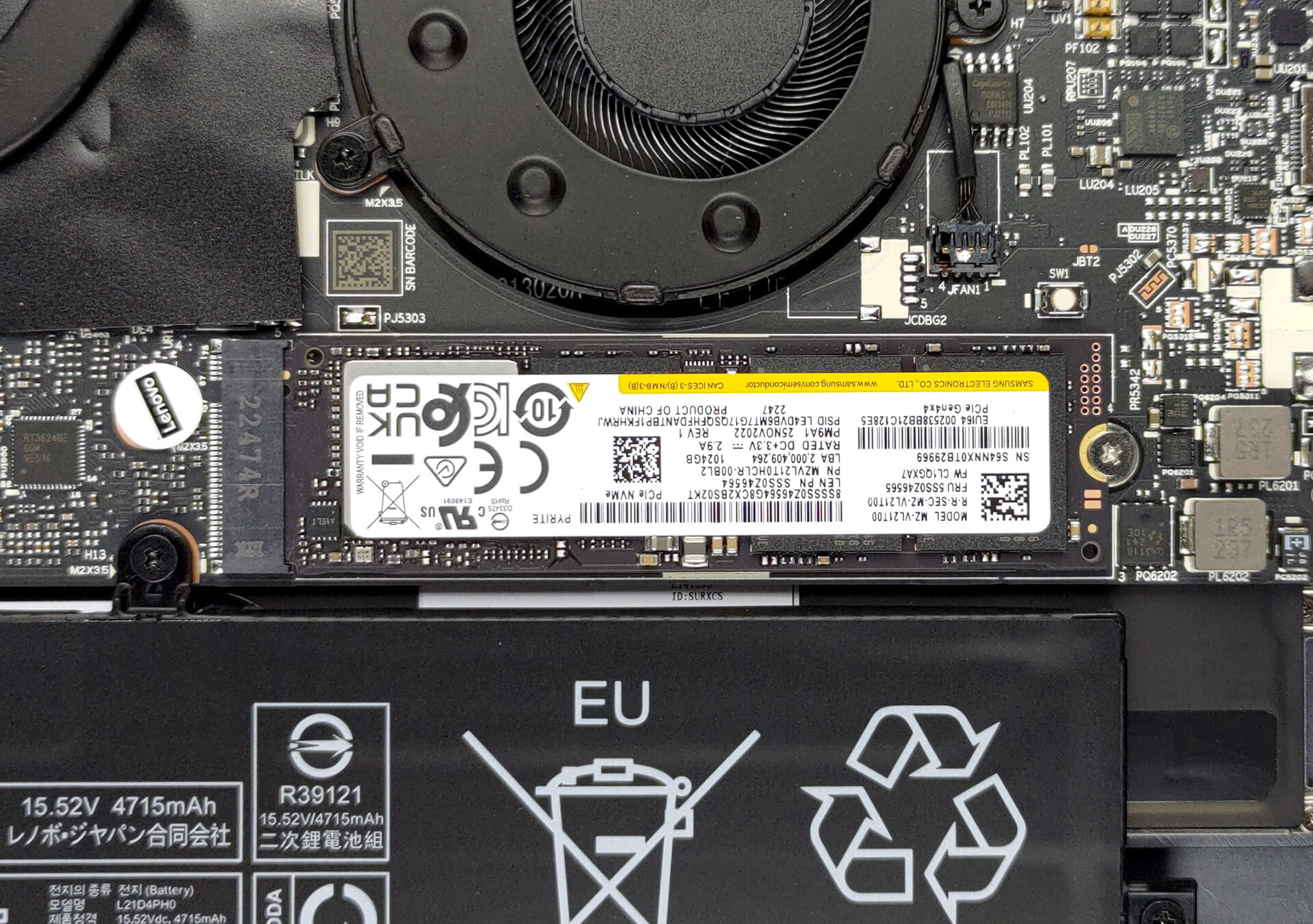
3. Upgrade memory and storage
In terms of memory, you get 16GB of soldered LPDDR5 RAM, working at 5200MHz. There is no option for upgrades. Storage-wise, there is one M.2 PCIe x4 slot, which supports Gen 4 SSDs.
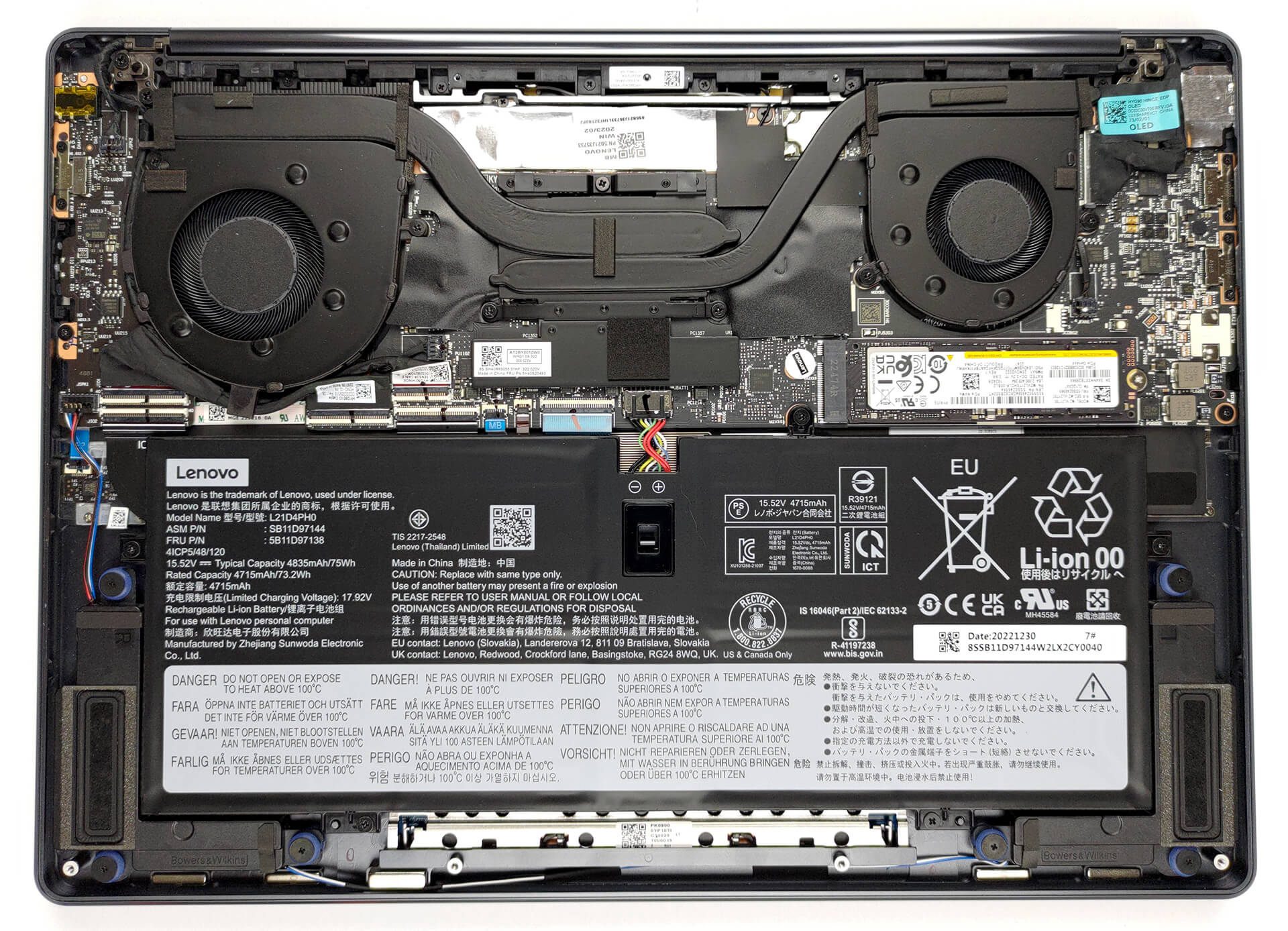
4. Cooling system
As for cooling, you get two heat pipes, two heat sinks, and two fans. In addition, the VRMs are being cooled by a heat spreader.

Check out all Lenovo IdeaPad 1 (15″, 2023) prices and configurations in our Specs System, or read more in our In-Depth review.
Lenovo Yoga 9i (14", 2023) djupgående recension
Konvertibla bärbara datorer är inget nytt. Men om du letar efter det bästa av det bästa är Lenovo Yoga 9 (14", 2023) så högt som du kan komma i 2-i-1-näringskedjan. Dess konkurrenter inkluderar HP Spectre x360 14. Faktum är att detta är en mycket tuff del av marknaden, eftersom det är lättare att misslyckas än att lyckas.Människor har höga förväntningar när de betalar en premie för sina enheter. På den ljusa sidan misslyckas Lenovo sällan med att imponera. Just den här notebooken har samma fantastiska grafik som sin föregångare, men med Intels 13:e generationens pr[...]
Fördelar
- Starkt och elegant aluminiumchassi
- Hyfsad kylning och prestanda
- Full sRGB- och DCI-P3-täckning
- Supersnabb svarstid för pixlar
- Oändligt kontrastförhållande
- Hög upplösning och bildförhållande 16:10
- IR-kamera + fingeravtrycksläsare
- 2x Thunderbolt 4 + USB Typ-A 3.2 (Gen. 2)
- Ett skyddsfodral och en stylus i förpackningen
Nackdelar
- Lödd minne
- Ingen SD-kortläsare
 Author: Alex Iliev

![[August 2026] Amazon Italy: Top 10 Best-Selling Laptops – Apple MacBook Neo Claims the Crown as Budget and Mid-Range Windows Machines Dominate Volume](https://laptopmedia.com/wp-content/uploads/2026/09/Best-Selling-Laptops-IT-Top-10-400x225.jpg)
![[August 2026] Amazon Italy: Top 7 Best-Selling Gaming Laptops – ASUS V16 Claims the #1 Spot Amid Strong Mid-Range Demand](https://laptopmedia.com/wp-content/uploads/2026/09/Best-Selling-Gaming-Laptops-IT-Top-10-400x225.jpg)
![[August 2026] Best-Selling Laptop Brands on Amazon Italy – Lenovo Dominates Market Share and Revenue Leadership](https://laptopmedia.com/wp-content/uploads/2026/09/IT-Best-Brands-400x225.jpg)
![[August 2026] Amazon India: Top 10 Best-Selling Laptops – Apple MacBook Neo Dominates the Charts with Massive Sales Lead](https://laptopmedia.com/wp-content/uploads/2026/09/Best-Selling-Laptops-IN-Top-10-400x225.jpg)
![[August 2026] Amazon India: Top 10 Best-Selling Gaming Laptops – HP Victus 15 Dominates the Market with Massive Unit Lead](https://laptopmedia.com/wp-content/uploads/2026/09/Best-Selling-Gaming-Laptops-IN-Top-10-400x225.jpg)
