How to open MSI Pulse 15 (B13V) – disassembly and upgrade options
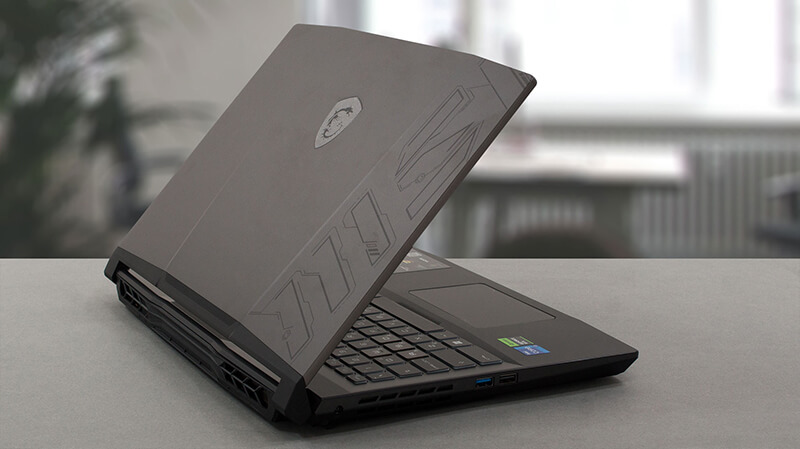
This year’s (2023) MSI Pulse 15 has quite some improvements – a big battery, DDR5 RAM, and capable cooling. Let’s have a look inside.
Check out all MSI Pulse 15 (B13V) prices and configurations in our Specs System, or read more in our In-Depth review.
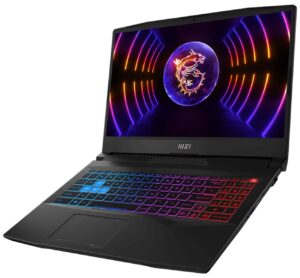
1. Remove the bottom plate
To access this notebook’s internals, you need to undo 13 Phillips-head screws. Then, pry the bottom panel with a plastic tool, and remove it from the device.
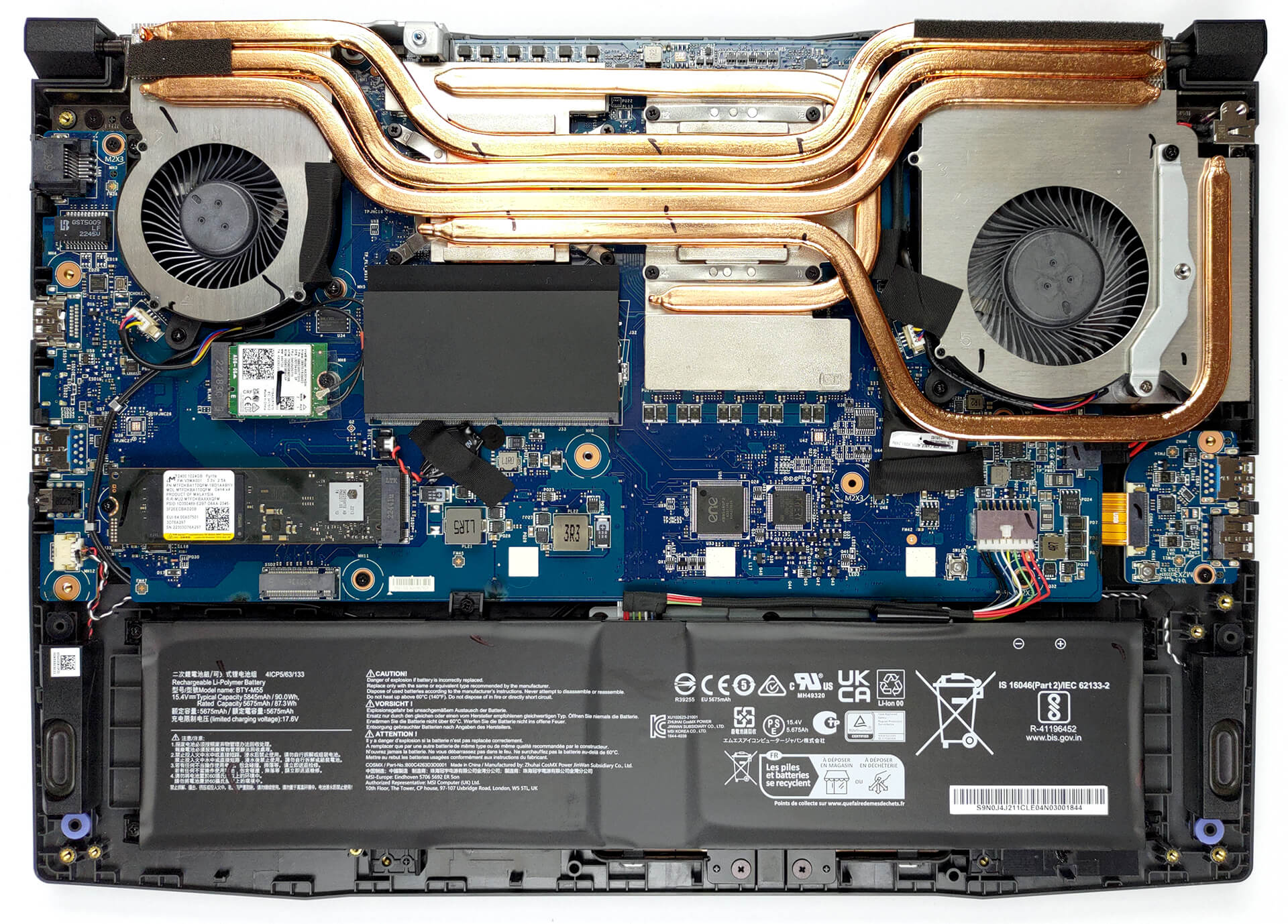
2. Remove the battery
Inside, you get a 90Wh battery pack. To take it out, unplug the connector from the motherboard, and undo the 5 Phillips-head screws, keeping the battery in place.
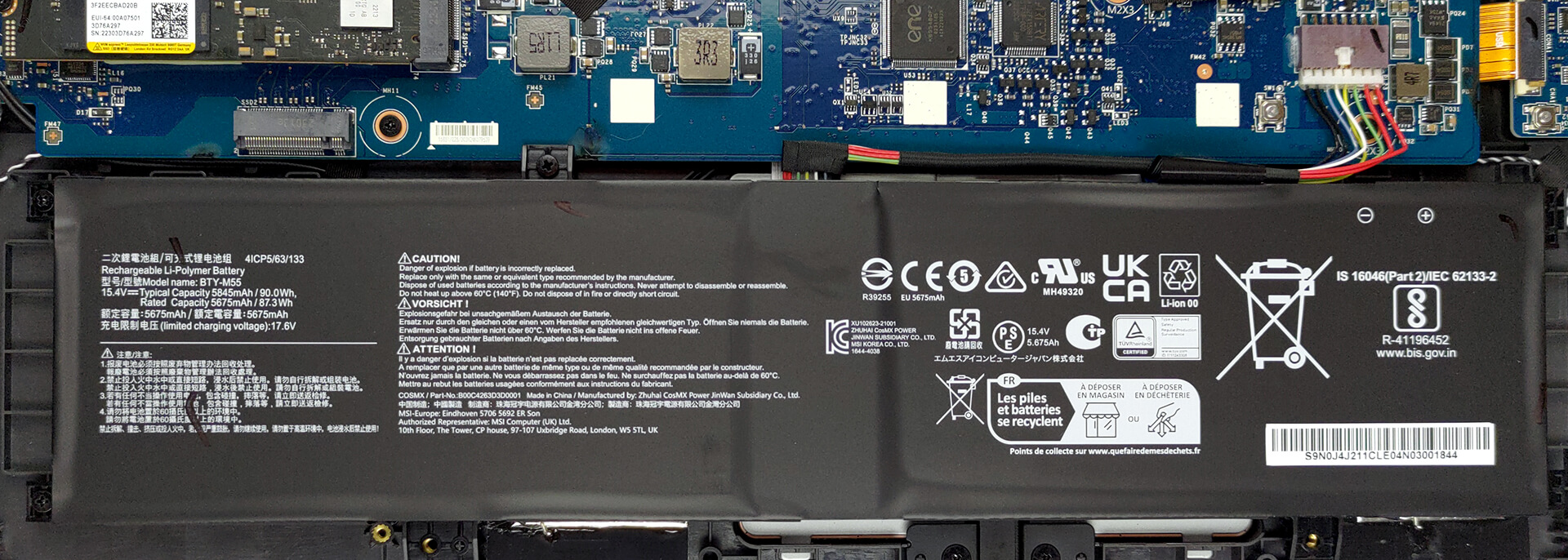
3. Upgrade memory and storage
Thankfully, you get two SODIMM slots, which work with DDR5 RAM. You can fit up to 64GB in total. As for the storage, there is one usable M.2 PCIe x4 slot, which supports Gen 4 SSDs.
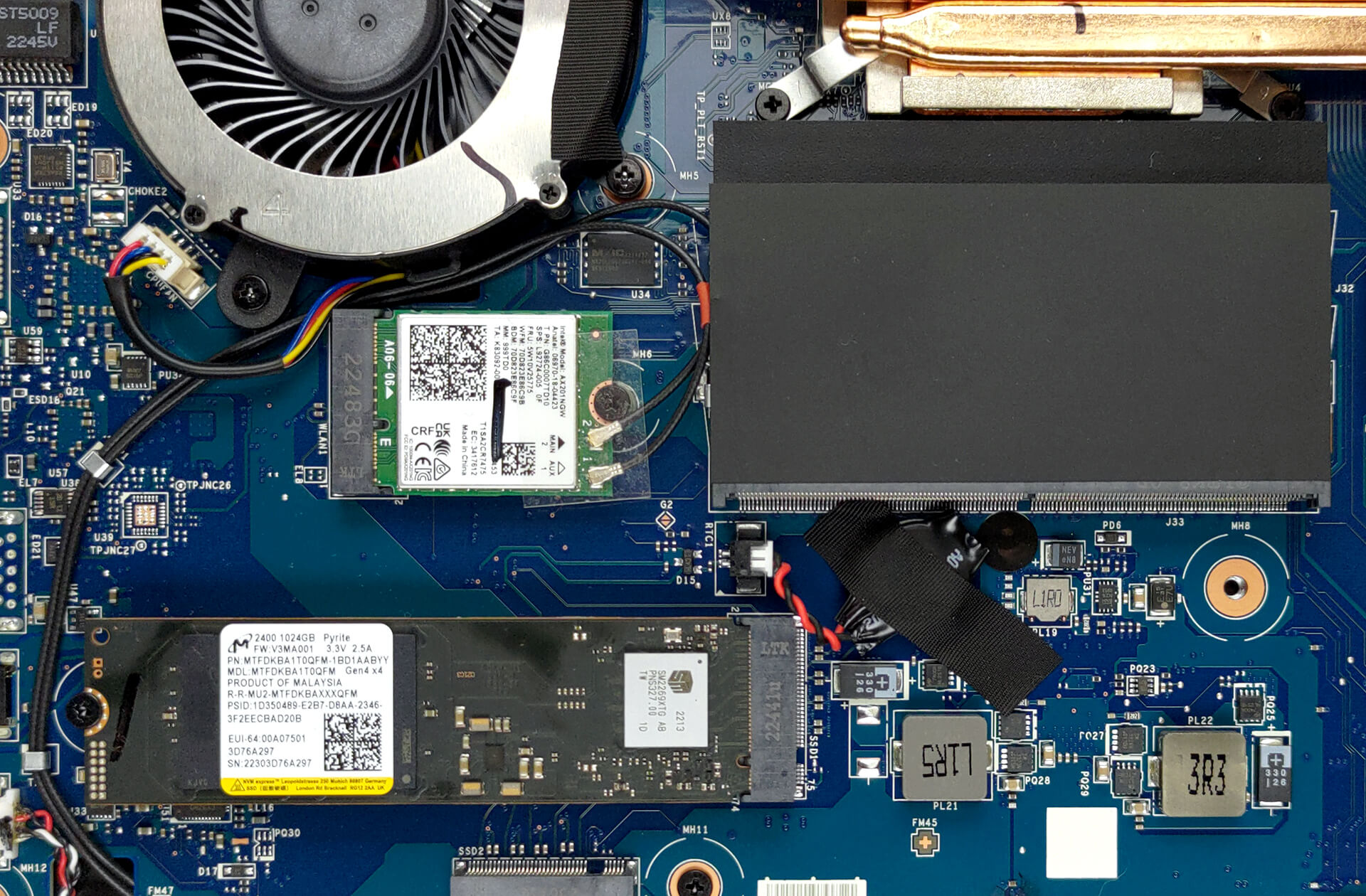
4. Cooling system
Moving to the cooling, we see a total of four heat pipes shared between the CPU and the GPU. There are three heat sinks, and two fans that dissipate the heat, while one heat pipe and a couple of spreaders take care of the graphics memory and the VRMs.

Check out all MSI Pulse 15 (B13V) prices and configurations in our Specs System, or read more in our In-Depth review.
MSI Pulse 15 (B13Vx) djupgående recension
MSI Pulse är en bärbar dator som syftar till att kombinera prisvärdhet med verklig prestanda. Detta skiljer produkten från dess nära släkting - Katana. Förutom vissa visuella förändringar förlitar sig dock tillverkaren på ännu kraftfullare hårdvara.I jämförelse med Katana är processorn du får Intel Core i7-13700H. Den har hela paketet med P-kärnor och E-kärnor, istället för den begränsade Core i7-123620H som finns i Katana.Detta kommer att hjälpa till med både produktivitet och spel, eftersom ingen flaskhals bör förväntas. MSI kallar RTX 4070 som sitter i de[...]
Fördelar
- Ganska bra spelprestanda
- 1x M.2 PCIe x4 Gen 4-platser, 2x DDR5 RAM SODIMM-platser i dubbelkanal
- Täcker endast 99,5% av DCI-P3 (Sharp LQ156T1JW04 (SHP153C))
- 240Hz uppdateringsfrekvens (Sharp LQ156T1JW04 (SHP153C))
- Ingen PWM (Sharp LQ156T1JW04 (SHP153C))
- MUX-omkopplare
- Bra tangentbord
Nackdelar
- Inget SD-kort
- Ingen Thunderbolt 4
- Blir dyrare och dyrare
 Author: Alex Iliev

![[Augusti 2026] Global ranking över de bästsäljande grafikkorten för bärbara datorer på Amazon – Apple dominerar, medan NVIDIAs RTX 5060 toppar listan över dedikerade grafikkort](https://laptopmedia.com/wp-content/uploads/2026/09/Best-Selling-GPUs-GLOBAL-Top-10-400x225.jpg)
![[Augusti 2026] Global ranking över de mest sålda bärbara datorprocessorerna på Amazon – Apple dominerar både i budget- och premiumsegmentet: A18 Pro och M5 krossar Intel och AMD i augusti 2026](https://laptopmedia.com/wp-content/uploads/2026/09/Best-Selling-CPUs-GLOBAL-Top-10-400x225.jpg)
![[Augusti 2026] Amazon Global: De 10 bästsäljande bärbara datorerna – Apple MacBook Neo toppar listorna medan prisvärda och mellanklassiga Windows-datorer kämpar om försäljningsvolymen](https://laptopmedia.com/wp-content/uploads/2026/09/Best-Selling-Laptops-GLOBAL-Top-10-400x225.jpg)
![[Augusti 2026] De bästsäljande bärbara datormärkena på Amazon Global – Apple dominerar omsättningen medan HP ligger i topp när det gäller modellutbudet](https://laptopmedia.com/wp-content/uploads/2026/09/GLOBAL-Best-Brands-400x225.jpg)
![[Augusti 2026] Amazon Global: De 10 mest sålda spelbärbara datorerna – HP Victus 15 tar förstaplatsen medan prisvärda modeller dominerar listan](https://laptopmedia.com/wp-content/uploads/2026/09/Best-Selling-Gaming-Laptops-GLOBAL-Top-10-400x225.jpg)
