Inside Acer Swift 3 (SF314-56) – disassembly and upgrade options
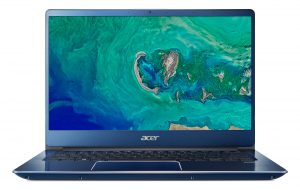
Most definitely, this device is one of the stunning laptops on the market. It looks amazing on the outside, with its aluminum lid, different colors of the paint job and metallic finish on the edges. However, on the inside, there is no colorful confetti, thus the device shows its true self.
Check out all Acer Swift 3 (SF314-56) prices and configurations in our Specs System or read more in our In-depth Review.
1. Remove the bottom plate
Everything would be extremely easy here if you are equipped with a Torx headed screwdriver. If you don’t you should supply yourself with one before attempting to disassemble this laptop. Anyway, there are nine of the screws and none of them is hidden from plain sight. Next, you’ll need a plastic pry tool to dig the bottom plate open.

2. Battery
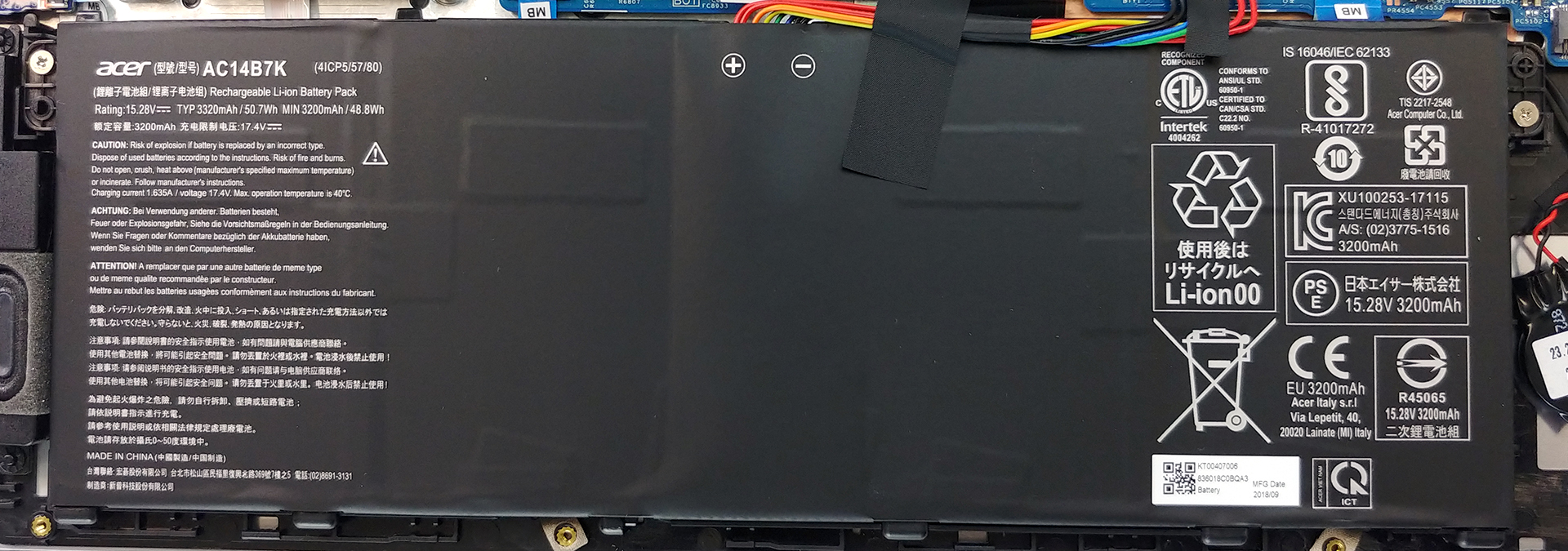
The first thing we have to do when messing with the insides of a laptop (or any electric appliance in general) is disconnecting the power. In the case of laptops, that means to unplug and eventually remove the battery. Acer Swift 3 (SF314-56) is equipped with a 50.7Wh battery pack, which is enough for 11 hours and 40 minutes of web browsing and more than 10 hours of video playback. In order to remove it, however, you’ll need to unscrew only two Phillips-head screws – easy peasy.
3. Memory and storage
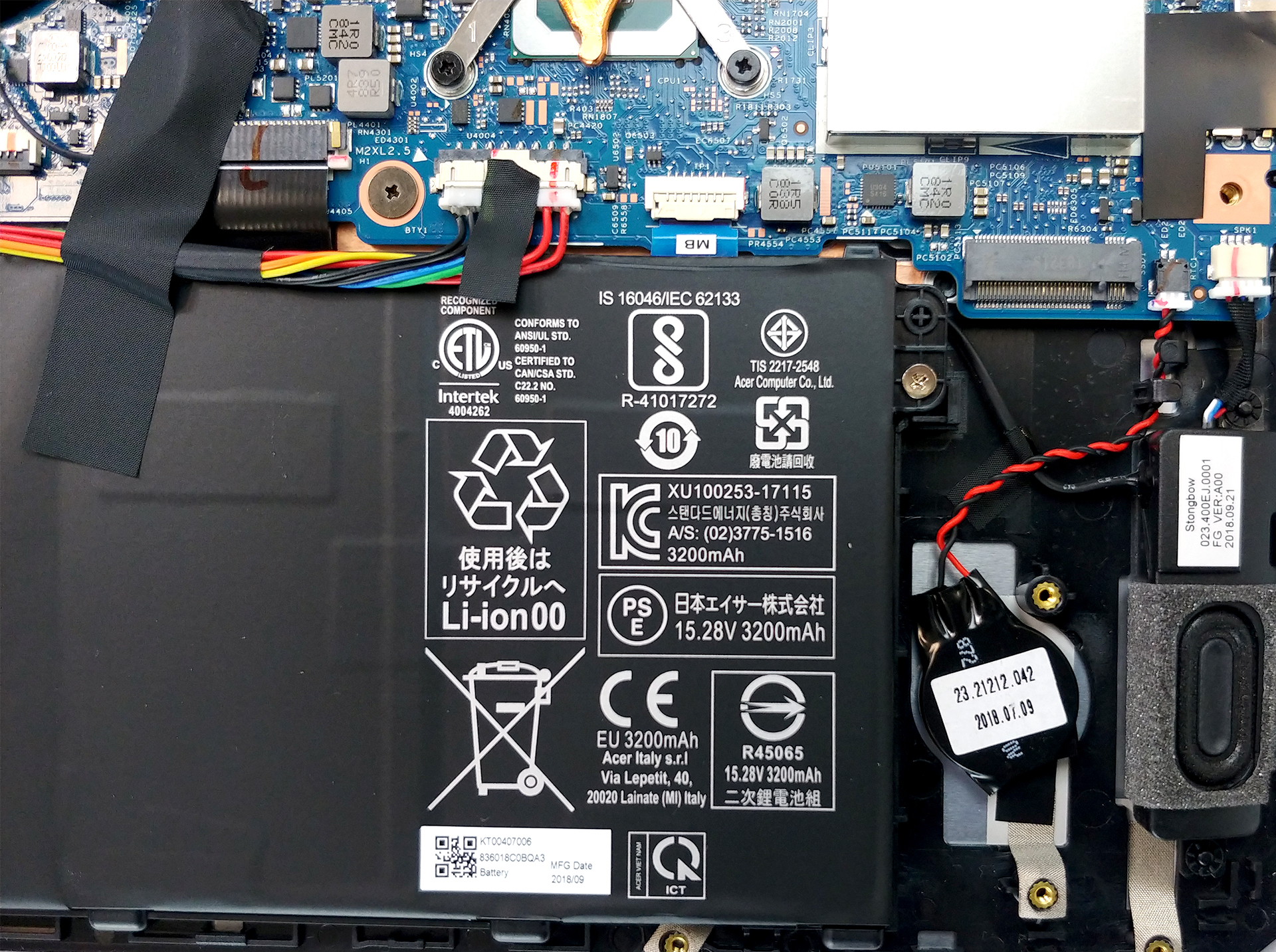
Let’s take a look at the single RAM DIMM on the right side of the CPU. It supports DDR4 modules with a speed up to 2400 MHz and is hidden by a metal bracket. Additionally, there is a SATA connector and an M.2 NVMe SSD slot.

4. Cooling system
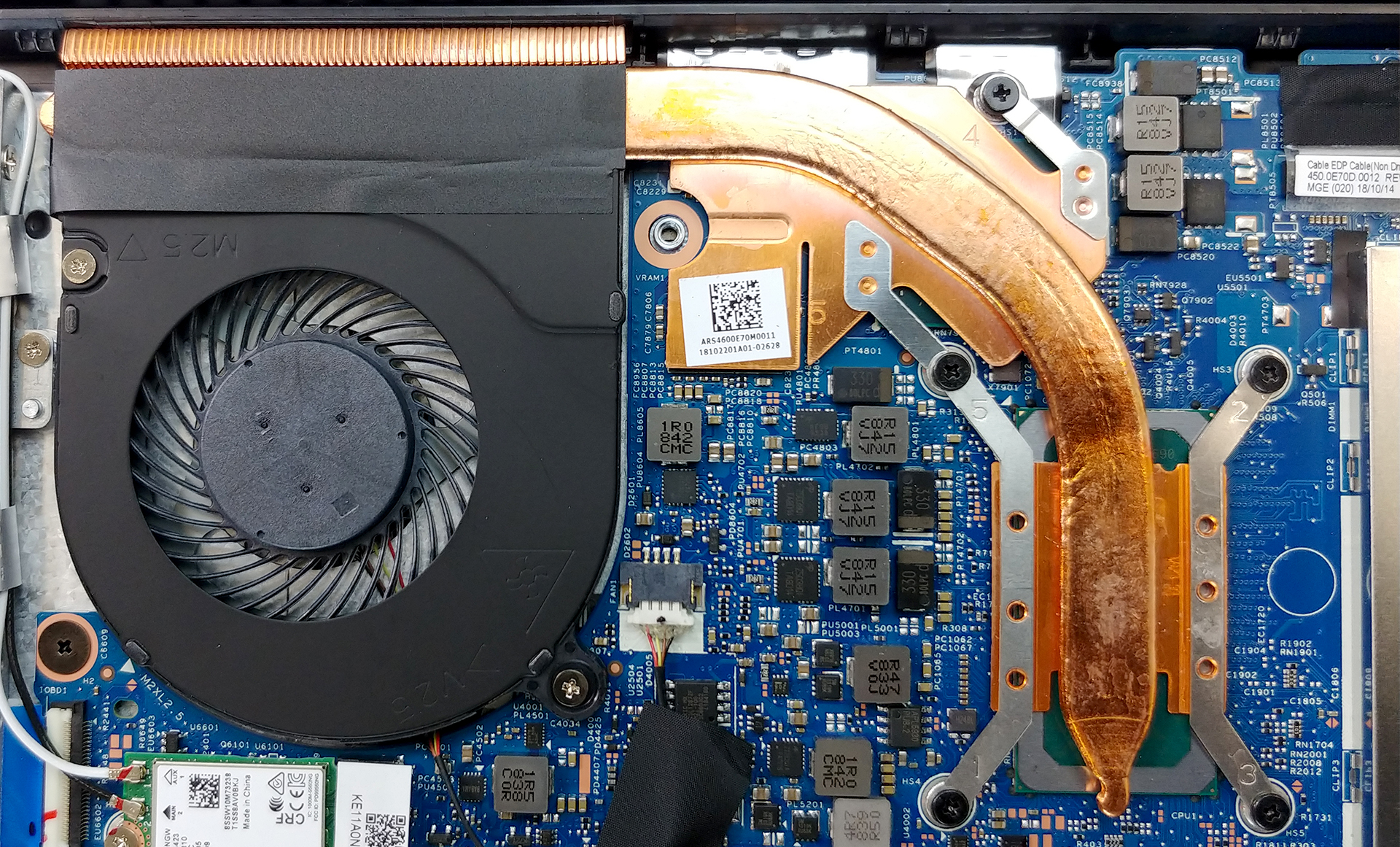
Acer Swift 3 (SF314-56) has an incredibly simple cooling solution. Its low-voltage hardware enables the manufacturer to use a single, fat but rather short heat pipe to cool either of the chips. Additionally, it uses a single fan to dissipate the heat from a single heatsink. Usually, this is not very efficient, since the heat that comes from the CPU goes directly to the GPU and vice versa. Apparently, there is not such a problem since we saw the GeForce MX150 reach the highest frequency up to the time of the test.
Check out all Acer Swift 3 (SF314-56) prices and configurations in our Specs System or read more in our In-depth Review.
 Author: Alex Iliev

![[Juni 2026] De mest sålda bärbara datormärkena på Amazon Global – Apples oöverträffade dominans i antal enheter och omsättning](https://laptopmedia.com/wp-content/uploads/2026/07/GLOBAL-Best-Brands-400x225.jpg)
![[Juni 2026] Amazon Global: De 10 mest sålda bärbara datorerna – Apples nya MacBook Neo stormar in på första plats och omformar marknaden med sitt överkomliga pris](https://laptopmedia.com/wp-content/uploads/2026/07/Best-Selling-Laptops-GLOBAL-Top-10-400x225.jpg)
![[Juni 2026] Amazon Global: De 10 mest sålda spelbärbara datorerna – Acers Nitro V 16S AI dominerar försäljningen, medan ASUS ligger i topp när det gäller den totala omsättningen](https://laptopmedia.com/wp-content/uploads/2026/07/Best-Selling-Gaming-Laptops-GLOBAL-Top-10-400x225.jpg)
![[Juni 2026] Global ranking över de mest sålda bärbara grafikkorten på Amazon – NVIDIA RTX 5060 är det mest sålda dedikerade grafikkortet](https://laptopmedia.com/wp-content/uploads/2026/07/Best-Selling-GPUs-GLOBAL-Top-10-400x225.jpg)
![[Juni 2026] Global ranking över de mest sålda bärbara datorprocessorerna på Amazon – Apple M5 dominerar, AMD Ryzen 7 260 tar en betydande andel i premiumsegmentet](https://laptopmedia.com/wp-content/uploads/2026/07/Best-Selling-CPUs-GLOBAL-Top-10-400x225.jpg)

which materials are needed to add storage hdd 1TB SF-314-56G
I am looking for the same answers.