Inside Dell Inspiron 5758 (17 5000) – disassembly, internal photos and upgrade options
Similarly to the Dell Inspiron 5749, the Inspiron 5758 doesn’t offer as much as we would have expected. For a 17-inch, bulky multimedia machine, we expect at least an additional HDD/SSD 2.5″ slot or M.2 SATA SSD slot. However, the model lacks both, so you are stuck with nothing but the option of swapping your optical drive for an additional HDD/SSD. Servicing is really easy, but the same cannot be said for the full disassembly. Find out more below.
1. Accessing the HDD, RAM chips and wireless module
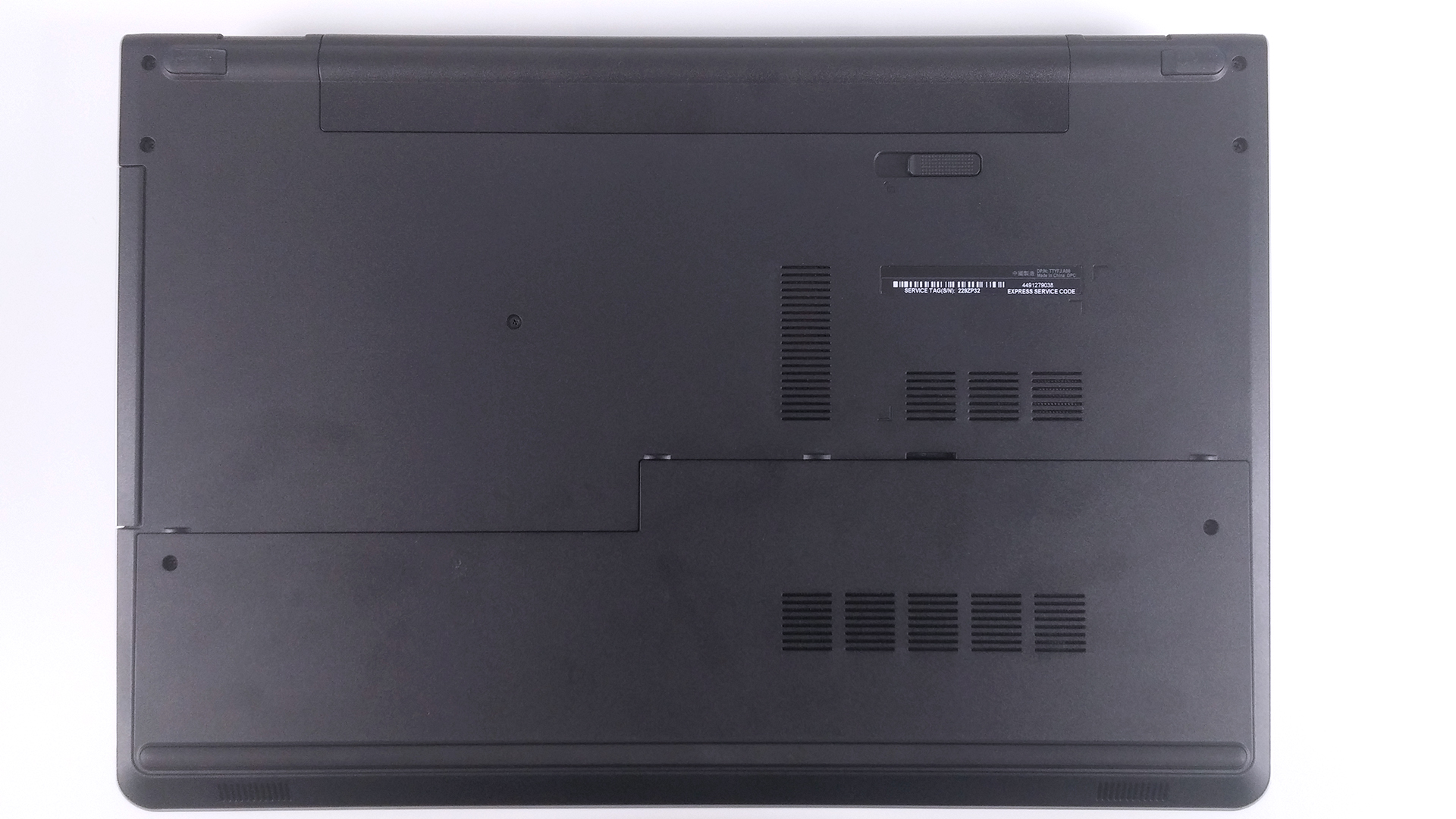
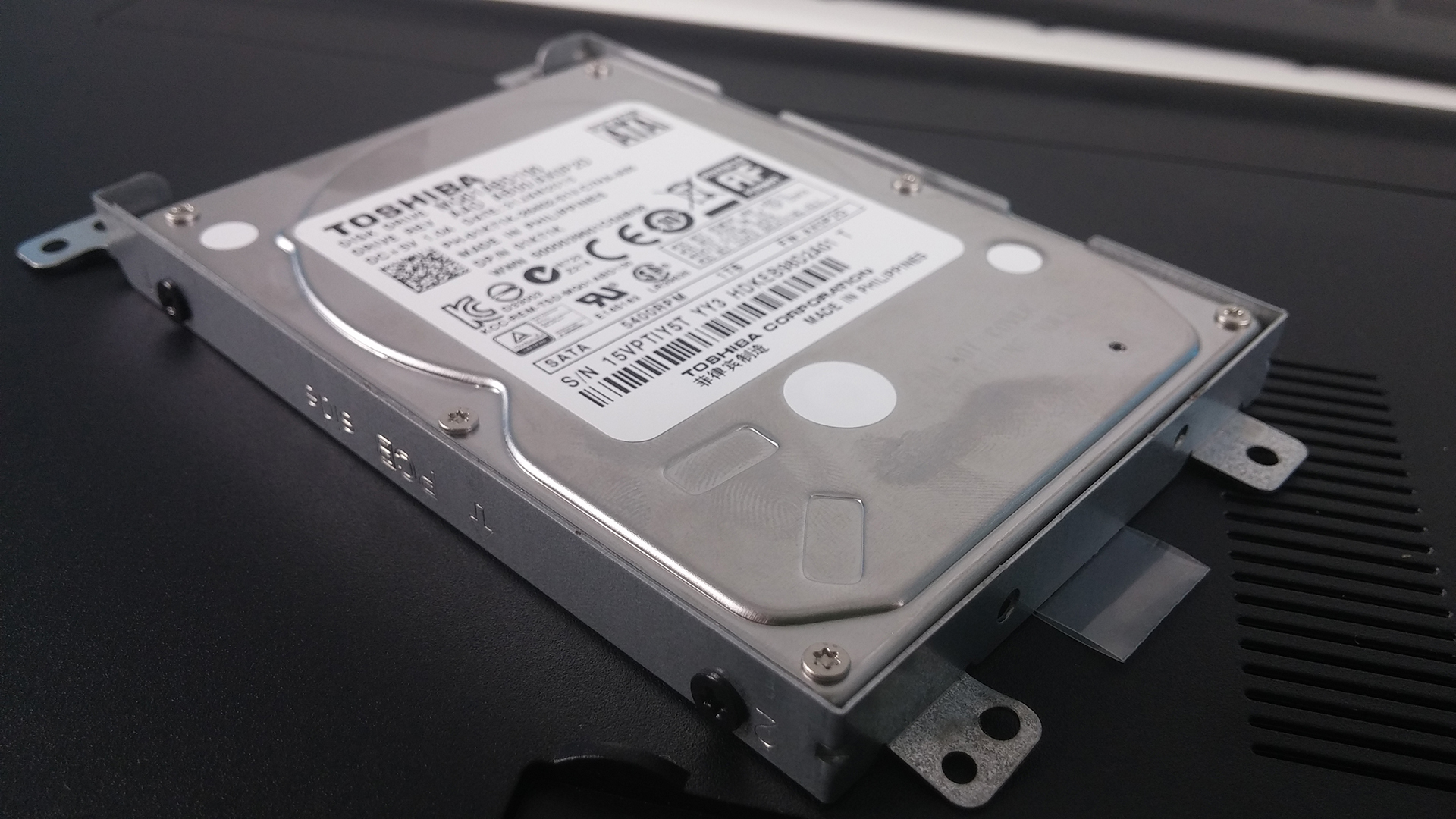
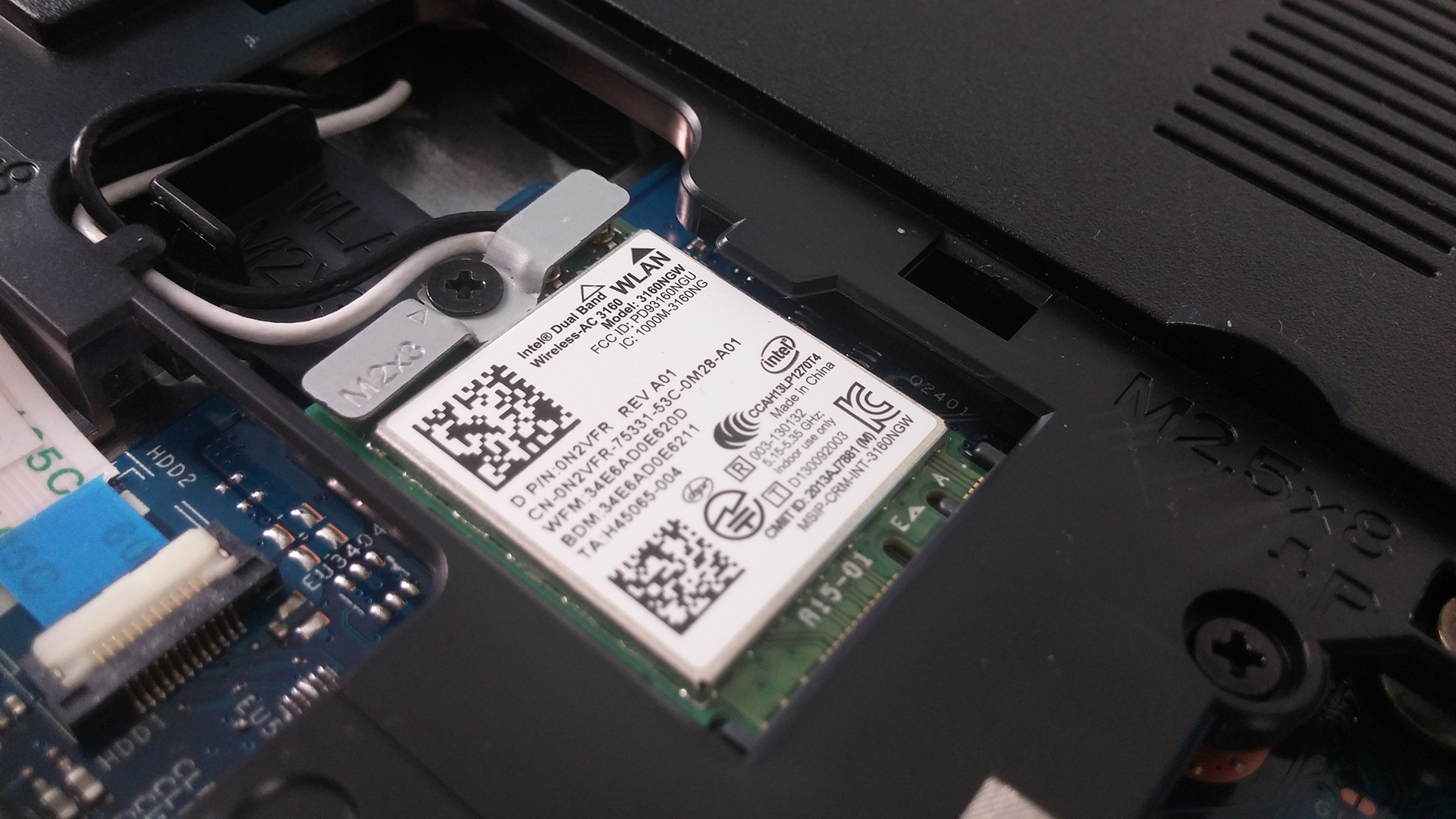
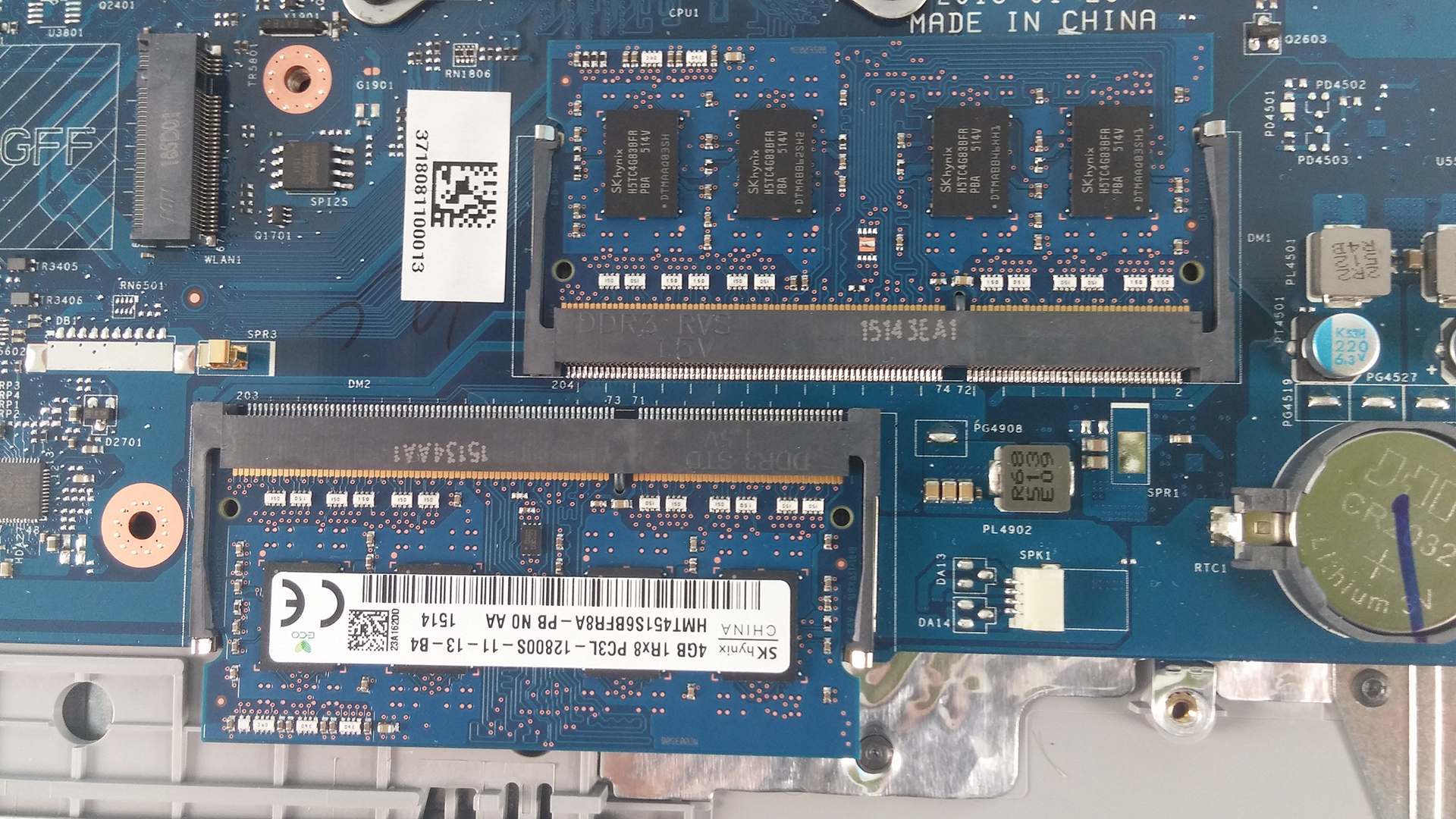
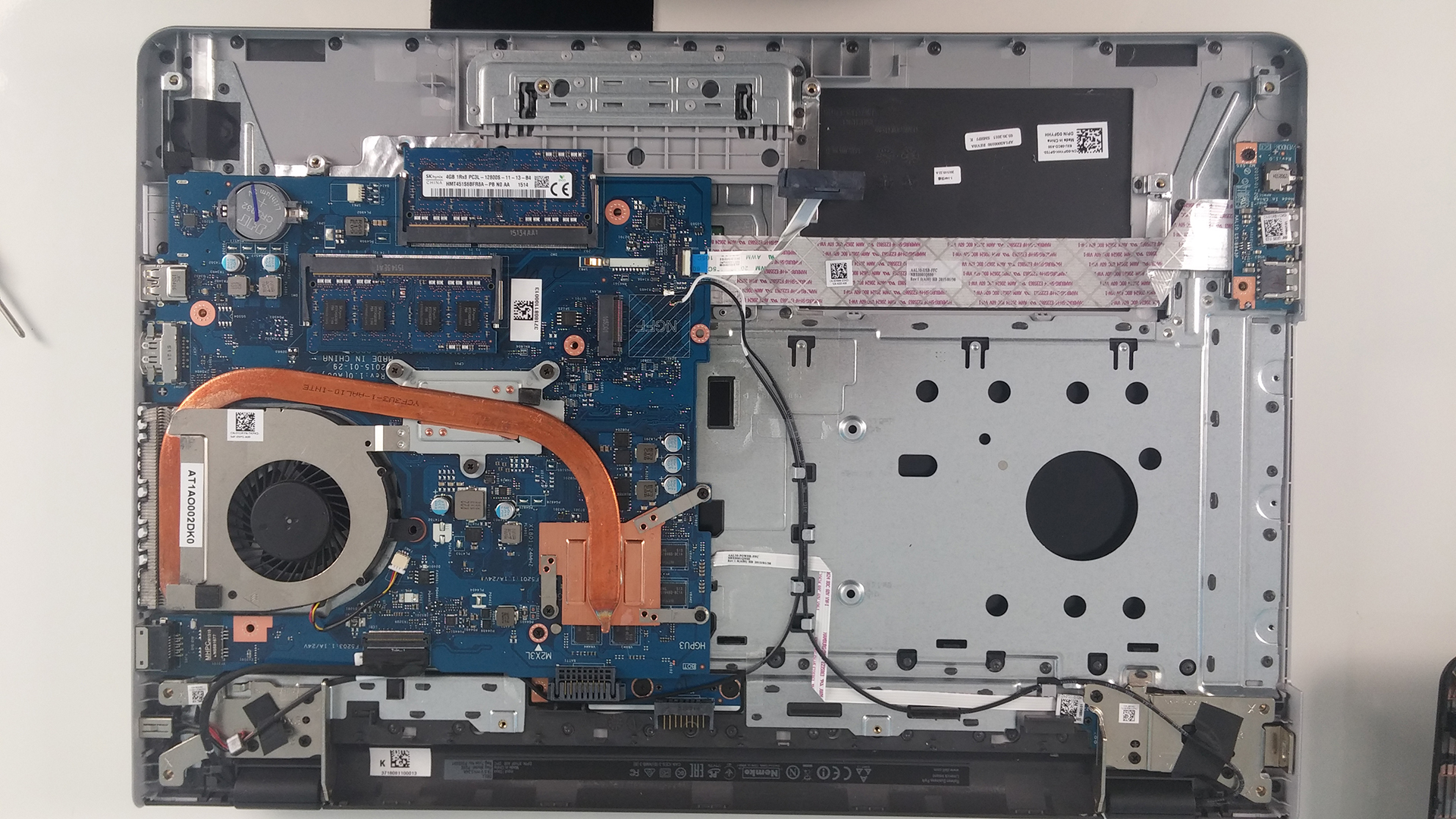
Removing the two screws keeping the main cover will give you access to the most common upgrade options – RAM and HDD/SSD. The HDD provided for this model is 1TB manufactured by Toshiba. Additionally, the wireless module is a Intel Dual Band Wireless-AC 3160.

2. Battery
The battery for this model is user replaceable. The model is M5Y1K, manufactured by Dell and rated at 40Wh, 4-cell.

3. Full disassembly
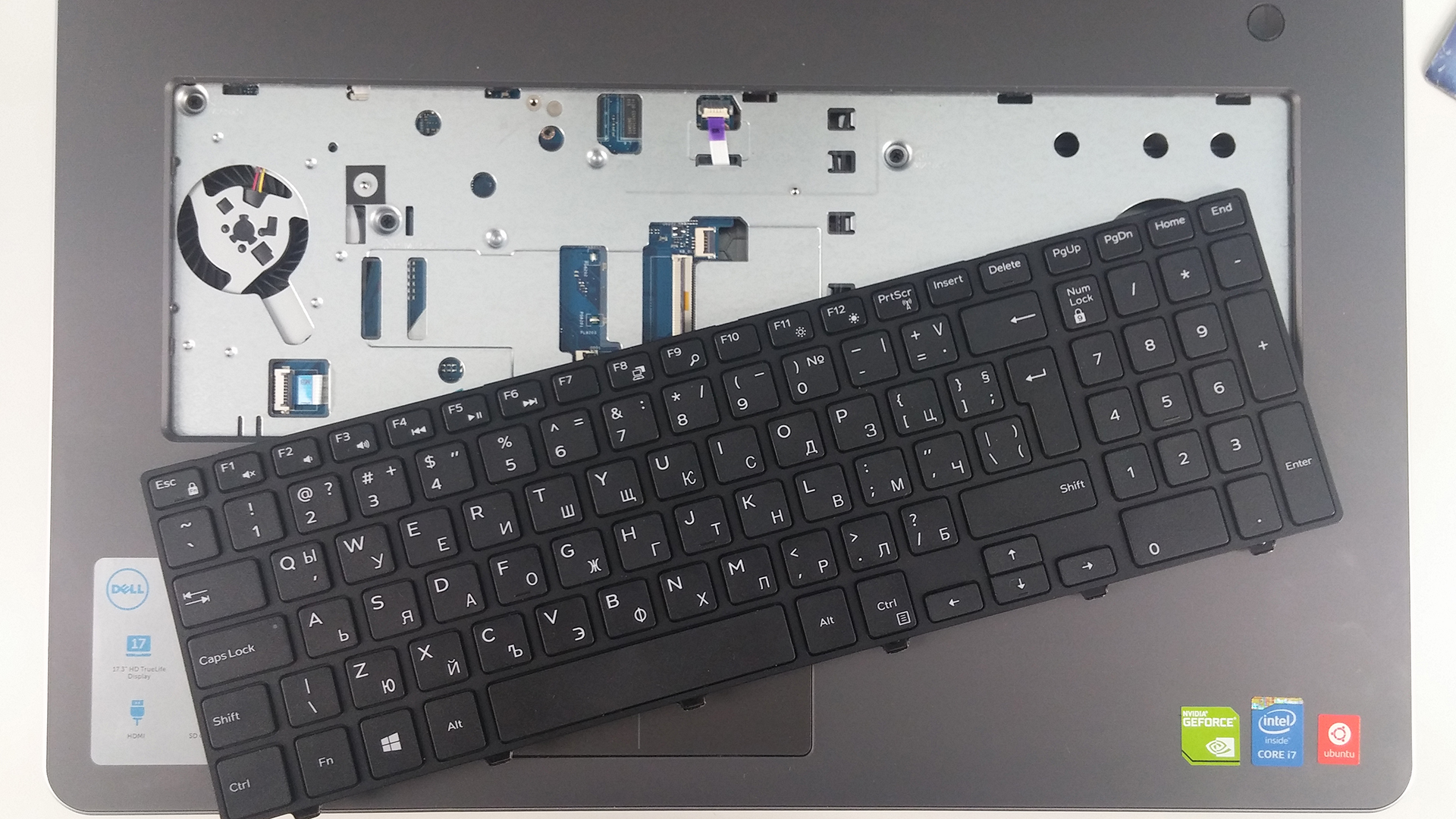
This part is quite tricky. First, you have to remove all the screws around the bottom as well as from the optical drive which is attached with only one bolt. After this is done, proceed with the keyboard. It is removed with the help of a plastic tool or credit card, for example. Pop it out, unscrew all the bolts underneath it and detach all the cables. The next step is popping out the whole bottom chassis, again with the help of a plastic tool. After that you can proceed with cleaning your fan from the dust that has built up.

 Author: Rossen Pandev

![[Juni 2026] De mest sålda bärbara datormärkena på Amazon Global – Apples oöverträffade dominans i antal enheter och omsättning](https://laptopmedia.com/wp-content/uploads/2026/07/GLOBAL-Best-Brands-400x225.jpg)
![[Juni 2026] Amazon Global: De 10 mest sålda bärbara datorerna – Apples nya MacBook Neo stormar in på första plats och omformar marknaden med sitt överkomliga pris](https://laptopmedia.com/wp-content/uploads/2026/07/Best-Selling-Laptops-GLOBAL-Top-10-400x225.jpg)
![[Juni 2026] Amazon Global: De 10 mest sålda spelbärbara datorerna – Acers Nitro V 16S AI dominerar försäljningen, medan ASUS ligger i topp när det gäller den totala omsättningen](https://laptopmedia.com/wp-content/uploads/2026/07/Best-Selling-Gaming-Laptops-GLOBAL-Top-10-400x225.jpg)
![[Juni 2026] Global ranking över de mest sålda bärbara grafikkorten på Amazon – NVIDIA RTX 5060 är det mest sålda dedikerade grafikkortet](https://laptopmedia.com/wp-content/uploads/2026/07/Best-Selling-GPUs-GLOBAL-Top-10-400x225.jpg)
![[Juni 2026] Global ranking över de mest sålda bärbara datorprocessorerna på Amazon – Apple M5 dominerar, AMD Ryzen 7 260 tar en betydande andel i premiumsegmentet](https://laptopmedia.com/wp-content/uploads/2026/07/Best-Selling-CPUs-GLOBAL-Top-10-400x225.jpg)

What the heck kind of instructions are these?
Can I update my GPU only? Is it attached on the motherboard or is stand alone?