Inside HP Envy 15 (15-ep1000) – disassembly and upgrade options
As one of the most promising devices on the market, the laptop makes a good case in terms of future-proofing. You get good upgrade options, and the access to them is pretty easy, to be honest.
Check out all HP Envy 15 (15-ep1000) prices and configurations in our Specs System or read more in our In-Depth review.
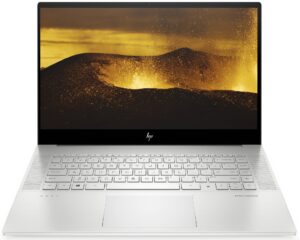
1. Remove the bottom plate
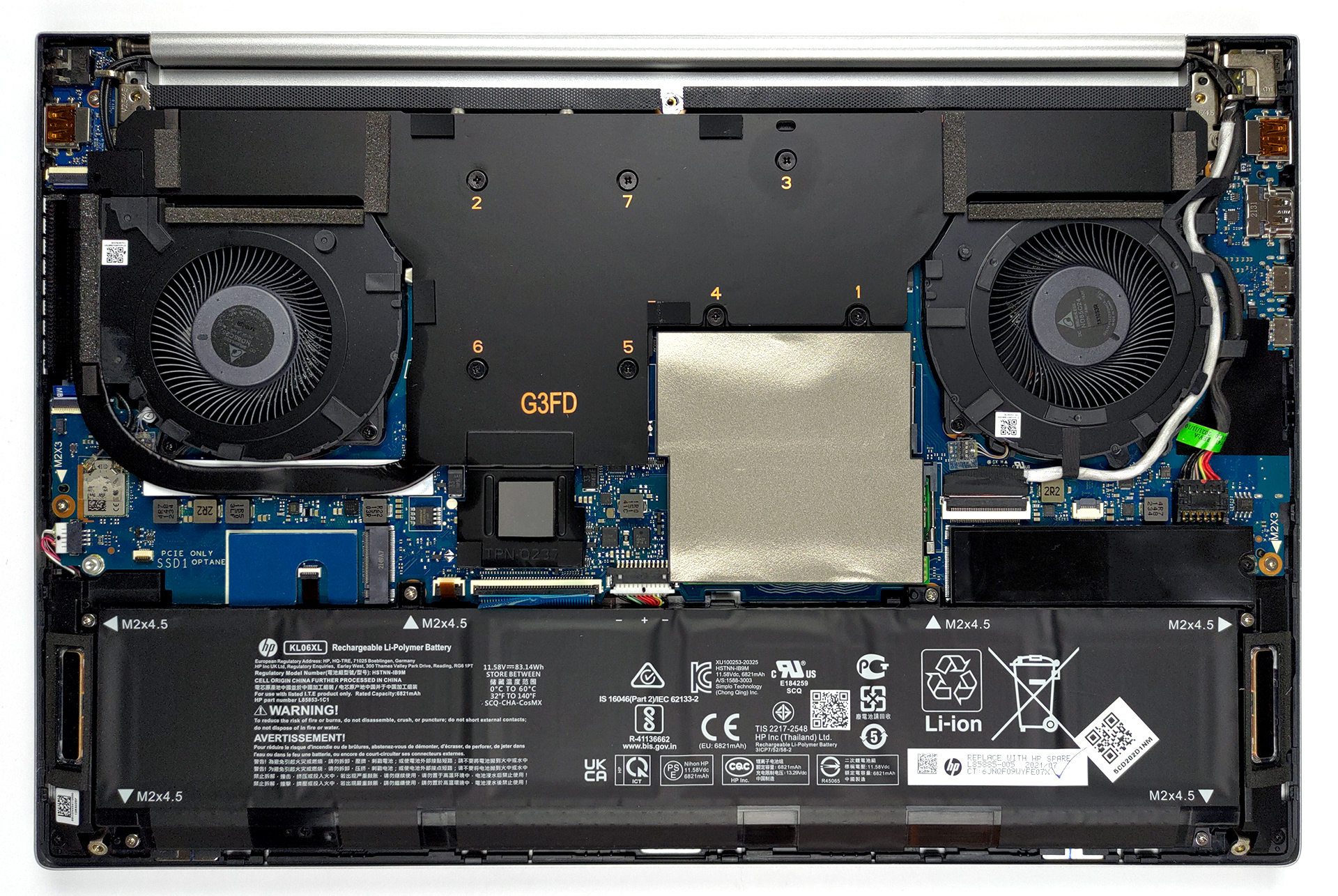
To get inside of this device, you need to undo 5 Torx-head screws. Then, simply pry the bottom panel with a plastic tool, starting from the front edges.
2. Battery
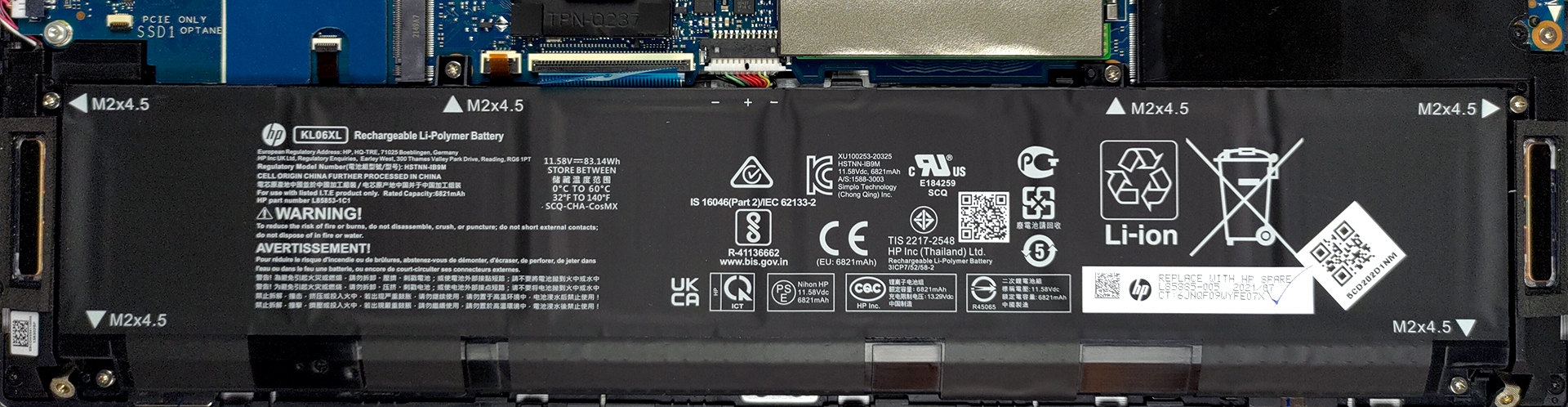
Inside, we find an 83Wh battery pack. It lasts for around 10 hours of Web browsing, or more than 7 hours of video playback. To remove the battery from the chassis, you need to undo a total of 6 Phillips-head screws. After that, gently lift the battery, and unplug the connector from the motherboard.
3. Memory and storage
Here, you can see two SODIMM slots, hidden beneath an insulation strip. The laptop supports up to 64GB of DDR4 memory in dual-channel mode. As for the storage, there are two M.2 PCIe x4 slots that support RAID configurations.

4. Cooling system
The cooling solution looks optimistic with a rather large vapor chamber, an additional heat pipe, and three heat sinks. Two fans take care of moving the air around.

Check out all HP Envy 15 (15-ep1000) prices and configurations in our Specs System or read more in our In-Depth review.
HP ENVY 15 (15-ep1000) djupgående recension
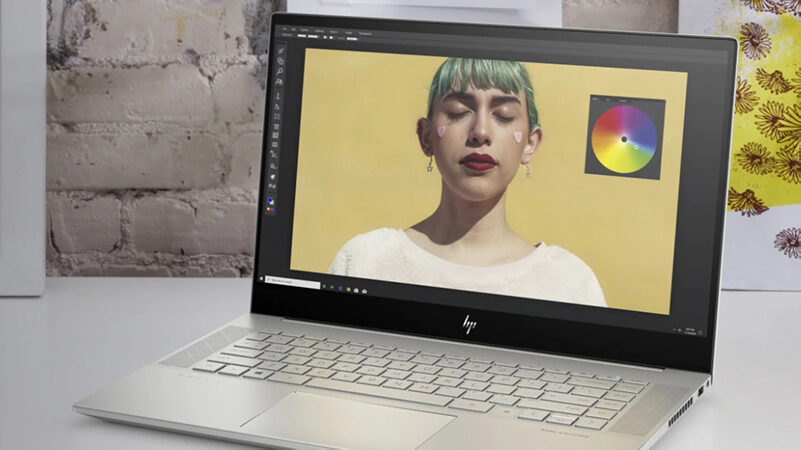
Last year, HP did a breakthrough with their Envy 15, paving the surface for powerful content creator devices that are not extremely expensive but look stunning. Now, although we see very little (if any) difference on the outside, it is the internals that blows the wind of change.Intel's 14nm architecture makes way for the 10nm behemoths on the mobile ground - Tiger Lake H45. These CPUs offer a high core count and a large cache, which is particularly useful in applications like Adobe's Photoshop and Premiere - the essence of visual content creation.In addition to that, you can take adv[...]
Fördelar
- Sleek metal design
- Good input devices
- Hardware with a lot of potential
- 2x SODIMM slots + 2x M.2 PCIe x4 slots with RAID support
- Fingerprint reader + electronic camera privacy shutter
- 2x Thundebrolt 4 + HDMI 2.0a + MicroSD card
- 93% sRGB coverage and accurate colors with our Gaming and Web design profile (BOE BOE09BB)
- No PWM (BOE BOE09BB)
Nackdelar
- Surprisingly bad cooling solution...
- ...which leads to thermal throttling
 Author: Alex Iliev

![[Juni 2026] De mest sålda bärbara datormärkena på Amazon Global – Apples oöverträffade dominans i antal enheter och omsättning](https://laptopmedia.com/wp-content/uploads/2026/07/GLOBAL-Best-Brands-400x225.jpg)
![[Juni 2026] Amazon Global: De 10 mest sålda bärbara datorerna – Apples nya MacBook Neo stormar in på första plats och omformar marknaden med sitt överkomliga pris](https://laptopmedia.com/wp-content/uploads/2026/07/Best-Selling-Laptops-GLOBAL-Top-10-400x225.jpg)
![[Juni 2026] Amazon Global: De 10 mest sålda spelbärbara datorerna – Acers Nitro V 16S AI dominerar försäljningen, medan ASUS ligger i topp när det gäller den totala omsättningen](https://laptopmedia.com/wp-content/uploads/2026/07/Best-Selling-Gaming-Laptops-GLOBAL-Top-10-400x225.jpg)
![[Juni 2026] Global ranking över de mest sålda bärbara grafikkorten på Amazon – NVIDIA RTX 5060 är det mest sålda dedikerade grafikkortet](https://laptopmedia.com/wp-content/uploads/2026/07/Best-Selling-GPUs-GLOBAL-Top-10-400x225.jpg)
![[Juni 2026] Global ranking över de mest sålda bärbara datorprocessorerna på Amazon – Apple M5 dominerar, AMD Ryzen 7 260 tar en betydande andel i premiumsegmentet](https://laptopmedia.com/wp-content/uploads/2026/07/Best-Selling-CPUs-GLOBAL-Top-10-400x225.jpg)
