Inside HP Omen 15 2020 (15-ek0000) – disassembly and upgrade options
The new HP Omen 15 looks really fresh on the outside. How does it look on the inside?
Check out all HP Omen 15 2020 (15-ek0000) prices and configurations in our Specs System or read more in our In-Depth review.
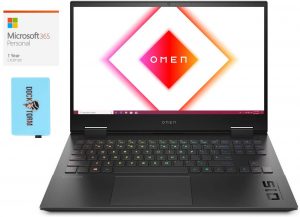
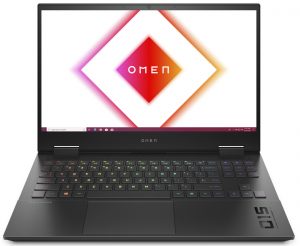
1. Remove the bottom plate
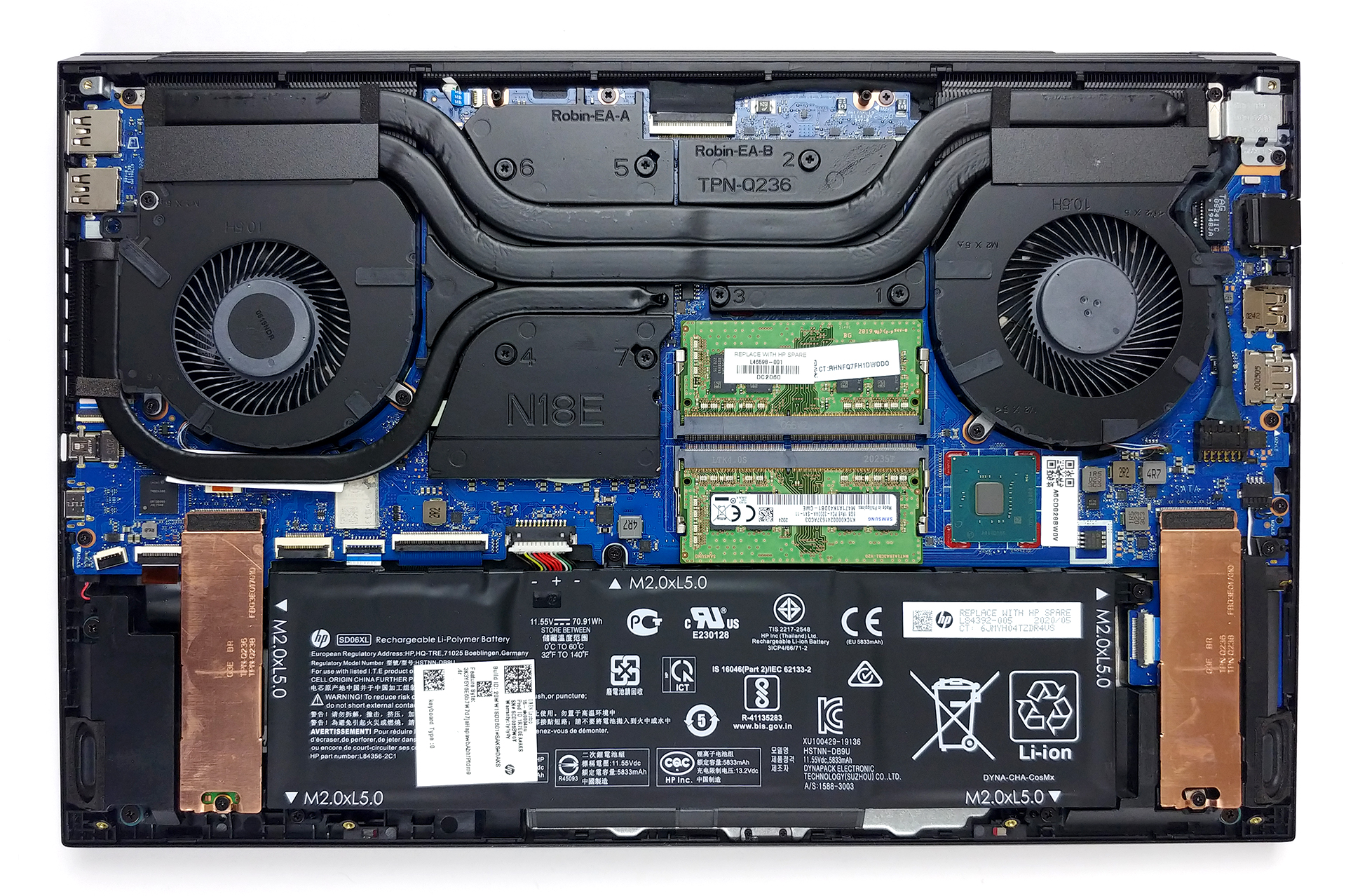
To get inside this notebook, you have to undo 8 Phillips-head screws. Ultimately, this is an easy job to do, and prying the bottom panel is not harder at all.
2. Battery
In terms of power away from the grid, there is a 71Wh unit.

3. Memory and storage
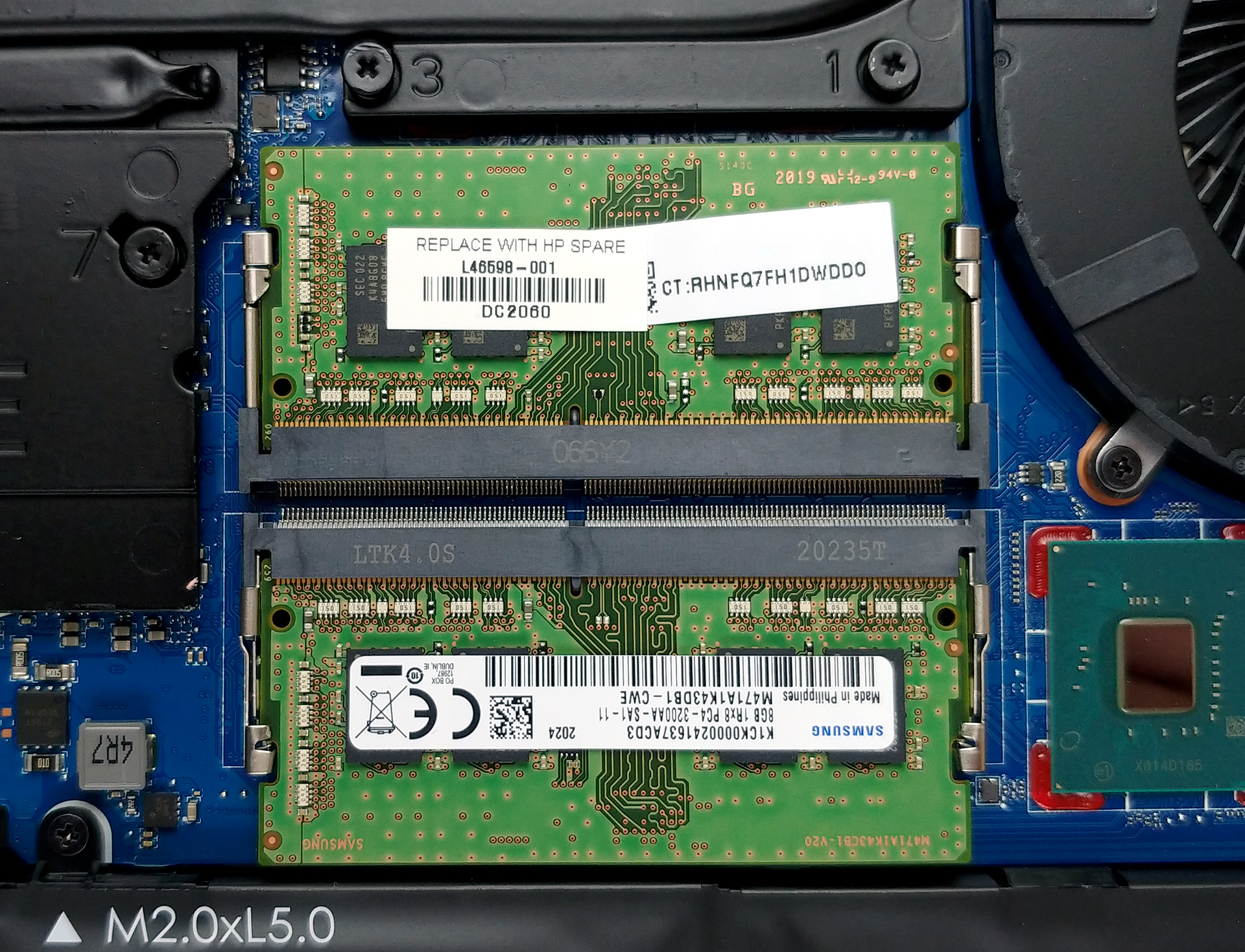
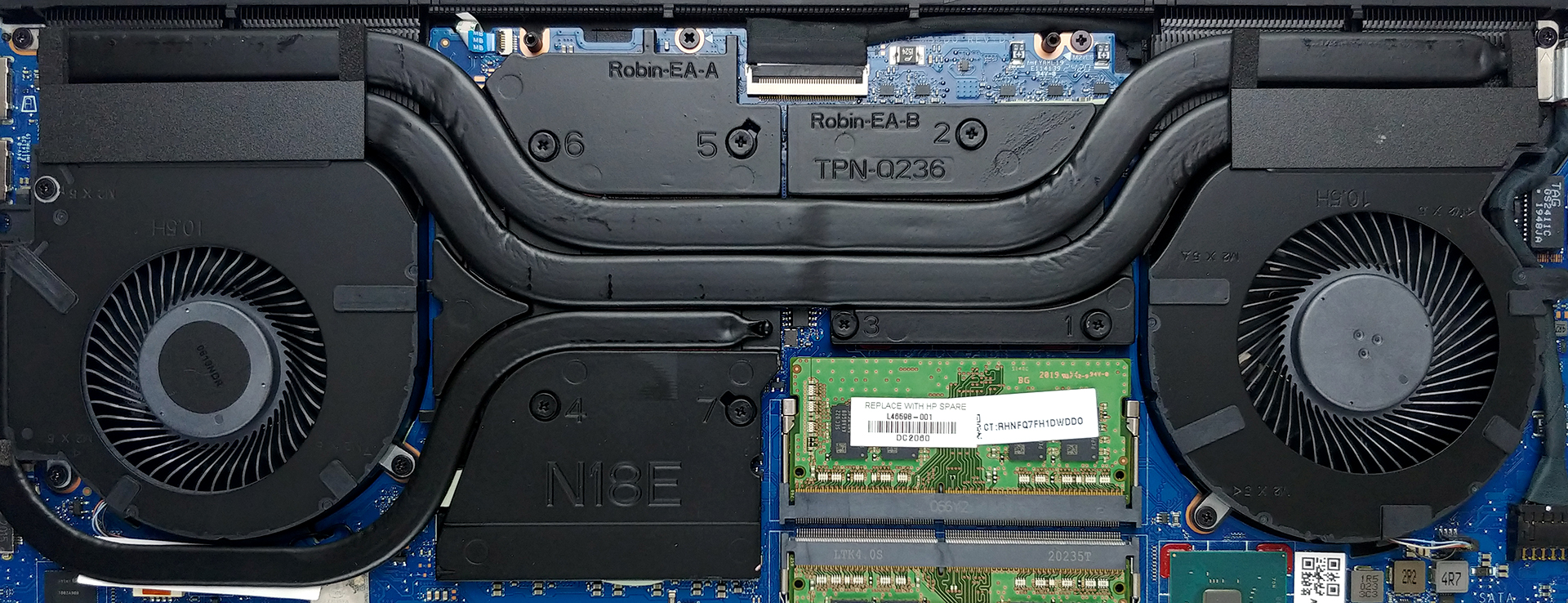
Memory-wise, there are two RAM SODIMM slots, which work in dual-channel mode and we are pretty confident that they can hold 64GB of DDR4 RAM in total. As far as the storage is concerned, there are two M.2 NVMe slots, both of which support PCIe x4 drives as well as Optane drives.
4. Cooling system
Lastly, there is the cooling solution. It comprises two heat pipes shared between the CPU and the GPU. Additionally, you’ll find a third one with a smaller diameter, attached only to the GPU, and heading to its own tiny heat sink. And as you can see, all of the VRMs and graphics memory modules are hidden beneath a heat spreader, so there should be no overheating problems with them, whatsoever.
Check out all HP Omen 15 2020 (15-ek0000) prices and configurations in our Specs System or read more in our In-Depth review.
 Author: Alex Iliev

![[Juni 2026] De mest sålda bärbara datormärkena på Amazon Global – Apples oöverträffade dominans i antal enheter och omsättning](https://laptopmedia.com/wp-content/uploads/2026/07/GLOBAL-Best-Brands-400x225.jpg)
![[Juni 2026] Amazon Global: De 10 mest sålda bärbara datorerna – Apples nya MacBook Neo stormar in på första plats och omformar marknaden med sitt överkomliga pris](https://laptopmedia.com/wp-content/uploads/2026/07/Best-Selling-Laptops-GLOBAL-Top-10-400x225.jpg)
![[Juni 2026] Amazon Global: De 10 mest sålda spelbärbara datorerna – Acers Nitro V 16S AI dominerar försäljningen, medan ASUS ligger i topp när det gäller den totala omsättningen](https://laptopmedia.com/wp-content/uploads/2026/07/Best-Selling-Gaming-Laptops-GLOBAL-Top-10-400x225.jpg)
![[Juni 2026] Global ranking över de mest sålda bärbara grafikkorten på Amazon – NVIDIA RTX 5060 är det mest sålda dedikerade grafikkortet](https://laptopmedia.com/wp-content/uploads/2026/07/Best-Selling-GPUs-GLOBAL-Top-10-400x225.jpg)
![[Juni 2026] Global ranking över de mest sålda bärbara datorprocessorerna på Amazon – Apple M5 dominerar, AMD Ryzen 7 260 tar en betydande andel i premiumsegmentet](https://laptopmedia.com/wp-content/uploads/2026/07/Best-Selling-CPUs-GLOBAL-Top-10-400x225.jpg)

Where is the HDD?
No HDD slot
But is there a second slot for SSD?
The only storage options are two M.2 slots.