Inside Lenovo ThinkPad Z16 Gen 1 – disassembly and upgrade options
Almost no upgrade options, but at least the memory is running at the maximum possible speeds at the time of writing this article.
Check out all Lenovo ThinkPad Z16 Gen 1 prices and configurations in our Specs System or read more in our In-Depth review.
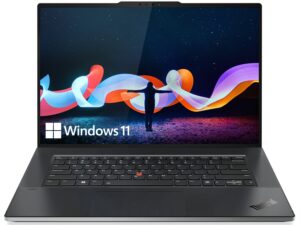
1. Remove the bottom plate
To access this notebook’s internals, you need to undo 5 captive Phillips-head screws. Then, pry the bottom panel with a plastic tool, starting from the top two corners.
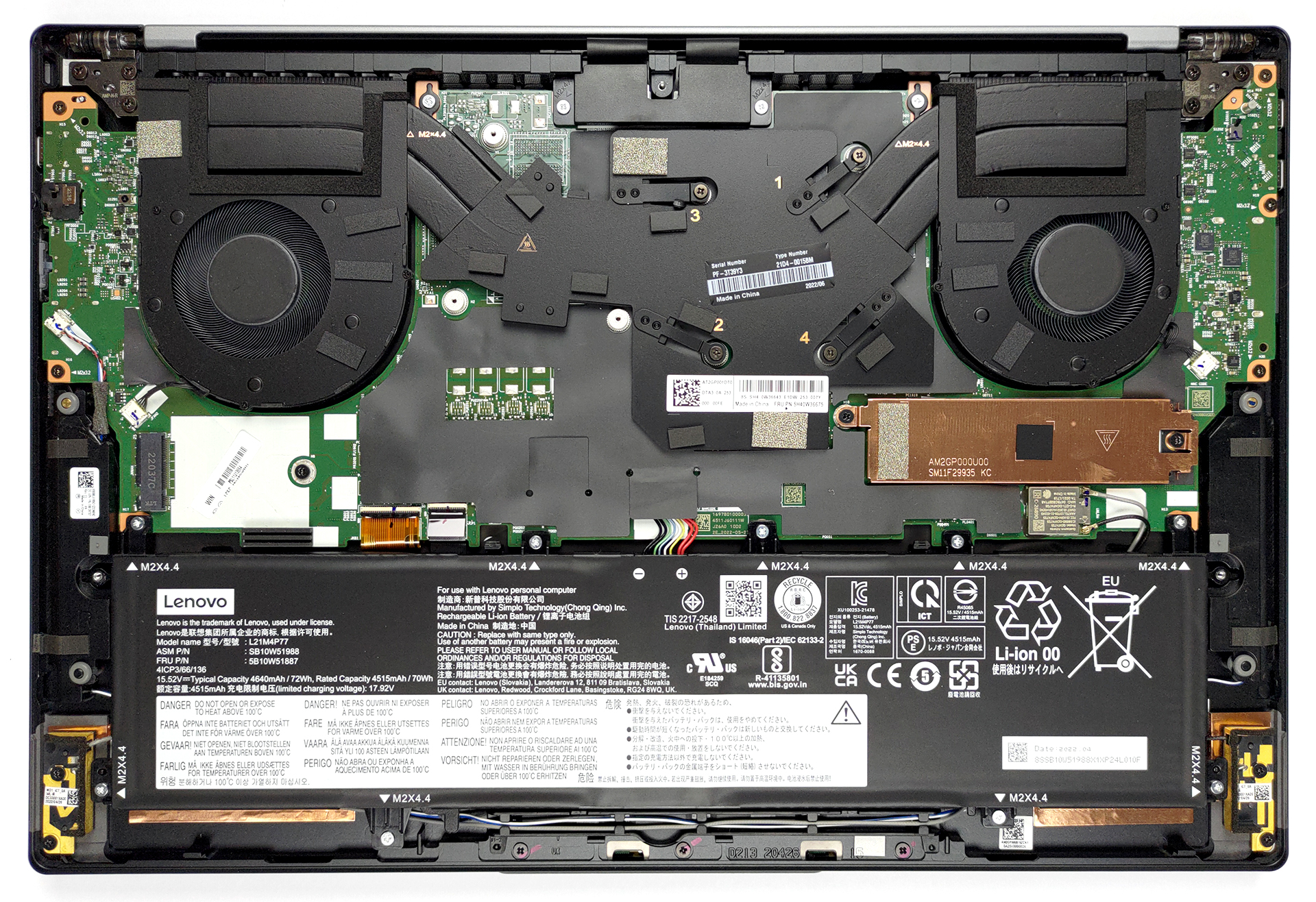
2. Battery
The battery inside has a capacity of 72Wh. It lasts for 20 hours of Web browsing, or 18 hours and 30 minutes of video playback. To take it out, you should first unplug the connector from the motherboard. Then, undo all 9 Phillips-head screws, and lift it away from the chassis.
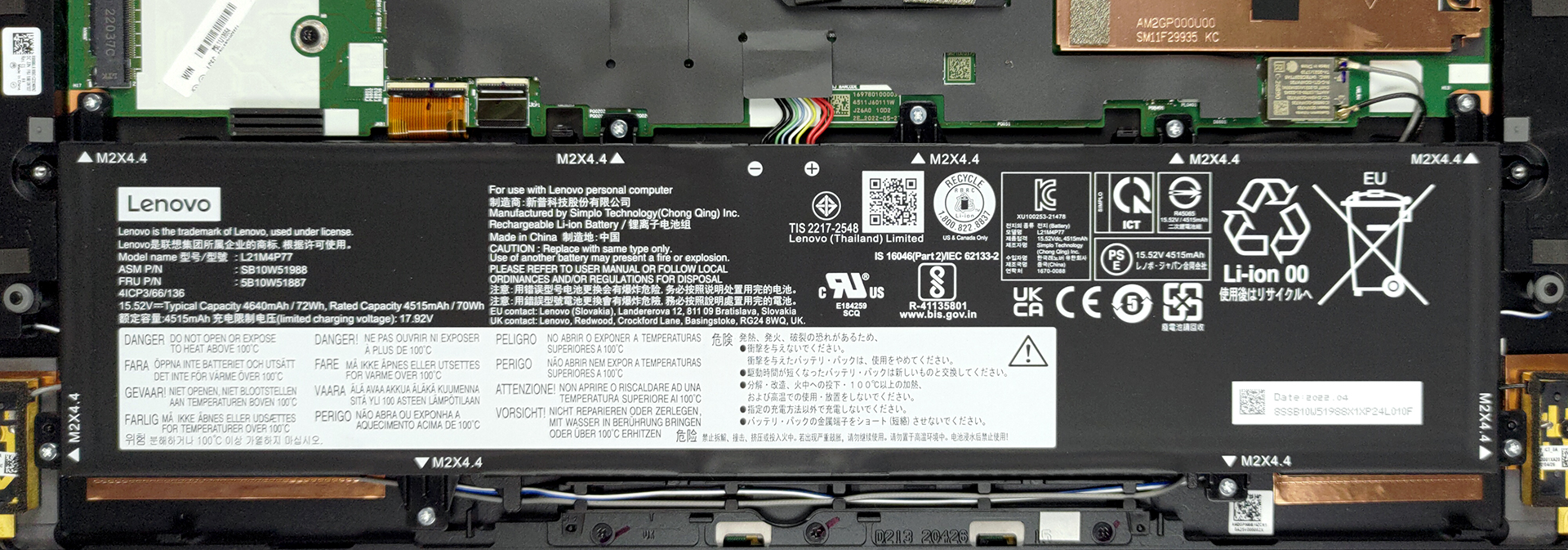
3. Memory and storage
As with the 13-inch model, the memory is soldered to the motherboard. You can either get the laptop with 16 or 32GB of LPDDR5 RAM, working in quad-channel mode and at 6400MHz. Storage-wise, you get one M.2 PCIe x4 slot, which works with Gen 4 SSDs.
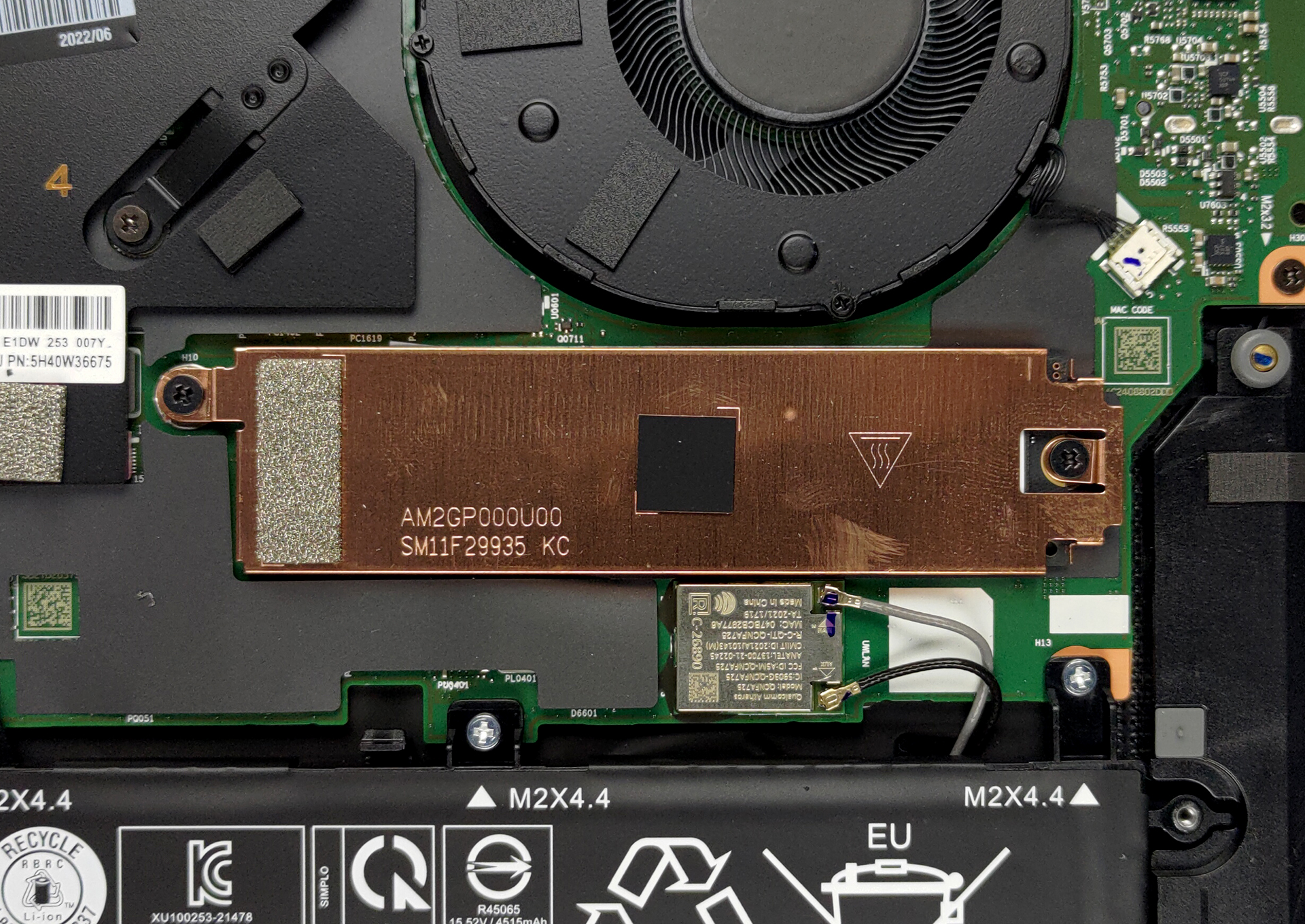
4. Cooling system
In terms of cooling, you get two heat pipes, connected to two heat sinks, where two fans blow the heat away.
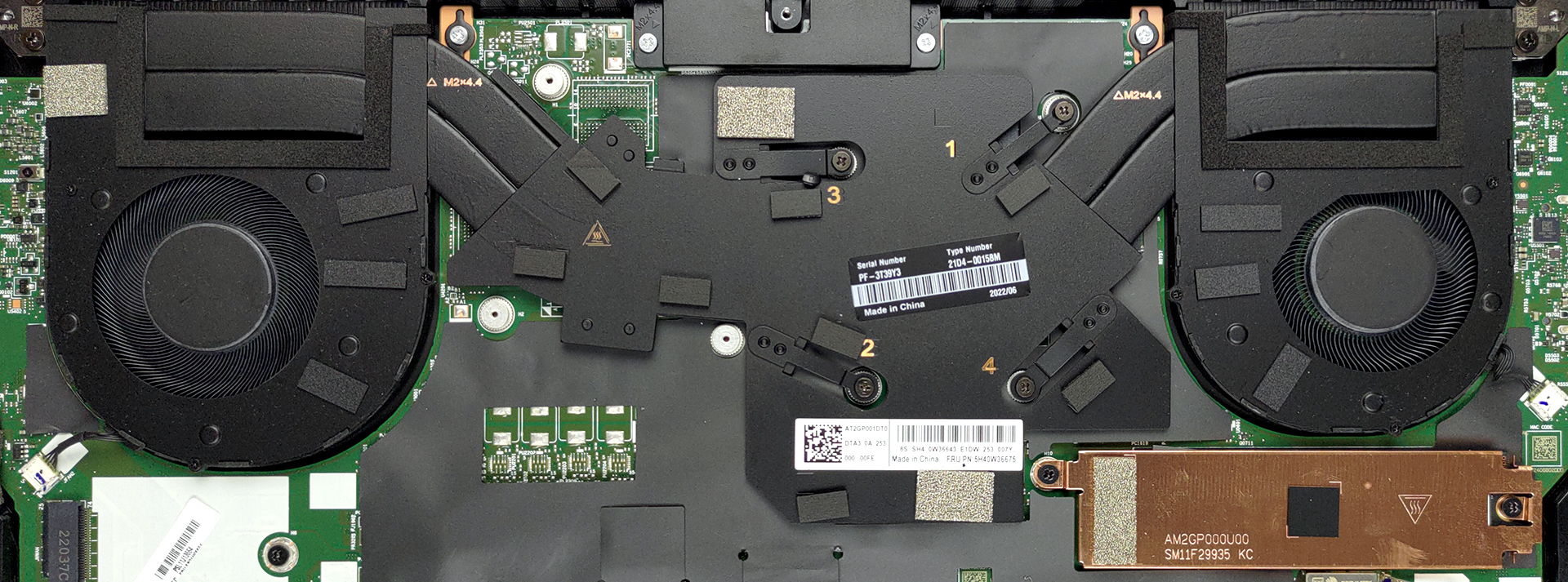
Check out all Lenovo ThinkPad Z16 Gen 1 prices and configurations in our Specs System or read more in our In-Depth review.
Lenovo ThinkPad Z16 Gen 1 djupgående recension
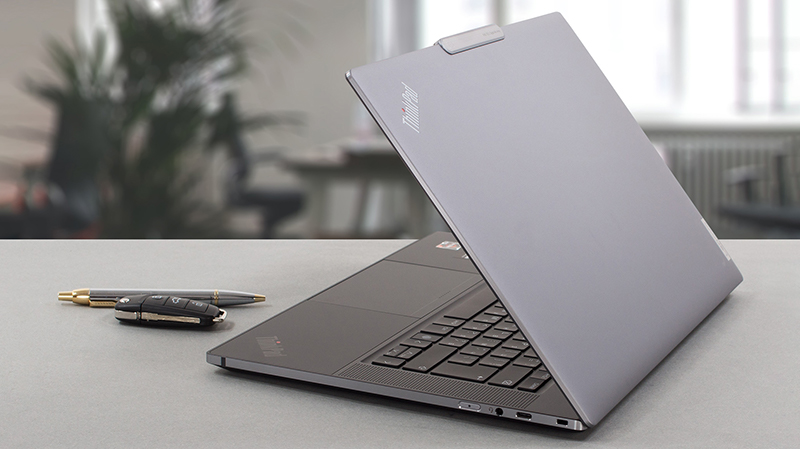
The ThinkPad name is usually connected to the boring business laptop your corporate cousin brings all the time to family gatherings. However, this is a stigma Lenovo aims to break at the 30th anniversary of the brand.This is how the ThinkPad Z13 and Z16 were born. They are a fine piece of craftsmanship, which comes at a premium. Of course, this puts it in the clutches of fierce competitors such as the XPS series of Dell, and the MacBooks from Apple. Although we feel that neither the 13-inch nor the 16-inch models are mature enough to take on one of the most experienced premium laptops on [...]
Fördelar
- Fantastic battery life
- Super rigid chassis
- Sleek design with a thought for the environment
- 98% sRGB coverage and accurate colors with our Gaming and Web design profile (BOE NE160WUM-N62 (LEN41B5)
- No PWM (BOE NE160WUM-N62 (LEN41B5)
- Charges via Type-C
- 2x USB4 + Gen 4 SSD support
- IR face recognition + fingerprint reader
Nackdelar
- Pretty expensive
- Very limited I/O
- Soldered memory
 Author: Alex Iliev

![[Juni 2026] De mest sålda bärbara datormärkena på Amazon Global – Apples oöverträffade dominans i antal enheter och omsättning](https://laptopmedia.com/wp-content/uploads/2026/07/GLOBAL-Best-Brands-400x225.jpg)
![[Juni 2026] Amazon Global: De 10 mest sålda bärbara datorerna – Apples nya MacBook Neo stormar in på första plats och omformar marknaden med sitt överkomliga pris](https://laptopmedia.com/wp-content/uploads/2026/07/Best-Selling-Laptops-GLOBAL-Top-10-400x225.jpg)
![[Juni 2026] Amazon Global: De 10 mest sålda spelbärbara datorerna – Acers Nitro V 16S AI dominerar försäljningen, medan ASUS ligger i topp när det gäller den totala omsättningen](https://laptopmedia.com/wp-content/uploads/2026/07/Best-Selling-Gaming-Laptops-GLOBAL-Top-10-400x225.jpg)
![[Juni 2026] Global ranking över de mest sålda bärbara grafikkorten på Amazon – NVIDIA RTX 5060 är det mest sålda dedikerade grafikkortet](https://laptopmedia.com/wp-content/uploads/2026/07/Best-Selling-GPUs-GLOBAL-Top-10-400x225.jpg)
![[Juni 2026] Global ranking över de mest sålda bärbara datorprocessorerna på Amazon – Apple M5 dominerar, AMD Ryzen 7 260 tar en betydande andel i premiumsegmentet](https://laptopmedia.com/wp-content/uploads/2026/07/Best-Selling-CPUs-GLOBAL-Top-10-400x225.jpg)
