Lenovo Yoga 7 (14″, 2022) – Top 5 Pros and Cons
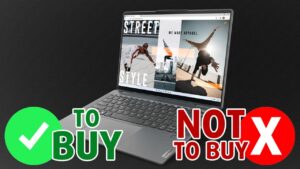 The Lenovo Yoga 7 (14″, 2022) is nearly identical to its Intel counterpart, however, it swaps the Alder Lake U-series and P-series, in favor of the Ryzen 6000U-series CPUs, of which there are two main SKUs right now: the Ryzen 5 6600U and the Ryzen 7 6800U.
Despite the chip powering the device, we’re getting an excellent array of features and impressive displays with IPS and OLED versions. One bonus of the Ryzen 6000-series is new RDNA 2 integrated graphics, a much-needed refresh that does very well in entry-level gaming. This is further helped by the super fast LPDDR5 memory running at 6400MHz.
Today we present you with LaptopMedia’s top 5 picks about the Lenovo Yoga 7 (14″, 2022).
Lenovo Yoga 7 (14″, 2022): Full Specs / In-depth Review
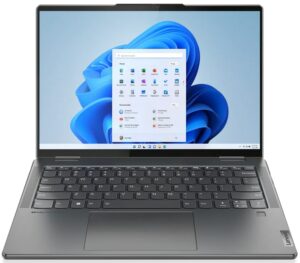
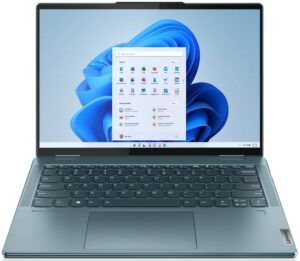
4 reasons to BUY the Lenovo Yoga 7 (14″, 2022)
1. Design and build quality
The laptop is entirely built from aluminum, which offers a lot of rigidity, as both the lid and the base remain flex-free. Portability is a big plus for the laptop, weighing around 1.45 kg and having a profile of only 17.35mm. In terms of the design itself, we see rounded edges and corners, while the lid has a slight protrusion to make it easier to open. However, that doesn’t happen with one hand.

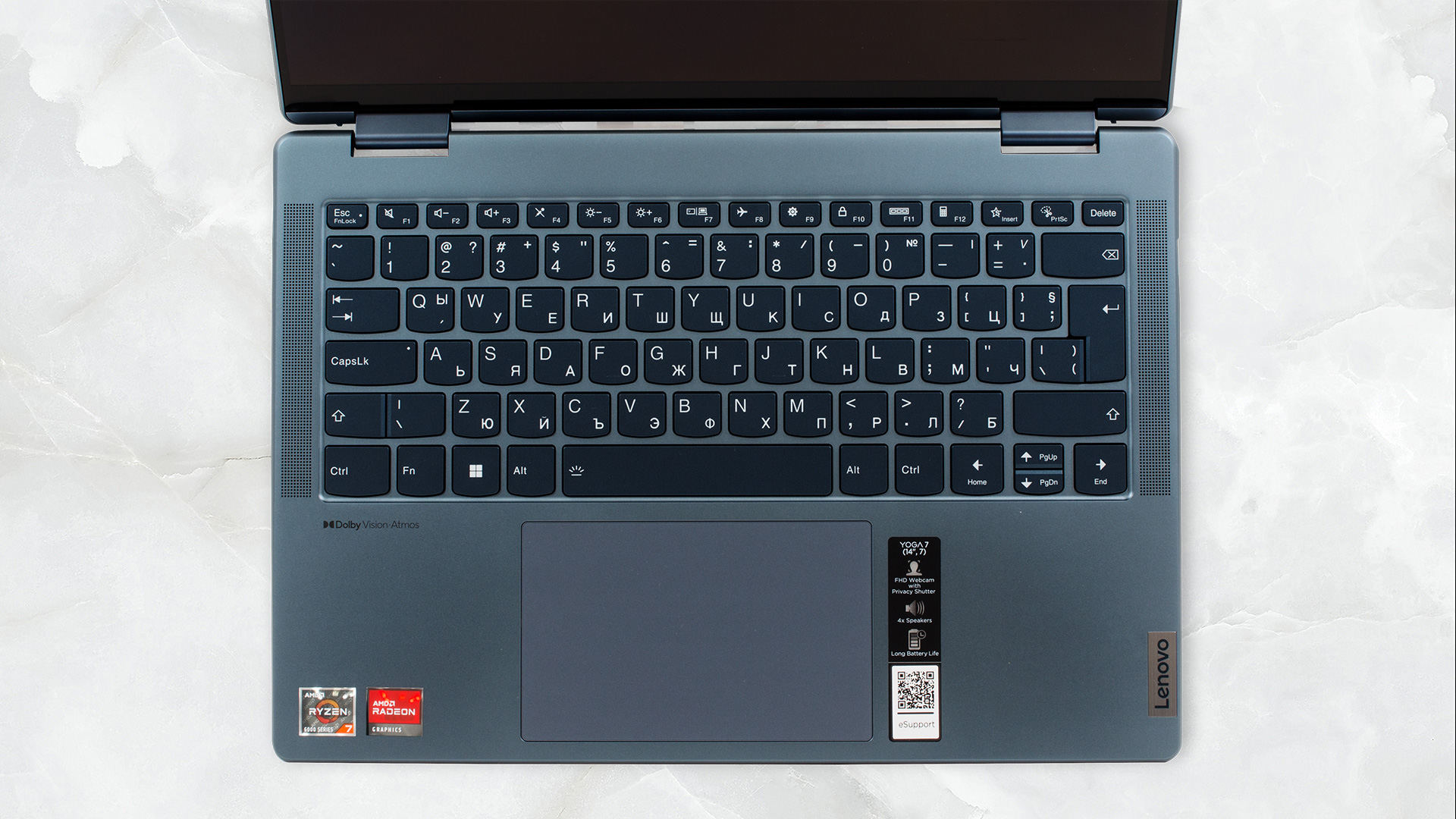
From there, we see the base, with a tidy and clean design. The keyboard is flanked by two speaker grills, with two more grills on the bottom, making a quad-speaker setup. The board has a backlight, decent key travel, considering the thickness, and clicky feedback. The touchpad foregoes the Mylar cover, opting for glass, making for an even smoother surface. The pad is incredibly accurate and snappy.
2. Battery life
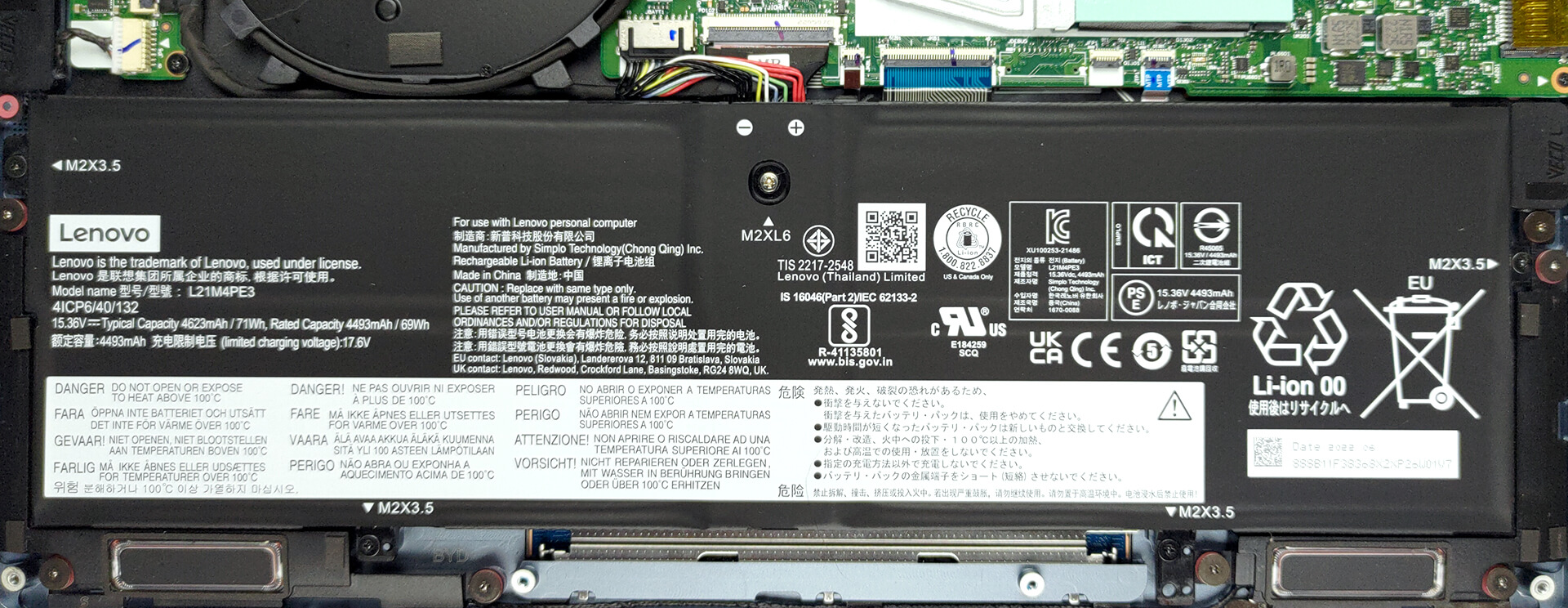
The laptop has a massive 71Wh battery pack. It lasts for 12 hours and 10 minutes of Web browsing, or 12 hours and 43 minutes of video playback. Now, we conduct the battery tests with the Windows Better performance setting turned on, screen brightness adjusted to 120 nits, and all other programs turned off except for the one we are testing the notebook with.
3. Display quality
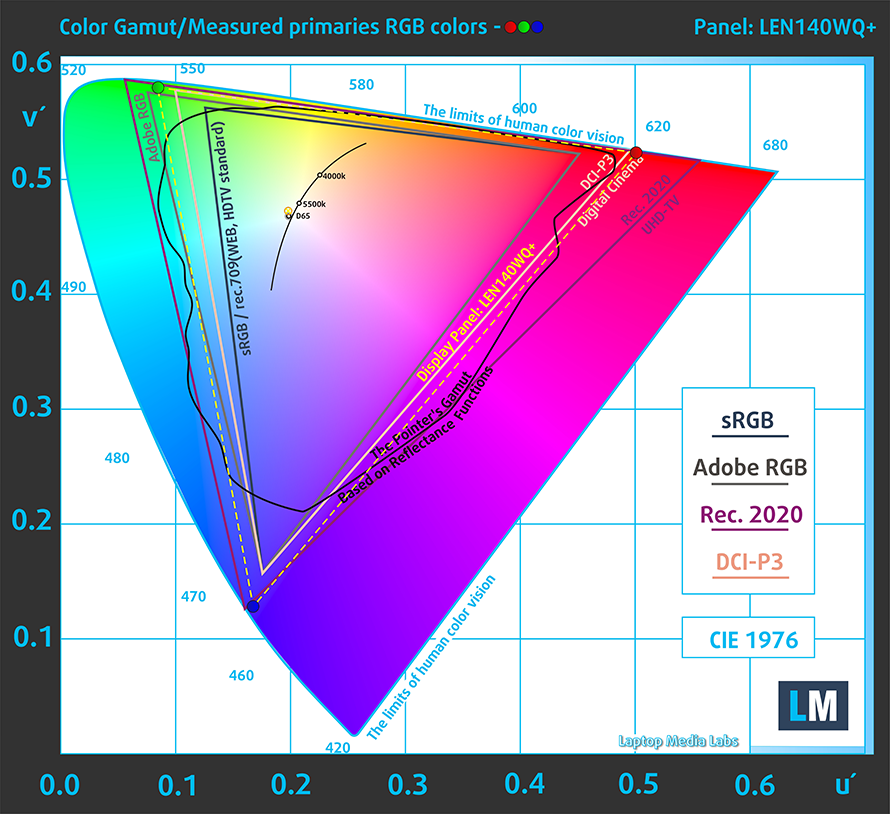
The display on the front uses an OLED panel, and has a pretty high resolution for a 14-inch form factor, at 2880 x 1800p. It also comes with a 16:10 aspect ratio, scratching our productivity itch. It’s got comfortable viewing angles, a peak brightness of 380 nits, and excellent uniformity, so colors look the same throughout the entire panel. It also fully covers the sRGB and DCI-P3 gamuts, which is great for both internet-based design work and Cinema-focused work.
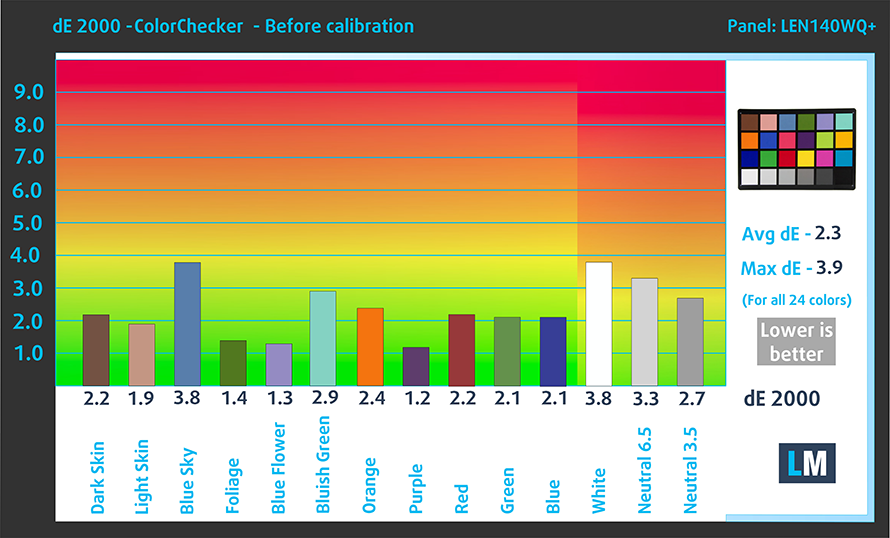
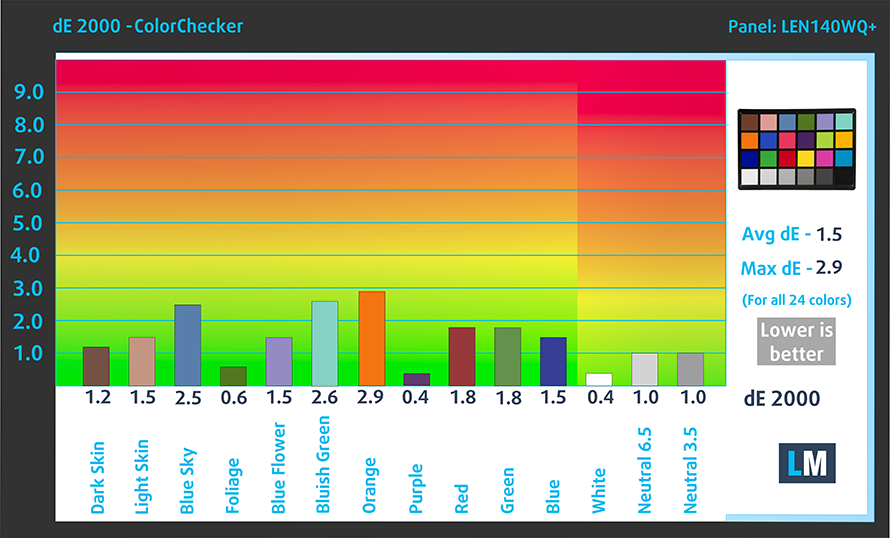
The laptop reaches its best color accuracy with the sRGB mode and with HDR off. This way, our Design and Gaming profile lowers the dE value down to 1.5. Here are our test results with the stock settings (left) and with our profile applied (right).
Buy our profiles
Since our profiles are tailored for each individual display model, this article and its respective profile package are meant for Lenovo Yoga 7 (14″, 2022) configurations with a 14.0″ LEN140WQ+ (LEN8A98) (2880 x 1800p) OLED panel.
*Should you have problems with downloading the purchased file, try using a different browser to open the link you’ll receive via e-mail. If the download target is a .php file instead of an archive, change the file extension to .zip or contact us at [email protected].
Read more about the profiles HERE.
Förutom att du får effektiva och hälsovänliga profiler, stöder du genom att köpa LaptopMedias produkter även utvecklingen av våra labb, där vi testar enheter för att kunna producera så objektiva recensioner som möjligt.

Kontorsarbete
Office Work bör främst användas av användare som tillbringar större delen av tiden med att titta på text, tabeller eller bara surfar. Denna profil syftar till att ge bättre tydlighet och skärpa genom att bibehålla en platt gammakurva (2.20), native färgtemperatur och perceptuellt korrekta färger.

Design och Spel
Denna profil riktar sig till designers som arbetar professionellt med färger, samt för spel och filmer. Design and Gaming tar skärmpanelerna till sina gränser och gör dem så exakta som möjligt i sRGB IEC61966-2-1-standarden för webb och HDTV, vid vitpunkt D65.

Health-Guard
Health-Guard eliminerar den skadliga pulsbreddsmoduleringen (PWM) och minskar det negativa blå ljuset som påverkar våra ögon och vår kropp. Eftersom den är skräddarsydd för varje panel lyckas den hålla färgerna perceptuellt korrekta. Health-Guard simulerar papper så att trycket på ögonen minskar avsevärt.
Få alla 3 profiler med 33% rabatt

4. I/O
The port selection doesn’t see any Thunderbolt 4 ports, however, you still get the new USB4 standard, with two such ports, one HDMI 2.0 port, a MicroSD card slot, one USB Type-A 3.2 (Gen. 1) port, an audio jack, and the power button.


1 reason NOT to buy the Lenovo Yoga 7 (14″, 2022)
1. Upgradeability
The Lenovo Yoga 7 (14″, 2022) comes with soldered memory. It does, however, run at very high speed, with LPDDR5 RAM at 6400MHz. You can equip the laptop with up to 32GB of it. In terms of storage, there is one M.2 SSD for Gen 4 drives, that fits both 42mm and 80mm drives.

Here is our detailed teardown video, which shows how to access the insides of the Lenovo Yoga 7 (14″, 2022).
All Lenovo Yoga 7 (14″, 2022) configurations:
 Author: Severin Kolakov

![[Juni 2026] De mest sålda bärbara datormärkena på Amazon Global – Apples oöverträffade dominans i antal enheter och omsättning](https://laptopmedia.com/wp-content/uploads/2026/07/GLOBAL-Best-Brands-400x225.jpg)
![[Juni 2026] Amazon Global: De 10 mest sålda bärbara datorerna – Apples nya MacBook Neo stormar in på första plats och omformar marknaden med sitt överkomliga pris](https://laptopmedia.com/wp-content/uploads/2026/07/Best-Selling-Laptops-GLOBAL-Top-10-400x225.jpg)
![[Juni 2026] Amazon Global: De 10 mest sålda spelbärbara datorerna – Acers Nitro V 16S AI dominerar försäljningen, medan ASUS ligger i topp när det gäller den totala omsättningen](https://laptopmedia.com/wp-content/uploads/2026/07/Best-Selling-Gaming-Laptops-GLOBAL-Top-10-400x225.jpg)
![[Juni 2026] Global ranking över de mest sålda bärbara grafikkorten på Amazon – NVIDIA RTX 5060 är det mest sålda dedikerade grafikkortet](https://laptopmedia.com/wp-content/uploads/2026/07/Best-Selling-GPUs-GLOBAL-Top-10-400x225.jpg)
![[Juni 2026] Global ranking över de mest sålda bärbara datorprocessorerna på Amazon – Apple M5 dominerar, AMD Ryzen 7 260 tar en betydande andel i premiumsegmentet](https://laptopmedia.com/wp-content/uploads/2026/07/Best-Selling-CPUs-GLOBAL-Top-10-400x225.jpg)

And the visible touch matrix which is shown on the OLED touchscreen laptop screen is a big disadvantage. One should look at this in detail at a store before deciding to buy.