Microsoft Surface Pro 9 – Top 5 Pros and Cons
 The notion that tablets will soon replace laptops is already coming true, at least to a small degree. The Microsoft Surface Pro 9 comes as a portable 13-inch tablet with an amazing screen and decent hardware that has enough power to outmatch other tablets when it comes to performance.
Of course, with a tablet form factor, you have to think about maximizing battery life and efficiency, which leads to the use of the Alder Lake U-series from Intel. With a few simple additions and accessories, you can absolutely transform the Surface Pro 9 into a mobile productivity workhorse, while having a portable tablet to use for something other than work.
Today we’re presenting you with LaptopMedia’s top 5 picks about the Microsoft Surface Pro 9.
Microsoft Surface Pro 9: Full Specs / In-depth Review
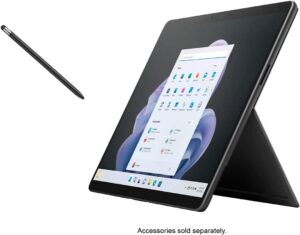
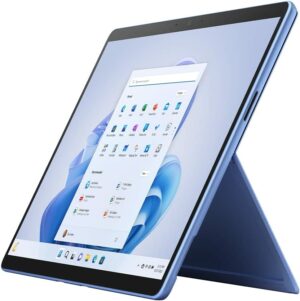
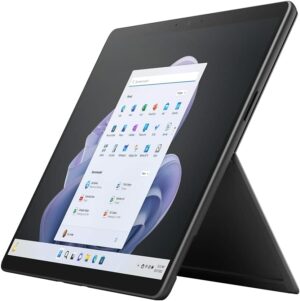
4 reasons to BUY the Microsoft Surface Pro 9
1. Battery
The Surface Pro 9 has a slightly smaller battery size, downgrading to a 47.7Wh battery pack, which lasts for 10 hours of Web browsing, or 7 hours and 30 minutes of video playback. Compared to last year’s Surface Pro 8, you get more time in web browsing, but less time in video playback.
Now, we conduct the battery tests with the Windows Better performance setting turned on, screen brightness adjusted to 120 nits, and all other programs turned off except for the one we are testing the notebook with. The
Ljusstyrka: 180 nits; Visningsläge: SDR
Tid till full urladdning: Högre är bättre
För att simulera verkliga förhållanden använde vi vårt eget skript för automatisk webbsurfning genom över 70 webbplatser.
2. Display quality
The 13.0-inch IPS display on the laptop has a 3:2 aspect ratio, a 2.8K resolution, and a 120Hz refresh rate. The panel is amazing for any type of work, offering excellent viewing angles, a peak brightness of 454 nits, and a high contrast ratio of 1320:1. The brightness uniformity is amazing, while also covering 99% of the sRGB color gamut.
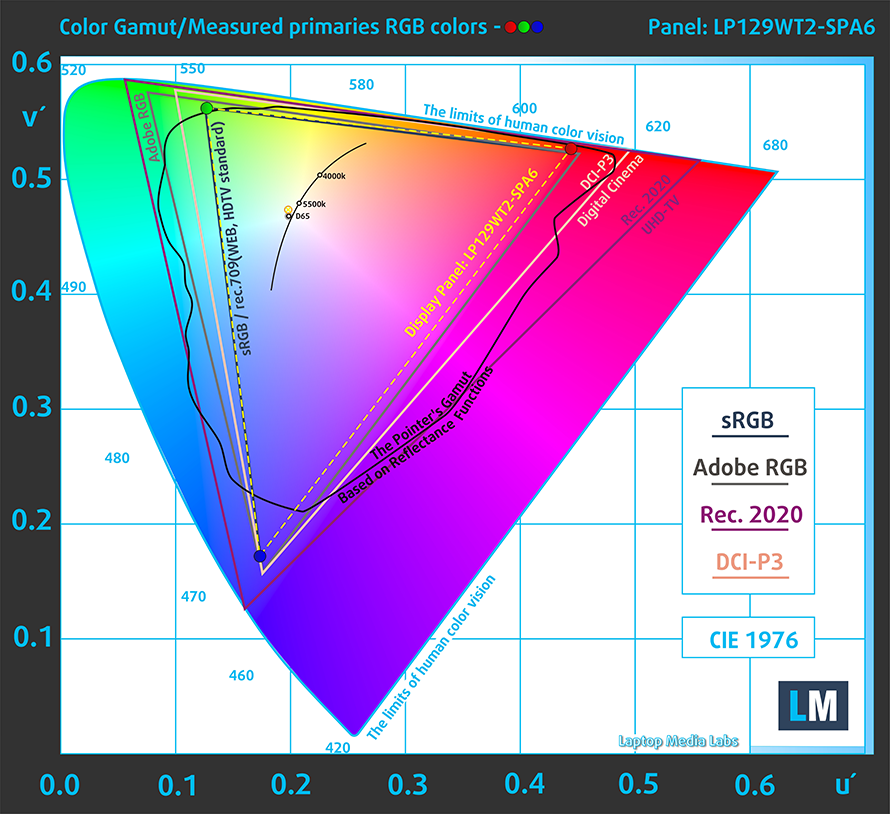
We tested the color accuracy using both the stock settings (left) and while using our Design and Gaming profile (right). Our profile lowers the dE value down to 1.1, which is ideal, as you’re getting accurate colors for both design work and when enjoying watching movies or reading comics.


Buy our profiles
Since our profiles are tailored for each individual display model, this article and its respective profile package are meant for Microsoft Surface Pro 9 configurations with 12.9″ LP129WT2-SPA6.
*Should you have problems with downloading the purchased file, try using a different browser to open the link you’ll receive via e-mail. If the download target is a .php file instead of an archive, change the file extension to .zip or contact us at [email protected].
Read more about the profiles HERE.
Förutom att du får effektiva och hälsovänliga profiler, stöder du genom att köpa LaptopMedias produkter även utvecklingen av våra labb, där vi testar enheter för att kunna producera så objektiva recensioner som möjligt.

Kontorsarbete
Office Work bör främst användas av användare som tillbringar större delen av tiden med att titta på text, tabeller eller bara surfar. Denna profil syftar till att ge bättre tydlighet och skärpa genom att bibehålla en platt gammakurva (2.20), native färgtemperatur och perceptuellt korrekta färger.

Design och Spel
Denna profil riktar sig till designers som arbetar professionellt med färger, samt för spel och filmer. Design and Gaming tar skärmpanelerna till sina gränser och gör dem så exakta som möjligt i sRGB IEC61966-2-1-standarden för webb och HDTV, vid vitpunkt D65.

Health-Guard
Health-Guard eliminerar den skadliga pulsbreddsmoduleringen (PWM) och minskar det negativa blå ljuset som påverkar våra ögon och vår kropp. Eftersom den är skräddarsydd för varje panel lyckas den hålla färgerna perceptuellt korrekta. Health-Guard simulerar papper så att trycket på ögonen minskar avsevärt.
Få alla 3 profiler med 33% rabatt

3. Performance
The Core i5-1235U performs exceptionally, outscoring most of its competition in both 3D Rendering and Photoshop.
Resultaten är från Cinebench R23 CPU-testet (ju högre poäng, desto bättre)
4. Upgradeability
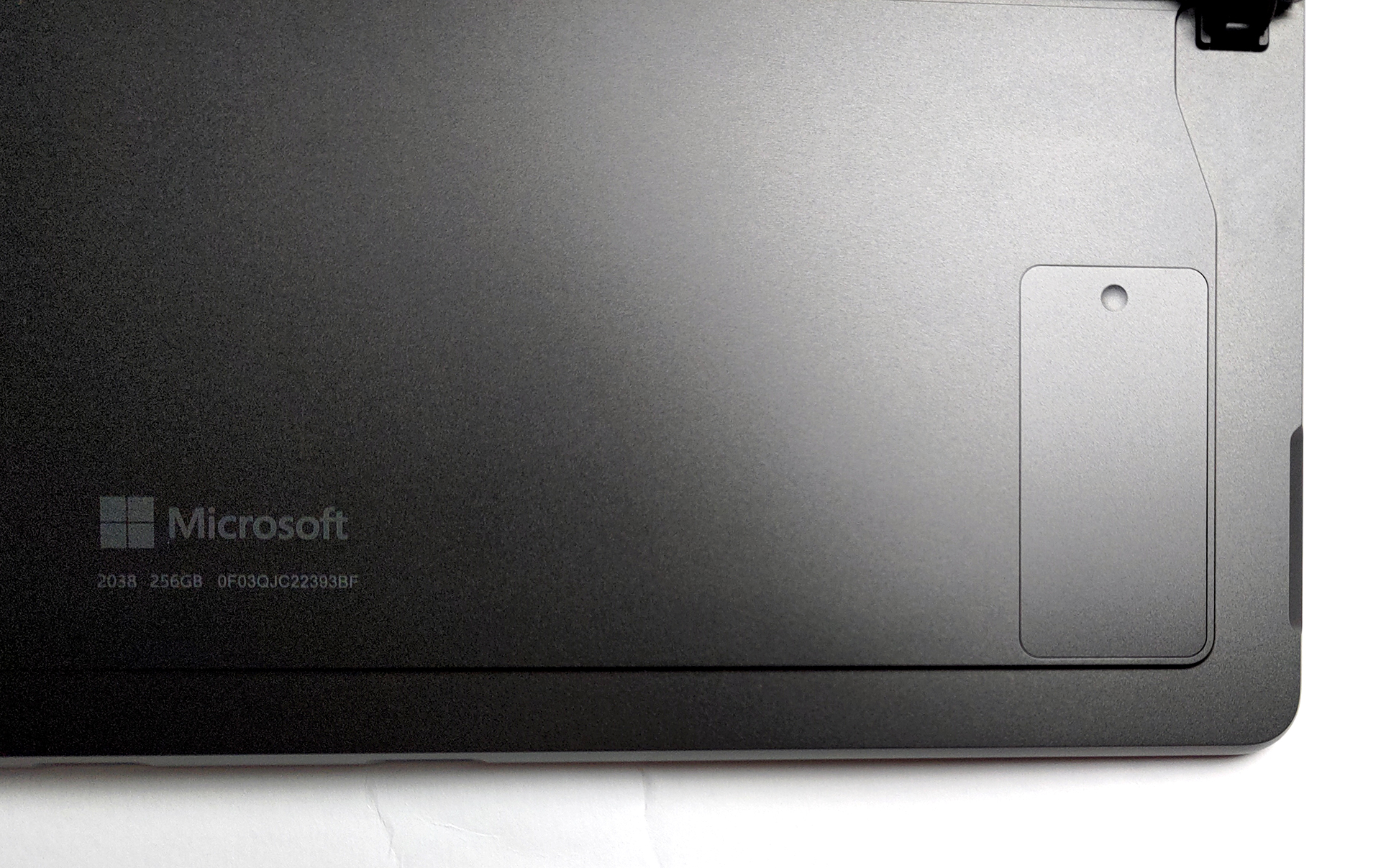
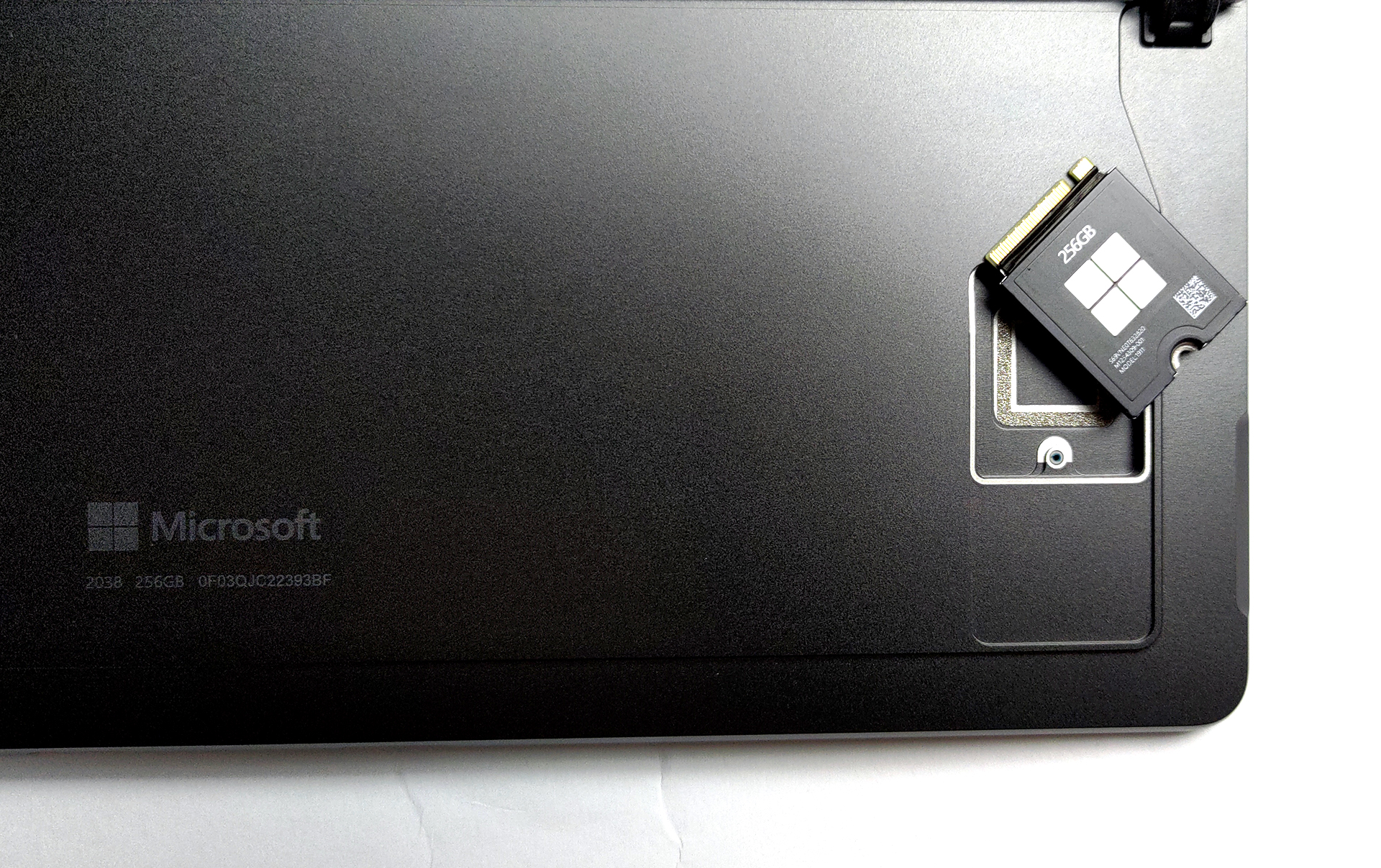
The laptop comes with soldered memory, however, that’s the case with all tablets as well. Thankfully, you’re getting up to 32GB of LPDDR5 memory in quad-channel mode. In terms of storage, there’s a trap door, with a screw, which gives you access to one M.2 slot for 30 mm SSDs.

1 reason NOT to buy the Microsoft Surface Pro 9
1. I/O
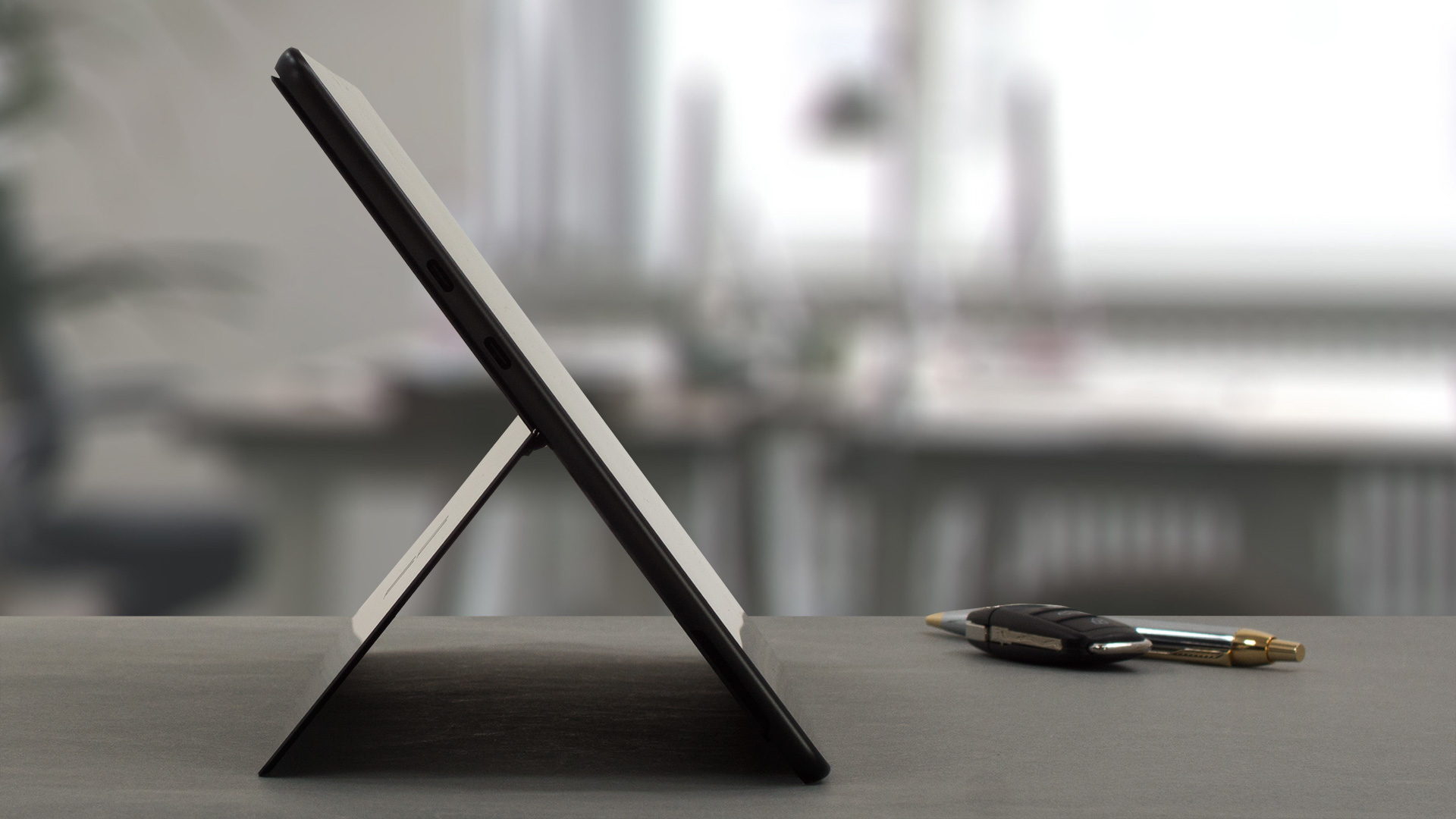
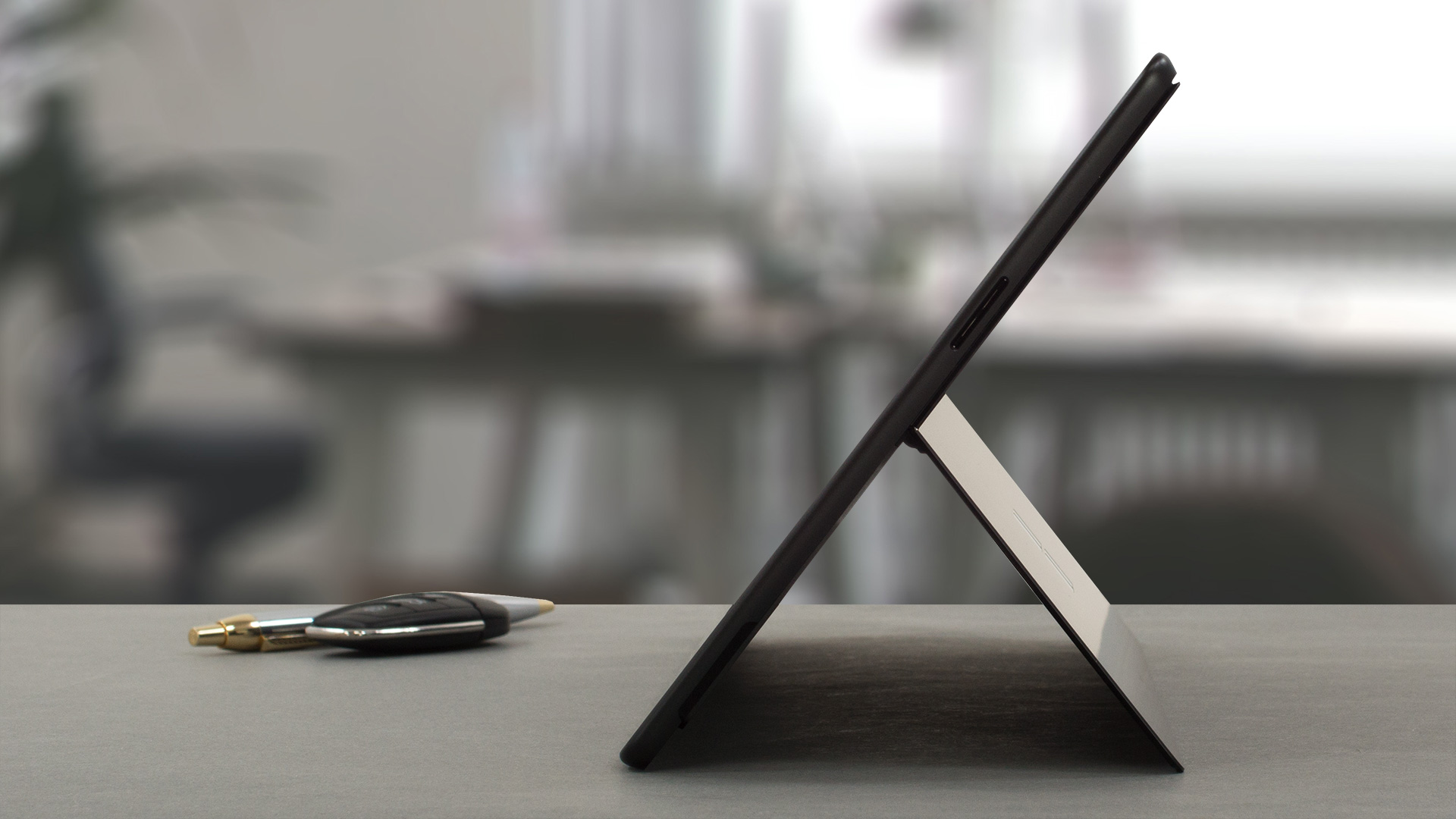
The port selection includes only two Thunderbolt 4 ports and a Surface Connect port for charging. On the bottom, there’s a connector for a Surface keyboard.

All Microsoft Surface Pro 9 configurations:

 Author: Severin Kolakov

![[September 2026] De mest sålda bärbara datormärkena på Amazon Global – Apple dominerar marknaden med en omsättningsandel på över 70 %](https://laptopmedia.com/wp-content/uploads/2026/10/GLOBAL-Best-Brands-400x225.jpg)
![[September 2026] Amazon Global: De 10 mest sålda bärbara datorerna – Apples MacBook Neo tar förstaplatsen medan prisvärda och exklusiva modeller dominerar](https://laptopmedia.com/wp-content/uploads/2026/10/Best-Selling-Laptops-GLOBAL-Top-10-400x225.jpg)
![[September 2026] Amazon Global: De 10 mest sålda spelbärbara datorerna – ASUS ROG Strix G16 dominerar marknaden med rekordhöga försäljningssiffror](https://laptopmedia.com/wp-content/uploads/2026/10/Best-Selling-Gaming-Laptops-GLOBAL-Top-10-400x225.jpg)
![[September 2026] Global ranking över de bästsäljande bärbara datorgrafikkorten på Amazon – Apples M5-chip utklassar NVIDIA i premium-bärbara datorer, men RTX 5060 är det enda dedikerade grafikkortet som tar sig in på topp 10-listan](https://laptopmedia.com/wp-content/uploads/2026/10/Best-Selling-GPUs-GLOBAL-Top-10-400x225.jpg)
![[September 2026] Global ranking över de mest sålda bärbara datorprocessorerna på Amazon – Apples M5 krossar Intel när premiummarknaden blir en ensidig tävling](https://laptopmedia.com/wp-content/uploads/2026/10/Best-Selling-CPUs-GLOBAL-Top-10-400x225.jpg)
