Lenovo IdeaPad Slim 3 (16″, 2023) recension – prisvärd och supereffektiv
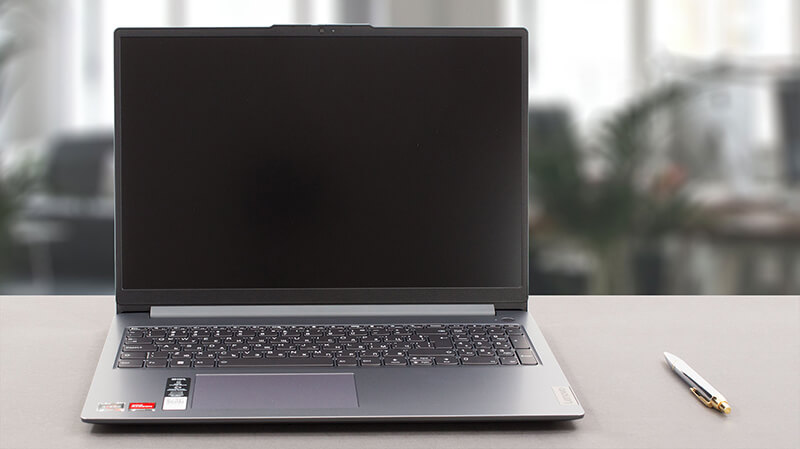 Idag har vi den smala versionen av en av de mest populära bärbara datorerna på marknaden – Lenovo IdeaPad 3. Officiellt kallas den Lenovo IdeaPad Slim 3 (16″, 2023), eller Lenovo IdeaPad Slim 3 16ABR8 (eller helt enkelt Gen 8).
Egentligen indikerar “Slim” -monikern att det är den generiska modellen – i motsats till IdeaPad Gaming och IdeaPad Flex-serien, som är ganska självförklarande. Vår konfiguration kommer med en av tre AMD Ryzen-processorer – Ryzen 3 7330U, Ryzen 5 7530U eller Ryzen 7 7730U.
De är baserade på 5x25U-chipen – till exempel är Ryzen 7 7730U i stort sett Ryzen 7 5825U i förklädnad. Detta innebär att du är “begränsad” till Gen 3 PCIe-stöd, samt DDR4-minne.
Å andra sidan förväntar vi oss att maskinen ska vara riktigt effektiv och kraftfull för dagligt arbete och multimediakonsumtion – något som den här maskinen i slutändan är avsedd för. Dessutom är vi glada att se att det enda skärmalternativet inkluderar en 16-tums 1200p IPS-panel – inget lågupplöst TN-enhetsnonsens.
Du kan kontrollera priser och konfigurationer i vårt specifikationssystem: https://laptopmedia.com/series/lenovo-ideapad-slim-3-16-2023/
Contents
- Specifikationer, drivrutiner, vad som ingår i förpackningen
- Design och konstruktion
- Bildskärmskvalitet, Hälsopåverkan (PWM), Ljud
- Köp våra profiler
- Prestanda: CPU, GPU, speltester
- [eBoksguide + Verktyg] Hur du MAXIMERAR din Bärbara Dator
- Temperaturer och komfort, Batteritid
- Demontering, uppgraderingsalternativ och underhåll
- Bedömning
Specifikationer, drivrutiner, vad som ingår i förpackningen
Lenovo IdeaPad Slim 3 (16", 2023) - Specifikationer


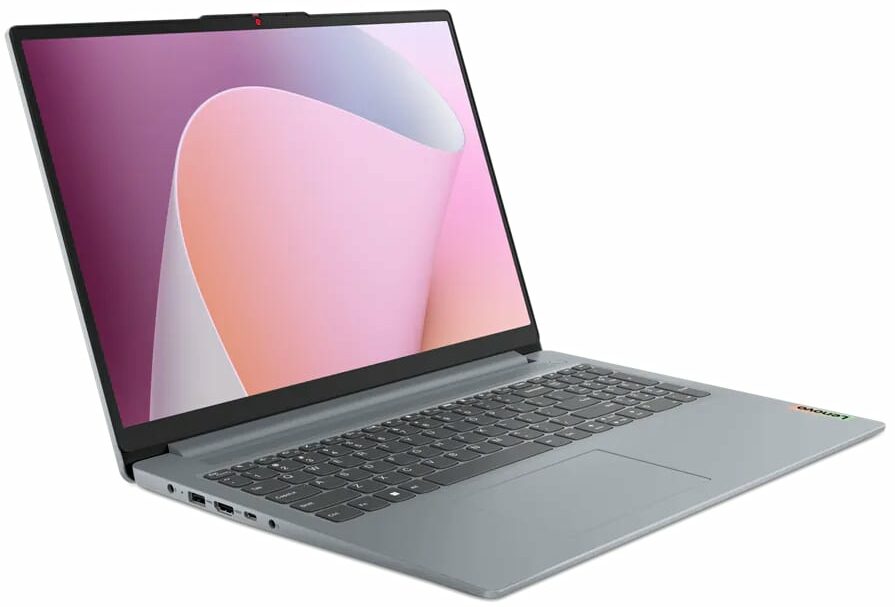



- HDD/SSD
- upp till 4000GB SSD
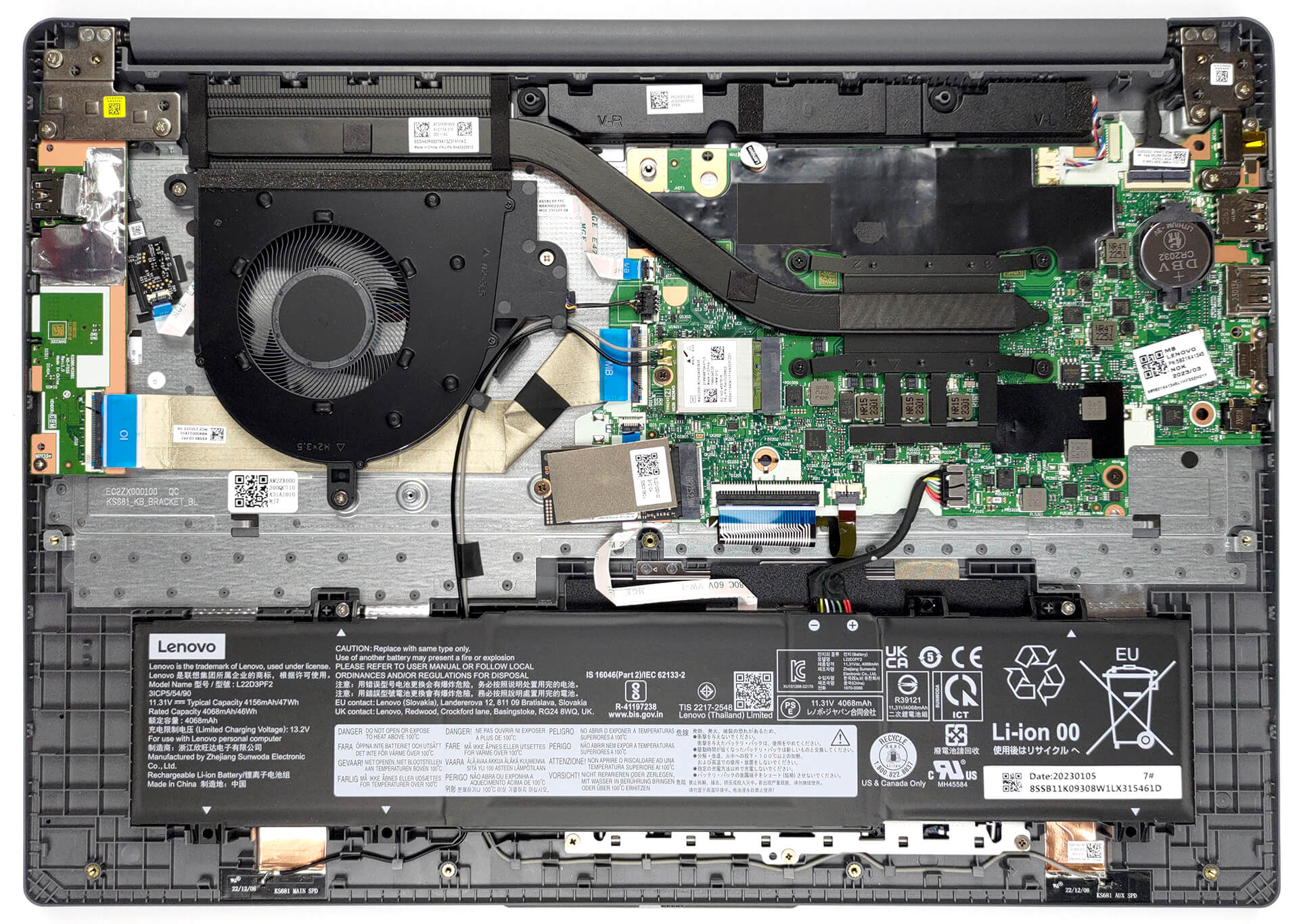
- M.2-plats
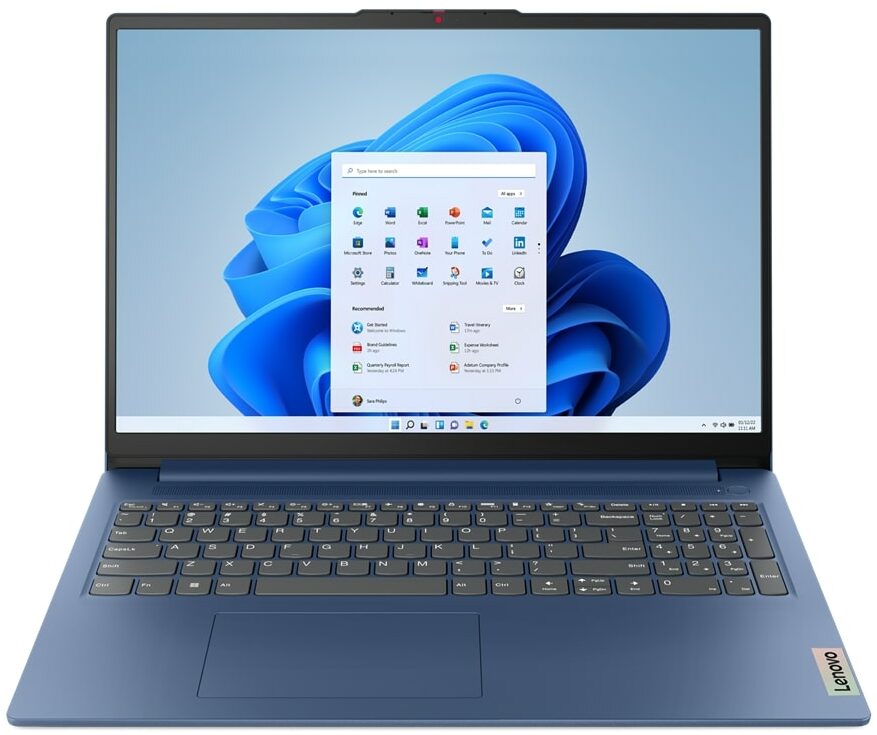
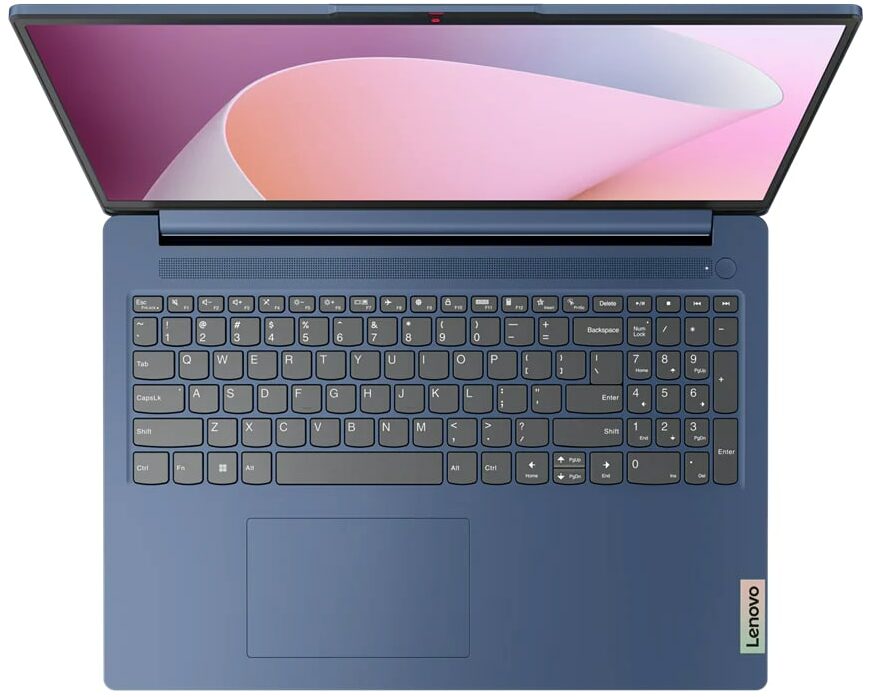
- 1x 2242 M.2 NVMe PCIe 3.0 x4 Se foto
- RAM
- up to 16GB
- OS
- Windows 11 Home, Windows 11 Pro, Linux, Windows 10 Pro, DOS, Windows 10 Home, No OS
- Batteri
- 47Wh
- Kroppsmaterial
- Plastic / Polycarbonate
- Mått
- 359.2 x 257 x 17.9 - 18.4 mm (14.14" x 10.12" x 0.70")
- Vikt
- 1.74 kg (3.8 lbs)
- Portar och anslutningar
- 2x USB Type-A
- 3.2 Gen 1 (5 Gbps)
- 1x USB Type-C
- 3.2 Gen 1 (5 Gbps), Power Delivery (PD), DisplayPort
- HDMI
- 1.4
- Kortläsare
- SD (SD, SDHC, SDXC, MMC)
- Ethernet LAN
- Wi-Fi
- 802.11ax
- Bluetooth
- 5.1
- Ljuduttag
- 3.5mm Combo Jack
- Funktioner
- Fingeravtrycksläsare
- optional
- Webbkamera
- HD / FHD with Privacy Shutter, Fixed Focus
- Bakgrundsbelyst tangentbord
- optional
- Mikrofon
- Dual-microphone array with noise-cancelling
- Högtalare
- 2x 1.5W User-facing stereo speakers, optimized by Dolby Audio
- Optisk enhet
- Säkerhetslås-port
Alla Lenovo IdeaPad Slim 3 (16″, 2023) konfigurationer
Drivrutiner
Alla drivrutiner och verktyg för den här notebooken hittar du här: https://pcsupport.lenovo.com/us/en/products/laptops-and-netbooks/ideapad-s-series-netbooks/ideapad-slim-3-16abr8/downloads/driver-list
Vad finns i förpackningen?
I lådan hittar vi den bärbara datorn, lite pappersarbete och en 65 W nätadapter som levereras med en fatliknande kontakt.

 Author: Alex Iliev
 Author: eng. Kroum NikolovHead of Engineering at LaptopMedia.com, inventor and innovator with 40+ years of experience in electronics and high technology.

![[Juli 2026] Global ranking över de mest sålda bärbara grafikkorten på Amazon – RTX 5060 dominerar premiumsegmentet, Intel är fortfarande ledande i budgetsegmentet](https://laptopmedia.com/wp-content/uploads/2026/08/Best-Selling-GPUs-GLOBAL-Top-10-400x225.jpg)
![[Juli 2026] Global ranking över de bästsäljande bärbara datorprocessorerna på Amazon – Apple dominerar premiumsegmentet, Intel behåller förstaplatsen totalt sett](https://laptopmedia.com/wp-content/uploads/2026/08/Best-Selling-CPUs-GLOBAL-Top-10-400x225.jpg)
![[July 2026] Amazon Canada: Top 10 Best-Selling Laptops – Apple MacBook Neo Dominates the Market to Claim the #1 Spot](https://laptopmedia.com/wp-content/uploads/2026/08/Best-Selling-Laptops-CA-Top-10-2-400x225.jpg)
![[July 2026] Best-Selling Laptop Brands on Amazon Japan – HP and Lenovo Dominate Units and Revenue Amid Fierce Competition](https://laptopmedia.com/wp-content/uploads/2026/08/CO.JP-Best-Brands-2-400x225.jpg)
![[July 2026] Amazon Italy: Top 10 Best-Selling Laptops – Apple MacBook Neo Claims the #1 Spot Amid Budget-Friendly Dominance](https://laptopmedia.com/wp-content/uploads/2026/08/Best-Selling-Laptops-IT-Top-10-400x225.jpg)

BUYER BEWARE. The touchpad is placed very far to the left of center and is VERY uncomfortable. I have also had too many times where the cursor scrolls over something and either opens or closes the page. I have adjusted the settings without any help. Very annoying when something you are working on closes or a website closes and you need to try to go back and figure out where you were. I have had this over 6 months and plan on looking for another brand during the after xmas sales. Too bad as this is my 3rd Lenovo laptop… Läs mer »
If your work is important, turn on the radio mouse and don’t bother with touchpads. especially in the initial series of laptops, where all the components are entry-level. I basically don’t use them, except for rare cases when I find myself somewhere with a laptop without a radio mouse.
It’s much worse that there is no RJ45 here; it’s simply impossible to get a stable and fast network without buying an external usb2lan adapter (with which there are often various problems, unlike built-in rj45). And this is especially strange for a business/office series. And in reality, bringing this port outside costs a penny – +$5. The second significant problem is the poor video ports. Lenovo claims Display Port v1.2 Alt Mode in usb-c is outdated 15 years ago and HDMI 1.4b is 13 years outdated. You will not be able to display HDR images on TV/projectors/monitors from this laptop… Läs mer »
The third, possible problem – in the review checked the screen panel from BOE, but Lenovo often imstall Innolux n160jce-ell in this series, which may have low-frequency PWM. And Lenovo does not indicate Flicker Free panels for this series in psref, as for other series. Therefore, you need to be careful with this, especially when buying a model without Windows, because if there is no OS included, you can check the flickering only by booting from a WinPE flash drive with pre-integrated video drivers for this series or from some Linux distribution that understands the SoC of this series and… Läs mer »