January 22, 2026
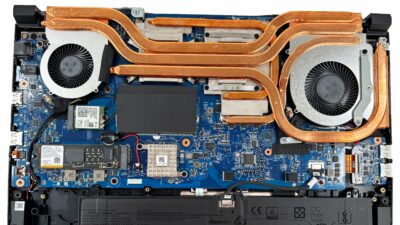
1How to open MSI Katana 15 HX B14W – disassembly and upgrade options
Before you start: Power the laptop off, unplug the charger and peripherals, and hold the power button for a few seconds to discharge residual power. Work on a clean, non-conductive surface and use ESD…
January 21, 2026
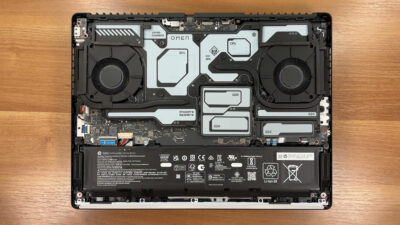
0How to open HP OMEN MAX 16 (AMD, 16-ak0000) – disassembly and upgrade options
Before you start: Power the laptop off, unplug the charger and peripherals, and hold the power button for a few seconds to discharge residual power. Work on a clean, non-conductive surface and use ESD…
January 21, 2026
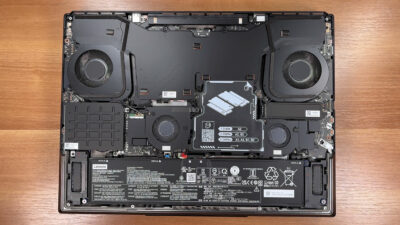
0How to open Lenovo Legion 9i (18″, Gen 10) – disassembly and upgrade options
Before you start: Power the laptop off, unplug the charger and peripherals, and hold the power button for a few seconds to discharge residual power. Work on a clean, non-conductive surface and use ESD…
December 16, 2025
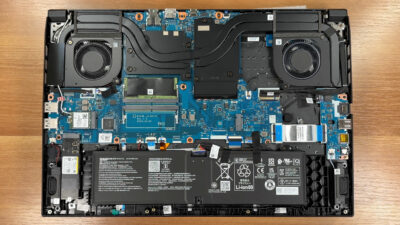
0How to open Acer Nitro V 17 AI (ANV17-41) – disassembly and upgrade options
Before you start: Shut the laptop down, unplug the charger and all peripherals, and hold the power button for a few seconds to discharge residual power. Work on a clean, non-conductive surface and, if…
December 15, 2025
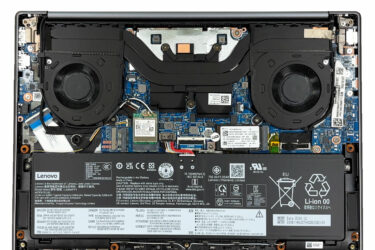
0How to open Lenovo IdeaPad Pro 5 14″ Gen 10 (14AKP10) – disassembly and upgrade options
Before you start: Shut the laptop down, unplug the charger and peripherals, and hold the power button for a few seconds to discharge residual power. Work on a clean, non-conductive surface and, if possible,…
December 15, 2025
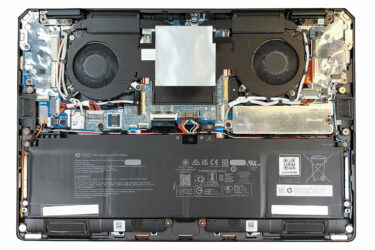
0How to open HP OmniBook Ultra Flip 2-in-1 Laptop (14t-fh000) – disassembly and upgrade options
Before you start: Shut the laptop down, unplug the charger and peripherals, and hold the power button for a few seconds to discharge residual power. Work on a clean, non-conductive surface and, if possible,…
December 14, 2025
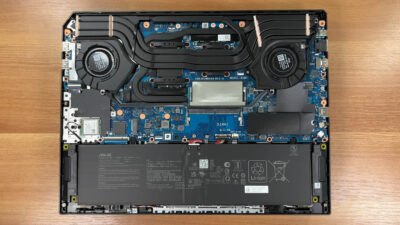
1How to open ASUS TUF Gaming A16 (FA608, 2025) – disassembly and upgrade options
Before you start: Shut the laptop down completely, disconnect the charger and all peripherals, and hold the power button for a few seconds to discharge residual power. Work on a clean, non-conductive surface and,…
December 14, 2025
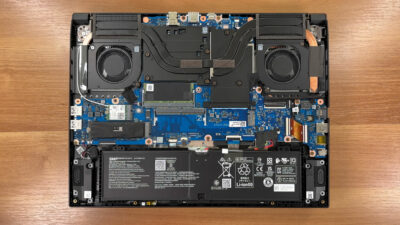
0How to open Acer Nitro V 16 (ANV16-72) – disassembly and upgrade options
Before you start: Power the laptop off completely, disconnect the charger and all peripherals, and hold the power button for a few seconds to discharge residual power. Work on a clean, non-conductive surface and,…
December 13, 2025
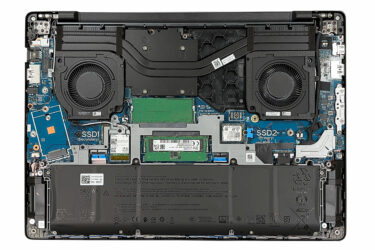
1How to open Dell Pro Max 16 (MC16250) – disassembly and upgrade options
Before you start: Shut the laptop down completely, disconnect the charger and all peripherals, and hold the power button for a few seconds to discharge residual power. Work on a clean, non-conductive surface and,…
December 13, 2025
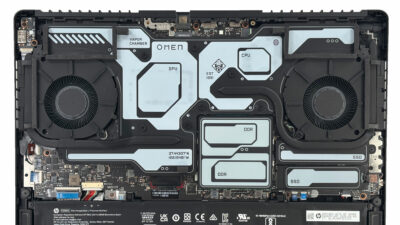
0How to open HP OMEN MAX 16 (Intel, 16-ah0000) – disassembly and upgrade options
Before you start: Shut the laptop down, disconnect the charger and all peripherals, and hold the power button for a few seconds to discharge residual power. Work on a clean, non-conductive surface and, if…
December 12, 2025
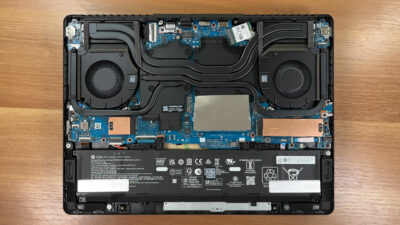
0How to open HP OMEN 16 (16-ap0000) – disassembly and upgrade options
Before you start: Shut the laptop down completely, disconnect the charger and all peripherals, and hold the power button for a few seconds to discharge residual power. Work on a clean, non-conductive surface and,…
December 12, 2025
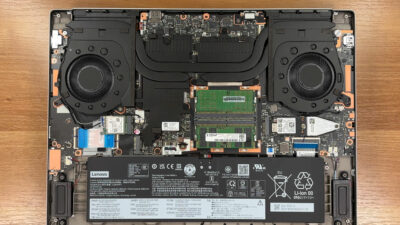
0How to open Lenovo Legion 7i (16”, Gen 10 / 16IAX10) – disassembly and upgrade options
Before you start: Shut the laptop down completely, unplug the charger and all peripherals, and hold the power button for a few seconds to discharge residual power. Work on a clean, non-conductive surface and,…
December 11, 2025
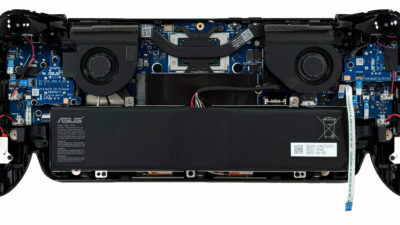
0How to open ASUS ROG Xbox Ally X (2025) – disassembly and upgrade options
Before you start: Power the device off completely, disconnect the charger and any accessories, and hold the power button for a few seconds to discharge residual power. Work on a clean, soft surface to…
December 11, 2025
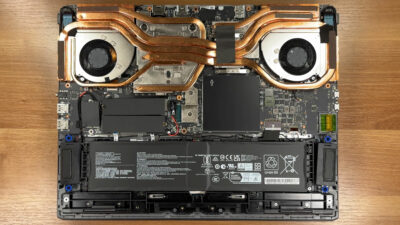
0How to open MSI Vector 17 HX AI A2XW – disassembly and upgrade options
Before you start: Shut the laptop down, unplug the charger and all peripherals, and press and hold the power button for a few seconds to discharge any residual power. How to open the bottom panel…
December 10, 2025
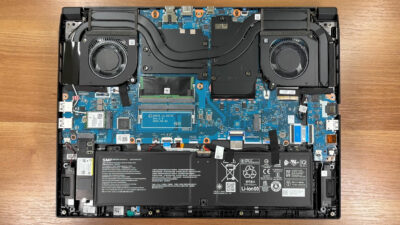
0How to open Acer Nitro V 16 AI (ANV16-42) – disassembly and upgrade options
How to open the bottom panel Shut down the laptop completely and unplug the charger and all peripherals. Place the notebook upside down on a soft, clean surface to avoid scratches. Undo the ten bottom…
December 10, 2025
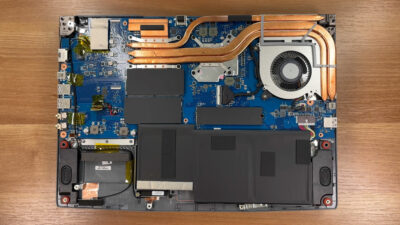
0How to open MSI Thin A15 B7V – disassembly and upgrade options
How to open the bottom panel Shut down the laptop completely and unplug the charger and all peripherals. Place the notebook upside down on a soft, clean surface to avoid scratching the lid. Undo the…
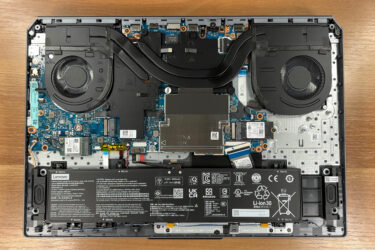
December 09, 2025
0How to open Lenovo LOQ 17IRX10 (17″, Gen 10) – disassembly and upgrade options
How to open the bottom panel Power off the laptop and unplug the charger. Press and hold the power button for a few seconds to discharge any residual electricity. Turn the device upside down on…
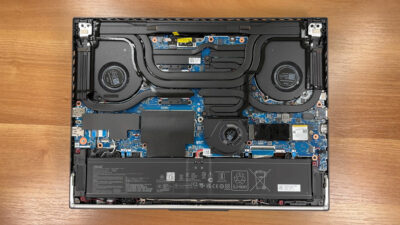
December 09, 2025
0How to open ASUS ROG Strix G16 G614 (2025) – disassembly and upgrade options
How to open the bottom panel Shut down the laptop completely and unplug the charger and all peripherals. Place the device upside down on a soft, clean surface to avoid scratching the lid. Undo the…
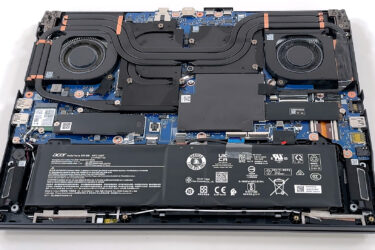
October 04, 2025
0How to open Acer Predator Helios Neo 16 AI (PHN16-73) – disassembly and upgrade options
Opening the device Hint: Use a Torx T6 screwdriver and a plastic pry tool to avoid scratching the chassis. Remove the ten Torx T6 screws from the bottom panel. Release the clips around the perimeter…
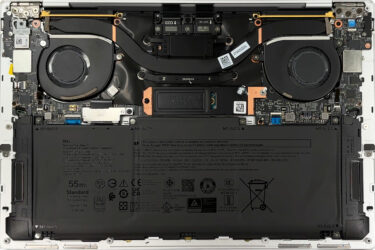
October 03, 2025
0How to open Dell XPS 13 9350 (Core Ultra) – disassembly and upgrade options
Opening the Dell XPS 13 9350 (Core Ultra) Hint: Use a Torx T5 screwdriver for the bottom screws and a plastic tool to prevent scratches. Remove the six Torx T5 screws from the bottom cover.…



![[September 2026] Best-Selling Laptop Brands on Amazon Global – Apple Dominates the Market with Over 70% Revenue Share](https://laptopmedia.com/wp-content/uploads/2026/10/GLOBAL-Best-Brands-400x225.jpg)
![[September 2026] Amazon Global: Top 10 Best-Selling Laptops – Apple’s MacBook Neo Claims the #1 Spot as Budget and Premium Devices Dominate](https://laptopmedia.com/wp-content/uploads/2026/10/Best-Selling-Laptops-GLOBAL-Top-10-400x225.jpg)
![[September 2026] Amazon Global: Top 10 Best-Selling Gaming Laptops – ASUS ROG Strix G16 Dominates the Market with Record-Breaking Unit Sales](https://laptopmedia.com/wp-content/uploads/2026/10/Best-Selling-Gaming-Laptops-GLOBAL-Top-10-400x225.jpg)
![[September 2026] Global Ranking of Best-Selling Laptop GPUs on Amazon – Apple’s M5 Chip Obliterates NVIDIA in Premium Laptops, But the RTX 5060 Is the Only Dedicated GPU to Crack the Top 10](https://laptopmedia.com/wp-content/uploads/2026/10/Best-Selling-GPUs-GLOBAL-Top-10-400x225.jpg)
