How to open Lenovo ThinkPad T14 Gen 4 (AMD) – disassembly and upgrade options
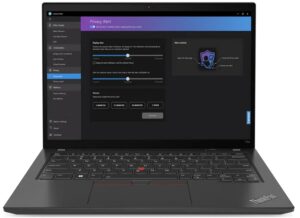
Opening the Lenovo ThinkPad T14 Gen 4 (AMD)
Hint: Power off the device and unplug all peripherals before opening.
- Undo the seven captive Phillips-head screws securing the bottom panel.
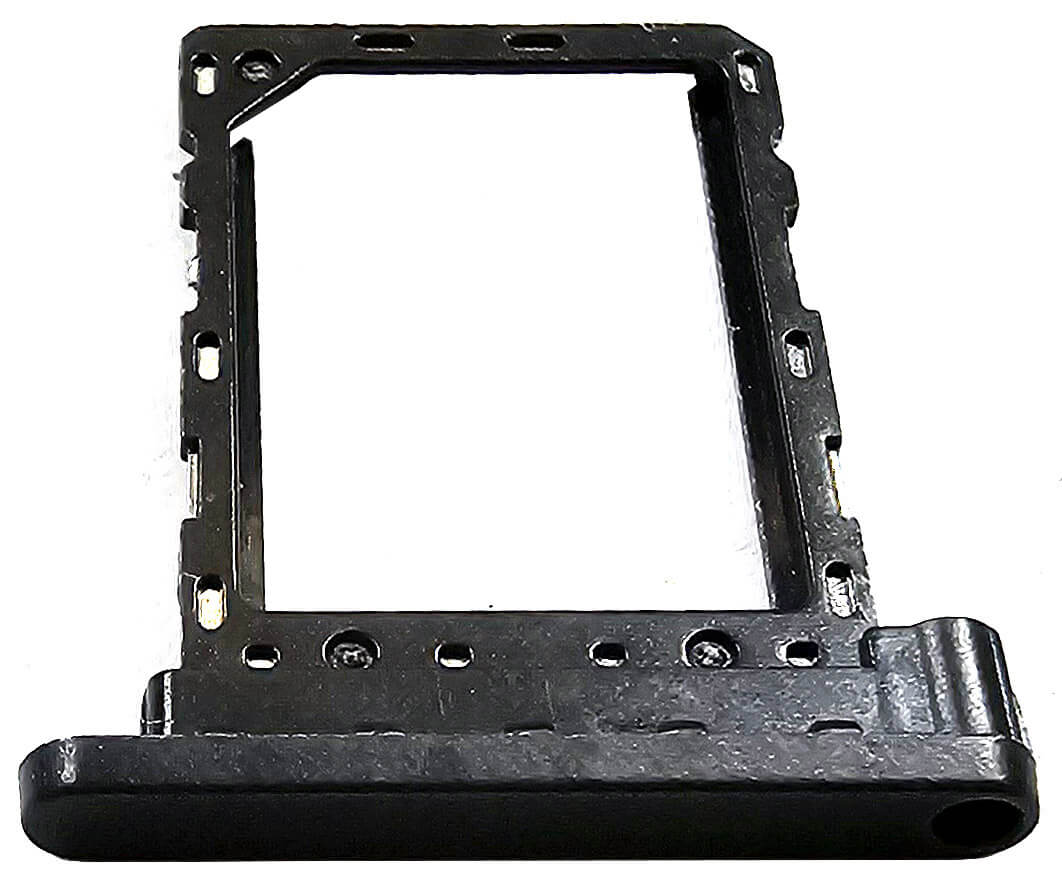
- Optionally eject the SIM card tray (not mandatory).
- Use a lever tool to start prying the zones behind the hinges.
- Then, pop the back and sides using a thin plastic tool.
- Lift the rear of the plate and remove it from the chassis.
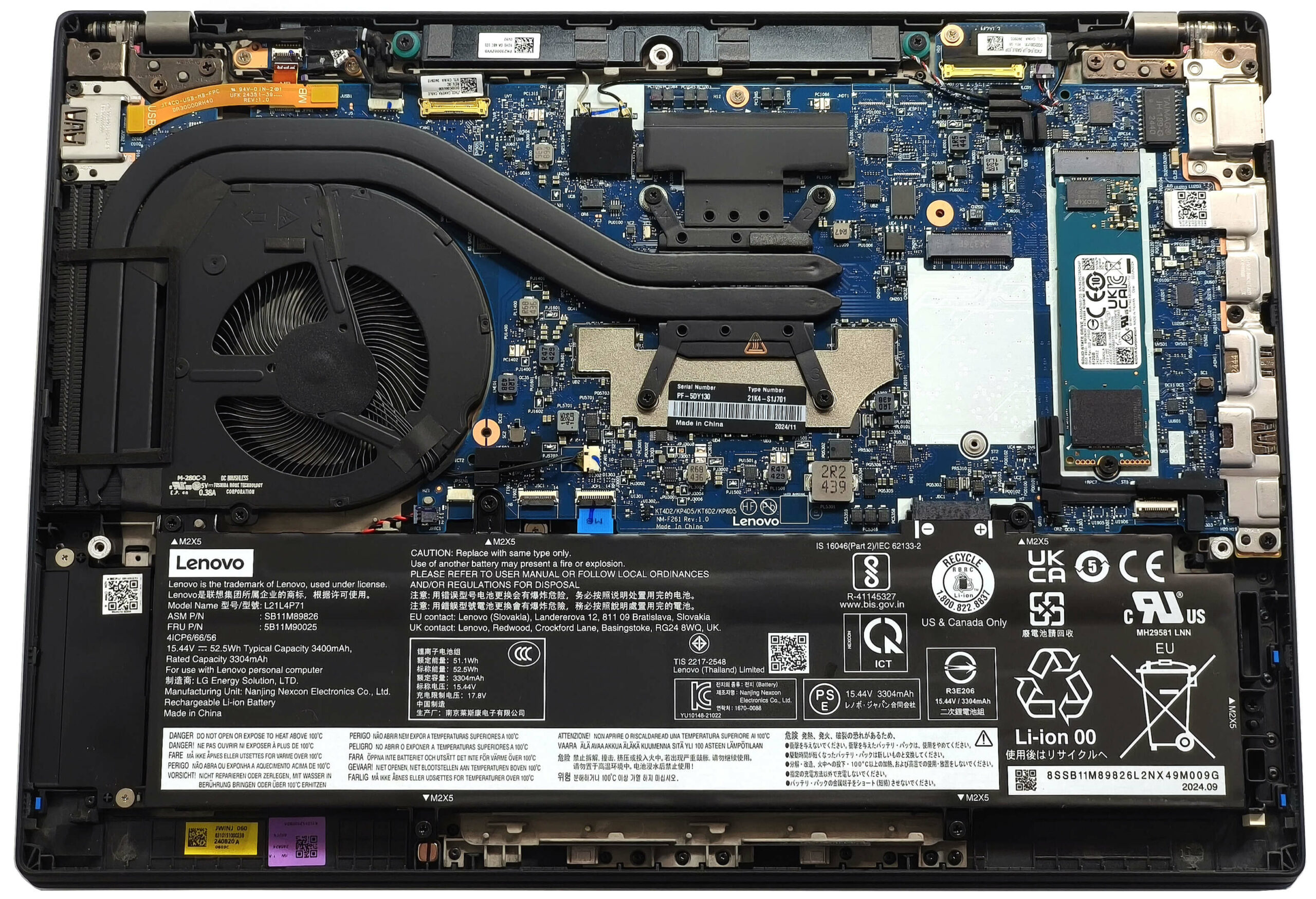
More info: The inside of the bottom panel includes a dust filter in front of the main ventilation grill and cloth mesh over the secondary one for dust reduction.
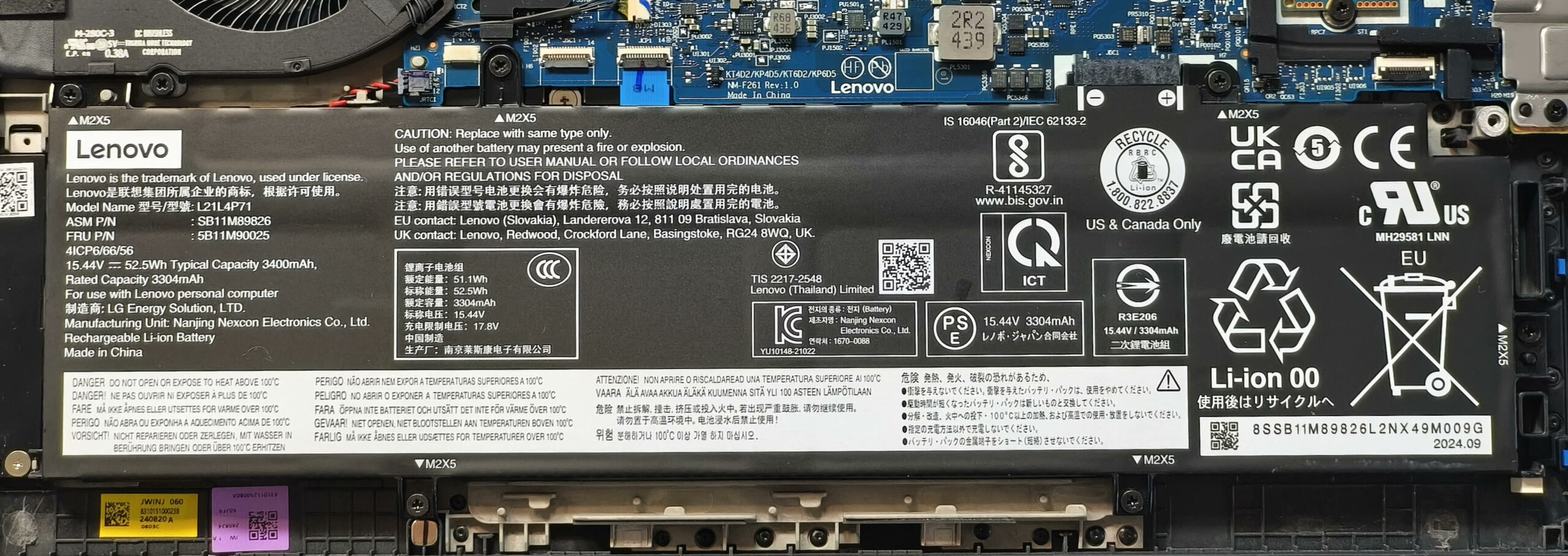
Battery Removal
Caution: Wear gloves to avoid static discharge or short electrical zaps.
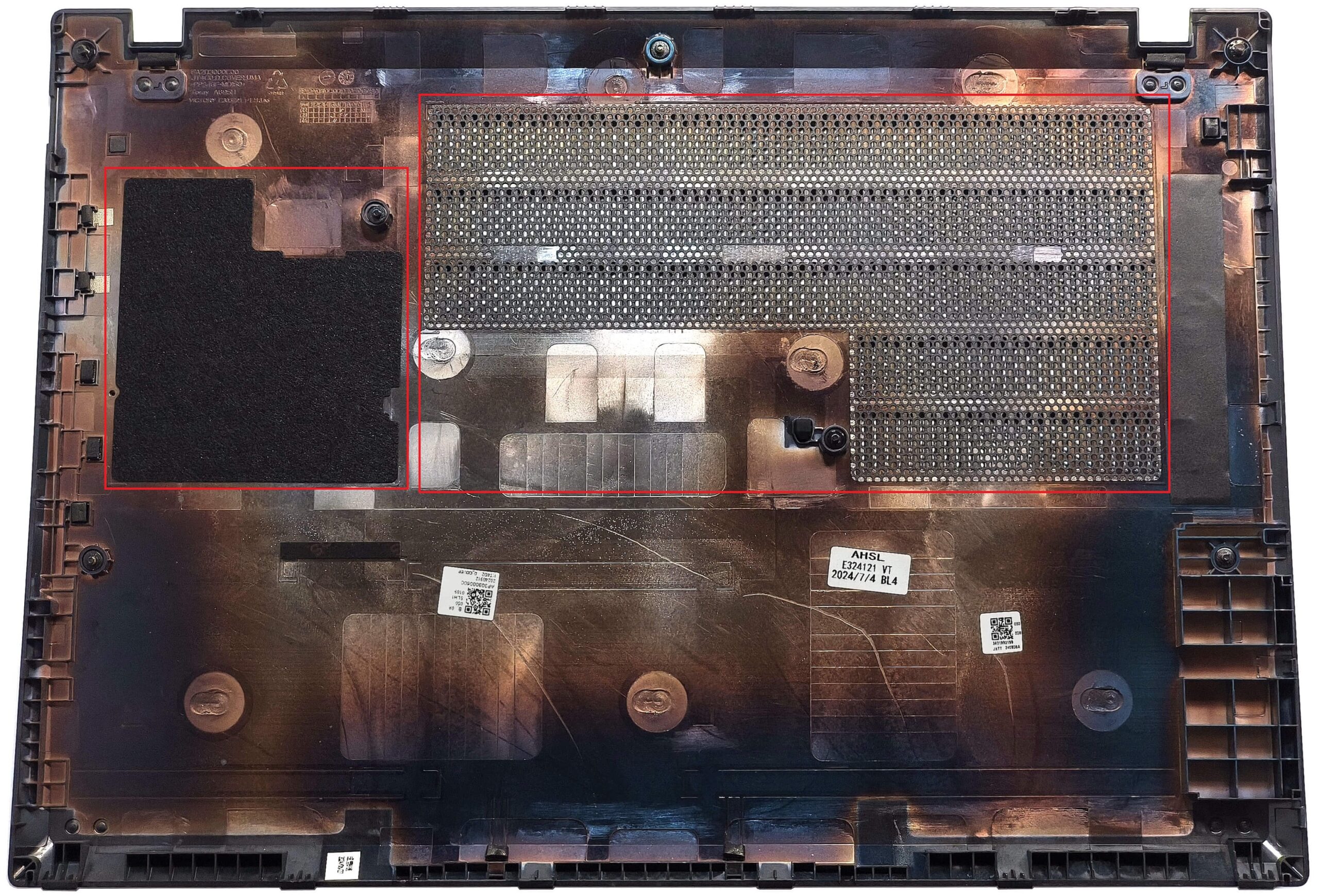
- Undo the six Phillips-head screws securing the 52.5Wh battery.
- Since the connector is built into the battery, carefully lift the unit out of the chassis.
More info: The optional 52.5Wh battery provides up to 12 hours of video playback. The base configuration uses a 39.3Wh battery.
You can find compatible batteries here: Buy from Amazon.com (#CommissionsEarned)
Memory Configuration
Note: The RAM is soldered and not user-upgradeable.
More info: The memory chips are located underneath the heat spreader and covered by a heat shield. The system supports up to 32GB LPDDR5x-6400MHz RAM in dual-channel mode—plenty for business and productivity tasks.
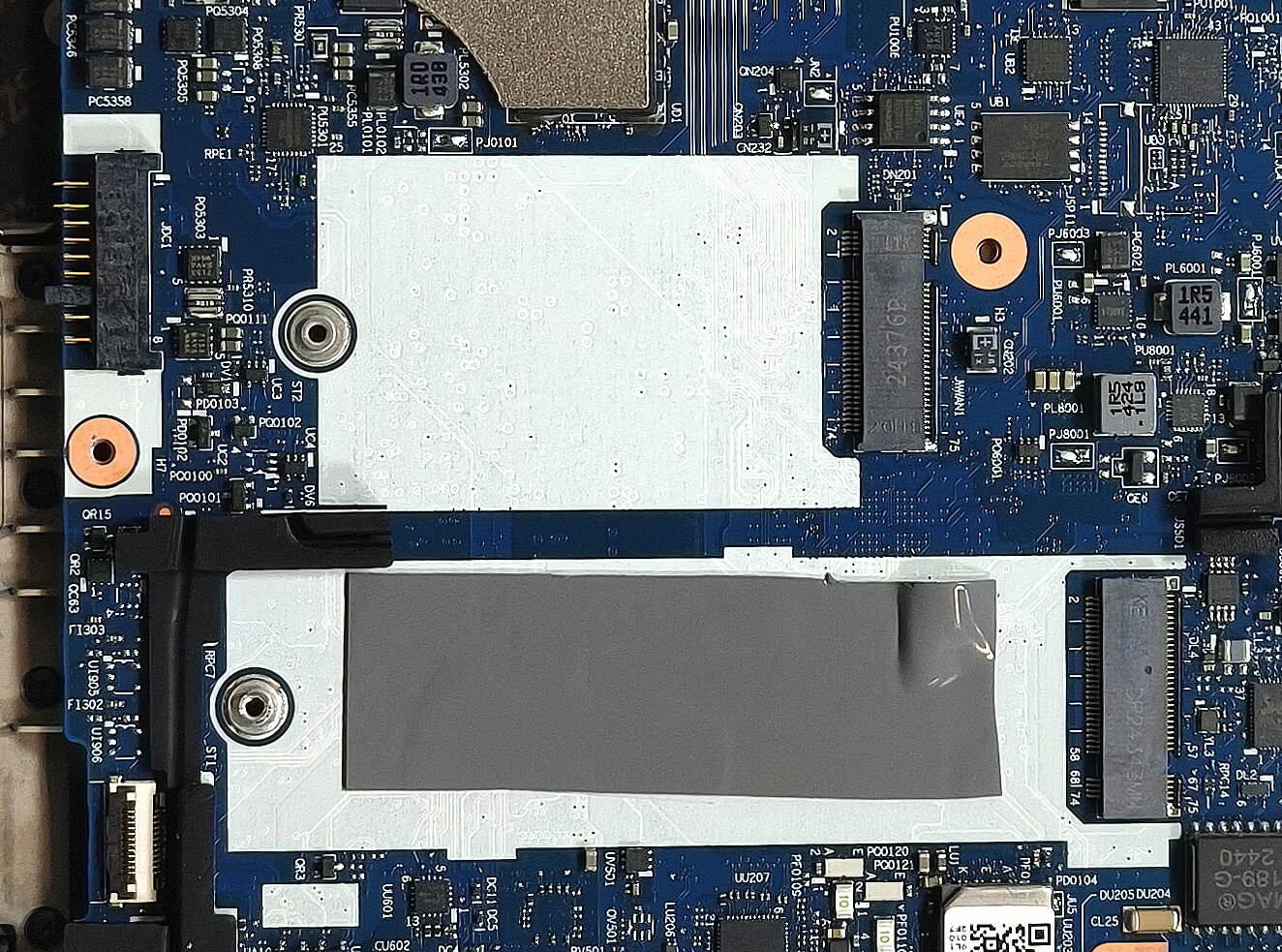
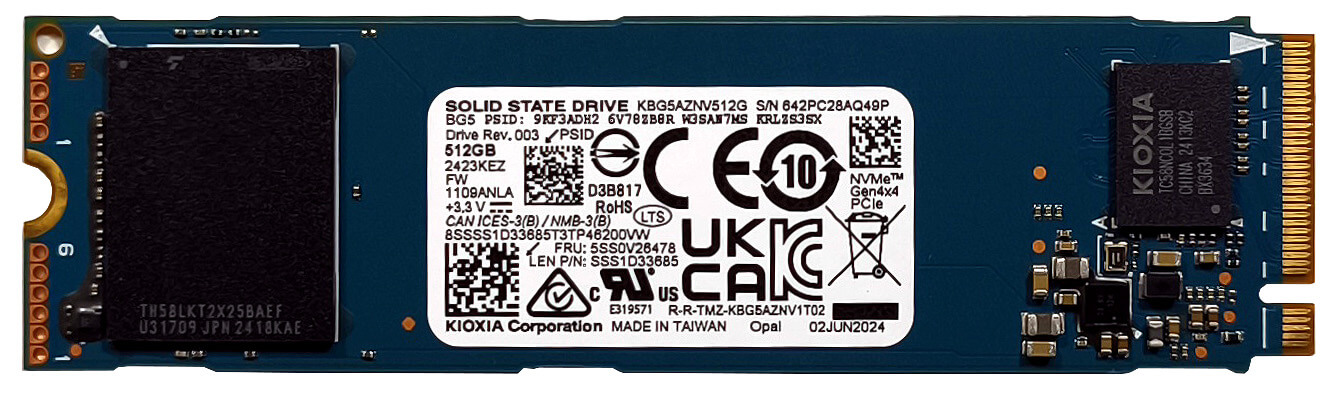
Storage Upgrade
Hint: Handle the SSD and connector gently to avoid damaging the slot or thermal pad.
- Locate the M.2 slot, which supports 2280 Gen 4 NVMe SSDs.
- A long thermal pad is preinstalled beneath the SSD for passive cooling.
More info: Only one M.2 slot is available, so choose a high-capacity Gen 4 drive if you need extended storage.
You can find compatible SSDs here: Buy from Amazon.com (#CommissionsEarned)
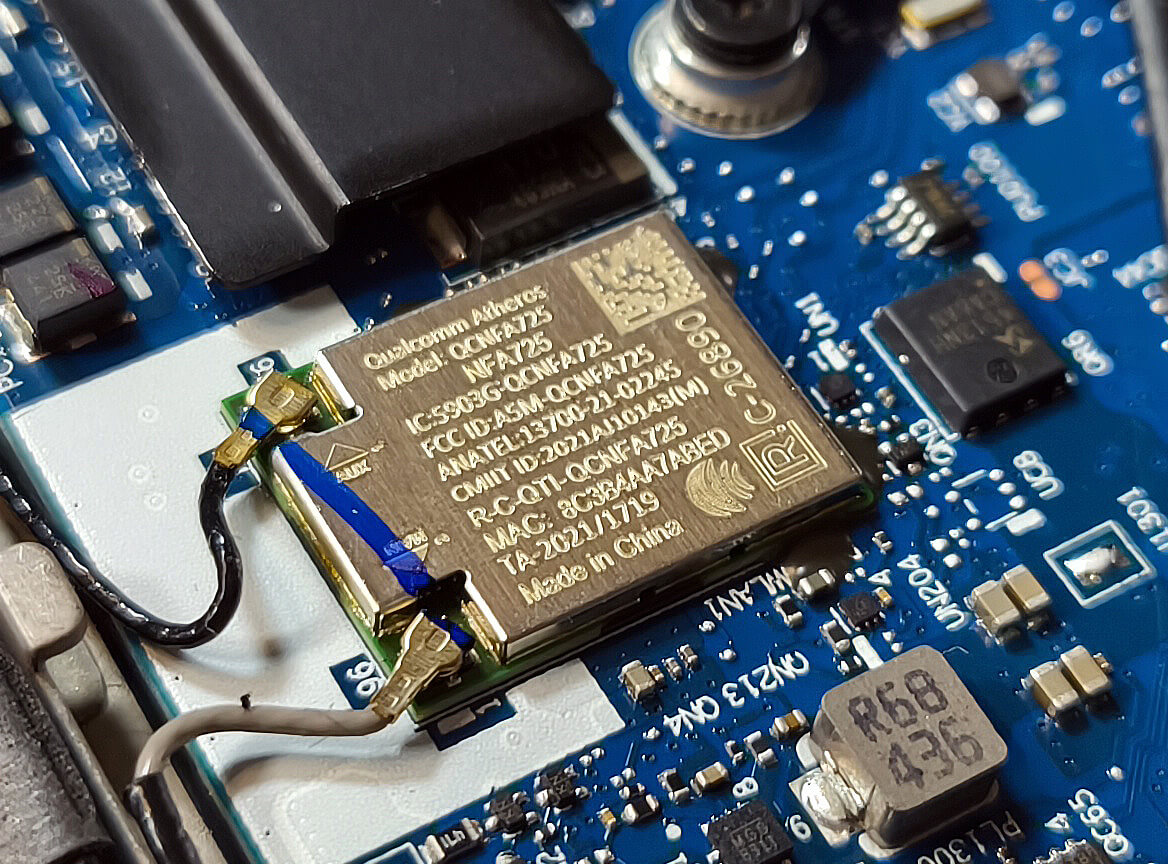
Connectivity Options
More info:
- The WWAN slot on the right supports optional 4G LTE modules.
- The Wi-Fi 6E card is placed in the upper section of the motherboard and is user-replaceable.
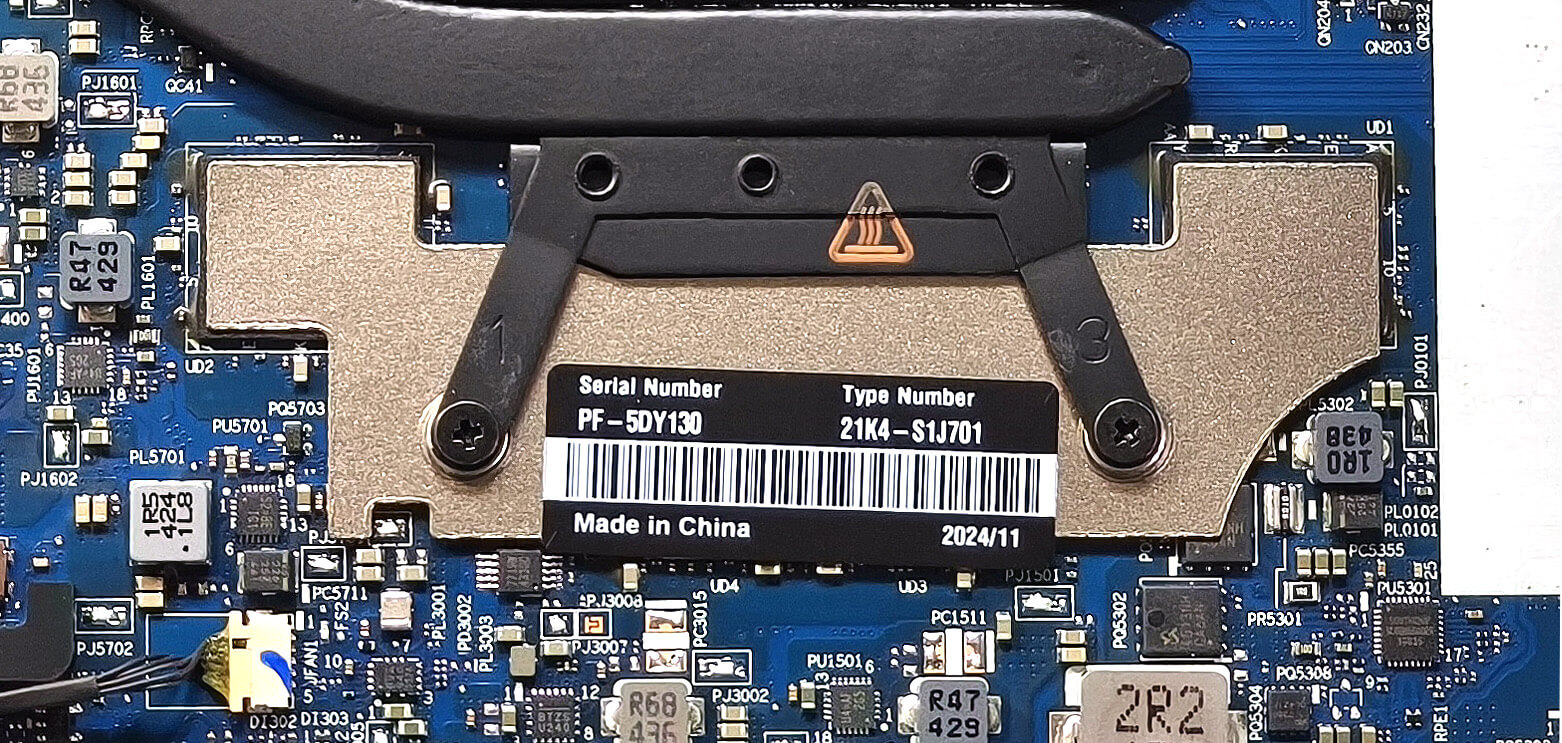
Cooling System Overview
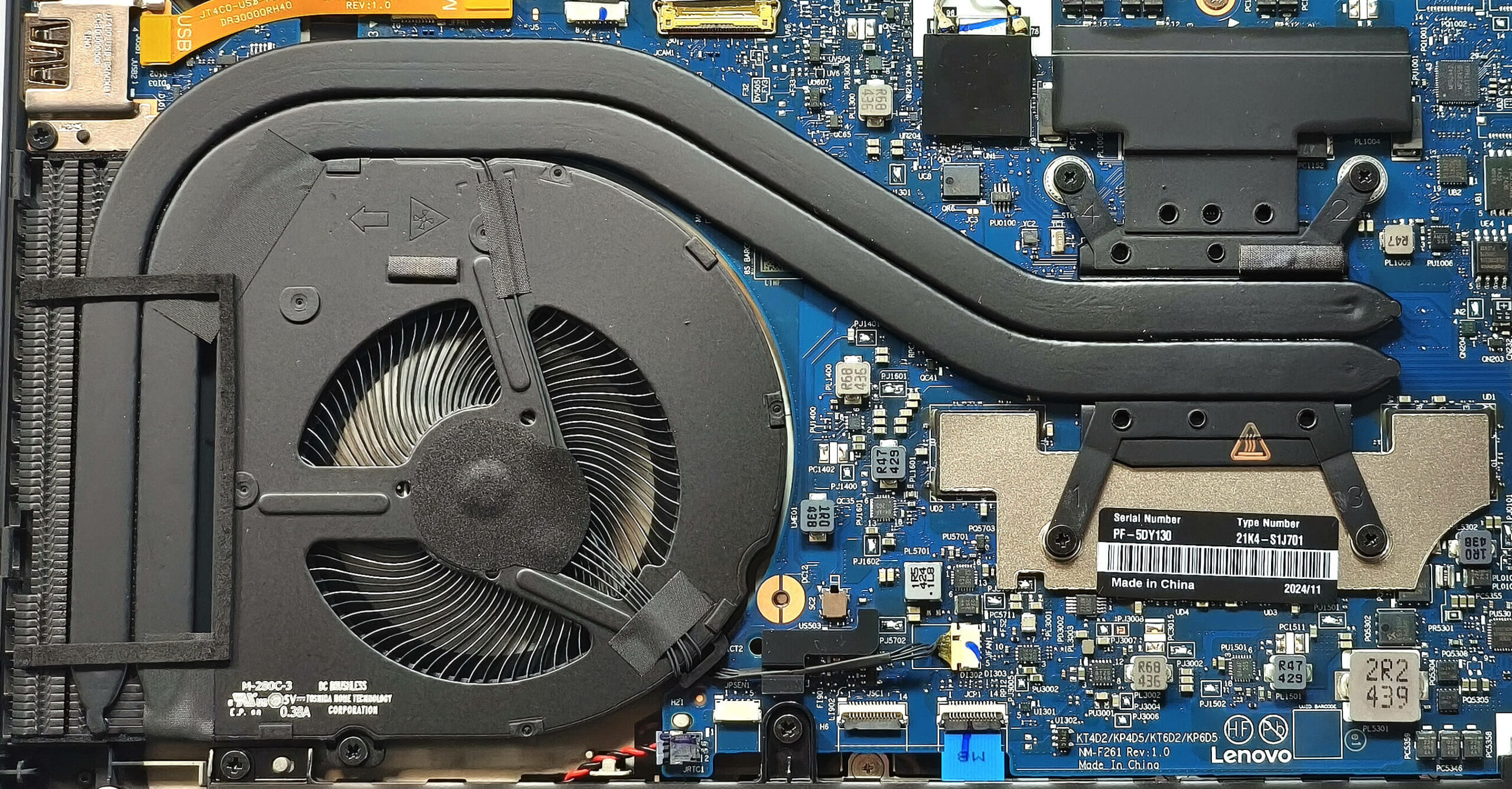
More info: The ThinkPad T14 Gen 4 features a balanced and quiet cooling solution.
- A single large fan ensures efficient airflow.
- Two heat pipes dissipate heat across the chassis.
- A side-mounted heat sink and a central heat spreader help maintain performance under load.
Tip: Regular dust cleaning around the fan and heat sink area will ensure continued thermal efficiency.
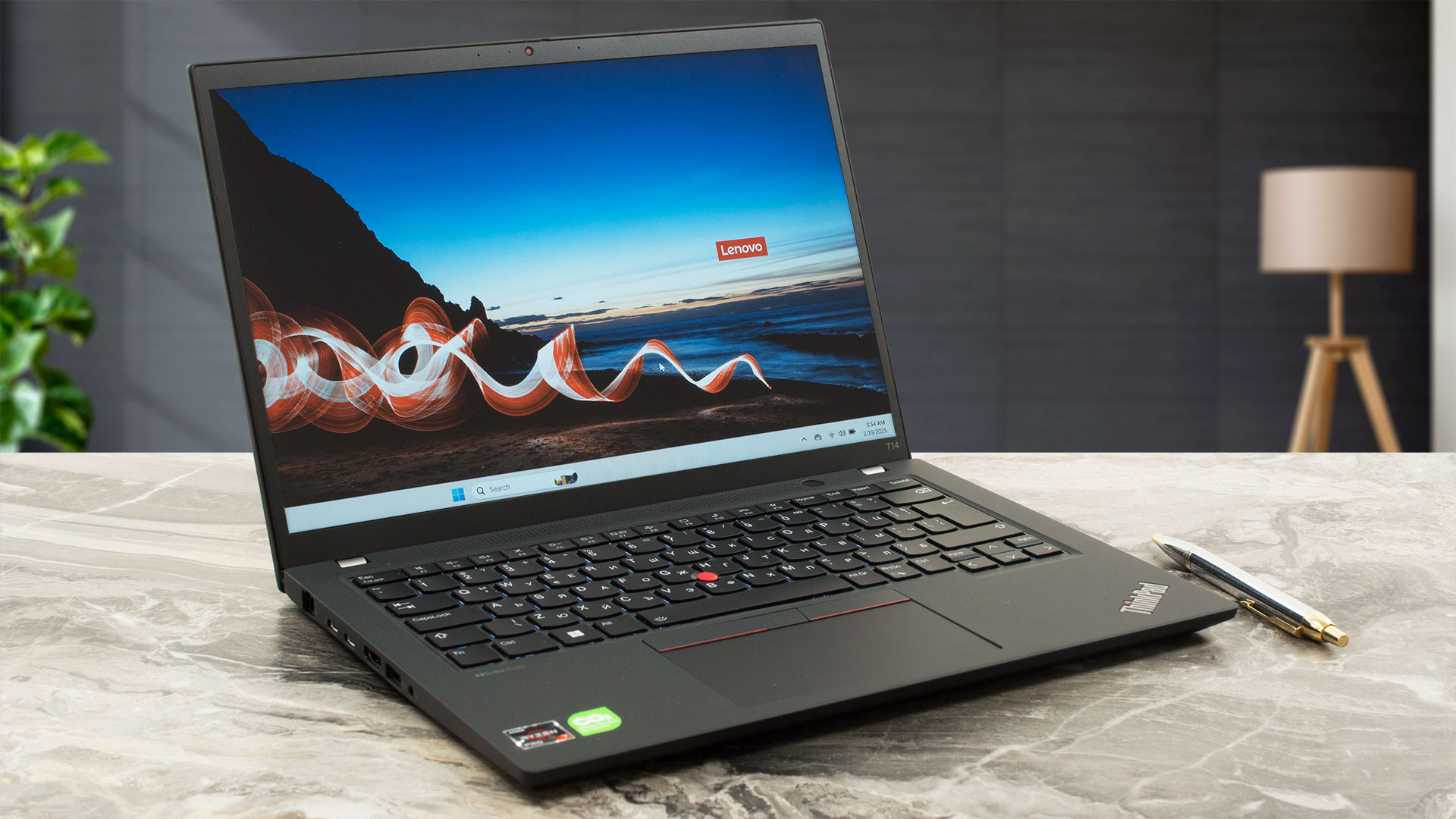
Lenovo ThinkPad T14 Gen 4 (AMD) in-depth review
We were very impressed while testing the Intel-based ThinkPad T14 Gen 4. It's time to see how good its AMD sibling is. Under the hood, you'll find a decent thermal solution that cools a Zen 4 processor with integrated graphics. Speaking of which, you can dedicate up to 8GB of RAM to the iGPU thanks to an option hidden in the BIOS. The port selection remains great, and you also get a LAN, which is a rare find for a 14-incher. The upgradability is nothing to write home about. You can change the SSD and the WWAN card. The RAM and the Wi-FI 6E card are soldered.Six display options are availabl[...]
Pros
- Good overall performance despite the not-so-high CPU clocks
- The fan is almost quiet during long 100% CPU stress in "Best Performance" mode
- PWM-free (LEN403D)
- Comfortable viewing angles + 16:10 aspect ratio (LEN403D)
- 317 nits of max brightness (LEN403D)
- Web camera with a privacy shutter
- Modern port selection with 2x Type-Cs and a Gigabit LAN
- Comfortable keyboard and touchpad
- Up to 32GB of LPDDR5x RAM
- IR Web camera, fingerprint reader, 4G LTE, Smart card reader, NFC (all are optional)
- The bottom plate can be easily popped
- Well-cooled SSD (KIOXIA KBG5AZNV512G)
- High-resolution IPS and OLED display options
- Long battery life with the optional 52.5Wh battery (~ 12 hours of videos)
- Low CPU temperatures even in long loads
- Light (1.35 - 1.42 kg)
- Good audio quality
- You can dedicate up to 8GB of RAM to the iGPU
Cons
- Tons of optional features
- Only one M.2 slot + soldered RAM
- Low sRGB coverage (LEN403D)
- The CPU can't reach its official base clock even in short loads
- Mediocre SSD speeds (KIOXIA KBG5AZNV512G)
 Author: Dimitar Stalev

![[July 2026] Global Ranking of Best-Selling Laptop GPUs on Amazon – RTX 5060 Dominate Premium, Intel Still Rules Budget](https://laptopmedia.com/wp-content/uploads/2026/08/Best-Selling-GPUs-GLOBAL-Top-10-400x225.jpg)
![[July 2026] Global Ranking of Best-Selling Laptop CPUs on Amazon – Apple Dominates Premium, Intel Holds Overall Crown](https://laptopmedia.com/wp-content/uploads/2026/08/Best-Selling-CPUs-GLOBAL-Top-10-400x225.jpg)
![[July 2026] Amazon Canada: Top 10 Best-Selling Laptops – Apple MacBook Neo Dominates the Market to Claim the #1 Spot](https://laptopmedia.com/wp-content/uploads/2026/08/Best-Selling-Laptops-CA-Top-10-2-400x225.jpg)
![[July 2026] Best-Selling Laptop Brands on Amazon Japan – HP and Lenovo Dominate Units and Revenue Amid Fierce Competition](https://laptopmedia.com/wp-content/uploads/2026/08/CO.JP-Best-Brands-2-400x225.jpg)
![[July 2026] Amazon Italy: Top 10 Best-Selling Laptops – Apple MacBook Neo Claims the #1 Spot Amid Budget-Friendly Dominance](https://laptopmedia.com/wp-content/uploads/2026/08/Best-Selling-Laptops-IT-Top-10-400x225.jpg)
