ASUS Zenbook S 13 OLED (UM5302) – Top 5 Pros and Cons
 ZenBooks are some of the best ultrabooks that you can find on the market, offering great security features and fantastic displays. Today we have the S 13 OLED and we’re taking a look at its AMD variant, which is powered by the Ryzen 6000U-series, some very good CPUs with amazing integrated graphics. It’s a premium product so pricing is high, however, everything is so well integrated, from comfort to performance. The competition in the market is fierce, with the Lenovo Yoga 7 Carbon and Dell XPS 13 9320 Plus being pretty hard to beat, so ASUS needs their A-game.
Today we’re presenting you with LaptopMedia’s top 5 picks about the ASUS Zenbook S 13 OLED (UM5302).
ASUS Zenbook S 13 OLED (UM5302): Full Specs / In-depth Review
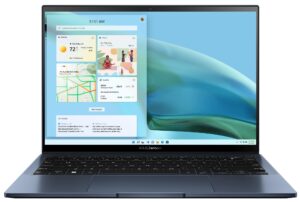
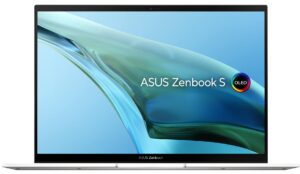
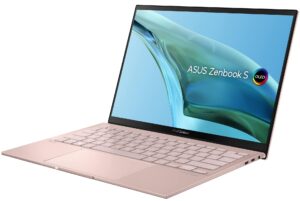
3 reasons to BUY the ASUS Zenbook S 13 OLED (UM5302)
1. Design and build quality
To reach a weight of only one kilogram, ASUS resorted to using a magnesium-aluminum alloy, which is very light, while having good durability as well. This makes the laptop very sturdy, with next to no flex from both the lid and the base. The Zenbook has passed all of the MIL-STD-810H durability tests, which means that the device can survive drops and can even work in more extreme scenarios like humidity, high altitude, and temperatures.
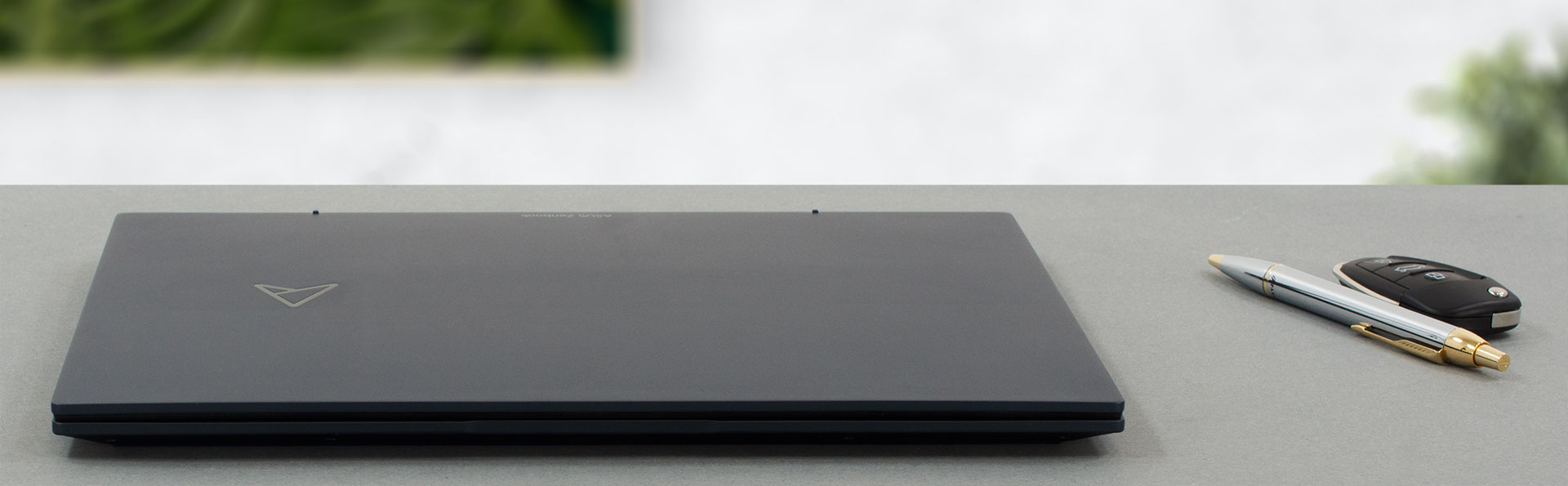
It’s also incredibly thin, at just 14.9 mm. The lid can be opened with one hand, but don’t be surprised if the base lifts off slightly when doing so, due to the very lightweight. Opening the lid shows off the OLED panel, with its thin bezels. On the base, there’s a very large NumberPad, a patented ASUS technology that allows even tiny laptops to have the full functionality of a NumPad. It can be toggled with the touch of a button.

2. Display quality
The 2.8K OLED panel can come with a touchscreen, in which case you do also get a Gorilla Glass display cover. The panel is fantastic, offering excellent viewing angles and a peak brightness of 366 nits, which should be fine even in outdoor use, however, the glass cover will result in some reflections. OLED panels have an infinite contact ratio, resulting in very deep blacks. The display shows amazing color reproduction, with 100% sRGB and 100% DCI-P3 coverage.
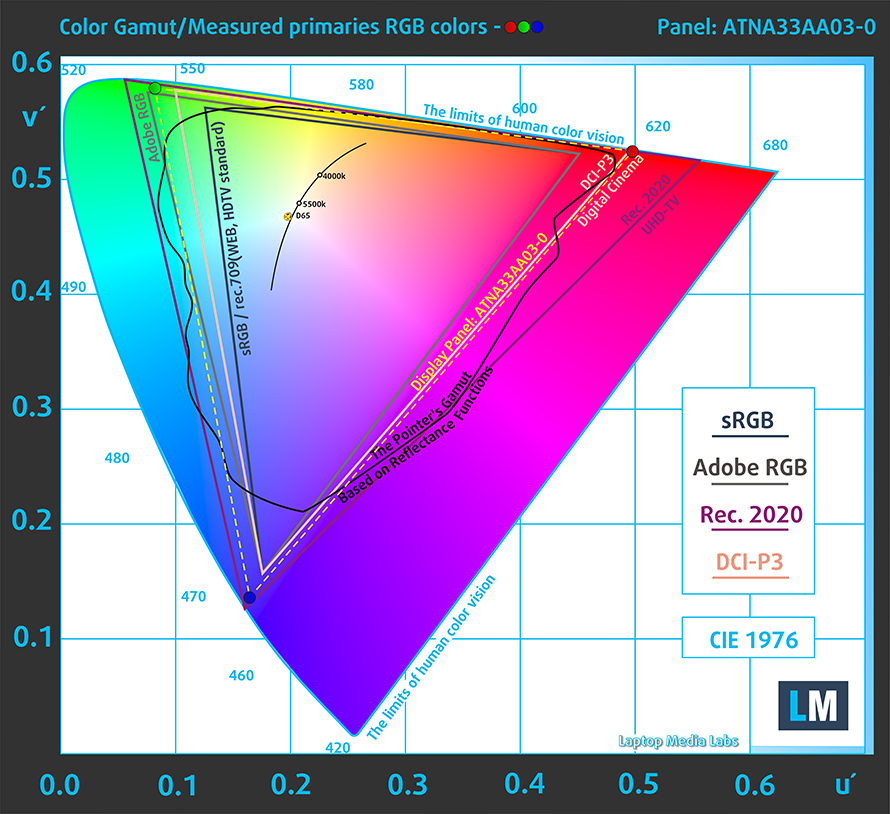
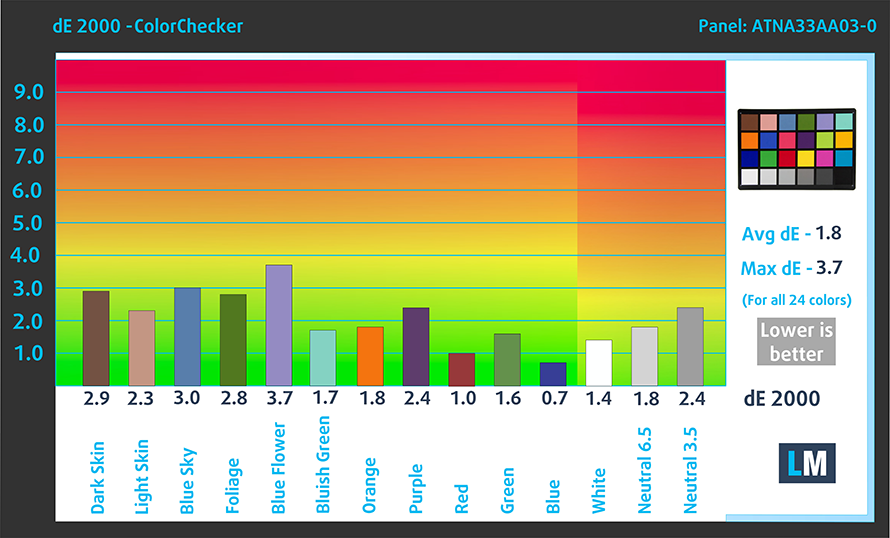
The color accuracy doesn’t need much adjusting, as the laptop gives us a dE value of 1.8 without any tinkering in both the sRGB and DCI-P3 gamuts.
However, there is some PWM usage below 92 nits. Thankfully, the MyASUS app includes a Flicker-free dimming toggle, which doesn’t intervene with the accuracy that much, giving it a dE value of 2.1.

Buy our profiles
Since our profiles are tailored for each individual display model, this article and its respective profile package are meant for ASUS Zenbook S 13 OLED (UM5302) configurations with 13.3″ Samsing ATNA33AA03-0 (SDC4172) (2800 x 1800) OLED.
*Should you have problems with downloading the purchased file, try using a different browser to open the link you’ll receive via e-mail. If the download target is a .php file instead of an archive, change the file extension to .zip or contact us at [email protected].
Read more about the profiles HERE.
In addition to receiving efficient and health-friendly profiles, by buying LaptopMedia's products you also support the development of our labs, where we test devices in order to produce the most objective reviews possible.

Office Work
Office Work should be used mostly by users who spend most of the time looking at pieces of text, tables or just surfing. This profile aims to deliver better distinctness and clarity by keeping a flat gamma curve (2.20), native color temperature and perceptually accurate colors.

Design and Gaming
This profile is aimed at designers who work with colors professionally, and for games and movies as well. Design and Gaming takes display panels to their limits, making them as accurate as possible in the sRGB IEC61966-2-1 standard for Web and HDTV, at white point D65.

Health-Guard
Health-Guard eliminates the harmful Pulse-Width Modulation (PWM) and reduces the negative Blue Light which affects our eyes and body. Since it’s custom tailored for every panel, it manages to keep the colors perceptually accurate. Health-Guard simulates paper so the pressure on the eyes is greatly reduced.
Get all 3 profiles with 33% discount

3. Battery life
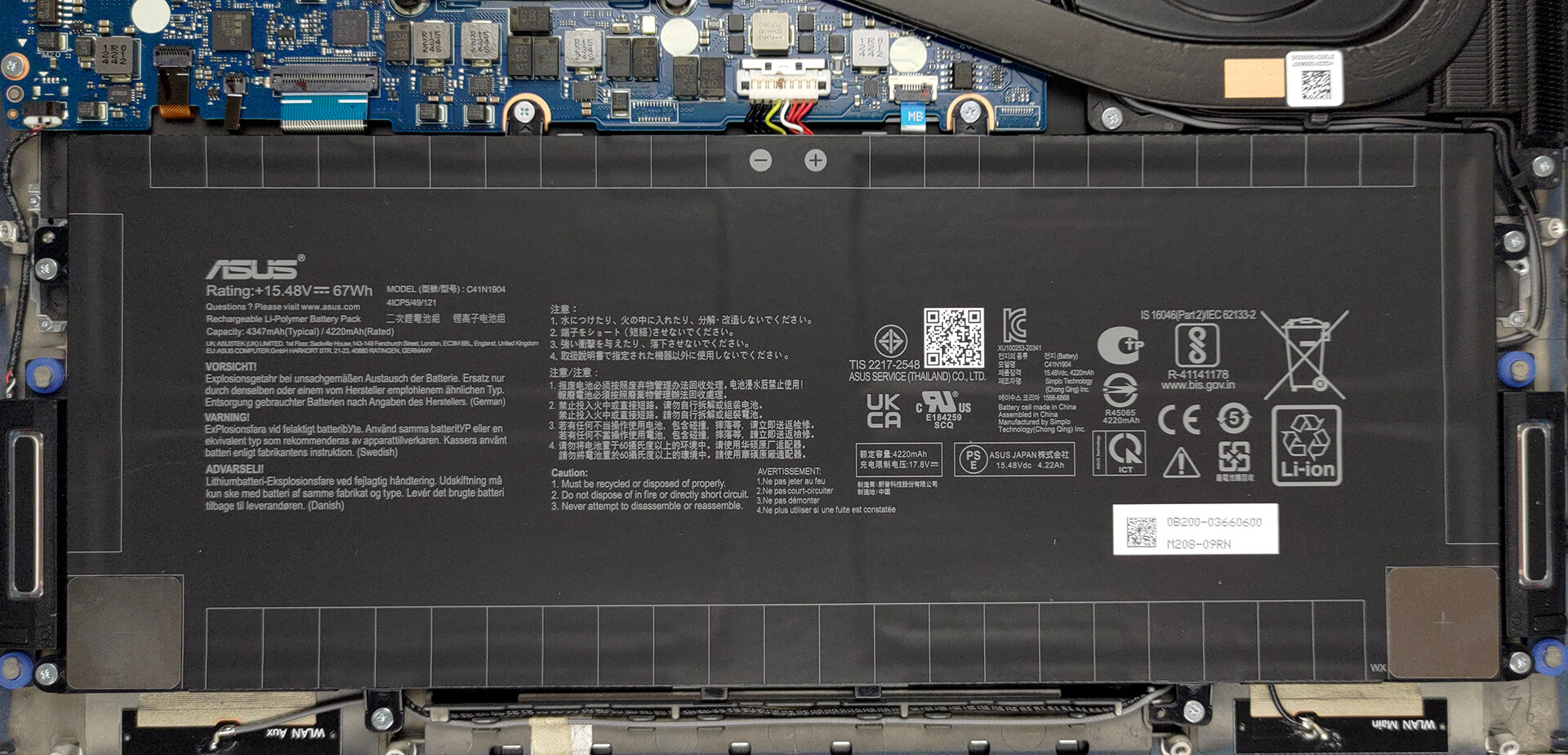
The laptop is paired with a 67Wh battery life, which lasts for 11 hours and 40 minutes of Web browsing, or 15 hours and 56 minutes of video playback, which is pretty good and results in more than a day’s worth of mixed usage. Now, we conduct the battery tests with the Windows Better performance setting turned on, screen brightness adjusted to 120 nits and all other programs turned off except for the one we are testing the notebook with.
2 reasons NOT to buy the ASUS Zenbook S 13 OLED (UM5302)
1. I/O
The port selection of a 13-inch machine isn’t good (surprised Pikachu). It comes with three USB Type-C 3.2 (Gen. 2) ports and an audio jack. The Type-C ports have Power Delivery and DisplayPort functionality, while inside the box you get a dongle from Type-C to Type-A.


2. Upgradeability
Upgradeability is another sacrifice that’s usually made with smaller machines, offering up to 16GB of soldered LPDDR5 RAM. You can only access the storage through one M.2 PCIe x4 slot for Gen 4 SSDs.

Here is our teardown video, which shows how to access it.
All ASUS Zenbook S 13 OLED (UM5302) configurations:
 Author: Severin Kolakov

![[June 2026] Best-Selling Laptop Brands on Amazon Global – Apple’s Unrivaled Dominance in Units and Revenue](https://laptopmedia.com/wp-content/uploads/2026/07/GLOBAL-Best-Brands-400x225.jpg)
![[June 2026] Amazon Global: Top 10 Best-Selling Laptops – Apple’s New MacBook Neo Storms to #1, Reshaping the Market with Affordability](https://laptopmedia.com/wp-content/uploads/2026/07/Best-Selling-Laptops-GLOBAL-Top-10-400x225.jpg)
![[June 2026] Amazon Global: Top 10 Best-Selling Gaming Laptops – Acer’s Nitro V 16S AI Dominates Sales, While ASUS Leads Overall Revenue](https://laptopmedia.com/wp-content/uploads/2026/07/Best-Selling-Gaming-Laptops-GLOBAL-Top-10-400x225.jpg)
![[June 2026] Global Ranking of Best-Selling Laptop GPUs on Amazon – NVIDIA RTX 5060 is the Top-Selling Dedicated GPU](https://laptopmedia.com/wp-content/uploads/2026/07/Best-Selling-GPUs-GLOBAL-Top-10-400x225.jpg)
![[June 2026] Global Ranking of Best-Selling Laptop CPUs on Amazon – Apple M5 Dominates, AMD Ryzen 7 260 Gets Solid Premium Share](https://laptopmedia.com/wp-content/uploads/2026/07/Best-Selling-CPUs-GLOBAL-Top-10-400x225.jpg)
