MSI Vector GP66
 48.jpg)

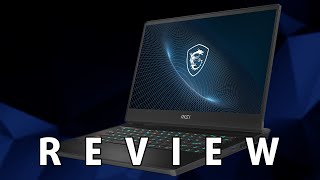
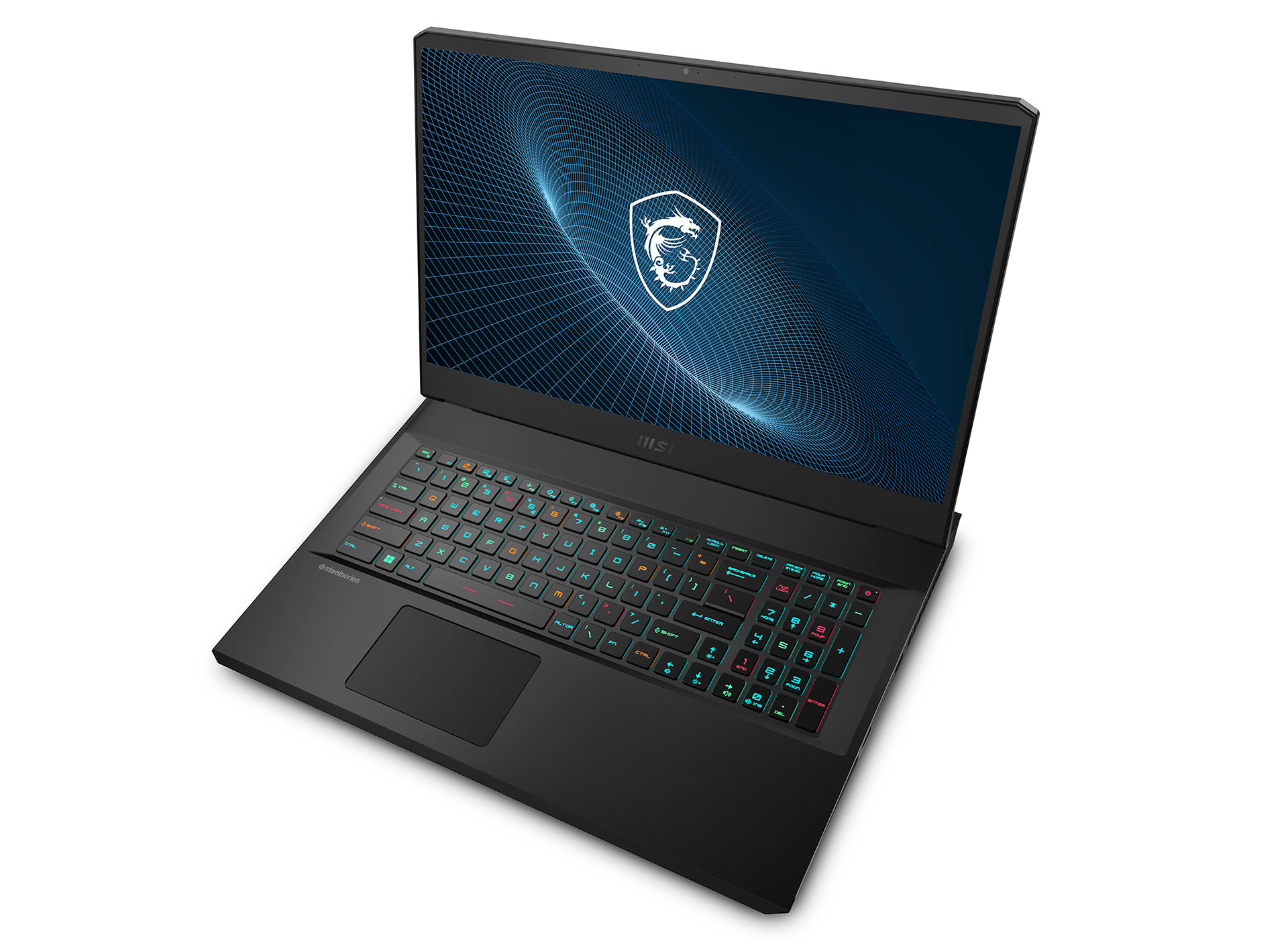

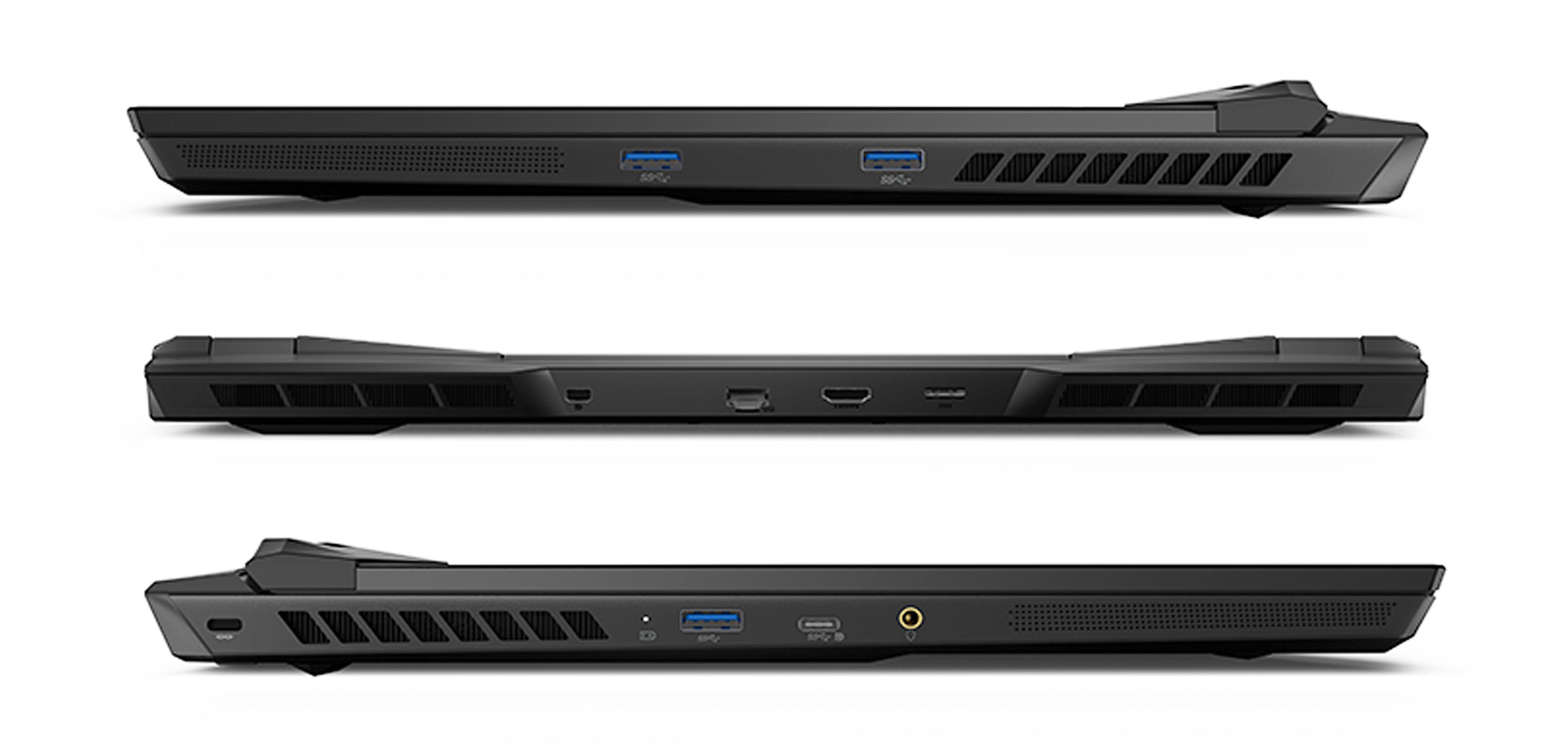
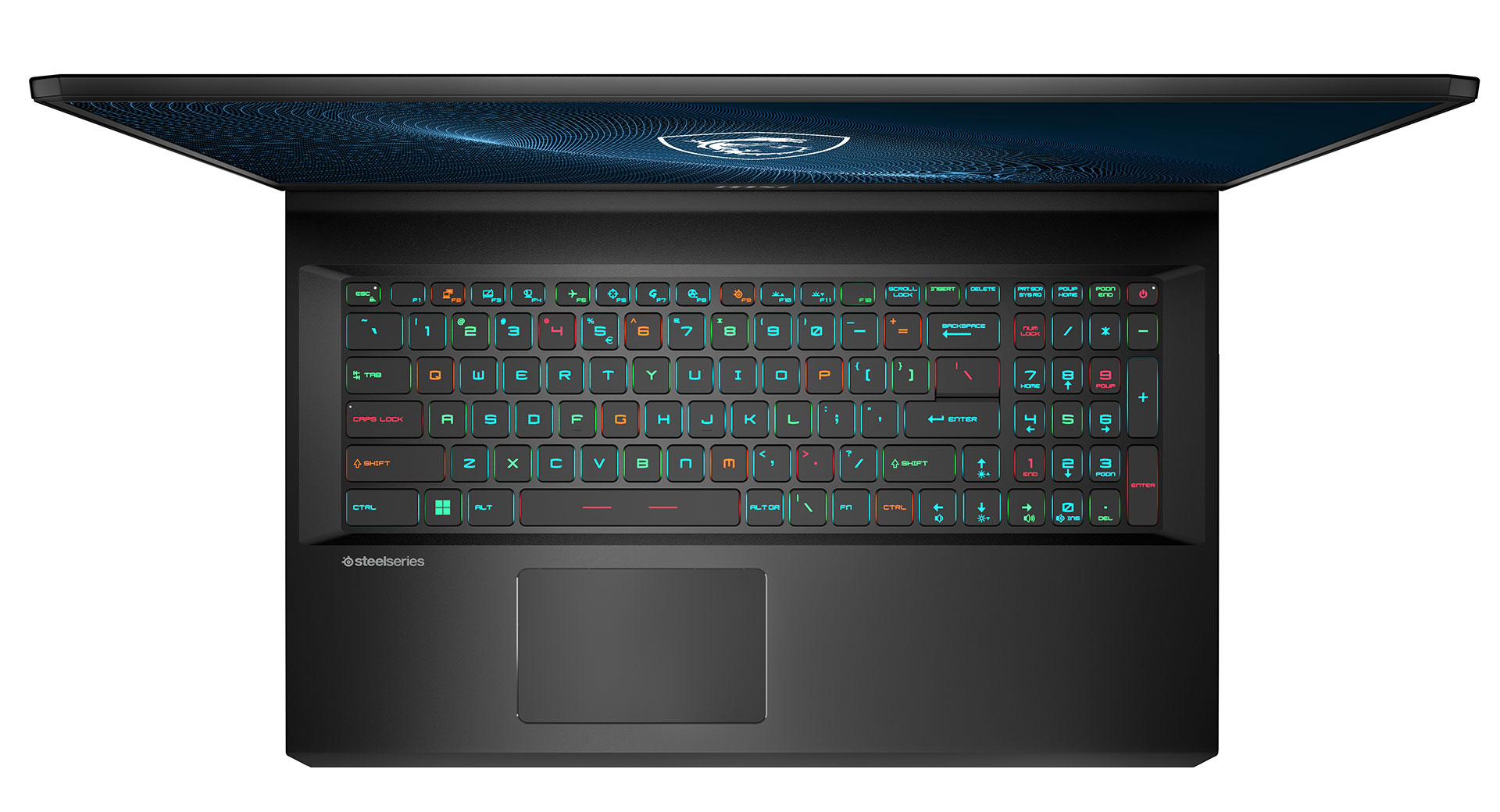
- Date Published: 08 Dec 2022
- Intel Core i9-12900H
- NVIDIA GeForce RTX 3080 Ti (Laptop, 150W)
- 15.6", WQHD (2560 x 1440), 165 Hz, IPS
- 2000GB SSD
- 32GB DDR5
- 2.38 kg (5.2 lbs)
Review
MSI Vector GP66 in-depth review
For their next trick, MSI takes the GP66 Leopard, and transforms it into an absolute killer of a mobile computer, called the Vector GP66. We are not overestimating the device. After all, it comes with up to a Core i9-12900H, and up to an RTX 3080 Ti with the whopping 150W of TGP. You need a very efficient cooling solution to be able to tame this much performance potential.Actually, MSI boasts a so-called Overboost technology, which should allow the CPU and the GPU to run at a total of 195W (150W for the graphics card, and 45W for the processor). Presumably, this is the thermal efficiency of the cooling setup as well. However, we are yet to find this out in the review.Another important aspect, which we're going to cover, is the display quality. Our unit comes equipped with a 1440p [...]
Read the full review
Pros
- 150W RTX GPU options
- 2x M.2 PCIe Gen 4 slots, 2x RAM SODIMM slots in dual channel, Wi-Fi 6E
- Covers 99% of the DCI-P3 color gamut and has accurate color representation with our Gaming and Web design profile (165Hz 1440p panel)
- Snappy panels with quick response times
- Extremely good cooling
- You can connect up to three additional monitors
Cons
- Lacks an SD card reader and Thunderbolt support
- Subpar battery life
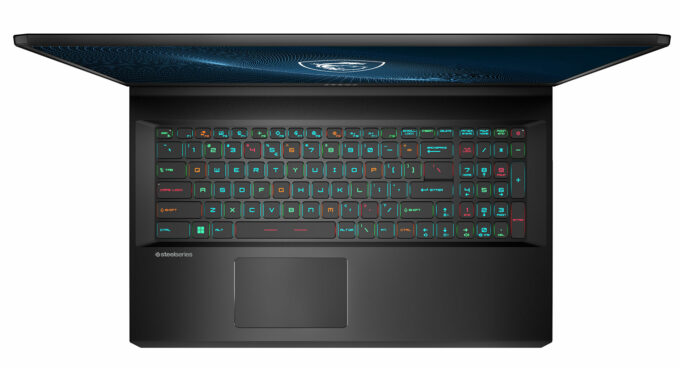
- Its keyboard is not ideal for gaming
Disassembly, maintenance and upgrade options
One of the first and most powerful laptops to come with 12th Gen Intel processors, the Vector GP66 (12Ux) doesn't disappoint when it comes to upgrade options.Check out all MSI Vector GP66 (12Ux) prices and configurations in our Specs System or read more in our In-Depth review.1. Remove the bottom plate To access this notebook's internals, you need to undo a total of 11 Phillips-head screws. Then, start the prying process from the back, and carefully make your way to the front. The front part will feel a bit tight, and you'll have to use some force to pop it open.2. Battery[...]
Read more
DISPLAY: 15.6-inch, 2560 x 1440, IPS
- Name
- Innolux N156KME-GNA
- Diagonal
- 15.6"
- Pixel density
- 188.28 ppi
- Brightness
- 340 cd/m2
- sRGB
- 100%
- Panel Type
- IPS
- Resolution
- 2560 x 1440
- Becomes "Retina" from
- 18 inches (47 cm)
- Contrast
- 1350:1
- dE Color Checker
- 2.9 2.2

Buy our profiles for Innolux N156KME-GNA
In addition to receiving efficient and health-friendly profiles, by buying LaptopMedia's products you also support the development of our labs, where we test devices in order to produce the most objective reviews possible.

Office Work
Office Work should be used mostly by users who spend most of the time looking at pieces of text, tables or just surfing. This profile aims to deliver better distinctness and clarity by keeping a flat gamma curve (2.20), native color temperature and perceptually accurate colors.

Design and Gaming
This profile is aimed at designers who work with colors professionally, and for games and movies as well. Design and Gaming takes display panels to their limits, making them as accurate as possible in the sRGB IEC61966-2-1 standard for Web and HDTV, at white point D65.

Health-Guard
Health-Guard eliminates the harmful Pulse-Width Modulation (PWM) and reduces the negative Blue Light which affects our eyes and body. Since it’s custom tailored for every panel, it manages to keep the colors perceptually accurate. Health-Guard simulates paper so the pressure on the eyes is greatly reduced.