Acer Aspire 3 (A315-59) review – affordable but slightly impractical
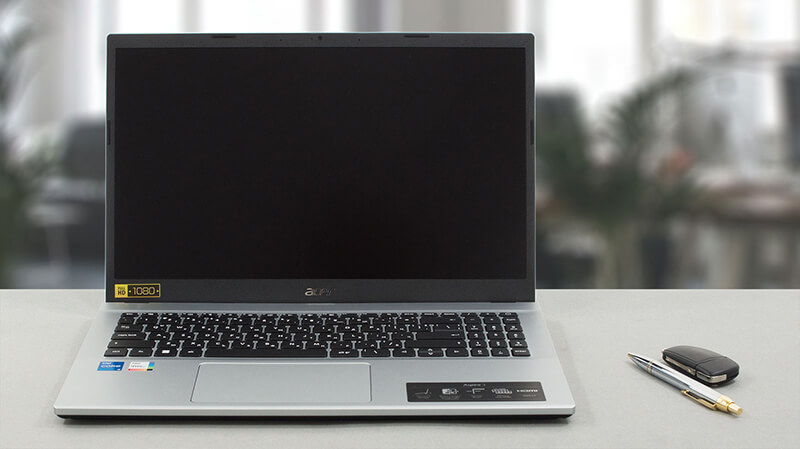 There is one thing that should be at the forefront when you’re looking for a new notebook – your budget. Sometimes, you can afford to spend the big bucks, but more often than not, the price bracket is quite a constraint. This is where laptops like the Acer Aspire 3 (A315-59) come in.
Essentially, this is one of the most populated segments of the mobile computer market. The competition is fierce, but all of the manufacturers have to deal with one major issue. How to balance the cost-cutting measures.
A first glance at the Acer Aspire 3 (A315-59) reveals that the company has made plenty of the right choices. The first one is the use of Intel Alder Lake-U processors. They are immensely powerful and super efficient, thanks to the P-core/E-core structure of the die.
In addition to that, you get the opportunity to upgrade your notebook down the line. This allows you to reserve a portion of your budget for something else, and improve your device after a month, or a year. Plus, as far as we know, the laptop is offered only with an IPS display as of the moment of writing this review.
You can check the prices and configurations in our Specs System: https://laptopmedia.com/series/acer-aspire-3-a315-59/
Contents
Specs, Drivers, What’s in the box
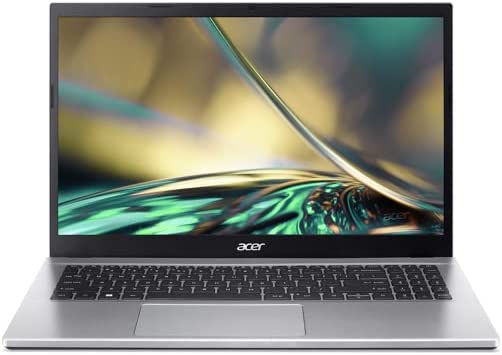
Acer Aspire 3 (A315-59 / A315-59G) - Özellikler

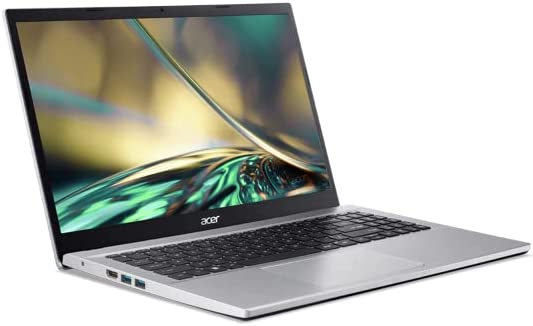
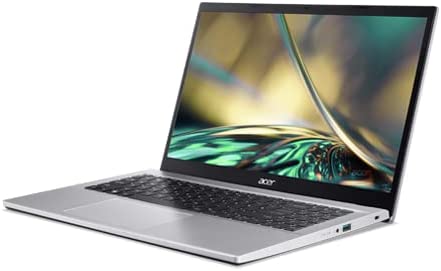
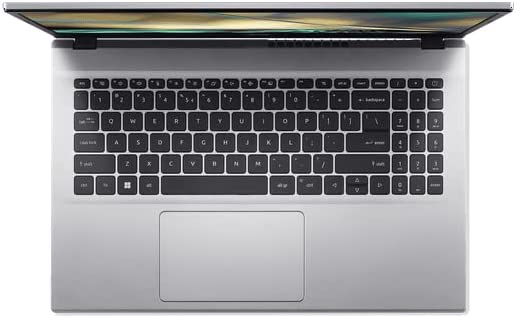
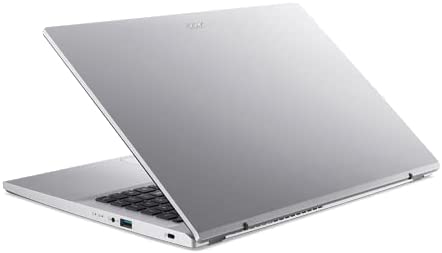
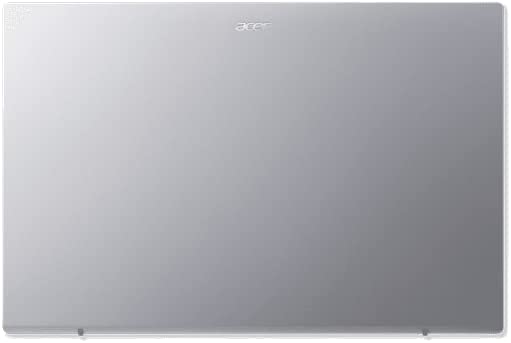
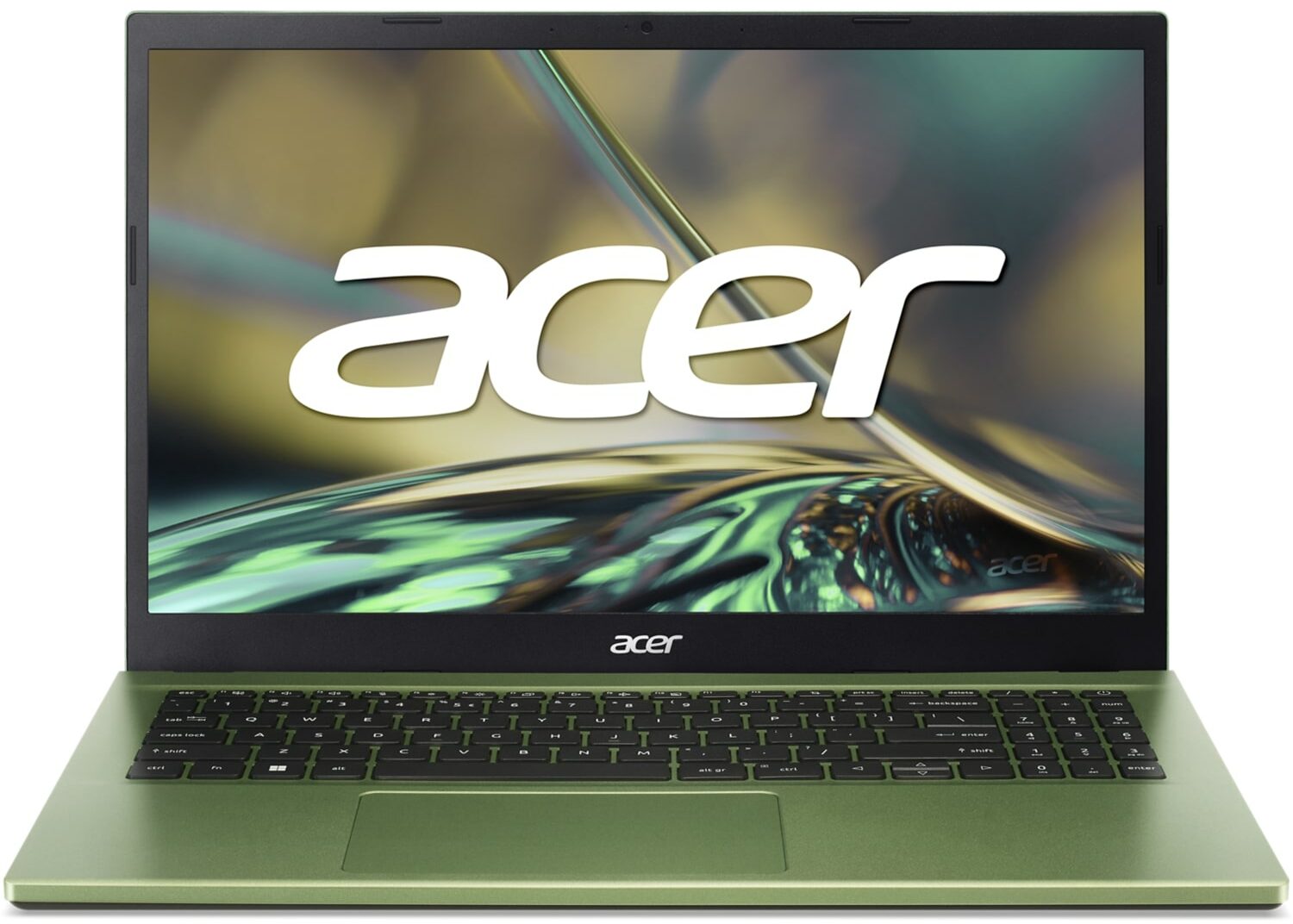
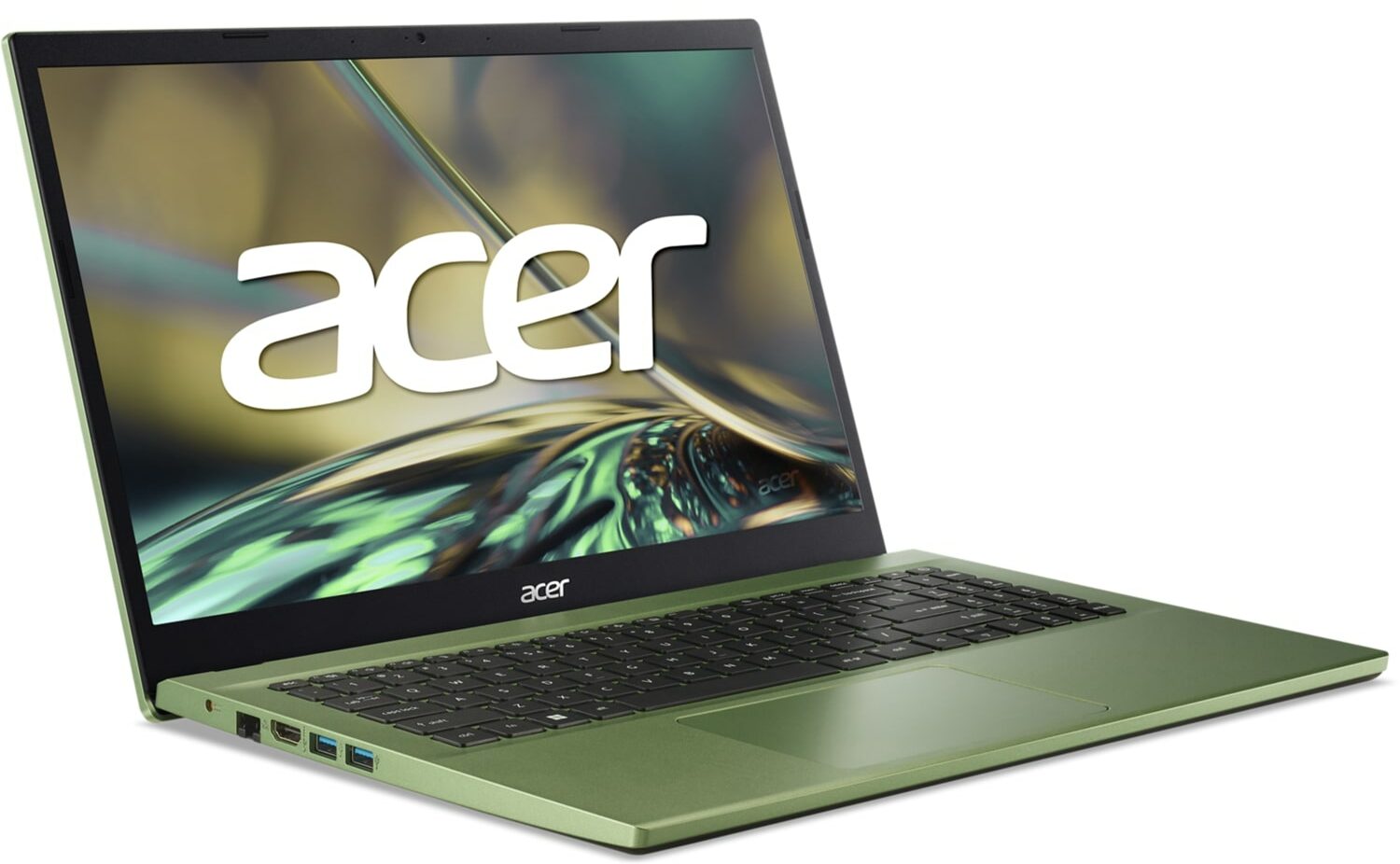
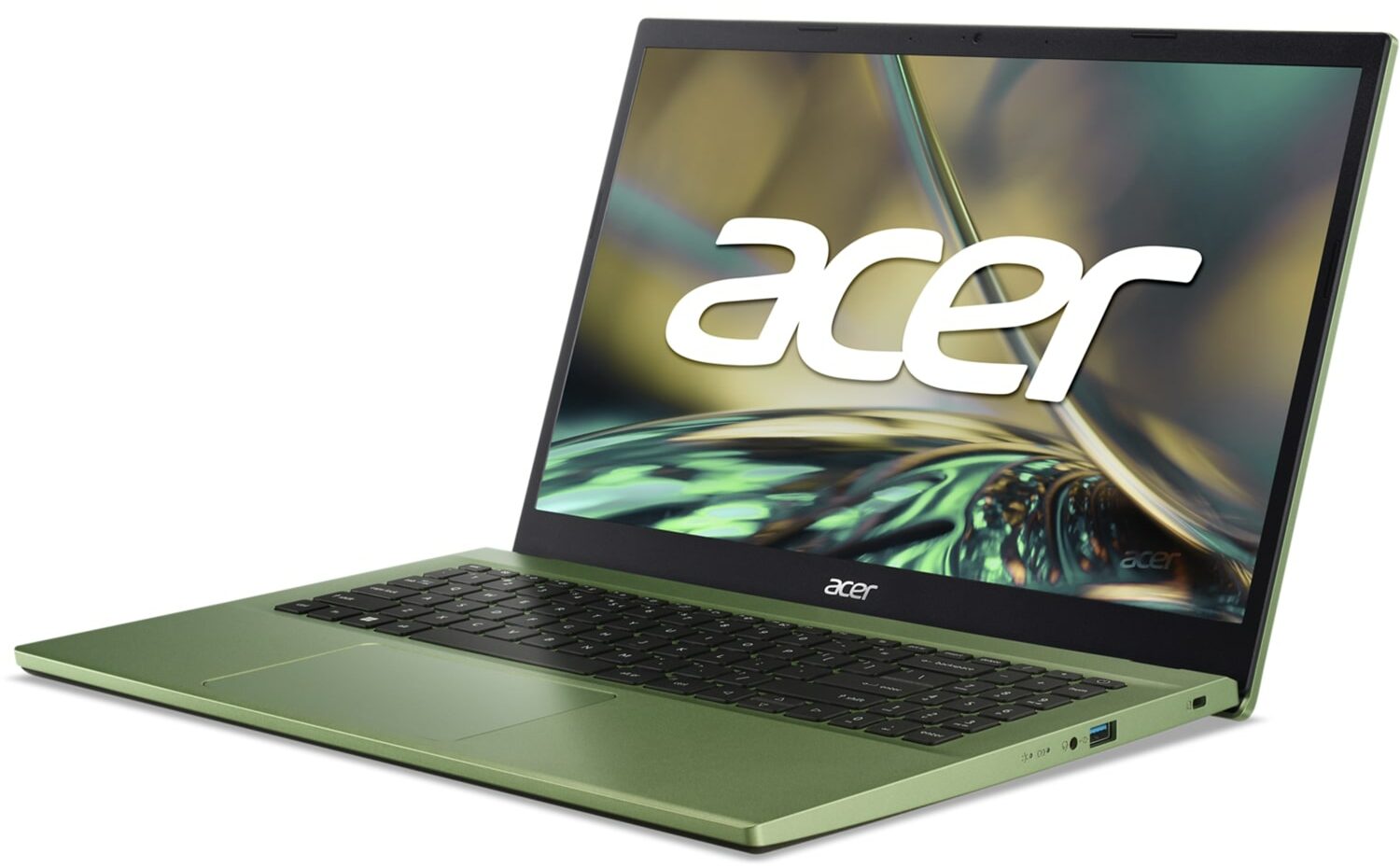
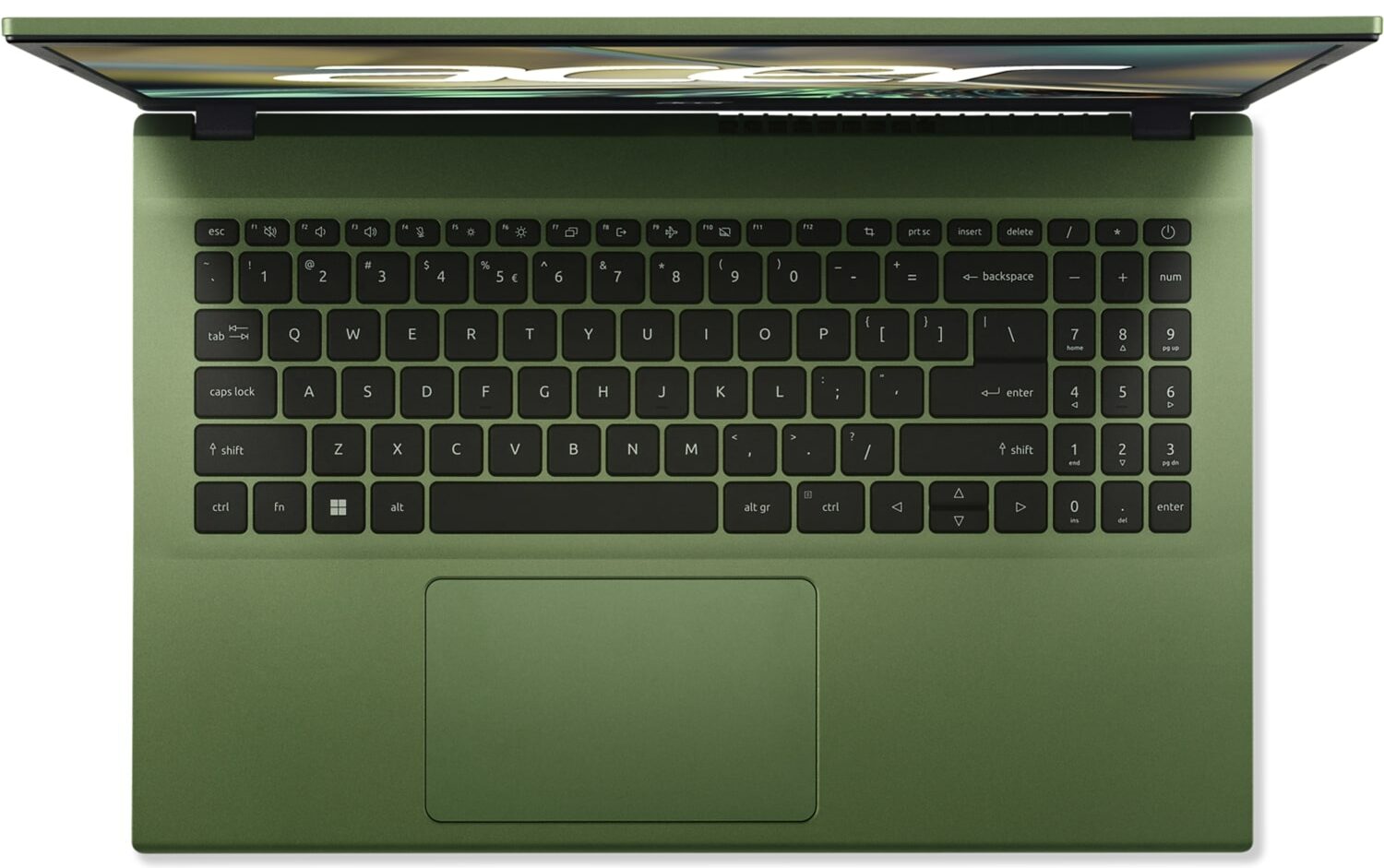
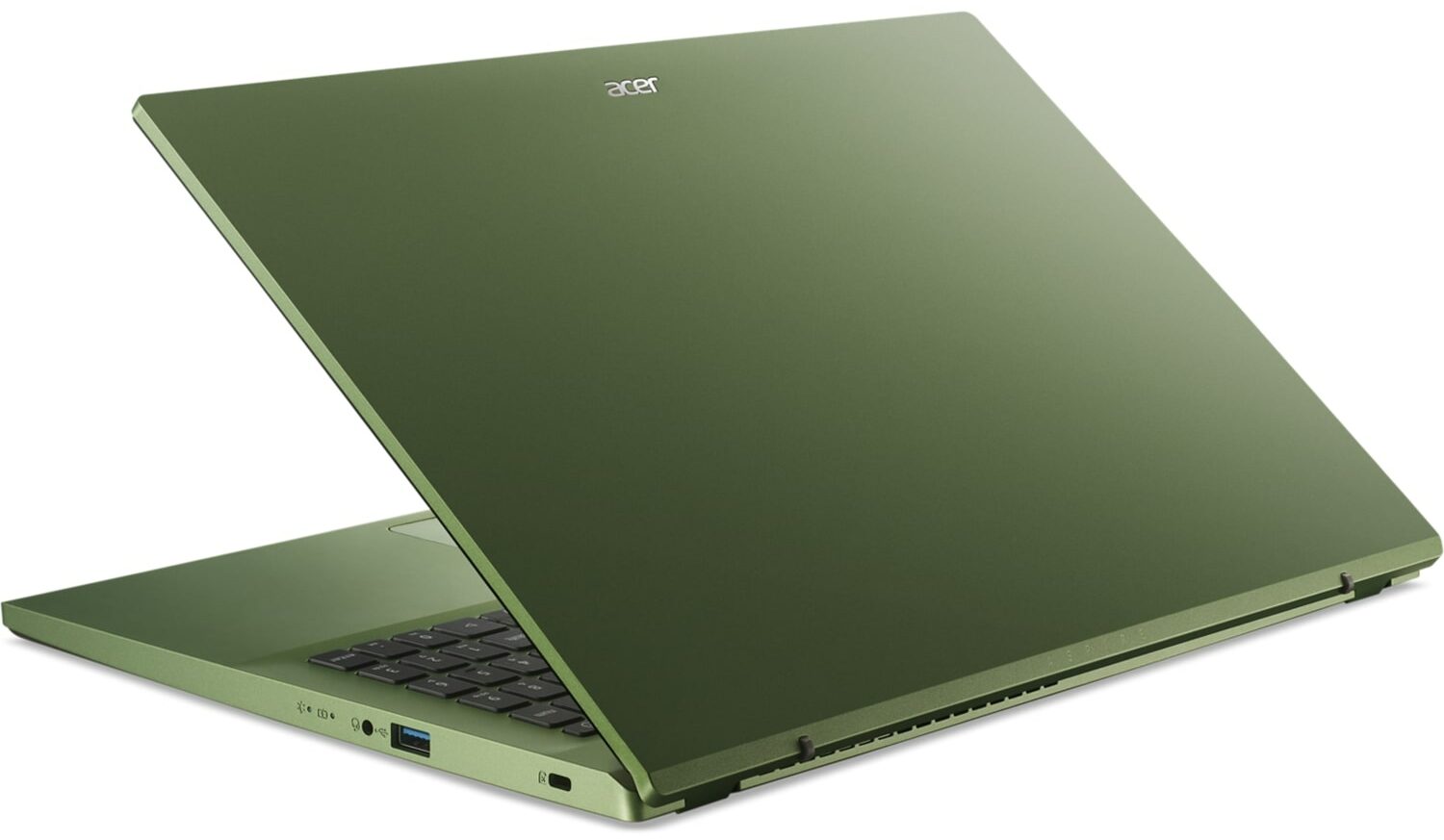
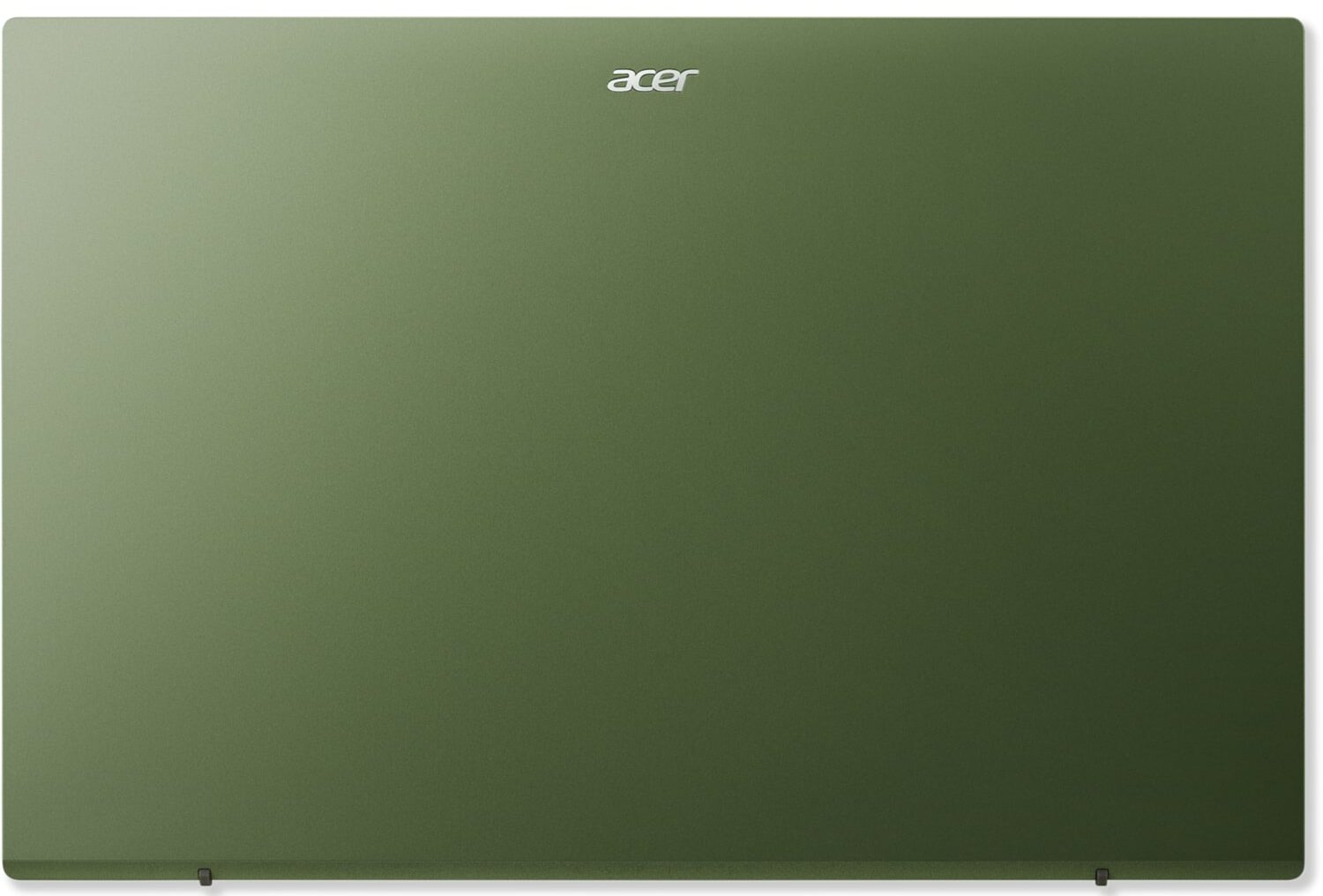
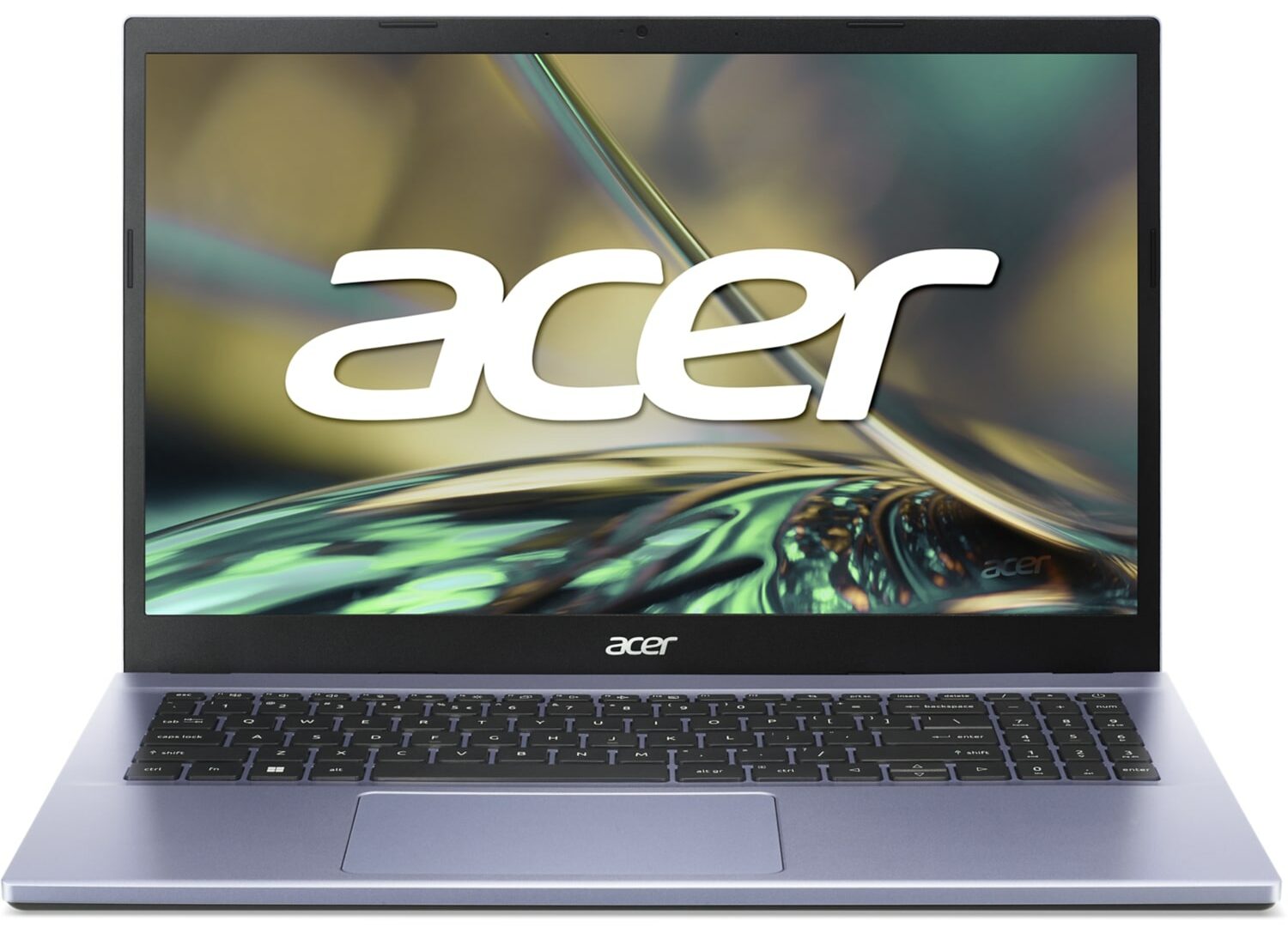
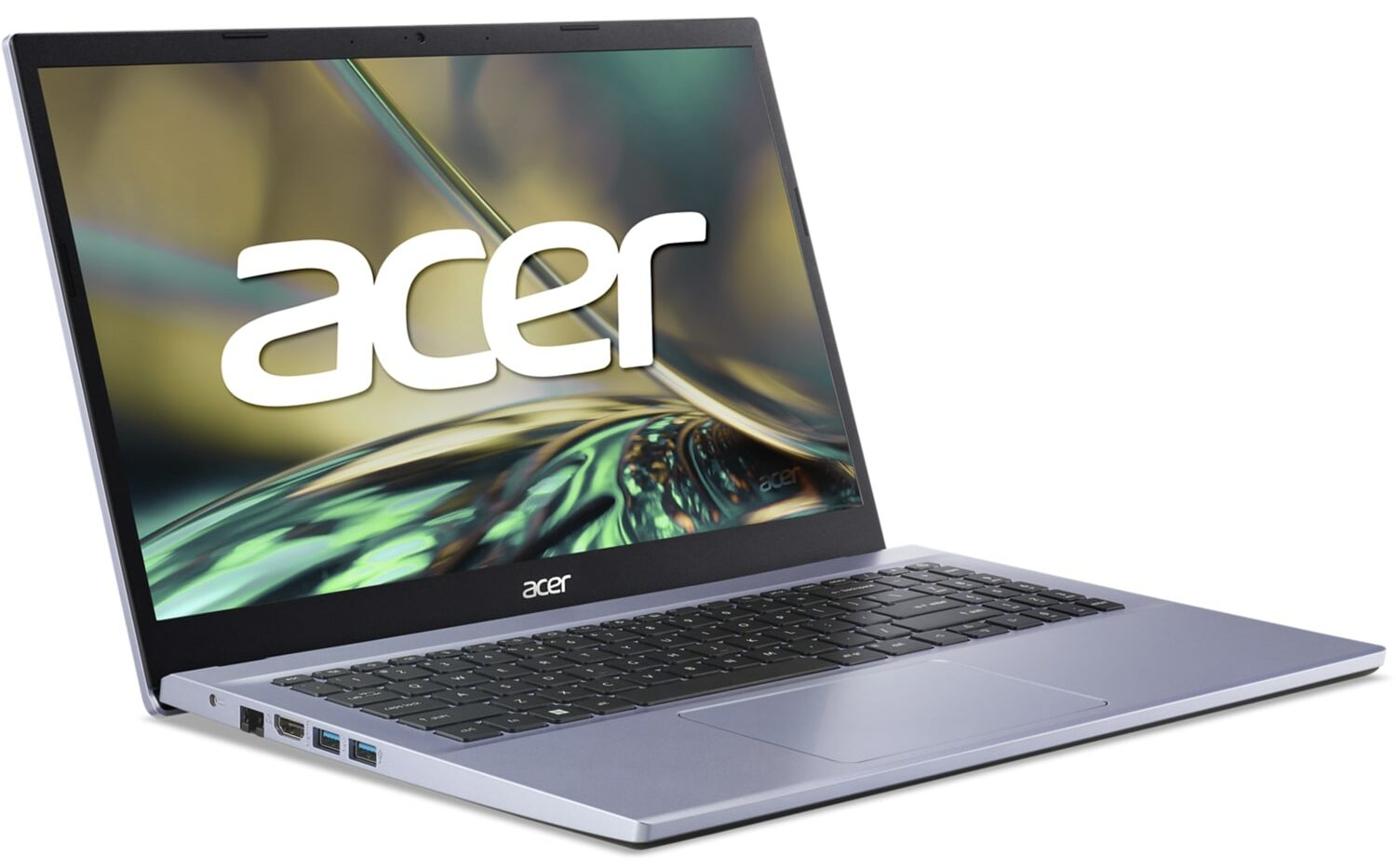
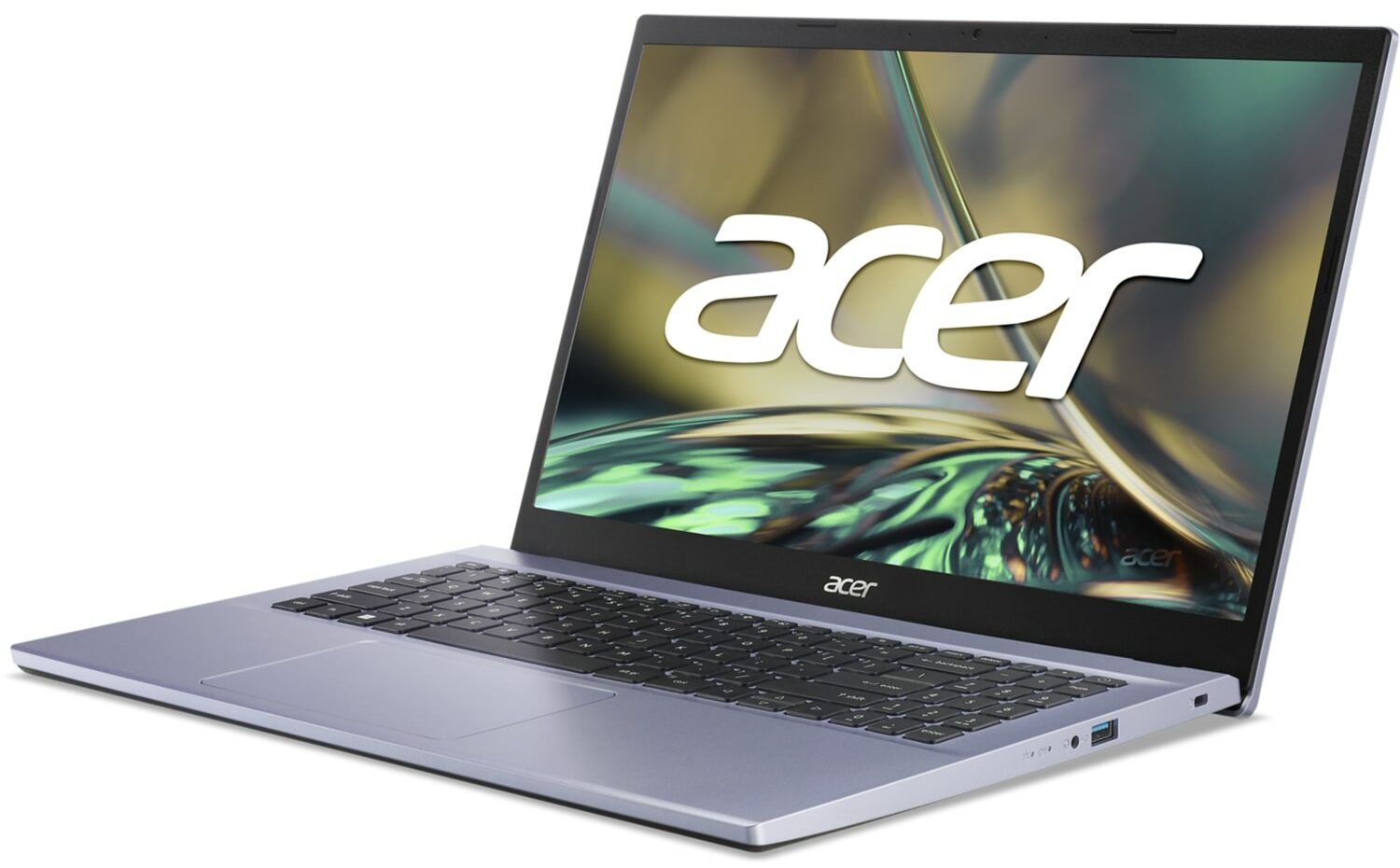
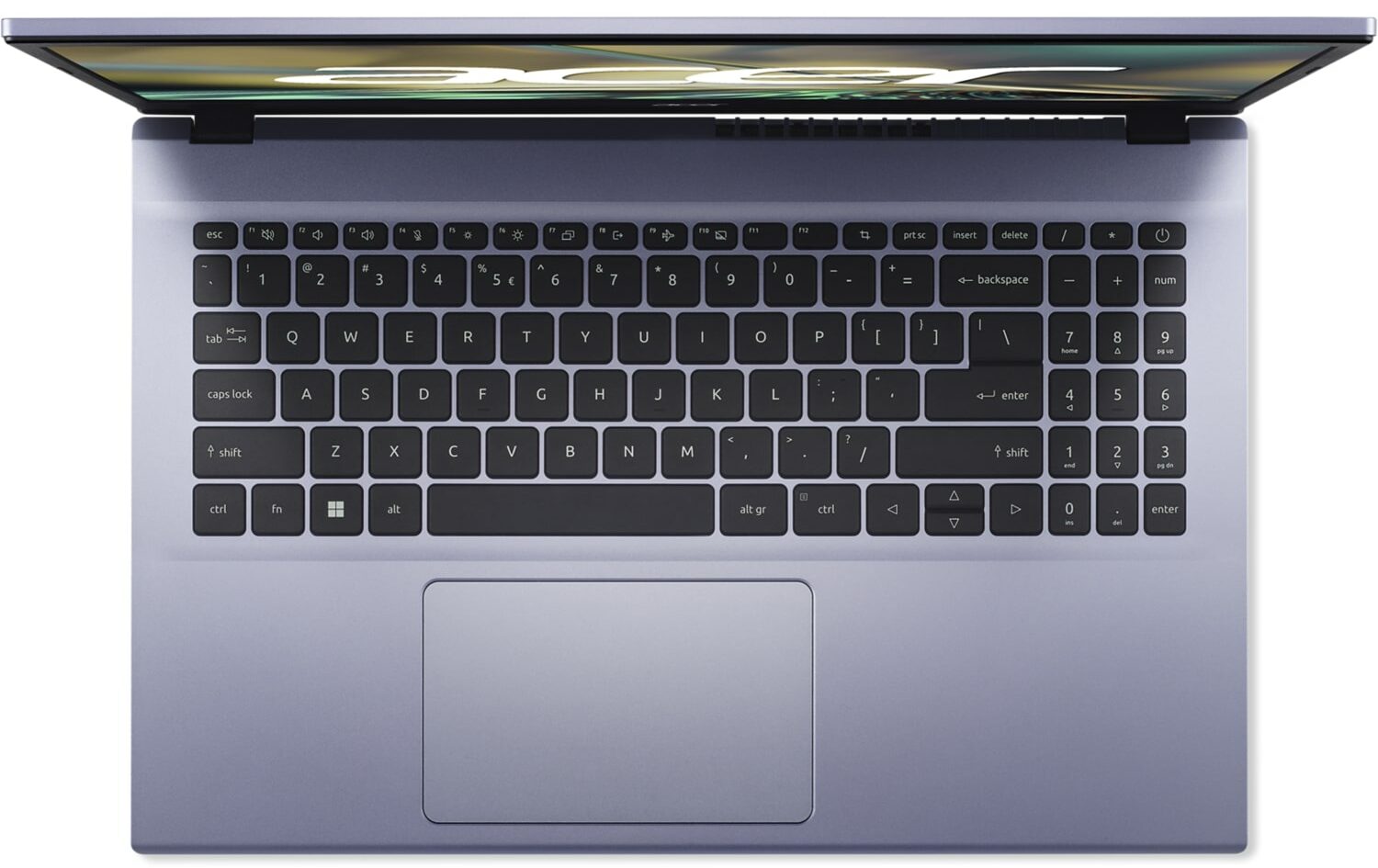
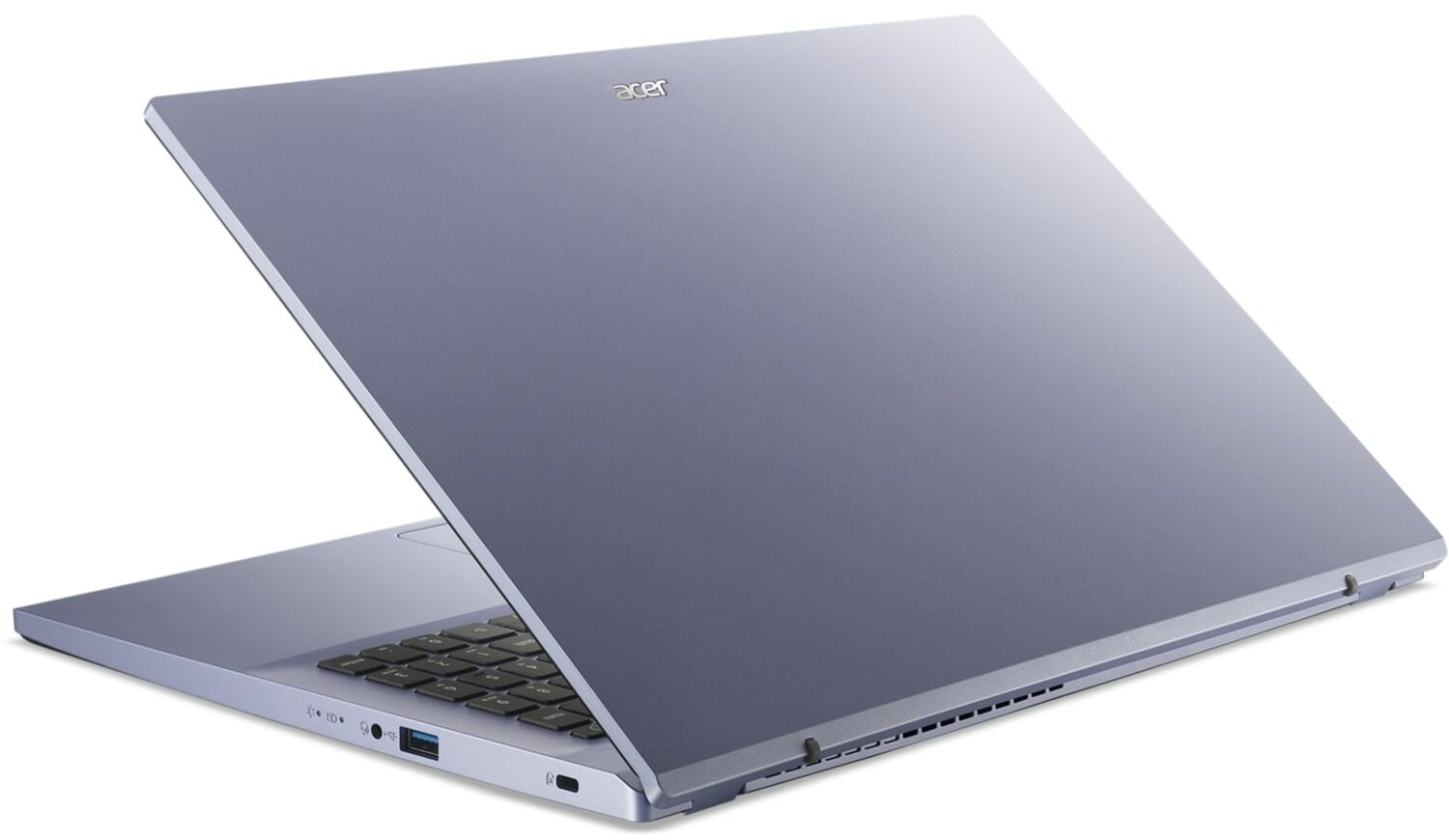
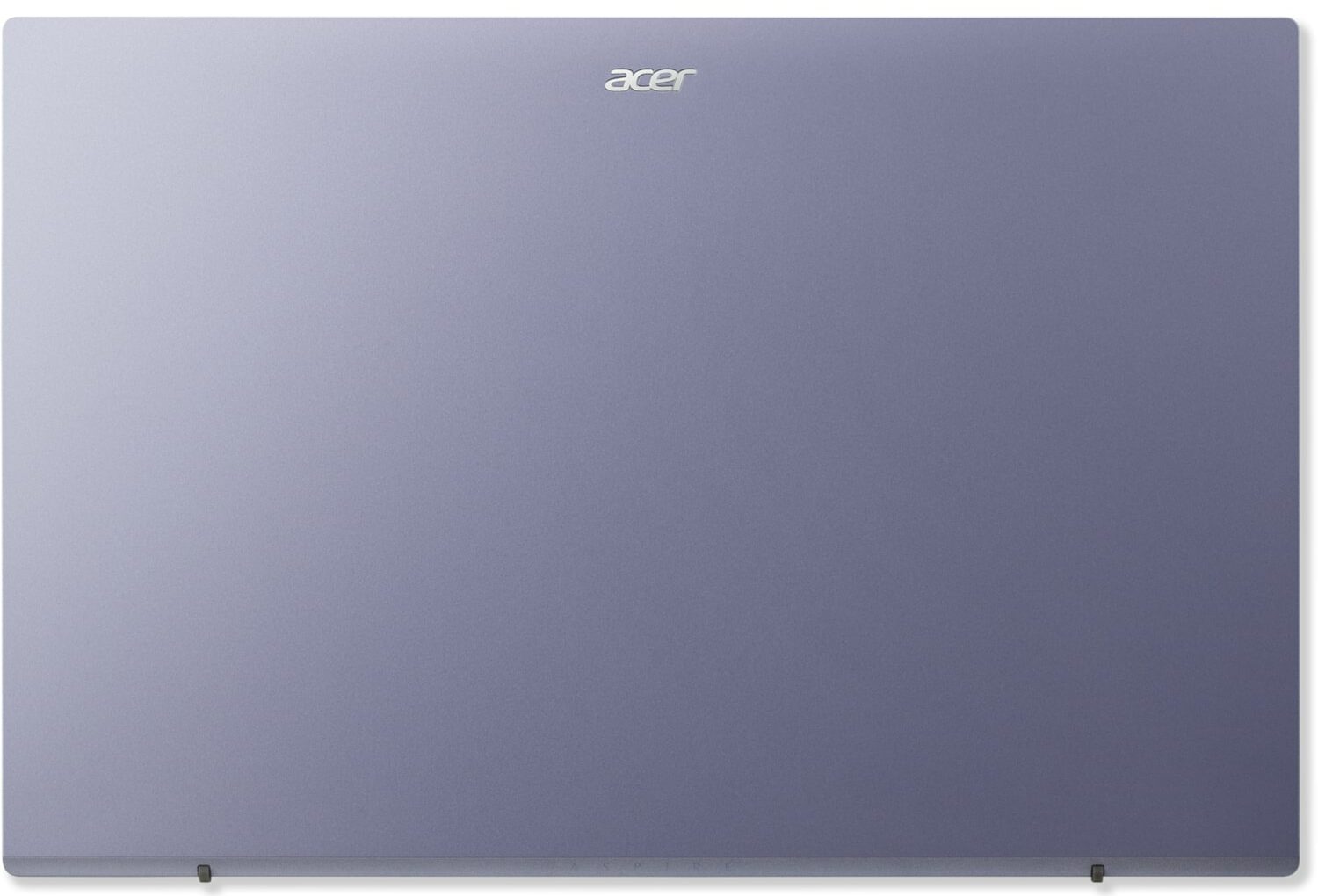

- HDD/SSD
- kadar 4000GB SSD
- M.2 Yuvası
- 1x 2280 M.2 PCIe 4.0 x4 + 1x 2280 M.2 PCIe 3.0 x4 Fotoğrafı gör
- RAM
- up to 64GB
- İS
- Windows 11 Home, Windows 11 Pro, Windows 10 Pro, Windows 10 Home, DOS, Chrome OS, No OS, Linux
- Pil
- 40Wh, 3-cell, 40Wh, 48Wh, 3-cell
- Gövde Malzemesi
- Plastic / Polycarbonate
- Boyutlar
- 362.9 x 241.3 x 19.9 mm (14.29" x 9.50" x 0.78")
- Ağırlık
- 1.78 kg (3.9 lbs)
- Portlar ve bağlantı
- 3x USB Type-A
- 3.2 Gen 1 (5 Gbps)
- HDMI
- Ethernet LAN
- 10, 100, 1000 Mbit/s
- Wi-Fi
- 802.11ac
- Bluetooth
- 5.0
- Ses jakı
- 3.5mm Combo Jack
- Özellikler
- Parmak izi okuyucu
- Web kamerası
- HD
- Arkadan aydınlatmalı klavye
- optional
- Mikrofon
- 2x Microphones
- Hoparlörler
- 2x Stereo Speakers
- Optik sürücü
Tümü Acer Aspire 3 (A315-59 / A315-59G) yapılandırmalar
Drivers
All drivers and utilities for this notebook can be found here: https://www.acer.com/us-en/support?search=A315-59&filter=global_download&suggest=a315-59;2
What’s in the box?
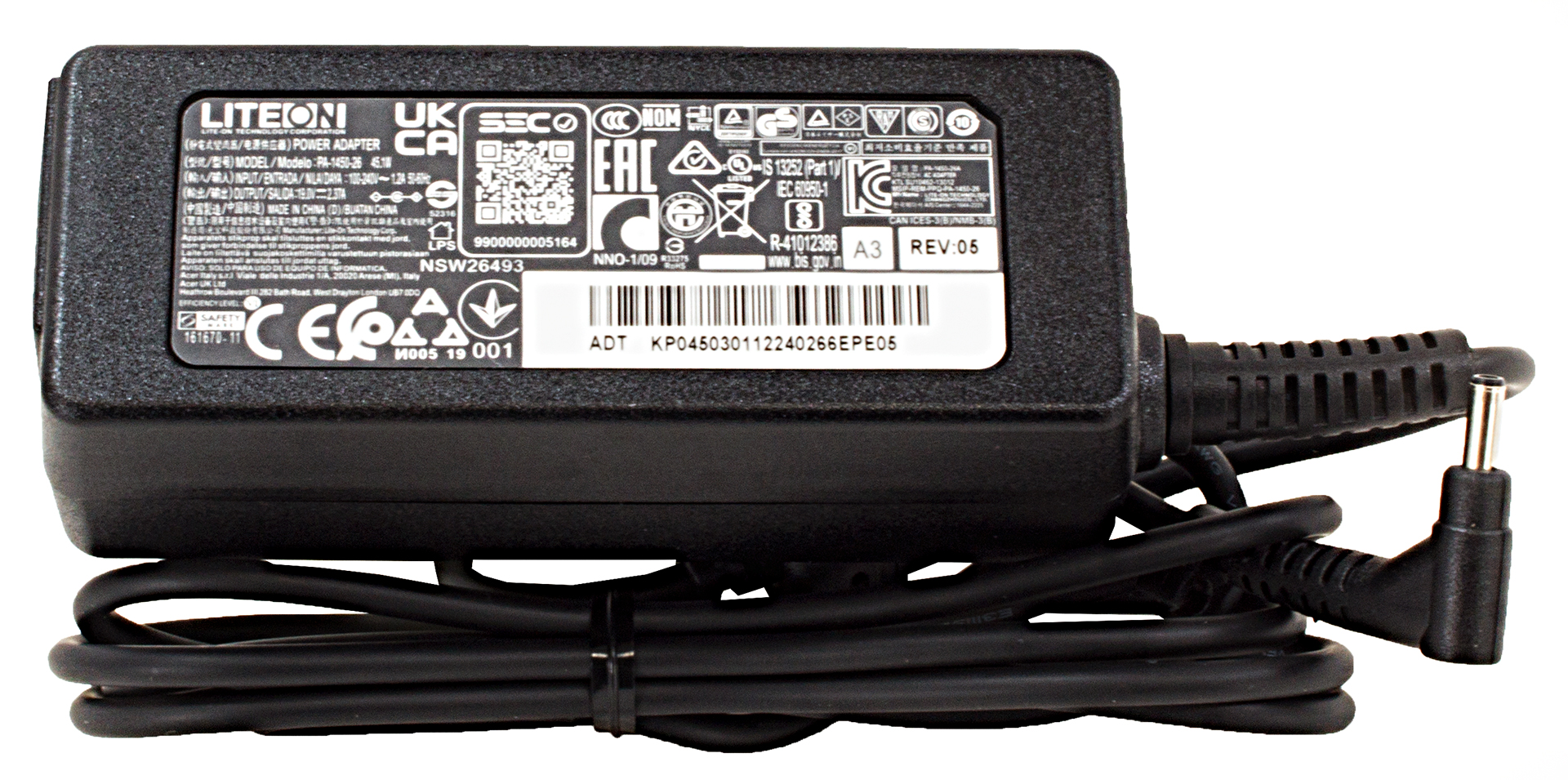
Inside this device’s packaging, you will find some paperwork and a 45W charger.
 Author: Alex Iliev
 Author: eng. Kroum NikolovHead of Engineering at LaptopMedia.com, inventor and innovator with 40+ years of experience in electronics and high technology.

![[Mayıs 2026] Amazon’da En Çok Satan Dizüstü Bilgisayar GPU’larının Küresel Sıralaması – Apple %45 Payla İlk 3 Sırayı Kaptı; NVIDIA’nın RTX 5060’ı Özel GPU Paketinde Lider](https://laptopmedia.com/wp-content/uploads/2026/06/Best-Selling-GPUs-GLOBAL-Top-10-400x225.jpg)
![[Mayıs 2026] Amazon’da En Çok Satan Dizüstü Bilgisayar CPU’larının Küresel Sıralaması – Apple %45,2 Pazar Payı ile Rekabeti Ezip Geçiyor, M5 Hakim](https://laptopmedia.com/wp-content/uploads/2026/06/Best-Selling-CPUs-GLOBAL-Top-10-400x225.jpg)
![[May 2026] Amazon Germany: Top 7 Best-Selling Gaming Laptops – Lenovo Legion 5i Crowned Champion Amidst Fierce Mid-Range Competition](https://laptopmedia.com/wp-content/uploads/2026/06/Best-Selling-Gaming-Laptops-DE-Top-10-1-400x225.jpg)
![[May 2026] Amazon Italy: Top 10 Best-Selling Laptops – Apple MacBook Neo Reigns Supreme, Premium Models Capture Dominant Revenue Share](https://laptopmedia.com/wp-content/uploads/2026/06/Best-Selling-Laptops-IT-Top-10-400x225.jpg)
![[May 2026] Best-Selling Laptop Brands on Amazon Italy – Apple Dominates Across All Metrics](https://laptopmedia.com/wp-content/uploads/2026/06/IT-Best-Brands-400x225.jpg)


Buenos dias, tardes o noche. Tengo una duda, se puede colocar HDD en el espacio libre? Con un adaptador o esta bloqueada la opcion devido al doble m.2, y tambien si version con la nvidea mx 550 (a315 – 59 514E )usa la misma placa madre.