Lenovo IdeaPad Slim 3 (16″, 2023) review – affordable and super efficient
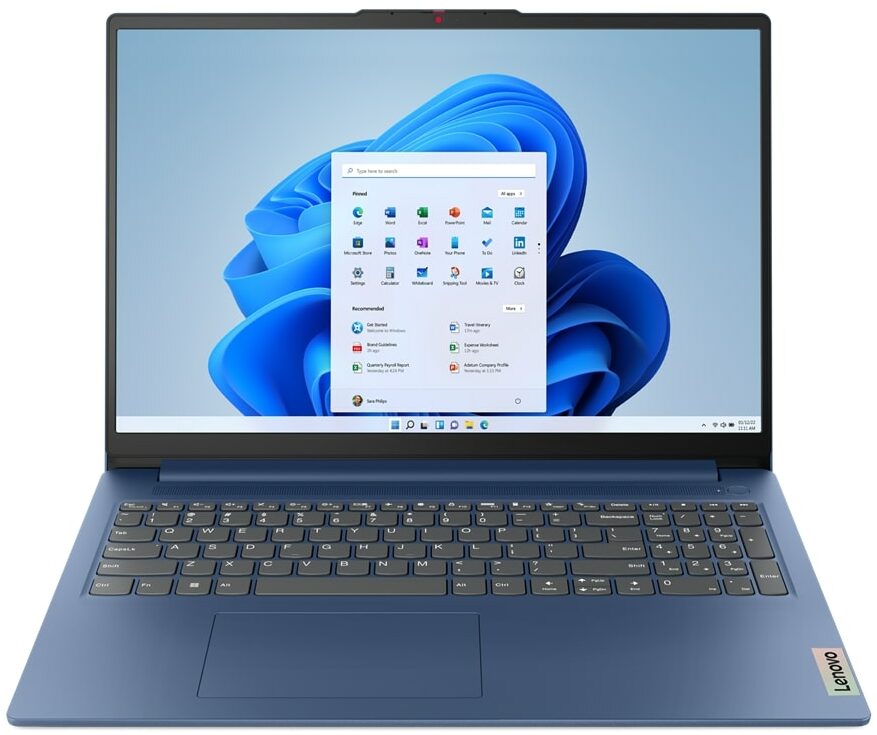
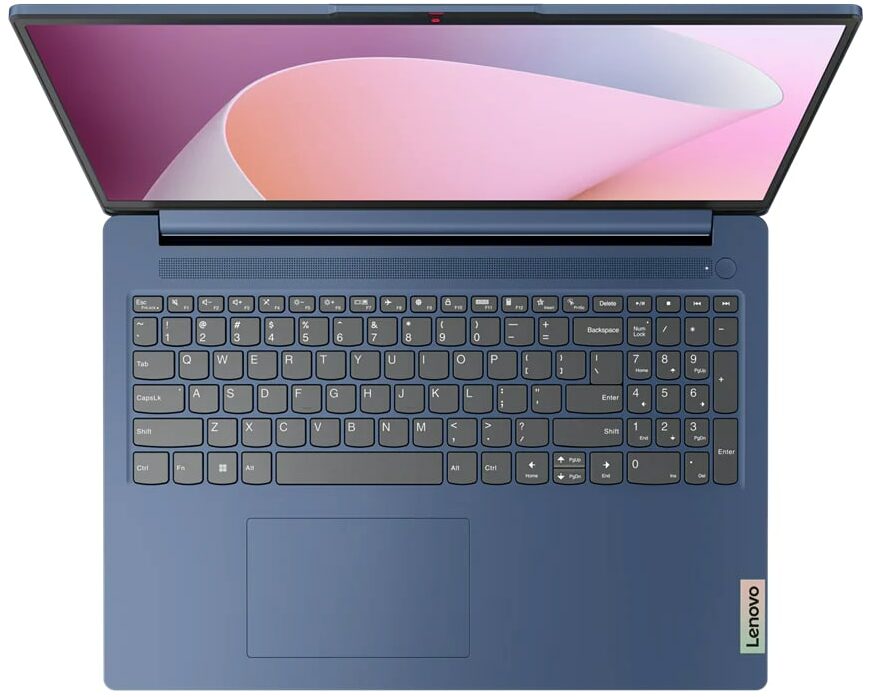
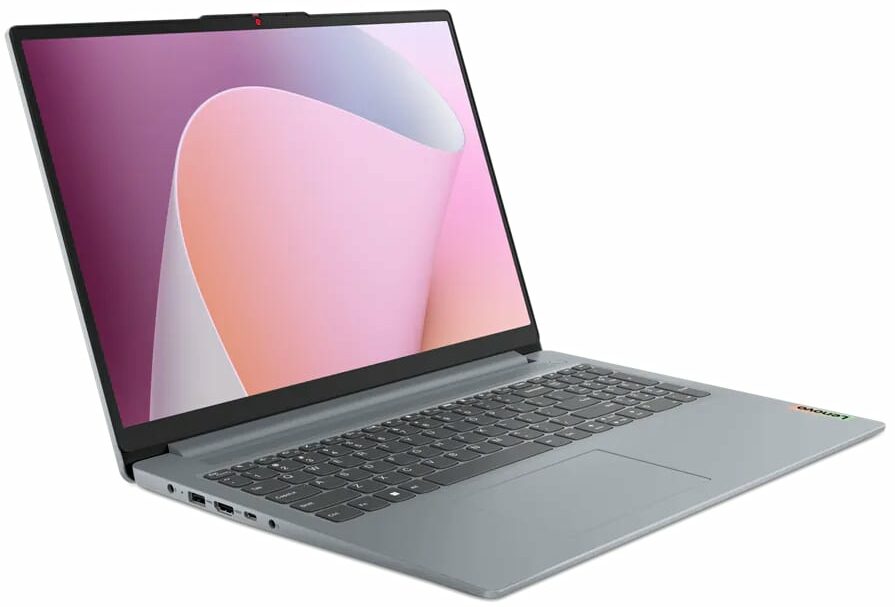
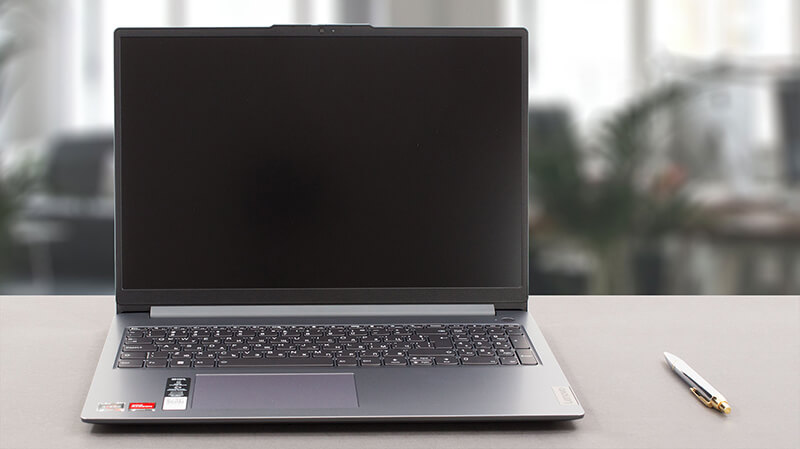 Today, we have the slim version of one of the most popular notebooks on the market – the Lenovo IdeaPad 3. Officially, it is called the Lenovo IdeaPad Slim 3 (16″, 2023), or the Lenovo IdeaPad Slim 3 16ABR8 (or simply Gen 8).
Actually, the “Slim” moniker indicates that it is the generic model – in contrast to the IdeaPad Gaming, and the IdeaPad Flex series, which are pretty self-explanatory. Our configuration comes with one of three AMD Ryzen processors – the Ryzen 3 7330U, Ryzen 5 7530U, or Ryzen 7 7730U.
They are based on the 5x25U chips – for instance, the Ryzen 7 7730U is pretty much the Ryzen 7 5825U in disguise. This means that you are “limited” to Gen 3 PCIe support, as well as DDR4 memory.
On the other hand, we expect the machine to be really efficient, and plenty powerful for daily work and multimedia consumption – something this machine is ultimately meant for. Moreover, we are happy to see that the only display option includes a 16-inch 1200p IPS panel – no low-resolution TN unit nonsense.
You can check the prices and configurations in our Specs System: https://laptopmedia.com/series/lenovo-ideapad-slim-3-16-2023/
Contents
Specs, Drivers, What’s in the box
Lenovo IdeaPad Slim 3 (16", 2023) - Özellikler





- HDD/SSD
- kadar 4000GB SSD
- M.2 Yuvası
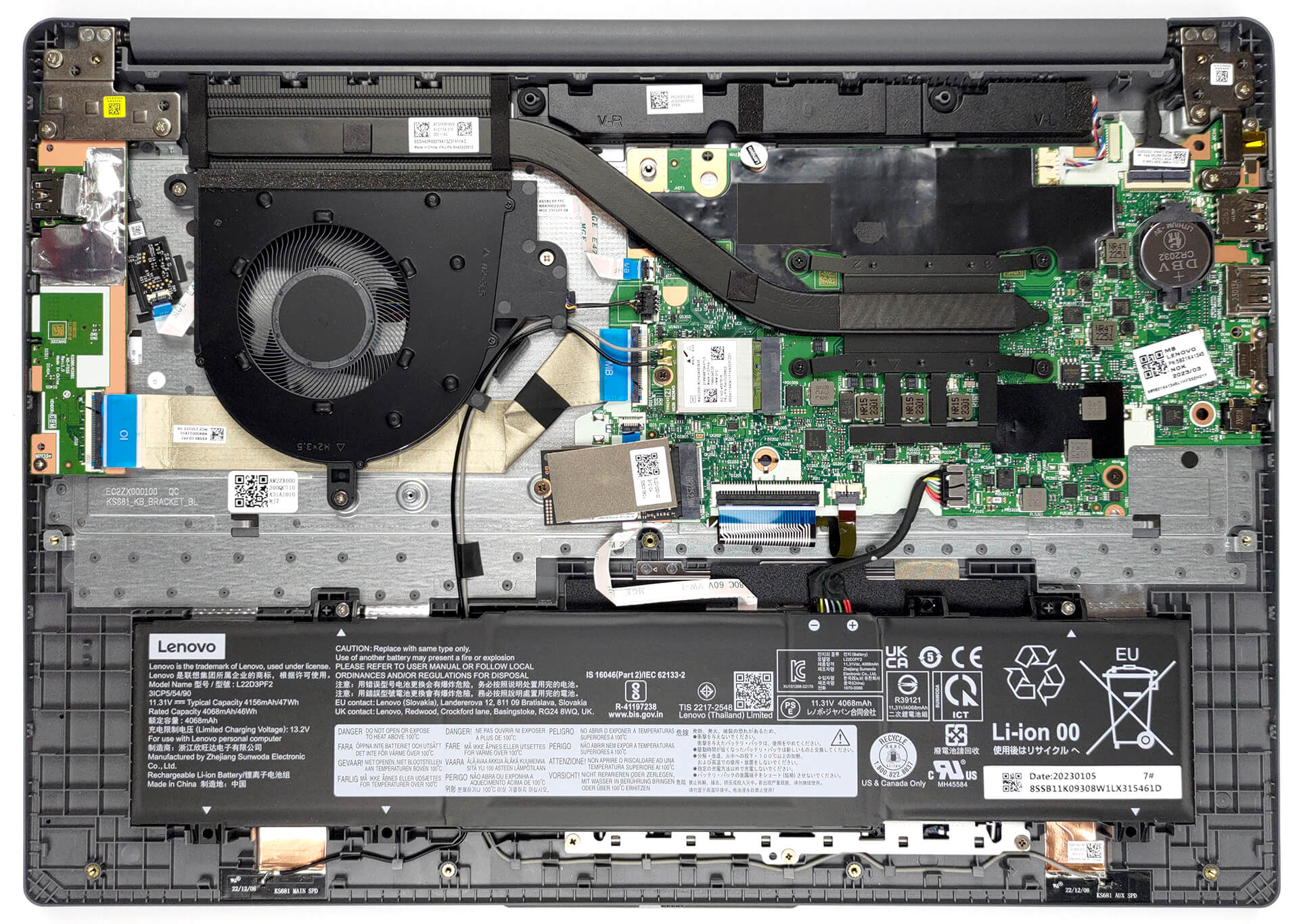
- 1x 2242 M.2 NVMe PCIe 3.0 x4 Fotoğrafı gör
- RAM
- up to 16GB
- İS
- Windows 11 Home, Windows 11 Pro, Linux, Windows 10 Pro, DOS, Windows 10 Home, No OS
- Pil
- 47Wh
- Gövde Malzemesi
- Plastic / Polycarbonate
- Boyutlar
- 359.2 x 257 x 17.9 - 18.4 mm (14.14" x 10.12" x 0.70")
- Ağırlık
- 1.74 kg (3.8 lbs)
- Portlar ve bağlantı
- 2x USB Type-A
- 3.2 Gen 1 (5 Gbps)
- 1x USB Type-C
- 3.2 Gen 1 (5 Gbps), Power Delivery (PD), DisplayPort
- HDMI
- 1.4
- Kart Okuyucu
- SD (SD, SDHC, SDXC, MMC)
- Ethernet LAN
- Wi-Fi
- 802.11ax
- Bluetooth
- 5.1
- Ses jakı
- 3.5mm Combo Jack
- Özellikler
- Parmak izi okuyucu
- optional
- Web kamerası
- HD / FHD with Privacy Shutter, Fixed Focus
- Arkadan aydınlatmalı klavye
- optional
- Mikrofon
- Dual-microphone array with noise-cancelling
- Hoparlörler
- 2x 1.5W User-facing stereo speakers, optimized by Dolby Audio
- Optik sürücü
- Güvenlik Kilidi yuvası
Tümü Lenovo IdeaPad Slim 3 (16″, 2023) yapılandırmalar
Drivers
All drivers and utilities for this notebook can be found here: https://pcsupport.lenovo.com/us/en/products/laptops-and-netbooks/ideapad-s-series-netbooks/ideapad-slim-3-16abr8/downloads/driver-list
What’s in the box?
Inside, we find the laptop itself, some paperwork, and a 65W power adapter, which comes with a barrel-style plug.

 Author: Alex Iliev
 Author: eng. Kroum NikolovHead of Engineering at LaptopMedia.com, inventor and innovator with 40+ years of experience in electronics and high technology.

![[Mayıs 2026] Amazon’da En Çok Satan Dizüstü Bilgisayar GPU’larının Küresel Sıralaması – Apple %45 Payla İlk 3 Sırayı Kaptı; NVIDIA’nın RTX 5060’ı Özel GPU Paketinde Lider](https://laptopmedia.com/wp-content/uploads/2026/06/Best-Selling-GPUs-GLOBAL-Top-10-400x225.jpg)
![[Mayıs 2026] Amazon’da En Çok Satan Dizüstü Bilgisayar CPU’larının Küresel Sıralaması – Apple %45,2 Pazar Payı ile Rekabeti Ezip Geçiyor, M5 Hakim](https://laptopmedia.com/wp-content/uploads/2026/06/Best-Selling-CPUs-GLOBAL-Top-10-400x225.jpg)
![[May 2026] Amazon Germany: Top 7 Best-Selling Gaming Laptops – Lenovo Legion 5i Crowned Champion Amidst Fierce Mid-Range Competition](https://laptopmedia.com/wp-content/uploads/2026/06/Best-Selling-Gaming-Laptops-DE-Top-10-1-400x225.jpg)
![[May 2026] Amazon Italy: Top 10 Best-Selling Laptops – Apple MacBook Neo Reigns Supreme, Premium Models Capture Dominant Revenue Share](https://laptopmedia.com/wp-content/uploads/2026/06/Best-Selling-Laptops-IT-Top-10-400x225.jpg)
![[May 2026] Best-Selling Laptop Brands on Amazon Italy – Apple Dominates Across All Metrics](https://laptopmedia.com/wp-content/uploads/2026/06/IT-Best-Brands-400x225.jpg)

BUYER BEWARE. The touchpad is placed very far to the left of center and is VERY uncomfortable. I have also had too many times where the cursor scrolls over something and either opens or closes the page. I have adjusted the settings without any help. Very annoying when something you are working on closes or a website closes and you need to try to go back and figure out where you were. I have had this over 6 months and plan on looking for another brand during the after xmas sales. Too bad as this is my 3rd Lenovo laptop… Devamını oku »
If your work is important, turn on the radio mouse and don’t bother with touchpads. especially in the initial series of laptops, where all the components are entry-level. I basically don’t use them, except for rare cases when I find myself somewhere with a laptop without a radio mouse.
It’s much worse that there is no RJ45 here; it’s simply impossible to get a stable and fast network without buying an external usb2lan adapter (with which there are often various problems, unlike built-in rj45). And this is especially strange for a business/office series. And in reality, bringing this port outside costs a penny – +$5. The second significant problem is the poor video ports. Lenovo claims Display Port v1.2 Alt Mode in usb-c is outdated 15 years ago and HDMI 1.4b is 13 years outdated. You will not be able to display HDR images on TV/projectors/monitors from this laptop… Devamını oku »
The third, possible problem – in the review checked the screen panel from BOE, but Lenovo often imstall Innolux n160jce-ell in this series, which may have low-frequency PWM. And Lenovo does not indicate Flicker Free panels for this series in psref, as for other series. Therefore, you need to be careful with this, especially when buying a model without Windows, because if there is no OS included, you can check the flickering only by booting from a WinPE flash drive with pre-integrated video drivers for this series or from some Linux distribution that understands the SoC of this series and… Devamını oku »