Acer Nitro V 15 (ANV15-51) review – successful symbiosis between the Aspire and the Nitro series
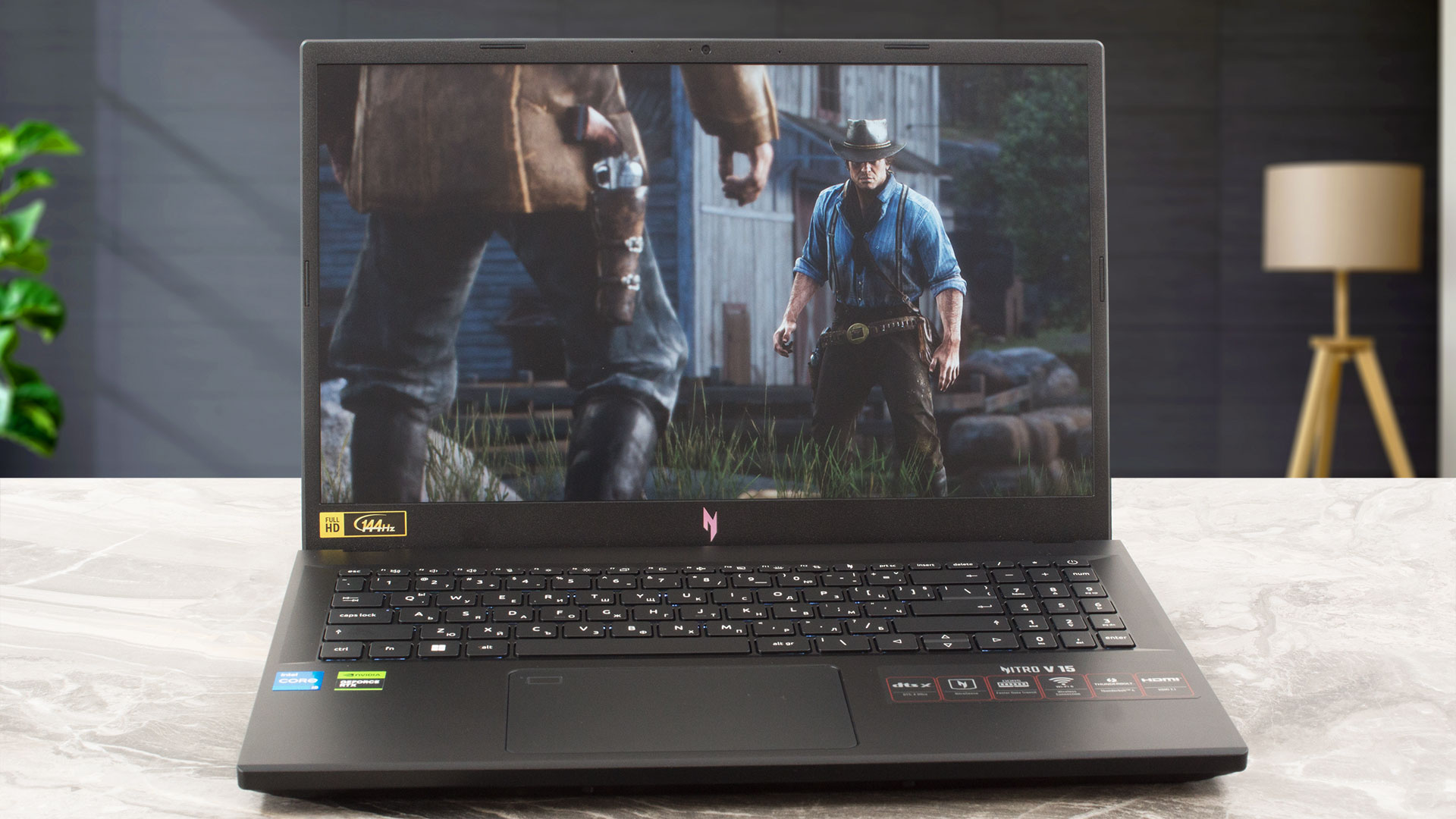 As you may already know, the Nitro series devices are budget-oriented laptops that offer a good bang for the buck (or at least in most cases). These machines are also very popular and that’s why Acer is trying to manufacture even more affordable devices. Their new creation is called the Acer Nitro V 15 (ANV15-51).
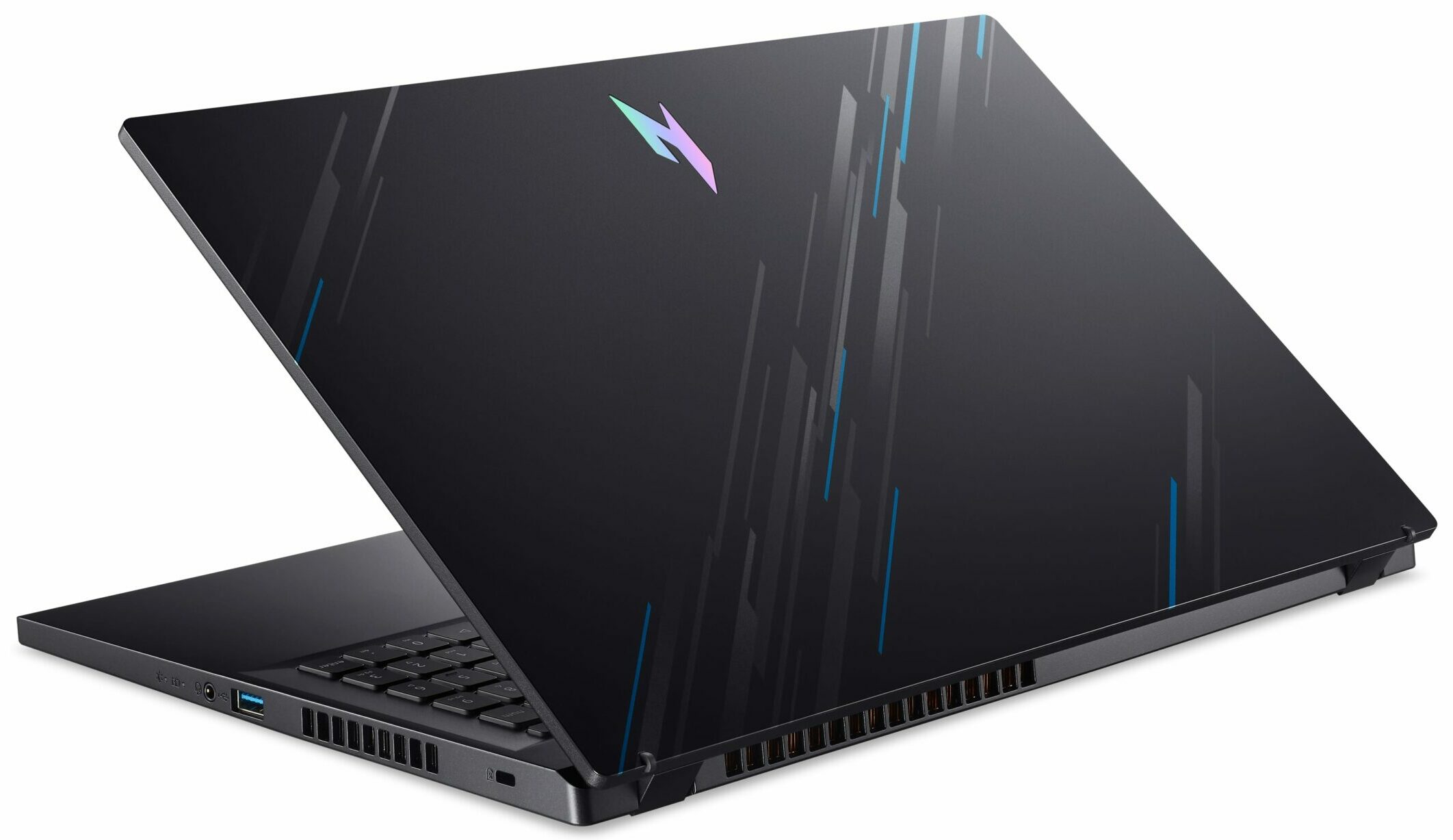
Interestingly, this one looks like an Aspire notebook with Nitro treatment. Of course, it’s not just a rebranded notebook with a bit different look. You can use the handy Acer NitroSense app for advanced system monitoring, fan control, and for applying different performance presets according to your needs. The gadget also comes with a bit newer 13th Gen H-series CPU options (that are based on the Alder Lake architecture). Things are looking good in the GPU department – the most powerful graphics chip is the GeForce RTX 4050 (Laptop).
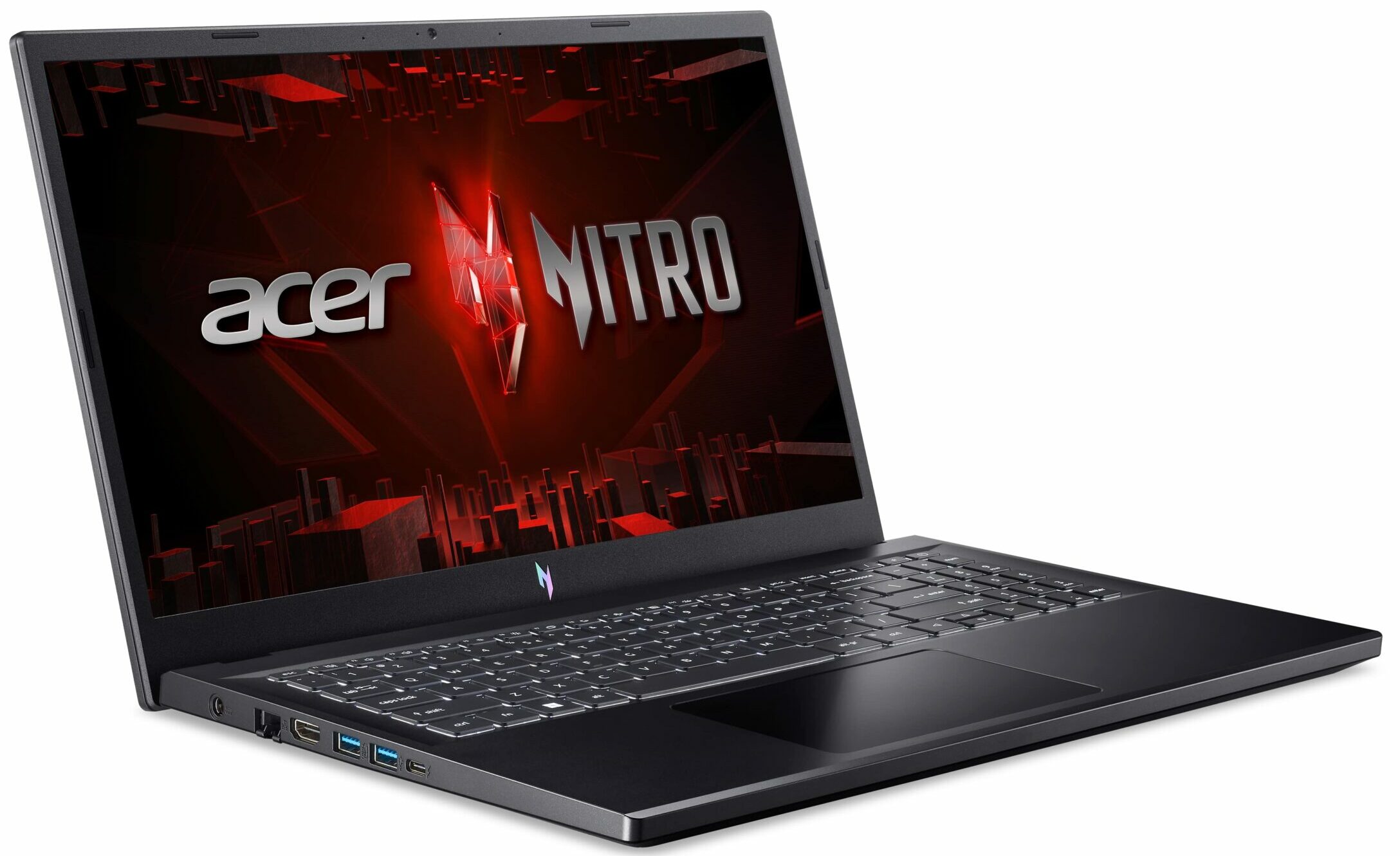
You choose between two 1080 display variants – the base one has a 144Hz refresh rate while the optional unit boasts 165Hz. The I/O of the laptop is decent and it includes a Thunderbolt 4 connector and you get Wi-Fi 6 and Bluetooth 5.1 for connectivity. Overall, all looks good. Let’s see if the collaboration between the Nitro and the Aspire series is successful.
You can check the prices and configurations in our Specs System: https://laptopmedia.com/series/acer-nitro-v-15-anv15-51/
Contents
- Specs, Drivers, What’s in the box
- Design and construction
- Display quality, Health impact (PWM), Sound
- Buy our profiles
- Performance: CPU, GPU, Gaming Tests
- [eBook Guide + Tools] How to MAX OUT your Laptop
- Temperatures and comfort, Battery Life
- Disassembly, Upgrade options, and Maintenance
- Storage performance
- Verdict
Specs, Drivers, What’s in the box
Acer Nitro V 15 (ANV15-51) - Özellikler



- HDD/SSD
- kadar 10000GB SSD
- M.2 Yuvası
- 1x 2280 M.2 NVMe PCIe 4.0 x4 + 1x 2280 M.2 NVMe PCIe 3.0 x4 Fotoğrafı gör
- RAM
- up to 66GB
- İS
- Windows 11 Home, Chrome OS, Windows 11 Pro, Windows 10 Pro, Windows 10 Home, No OS
- Pil
- 57Wh, 4-cell, 57Wh
- Gövde Malzemesi
- Plastic / Polycarbonate
- Boyutlar
- 362.3 x 239.89 x 22.9 - 26.9 mm (14.26" x 9.44" x 0.90")
- Ağırlık
- 2.11 kg (4.7 lbs)
- Portlar ve bağlantı
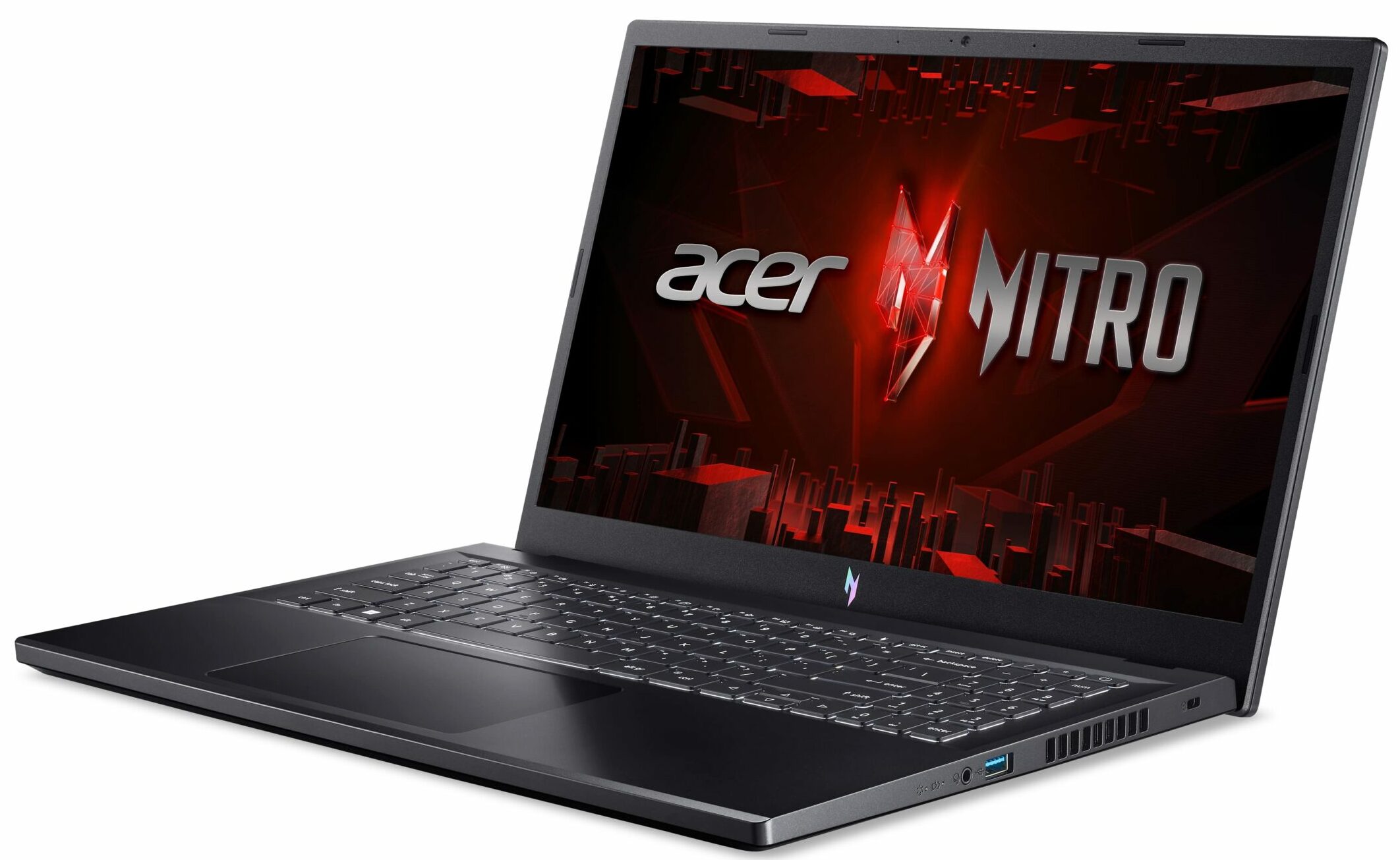
- 1x USB Type-A
- 3.2 Gen 1 (5 Gbps), Sleep and Charge
- 2x USB Type-A
- 3.2 Gen 1 (5 Gbps)
- 1x USB Type-C
- 3.2 Gen 2 (10 Gbps), Thunderbolt 4, Power Delivery (PD), DisplayPort
- HDMI
- 2.1
- Kart Okuyucu
- Ethernet LAN
- 10, 100, 1000 Mbit/s
- Wi-Fi
- 802.11ax
- Bluetooth
- 5.1
- Ses jakı
- 3.5mm Combo Jack
- Özellikler
- Parmak izi okuyucu
- optional
- Web kamerası
- HD with Temporal Noise Reduction
- Arkadan aydınlatmalı klavye
- Mikrofon
- Dual Microphones with AI noise reduction
- Hoparlörler
- Stereo Speakers with DTS X: Ultra Audio
- Optik sürücü
- Güvenlik Kilidi yuvası
- Kensington Lock
Tümü Acer Nitro V 15 (ANV15-51) yapılandırmalar
Drivers
All drivers and utilities for this notebook can be found here: https://www.acer.com/us-en/support/product-support/ANV15-51/downloads?suggest=ANV15-51;1
What’s in the box?
Inside the box, you will find some paperwork and a 135W barrel plug charger.

 Author: Nikolay Palaozov
 Author: eng. Kroum NikolovHead of Engineering at LaptopMedia.com, inventor and innovator with 40+ years of experience in electronics and high technology.

![[Ağustos 2026] Amazon Global: En Çok Satan 10 Dizüstü Bilgisayar – Apple MacBook Neo Listelerin Zirvesinde Yer Alırken, Ekonomik ve Orta Sınıf Windows Dizüstü Bilgisayarlar Satış Hacmi İçin Rekabet Ediyor](https://laptopmedia.com/wp-content/uploads/2026/09/Best-Selling-Laptops-GLOBAL-Top-10-400x225.jpg)
![[Ağustos 2026] Amazon Global’de En Çok Satan Dizüstü Bilgisayar Markaları – Apple Gelirde Liderken, HP Model Çeşitliliği Konusunda Önde](https://laptopmedia.com/wp-content/uploads/2026/09/GLOBAL-Best-Brands-400x225.jpg)
![[Ağustos 2026] Amazon Global: En Çok Satan 10 Oyun Dizüstü Bilgisayarı – HP Victus 15 Birinci Sırayı Aldı; Listeyi Uygun Fiyatlı Modeller Hakimiyetine Aldı](https://laptopmedia.com/wp-content/uploads/2026/09/Best-Selling-Gaming-Laptops-GLOBAL-Top-10-400x225.jpg)
![[August 2026] Best-Selling Laptop Brands on Amazon Japan – Apple Dominates Market Share and Revenue Led by Strong Unit Sales](https://laptopmedia.com/wp-content/uploads/2026/09/CO.JP-Best-Brands-1-400x225.jpg)
![[August 2026] Best-Selling Laptop Brands on Amazon USA – Apple Dominates Market Revenue and Volume Despite Lower Model Diversity](https://laptopmedia.com/wp-content/uploads/2026/09/COM-Best-Brands-1-400x225.jpg)

How to achieve something like your “Gaming and Design” profile?
Hey Carl, If you want to use it to improve your display, you can purchase the profiles it here. Then, install our LM Profiles app (or another app for .icm profiles, though LM Profiles is the easiest to use, and has a PWM-free brightness slider), and simply drag & drop the profiles into it 🙂 If you’re asking how we created it, we’ve invested in a laboratory equipped with expensive gear, and selling these profiles helps us recoup some of our investment. Alternatively, you could get an entry-level calibrator, like a Spyder, and learn to make display profiles yourself 🙂… Devamını oku »
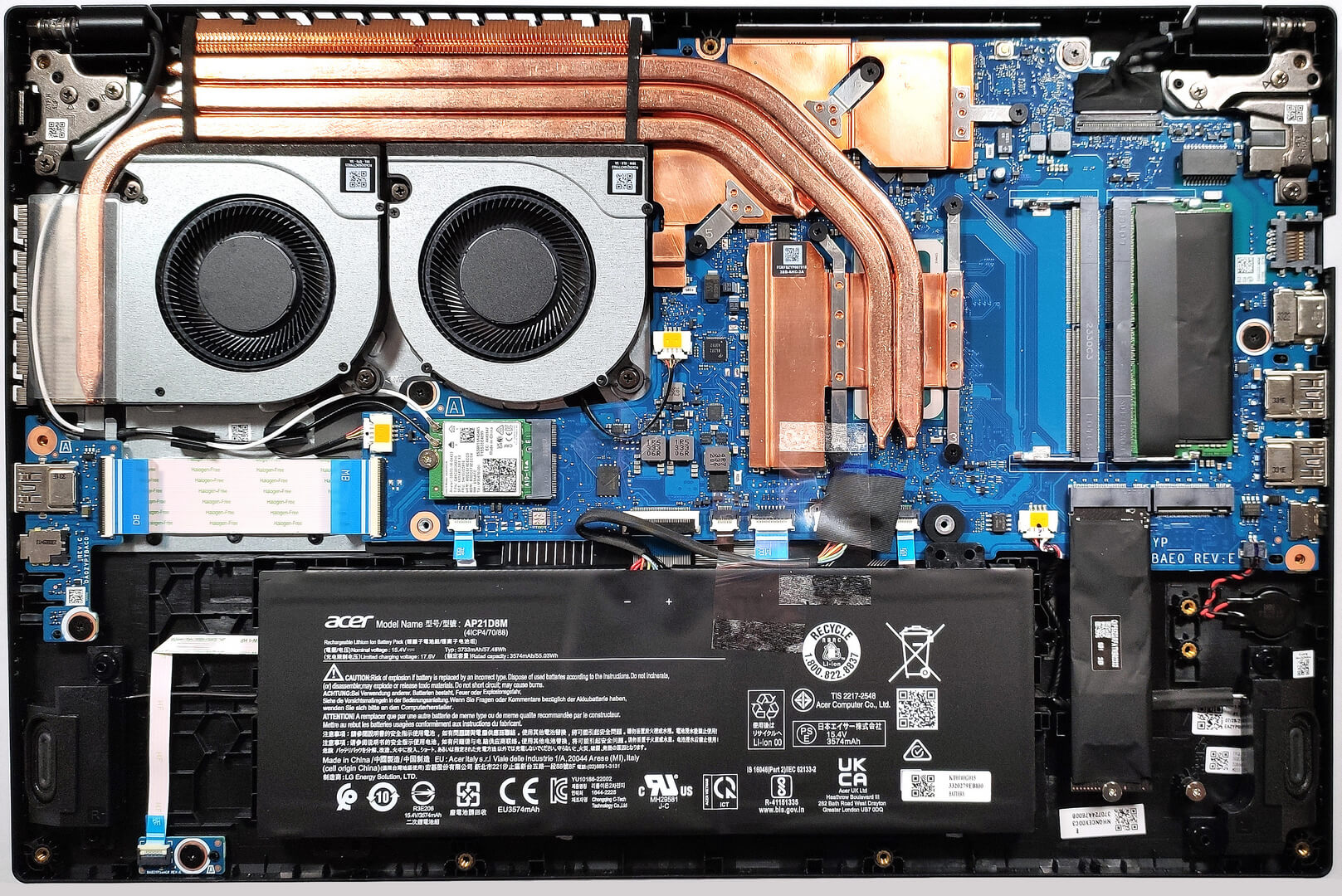
Что находится в правом краю ноутбука ниже карт памяти, часть, соединëнная красным и чëрным проводом
It might be a CMOS battery
Du Du Du Du Max Verstappen ~
Must be the CMOS battery
Does it have an turbo mode ?
Can i ask the size of the heatsink screws