MSI Vector 16 HX A13V review – Titan Performance in a 16-inch Package
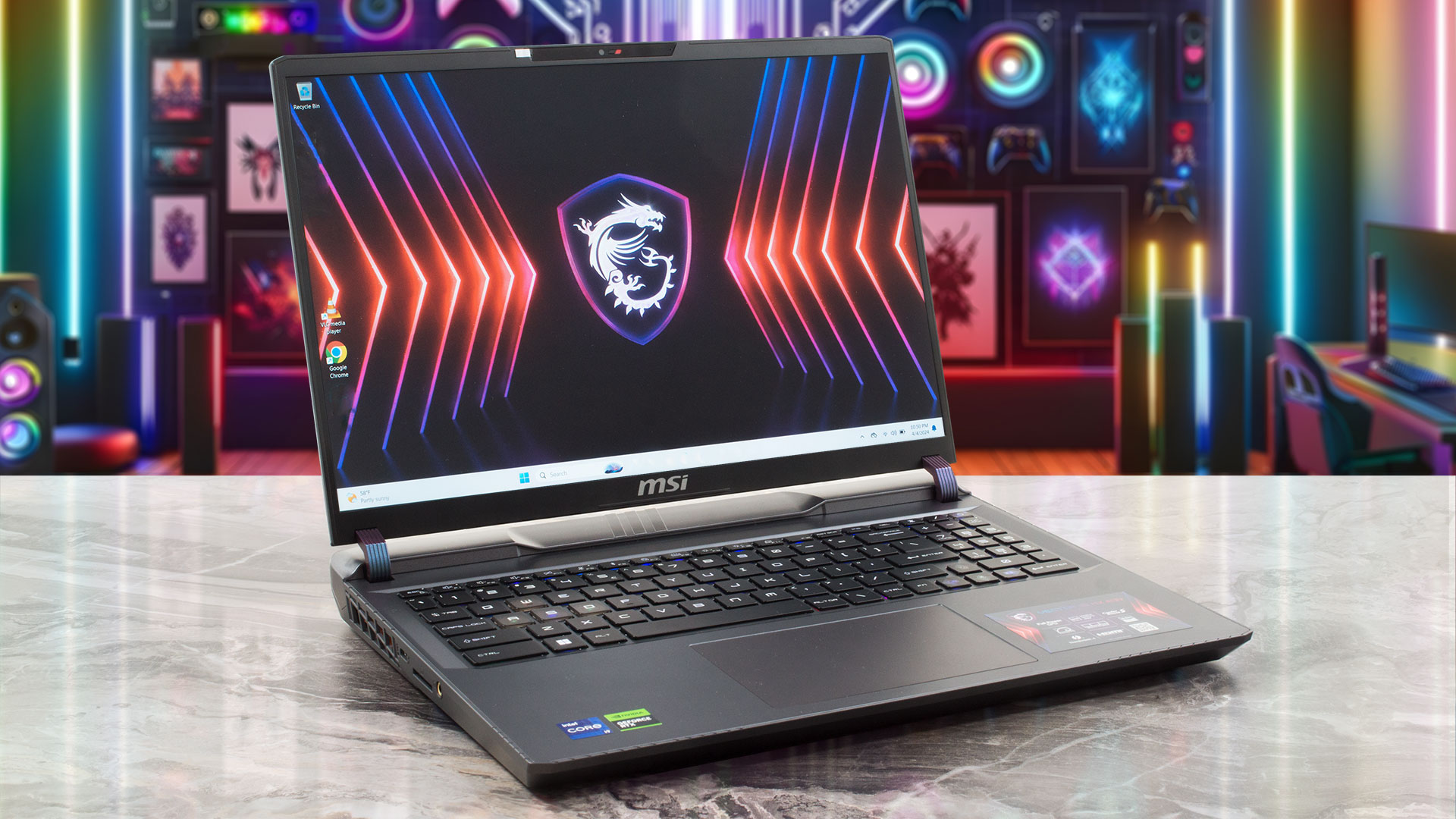 Nowadays, you can find a lot of high-end devices in a 17-inch or 18-inch form factor. On the other hand, if you want a smaller machine with top-end hardware, your choice is fairly limited. Still, with the aid of Vector 16 HX A13V, MSI tries to prove that a 16-incher can perform as well as some of its bigger siblings with larger displays. Specs-wise, the device is a true monster. You get a choice of Intel Raptor Lake HX CPUs with tons of cores and the latest and greatest NVIDIA Ada Lovelace GPUs with the highest possible power limits.
Display-wise, there are two IPS variants. The base one is a 144Hz 1200p unit and you can opt for a 240Hz 1600p model. There are no fancy OLED or 4K panels here. The absence of G-Sync support is quite strange given the price tag of the notebook. Still, there is a MUX switch for the best possible graphics performance, when the AC adapter is plugged in. For longer battery life, you can find an iGPU-only mode in the MSI Center app.
It’s great to see that one of the M.2 slots is compatible with Gen 5 NVMe drives. Speaking of internals, the Cooler Boost 5 cooling solution is quite massive with its six heat pipes, which is quite a logical solution considering the 175W video card under the hood. You can also rely on Wi-Fi 6E + Bluetooth 5.3 for connectivity, a big battery, a rich port selection, and a per-key RGB keyboard.
You can check the prices and configurations in our Specs System: https://laptopmedia.com/series/msi-vector-16-hx-a13vx-a14vx/

Contents
Specs, Drivers, What’s in the box
MSI Vector 16 HX (A13Vx / A14Vx) - Özellikler


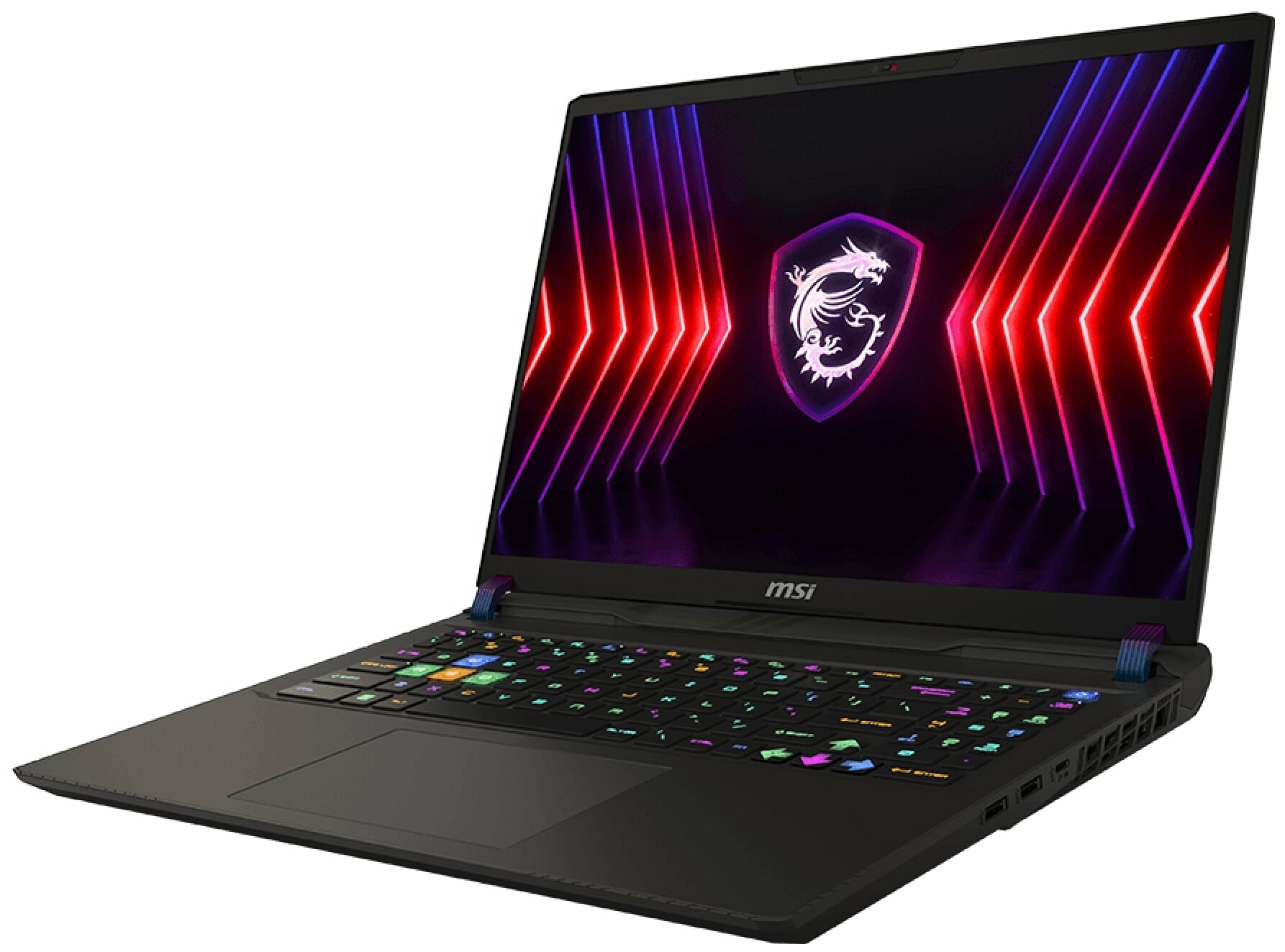


- HDD/SSD
- kadar 16000GB SSD
- M.2 Yuvası
- 2x 2280 M.2 NVMe PCIe 4.0 x4 Fotoğrafı gör
- RAM
- up to 96GB
- İS
- Windows 11 Pro, Windows 11 Home, Windows 11, DOS, No OS
- Pil
- 90Wh, 4-cell, 90Wh, 90Wh, 4-cell
- Gövde Malzemesi
- Plastic / Polycarbonate, Aluminum
- Boyutlar
- 357 x 284 x 22.20 - 28.55 mm (14.06" x 11.18" x 0.87")
- Ağırlık
- 2.70 kg (6 lbs)
- Portlar ve bağlantı
- 1x USB Type-A
- 3.2 Gen 1 (5 Gbps)
- 1x USB Type-A
- 3.2 Gen 1 (5 Gbps)
- 1x USB Type-C
- 3.2 Gen 2 (10 Gbps), DisplayPort
- 1x USB Type-C
- 3.2 Gen 2 (10 Gbps), Power Delivery (PD), DisplayPort
- 1x USB Type-C
- 4.0, Thunderbolt 4, DisplayPort
- HDMI
- 2.1 (8K@60Hz / 4K@120Hz)
- Kart Okuyucu
- SD (SD, SDHC, SDXC)
- Ethernet LAN
- 10, 100, 1000, 2500 Mbit/s
- Wi-Fi
- 802.11ax/802.11be
- Bluetooth
- 5.3/5.4
- Ses jakı
- 3mm Combo Jack
- Özellikler
- Parmak izi okuyucu
- Web kamerası
- HD with 3D Noise Reduction (3DNR)
- Arkadan aydınlatmalı klavye
- optional
- Mikrofon
- Hoparlörler
- 2x 2W Stereo Speakers, Nahimic 3D Audio
- Optik sürücü
- Güvenlik Kilidi yuvası
- Kensington Lock
Tümü MSI Vector 16 HX (A13Vx / A14Vx) yapılandırmalar
Drivers
All drivers and utilities for this notebook can be found here: https://www.msi.com/Laptop/Vector-16-HX-A13VX/support
What’s in the box?
Inside the package, you’ll find some manuals and a huge 330W barrel plug charger.

 Author: Nikolay Palaozov
 Author: eng. Kroum NikolovHead of Engineering at LaptopMedia.com, inventor and innovator with 40+ years of experience in electronics and high technology.

![[Mayıs 2026] Amazon’da En Çok Satan Dizüstü Bilgisayar GPU’larının Küresel Sıralaması – Apple %45 Payla İlk 3 Sırayı Kaptı; NVIDIA’nın RTX 5060’ı Özel GPU Paketinde Lider](https://laptopmedia.com/wp-content/uploads/2026/06/Best-Selling-GPUs-GLOBAL-Top-10-400x225.jpg)
![[Mayıs 2026] Amazon’da En Çok Satan Dizüstü Bilgisayar CPU’larının Küresel Sıralaması – Apple %45,2 Pazar Payı ile Rekabeti Ezip Geçiyor, M5 Hakim](https://laptopmedia.com/wp-content/uploads/2026/06/Best-Selling-CPUs-GLOBAL-Top-10-400x225.jpg)
![[May 2026] Amazon Germany: Top 7 Best-Selling Gaming Laptops – Lenovo Legion 5i Crowned Champion Amidst Fierce Mid-Range Competition](https://laptopmedia.com/wp-content/uploads/2026/06/Best-Selling-Gaming-Laptops-DE-Top-10-1-400x225.jpg)
![[May 2026] Amazon Italy: Top 10 Best-Selling Laptops – Apple MacBook Neo Reigns Supreme, Premium Models Capture Dominant Revenue Share](https://laptopmedia.com/wp-content/uploads/2026/06/Best-Selling-Laptops-IT-Top-10-400x225.jpg)
![[May 2026] Best-Selling Laptop Brands on Amazon Italy – Apple Dominates Across All Metrics](https://laptopmedia.com/wp-content/uploads/2026/06/IT-Best-Brands-400x225.jpg)

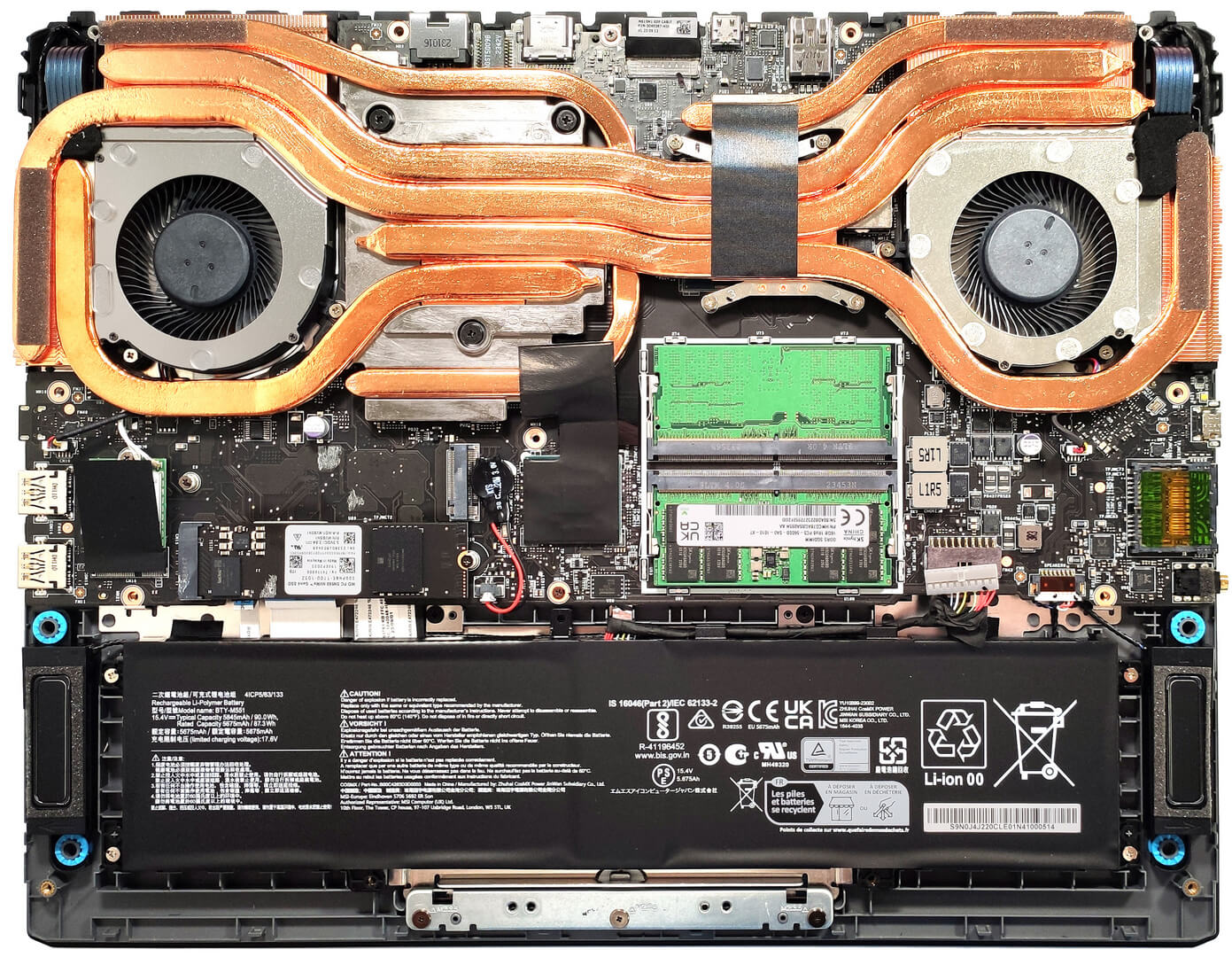
Hello! Which M.2 slot is Gen 4 and which is Gen 5?
Hye bro, top is Gen 5, bottom is Gen 4. No documentation. I heard this from multiple youtubers.
Cheers!