Acer Nitro 17
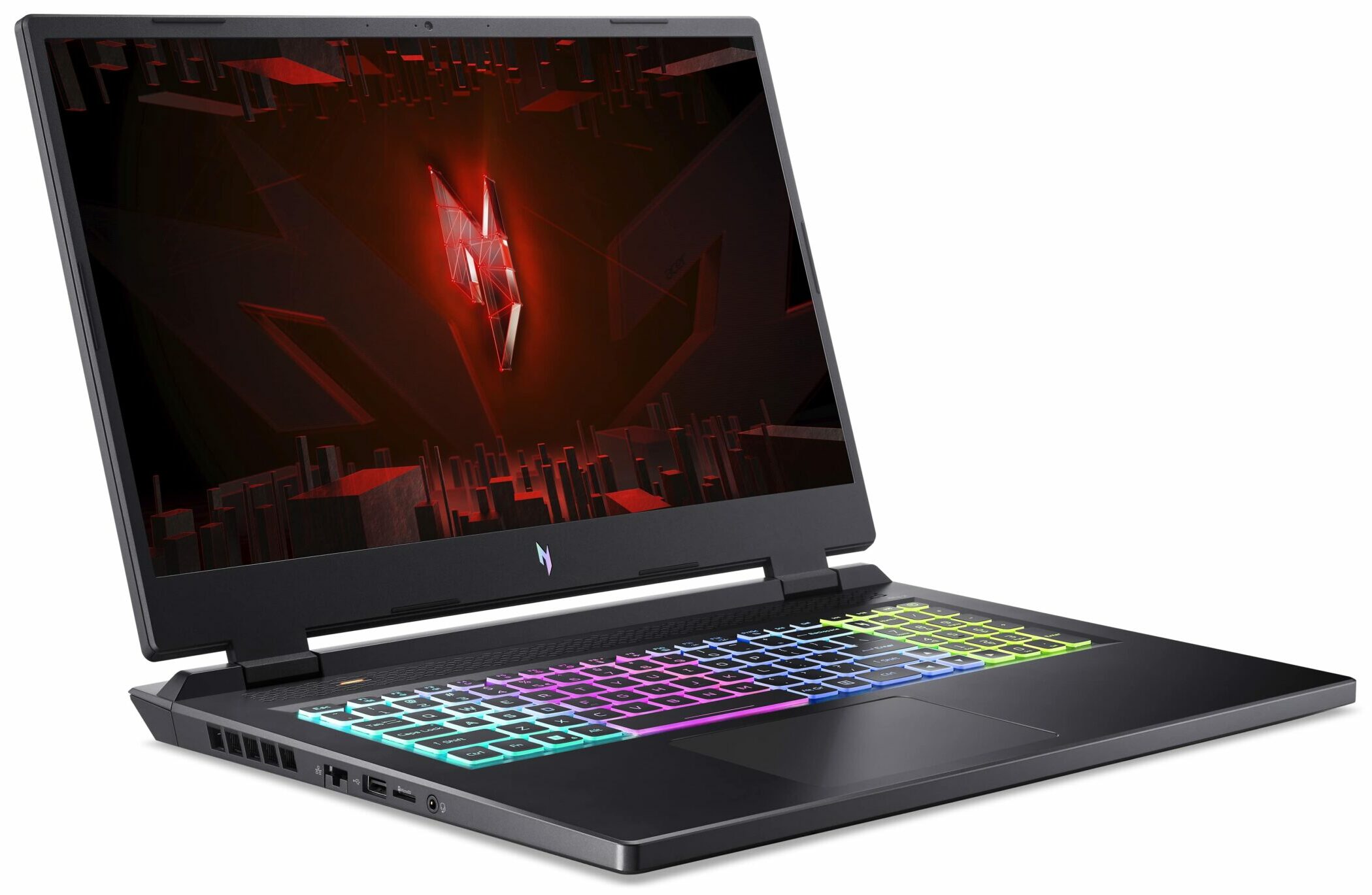

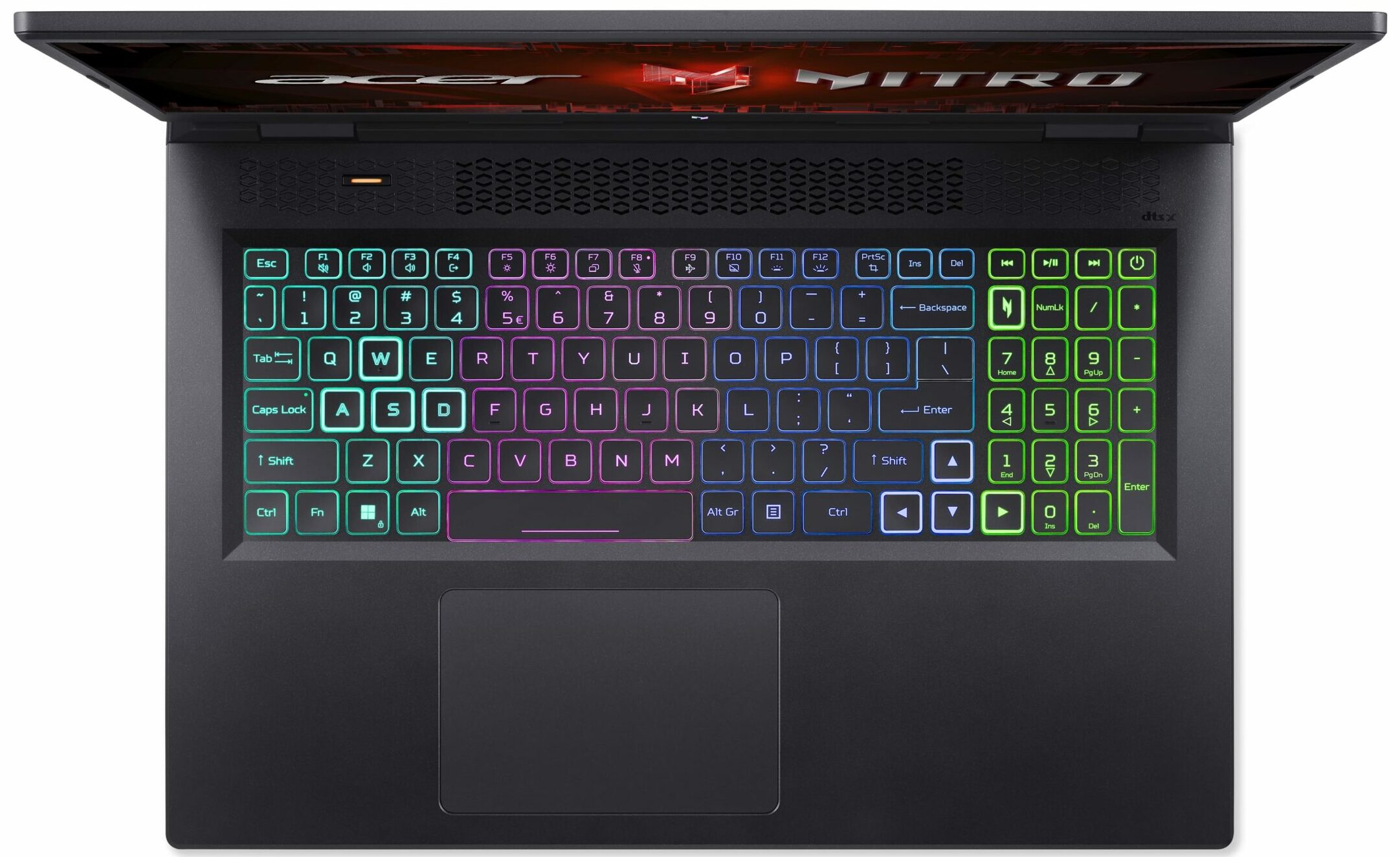
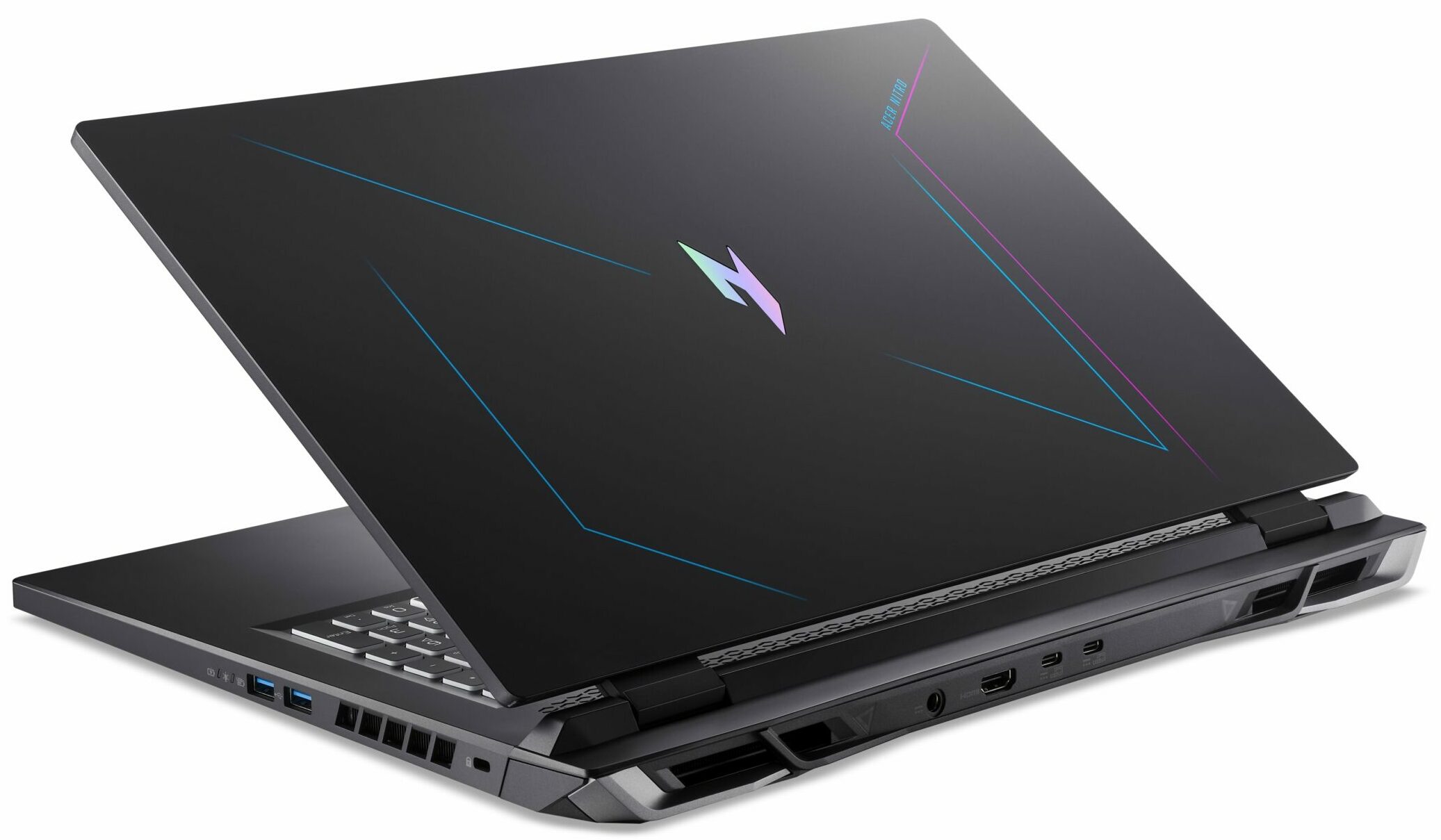
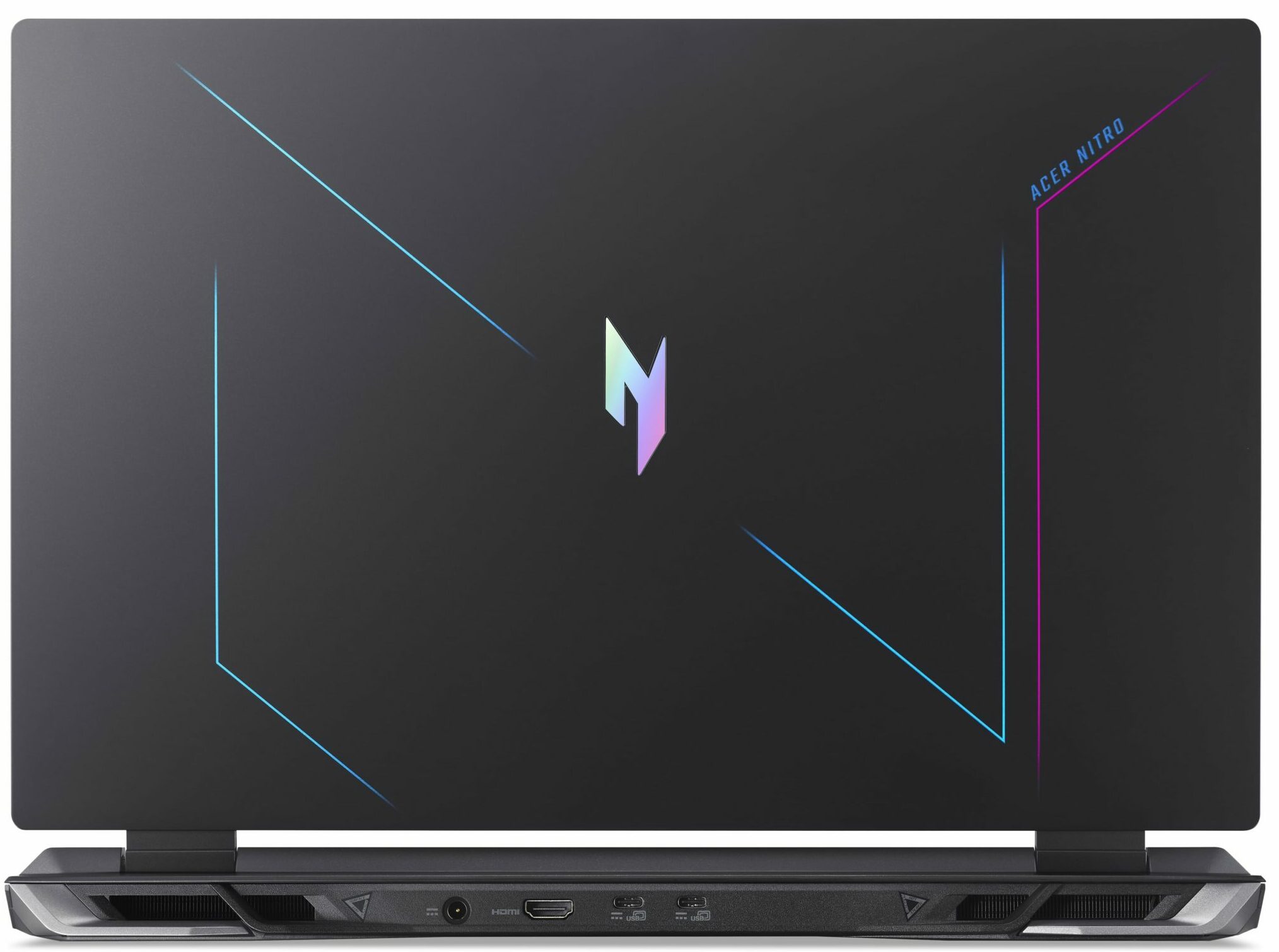
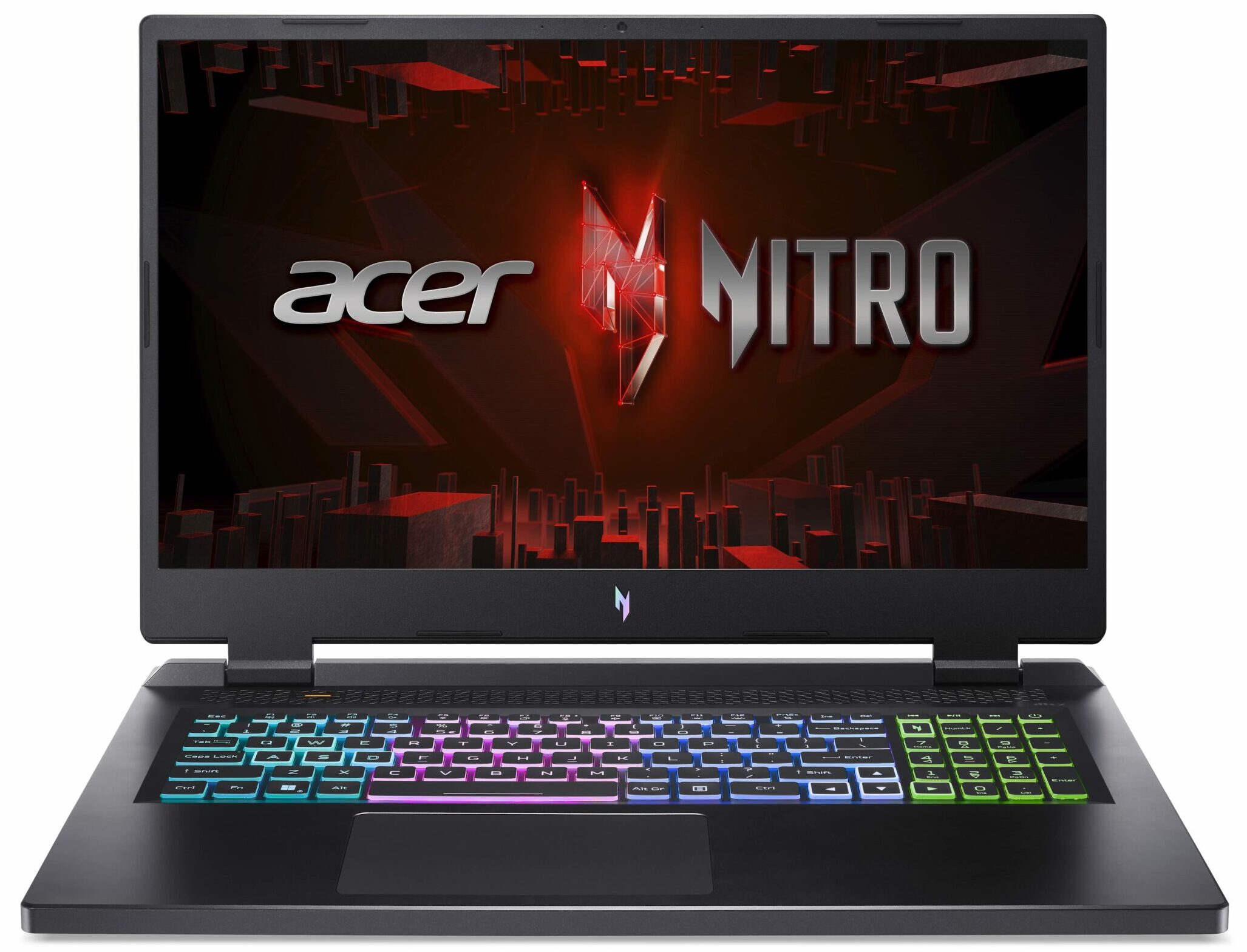
- Yayınlanma Tarihi: 11 Oct 2023
- AMD Ryzen 7 7840HS
- NVIDIA GeForce RTX 4060 (Laptop, 140W)
- 17.3", QHD (2560 x 1440), 165 Hz, IPS + G-Sync
- 1000GB SSD
- 24GB DDR5
- 3.10 kg (6.8 lbs)
Acer Nitro 17 (AN17-41) derinlemesine inceleme
Since we've already reviewed the Acer Nitro 17 (AN17-71) and the Acer Nitro 17 (AN17-51) now it's time to test the AMD version that is simply called Acer Nitro 17 (AN17-41). This one looks almost exactly the same as the two Intel-based iterations. It's a big 17.3" laptop that can be configured with [...]
Tüm incelemeyi oku

İnceleme
Acer Nitro 17 derinlemesine inceleme
Since we've already reviewed the Acer Nitro 17 (AN17-71) and the Acer Nitro 17 (AN17-51) now it's time to test the AMD version that is simply called Acer Nitro 17 (AN17-41). This one looks almost exactly the same as the two Intel-based iterations. It's a big 17.3" laptop that can be configured with high-end gaming hardware.This includes AMD Zen 4 CPU options and refreshed Zen 3+ chips. The device can be a modest machine with a Ryzen 5 7535HS or you can transform it into a real beast if you choose the Ryzen 9 7940HS. GPU-wise, you can rely on some of the latest and greatest NVIDIA Ada Lovelace graphics cards. The top-end version is the GeForce RTX 4070 with a hefty TGP.You can choose between two 16:9 IPS G-Sync capable display options. The base one is a 1080p unit with a 165Hz refre[...]
Tüm incelemeyi okuArtıları
- Snappy and efficient Zen 4 CPU
- 2x M.2 Gen 4 slots, 2x DDR5 RAM SODIMM slots + Wi-Fi 6E
- 100% sRGB and 99% DCI-P3 coverage (BOE NE173QHM-NY6 (BOE0B7C))
- Fast display with quick response times (BOE NE173QHM-NY6 (BOE0B7C)
- PWM-free (BOE NE173QHM-NY6 (BOE0B7C))
- G-Sync support + MUX switch and Advanced Optimus
- Modern port selection
- The keyboard feels cool during heavy loads
- The 4-zone RGB keyboard is comfortable for typing and gaming
- Very long battery life
- Good cooling solution and low temperatures under load
- High CPU and GPU clocks and power limits during any kind of stress
- The Acer Nitro Sence app offers 4 performance presets as well as a custom fan curve
Eksileri
- Plastic build
- Loud fans in "Turbo" mode
- Noticeable RPM fluctuations in the "Performance" mode
- The touchpad is just an average unit
- The GPU performance isn't that impressive
- The lid is a bit flexible
Sökme, bakım ve yükseltme seçenekleri
Step 1: Accessing the Internal ComponentsEnsure the Acer Nitro 17 (AN17-41) is powered off and placed on a soft, clean surface to prevent damage. Remove the 11 Phillips-head screws securing the bottom panel. Use a plastic tool to pry the bottom plate off, or carefully lift it by holding the two plastic exhaust vents on the back.Hint: Keep track of the screws to avoid losing them.Step 2: Removing the BatteryLocate the battery's connector on the mainboard. Disconnect the battery by pulling out the connector. Lift the battery away from the chassis, noting t[...]
Daha fazlasını oku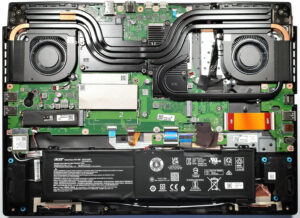
Ekran: 17.3-inch, 2560 x 1440, IPS + G-Sync
- İsim
- BOE NE173QHM-NY6
- Diyagonal
- 17.3"
- Piksel yoğunluğu
- 169.78 ppi
- Parlaklık
- 374 cd/m2
- sRGB
- 100%
- Panel Tipi
- IPS
- Çözünürlük
- 2560 x 1440
- "Retina" Olduğu Mesafe
- 20 inches (52 cm)
- Kontrast
- 1110:1
- dE Color Checker
- 3.0 2.2

Şunun için profillerimizi satın alın BOE NE173QHM-NY6
Verimli ve sağlık dostu profiller almanın yanı sıra, LaptopMedia'nın ürünlerini satın alarak, mümkün olan en objektif incelemeleri üretmek için cihazları test ettiğimiz laboratuvarlarımızın gelişimini de desteklemiş olursunuz.

Ofis Çalışması
Ofis Çalışması, çoğunlukla metinlere, tablolara bakan veya sadece gezinen kullanıcılar tarafından kullanılmalıdır. Bu profil, düz bir gama eğrisi (2.20), doğal renk sıcaklığı ve algısal olarak doğru renkler tutarak daha iyi ayırt edilebilirlik ve netlik sunmayı amaçlamaktadır.

Tasarım ve Oyun
Bu profil, renklerle profesyonel olarak çalışan tasarımcılara ve aynı zamanda oyunlara ve filmlere yöneliktir. Tasarım ve Oyun, ekran panellerini sınırlarına kadar zorlayarak Web ve HDTV için sRGB IEC61966-2-1 standardında, D65 beyaz noktasında mümkün olduğunca doğru olmalarını sağlar.

Health-Guard
Health-Guard, zararlı Darbe Genişlik Modülasyonunu (PWM) ortadan kaldırır ve gözlerimizi ve vücudumuzu etkileyen negatif Mavi Işığı azaltır. Her panel için özel olarak uyarlandığından, renkleri algısal olarak doğru tutmayı başarır. Health-Guard kağıdı simüle eder, böylece gözlerdeki baskı büyük ölçüde azalır.





