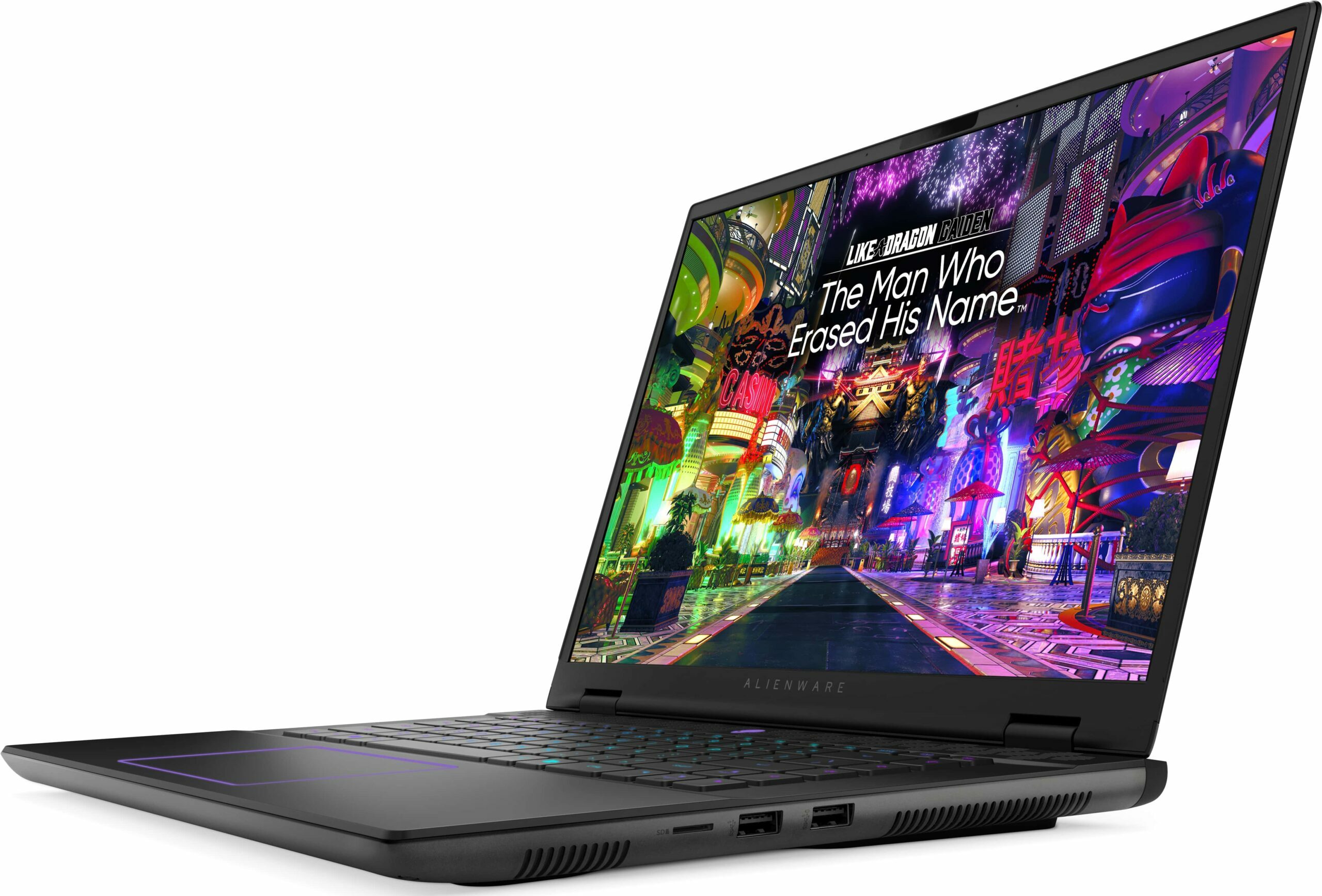
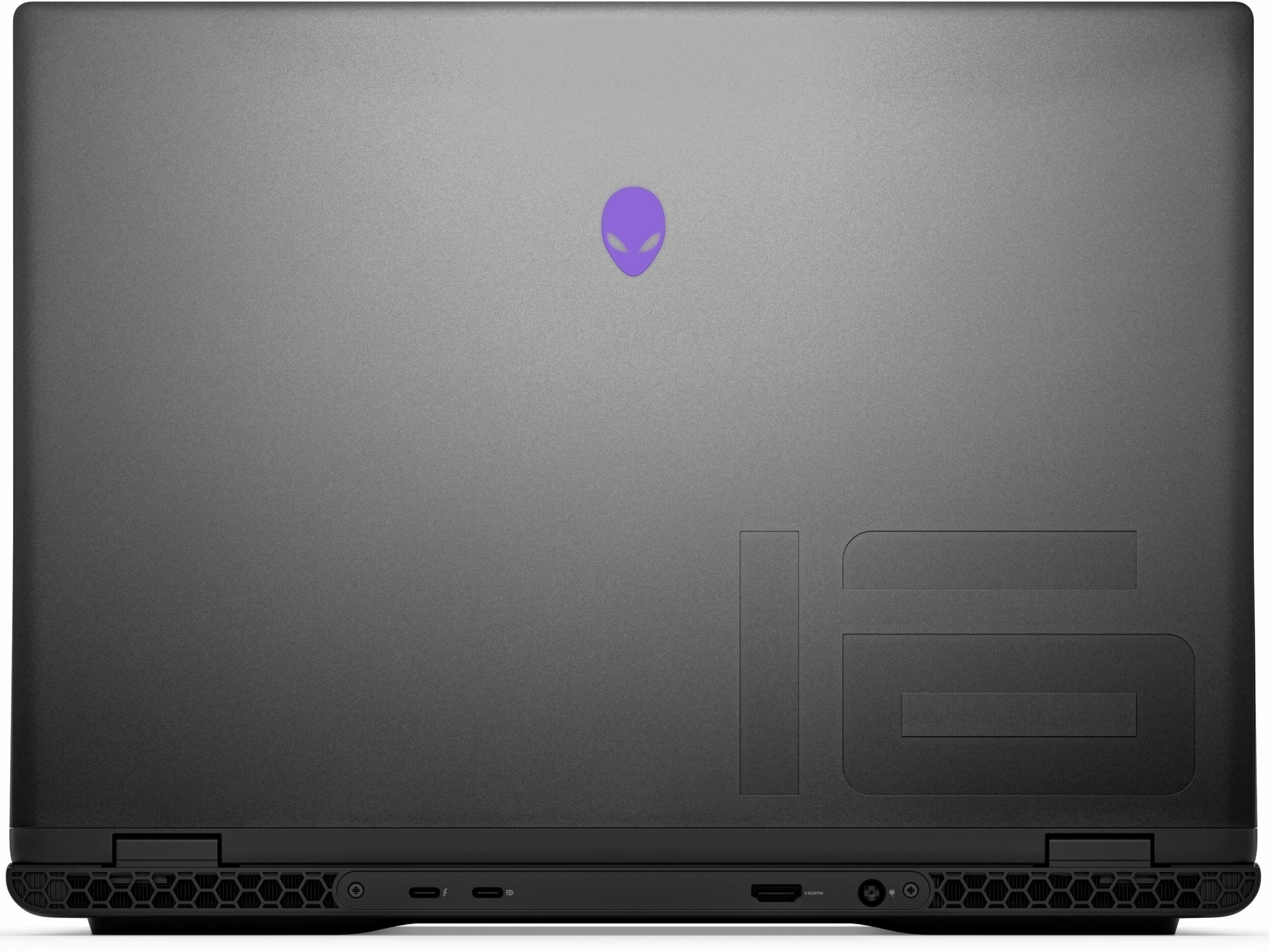
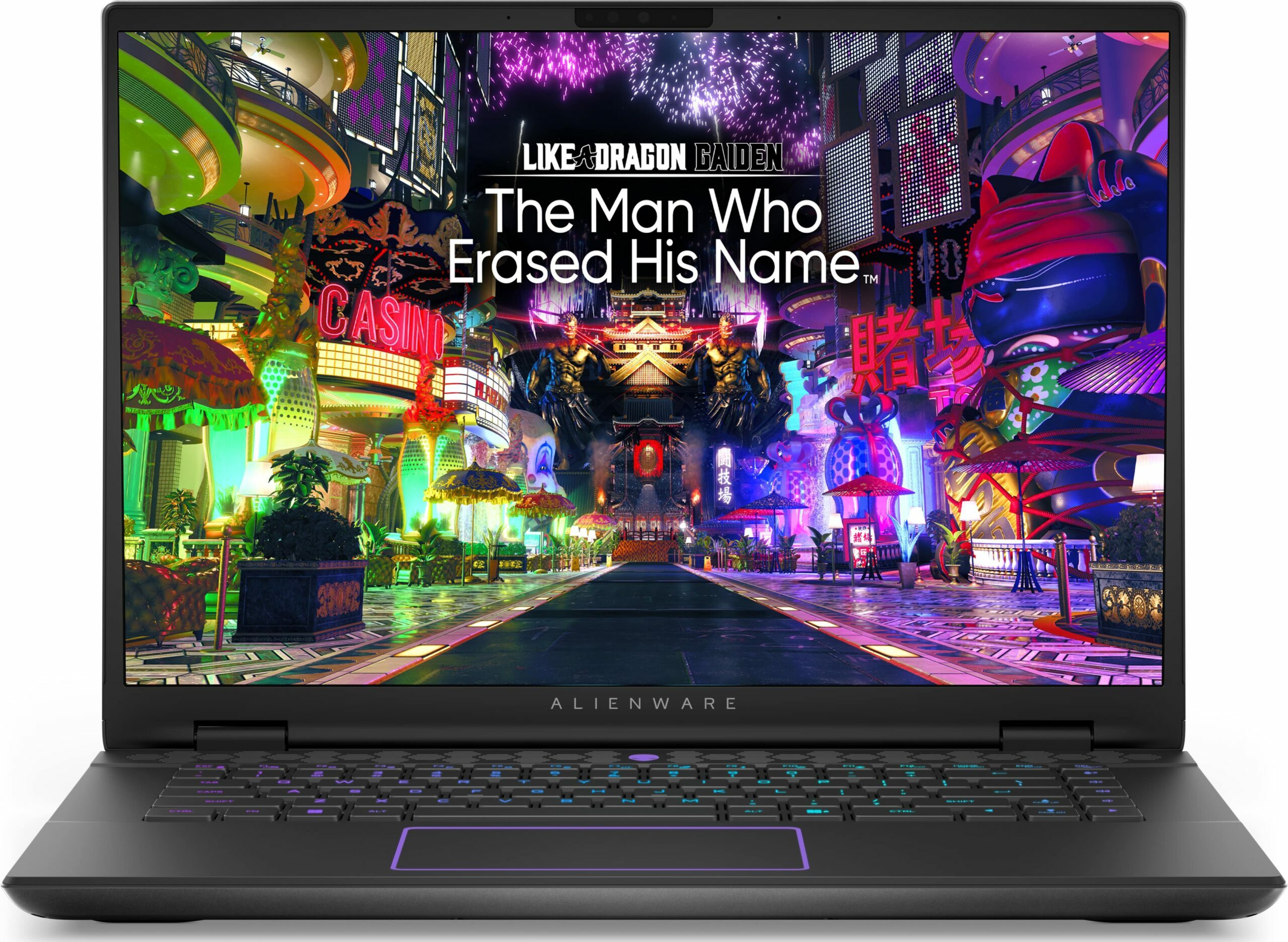
Alienware m16 R2


- Yayınlanma Tarihi: 05 Nov 2024
- Intel Core Ultra 7 155H
- NVIDIA GeForce RTX 4070 (Laptop, 140W)
- 16.0", WQXGA (2560 x 1600), 240 Hz, IPS
- 8000GB SSD
- 64GB RAM
- 2.60 kg (5.7 lbs)
İnceleme
Alienware m16 R2 derinlemesine inceleme
These days, 16-inchers are on the rise and some of them (like the ASUS G634 or MSI Vector 16 HX A13V) offer the same performance as their 18-inch versions. The Alienware m16 R2 is the smaller variant of the behemoth-looking Alienware m18 R2. The latter offers great overall power and comfort under load. It'll be interesting to see if the m16 R2 can achieve the same result.For starters, this laptop relies on 28W Intel Meteor Lake chips while the bigger version has Raptor Lake-HX CPU options that are definitely more powerful and thirsty at the same time. Alienware has fitter a big thermal system inside the chassis so we can probably expect good clocks under heavy loads. You can choose from three NVIDIA Ada Lovelace GPUs, the top dog is the RTX 4070 with a max TGP of 140W.The display i[...]
Tüm incelemeyi oku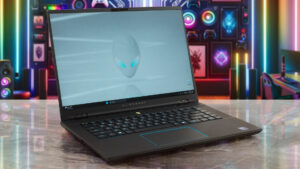
Artıları
- Rigid premium build
- Thin profile for such hardware
- Capable thermal solution
- High CPU frequencies under max load (3.45 GHz / 2.92 GHz P and E-core clock)
- Wide viewing angles (AUO75AB)
- Snappy pixel response times of 7 ms (AUO75AB)
- PWM-free (AUO75AB)
- 100% sRGB coverage + accurate colors with our "Design and Gaming" profile (AUO75AB)
- 2x SODIMMs + 2x M.2 slots
- Comfortable keyboard
- Good port selection
- The fans aren't loud in "Performance" mode
- Low noise and a 115W GPU TGP in "Balanced" mode
- Decent battery life given the 1600p display and the powerful hardware
- The Alienware Command Center app is full of useful extras
- Offers NVIDIA Advanced Optimus, G-Sync + MUX switch
Eksileri
- High price
- Some competitors offer HX-series CPUs
- No Gen 5 SSD slots
- The touchpad isn't something special
Sökme, bakım ve yükseltme seçenekleri
Opening the DeviceUndo the 8 Phillips-head screws securing the bottom panel. The captive screws in the front corners will slightly raise the panel up, providing a good starting point. Place a thin plastic tool between the base and the panel and start popping the plate slowly, step by step. Avoid prying the back. Lift the front of the metal plate, push it forward, and lift it away from the chassis.More info: Here's how the bottom plate looks on the inside.Battery RemovalPull out the battery connector from the mainboard. Undo the 8 Phillips-head screws se[...]
Daha fazlasını oku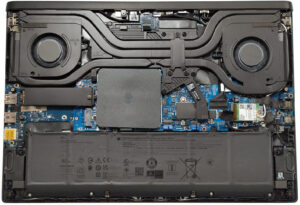
Ekran: 16.0-inch, 2560 x 1600, IPS
- İsim
- AUO XC0PX-B160QAN (AUO75AB)
- Diyagonal
- 16.0"
- Piksel yoğunluğu
- 188.68 ppi
- Parlaklık
- 320 cd/m2
- sRGB
- 100%
- Panel Tipi
- IPS
- Çözünürlük
- 2560 x 1600
- "Retina" Olduğu Mesafe
- 18 inches (46 cm)
- Kontrast
- 1330:1
- dE Color Checker
- 2.3 1.3

Şunun için profillerimizi satın alın AUO XC0PX-B160QAN (AUO75AB)
Verimli ve sağlık dostu profiller almanın yanı sıra, LaptopMedia'nın ürünlerini satın alarak, mümkün olan en objektif incelemeleri üretmek için cihazları test ettiğimiz laboratuvarlarımızın gelişimini de desteklemiş olursunuz.

Ofis Çalışması
Ofis Çalışması, çoğunlukla metinlere, tablolara bakan veya sadece gezinen kullanıcılar tarafından kullanılmalıdır. Bu profil, düz bir gama eğrisi (2.20), doğal renk sıcaklığı ve algısal olarak doğru renkler tutarak daha iyi ayırt edilebilirlik ve netlik sunmayı amaçlamaktadır.

Tasarım ve Oyun
Bu profil, renklerle profesyonel olarak çalışan tasarımcılara ve aynı zamanda oyunlara ve filmlere yöneliktir. Tasarım ve Oyun, ekran panellerini sınırlarına kadar zorlayarak Web ve HDTV için sRGB IEC61966-2-1 standardında, D65 beyaz noktasında mümkün olduğunca doğru olmalarını sağlar.

Health-Guard
Health-Guard, zararlı Darbe Genişlik Modülasyonunu (PWM) ortadan kaldırır ve gözlerimizi ve vücudumuzu etkileyen negatif Mavi Işığı azaltır. Her panel için özel olarak uyarlandığından, renkleri algısal olarak doğru tutmayı başarır. Health-Guard kağıdı simüle eder, böylece gözlerdeki baskı büyük ölçüde azalır.



![[Eylül 2026] Amazon Global’de En Çok Satan Dizüstü Bilgisayar Markaları – Apple, %70’in Üzerinde Gelir Payıyla Pazara Hakim Oluyor](https://laptopmedia.com/wp-content/uploads/2026/10/GLOBAL-Best-Brands-400x225.jpg)
![[Eylül 2026] Amazon Global: En Çok Satan 10 Dizüstü Bilgisayar – Apple’ın MacBook Neo’su 1. Sırayı Aldı; Ekonomik ve Üst Sınıf Cihazlar Piyasayı Hakimiyet Altına Aldı](https://laptopmedia.com/wp-content/uploads/2026/10/Best-Selling-Laptops-GLOBAL-Top-10-400x225.jpg)
![[Eylül 2026] Amazon Global: En Çok Satan 10 Oyun Dizüstü Bilgisayarı – ASUS ROG Strix G16, Rekor Kıran Satış Rakamlarıyla Pazara Hakim Oluyor](https://laptopmedia.com/wp-content/uploads/2026/10/Best-Selling-Gaming-Laptops-GLOBAL-Top-10-400x225.jpg)
![[Eylül 2026] Amazon’da En Çok Satan Dizüstü Bilgisayar GPU’larının Küresel Sıralaması – Apple’ın M5 yongası, üst düzey dizüstü bilgisayarlarda NVIDIA’yı geride bıraktı; ancak ilk 10’a giren tek özel amaçlı GPU, RTX 5060 oldu](https://laptopmedia.com/wp-content/uploads/2026/10/Best-Selling-GPUs-GLOBAL-Top-10-400x225.jpg)
![[Eylül 2026] Amazon’da En Çok Satan Dizüstü Bilgisayar İşlemcilerinin Küresel Sıralaması – Premium Pazar Tek Bir Markanın Hakimiyetine Girerken Apple’ın M5’i Intel’i Geride Bıraktı](https://laptopmedia.com/wp-content/uploads/2026/10/Best-Selling-CPUs-GLOBAL-Top-10-400x225.jpg)
