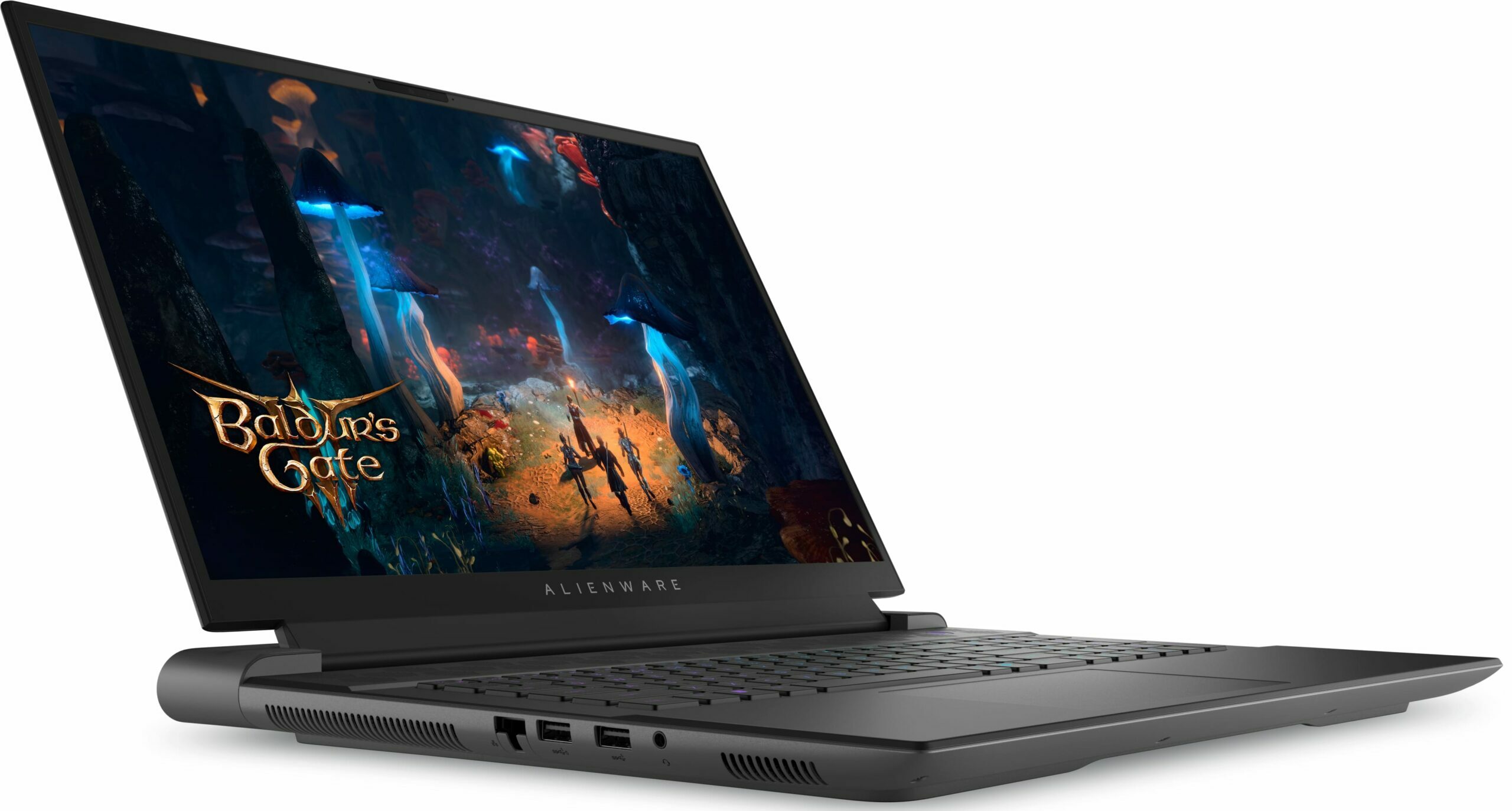
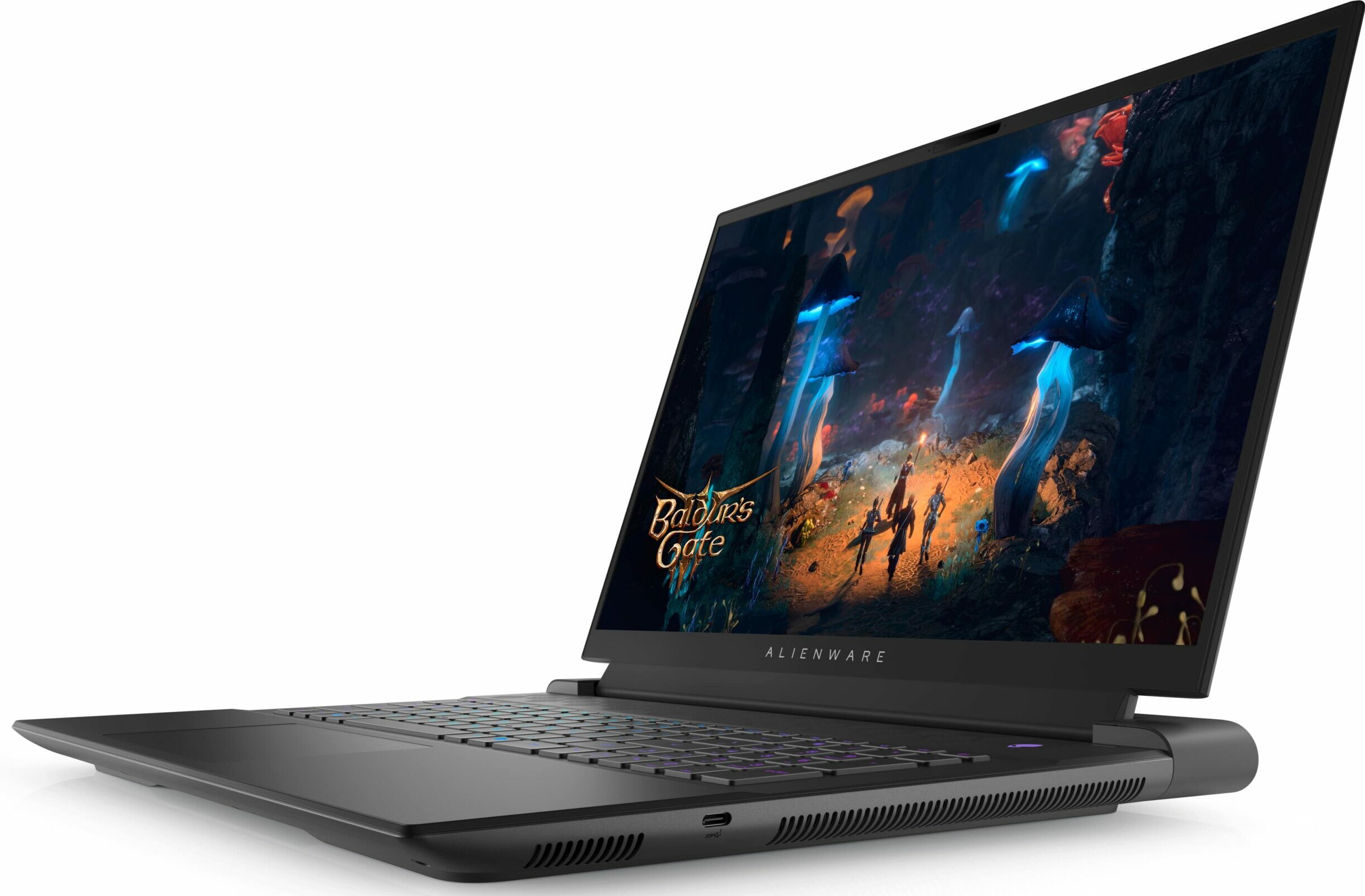
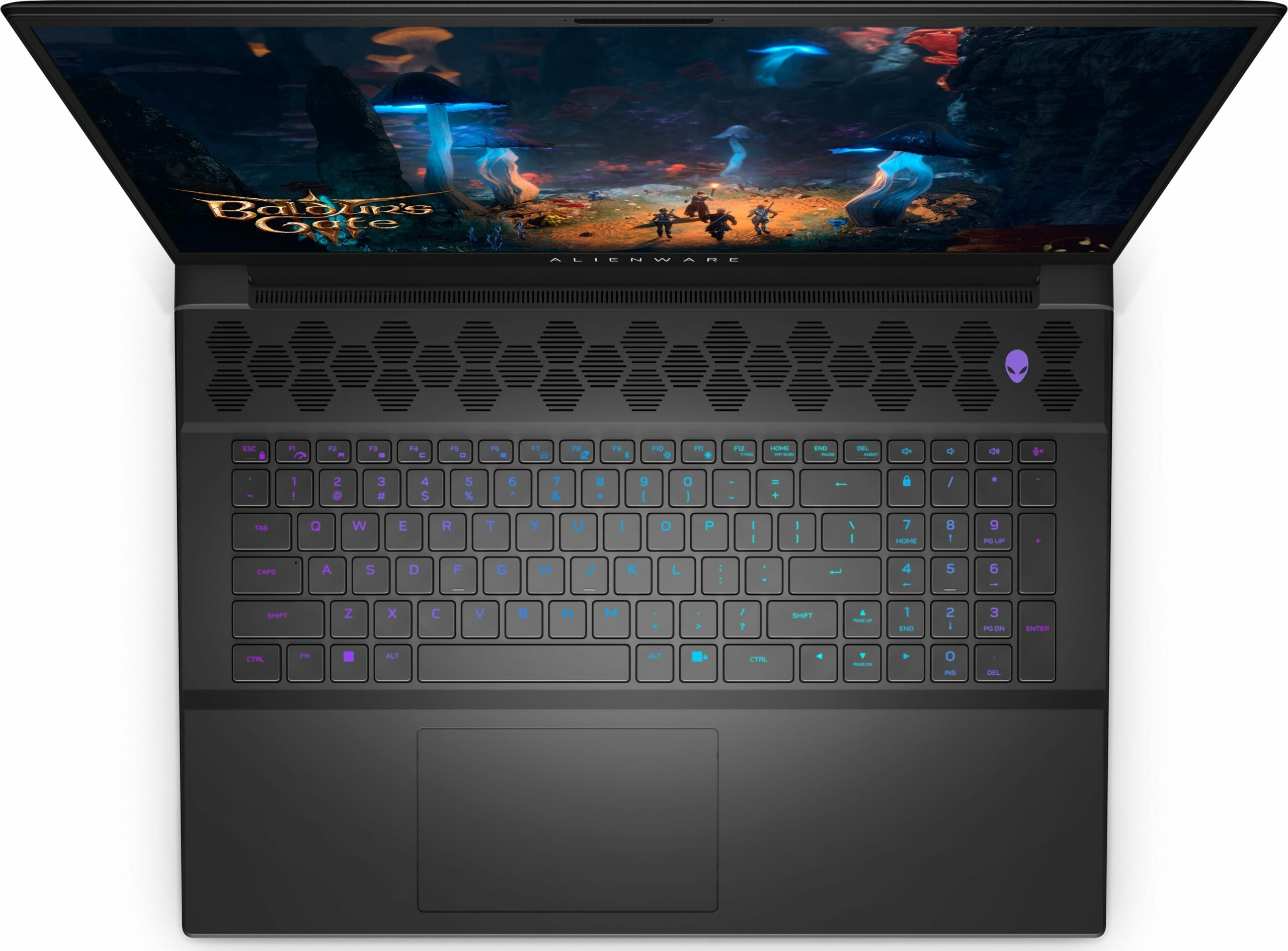
Alienware m18 R2
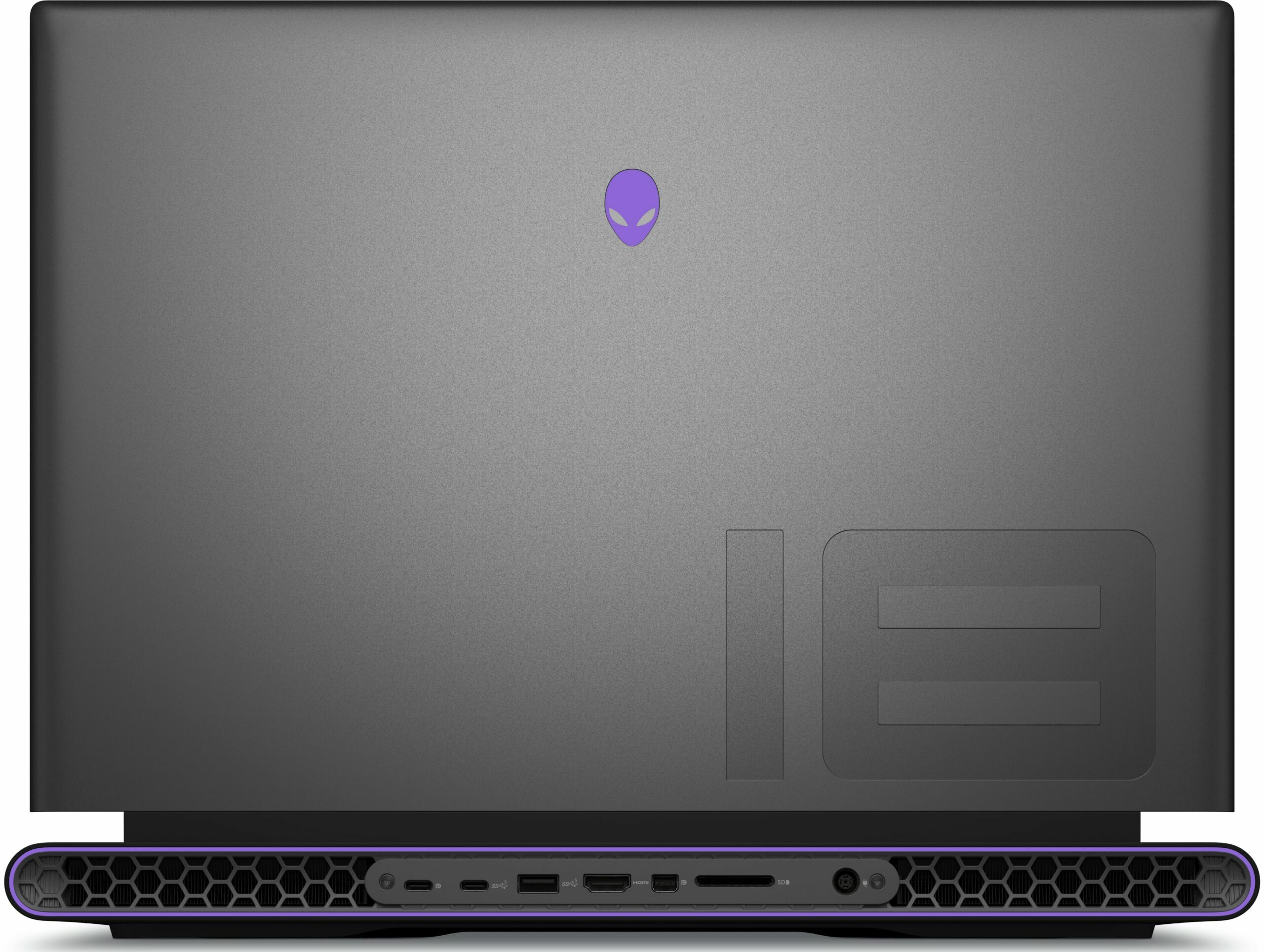

- Yayınlanma Tarihi: 17 Jun 2025
- Intel Core i9-14900HX
- NVIDIA GeForce RTX 4080 (Laptop, 175W)
- 18.0”, WQXGA (2560 x 1600), 165 Hz, IPS
- 2000GB SSD
- 64GB RAM
- 4.23 kg (9.3 lbs)
Alienware m18 R2 derinlemesine inceleme
The Alienware m18 R2 is another 18-incher that offers high-end hardware. Expectedly, we are talking about 14th gen Intel Raptor Lake-HX CPU options and GeForce RTX 4000 graphics cards with hefty TGPs. Wealthy enthusiasts could have fun with the 175W RTX 4090 or 4080. Still, if you don't need so much [...]
Tüm incelemeyi oku
İnceleme
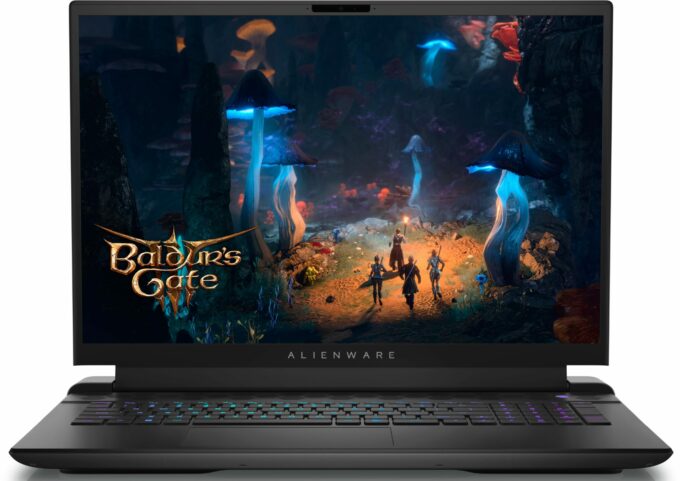
Alienware m18 R2 derinlemesine inceleme
The Alienware m18 R2 is another 18-incher that offers high-end hardware. Expectedly, we are talking about 14th gen Intel Raptor Lake-HX CPU options and GeForce RTX 4000 graphics cards with hefty TGPs. Wealthy enthusiasts could have fun with the 175W RTX 4090 or 4080. Still, if you don't need so much graphics power, the other video cards rely on 140W power limits which is more than enough for the AD107 and AD106 chips. Interestingly, the laptops with the top-tier GPUs have vapor chamber cooling, preapplied Element 31 liquid metal on the CPU and GPU, and two more M.2 slots. If you want these goodies, you have to stretch your wallet a lot.Since that's an expensive gaming laptop, the presence of extras such as Wi-Fi 7-ready connectivity, MUX switch, NVIDIA Advanced Optimus, and G-Sync isn'[...]
Tüm incelemeyi okuArtıları
- Solid premium build
- Thin profile for such a form factor
- Capable thermal system
- Stable and high CPU and GPU frequencies under any kind of load
- Wide viewing angles (BOE HF1FV-NE18NZ1 (BOE0AFB; NE180QDM-NZ1))
- Snappy pixel response times (BOE HF1FV-NE18NZ1 (BOE0AFB; NE180QDM-NZ1))
- PWM-free (BOE HF1FV-NE18NZ1 (BOE0AFB; NE180QDM-NZ1))
- 98% sRGB coverage + accurate colors with our "Design and Gaming" profile (BOE HF1FV-NE18NZ1 (BOE0AFB; NE180QDM-NZ1))
- 2x SODIMM slots
- Comfortable per-key keyboard and touchpad
- Offers plenty of ports
- The fans aren't that loud in "Overdrive" mode
- Low noise and a 115W GPU TGP in "Quiet" mode
- Good battery battery life given the 1600p display and the powerful hardware
- The Alienware Command Center app is full of useful extras such as CPU undervolt
- Offers NVIDIA Advanced Optimus, G-Sync + MUX switch
Eksileri
- High price
- Heavy
- Only the RTX 4080 / 4090-based machines have four M.2 slots and a vapor chamber cooling
- Too many Gen 1 ports + the Thunderbolts connectors support just a 15W charging
- For such a pricey laptop, the 1600p display should offer better contrast ratio and max brightness
Sökme, bakım ve yükseltme seçenekleri
Step 1: Opening the Alienware m18 R2Ensure the laptop is powered off and placed on a clean, flat surface. Undo the 8 Phillips-head screws securing the bottom panel. Note the screws in the front corners are captive and lift the panel slightly. Begin prying the sides using a thin plastic tool, except the back. Lift slightly the front section of the metal plate and push it forward. Carefully lift away the panel from the chassis.Step 2: Battery RemovalLocate the battery connector on the mainboard and carefully unplug it. Remove the 4 Phillips-head screws secur[...]
Daha fazlasını oku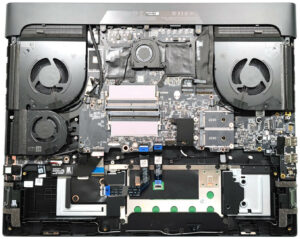
Ekran: 18.0-inch, 2560 x 1600, IPS
- İsim
- BOE HF1FV-NE18NZ1 (BOE0AFB; NE180QDM-NZ1)
- Diyagonal
- 18.0"
- Piksel yoğunluğu
- 167.72 ppi
- Refresh rate
- 165 Hz
- Parlaklık
- 319 cd/m2
- sRGB
- 98%
- Panel Tipi
- IPS
- Çözünürlük
- 2560 x 1600
- "Retina" Olduğu Mesafe
- 21 inches (52 cm)
- Kontrast
- 1080:1
- dE Color Checker
- 3.1 1.6

Şunun için profillerimizi satın alın BOE HF1FV-NE18NZ1 (BOE0AFB; NE180QDM-NZ1)
Verimli ve sağlık dostu profiller almanın yanı sıra, LaptopMedia'nın ürünlerini satın alarak, mümkün olan en objektif incelemeleri üretmek için cihazları test ettiğimiz laboratuvarlarımızın gelişimini de desteklemiş olursunuz.

Ofis Çalışması
Ofis Çalışması, çoğunlukla metinlere, tablolara bakan veya sadece gezinen kullanıcılar tarafından kullanılmalıdır. Bu profil, düz bir gama eğrisi (2.20), doğal renk sıcaklığı ve algısal olarak doğru renkler tutarak daha iyi ayırt edilebilirlik ve netlik sunmayı amaçlamaktadır.

Tasarım ve Oyun
Bu profil, renklerle profesyonel olarak çalışan tasarımcılara ve aynı zamanda oyunlara ve filmlere yöneliktir. Tasarım ve Oyun, ekran panellerini sınırlarına kadar zorlayarak Web ve HDTV için sRGB IEC61966-2-1 standardında, D65 beyaz noktasında mümkün olduğunca doğru olmalarını sağlar.

Health-Guard
Health-Guard, zararlı Darbe Genişlik Modülasyonunu (PWM) ortadan kaldırır ve gözlerimizi ve vücudumuzu etkileyen negatif Mavi Işığı azaltır. Her panel için özel olarak uyarlandığından, renkleri algısal olarak doğru tutmayı başarır. Health-Guard kağıdı simüle eder, böylece gözlerdeki baskı büyük ölçüde azalır.