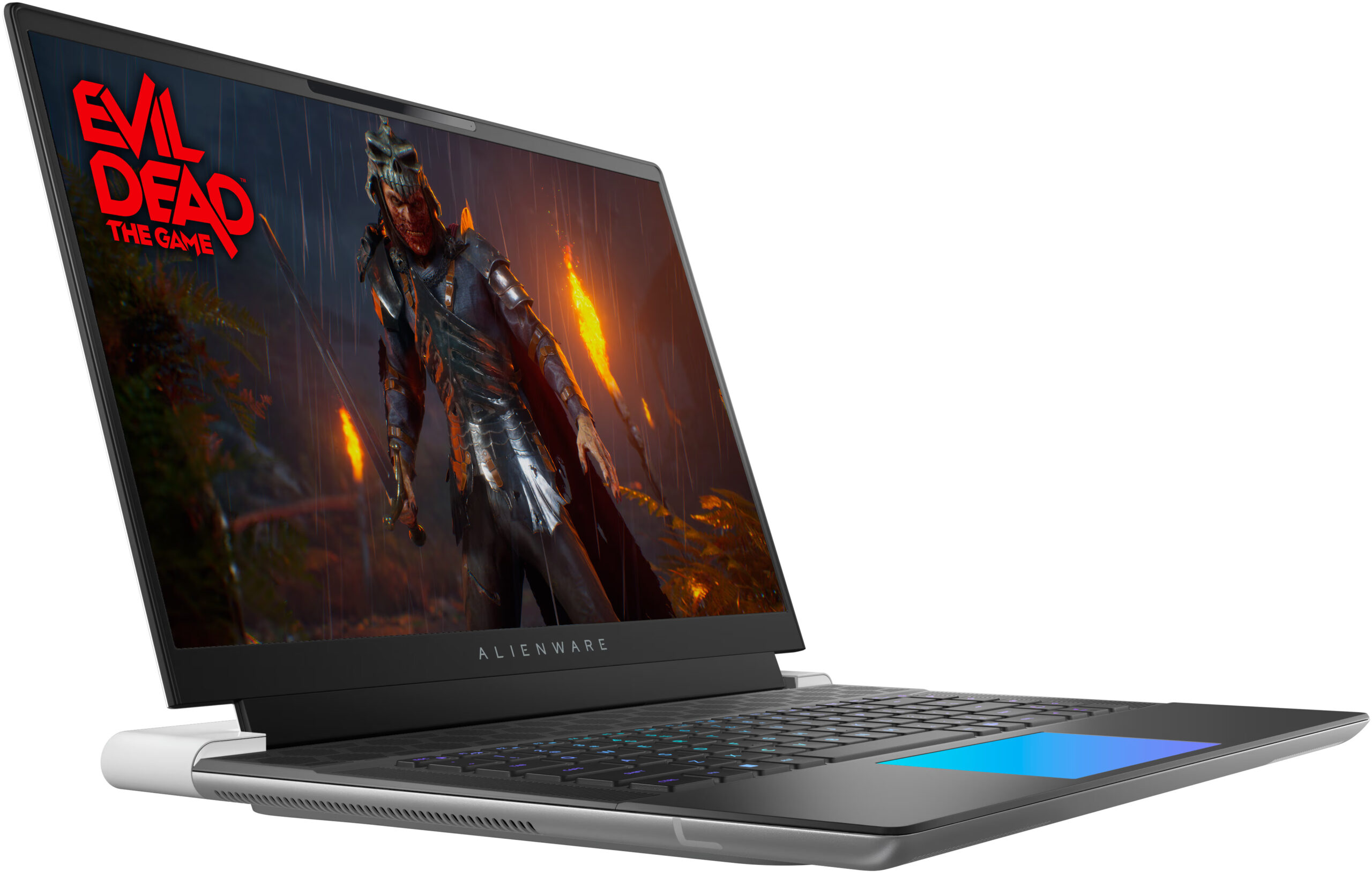
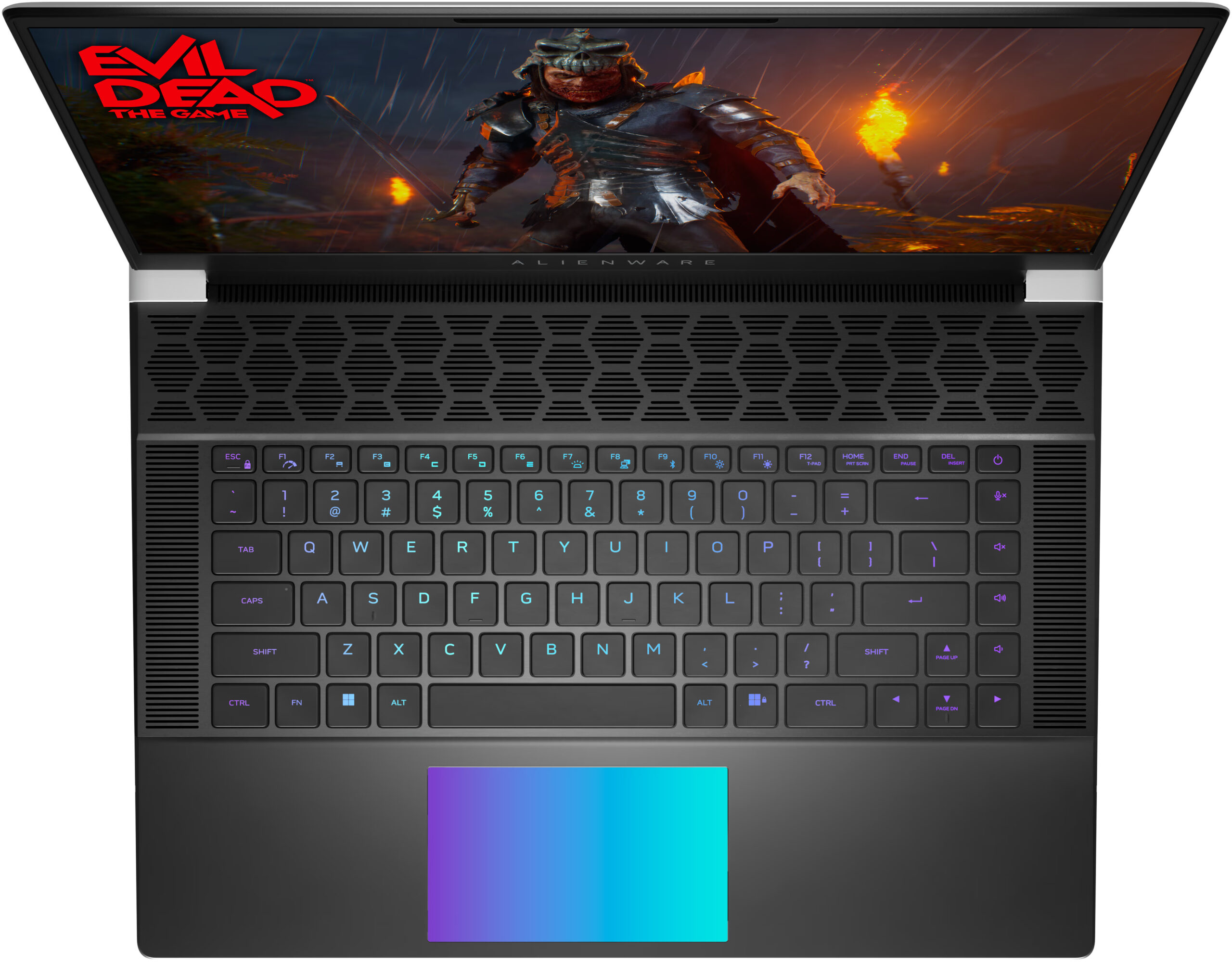
Alienware x16 R2

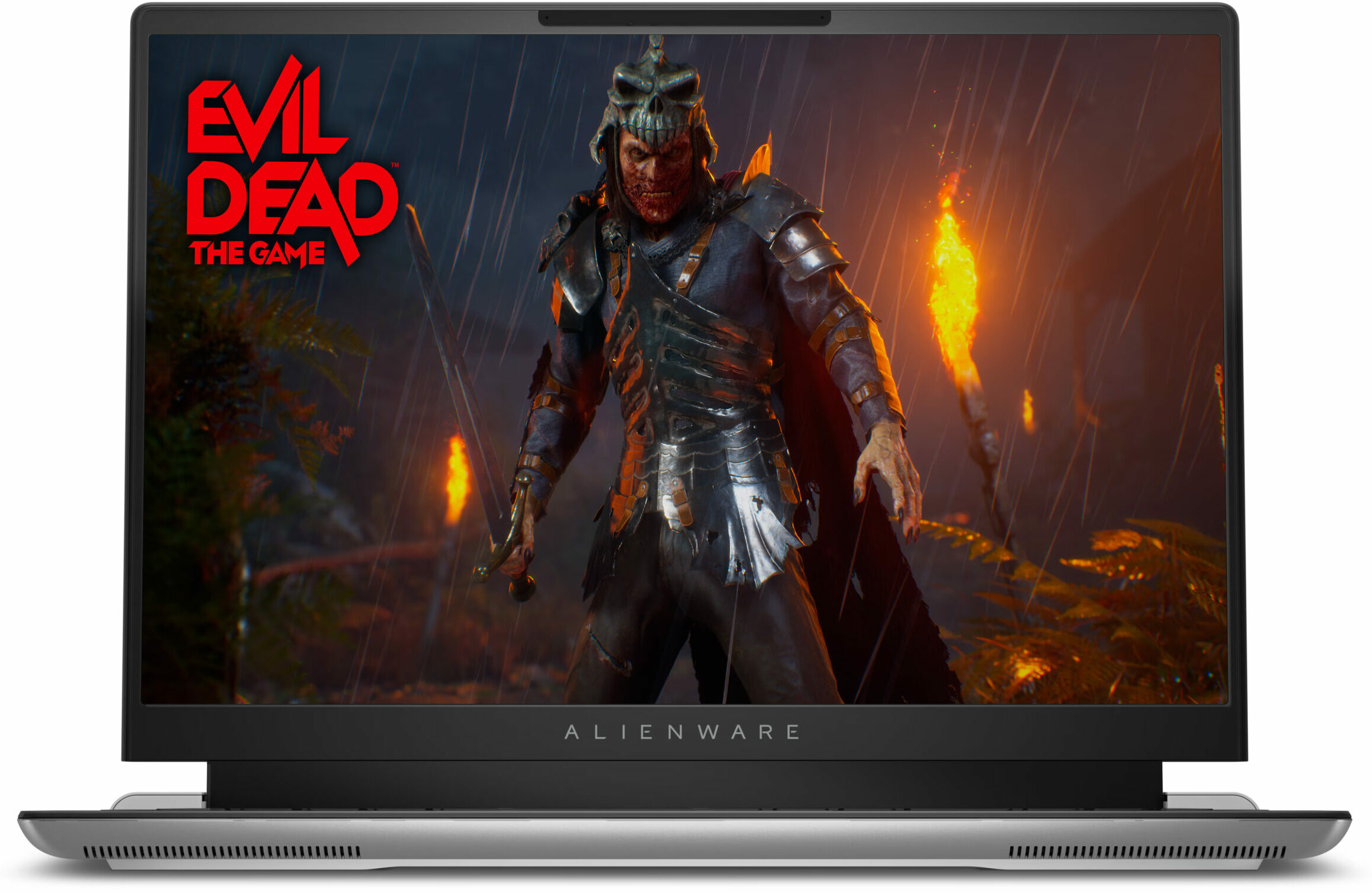
- Yayınlanma Tarihi: 10 Apr 2024
- Intel Core Ultra 7 155H
- NVIDIA GeForce RTX 4060 (Laptop, 140W)
- 16.0", FHD+ (1920 x 1200), 480 Hz, IPS + G-Sync
- 4000GB SSD
- 32GB LPDDR5x
- 2.66 kg (5.9 lbs)

İnceleme
Alienware x16 R2 derinlemesine inceleme
There is a high demand for thin laptops in every price class. Nowadays, many users want to own a compact and powerful laptop. Alienware has tried to make one, with their x16 R2 model. This is an incredibly thin and unique-looking machine and you can also order it with up to GeForce RTX 4090.But there's a nuance. Since the 13th and 14th Gen Raptor Lake-H and HX CPUs dissipate tons of heat they aren't suitable for such a slim profile. That's why this notebook can be found with Meteor Lake-H processors. These efficient chips are a preferable choice for slim notebooks. You can choose between a 28W Core Ultra 7 155H, and 45W Core Ultra 9 185H. Based on our previous tests, we don't find 28W CPUs suitable for GPUs like RTX 4080 so we chose the more powerful option.Alienware x16 R2 is a ve[...]
Tüm incelemeyi oku
Artıları
- Solid premium build
- Thin profile (18.57 mm)
- Vapor chamber cooling + liquid metal for the CPU and GPU dies (for RTX 4080 and 4090-based laptops)
- High CPU frequencies under long load (3.44 GHz / 3.29 GHz P and E-core clock)
- Wide viewing angles + 1600p resolution (AUO3CA2)
- Snappy pixel response times of 7 ms (AUO3CA2)
- PWM-free (AUO3CA2)
- 338 nit max brightness + 240Hz refresh rate (AUO3CA2)
- 100% sRGB and DCI P3 coverage + accurate colors with our "Design and Gaming" profile (AUO3CA2)
- 2x M.2 slots
- Thermal pads for the SSDs and the Wi-Fi card
- Great Cherry keyboard (option)
- Precise illuminated glass touchpad (option)
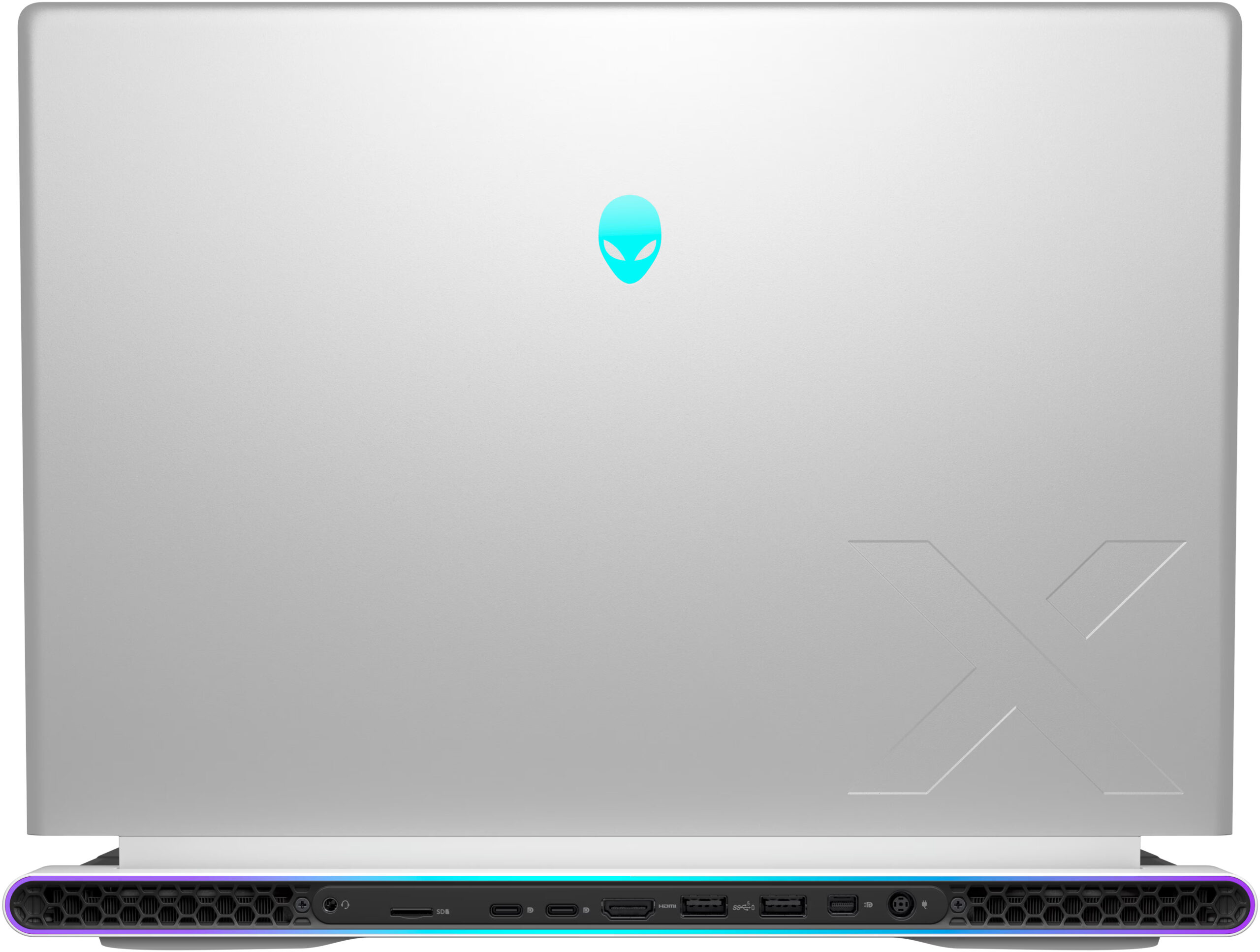
- Modern port selection that is entirely placed on the back
- The fans aren't loud in "Performance" mode
- Low noise and a 118W GPU TGP in "Quiet" mode
- The Alienware Command Center app is full of useful extras
- NVIDIA Advanced Optimus, G-Sync + MUX switch
- Optional fingerprint reader and IR Web camera
- Fast Gen 4 NVMe (1TB SK Hynix PC811)
Eksileri
- High price
- Soldered RAM and no Gen 5 SSD slots
- Super High VRAM temperatures - 110ºC, which lead to TGP throttle
- Short battery life
Sökme, bakım ve yükseltme seçenekleri
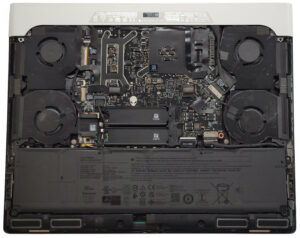
Cihazın AçılmasıAlt paneli sabitleyen 6 yıldız başlı vidayı sökün. Ortadaki ve alttaki vidalar sabittir ve panelin neredeyse yarısını hafifçe kaldırarak sökme işlemini kolaylaştıracaktır. Panelin yanlarını ve önünü tamamen kaldırın. Arkayı patlatmaktan kaçının. Metal plakanın önünü kaldırın, öne doğru kaydırın ve kasadan uzağa kaldırın.Daha fazla bilgi: İşte alt plakanın içten görünüşü.Akünün SökülmesiKonektörü anakarttan çekerek pili ayırın. Pili tabana sabitleyen 4 yıldız başlı vidayı sökün. Cihazdan çıkarmak için pili kaldırın.Not: Cihaz, yakl[...]
Daha fazlasını oku