ASUS ROG Zephyrus M16
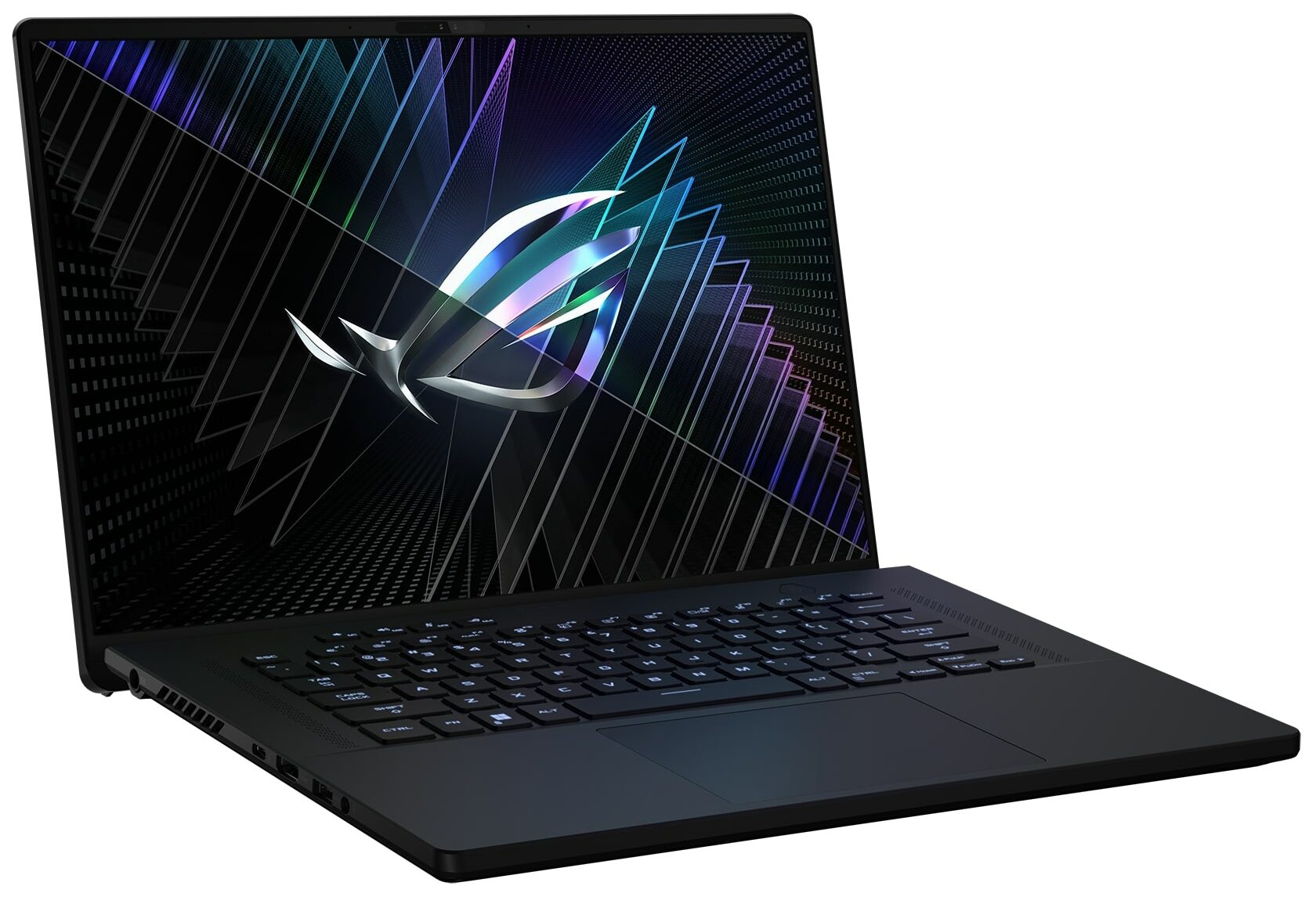
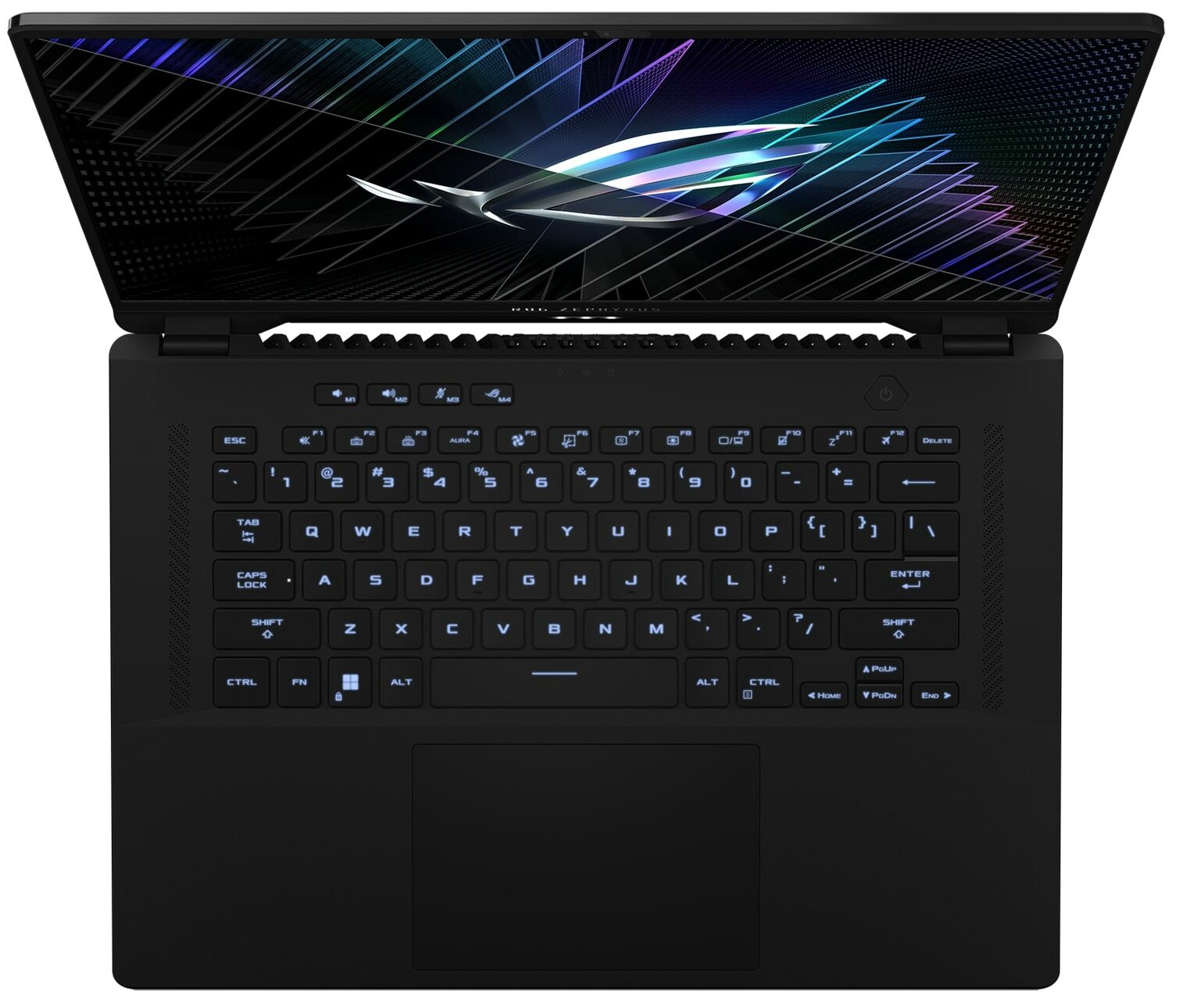
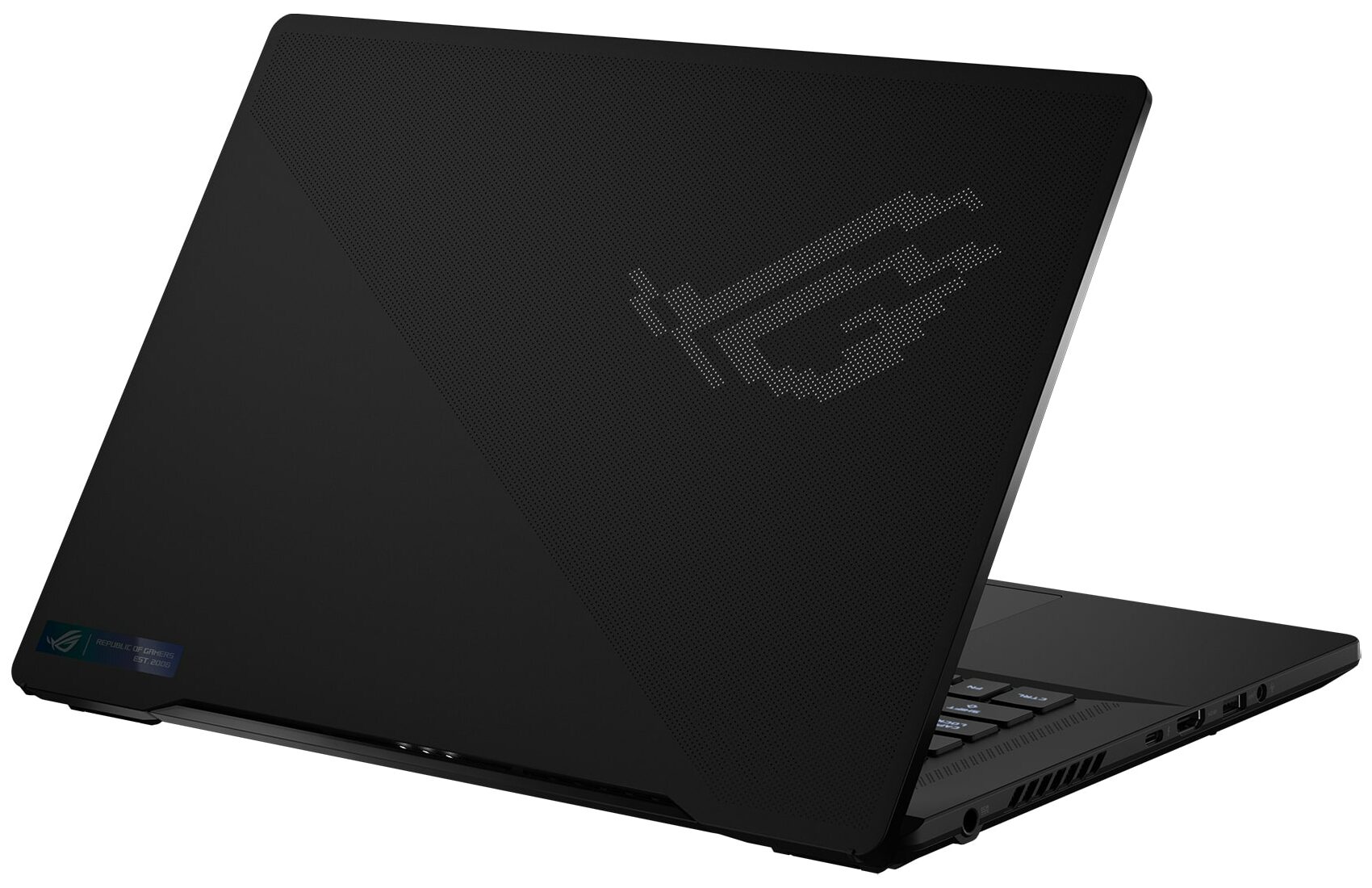
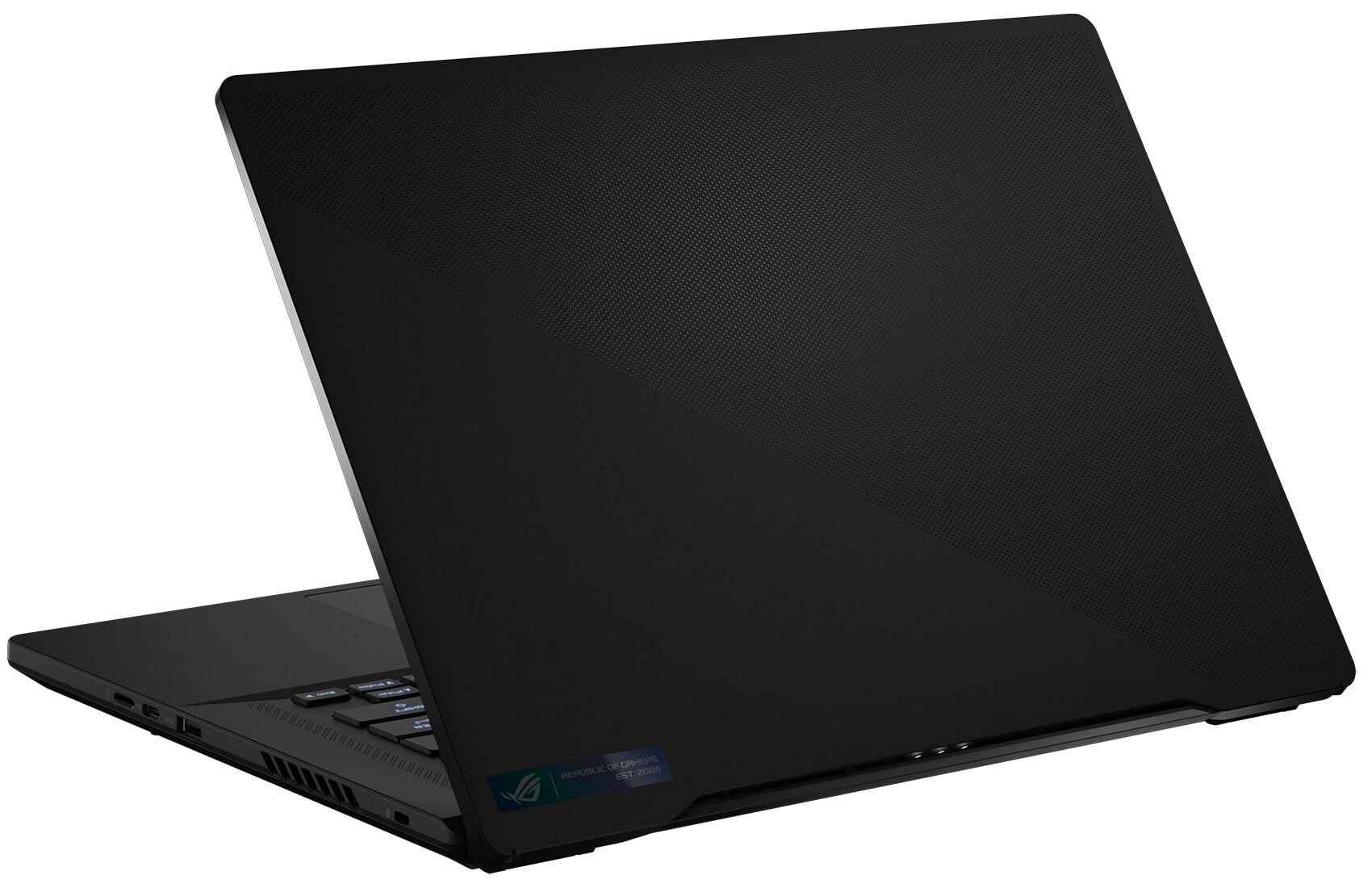
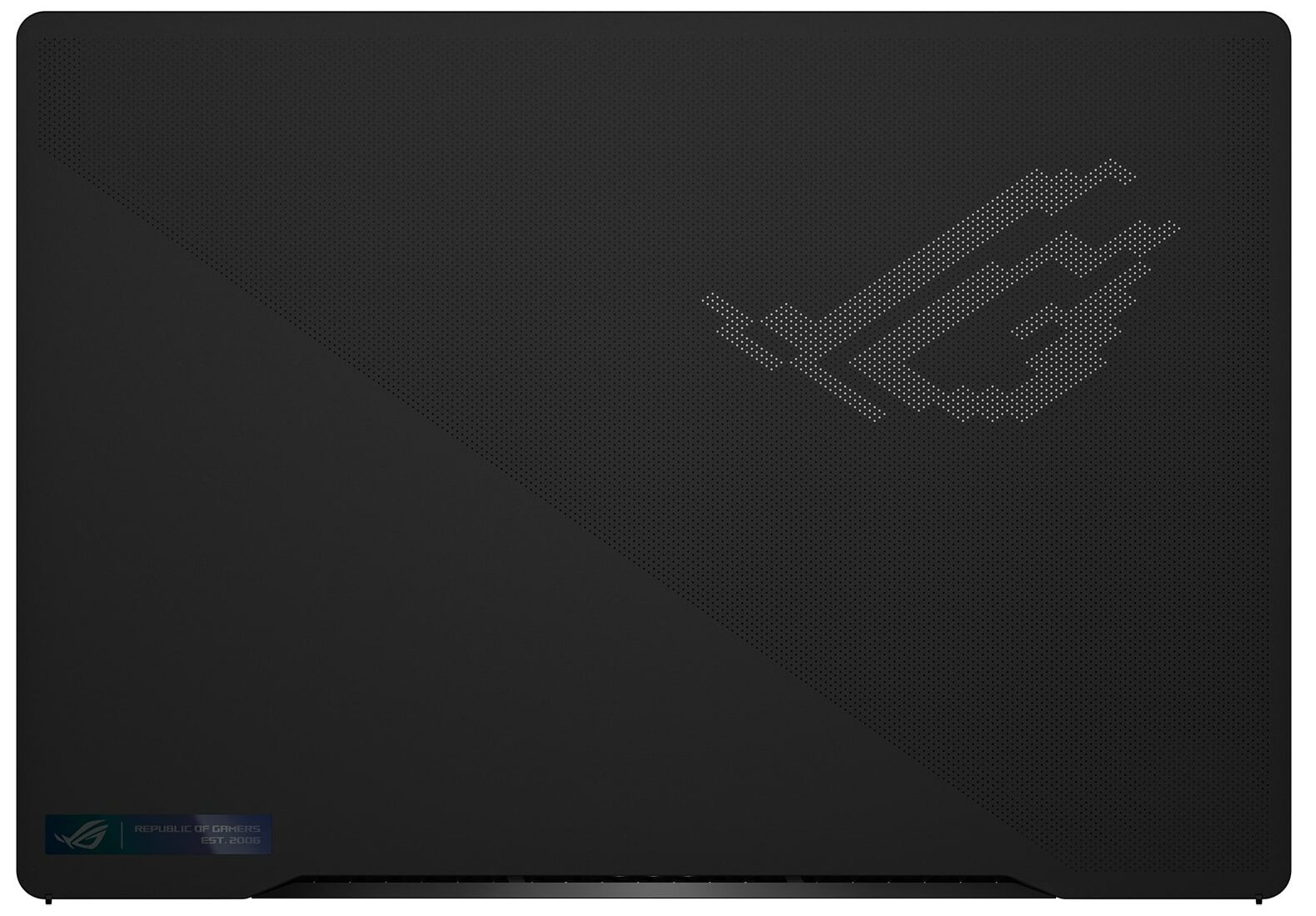
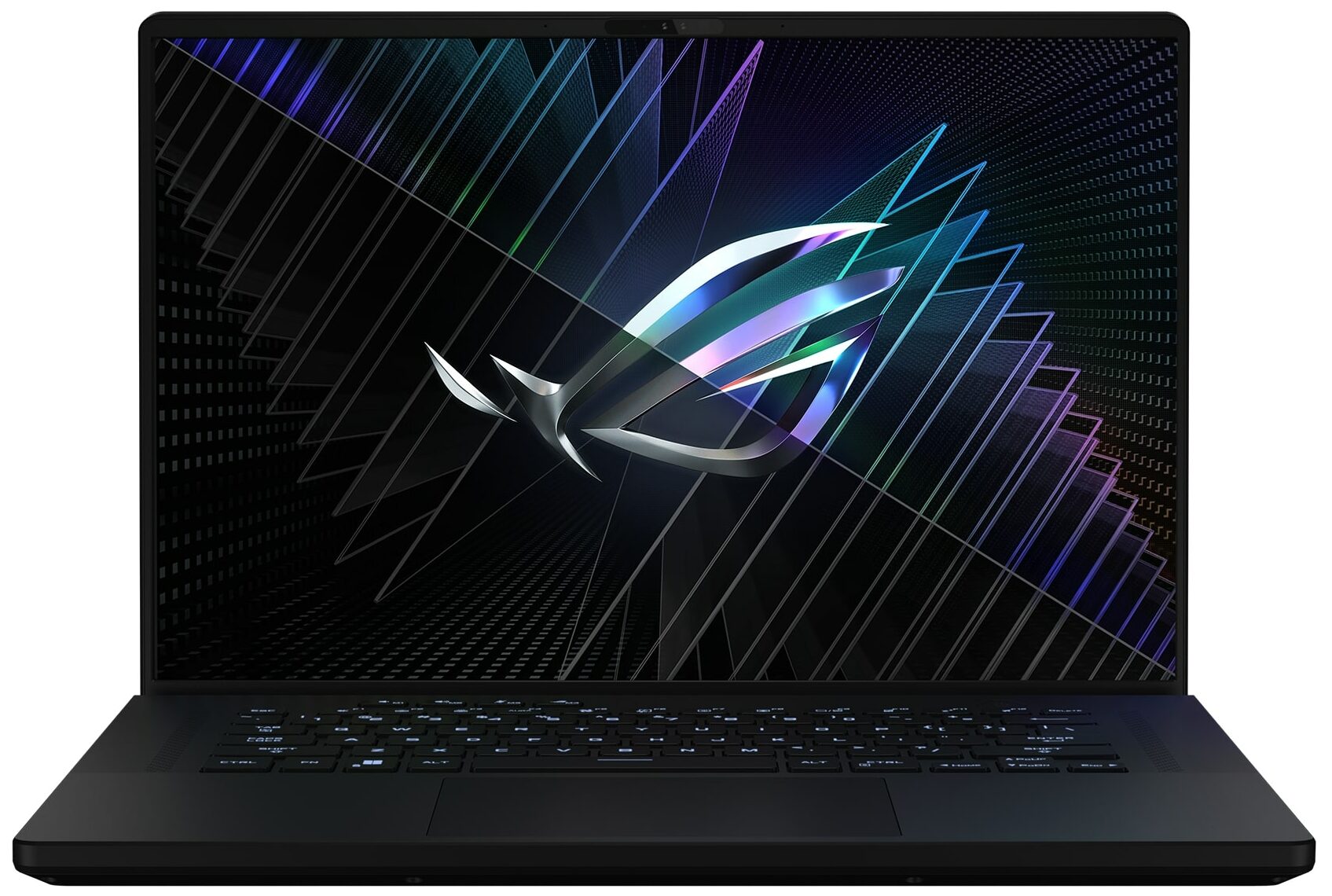
- Yayınlanma Tarihi: 20 Mar 2023
- Intel Core i9-13900H
- NVIDIA GeForce RTX 4070 (Laptop, 140W)
- 16.0", WQXGA (2560 x 1600), 240 Hz, IPS + G-Sync
- 1000GB SSD
- 64GB DDR5
- 2.10 kg (4.6 lbs)
ASUS ROG Zephyrus M16 GU604 derinlemesine inceleme
The ASUS ROG Zephyrus subbrand has always been about combining style with super-fast hardware. This is easier said than done since the CPUs and GPUs for mobile devices have gotten really hungry for power. That hunger translates to a lot of heat. And to get good thermal management, your laptop needs [...]
Tüm incelemeyi oku
İnceleme
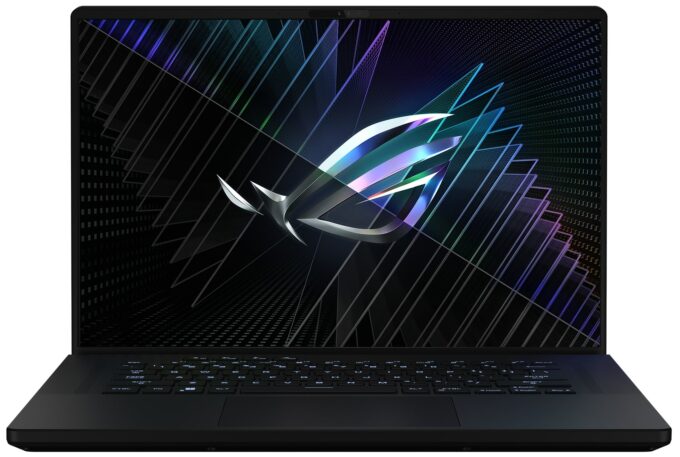
ASUS ROG Zephyrus M16 derinlemesine inceleme
The ASUS ROG Zephyrus subbrand has always been about combining style with super-fast hardware. This is easier said than done since the CPUs and GPUs for mobile devices have gotten really hungry for power.That hunger translates to a lot of heat. And to get good thermal management, your laptop needs either a lot of heat pipes or a bulky vapor chamber. Regardless of what the manufacturer chooses, the sheer volume of copper will significantly increase the weight of the device.This is why building the ROG Zephyrus M16 (GU604, 2023) has inevitably been a huge challenge for ASUS engineers. Thankfully, this is far from a first-gen product, so the manufacturer clearly knows what it's doing.Moreover, the laptop features a liquid metal thermal compound on the CPU die. This helps for supe[...]
Tüm incelemeyi okuArtıları
- Bright RGB
- Good cooling setup + liquid metal on CPU
- 98% DCI-P3 coverage (BOE NE160QDM-NM4 (BOE0B74))
- 240Hz panel has very quick pixel response times (BOE NE160QDM-NM4 (BOE0B74))
- HDR, G-Sync, and MUX switch on board
- Wi-Fi 6E and 2.5Gbit Ethernet support
- Great keyboard and touchpad
- 2x DDR5 SODIMM + 2x M.2 PCIe x4 slots
- Populous port selection
Eksileri
- Loud during gaming
- Keyboard gets pretty warm during gaming
Sökme, bakım ve yükseltme seçenekleri
This laptop's insides are mesmerizing. They comprise a labyrinth of heat pipes and are infused with a couple of SODIMM slots, and M.2 PCIe x4 storage slots.Check out all ASUS ROG Zephyrus M16 (GU604, 2023) prices and configurations in our Specs System, or read more in our In-Depth review.1. Remove the bottom plate To get inside this device, you first need to remove a total of 7 rubber caps. Then, undo all 15 Phillips-head screws, and pry the bottom panel with a plastic tool. Start from the gap opened by the screw in the bottom left corner.2. Remove the battery Here, we fi[...]
Daha fazlasını oku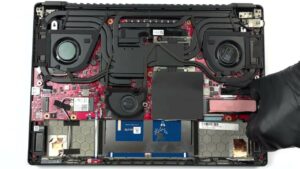
Ekran: 16.0-inch, 2560 x 1600, IPS + G-Sync
- İsim
- BOE NE160QDM-NM4 (BOE0B74)
- Diyagonal
- 16.0"
- Piksel yoğunluğu
- 188.68 ppi
- Parlaklık
- 501 cd/m2
- sRGB
- 99%
- Panel Tipi
- IPS
- Çözünürlük
- 2560 x 1600
- "Retina" Olduğu Mesafe
- 18 inches (46 cm)
- Kontrast
- 1190:1
- dE Color Checker
- 2.6

Şunun için profillerimizi satın alın BOE NE160QDM-NM4 (BOE0B74)
Verimli ve sağlık dostu profiller almanın yanı sıra, LaptopMedia'nın ürünlerini satın alarak, mümkün olan en objektif incelemeleri üretmek için cihazları test ettiğimiz laboratuvarlarımızın gelişimini de desteklemiş olursunuz.

Ofis Çalışması
Ofis Çalışması, çoğunlukla metinlere, tablolara bakan veya sadece gezinen kullanıcılar tarafından kullanılmalıdır. Bu profil, düz bir gama eğrisi (2.20), doğal renk sıcaklığı ve algısal olarak doğru renkler tutarak daha iyi ayırt edilebilirlik ve netlik sunmayı amaçlamaktadır.

Tasarım ve Oyun
Bu profil, renklerle profesyonel olarak çalışan tasarımcılara ve aynı zamanda oyunlara ve filmlere yöneliktir. Tasarım ve Oyun, ekran panellerini sınırlarına kadar zorlayarak Web ve HDTV için sRGB IEC61966-2-1 standardında, D65 beyaz noktasında mümkün olduğunca doğru olmalarını sağlar.

Health-Guard
Health-Guard, zararlı Darbe Genişlik Modülasyonunu (PWM) ortadan kaldırır ve gözlerimizi ve vücudumuzu etkileyen negatif Mavi Işığı azaltır. Her panel için özel olarak uyarlandığından, renkleri algısal olarak doğru tutmayı başarır. Health-Guard kağıdı simüle eder, böylece gözlerdeki baskı büyük ölçüde azalır.





