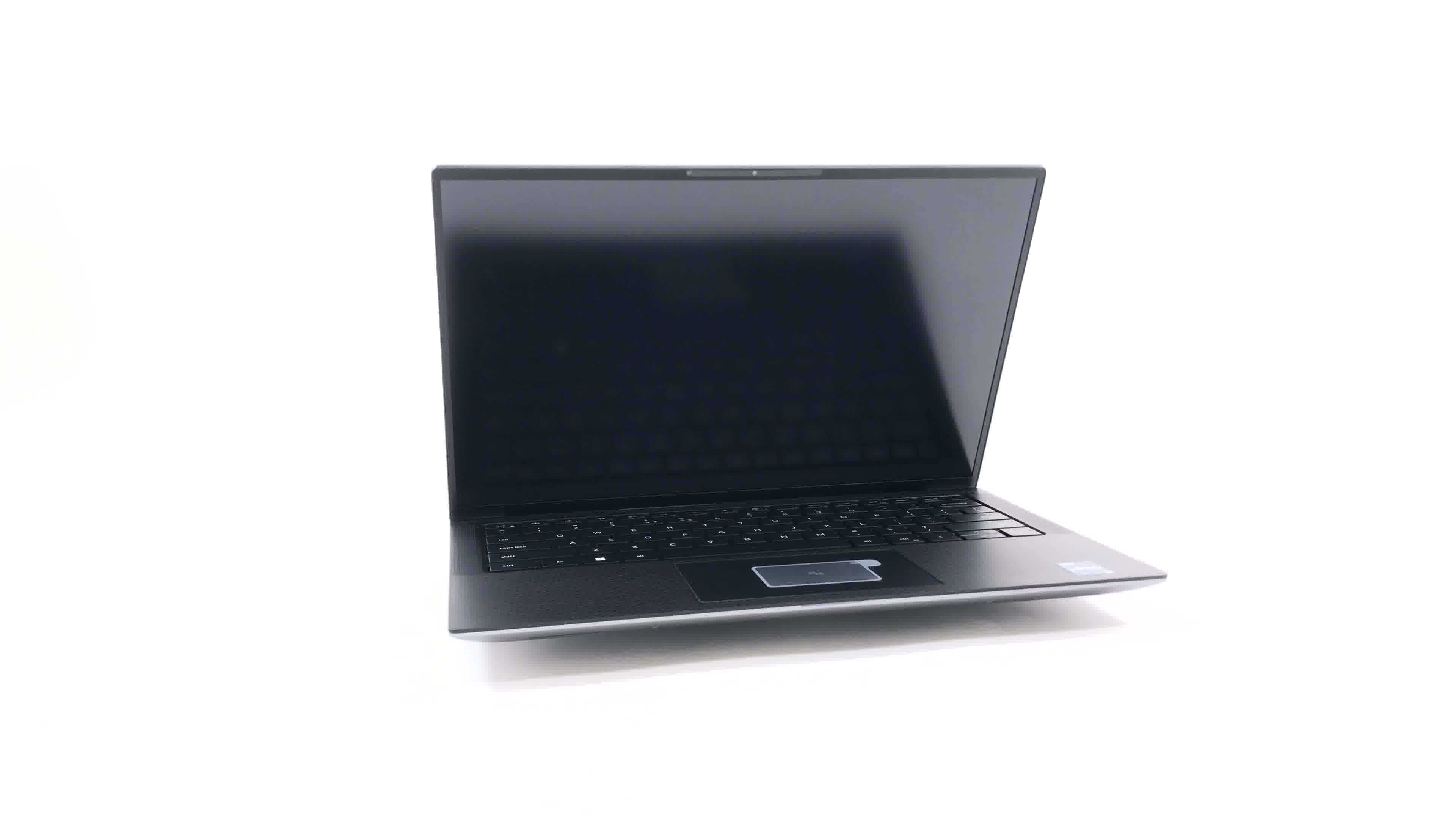
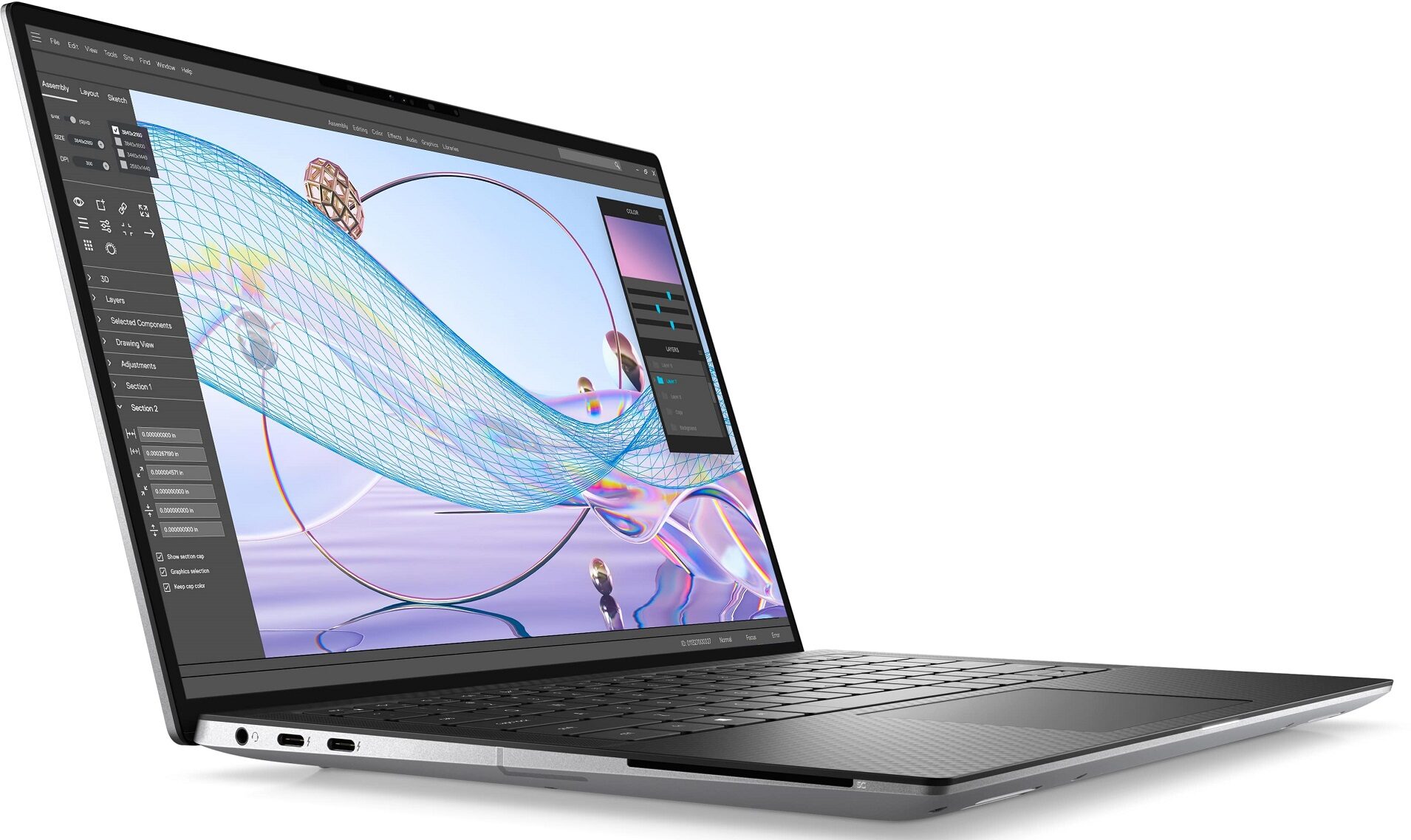
Dell Precision 5470

- Yayınlanma Tarihi: 15 Dec 2022
- Intel Core i5-12500H
- Intel Iris Xe Graphics G7 (80EU)
- 14.0”, WUXGA (1920 x 1200), IPS
- 4000GB SSD
- 64GB LPDDR5
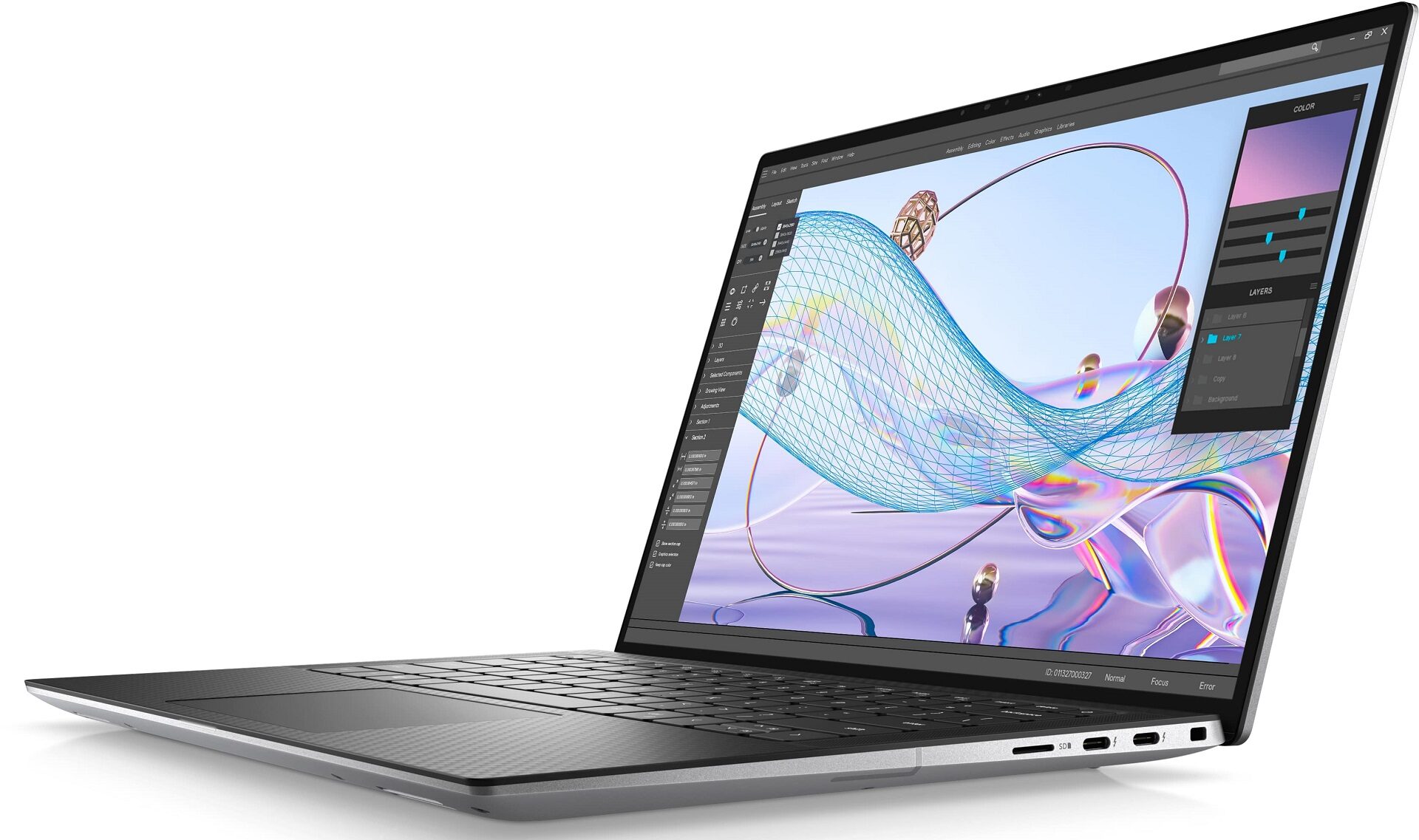
- 1.48 kg (3.3 lbs)
Dell Precision 14 5470 derinlemesine inceleme
Dell's Precision lineup is probably the most popular workstation family of notebooks on the market. Its notorious reliability and pro app integration are second to none. Today, we have the Precision 14 5470, which is an incredibly portable mobile workstation. Not only does Dell offer it with two [...]
Tüm incelemeyi oku
Özellikler

- HDD/SSD
- 4TB SSD
- M.2 Yuvası
- 1x 2280 PCIe NVMe 4.0 x4 Fotoğrafı gör
- RAM
- 64GB LPDDR5
- OS
- Windows 11 Home
- Gövde Malzemesi
- Alüminyum, Karbon
- Boyutlar
- 310.60 x 210.35 x 7.49 - 11.09 mm (12.23" x 8.28" x 0.29")
- Ağırlık
- 1.48 kg (3.3 lbs)
- Portlar ve bağlantı
- 4x USB Type-C
- Thunderbolt 4, Power Delivery (PD), DisplayPort
- HDMI
- Kart Okuyucu
- microSD (SD/SDHC/SDXC)
- Ethernet LAN
- Wi-Fi
- 802.11ax
- Bluetooth
- 5.2
- Audio jack
- 3.5mm Combo Jack
- Özellikler
- Parmak izi okuyucu
- Web kamerası
- HD + IR
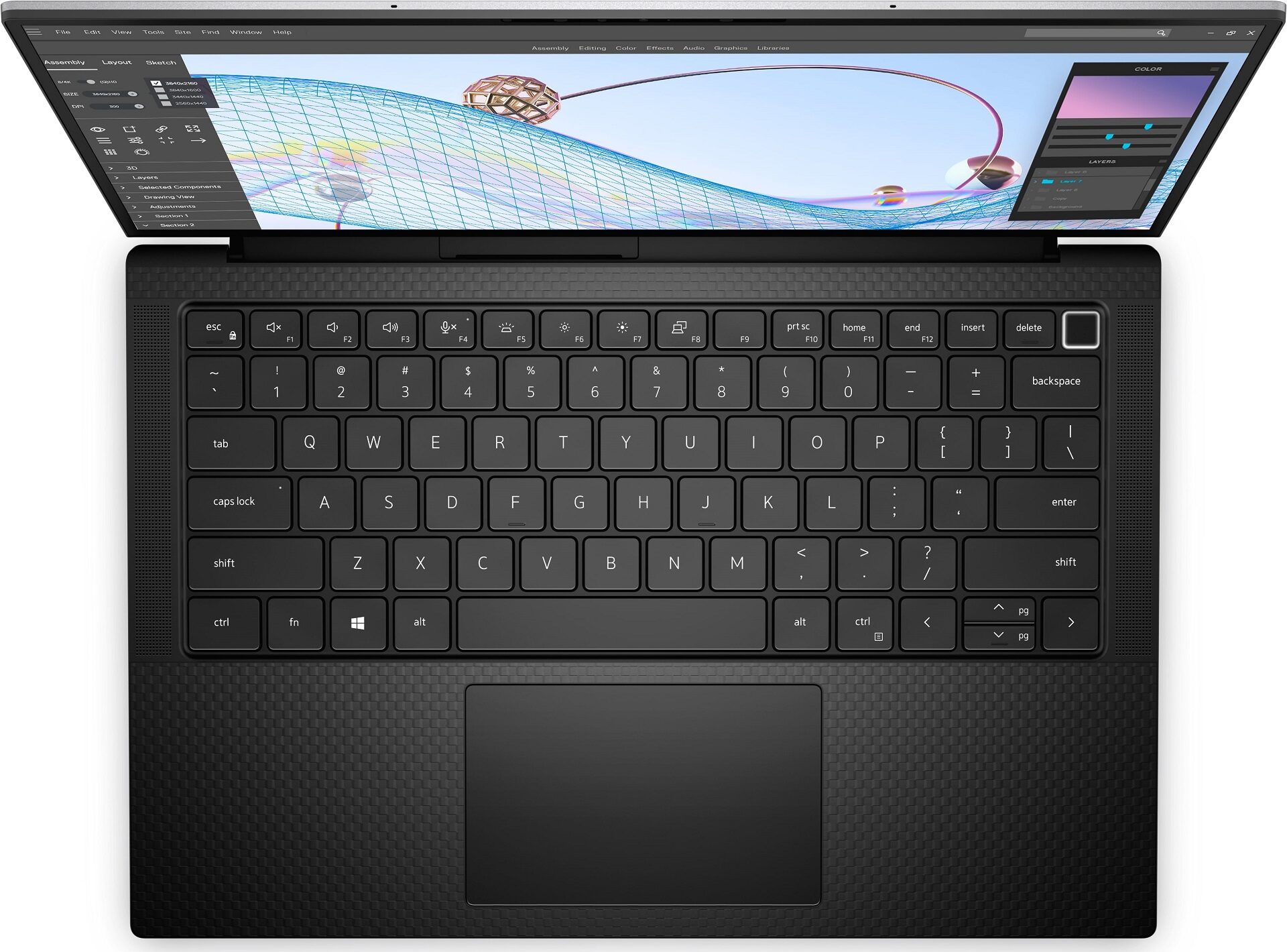
- Arkadan aydınlatmalı klavye
- Mikrofon
- Dual Digital Array Microphones
- Hoparlörler
- 2x 2.5W Tweeters + 2x 2.5W Woofers
- Optik sürücü
- Güvenlik Kilidi yuvası
- Wedge Lock
Taşınabilirlik
İnceleme
Dell Precision 5470 derinlemesine inceleme
Dell's Precision lineup is probably the most popular workstation family of notebooks on the market. Its notorious reliability and pro app integration are second to none. Today, we have the Precision 14 5470, which is an incredibly portable mobile workstation.Not only does Dell offer it with two display options, but they are both comparable in specs, only differing in resolutions. Its IPS panels should be perfect for content creation, and any color-related work. Well, at least on paper. In the following paragraphs, we are going to put it through its paces and show you its true self.Before that, we have to mention its hardware. The manufacturer has picked the Alder Lake-H processors, both with vPro and without vPro support. And for graphics, you have the opportunity to get the pro-g[...]
Tüm incelemeyi okuArtıları
- Strong body build of carbon fiber and aluminum
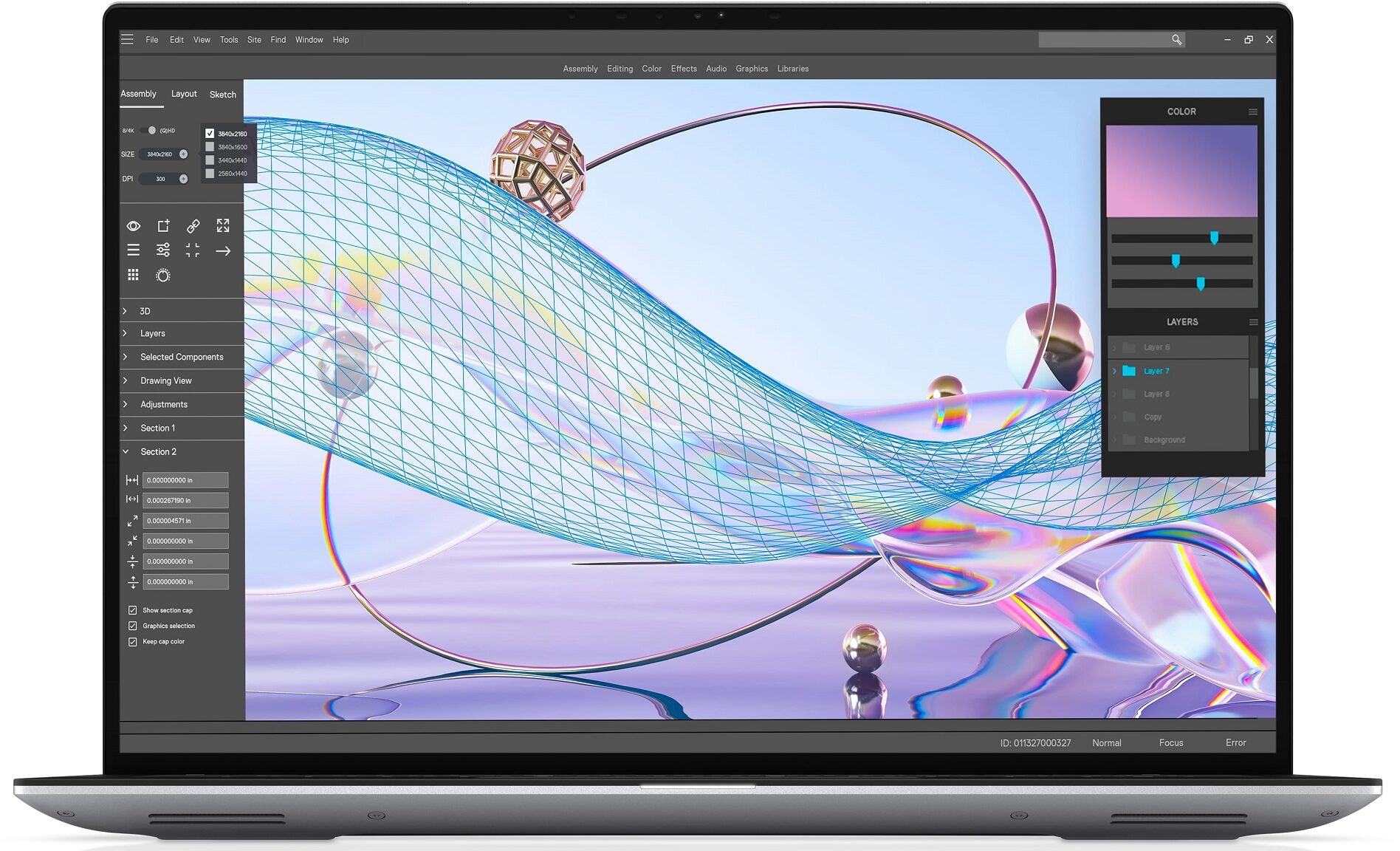
- Virtually bezel-less screen
- 400+ nits maximum brightness, 100% sRGB coverage (AUO J83VF-B140UAN (AUOF99A))
- Accurate color representation with our Gaming and Web design profile (AUO J83VF-B140UAN (AUOF99A))
- Thin and light
- Great keyboard
- Fingerprint reader embedded in the power button and an optional IR face recognition system
- Four Thunderbolt 4 connectors, USB Type-C charging, and a MicroSD card reader (+ tiny dongle inside the box)
- Decent battery life
Eksileri
- Can't extract 100% of the hardware it comes with
- Expensive
- Soldered memory
Sökme, bakım ve yükseltme seçenekleri
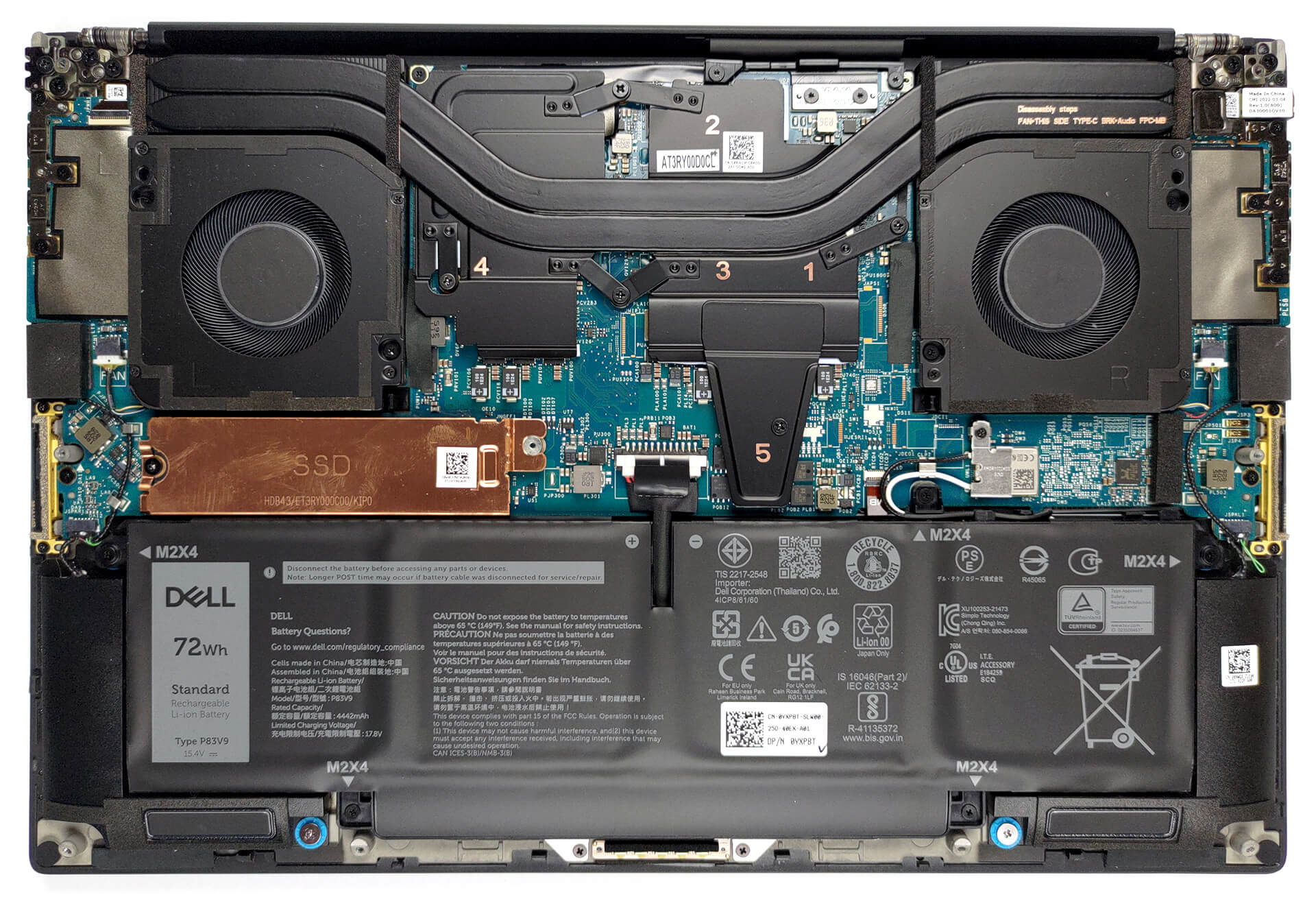
This is not a typical workstation. It has a high build quality and everything, but there is practically no memory upgradeability. Thankfully, you can configure it with up to 64GB prepurchase, so make sure you make the right choice for yourself.Check out all Dell Precision 14 5470 prices and configurations in our Specs System, or read more in our In-Depth review.1. Remove the bottom plate To access this device's internals, you need to undo 8 Torx-head screws. Then, carefully pry your way around the laptop with a plastic tool. It's best to start from the front corners.2. Rem[...]
Daha fazlasını oku