MSI Summit E13 Flip
- Yayınlanma Tarihi: 18 Aug 2021
- Intel Core i5-1155G7
- Intel Iris Xe Graphics G7 (80EU)
- 13.4”, FHD+ (1920 x 1200), IPS
- 512GB SSD
- 16GB LPDDR4x, 4266 MHz
- 1.35 kg (3 lbs)

İnceleme
MSI Summit E13 Flip derinlemesine inceleme
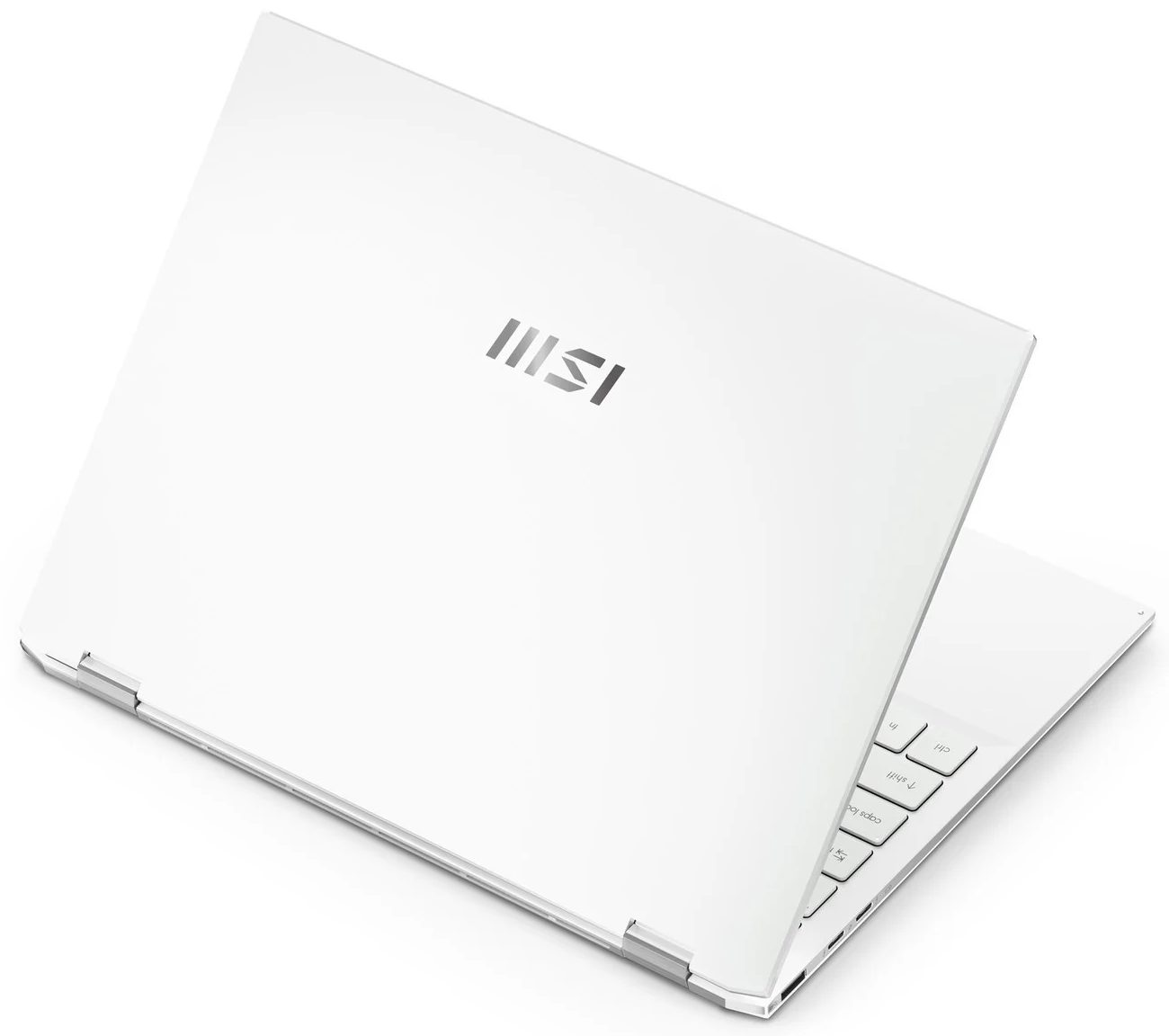
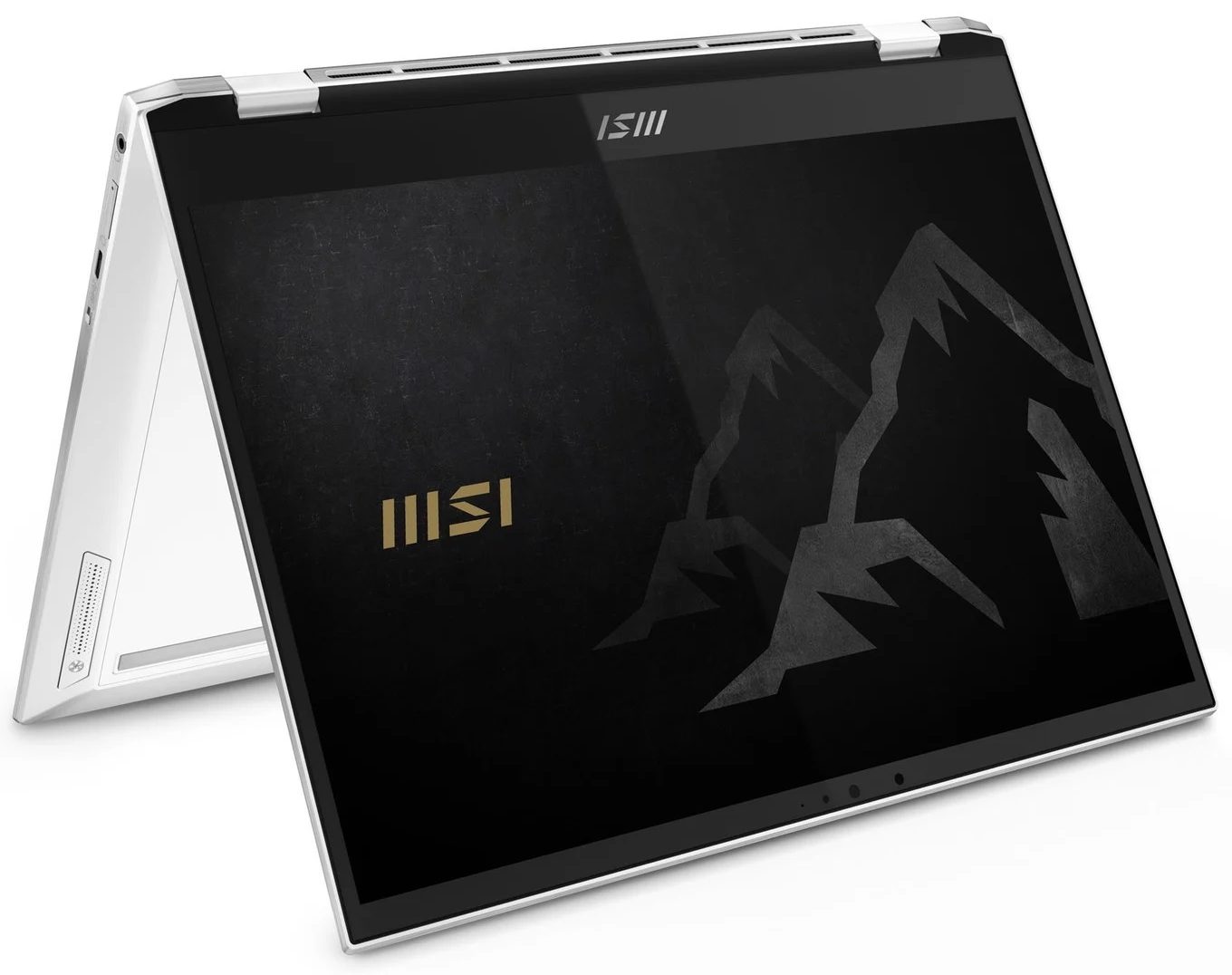
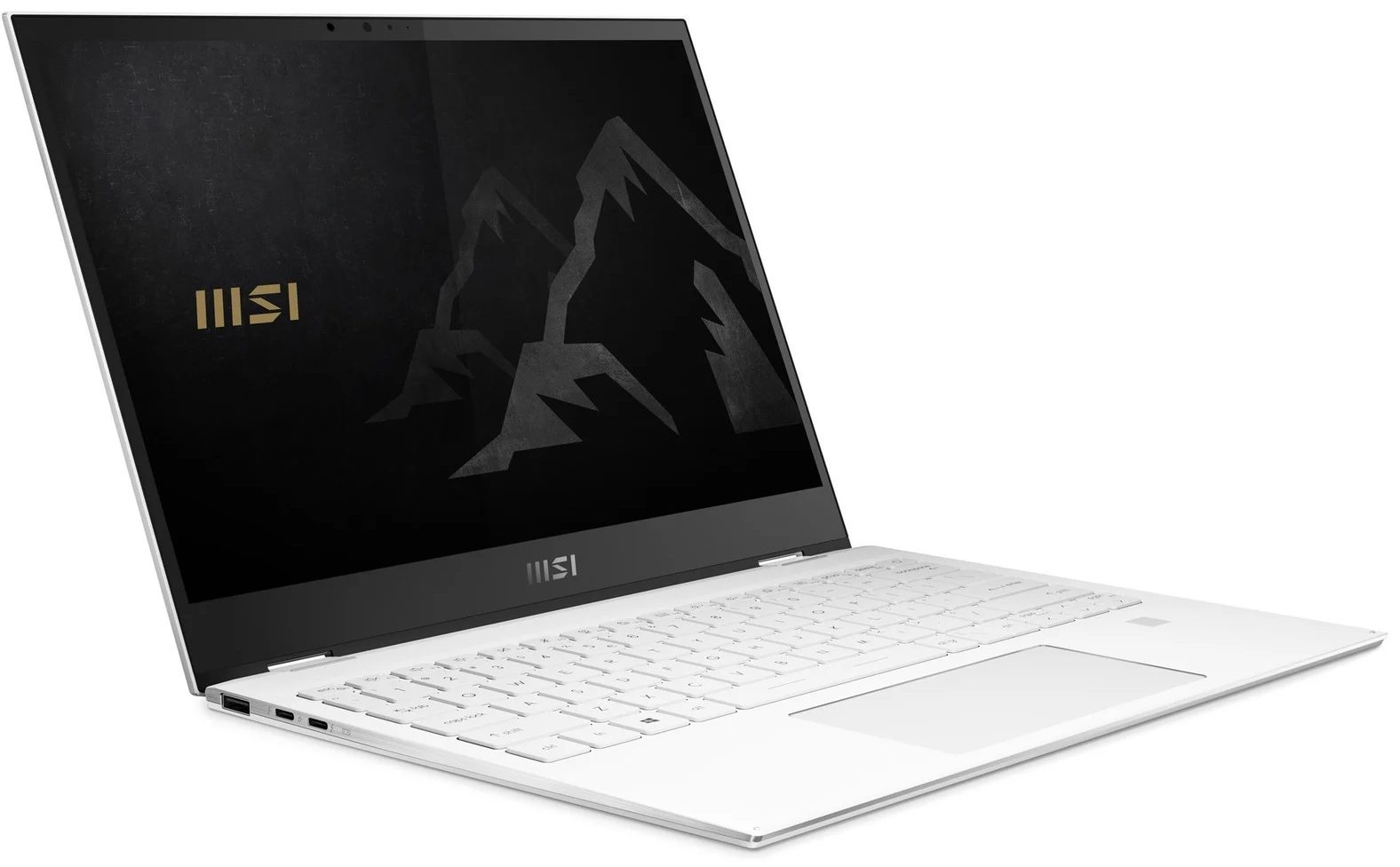
As with the 15-inch device from this series that we've reviewed recently, the Summit E13 Flip Evo aims to provide a balance between aesthetics and performance. Ultimately, this 13-incher is MSI's best effort to battle the Dell XPS 13 9310 2-in-1.From what we saw, beating the XPS 13 in its own game won't be that difficult of a task, but there is a lot of room for the Summit to fail. On the other hand, it matches its display with a 13.4-inch size, 16:10 aspect ratio, a Full HD+ resolution.Additionally, this is one of the first notebooks to confirm the use of the newly announced Core i5-1155G7, and Core i7-1195G7. However, we were only able to snatch a unit with the "older" Core i5-1135G7 processor.So, let's see if MSI's 13-inch convertible will be able to become a viable XPS 13 [...]
Tüm incelemeyi oku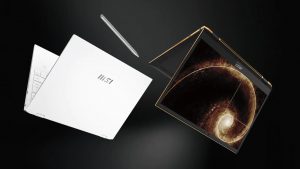
Artıları
- Premium build quality and materials
- Covers 99% of sRGB colors (Sharp LQ134N1JW53)
- Very high color accuracy when Gaming and Web design profile is installed (Sharp LQ134N1JW53)
- Great battery
- Fingerprint reader and IR face recognition systems
- Top-notch performance
- 2x Thunderbolt 4, 1x USB Type-A 3.2 (Gen. 1), 1x USB Type-C, 1x MicroSD card reader
Eksileri
- Memory is soldered to the motherboard
- High internal and external temperatures under extreme workload
Sökme, bakım ve yükseltme seçenekleri
This 13-incher proved to be one of the most versatile convertibles on the market. Plus, it comes with a beefy battery and a humongous amount of performance.Check out all MSI Summit E13 Flip Evo prices and configurations in our Specs System or read more in our In-Depth review.1. Remove the bottom plate To take this notebook apart, you need to remove its bottom panel. You can do that by undoing four Phillips-head screws, two of which are hidden beneath the rear rubber feet. Then, pry the panel with a plastic tool.2. Battery Here, the battery has a capacity of 70Wh.3. [...]
Daha fazlasını oku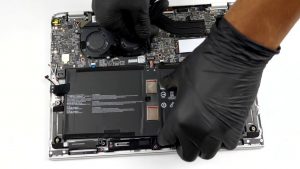
Ekran: 13.4-inch, 1920 x 1200, IPS
- İsim
- Sharp LQ134N1JW53 (SHP1521)
- Diyagonal
- 13.4"
- Piksel yoğunluğu
- 168.97 ppi
- Parlaklık
- 516 cd/m2
- sRGB
- 99%
- Panel Tipi
- IPS
- Çözünürlük
- 1920 x 1200
- "Retina" Olduğu Mesafe
- 20 inches (52 cm)
- Kontrast
- 1470:1
- dE Color Checker
- 2.7 0.8
Şunun için profillerimizi satın alın Sharp LQ134N1JW53 (SHP1521)
Verimli ve sağlık dostu profiller almanın yanı sıra, LaptopMedia'nın ürünlerini satın alarak, mümkün olan en objektif incelemeleri üretmek için cihazları test ettiğimiz laboratuvarlarımızın gelişimini de desteklemiş olursunuz.
Ofis Çalışması
Ofis Çalışması, çoğunlukla metinlere, tablolara bakan veya sadece gezinen kullanıcılar tarafından kullanılmalıdır. Bu profil, düz bir gama eğrisi (2.20), doğal renk sıcaklığı ve algısal olarak doğru renkler tutarak daha iyi ayırt edilebilirlik ve netlik sunmayı amaçlamaktadır.
Tasarım ve Oyun
Bu profil, renklerle profesyonel olarak çalışan tasarımcılara ve aynı zamanda oyunlara ve filmlere yöneliktir. Tasarım ve Oyun, ekran panellerini sınırlarına kadar zorlayarak Web ve HDTV için sRGB IEC61966-2-1 standardında, D65 beyaz noktasında mümkün olduğunca doğru olmalarını sağlar.

Health-Guard
Health-Guard, zararlı Darbe Genişlik Modülasyonunu (PWM) ortadan kaldırır ve gözlerimizi ve vücudumuzu etkileyen negatif Mavi Işığı azaltır. Her panel için özel olarak uyarlandığından, renkleri algısal olarak doğru tutmayı başarır. Health-Guard kağıdı simüle eder, böylece gözlerdeki baskı büyük ölçüde azalır.