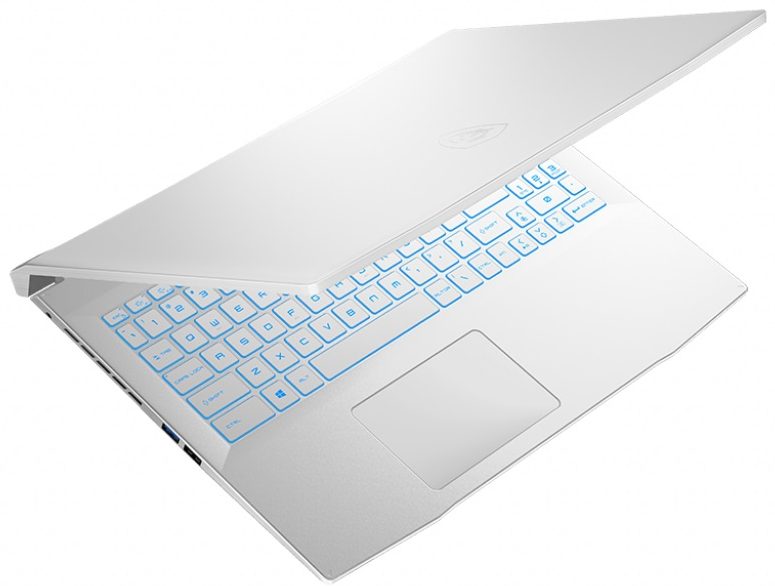
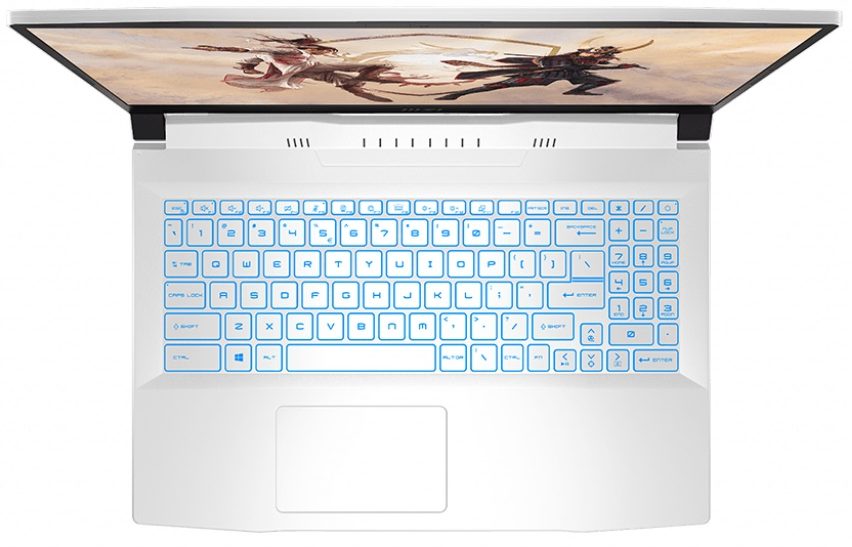
MSI Sword 15





- Yayınlanma Tarihi: 11 Aug 2021
- Intel Core i7-11800H
- NVIDIA GeForce RTX 3050 Ti (Laptop, 60W)
- 15.6”, Full HD (1920 x 1080), 144 Hz, IPS
- 512GB SSD
- 8GB DDR4
- 2.25 kg (5 lbs)

Özellikler

- HDD/SSD
- 512GB SSD
- M.2 Yuvası
- 1x 2280 M.2 NVMe slot Fotoğrafı gör
- RAM
- 8GB DDR4
- OS
- Windows 10 Pro
- Gövde Malzemesi
- Plastik / Polikarbonat
- Boyutlar
- 359 x 249 x 24.9 mm (14.13" x 9.80" x 0.98")
- Ağırlık
- 2.25 kg (5 lbs)
- Portlar ve bağlantı
- 1x USB Type-A
- 2.0
- 2x USB Type-A
- 3.2 Gen 1 (5 Gbps)
- 1x USB Type-C
- 3.2 Gen 1 (5 Gbps)
- HDMI
- Ethernet LAN
- 10, 100, 1000 Mbit/s
- Wi-Fi
- 802.11ax
- Bluetooth
- 5.1
- Audio jack
- 3.5mm Combo Jack
- Özellikler
- Parmak izi okuyucu
- Web kamerası
- HD
- Arkadan aydınlatmalı klavye
- Hoparlörler
- Stereo Speakers by Nahimic Audio
- Optik sürücü
- Hediyeler
- Dockztorm USB Hub
Taşınabilirlik
İnceleme
MSI Sword 15 derinlemesine inceleme
It is interesting to see, that MSI has built an entire naming scheme around blades. The reason behind it is the so-called ancient "Dragon Blade" legend. See...MSI...dragon...blade. This is basically how Sword 15 was born. Ultimately, it shares the same platform as the Katana GF66 - another laptop named after a weapon. The contrast here is that the Katana GF66 is entirely black on the outside, the Sword 15 is dressed in white.Let that not confuse you. This laptop is all about gaming. This is why it comes with up to a Core i7-11800H, and an RTX 3070 with 85W TGP. Quite the potent package in our view. You have to keep in mind though, that this laptop's most competitive feature is not on the inside. Instead - it is the price. This puts it in the same ballpark as Dell's G15 5511 and 5515 w[...]
Tüm incelemeyi oku
Artıları
- Competitively priced
- Two SODIMM slots, and up to two M.2 PCIe x4 slot
- Rigid structure
- Lacks PWM (AUO B156HAN08.4 (AUOAF90))
- 144Hz refresh rate (AUO B156HAN08.4 (AUOAF90))
Eksileri
- 53% sRGB coverage (AUO B156HAN08.4 (AUOAF90))
- Slow pixel response times (AUO B156HAN08.4 (AUOAF90))
- No SD card reader and Thunderbolt 4
- Average battery life
Sökme, bakım ve yükseltme seçenekleri
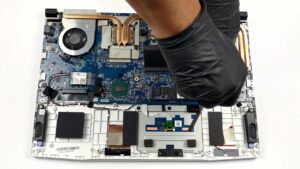
If you feel comfortable damaging the factory seals ticker on this device, upgrading it is a piece of cake.Check out all MSI Sword 15 prices and configurations in our Specs System or read more in our In-Depth review.1. Remove the bottom plate To take this device apart, you need to undo 13 Phillips-head screws, one of which is hidden beneath a factory seal sticker. After that, pry the bottom panel with a plastic tool, starting from the front.2. Battery Inside, we see a battery with a 53.5Wh capacity. It is easy to remove, as it's held in place by only 3 Phillips-head screws[...]
Daha fazlasını oku