Apple MacBook Air 15.3″ (M5) – The Best 15-Inch Laptop for Everyday Use?
The Apple MacBook Air has long been one of the easiest laptops to recommend for everyday use, and the 15-inch model makes that formula even more appealing. It keeps the things people love about the Air: the premium aluminum chassis, completely silent fanless operation, excellent battery life, huge trackpad, great speakers, and a large, color-accurate Liquid Retina display that is comfortable enough for long work sessions.
With the new M5 chip, the MacBook Air 15 becomes even faster in daily use, especially in the short bursts of performance that matter most for browsing, office work, coding, photo editing, and general multitasking. The move to 512GB of base storage is also a very welcome upgrade, finally making the entry-level configuration feel more suitable for a premium laptop. But the familiar compromises remain: there is still no active cooling, no RAM or SSD upgradeability, a very limited port selection, and the display is still capped at 60Hz.
So the MacBook Air 15 (M5) is not trying to be a workstation, a gaming laptop, or a MacBook Pro replacement. Its goal is different: to be a large-screen laptop that feels fast, quiet, premium, and effortless in everyday life. The question is whether this refined formula is still enough to justify its place at the top of the everyday laptop category, especially now that many Windows competitors are pushing harder with OLED panels, higher refresh rates, and more aggressive performance hardware.
You can check the prices and configurations in our Specs System: https://laptopmedia.com/series/apple-macbook-air-15-m5/
TESTED CONFIGURATION:
– Apple M5 (10-core)
– Apple M5 GPU (10-core)
– 16GB RAM
– 512GB SSD NVMe
– 15.3”, 2880×1864, Liquid Retina, IPS
Contents
Specs, Drivers, What’s in the box
Apple MacBook Air 15 (M5) - Specs
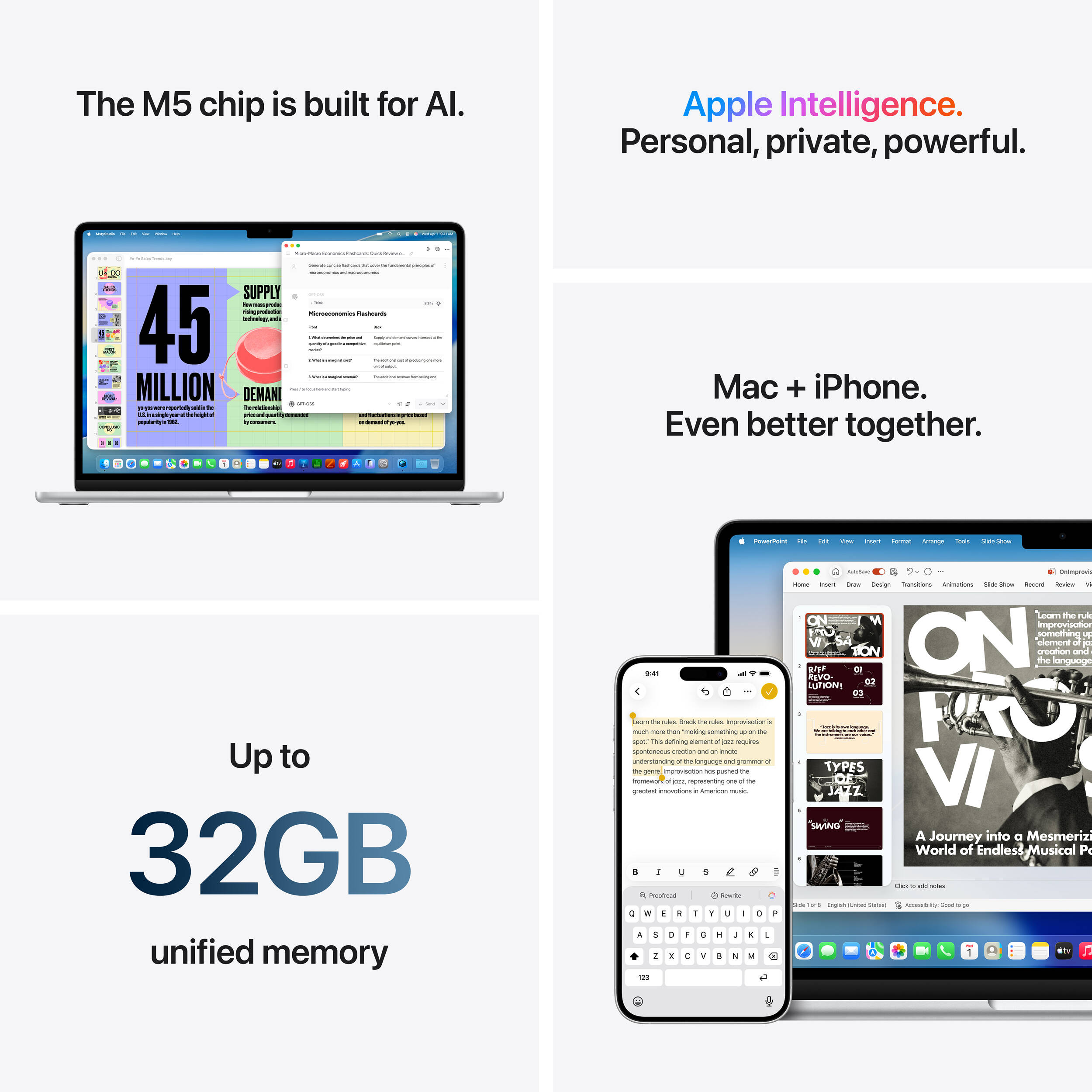
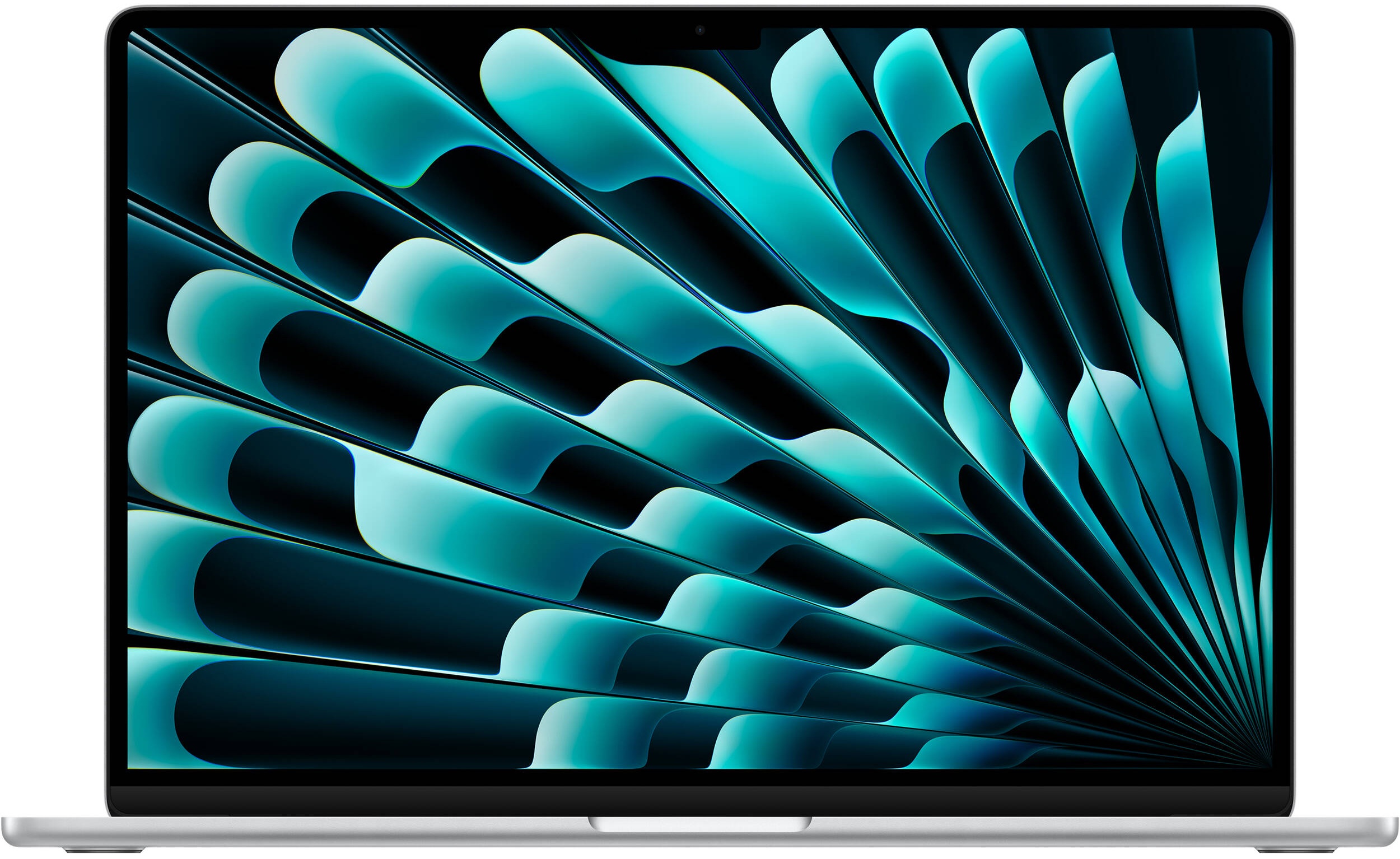
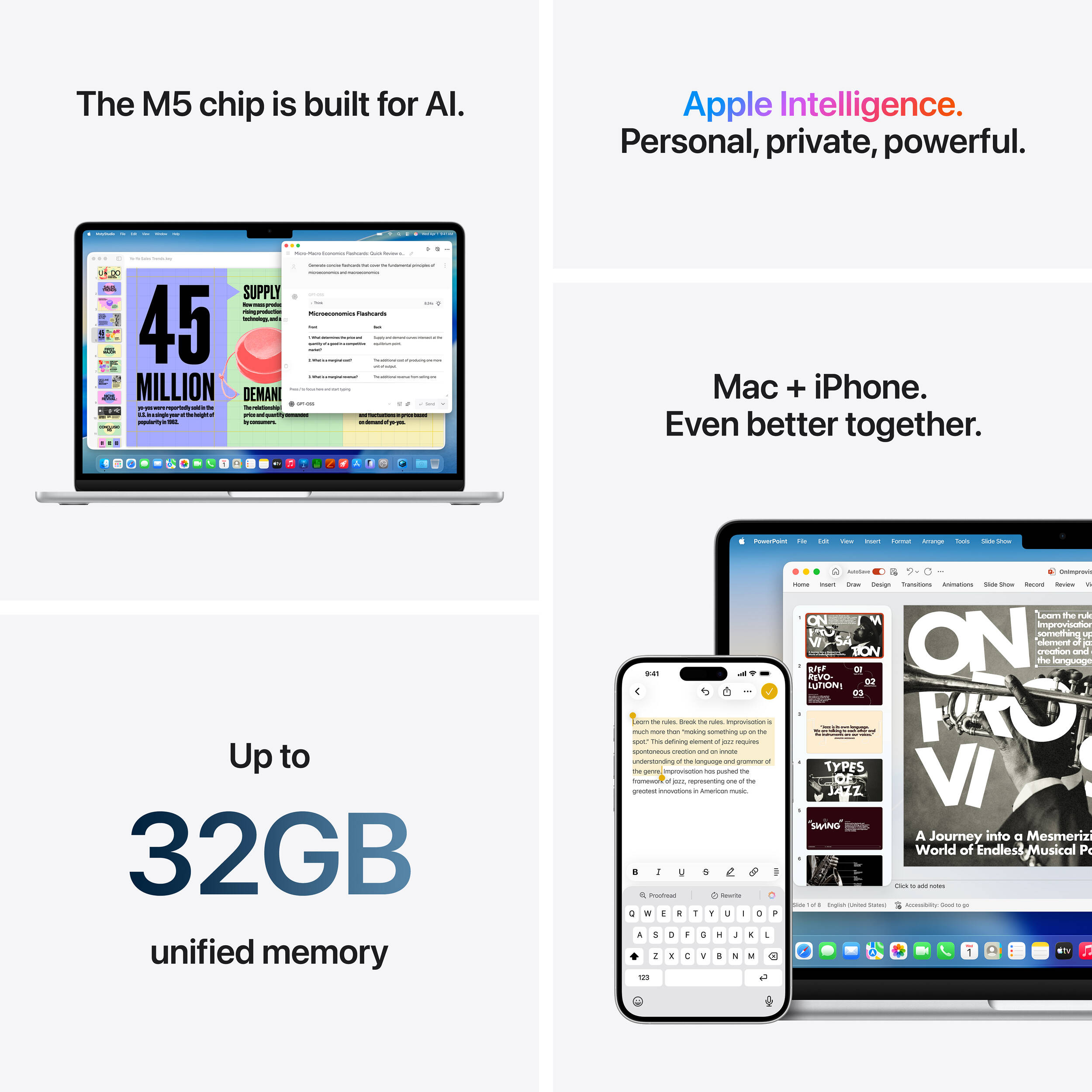
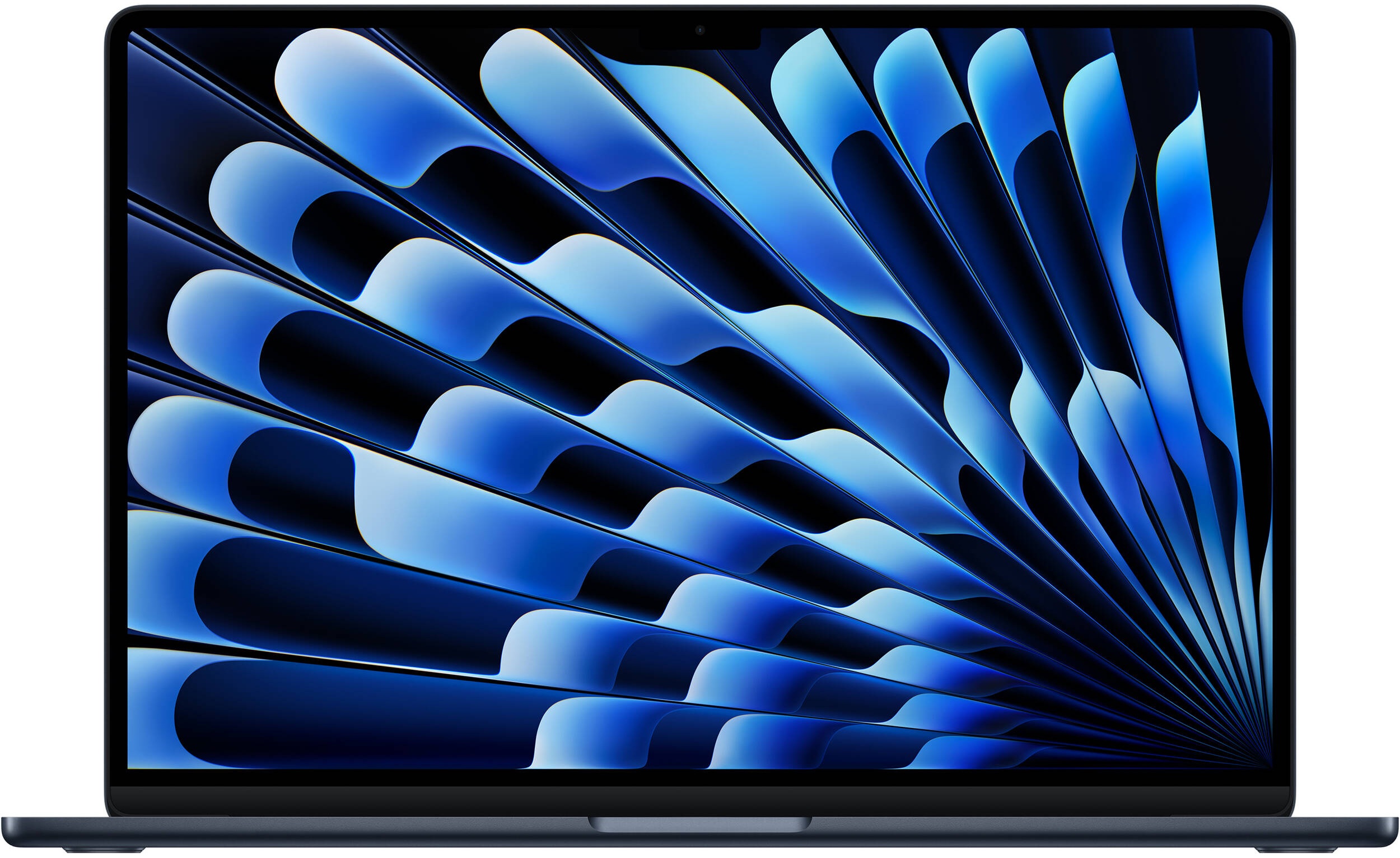
- Display
- 15.3”, 3K (2880 x 1864), IPS
- HDD/SSD
- up to 4000GB SSD
- RAM
- up to 32GB
- OS
- macOS, No OS
- Battery
- 66.5Wh
- Body material
- Aluminum
- Dimensions
- 340.4 x 237.6 x 11.5 mm (13.40" x 9.35" x 0.45")
- Weight
- 1.51 kg (3.3 lbs)
- Ports and connectivity
- 2x USB Type-C
- 4.0, Thunderbolt 4, Power Delivery (PD), DisplayPort
- Card reader
- Ethernet LAN
- Wi-Fi
- Wi-Fi 7
- Bluetooth
- 6.0
- Audio jack
- 3.5mm Combo Jack
- Features
- Fingerprint reader
- Web camera
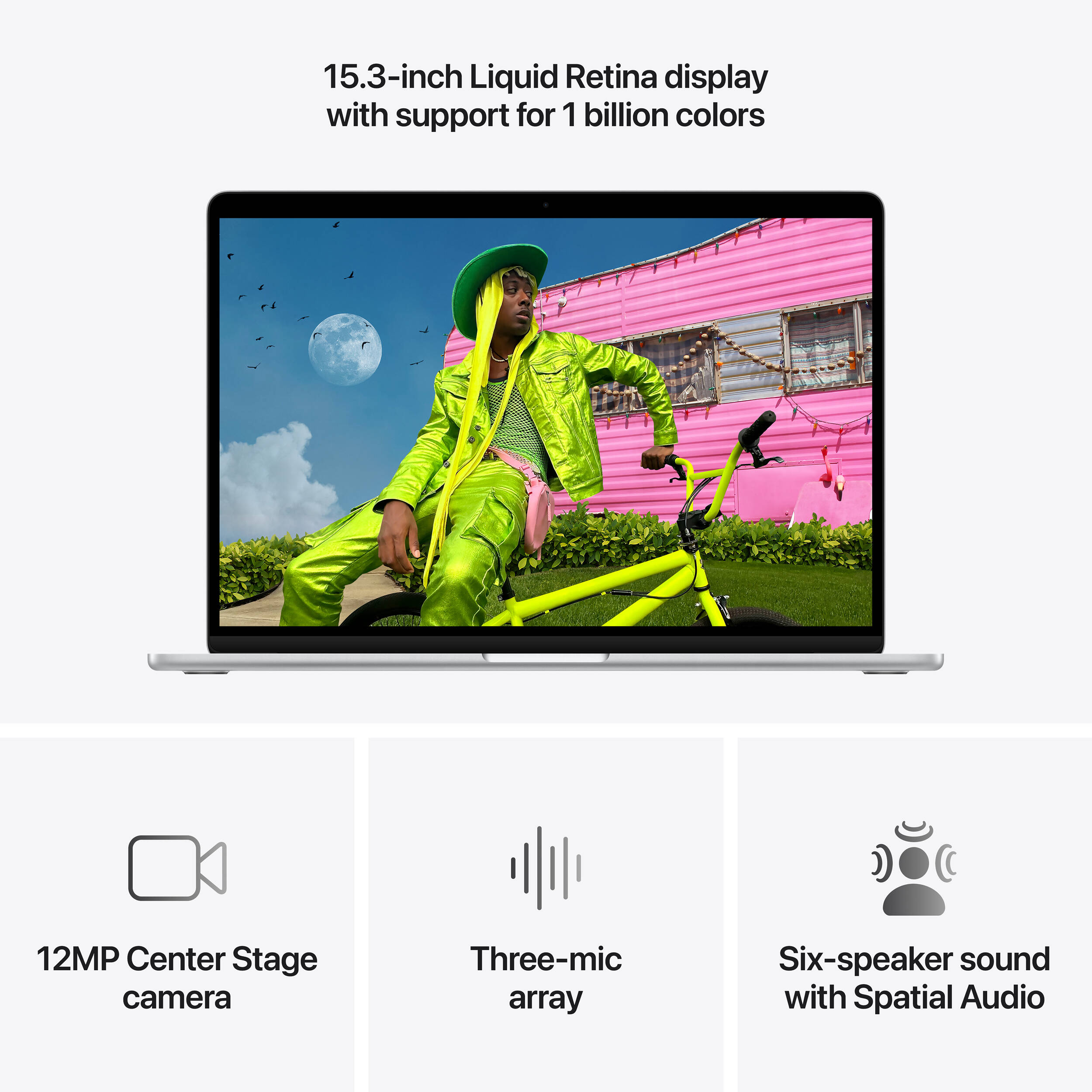
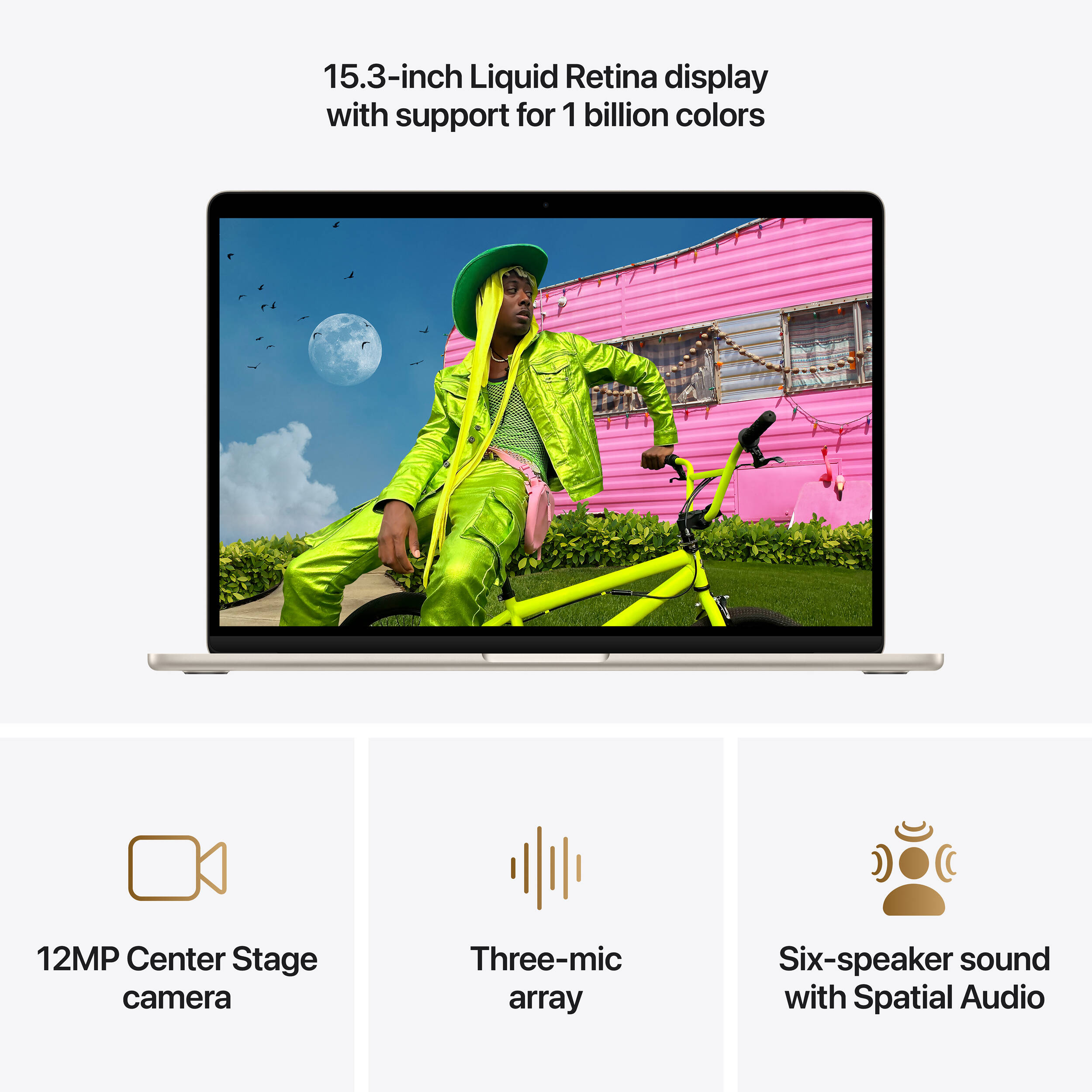
- 12MP Center Stage camera with support for Desk View, 1080p HD video recording Advanced image signal processor with computational video
- Backlit keyboard
- Microphone
- Three-mic array with directional beamforming
- Speakers
- Six-speaker sound system, support for Spatial Audio, Dolby Atmos
- Security Lock slot
All Apple MacBook Air 15 (M5) configurations
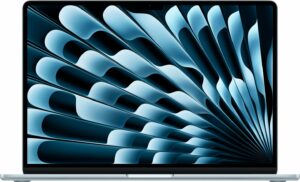
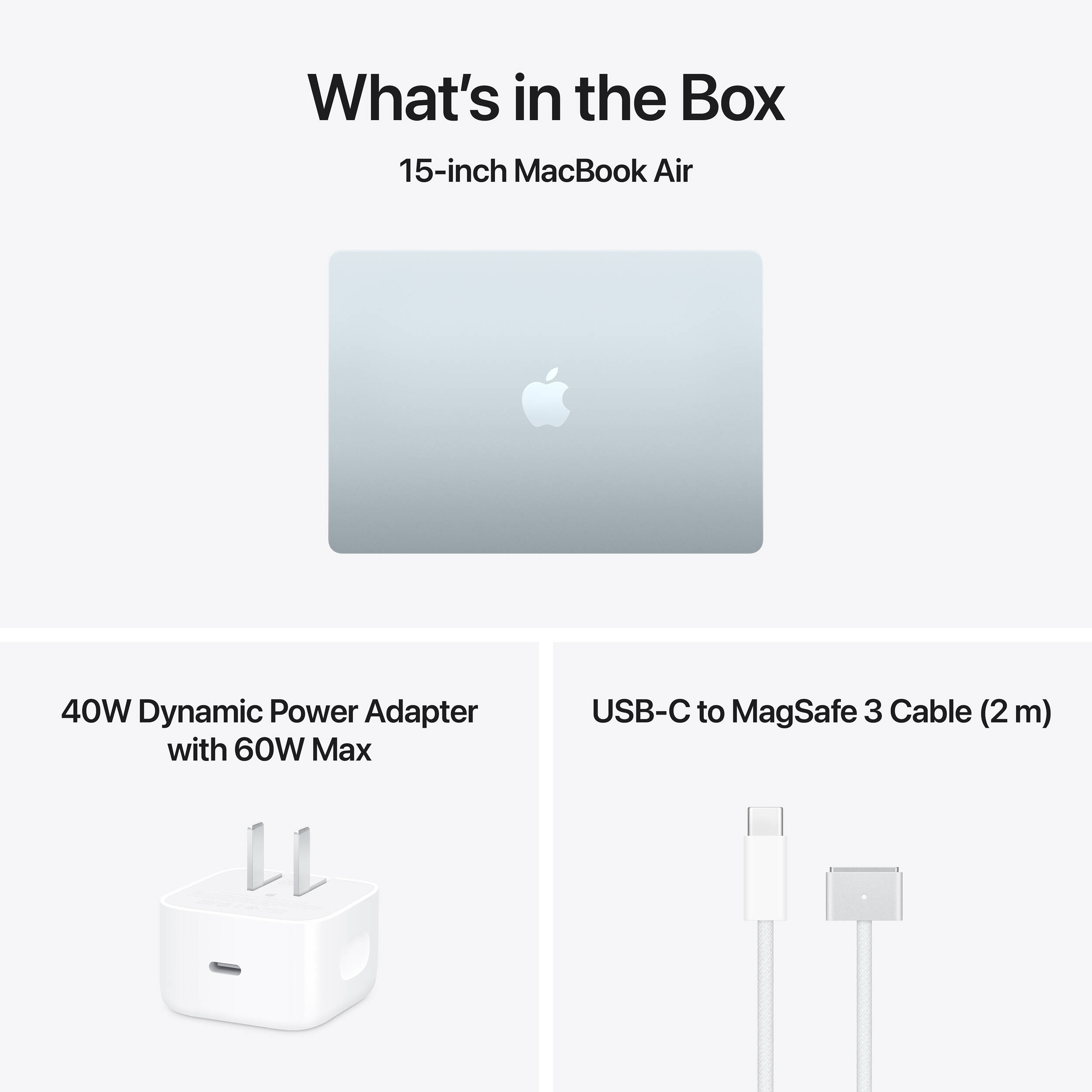
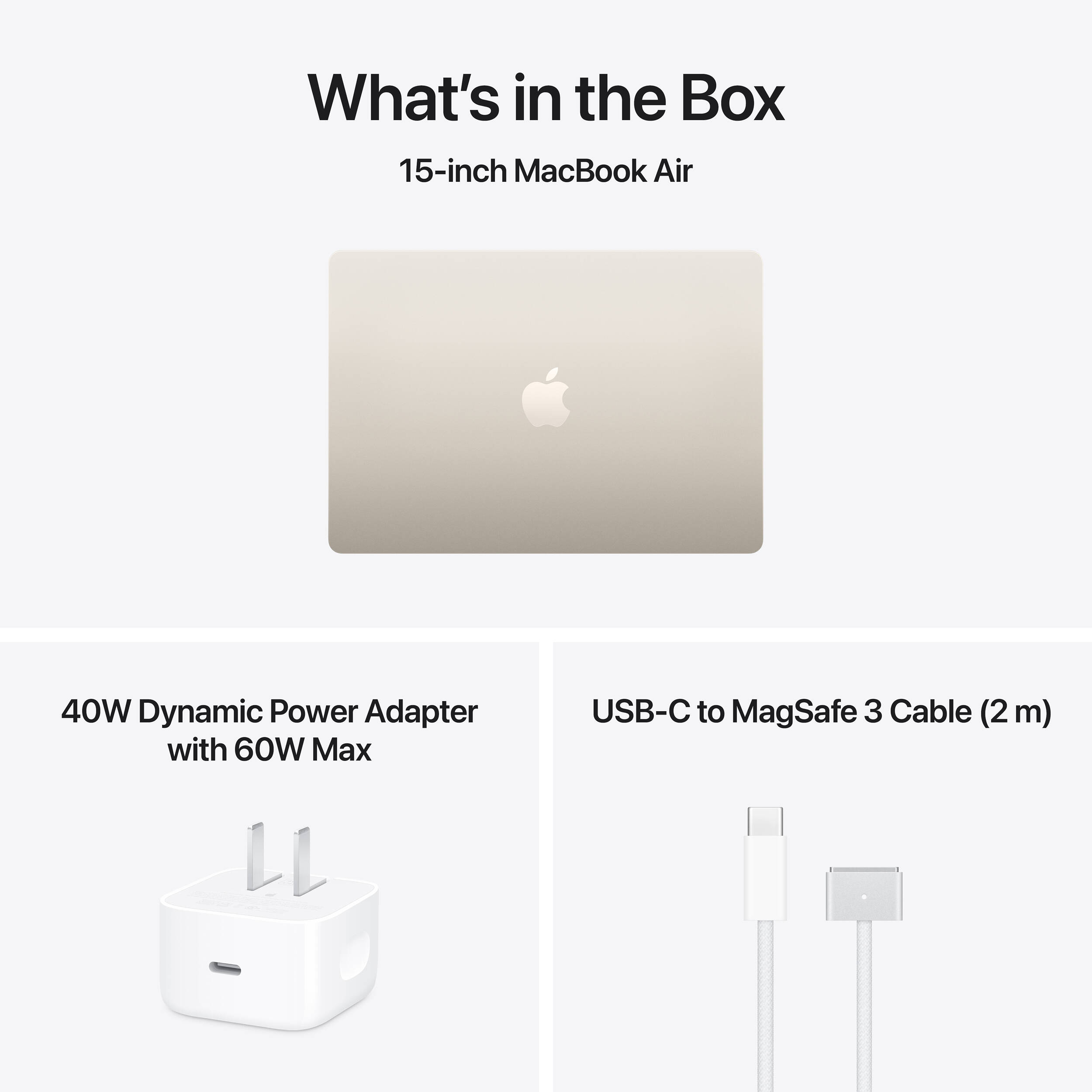
What’s in the box?
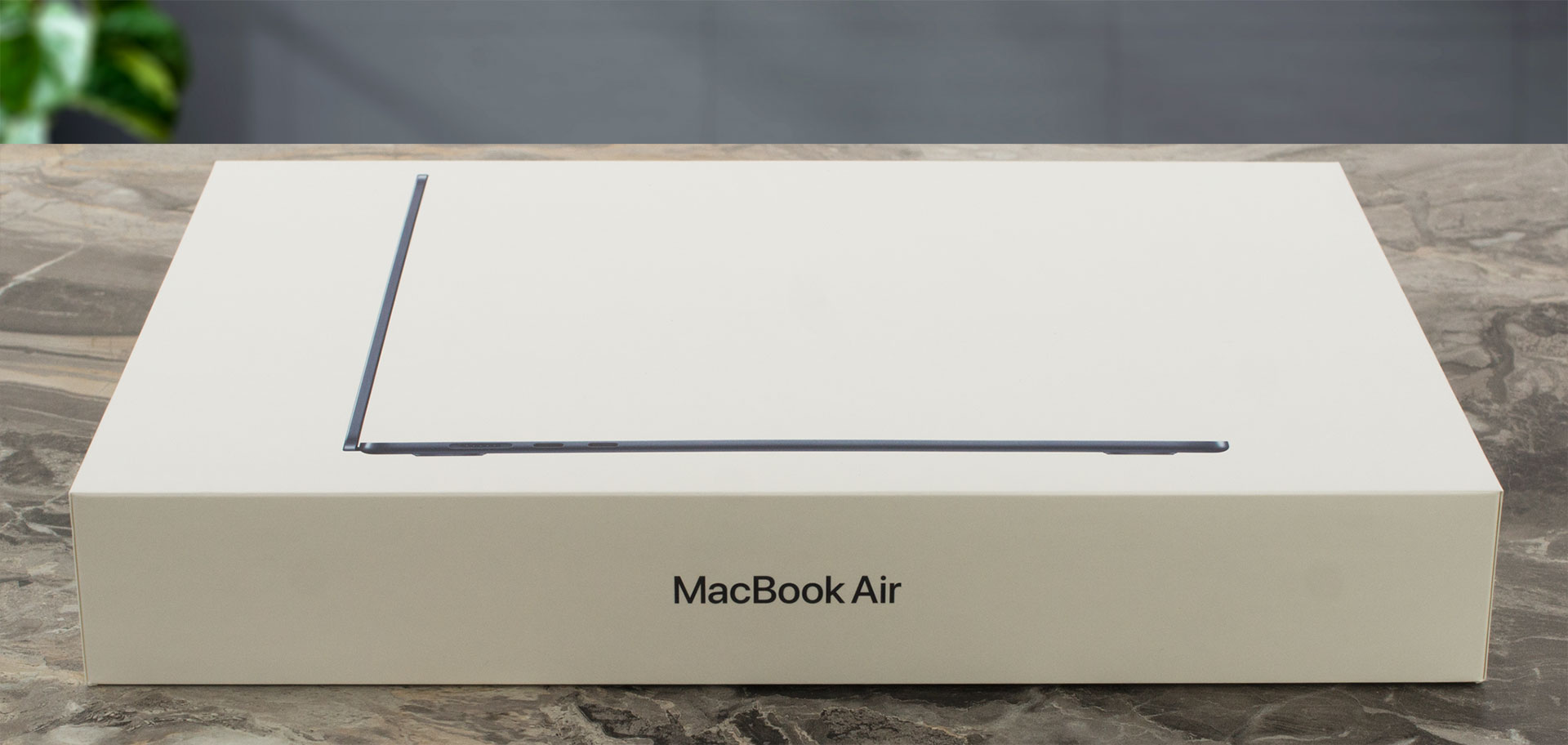
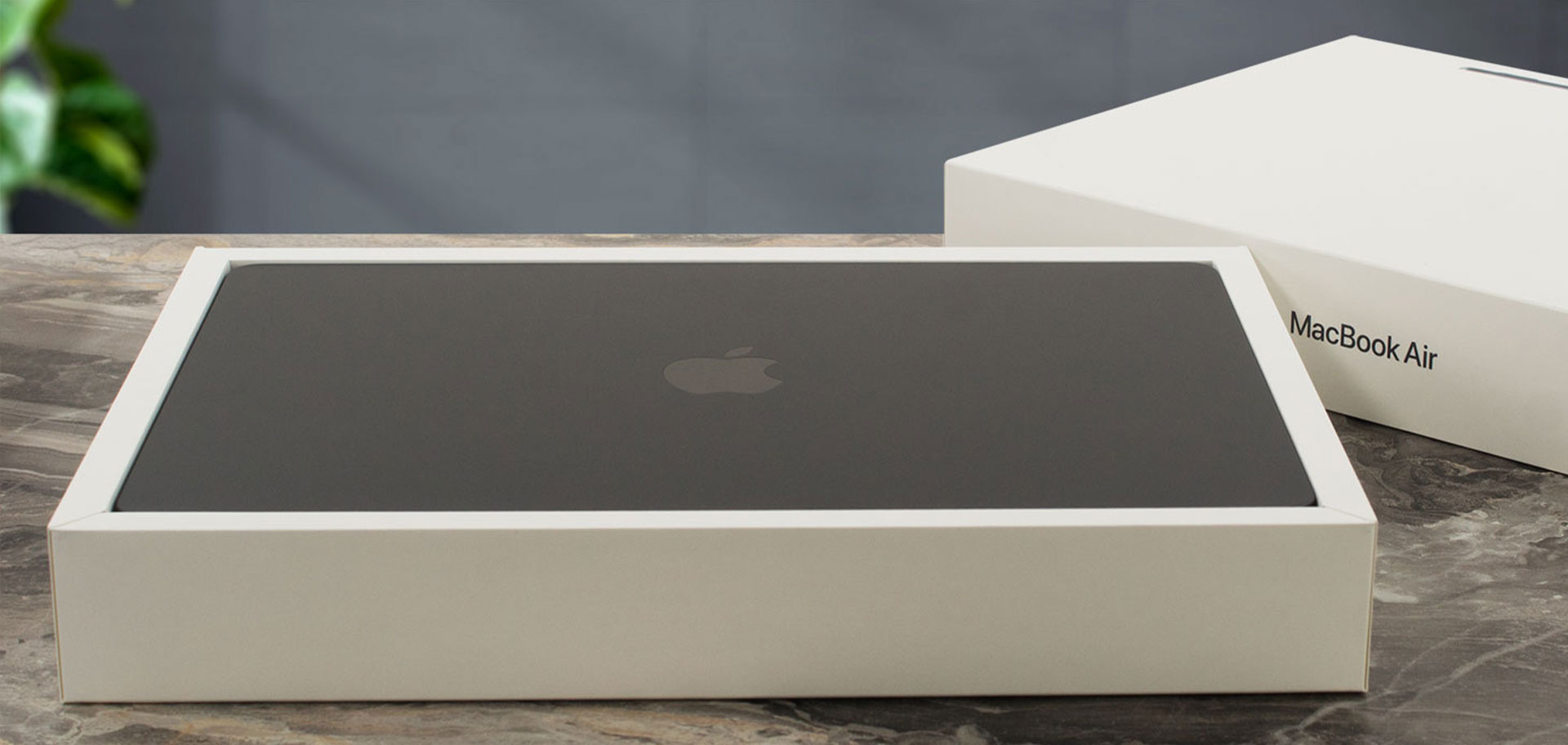
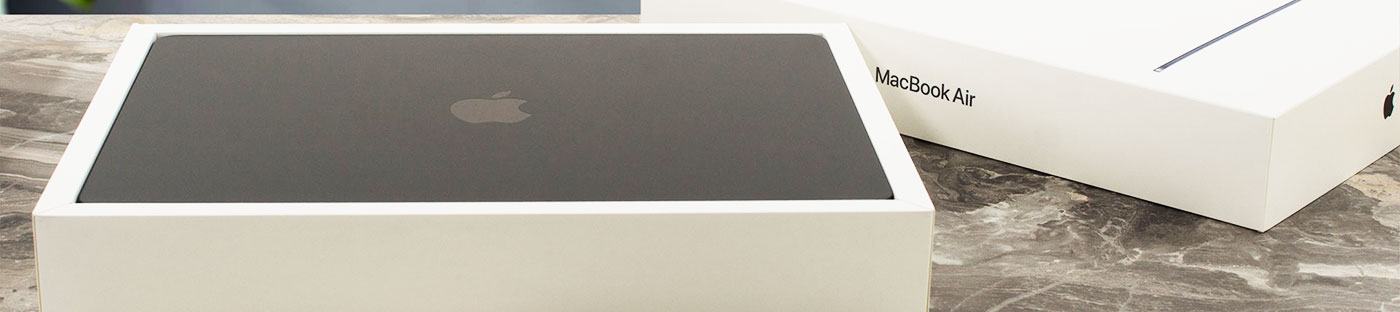
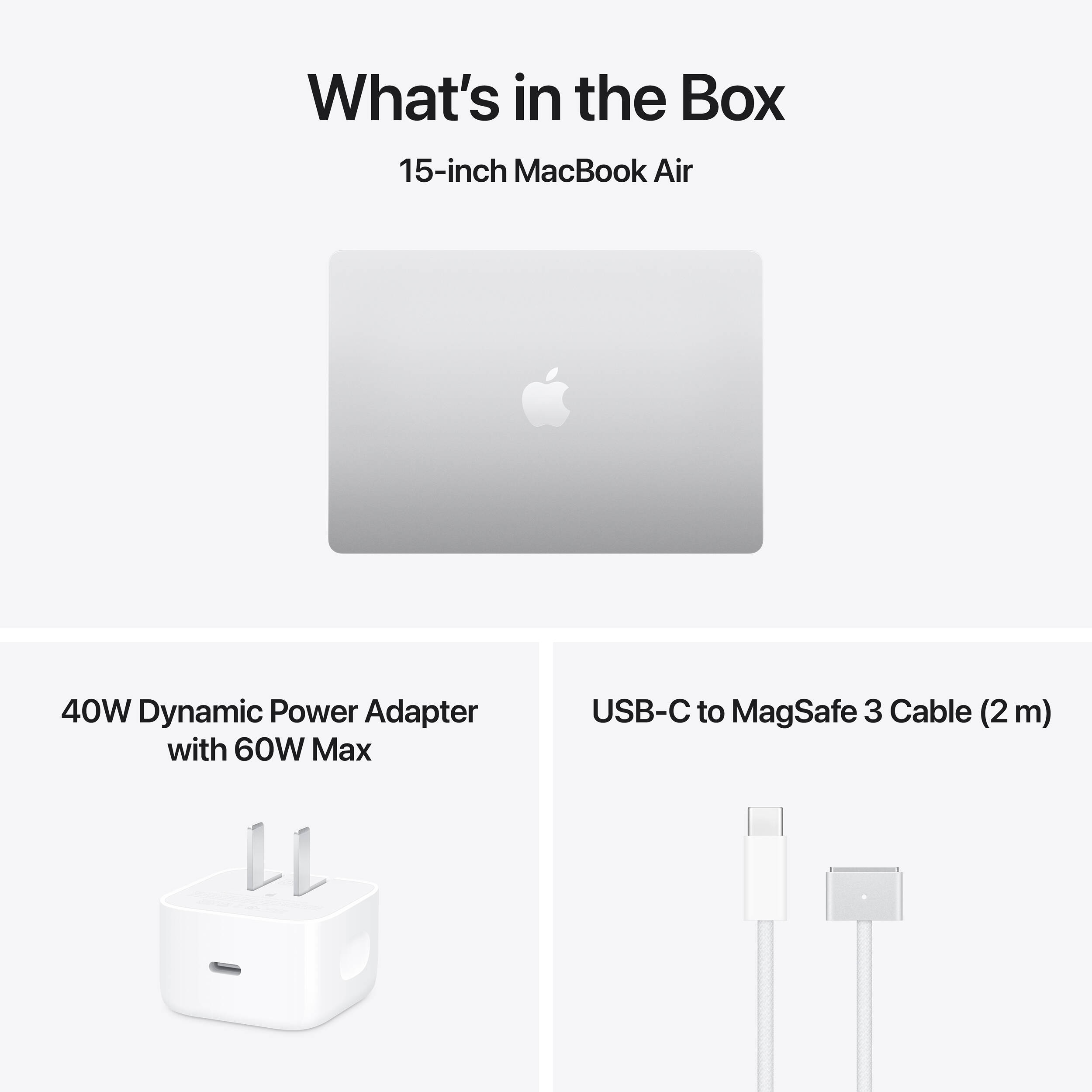
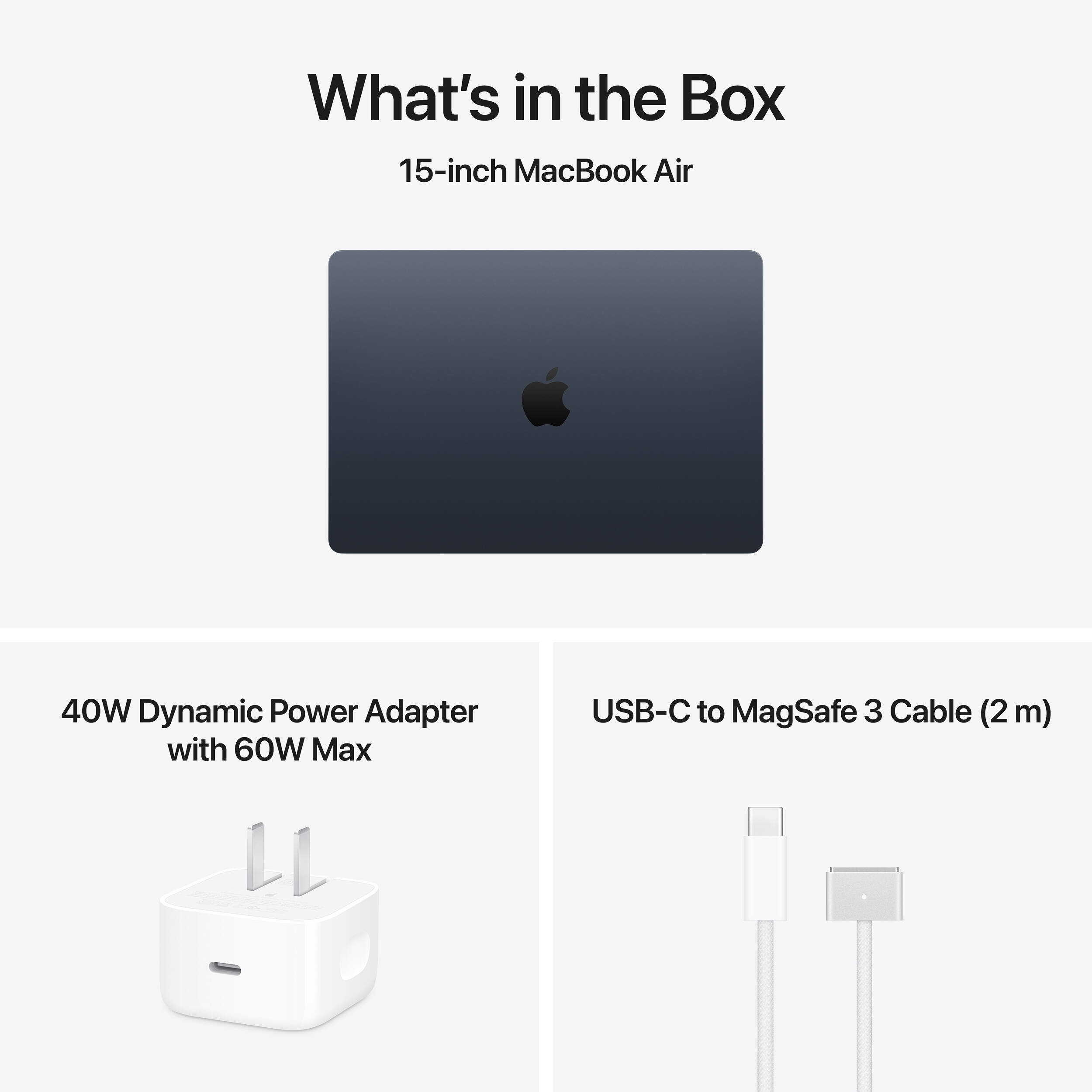
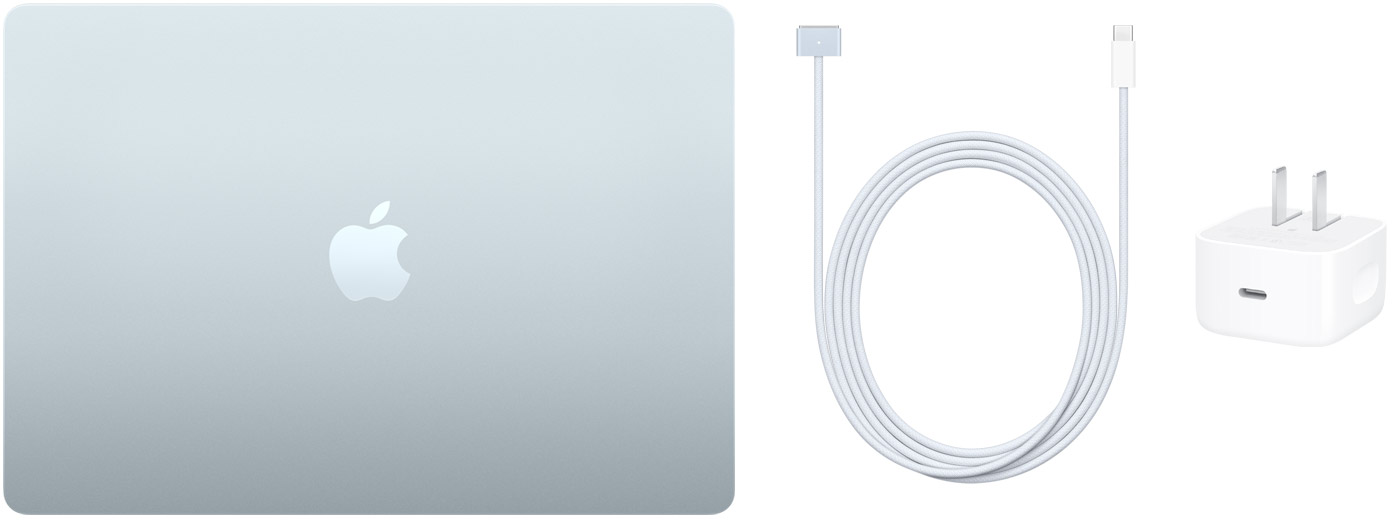
As always, unboxing an Apple computer is a genuinely pleasant experience. Everything feels carefully considered and beautifully presented – almost enough to make us forget that there is no power adapter included in the box – only a braided cable, colored in the laptop color.
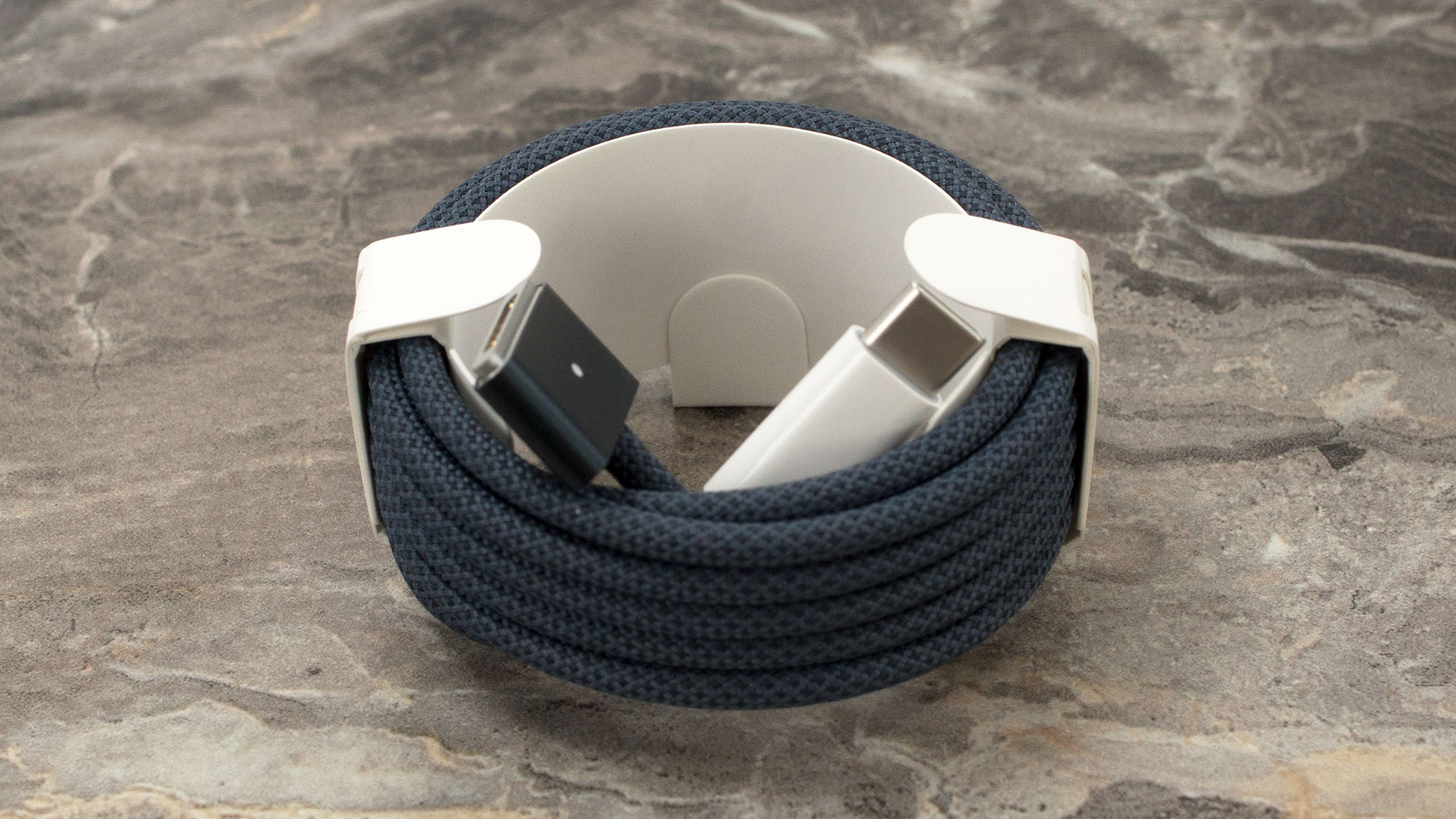
Almost. After seeing how compact and elegant Apple’s charger looks, we have to admit we wish it had been included. The good news is that it uses a standard charging solution, so you can easily buy a compatible adapter from almost any IT store – and not only there. Even IKEA sells models that will do the job.
Design and construction
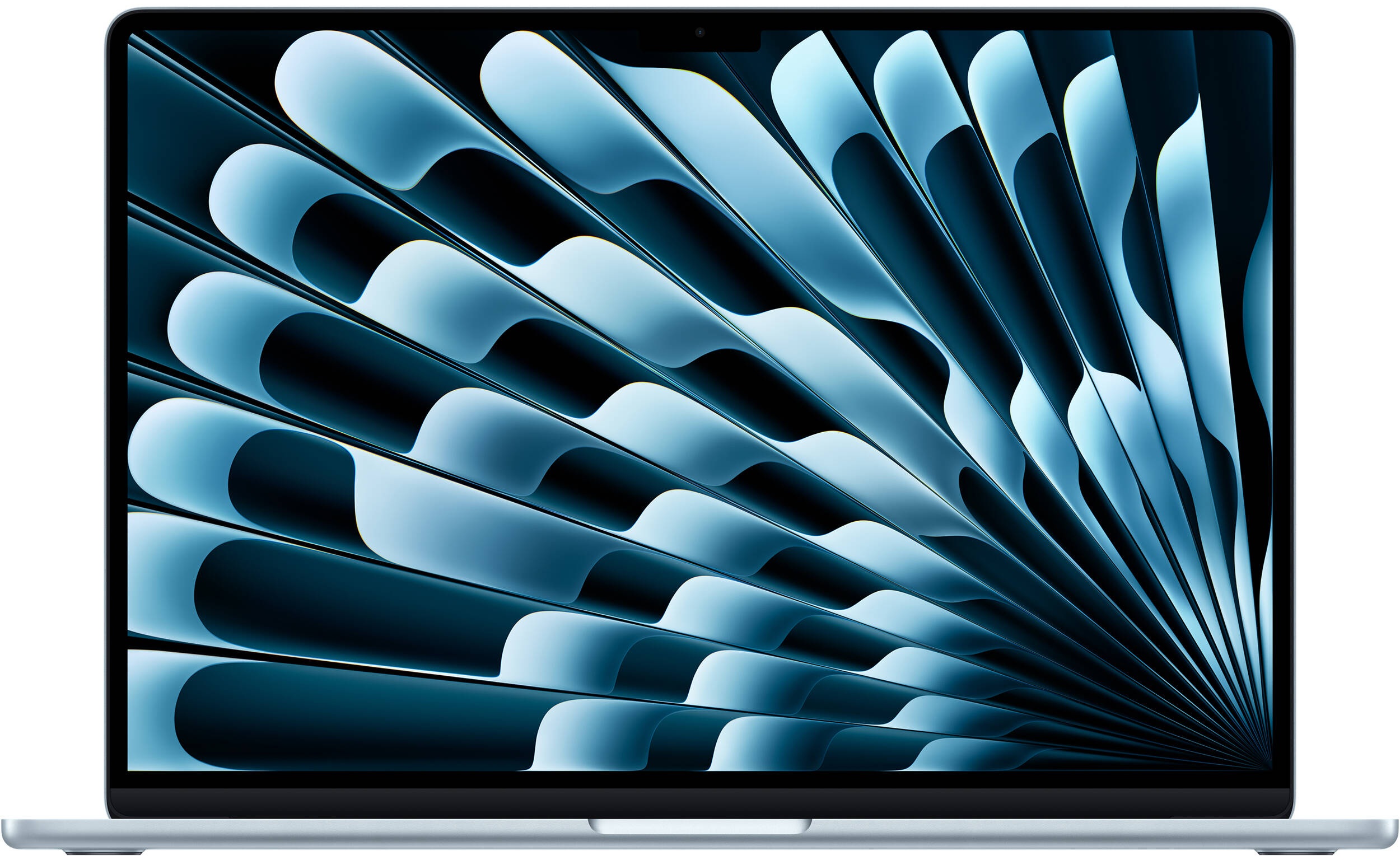
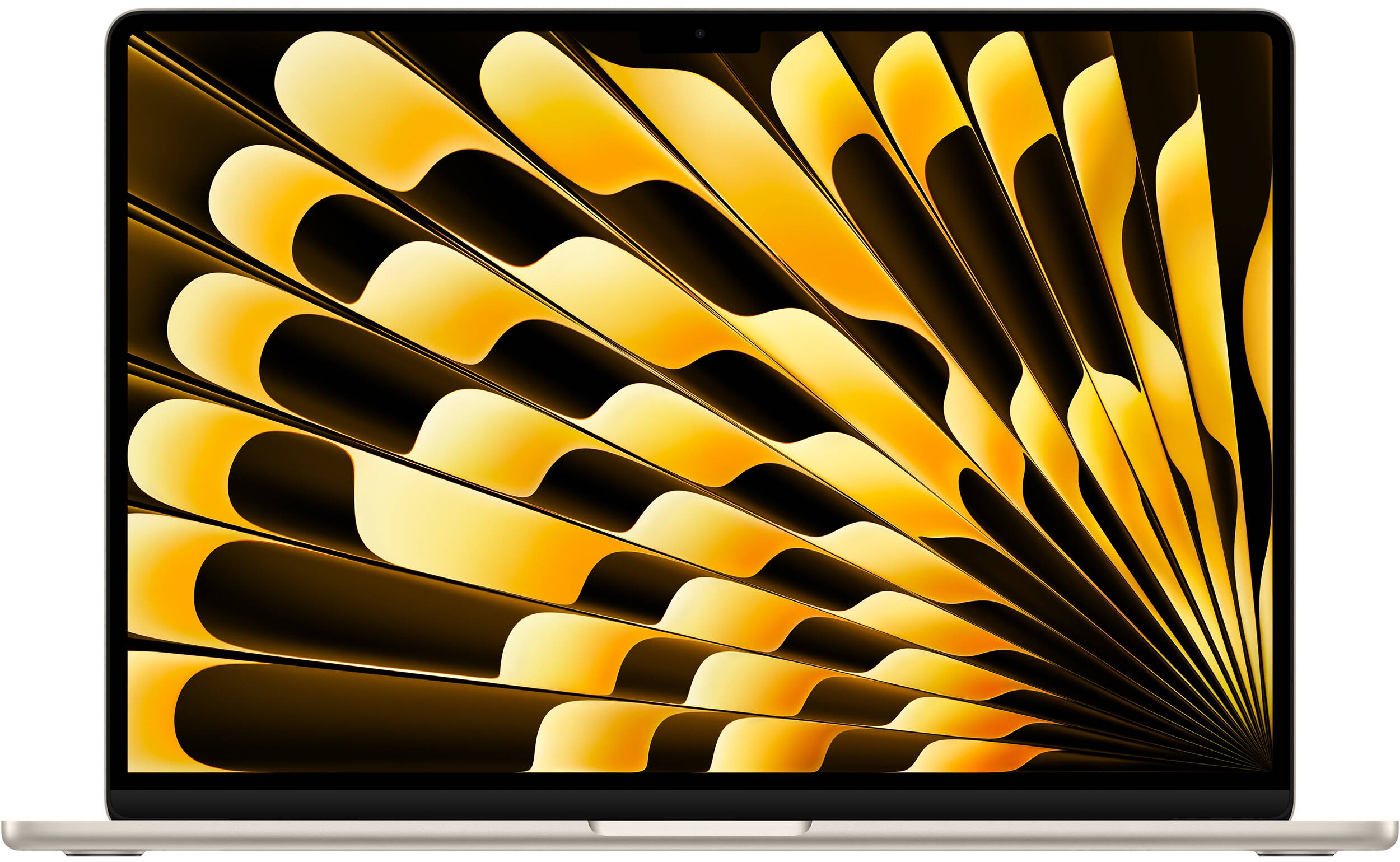
There is a certain undeniable magic to Apple’s industrial design, and the MacBook Air 15.3″ (M5) proudly carries that torch. It maintains the incredibly elegant, sleek unibody aluminum chassis that has somehow defied aging over the past two decades.
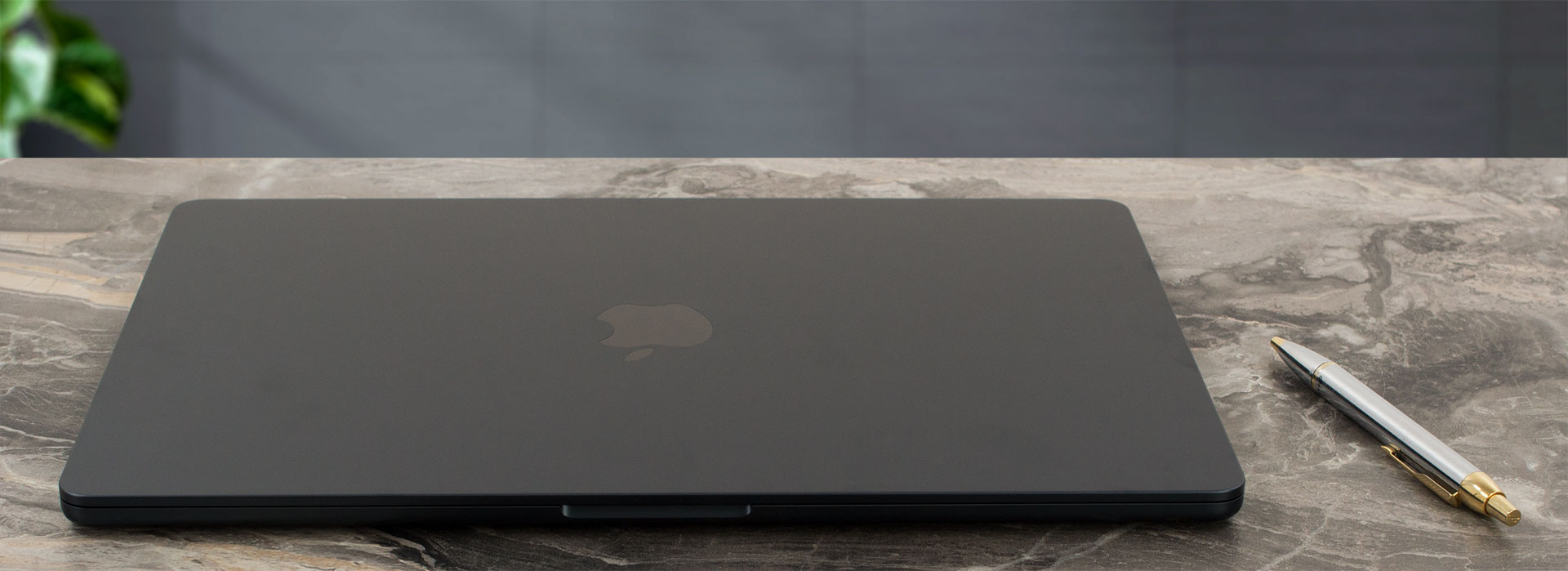
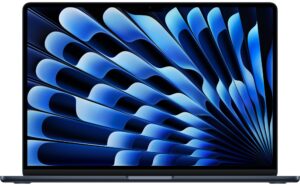
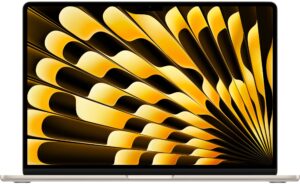
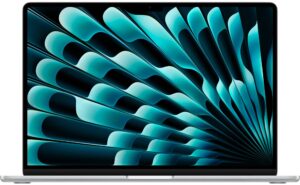
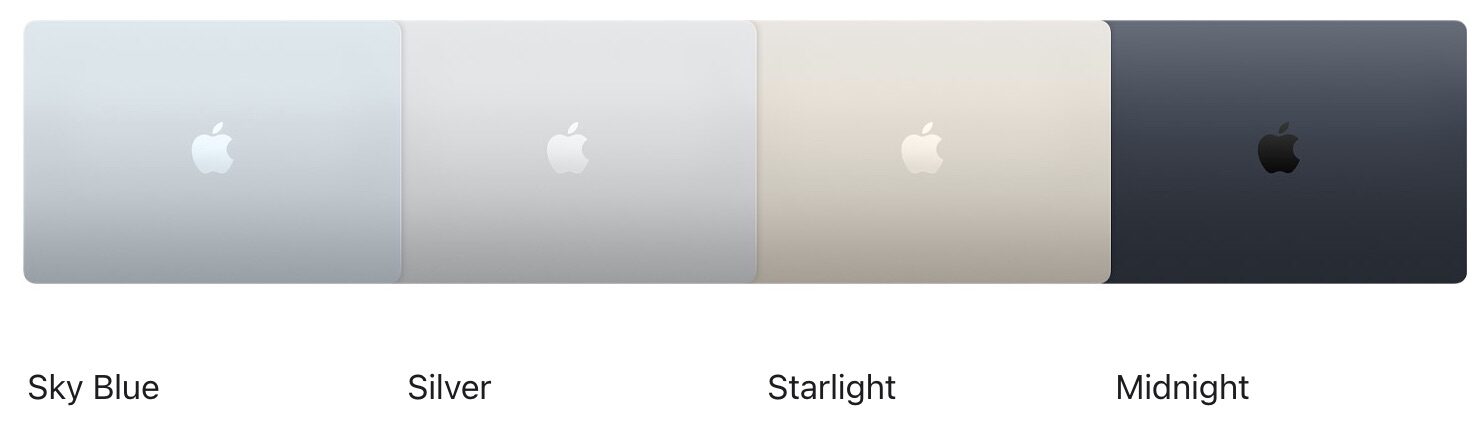
The aesthetic is clean, premium, and instantly recognizable. Apple offers this model in four distinct finishes: Sky Blue, Silver, Starlight (a champagne hue), and Midnight (a very dark, greyish-blue). We couldn’t resist the stealthy allure of the Midnight version, but we must issue a fair warning to our readers: it is quite the fingerprint magnet. If you want a pristine-looking machine without the constant need for a microfiber cloth, the classic Silver option remains your best defense against daily smudges.
What is truly staggering about this generation is Apple’s deep commitment to sustainable materials without compromising on that premium feel. The enclosure and trackpad gel plate utilize 100% recycled aluminum. But the eco-conscious engineering goes much deeper: 100% recycled cobalt and 95% recycled lithium in the battery, 100% recycled gold plating and tin solder on the circuit boards, 100% recycled rare earth elements in the magnets, and 90% recycled steel in the keyboard frame.
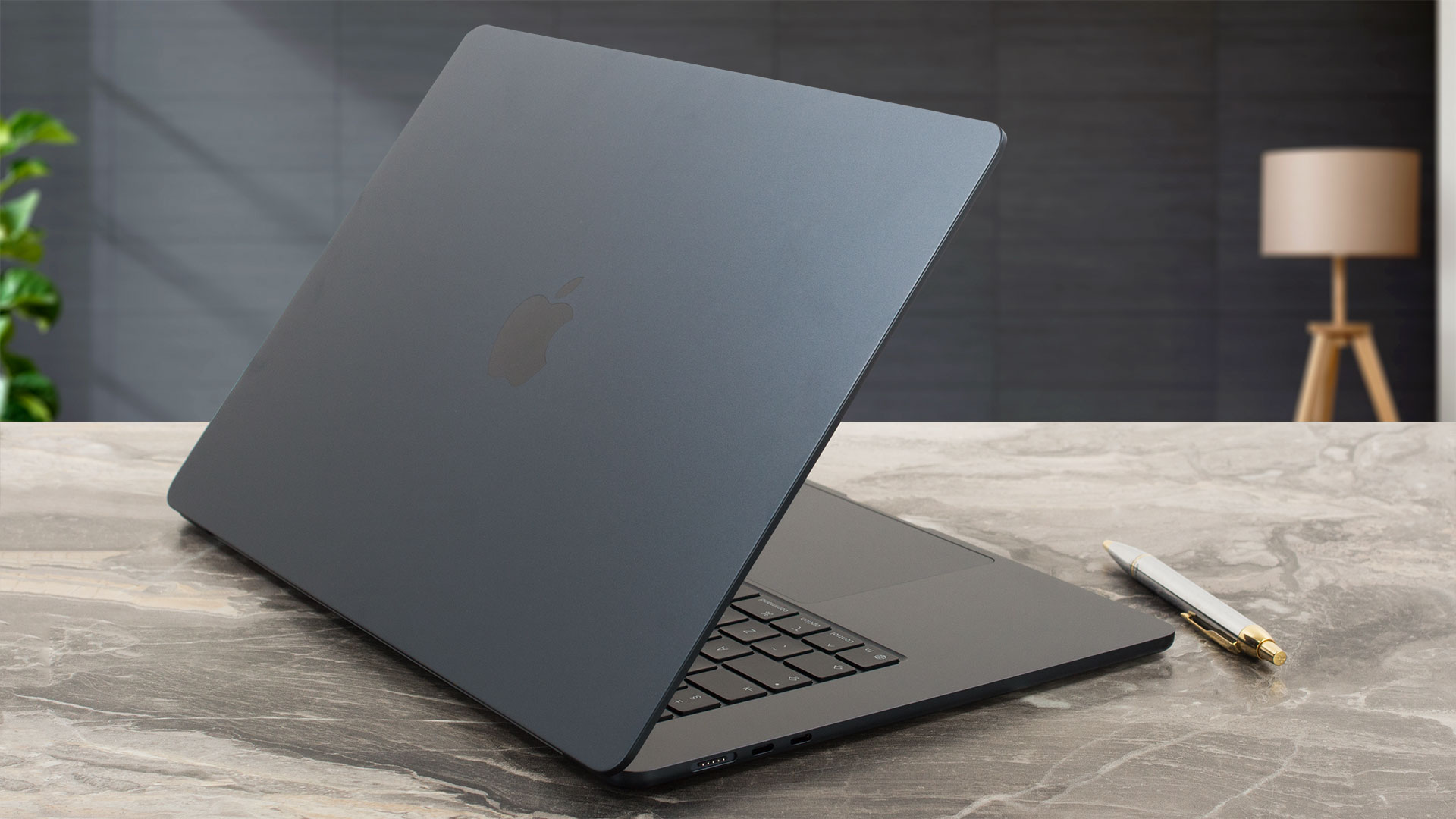
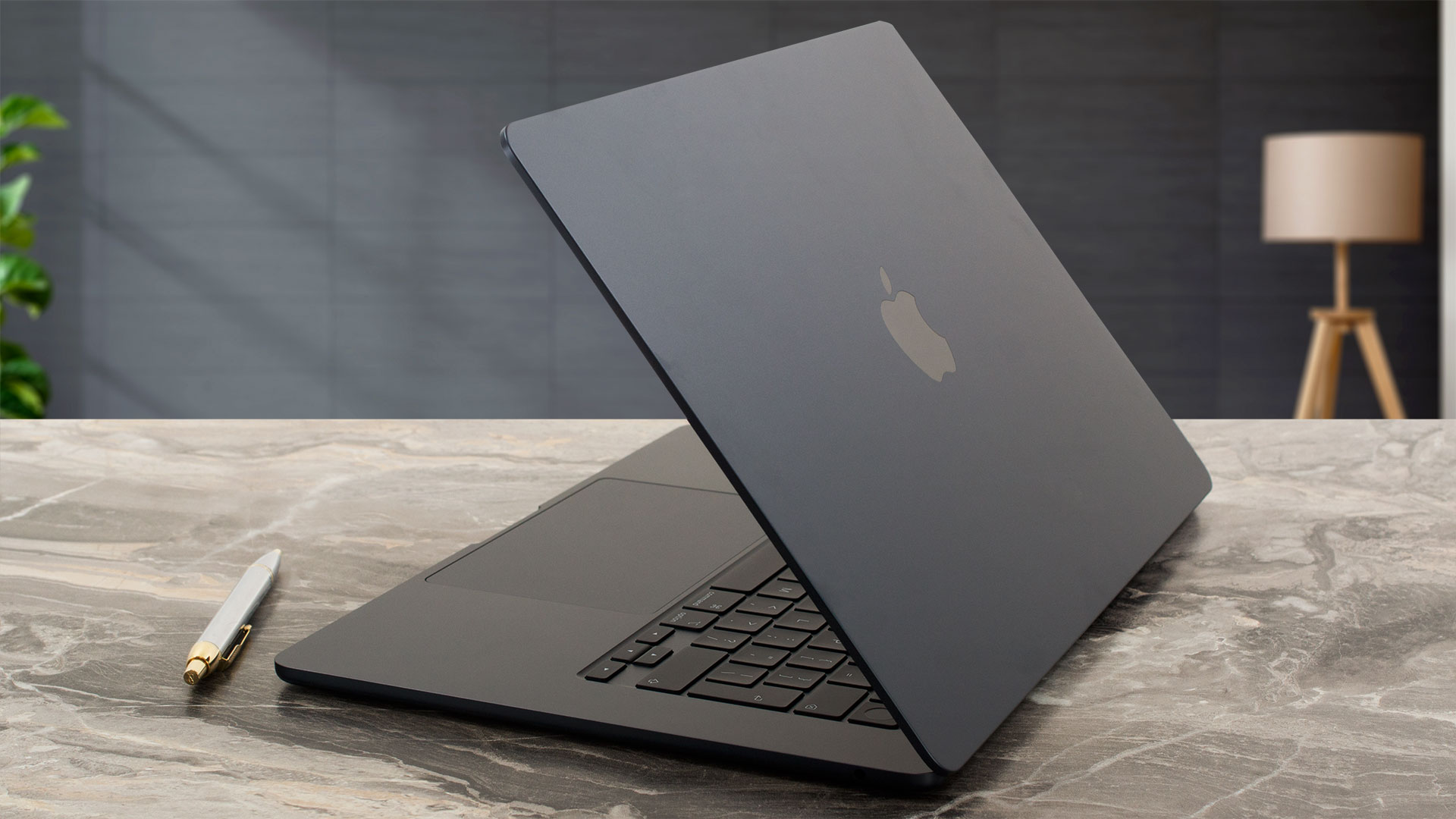
Despite this heavy reliance on recycled components, the laptop remains exceptionally solid. You can coax a slight flex from the center of the lid if you press hard directly on the Apple logo, but during normal, everyday use, the machine feels incredibly stable. It also retains a perfectly balanced hinge, allowing for that satisfying, effortless one-handed open that has long been a benchmark of Apple’s quality control. Here is a look at its physical footprint:
| Apple MacBook Air 15.3″ (M5) | Dimensions | Weight |
| Metric units | 34.04 cm x 23.76 cm x 1.15 cm | 1.51 kg |
| U.S. customary | 13.40 in x 9.35 in x 0.45 in | 3.3 lbs |
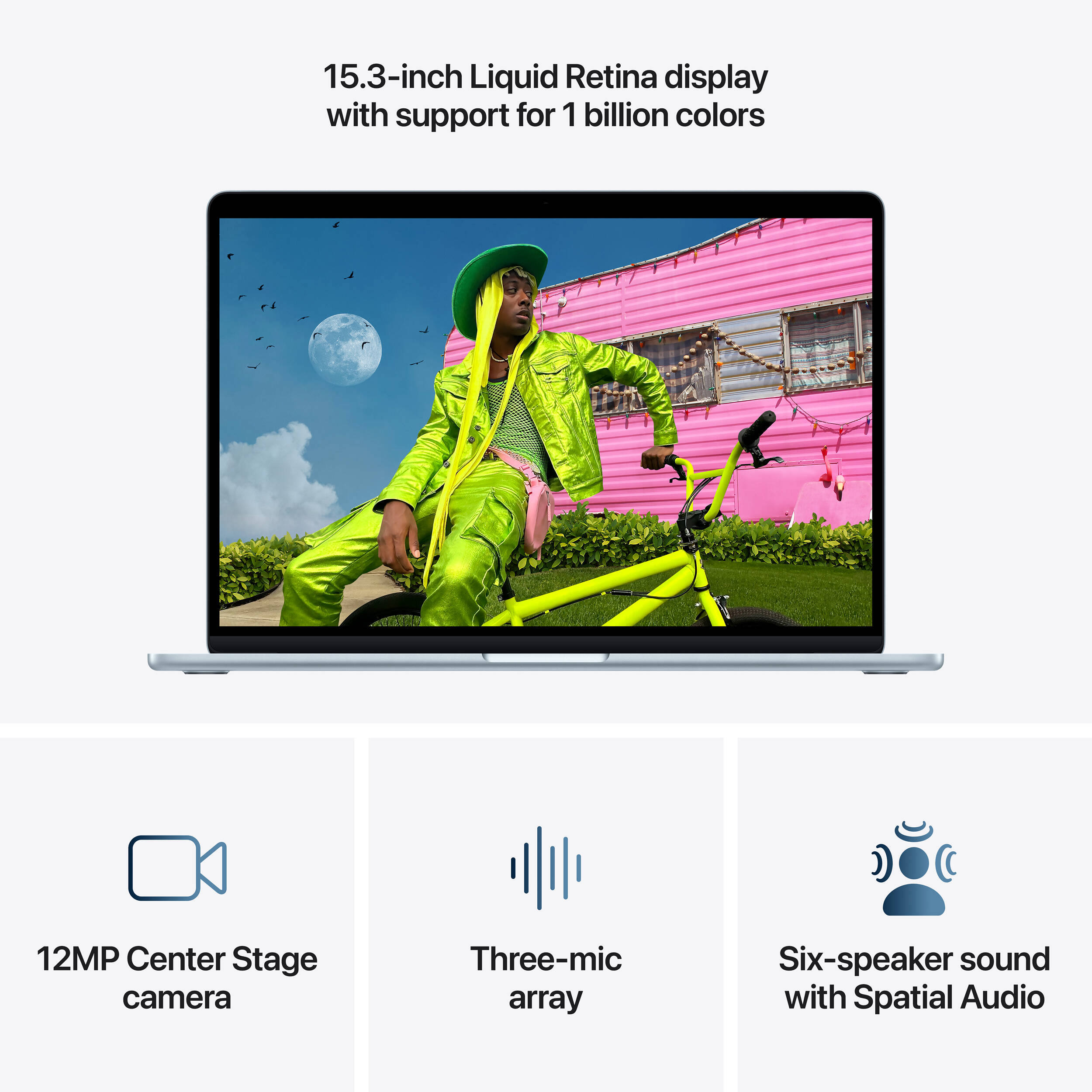
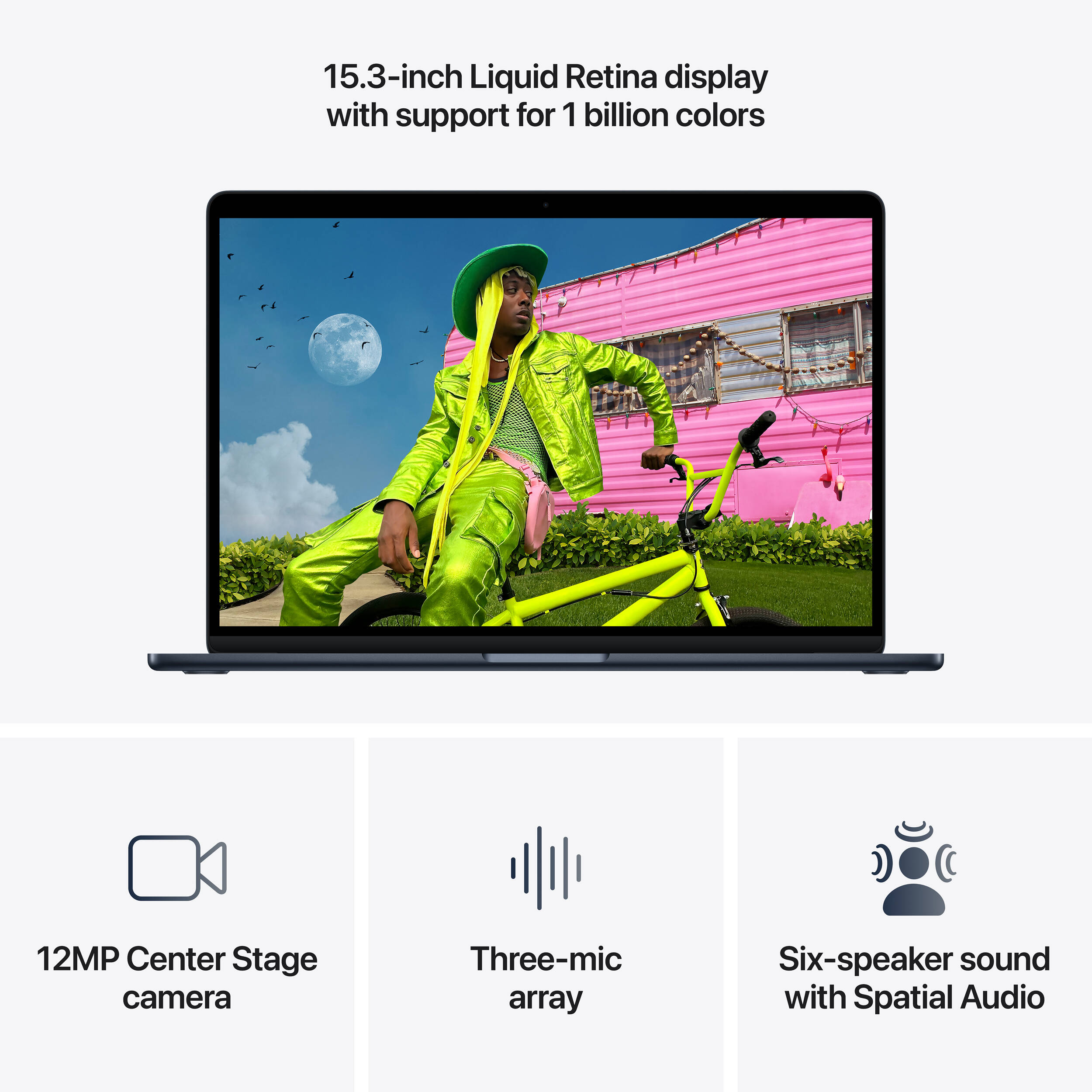
Once open, the screen hinges back to a maximum angle of about 130 degrees, which is identical to its predecessor. The display is framed by 7 mm bezels, which look reasonably thin, though they aren’t exactly boundary-pushing in today’s market. Dead center at the top sits the familiar “notch.” While Apple has transitioned to the “Dynamic Island” on their Pro iPhones, the MacBook lineup still holds onto the notch to house its impressive 12MP Center Stage camera, which supports Desk View and crisp 1080p HD video recording. You won’t find a physical privacy shutter here, but Apple handles security differently, and arguably better: the green camera indicator light is hardwired directly to the camera’s power line, meaning the lens physically cannot draw power without the light turning on. Furthermore, closing the lid severs the microphone connection at a hardware level, and macOS remains a highly secure environment, giving you excellent peace of mind.
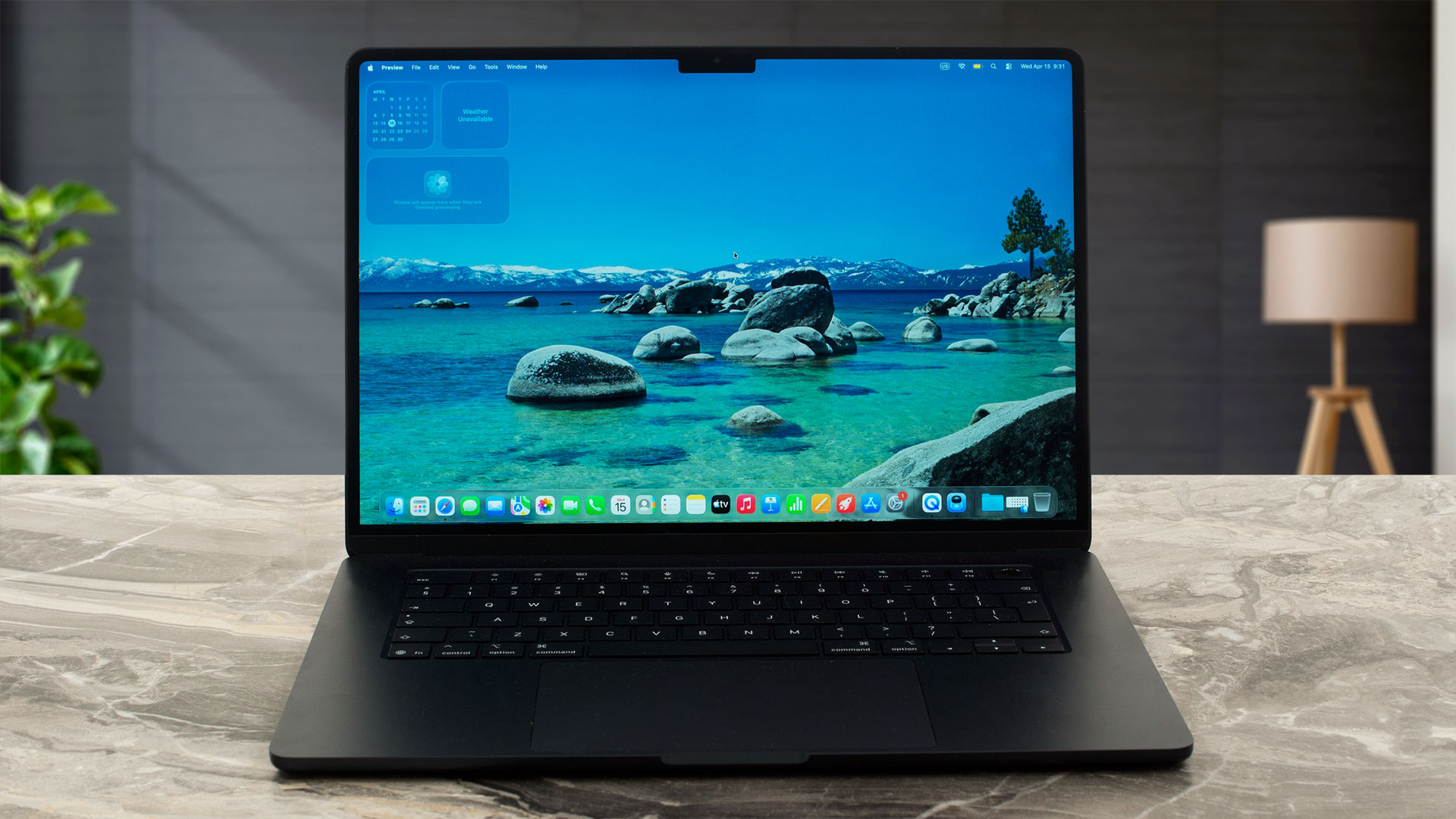
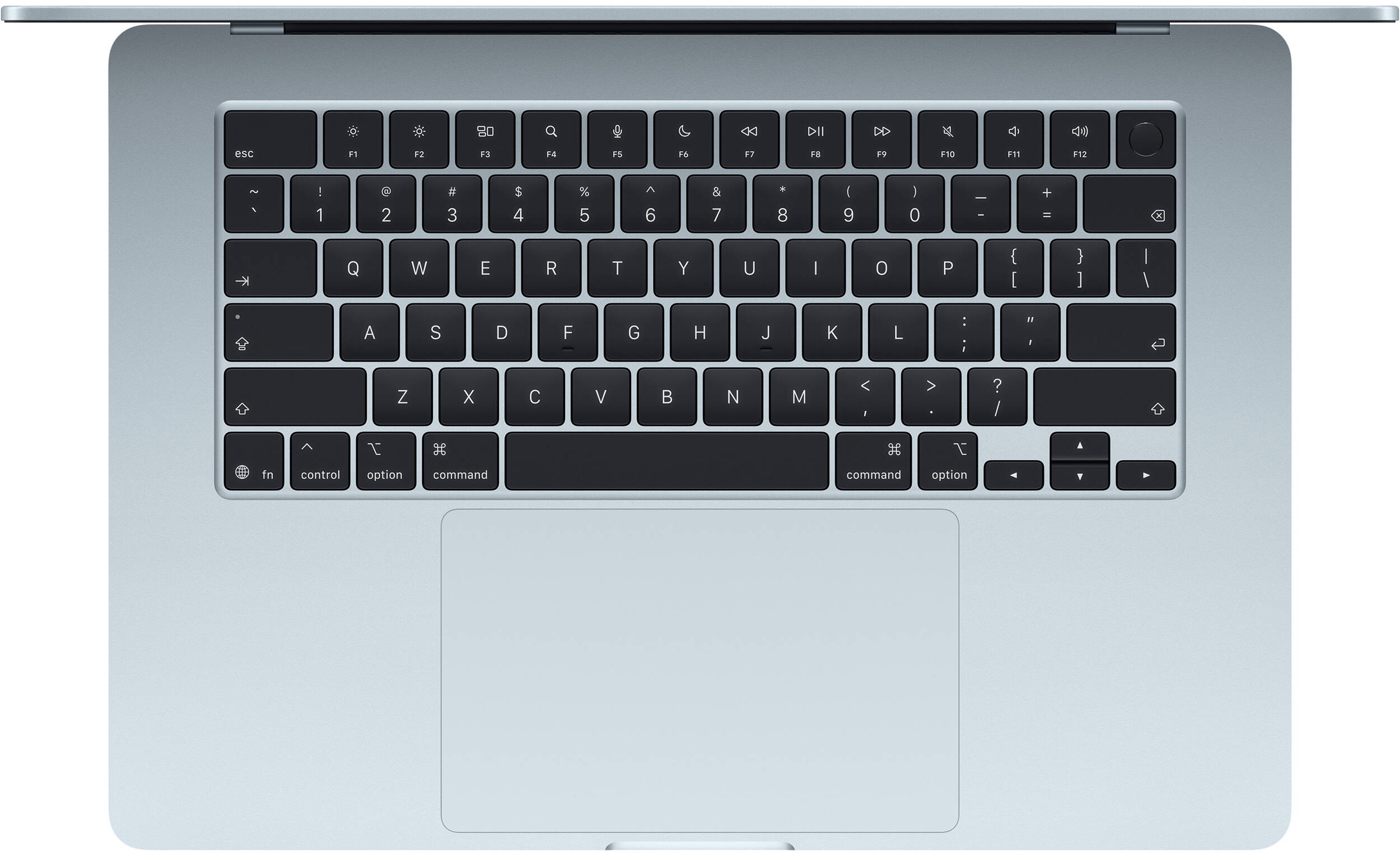
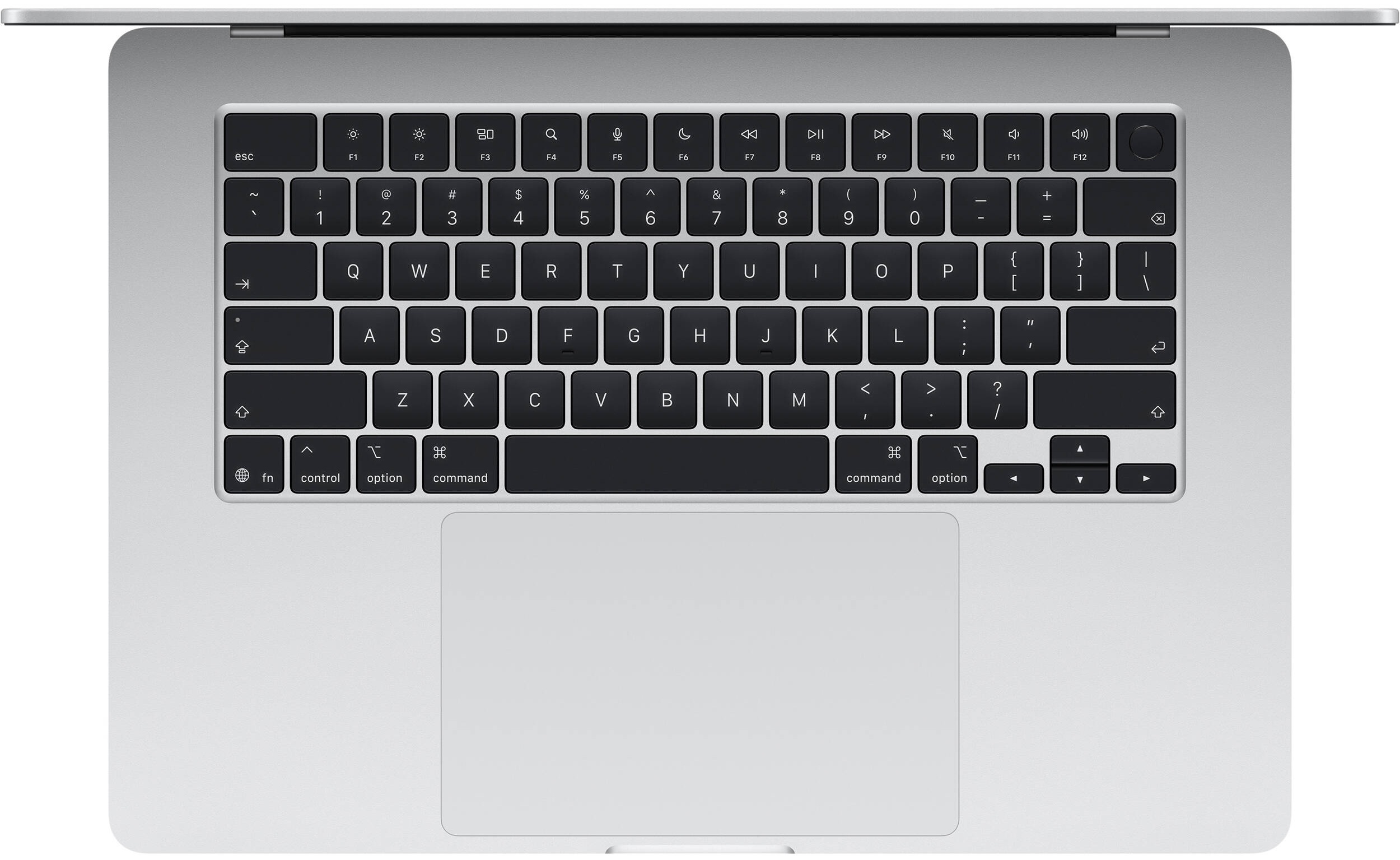
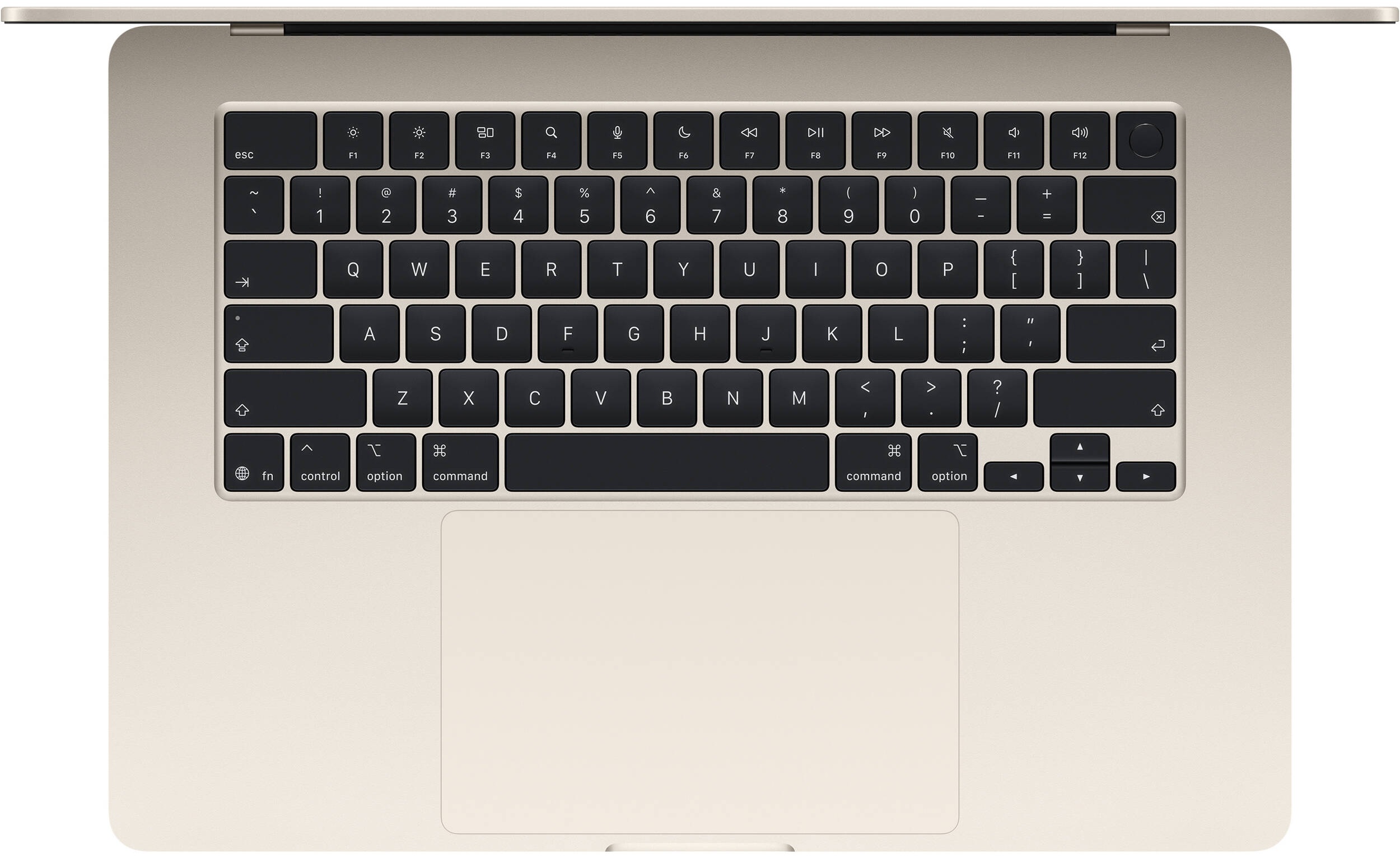
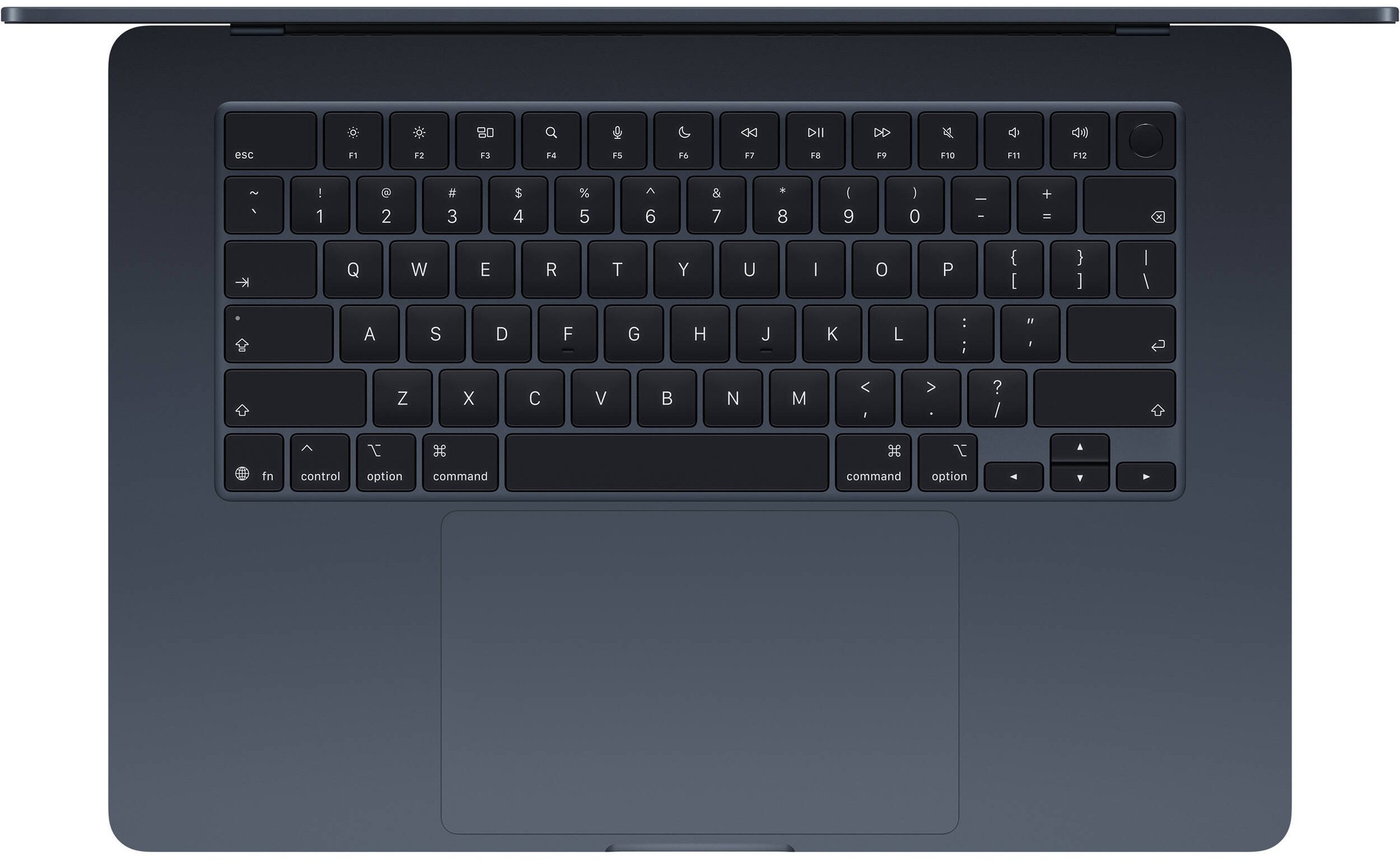
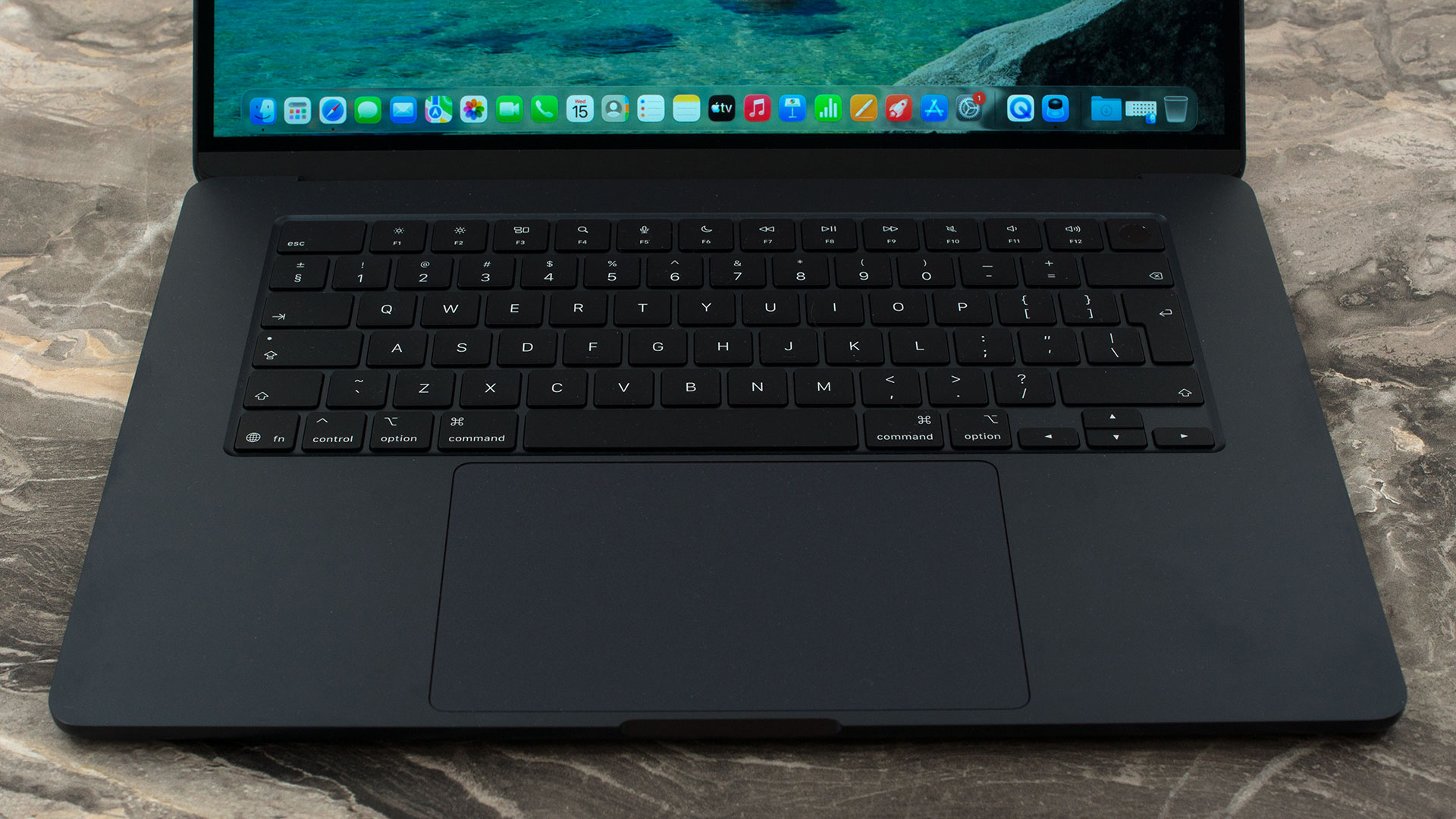
Moving to the spacious interior deck, you’ll notice there is no NumPad. While the 15.3-inch frame leaves some empty space on either side of the keyboard, fitting a full numeric pad likely would have compromised the layout’s symmetry. The keyboard itself is delightfully comfortable for long typing sessions, complete with backlighting that automatically adjusts via a built-in ambient light sensor. Our only minor gripe lies with the arrow keys; the Up and Down arrows are half-height. Thankfully, the empty space above the Left and Right arrows makes navigating them by touch much more tolerable – a layout compromise that has become an industry standard. In the top right corner sits the incredibly convenient Touch ID button, allowing you to breeze through password prompts with a simple tap of your finger.
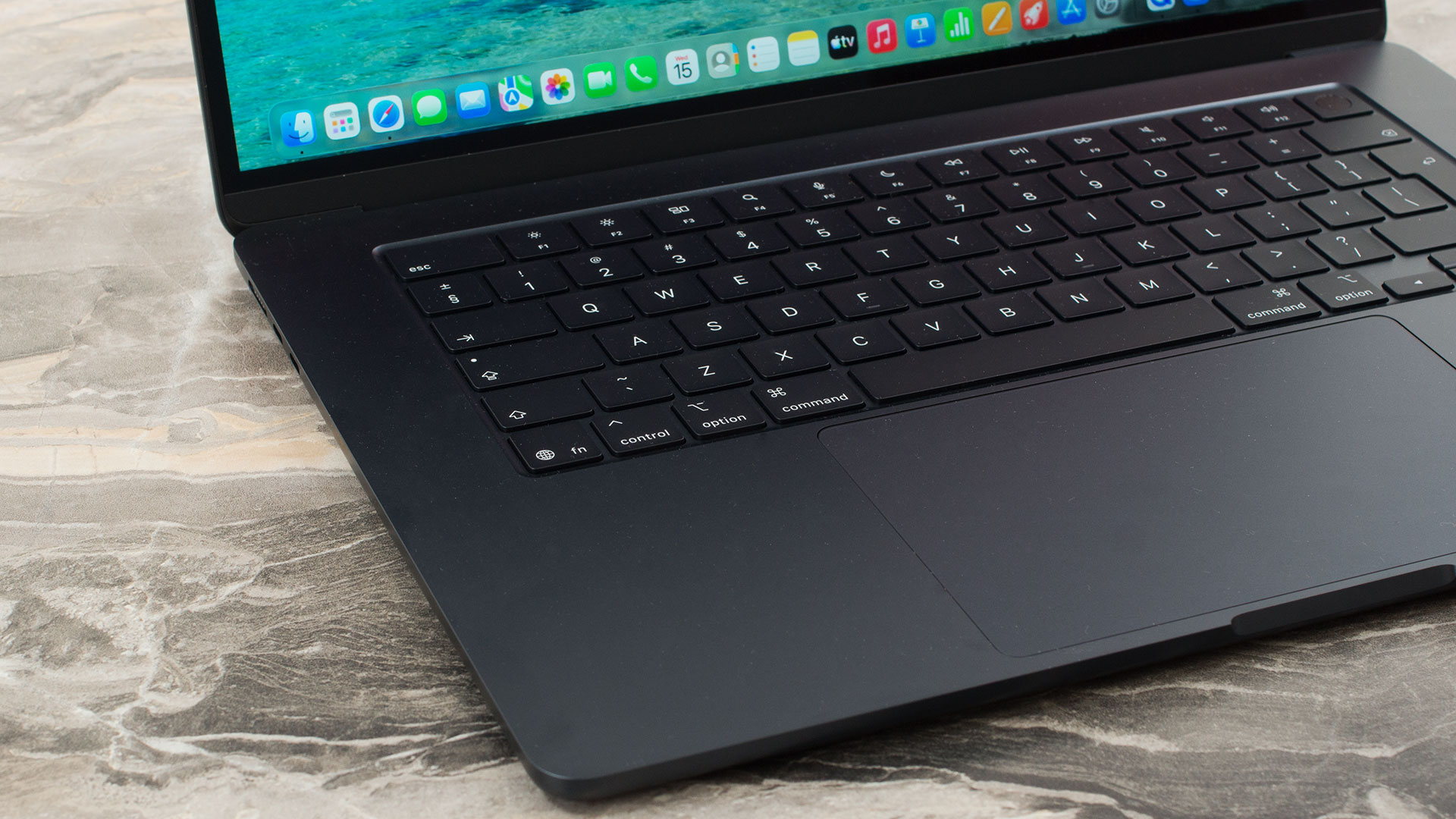
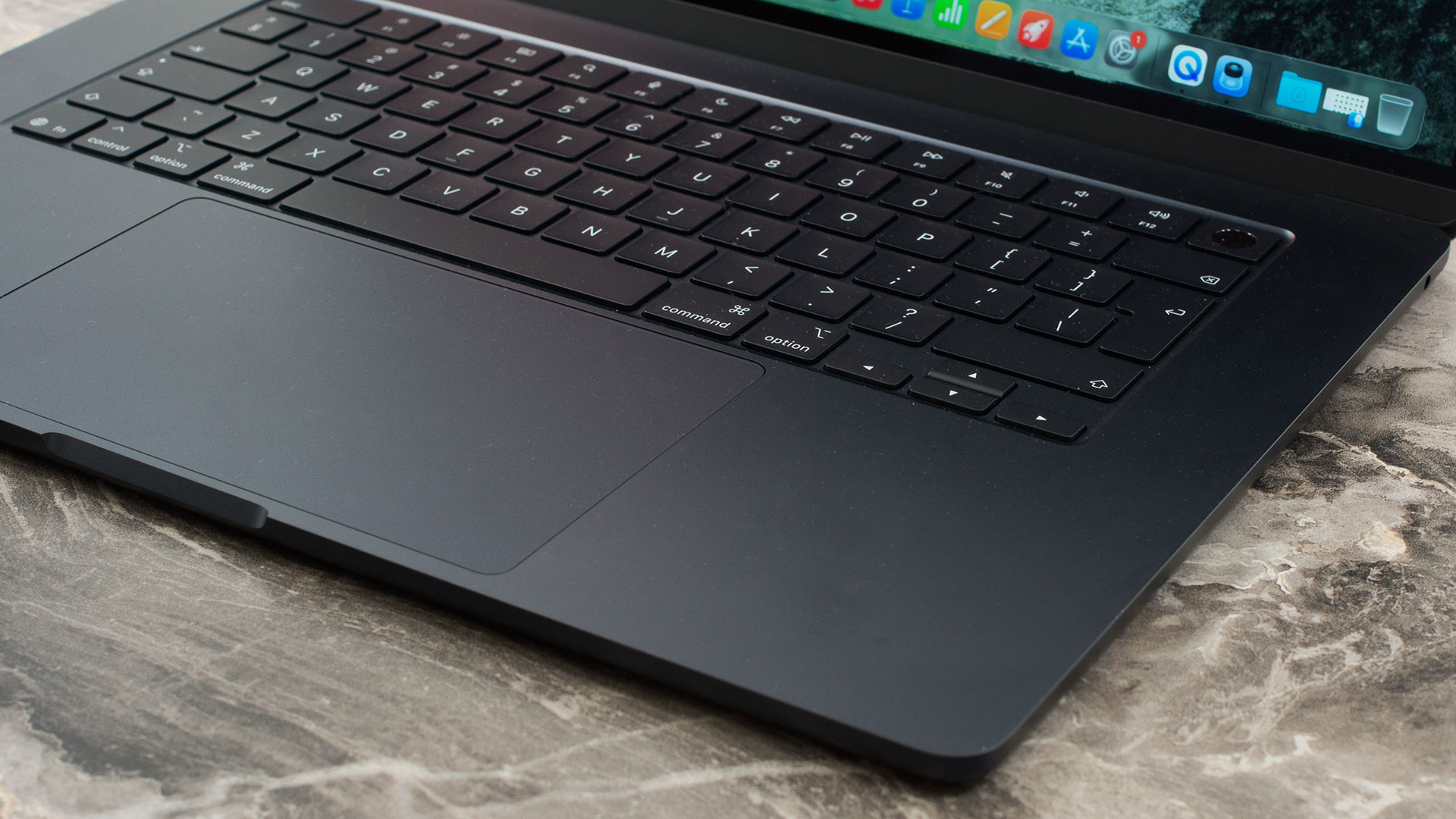
Below the keyboard is the crown jewel of Apple’s input devices: an absolutely massive Force Touch trackpad measuring roughly 150 x 91 mm (5.9 x 3.6 inches). It lacks physical buttons entirely, relying instead on advanced pressure-sensing capabilities and haptic feedback to enable precise cursor control, Force clicks, pressure-sensitive drawing, and a flawlessly smooth execution of Multi-Touch gestures.
Ports and Connectivity
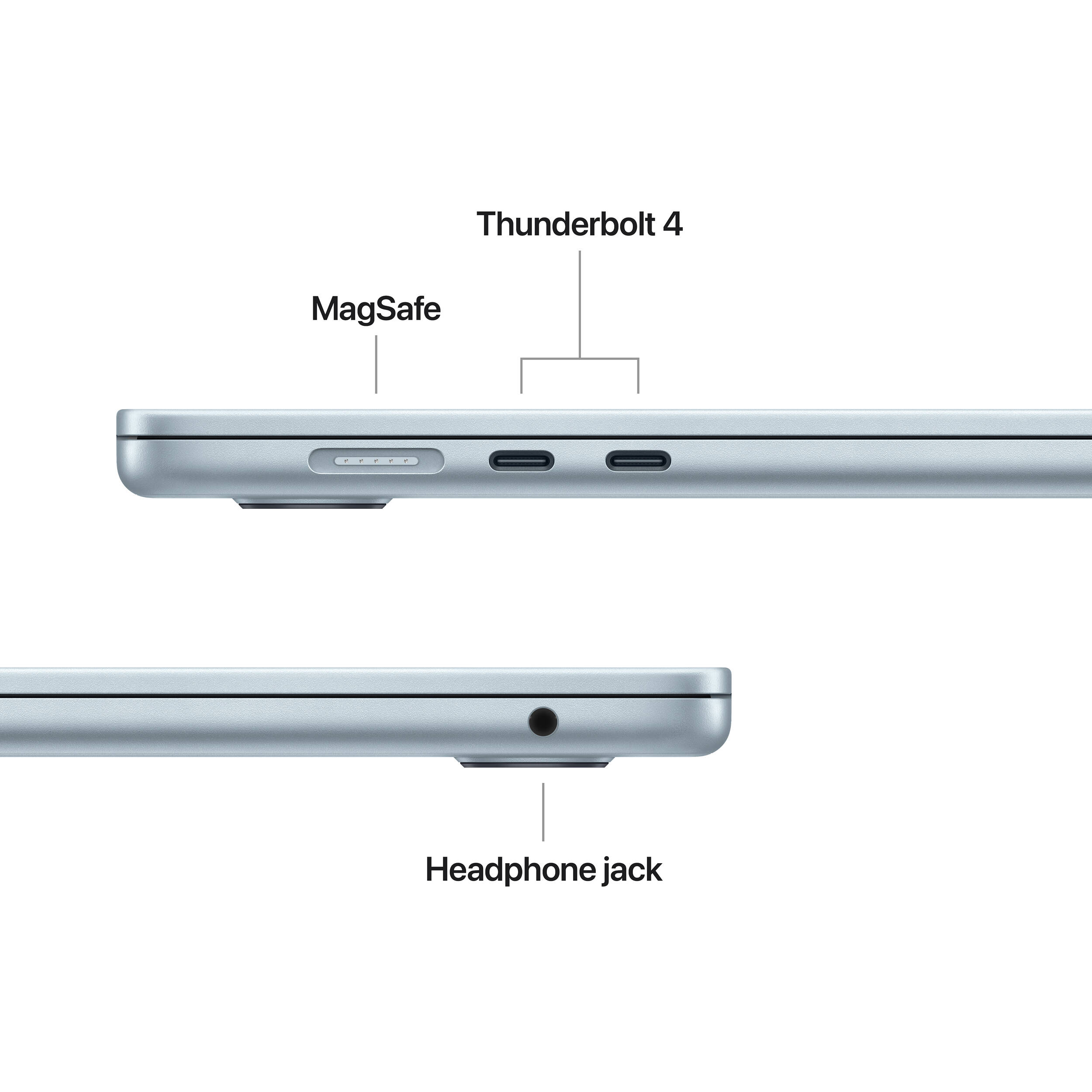
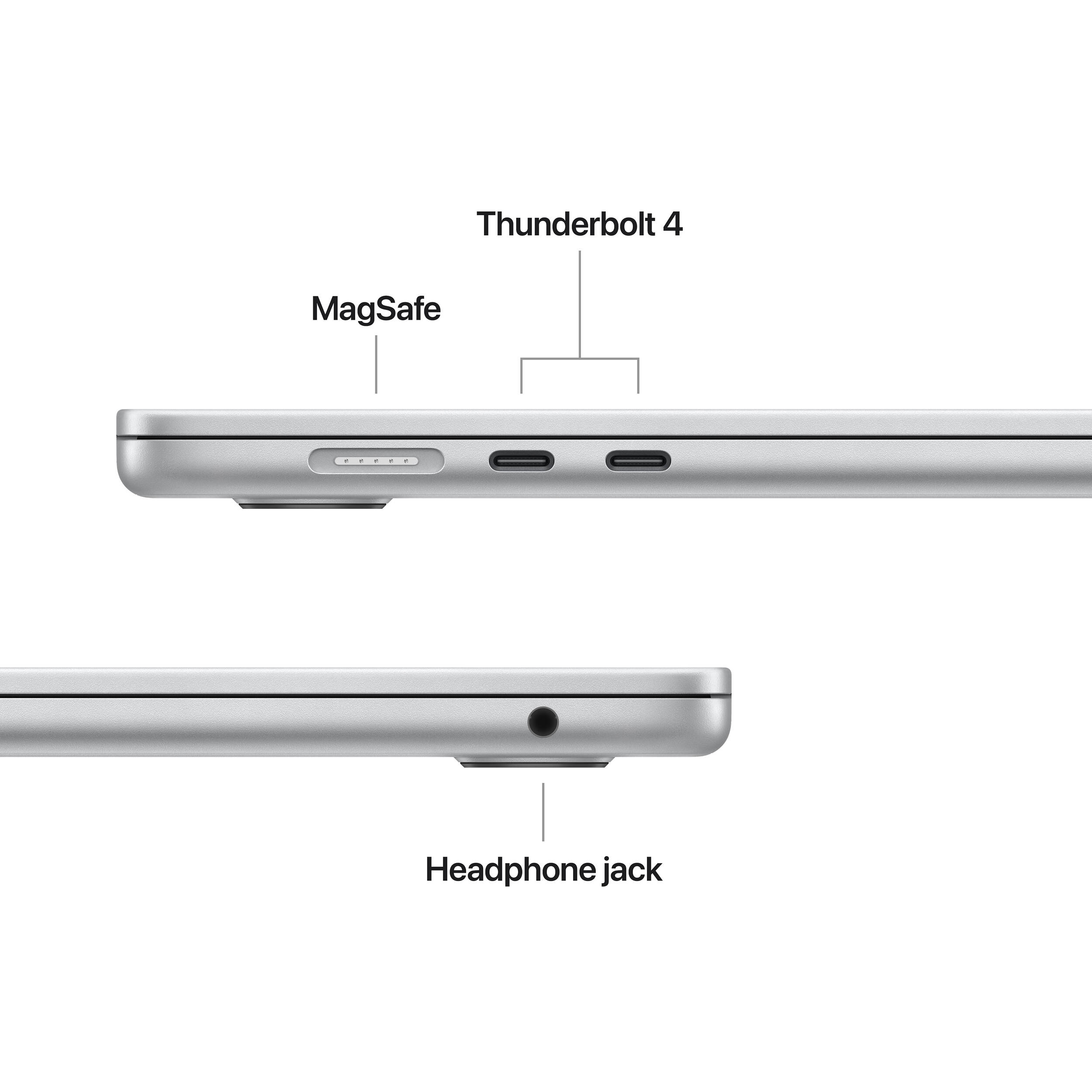
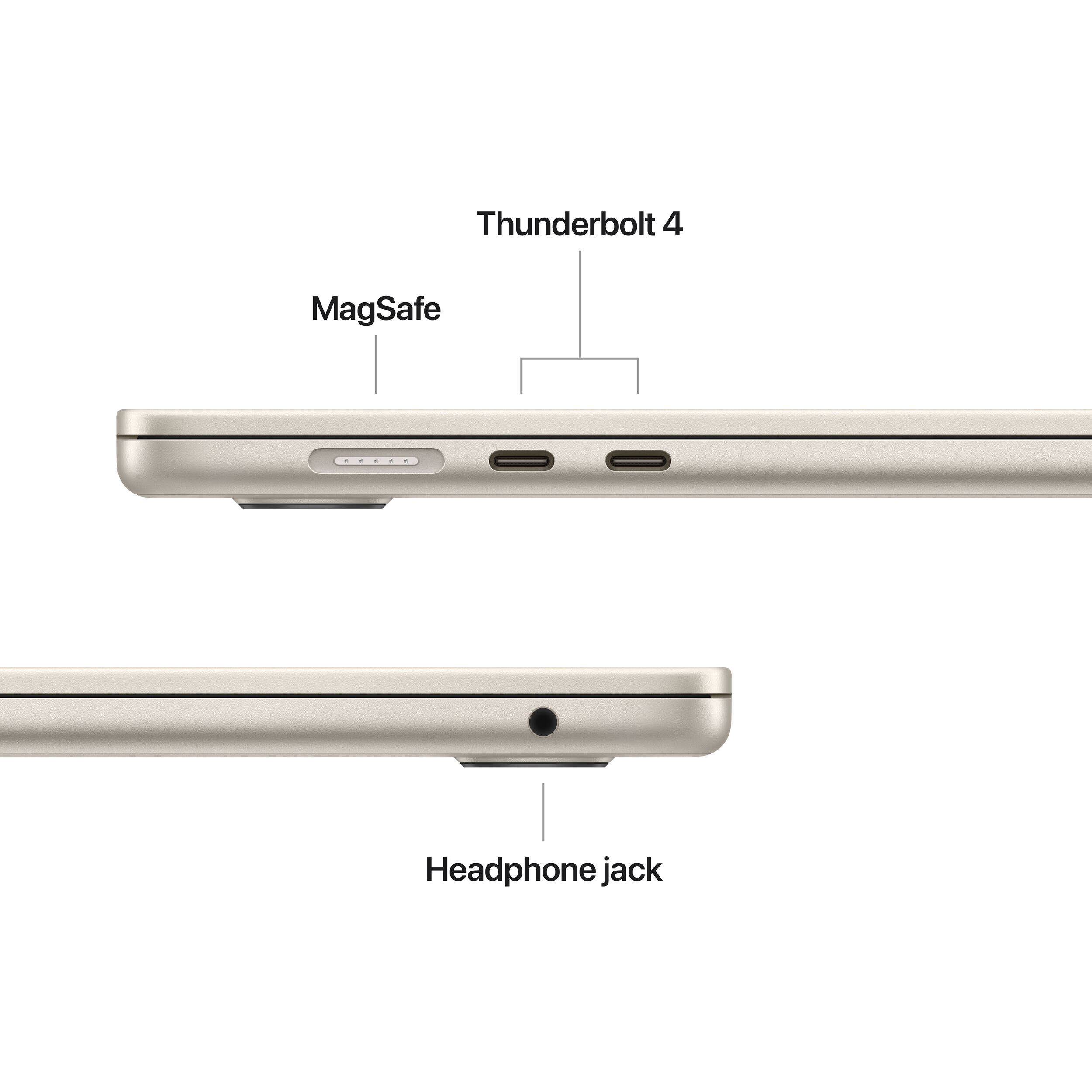
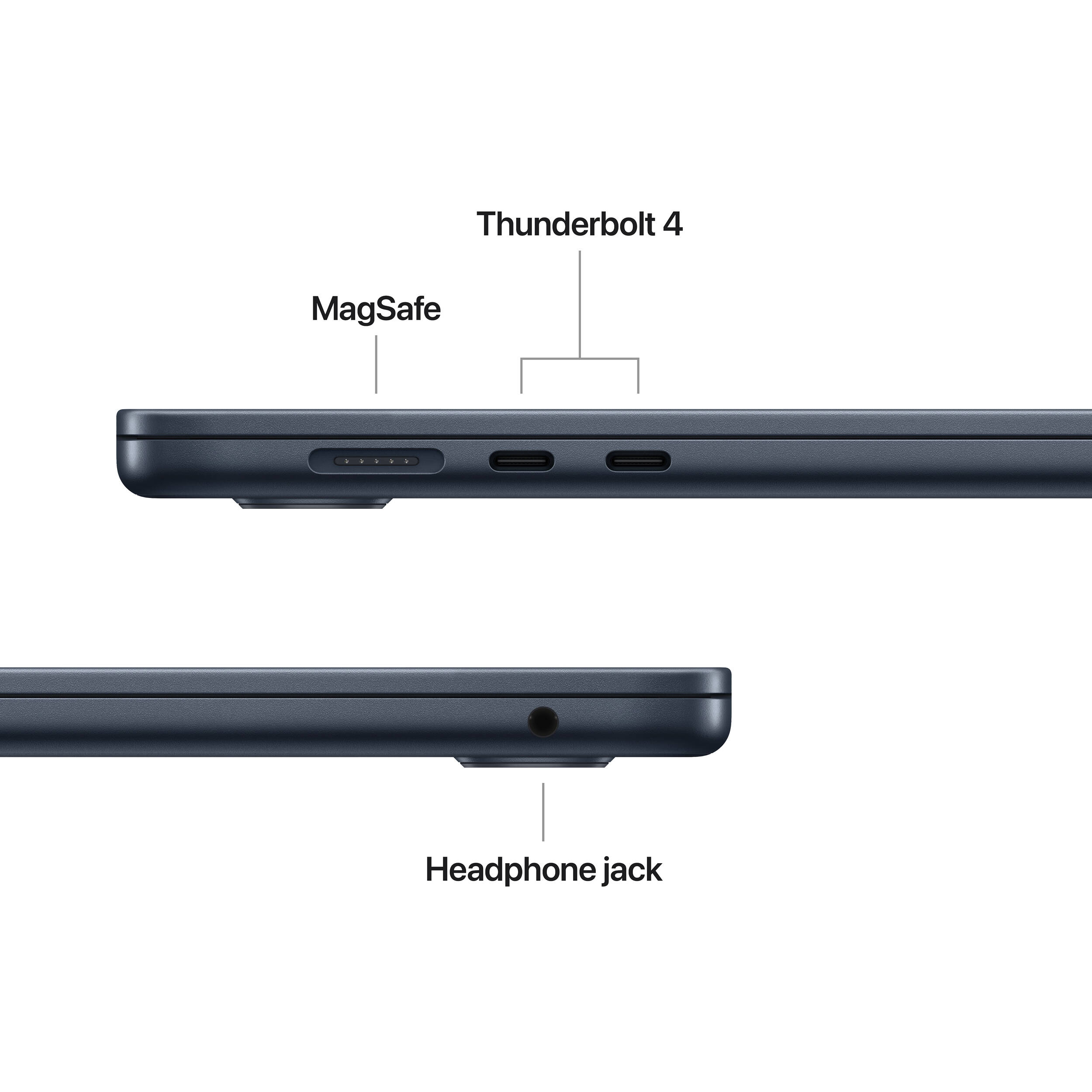
The Apple MacBook Air 15.3″ (M5) retains the brand’s signature minimalist approach to physical connectivity, keeping the chassis incredibly streamlined. All the primary I/O is clustered on the left side of the machine. Here, you will find the dedicated MagSafe 3 port for convenient, magnetic charging, which smartly leaves the data ports free while you are plugged into the wall. Alongside it are two versatile Thunderbolt 4 / USB 4 ports. These Type-C connections offer massive data transfer speeds of up to 40Gb/s, support alternative USB-C charging, and handle high-bandwidth video output.

The external display capabilities of this M5 model are highly advanced. The laptop can simultaneously drive its built-in display at full resolution alongside up to two external monitors. It supports two external displays running at up to 6K at 60Hz or 4K at 144Hz, and notably, it allows you to run both of these monitors through a single Thunderbolt port if you have a compatible dock or daisy-chain setup. If you only need one external screen, it can push an impressive 8K resolution at 60Hz, 5K at 120Hz, or 4K at a blazing 240Hz, utilizing native DisplayPort 1.4 speeds with Display Stream Compression (DSC). Moving to the rest of the chassis, the right side houses only a standard 3.5mm headphone jack, while the rear of the device is completely devoid of ports.

While the physical ports are familiar, the wireless connectivity represents a massive generational leap. Driven by the new Apple N1 wireless networking chip, the laptop is equipped with the cutting-edge Wi-Fi 7 (802.11be) standard, unlocking significantly faster speeds, increased capacity, and reduced latency on compatible modern networks. Furthermore, it adopts the brand-new Bluetooth 6 standard and includes built-in Thread networking technology, positioning the MacBook Air as a highly efficient and future-proof hub for modern smart home ecosystems and next-generation wireless peripherals.
Display and Sound Quality, Display Profiles
There are no other display options than the Liquid Retina display.
| Apple MacBook Air 15.3″ (M5) | |
| Diagonal | 15.3 inches (38.9 cm) |
| Panel Type | LED-backlit IPS “Liquid Retina” display |
| Resolution | 2880 x 1864 pixels |
| Max Refresh Rate | 60 Hz |
| Aspect Ratio | Approx. 1.55:1 native pixel ratio; 16:10 main content area below the menu bar/notch area |
| Pixel Density | 224 PPI |
| ‘Retina’ Distance | Greater than or equal to 39 cm |
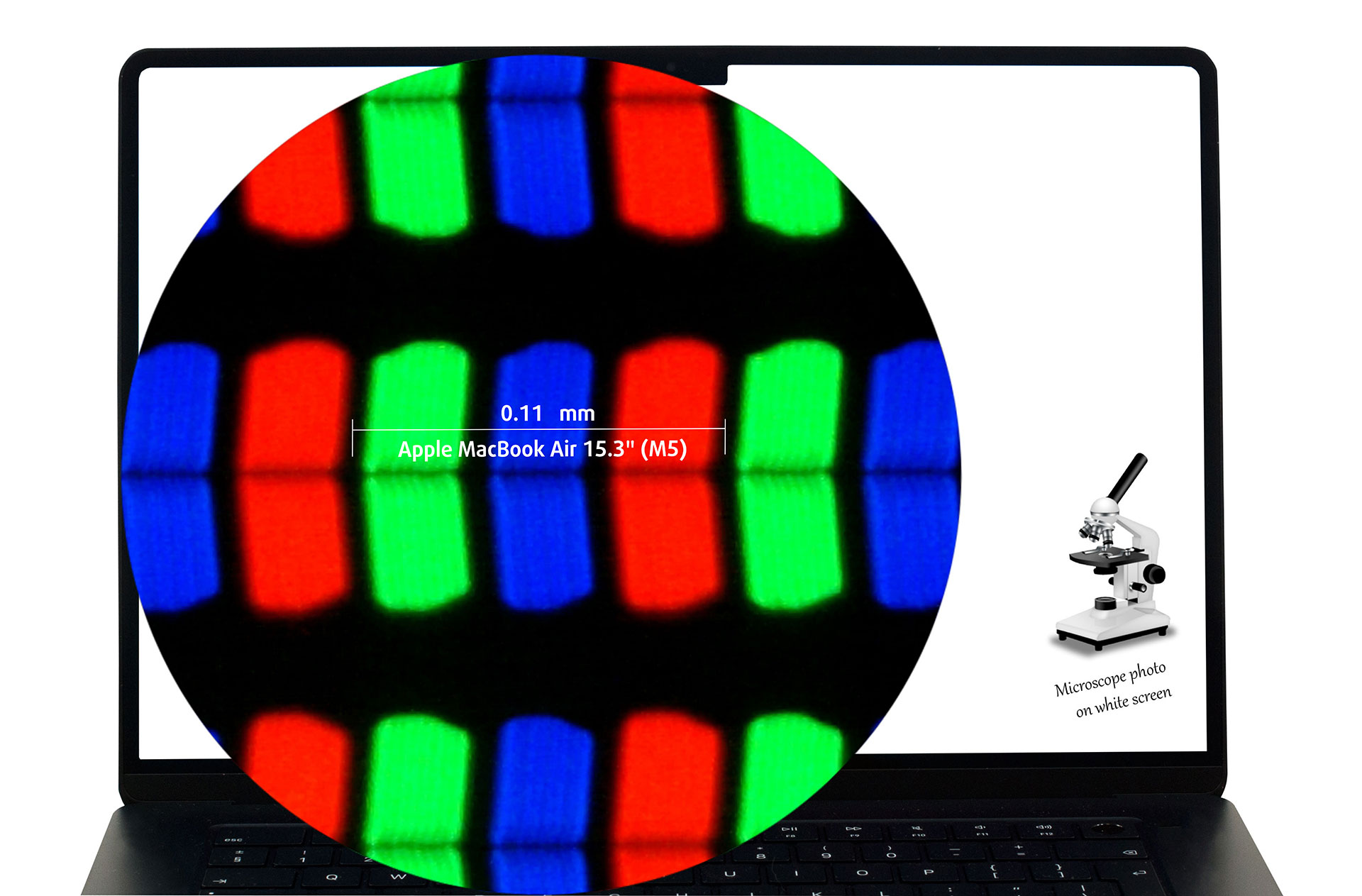
The 2880 × 1864, 60 Hz, IPS Liquid Retina display variant under our microscope
Essential clarification: the native pixel ratio is not exactly 14:9. The full native resolution is 2880:1864, while the practical main content area below the notch/menu-bar region corresponds much more closely to 16:10.
Viewing Angles
Viewing angles are good. We take photos from different angles to evaluate the quality.

Also, a video with locked focus and exposure.
Color Coverage
The whole “sail-shaped” map below consists of all the colors we can see, while the black crooked line shows all the colors from real-world scenes and nature around us.
Then, we’ve drawn some of the most important and interesting color spaces, compared to the colors the panel of Apple MacBook Air 15.3″ (M5) can show:
Standard/For Web: sRGB – widely used color space for most consumer devices, ideal for Web design and development
For Print: AdobeRGB – used in professional photo editing, graphic design, and print
For Photographers/Video Editors: DCI-P3 – used in high-end film production, post-production, and digital cinema
Premium HDR: Rec.2020 – the widest consumer ITU color standard, covering a massive 75.8% of the visible spectrum, a benchmark for premium HDR content
Apple MacBook Air 15.3″ (M5): the yellow dashed triangle (– – – – – –) represents the range of colors this monitor can show.
In our tests, we calculated the total color coverage of the display at 100% of the sRGB color gamut and 99% of the Display P3 color gamut.
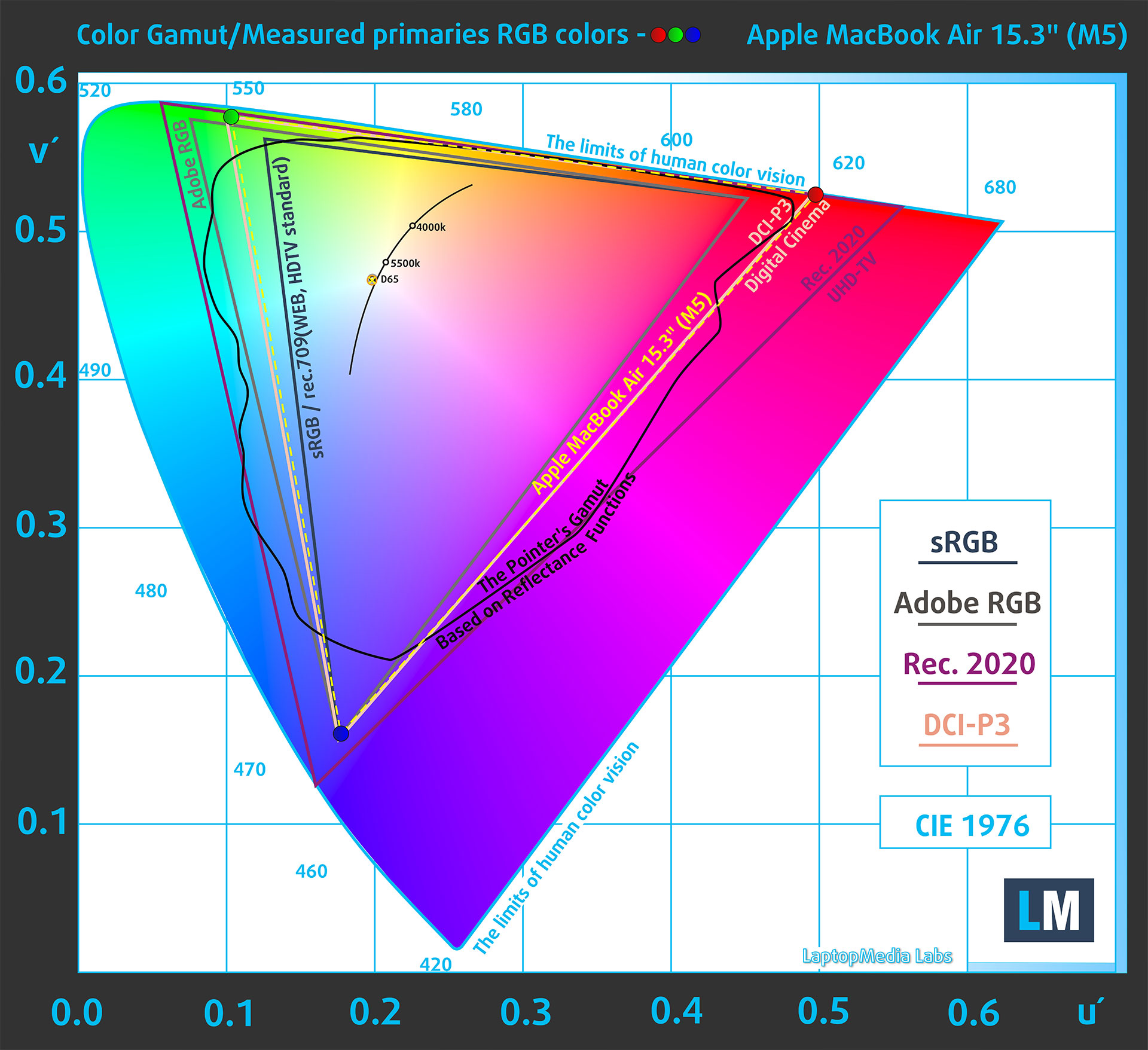
Apple MacBook Air 15.3″ (M5) covers 99% of the Display P3 gamut
When the user opens a web page in a browser on the Apple MacBook Air 15.3″ (M5) screen, the content is typically displayed in the sRGB color space by default, unless the content is explicitly prepared for a wider color space such as Display P3. The panel itself supports wide color (P3).
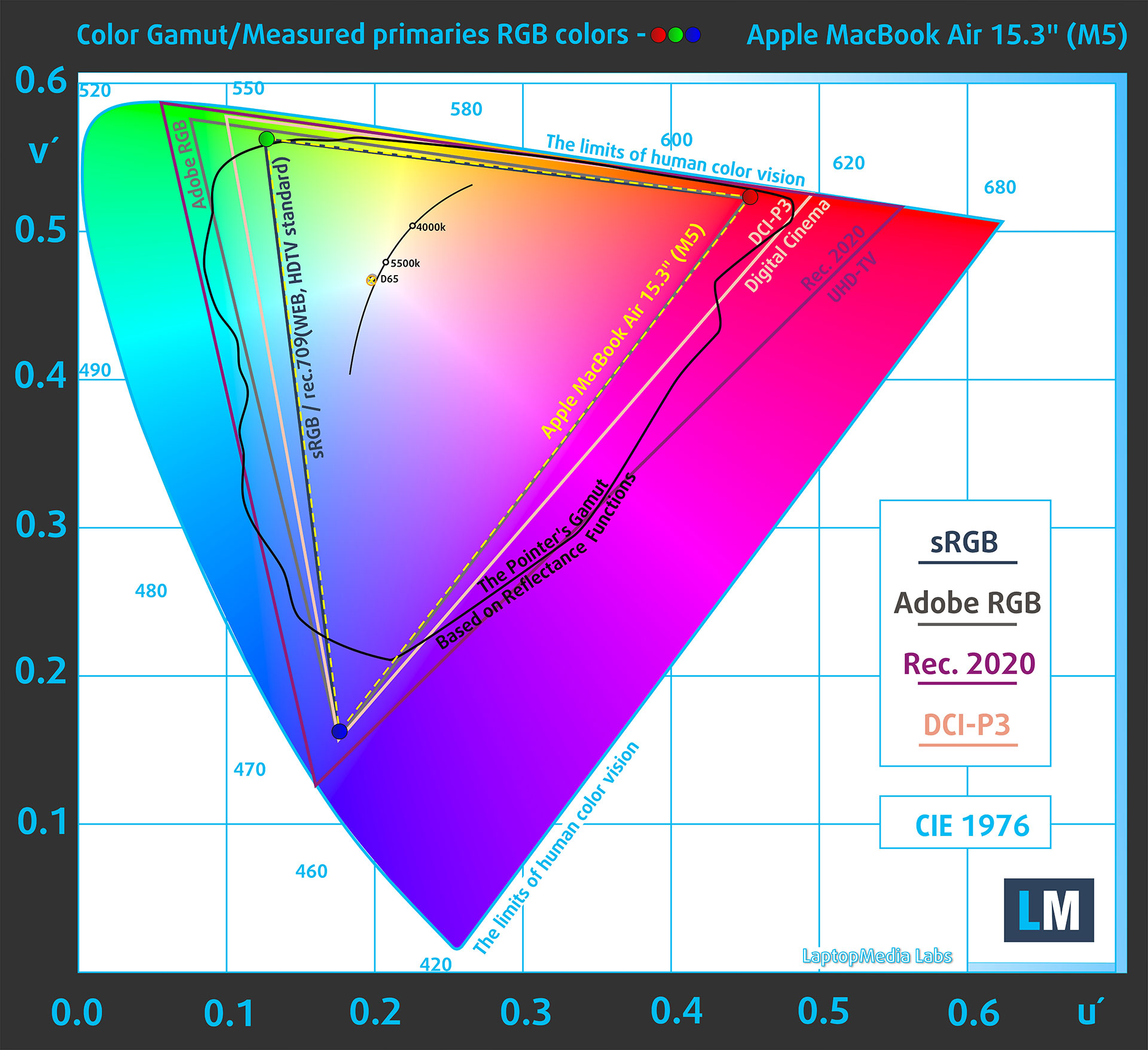
Apple MacBook Air 15.3″ (M5) covers 100% of the sRGB gamut
The Apple MacBook Air 15.3″ (M5) supports HDR video playback, including Dolby Vision, HDR10+/HDR10, and HLG. This allows compatible HDR video content to be decoded and displayed correctly, but the screen should not be confused with the higher-brightness Liquid Retina XDR panels used in MacBook Pro models.
Brightness and Contrast
The maximum brightness in SDR mode is 517 cd/m² in the center of the screen and 500 cd/m² averaged across the surface with a maximum deviation of 8%.
The Correlated Color Temperature (CCT) on a white screen at maximum brightness is 6650K.
The contrast ratio is 1410:1.
Uniformity: Luminance, Contrast, and Color Deviation
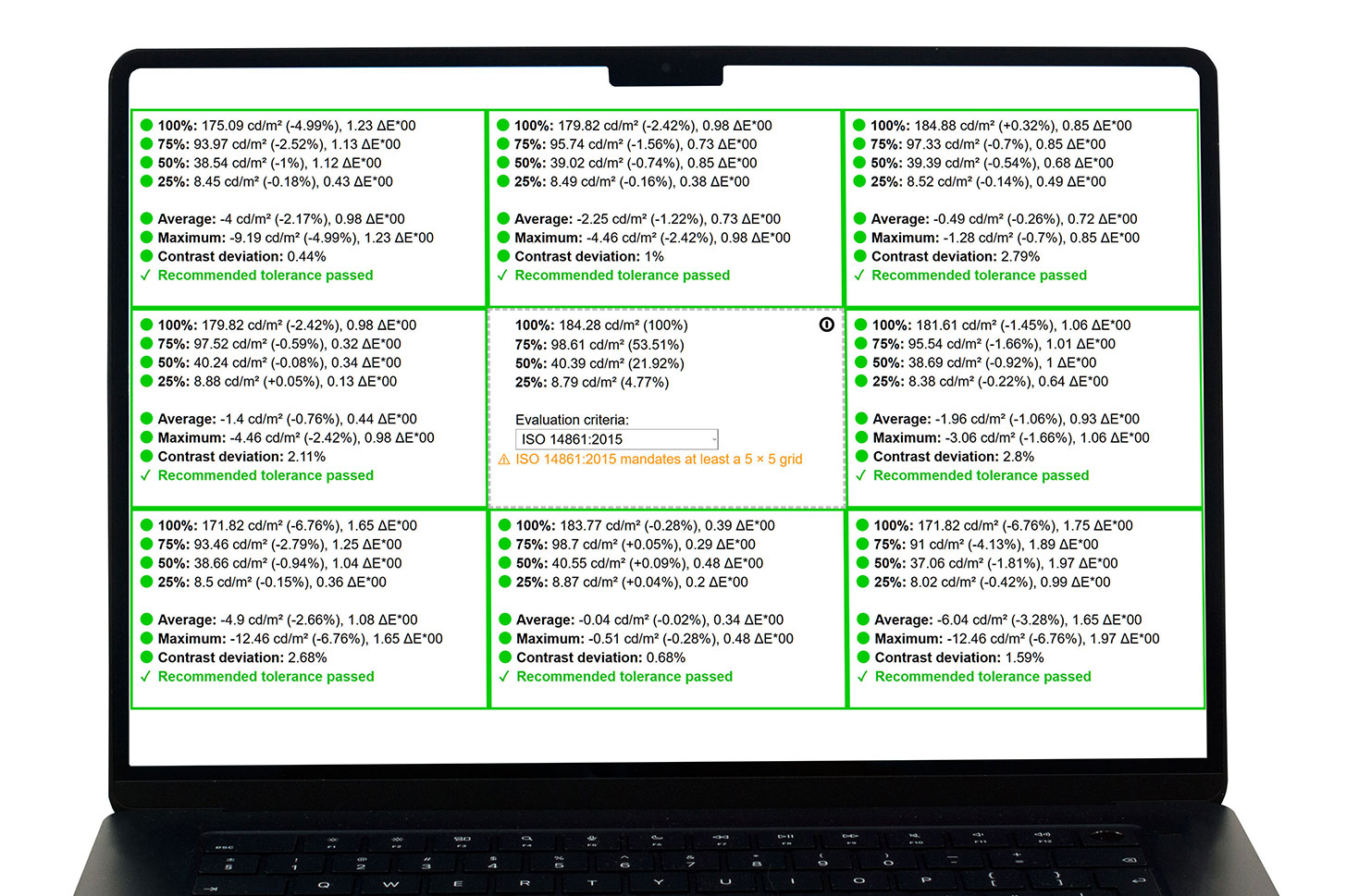
The figure below shows the results from our uniformity test across different sections of the screen. It’s measured at 185 nits (slider = 60%) — a brightness level we consider typical for standard working conditions.
DeltaE values below 4.0 are acceptable for regular users. For those working with colors, screens with DeltaE values no higher than 2.0 are recommended.
Response time (Gaming capabilities)
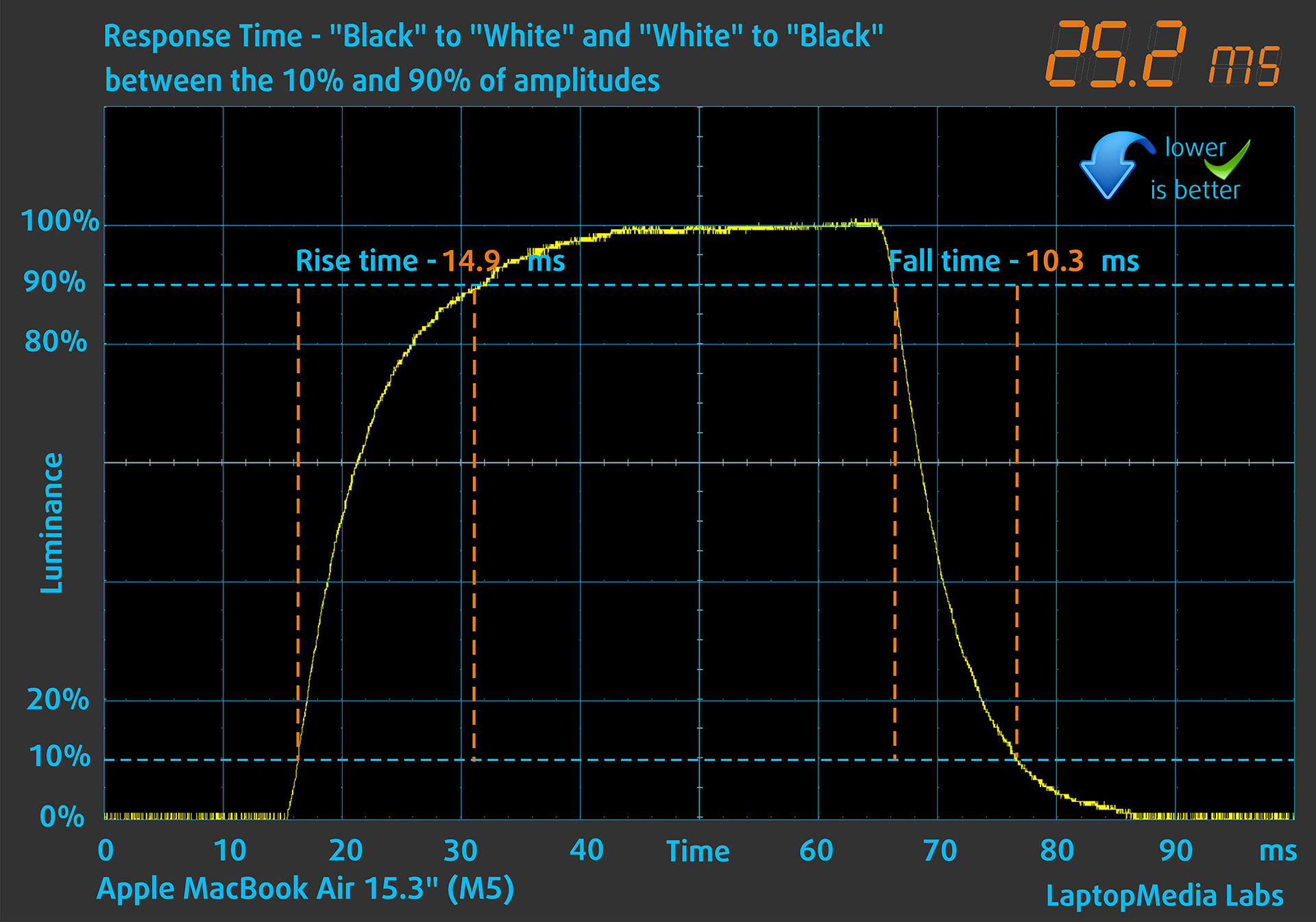
We test the reaction time of the pixels with the usual “black-to-white” and “white-to-black” method from 10% to 90% and vice versa.
We recorded Fall Time + Rise Time = 25.2 ms. A lower pixel response time helps reduce motion blur in dynamic scenes; this result is adequate for everyday use, but the 60 Hz panel is not aimed at competitive gaming.
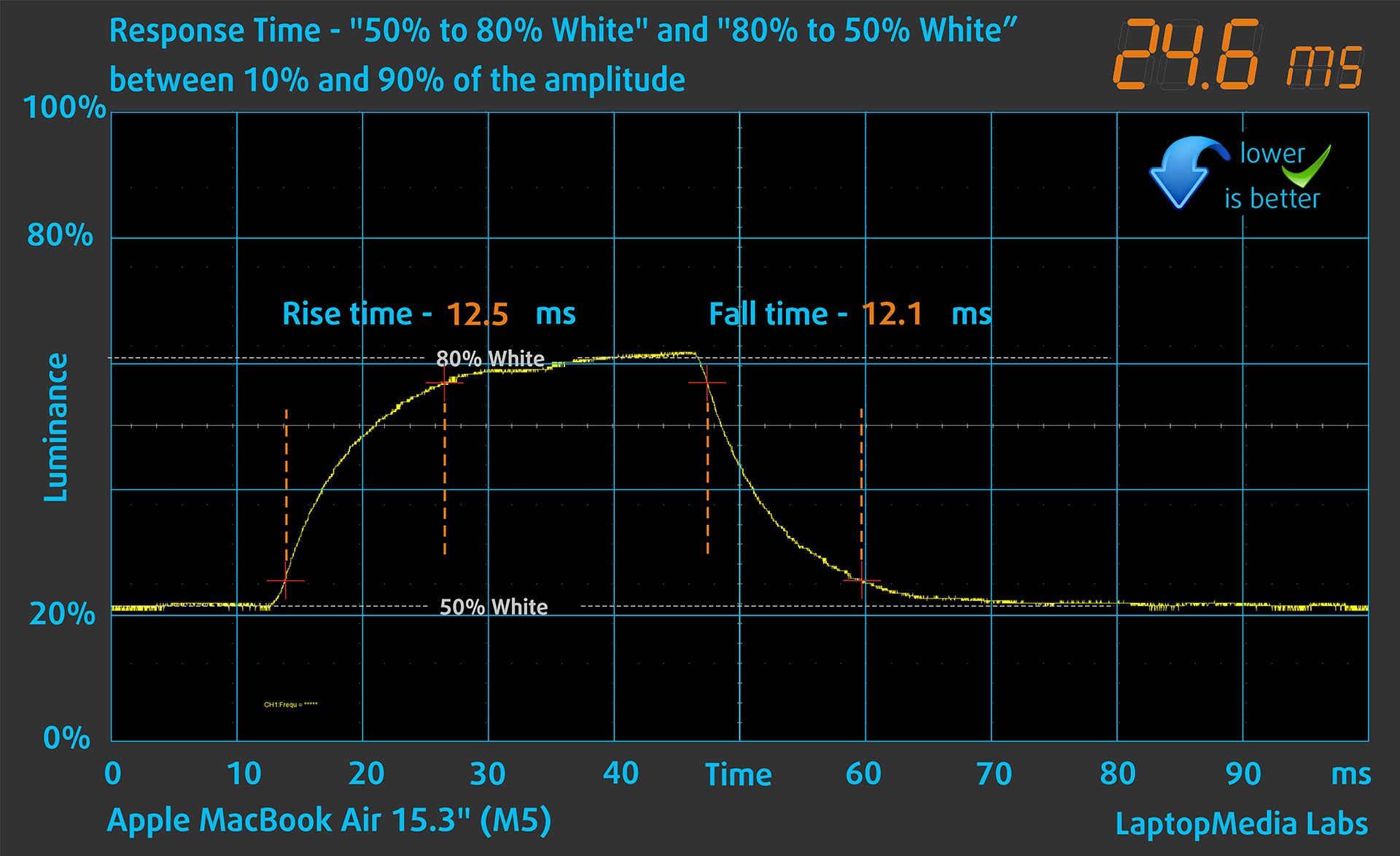
After that, we test the reaction time of the pixels with the usual “Gray-to-Gray” method from 50% White to 80% White and vice versa between 10% and 90% of the amplitude.
Health Impact: PWM (Screen flickering)
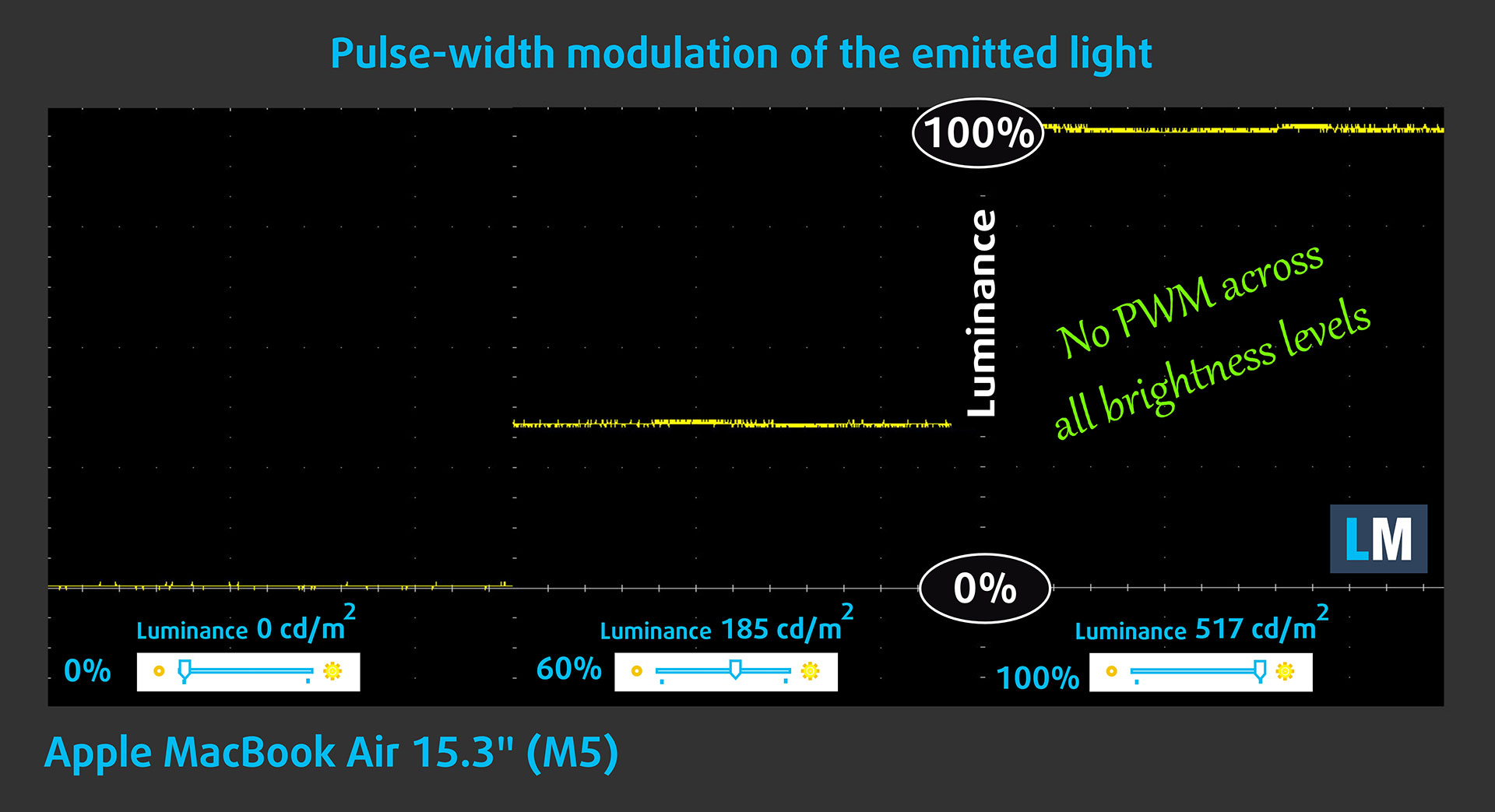
Some displays use PWM to regulate brightness, which means that instead of reducing the light intensity, they pulse or flicker. Our brain merges the image, so it appears darker, but this can strain both the brain and vision, especially when the frequency of the pulses is low. You can read more about that in our dedicated article on PWM.
In the graph below, you see the intensity of light at different brightness levels—on the vertical axis is the brightness of the emitted light, and on the horizontal axis—time.
The backlight of the display of the Apple MacBook Air 15.3″ (M5) is not pulse-width modulated, providing visual comfort in the discussed aspect.
Health Impact: Screen Reflectance
Glossy-coated displays can cause eye fatigue in high ambient light conditions due to reflections. We measure the level of screen reflection with the display turned off, at a 60° angle.
The reflectance of the Apple MacBook Air 15.3″ (M5)’s screen is 57.1 GU. Good result.
High Gloss: >70 GU
Medium Gloss: 30 – 70 GU
Low Gloss: <30 GU
Sound
The Apple MacBook Air 15.3″ (M5)’s sound is of very good quality. Its six-speaker sound system includes force-cancelling woofers for deeper bass, and the low, mid, and high frequencies are clear.
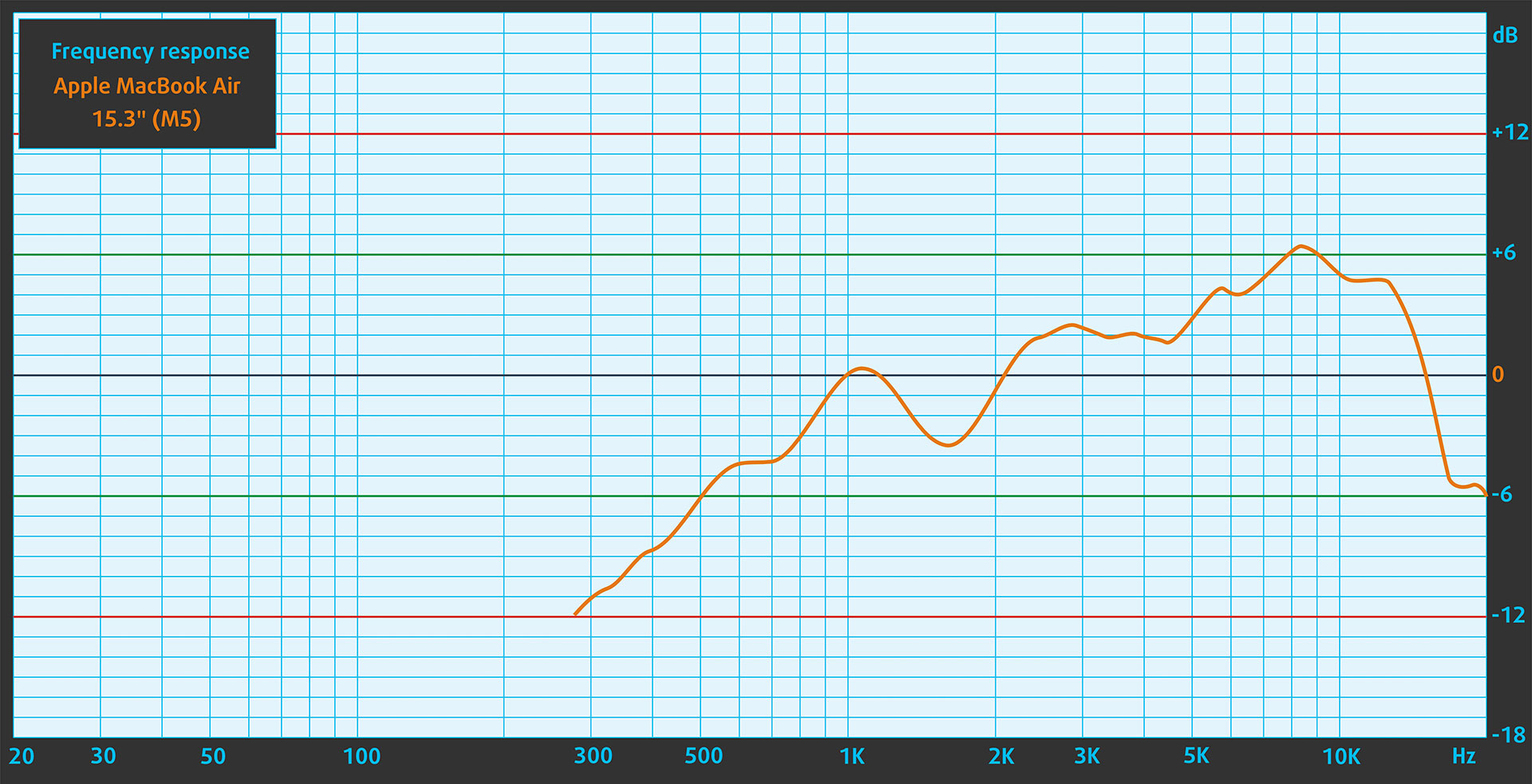
The speakers of the MacBook Air produce very high-quality sound. Its low, mid, and high tones are clear without any significant deviations.
Work Performance: CPU, Storage, AI
CPU and Work Performance
The “M5” 15-inch MacBook Air can be ordered with just one CPU model – Apple M5 with 10 CPU cores, there are not other options.
In the single-core test, the M5 is 14% faster than the previous MacBook Air with M4. Actually, M5 is currently the most powerful CPU in the world, in single-core. When it comes to multi-core, we have 15% jump compared to M4, but if you’re planning to do heavy work, MacBook Pro is the better choice here, especially in configurations with M5 Pro/Max if you can afford them. The main reason is that MacBook Air is fanless so the Pro models can sustain higher performance for longer time.
Single-core performance ensures smooth operation and responsiveness in operating systems, providing a better user experience.
Results are from the Geekbench 6 Single-Core test (higher is better)
Multi-core performance is essential for handling complex and demanding tasks, such as Video editing, CAD, and Scientific simulations.
Results are from the Geekbench 6 Multi-Core test (higher is better)
Here, we evaluate the CPU's performance using a real-world 3D rendering task, assessing its ability to handle complex computations and rendering workloads efficiently.
Results are from the Cinebench 2024 Multi-Core test (higher is better)
Storage Performance
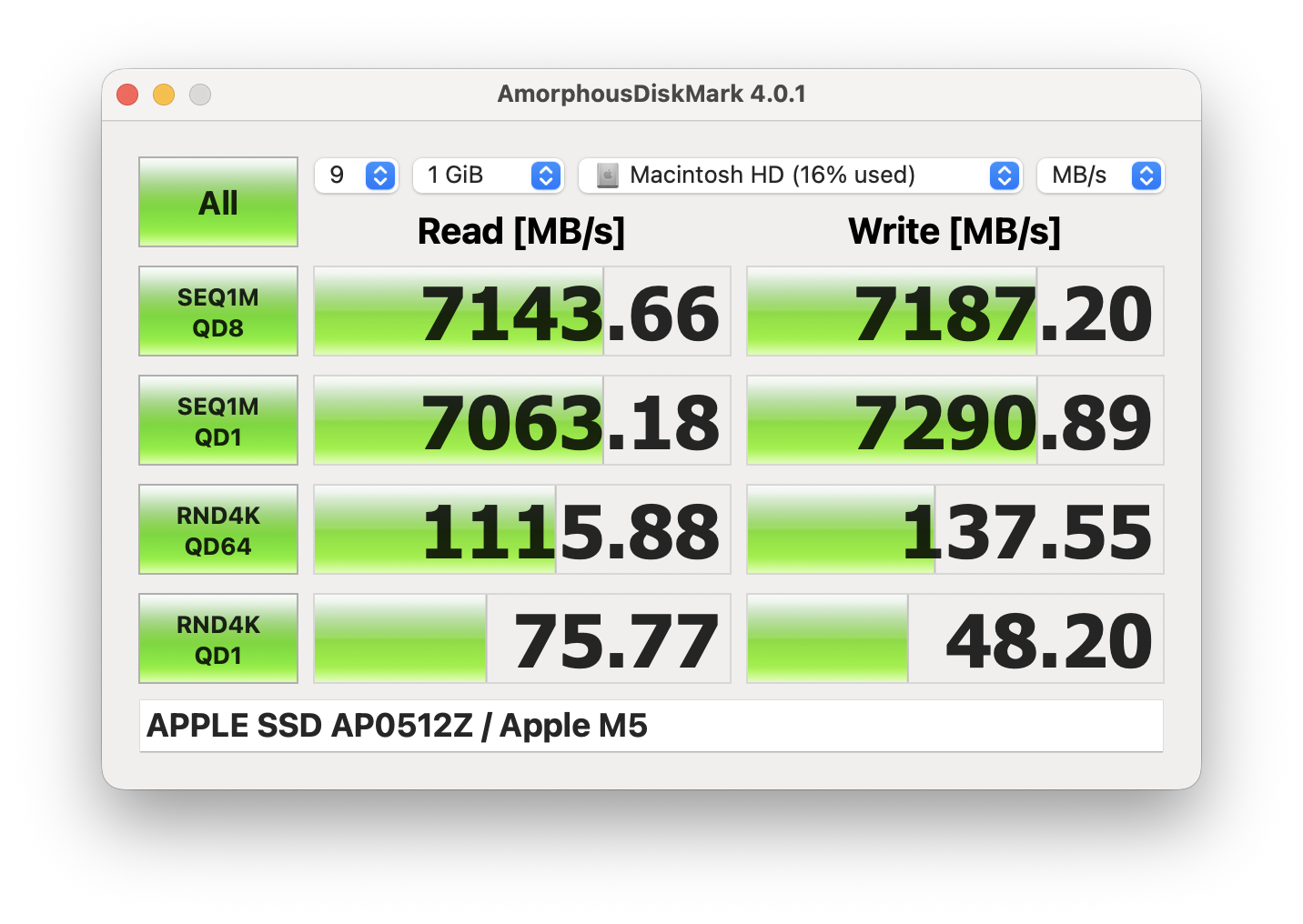
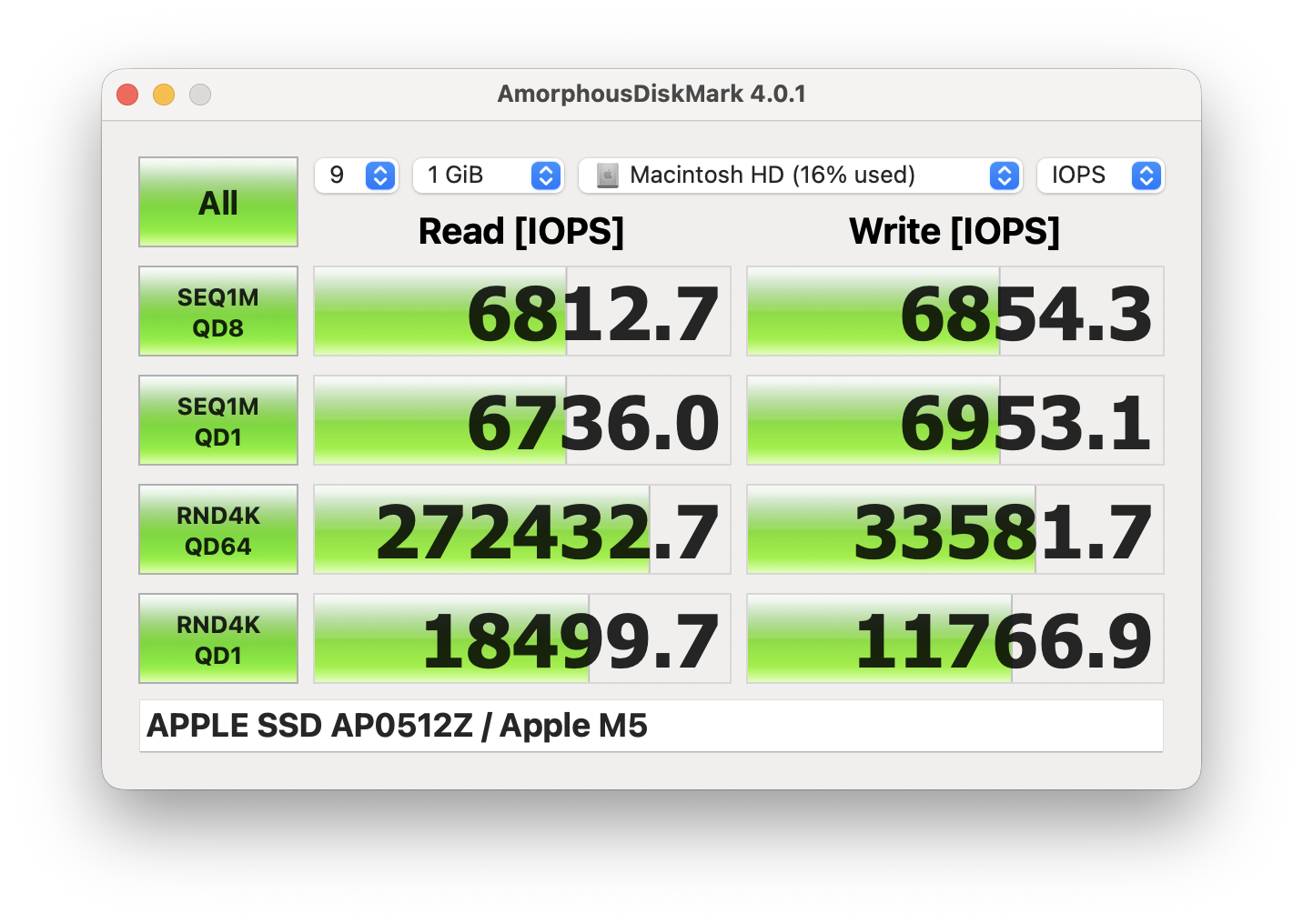
We ordered a configuration with 512GB of storage (which is the new base option) and the MacBook Air arrived with Apple SSD AP0512Z.
It’s a soldered, non-upgradable, ultra-fast NVMe drive, reaching 7.1GB/sec sequential read and 7.2GB/sec sequential write speeds in our benchmark.
GPU and Gaming Performance
The Apple M5 also comes with 10 GPU cores.
GPU-wise, the Apple M5 (10-core GPU) is more than enough for everyday use, and its 27% more powerful than the Apple M4 (10-core GPU). The Pro CPUs have 60% to 100% more GPU cores so they’re much better if you need GPU power.
The results are from 3DMark Wild Life Extreme Unlimited. Higher is better.
Temperatures and Comfort, Noise, Stability
At idle, the CPU package of the Apple M5 maintains a temperature of 31ºC, and the notebook remains completely silent, as expected from a fanless machine.
Office Work, Web Development, Design
Short periods (0:00 – 0:10 s) of 100 % CPU load
This test shows the CPU behavior during short periods of serious load. It’s important for users who are looking for laptops suitable for tasks like Web Design and Programming.
| Apple M5 (10-core CPU) | Avg. P-Core Clock | Avg. CPU Temp. | Avg. CPU Power |
| Apple MacBook Air 15 (M5) | 3922 MHz | 77 °C | 40 W |
During brief bursts of computational activity, the Apple MacBook Air 15 (M5) showcases strong capabilities. The 10-core Apple M5 CPU reaches an impressive peak clock speed of 4100 MHz within the first five seconds while drawing 45 W of peak power. Over a ten-second duration, the processor stabilizes at an average clock speed of 3922 MHz and consumes 40 W. Thermal management is highly effective during these short bursts, keeping the average CPU temperature at a good 77 °C. This behavior ensures excellent responsiveness for quick, demanding tasks without thermal issues.
Video editing, Scientific computing, Software compilation, 3D rendering
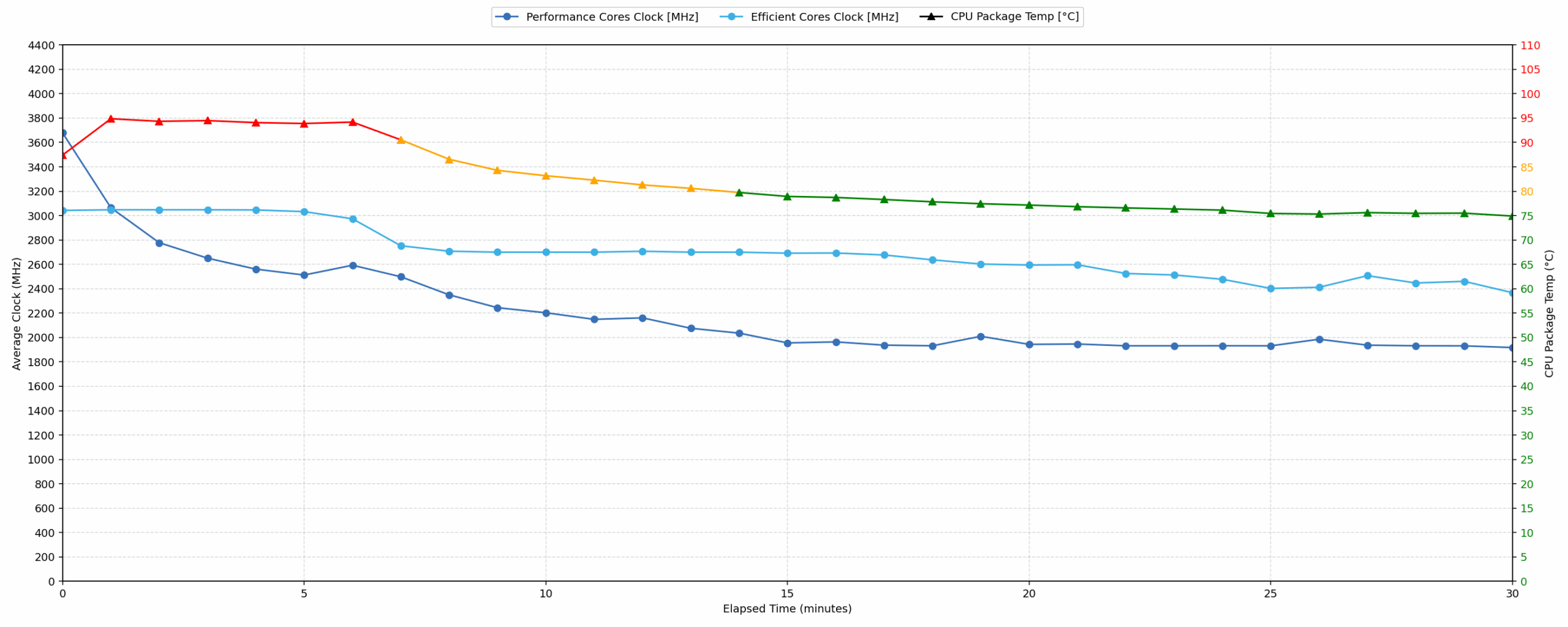
Long periods (0:00 – 30:00 min) of 100 % CPU load
This test shows the CPU behavior during long periods of serious load. It’s important for users who are looking for laptops suitable for tasks like Video Editing and 3D Rendering.
| Apple M5 (10-core CPU) | Avg. P-Core Clock | Avg. CPU Temp. | Avg. CPU Power |
| Apple MacBook Air 15 (M5) | 2197 MHz | 82 °C | 27 W |
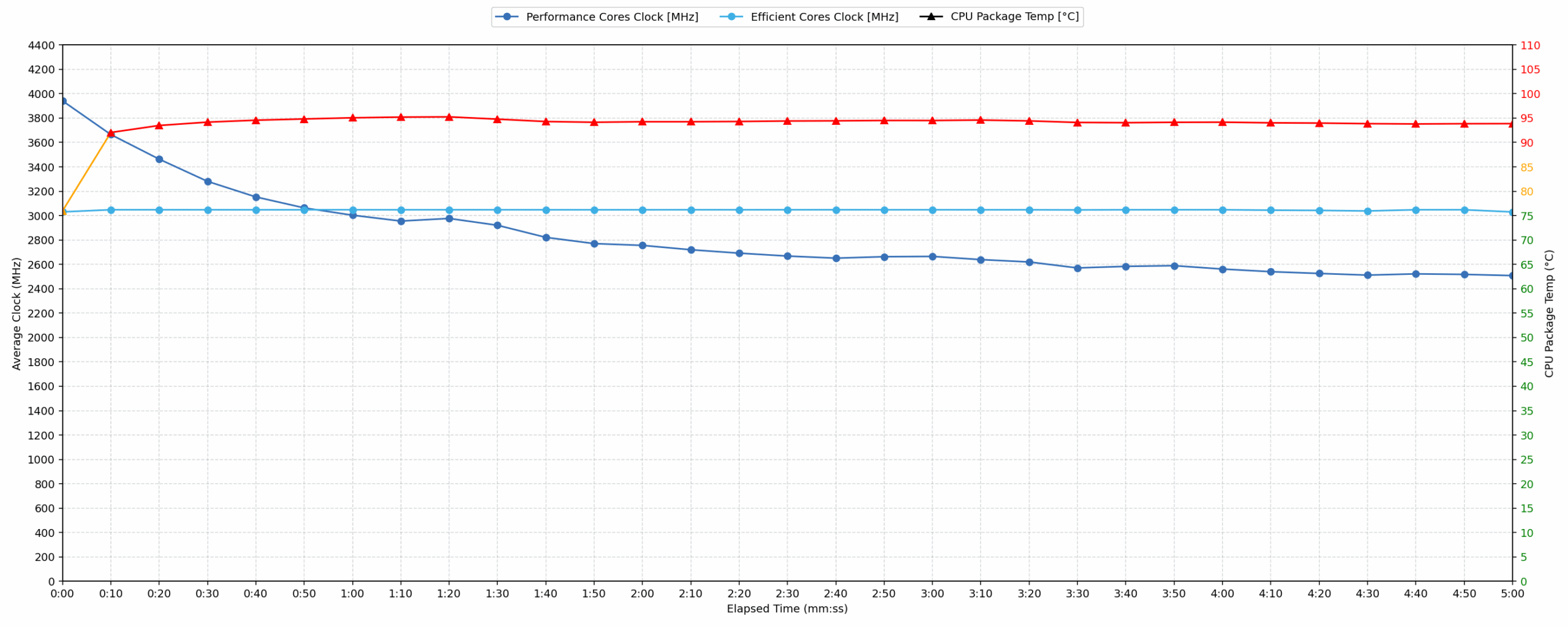
Under prolonged workloads, the MacBook Air 15 experiences significant thermal throttling. The CPU clock drops to a minimum of 2508 MHz between 30 seconds and 5 minutes, representing a substantial drop of 1592 MHz from its peak. Over a 30-minute period, the CPU averages a clock speed of 2197 MHz, while power draw drops to 27 W. The CPU peak temperature hits a high 96 °C, though the 30-minute average temperature settles at an acceptable 82 °C. These metrics indicate that sustained heavy tasks will cause the device to scale back performance.
Battery Life
The built-in lithium-polymer battery stores 66.5Wh of energy.
We tested the laptop with Low Power Mode mode selected in System Settings.
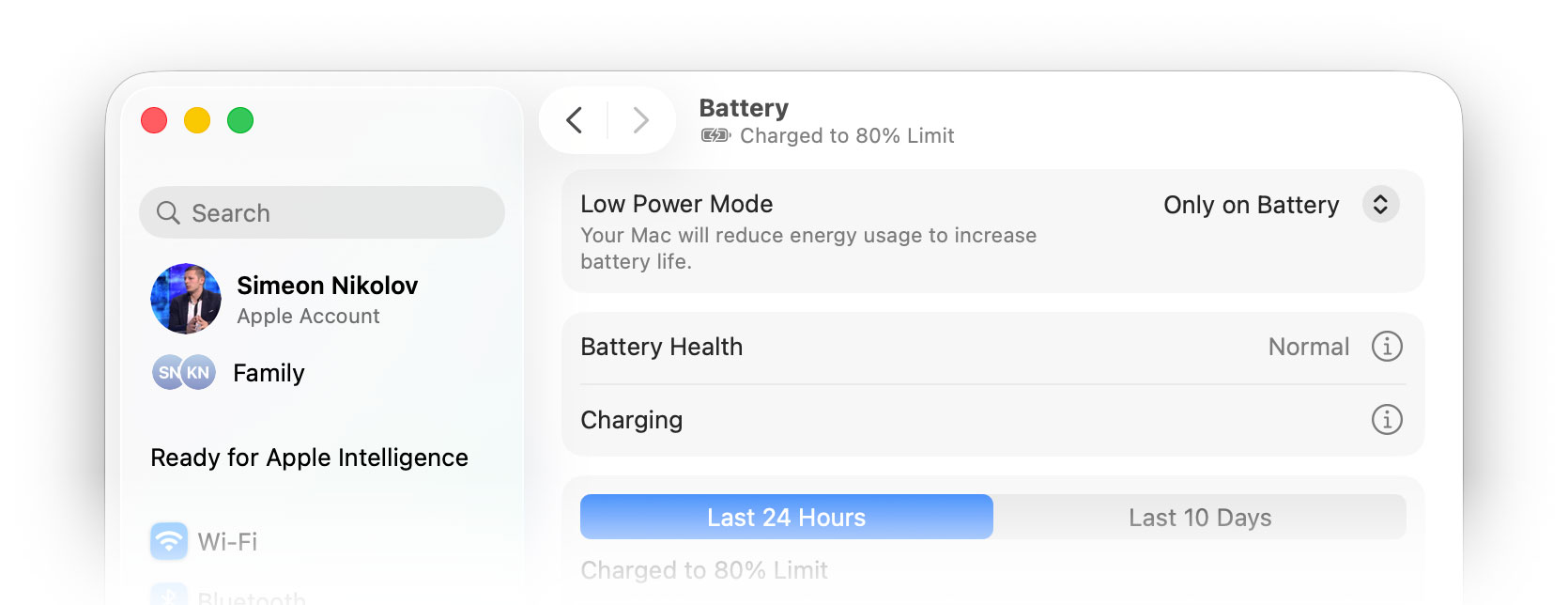
The M5 MacBook Air worked for 15 hours and 47 minutes on a single charge (from 100% to 0%) which is 10% more than what we’ve got with its predecessor, MacBook Air M4 – 14 hours and 27 mins.
Brightness: 180 nits; Display Mode: SDR
Time to Full Discharge: Higher is Better
Disassembly, Upgrade options, and Maintenance
Apple has made an official repair guide so we won’t try to do it better than them – check it out here:
MacBook Air (15-inch, M5) Repair Manual
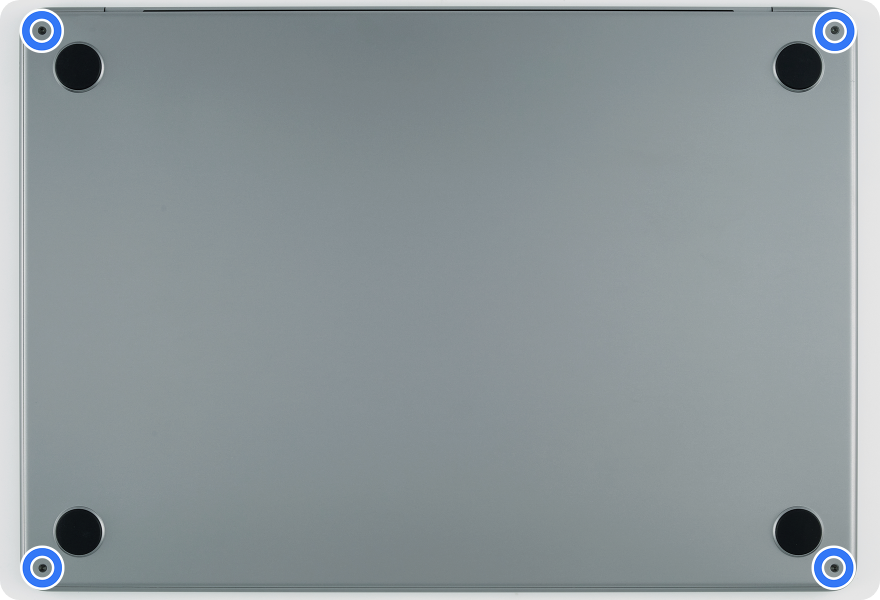
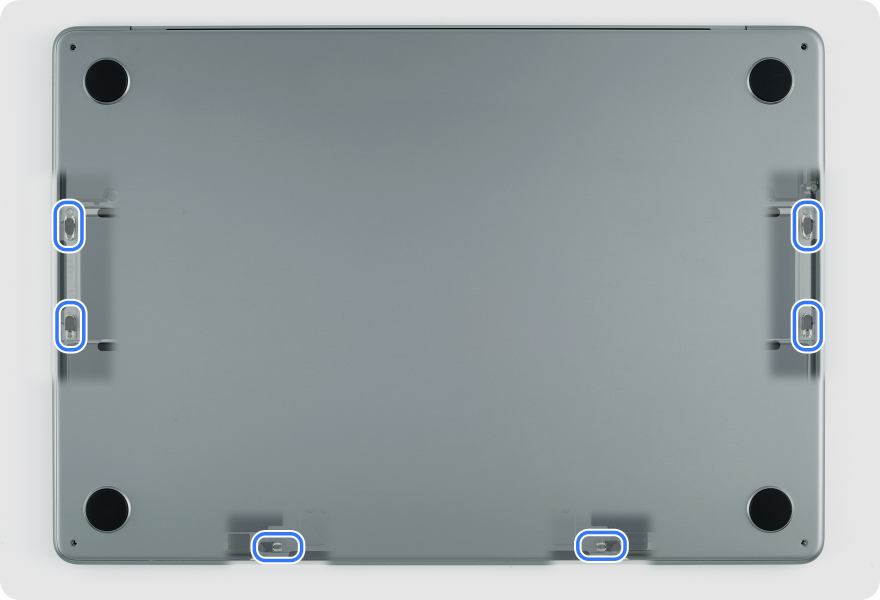
Popping the MacBook Air open is still easier than its sealed-looking body suggests. Four pentalobe screws hold the bottom plate in place, but Apple also uses six internal clips, so the correct way in is not to force a plastic pick around the edges. A small suction cup does the job much more cleanly: release the clips one by one, lift the panel only slightly at first, and the bottom cover comes away without bending the thin aluminium shell.
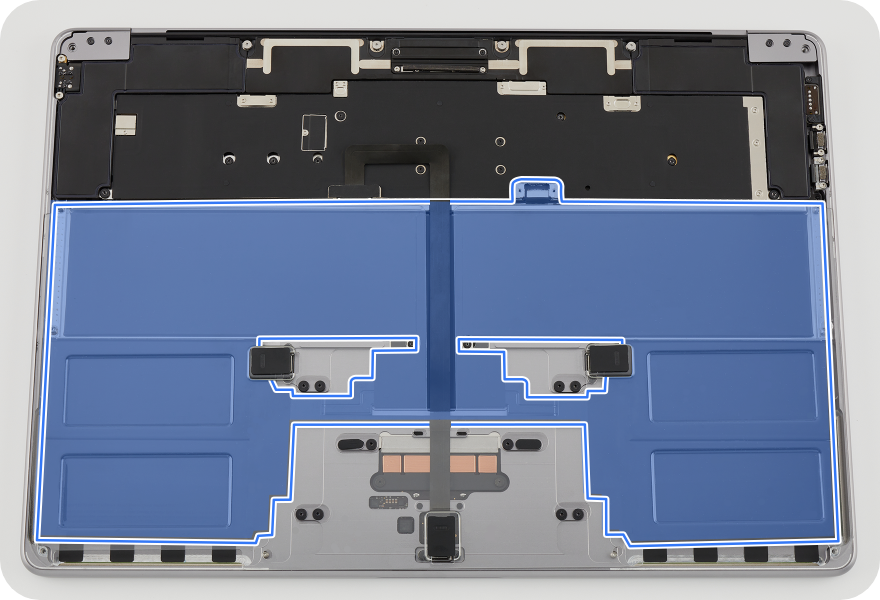
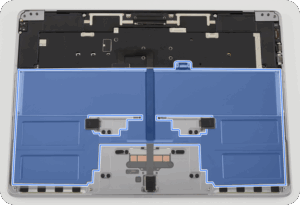
Once inside, the layout is instantly familiar. The MacBook Air M5 keeps the completely silent, fanless design, so there is no active cooling system to clean or service. Instead, the M5 SoC is handled by a slim passive thermal module, while most of the internal volume is occupied by the large 66.5 Wh battery pack. The long speaker modules sit on both sides of the battery, the logic board is positioned along the rear edge, and the MagSafe 3 and USB-C ports are handled by separate boards rather than being fully integrated into the main chassis assembly.
Memory & Storage
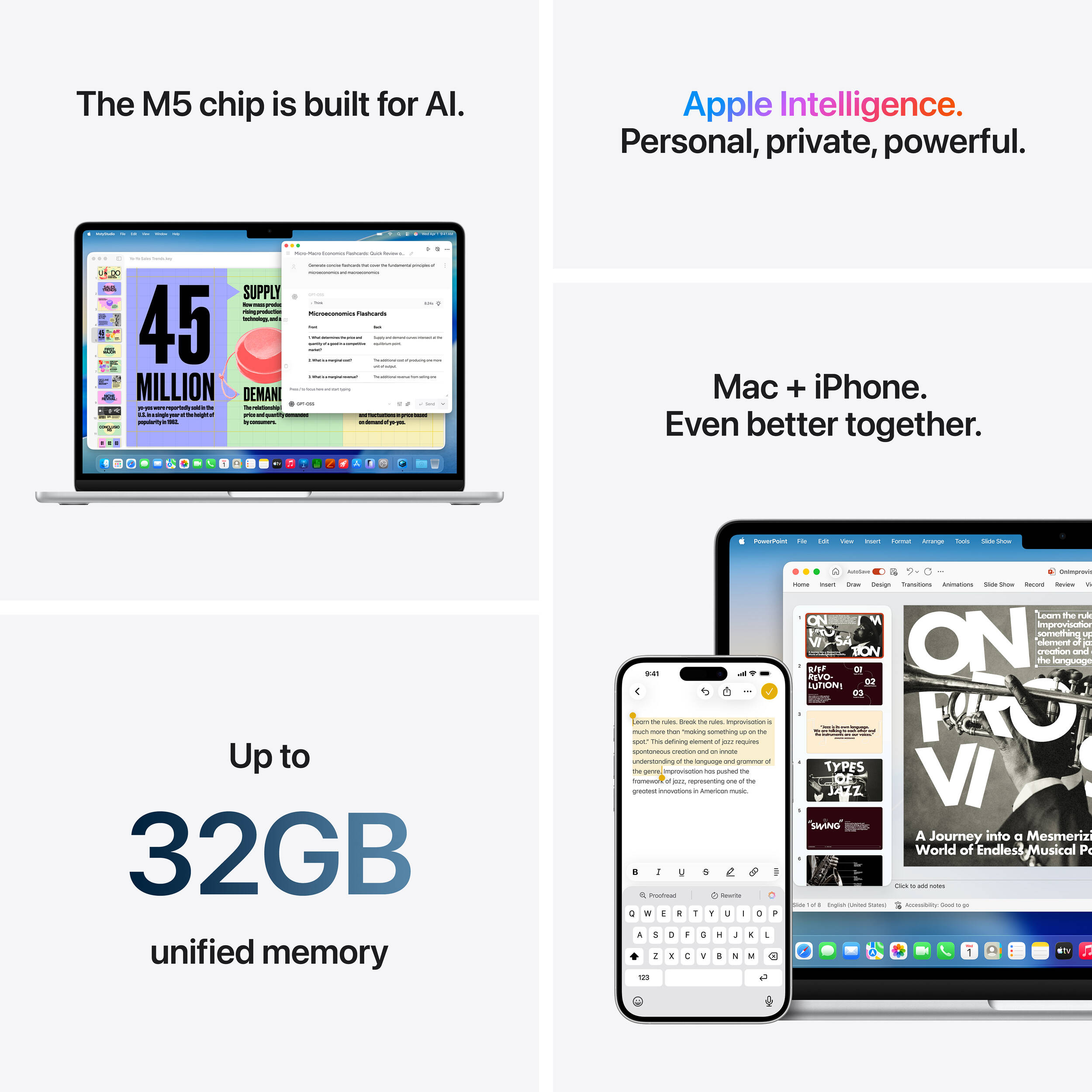
Upgrades are not part of the deal here. The unified memory is built into Apple’s platform and can be configured at purchase with 16 GB, 24 GB, or 32 GB. Storage starts at 512 GB this time, which is a welcome improvement over older base configurations, and goes up to 1 TB, 2 TB, or 4 TB. However, Apple’s NVMe storage is still not a standard removable M.2 drive, so neither RAM nor SSD capacity can be upgraded later in a normal service scenario. If you outgrow either, the realistic fix is a logic-board-level replacement, which makes the initial configuration choice very important.
OK, what IS serviceable?
— Battery: The battery is replaceable, but it is not a quick “unscrew and lift” part. Apple’s procedure involves removing the bottom case, disconnecting the trackpad-related hardware, undoing the battery-tray screws, and pulling stretch-release adhesive strips. Replacement adhesive is part of the official repair process, and Apple also specifies cleaning and pressing steps during reassembly. In other words: serviceable, but still a careful repair.
— Speakers: The left and right speaker modules are removable, but Apple treats them as a matched pair. Replacing one side means replacing the other as well. Access also requires removing the bottom case and the relevant display hinge cover, so it is more involved than the simple internal layout first suggests.
— I/O and auxiliary boards: This is the better news. The MagSafe 3 board, USB-C boards, trackpad, audio/sensor flex cable, lid angle sensor, Touch ID board, antenna module, and display assembly are listed as separate service procedures in Apple’s repair documentation. Some of these repairs may require Apple’s Repair Assistant afterward, especially for parts such as the logic board, Touch ID board, display, or lid angle sensor.
— Keyboard / top case: The keyboard is still not a small standalone replacement. Apple treats the top case with keyboard as a major assembly, and replacing it requires removing many other internal parts first, including the battery, logic board, speakers, display-related parts, and trackpad.
The MacBook Air M5 remains a very clean and space-efficient machine inside. It is more serviceable than its ultra-thin design might suggest, especially when it comes to the battery, speakers, and several I/O boards, but the important performance-related parts are fixed. As usual with Apple Silicon Air models, buyers should choose the right memory and storage configuration from day one.
Verdict
 The Apple MacBook Air 15 (M5) is a polished evolution of an already excellent formula. It does not try to reinvent the MacBook Air, but it improves the experience where it matters most: performance, efficiency, storage, wireless connectivity, and everyday comfort. For users who want a large, high-quality screen, a premium aluminum body, long battery life, and completely silent operation, this remains one of the most compelling 15-inch laptops on the market.
Its limitations are just as clear. The fanless design is brilliant for silence, but it also means the M5 cannot maintain its peak performance during long, heavy workloads. RAM and storage are still fixed at purchase, and the 60Hz display feels conservative for a premium laptop in 2026. Still, if your workflow is mostly office work, browsing, writing, content consumption, light creative work, or short bursts of heavier tasks, the MacBook Air 15 (M5) delivers an exceptionally refined experience.
You can check the prices and configurations in our Specs System: https://laptopmedia.com/series/apple-macbook-air-15-m5/
✅ The Good
 The immediate highlight is the stunning 15.3-inch Liquid Retina display. It offers excellent color accuracy, full sRGB coverage, nearly full Display P3 coverage, high brightness, and is completely PWM-free, making it very comfortable for long hours of work or entertainment. This is housed in a beautifully crafted, incredibly thin, and lightweight aluminum unibody that still sets a high standard for laptop design.
The new M5 chip makes the system feel extremely responsive in everyday use, especially in short, bursty workloads where the Air performs very strongly. More importantly, the chip is highly efficient, resulting in phenomenal battery life of nearly 16 hours in our test. The fanless design also means the laptop is always completely silent, regardless of the task.
We also love the massive and precise Force Touch trackpad, the excellent six-speaker sound system, the improved 12MP Center Stage camera, and the long-overdue decision to make 512GB of very fast SSD storage the new baseline.
❌ The Bad
 The biggest flaw remains the complete lack of post-purchase upgradeability. RAM and storage are permanently integrated, so you are locked into the configuration you choose on day one. This makes the initial buying decision especially important and limits the laptop’s long-term flexibility.
The port selection is also minimal. You get MagSafe, a headphone jack, and two Thunderbolt / USB-C ports, but the two data ports are both on the same side, so many users will still need a dock or dongles for a more complete desk setup.
Furthermore, because of the fanless design, the M5’s performance drops significantly under sustained heavy loads such as long renders, software compilation, or extended scientific workloads. The MacBook Air is extremely fast in short bursts, but users who need consistent high performance over long sessions should look at a MacBook Pro instead. Finally, the display is still limited to a 60Hz refresh rate, which feels increasingly dated on a premium device in 2026.
🆚 The Competitors
Compared to its internal rival, the Apple MacBook Pro 14 M5 (or M5 Pro/Max), the Air’s role is very clear. If your workflow involves sustained heavy tasks, the Pro is the much better choice thanks to its active cooling, more powerful chip options, richer port selection, and ProMotion 120Hz display. The Air is for users who prioritize a larger screen, thinner profile, lower weight, and silent operation over maximum sustained performance.
Against a Windows-based convertible like the Lenovo Yoga 7a 2-in-1 (detailed review), the MacBook Air offers a more premium-feeling build, a better trackpad, quieter operation, and much longer battery life. The Lenovo counters with the flexibility of a 2-in-1 form factor and a higher-refresh-rate OLED screen. In the end, the Air remains the stronger pure clamshell laptop, while the Yoga is the more versatile device.
Pros
- Stunning, highly accurate, and PWM-free Liquid Retina display
- Exceptional, ultra-thin aluminum unibody design
- Phenomenal battery life of nearly 16 hours
- Completely silent fanless operation
- Massive Force Touch trackpad and excellent speakers
- Fast 512GB SSD storage is now the baseline
- Strong everyday performance and excellent responsiveness
Cons
- Significant performance drop under sustained heavy load
- No RAM or SSD upgradeability after purchase
- Display is still limited to 60Hz
- Very limited data port selection with only two USB-C ports
- Charger is not included in the box
 Author: Simeon NikolovEditor-in-Chief at LaptopMedia.com with 20+ years of experience in testing and analyzing laptops and mobile devices.
 Author: eng. Kroum NikolovHead of Engineering at LaptopMedia.com, inventor and innovator with 40+ years of experience in electronics and high technology.

![[August 2026] Best-Selling Laptop Brands on Amazon Japan – Apple Dominates Market Share and Revenue Led by Strong Unit Sales](https://laptopmedia.com/wp-content/uploads/2026/09/CO.JP-Best-Brands-1-400x225.jpg)
![[August 2026] Best-Selling Laptop Brands on Amazon USA – Apple Dominates Market Revenue and Volume Despite Lower Model Diversity](https://laptopmedia.com/wp-content/uploads/2026/09/COM-Best-Brands-1-400x225.jpg)
![[August 2026] Amazon Germany: Top 8 Best-Selling Gaming Laptops – Acer Dominates the Market as the Premium Nitro V 17 AI Takes the #1 Spot](https://laptopmedia.com/wp-content/uploads/2026/09/Best-Selling-Gaming-Laptops-DE-Top-10-1-400x225.jpg)
![[August 2026] Best-Selling Laptop Brands on Amazon France – Apple Dominates Revenue Despite Lenovo and HP Leading in Catalog Breadth and Volume](https://laptopmedia.com/wp-content/uploads/2026/09/FR-Best-Brands-1-400x225.jpg)
![[August 2026] Amazon Italy: Top 10 Best-Selling Laptops – Apple MacBook Neo Claims the Crown as Budget and Mid-Range Windows Machines Dominate Volume](https://laptopmedia.com/wp-content/uploads/2026/09/Best-Selling-Laptops-IT-Top-10-400x225.jpg)

Is the 16GB RAM / 512GB SSD version enough for photo editing, browser work, and some light video editing, or would you recommend upgrading to 24GB RAM from the start?
16GB RAM is enough if you don’t keep many browser tabs opened – keep in mind that the OS alone at cold start takes ~8GB. Still, the 24GB is a good upgrade, especially given the relatively good price for upgrades Apple offers right now.
The throttling results are exactly what I wanted to see. For normal use it probably doesn’t matter, but for longer exports or coding sessions I guess the MacBook Pro still makes much more sense.
Yes, that’s right, you won’t see any difference unless you’re a heavy user
Great review as always. I really like the MacBook Air 15 because of the big screen and silent operation, but the 60Hz display is hard to accept in 2026. Apple should have moved the Air line to at least 90Hz by now.