Acer Chromebook Spin 311 (CP311-2H)
Acer Chromebook Spin 311 (CP311-2H) - Specs
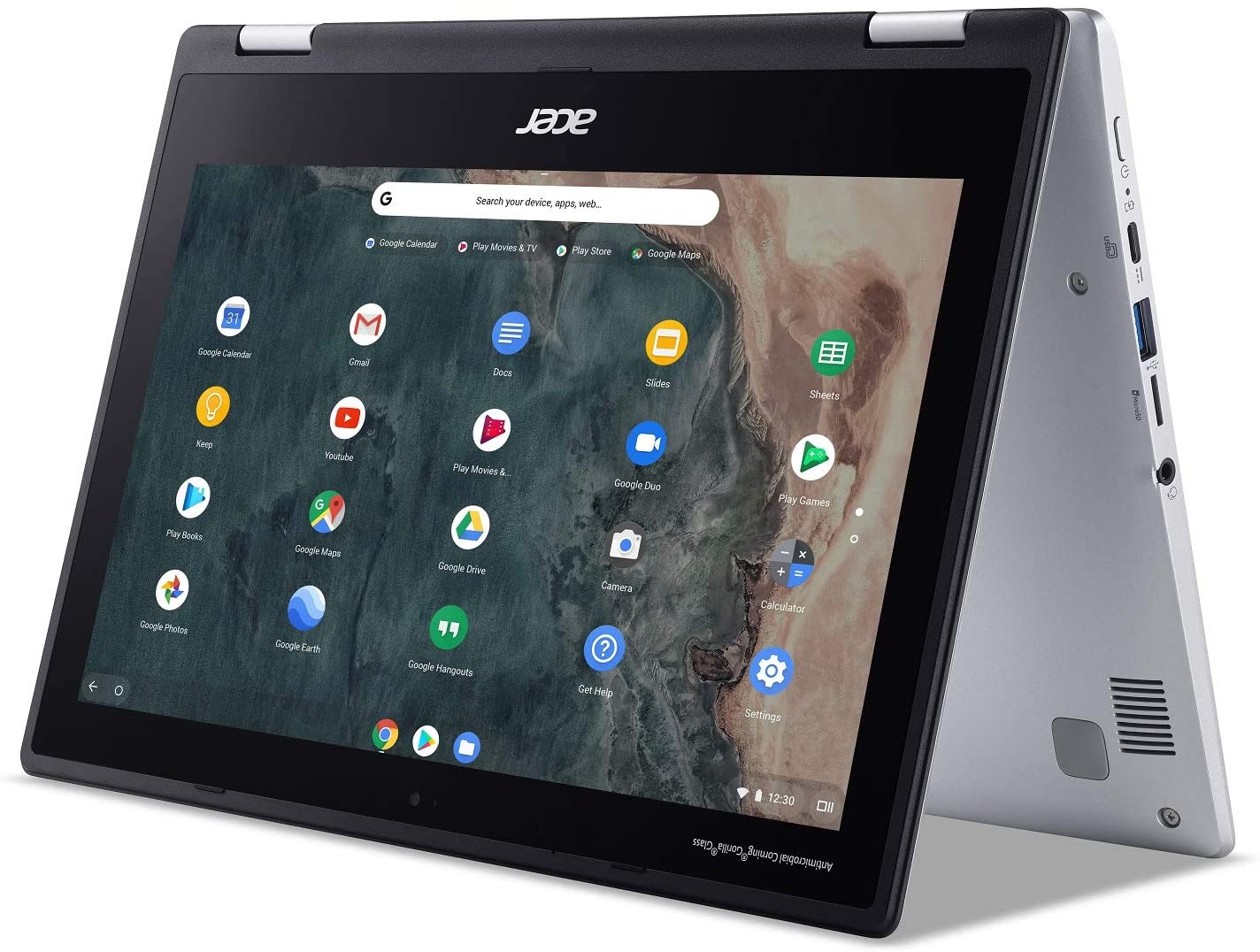
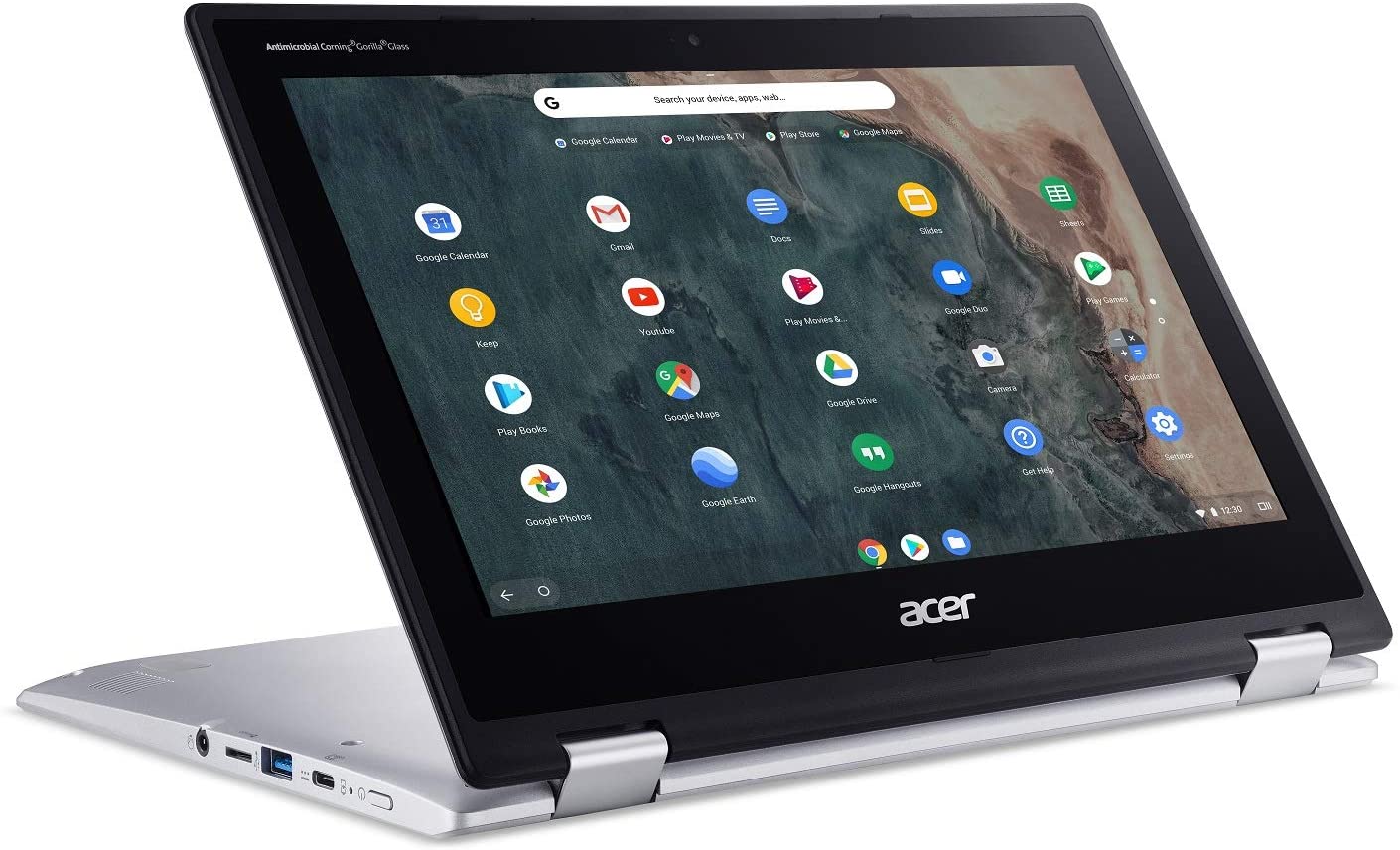
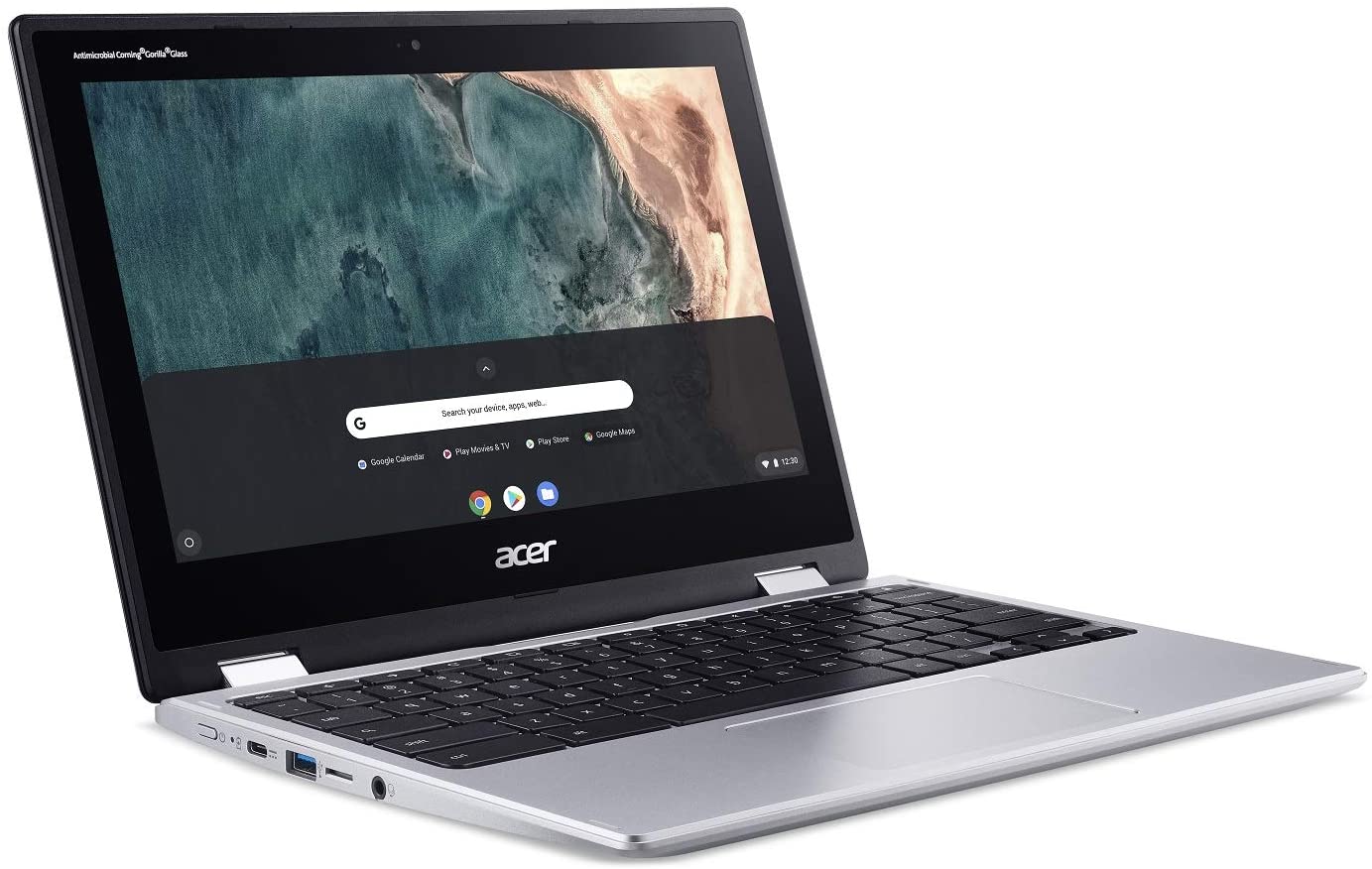
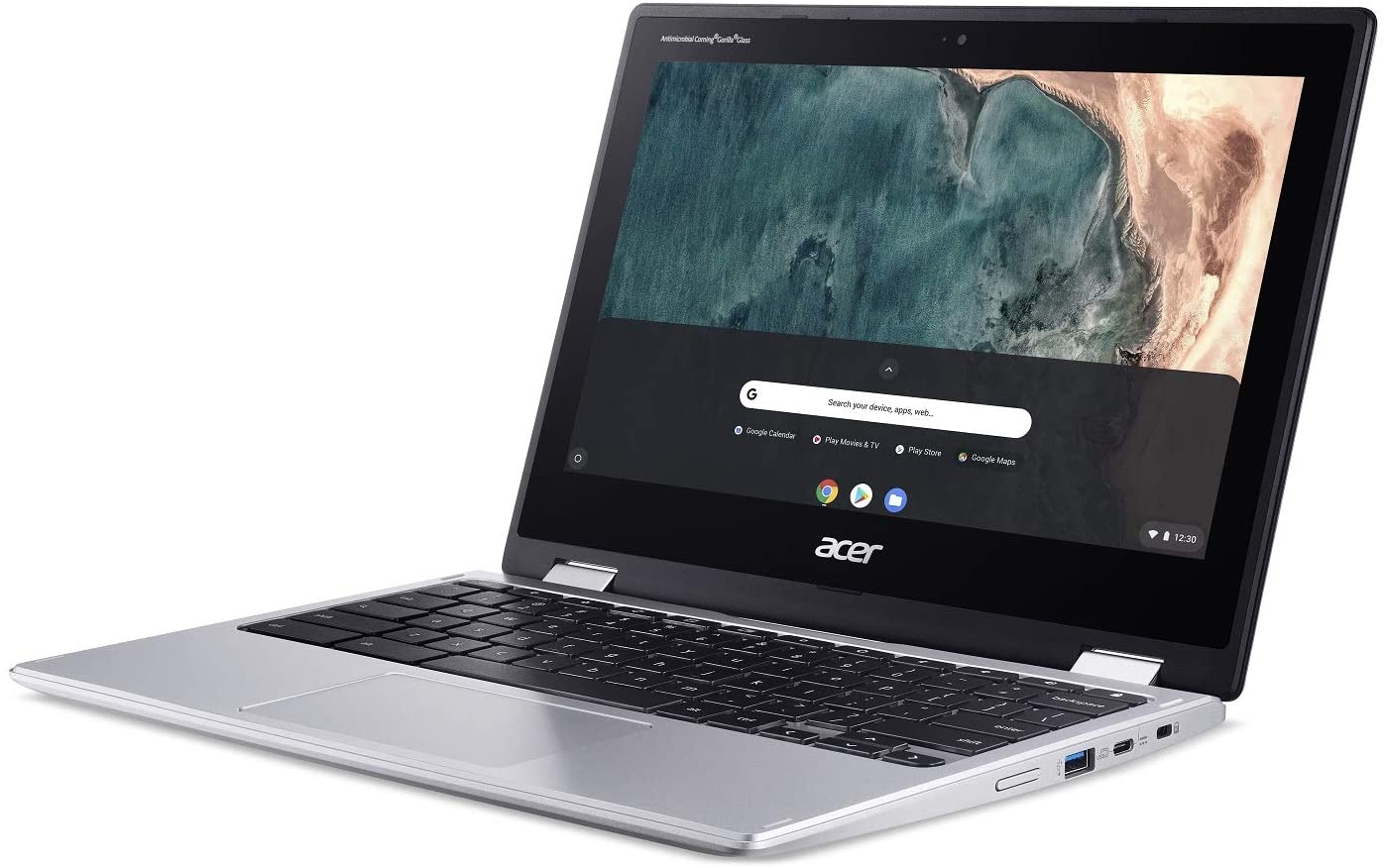
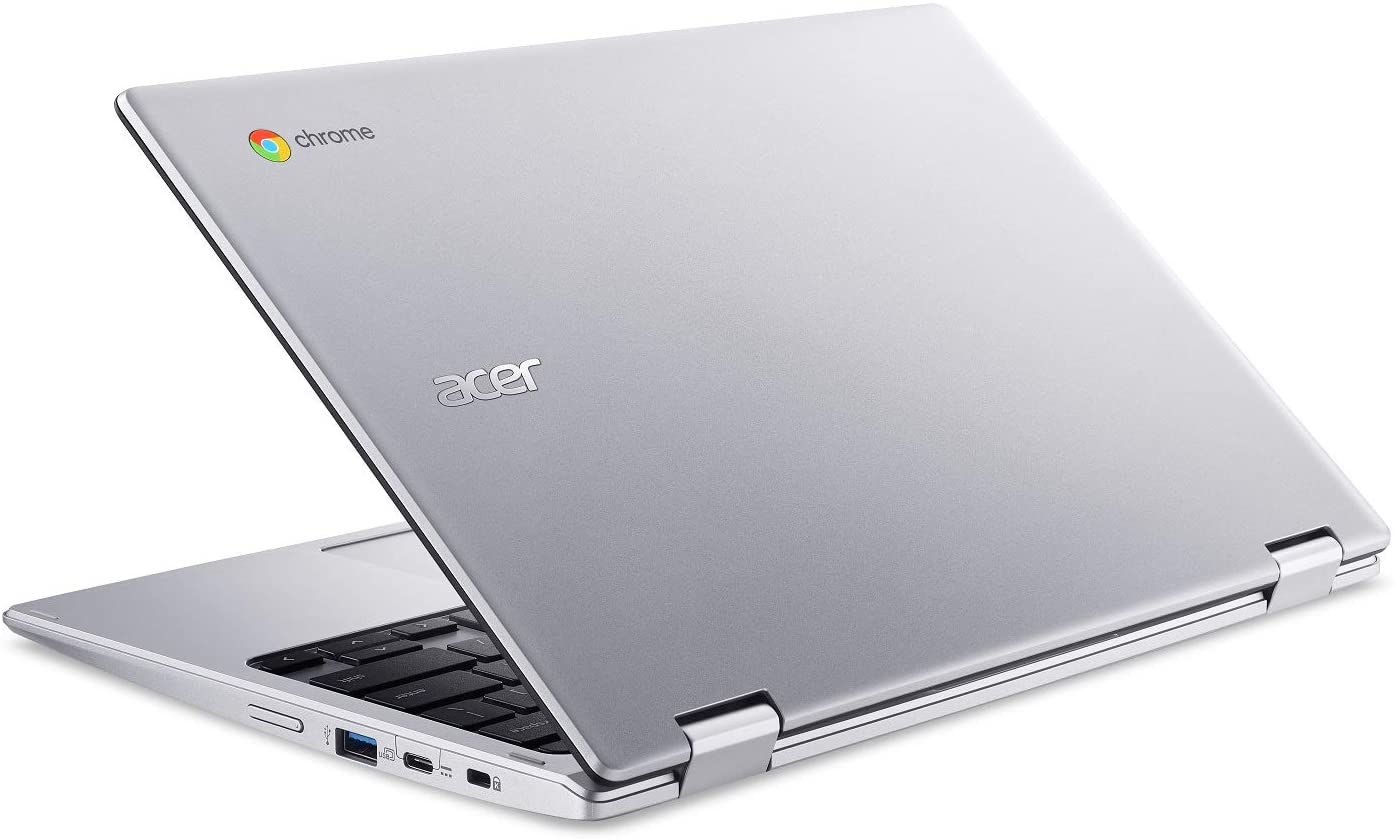
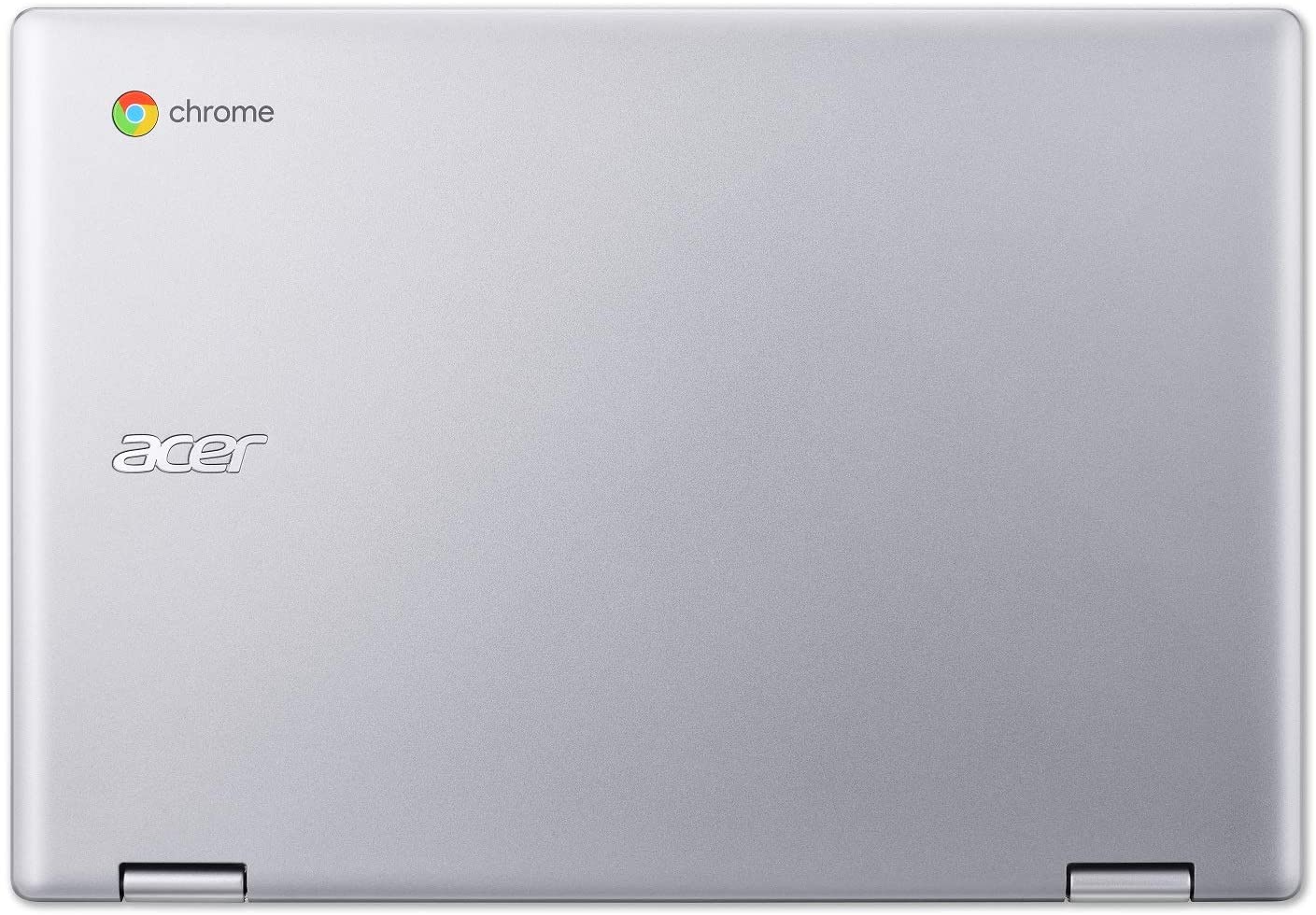
- Display
- 11.6”, HD (1366 x 768), IPS

- HDD/SSD
- up to 320GB SSD
- RAM
- up to 8GB
- OS
- Chrome OS
- Battery
- 38Wh, 3-cell
- Dimensions
- 297.1 x 205.7 x 20 mm (11.70" x 8.10" x 0.79")
- Weight
- 1.20 kg (2.6 lbs)
- Ports and connectivity
- 2x USB Type-A
- 3.2 Gen 1 (5 Gbps)
- 2x USB Type-C
- 3.2 Gen 1 (5 Gbps), DisplayPort
- Card reader
- MicroSD
- Wi-Fi
- 802.11ac
- Bluetooth
- 5.0
- Audio jack
- 3.5 mm combo
- Features
- Fingerprint reader
- optional
- Web camera
- HD
- Backlit keyboard
- optional
- Microphone
- Speakers
- 2 Stereo Speakers
- Optical drive
- optional
- Security Lock slot
All Acer Chromebook Spin 311 (CP311-2H) configurations
#CommissionsEarned
CPU performance
Here you can find the price/performance difference between all the CPUs that come in the Acer Chromebook Spin 311 (CP311-2H) series.
Results are from the Cinebench R23 CPU test (the higher the score, the better)
Acer Chromebook Spin 311 (CP311-2H) in-depth review
A couple of years back, Chromebooks were an interesting new prospect. They were meant for students, children, and most people, who are not in need of a powerful machine that requires an expensive Windows certification (if you're going legal way). However, the first notebooks that came with the Chrome OS were not perceived very well in the community. They were clunky, had limited usability, compared with the well-known architecture. Moreover, probably the biggest issue of all was the lack of choice.Nowadays, this has changed, as almost every laptop manufacturer has a Chromebook offering. N[...]
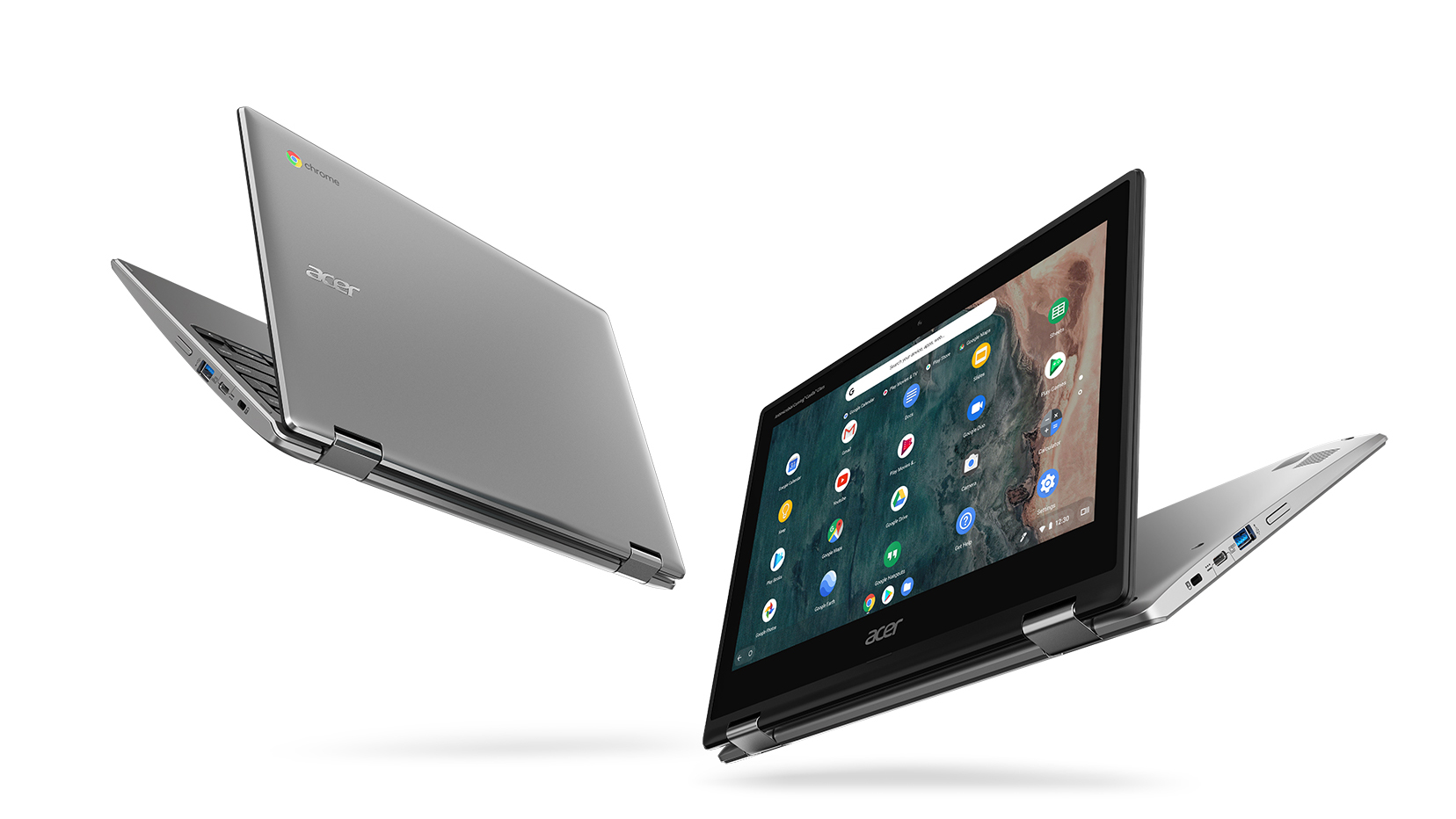
Pros
- Snappy experience
- The OS loads in an instant
- Two USB Type-C ports that charge the laptop and can output DisplayPort
- Its display has comfortable viewing angles and good contrast ratio (AUO145C)
- Doesn't use PWM to adjust screen brightness (AUO145C)
- MicroSD card storage expansion
Cons
- A bit on the large side for an 11-inch notebook
- Covers only 58% of sRGB (AUO145C)
- Memory and storage are soldered to the motherboard
- Feels clunky and dated because of its fat bezels


![[May 2026] Global Ranking of Best-Selling Laptop GPUs on Amazon – Apple Dominates with 45% Share, Sweeps Top 3 Spots; NVIDIA’s RTX 5060 Leads the Dedicated GPU Pack](https://laptopmedia.com/wp-content/uploads/2026/06/Best-Selling-GPUs-GLOBAL-Top-10-400x225.jpg)
![[May 2026] Global Ranking of Best-Selling Laptop CPUs on Amazon – Apple Crushes Competition with 45.2% Market Share, M5 Dominates](https://laptopmedia.com/wp-content/uploads/2026/06/Best-Selling-CPUs-GLOBAL-Top-10-400x225.jpg)
![[May 2026] Amazon Germany: Top 7 Best-Selling Gaming Laptops – Lenovo Legion 5i Crowned Champion Amidst Fierce Mid-Range Competition](https://laptopmedia.com/wp-content/uploads/2026/06/Best-Selling-Gaming-Laptops-DE-Top-10-1-400x225.jpg)
![[May 2026] Amazon Italy: Top 10 Best-Selling Laptops – Apple MacBook Neo Reigns Supreme, Premium Models Capture Dominant Revenue Share](https://laptopmedia.com/wp-content/uploads/2026/06/Best-Selling-Laptops-IT-Top-10-400x225.jpg)
![[May 2026] Best-Selling Laptop Brands on Amazon Italy – Apple Dominates Across All Metrics](https://laptopmedia.com/wp-content/uploads/2026/06/IT-Best-Brands-400x225.jpg)
