Published:
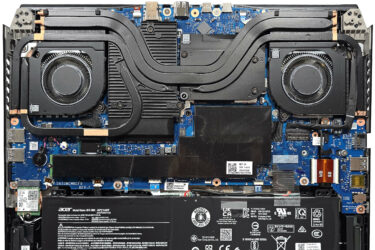
0How to open Acer Predator Helios 16 (PH16-72) – disassembly and upgrade options
Opening the Device Undo the 10 Torx-head screws securing the bottom panel. Detach the two plastic caps in front of the vents. Carefully raise the back side while holding the two plastic exhausts at the…
Published:
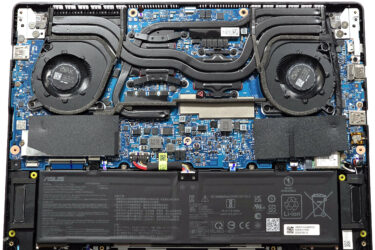
0How to open ASUS TUF Gaming A14 FA401 (2024) – disassembly and upgrade options
Opening the Device Undo the 11 Philips-head screws securing the bottom panel. The one in the lower right corner is captive and will lift the panel slightly, making it easier to start prying. Start…
Published:
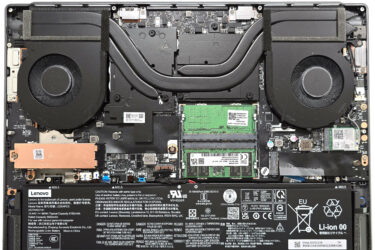
0How to open Lenovo ThinkBook 16p Gen 5 (16) – disassembly and upgrade options
Opening the Device Undo eight Torx-head screws on the bottom of the notebook. The two bottom corners will be slightly raised; start prying from the front. Work your way around the sides and the rear…
Published:
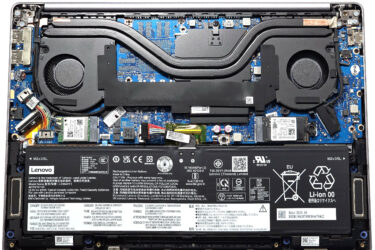
0How to open Lenovo IdeaPad Pro 5 14″ Gen 9 (14AHP9) – disassembly and upgrade options
Opening the Device Undo the six Torx-head screws securing the bottom panel. Use a lever tool to pop the back behind the hinge cover, focusing on the areas close to the top two edges. Pry…
Published:
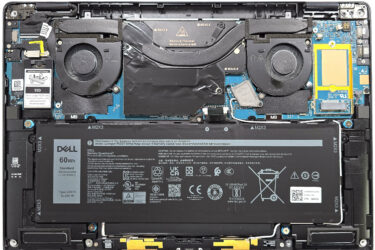
0How to open Dell Latitude 9450 (2-in-1) – disassembly and upgrade options
Opening the Device Undo the 6 captive Phillips-head screws securing the bottom panel. Use a thin plastic tool to pry the back of the device. Pop the top two corners and continue prying the sides…
Published:
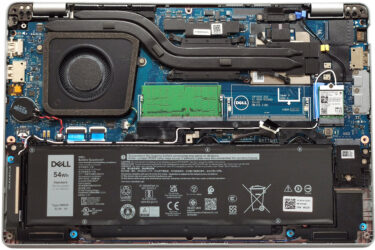
0How to open Dell Precision 14 3490 – disassembly and upgrade options
Opening the Device Undo the 8 captive Phillips-head screws securing the bottom panel. Use a lever tool to pop the areas behind the hinges. Then, use a thin plastic tool to pry the sides and…
Published:
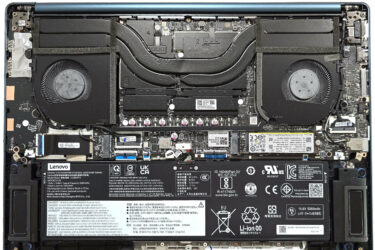
0How to open Lenovo Yoga Pro 9i Gen 9 (16″) – disassembly and upgrade options
Opening the Device Undo the eight Torx-head screws securing the bottom panel. The bottom two corners will already be lifted, providing a good starting point. Pry the front, followed by the sides, and finally, the…
Published:
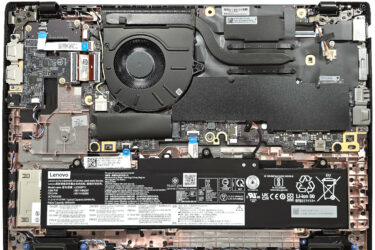
0How to open Lenovo ThinkPad L16 Gen 1 – disassembly and upgrade options
Opening the Device Undo the ten captive Phillips-head screws securing the bottom panel. Remove the SIM card tray. Use a thin plastic tool to pry the top two corners. Next, pry the sides and…
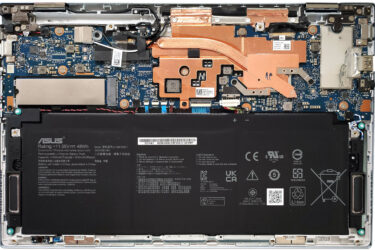
Published:
0How to open ASUS Chromebook Flip CX5 (CX5400) – disassembly and upgrade options
Opening the Device Undo the 10 Phillips-head screws securing the bottom panel. Pry the sides and the front. Be aware that the panel goes deep into the chassis, so you may need to push harder…
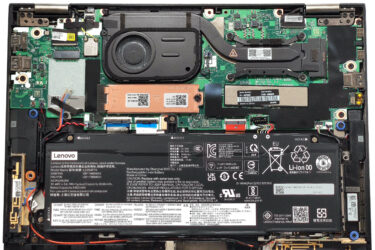
Published:
0How to open Lenovo ThinkPad X13 2-in-1 Gen 5 – disassembly and upgrade options
Opening the Device Undo the five Phillips-head screws securing the bottom panel. Use a thin plastic tool to pry the panel, starting from the back. Avoid prying the front. Once the sides are fully popped,…
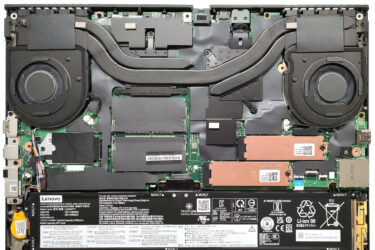
Published:
0How to open Lenovo ThinkPad P16v Gen 2 – disassembly and upgrade options
Opening the Device Undo the nine captive Phillips-head screws securing the bottom panel. Remove the SIM card tray. Use a thin plastic tool to pry the sides and the front, leaving the back for last.…
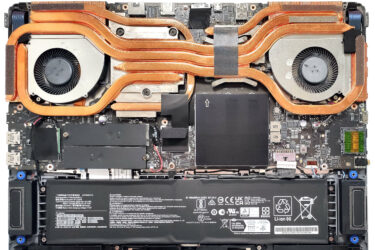
Published:
2How to open MSI Vector 17 HX A13V – disassembly and upgrade options
Opening the Device Undo the 13 Phillips-head screws securing the bottom panel. Turn over the device and pry all the sides of the hinge cover with a thin plastic tool. Open the lid and pop…
Published:
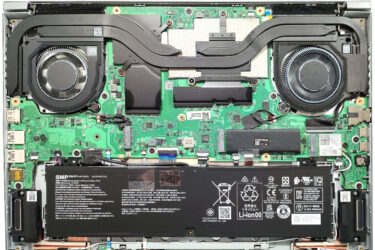
0How to open Acer Predator Triton Neo 16 (PTN16-51) – disassembly and upgrade options
Opening the Device Undo the 11 Torx-head screws securing the bottom panel. Raise one of the top two corners with a thin plastic tool to create a gap. Hold the tool in place and use…
Published:
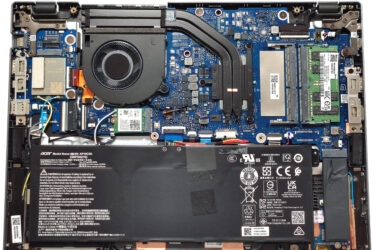
0How to open Acer TravelMate P2 (TMP214-55) – disassembly and upgrade options
Opening the Device Undo the 11 Phillips-head screws securing the bottom panel. Pop the zones behind the hinges with a lever tool to create gaps in the top two corners between the chassis and panel.…
Published:
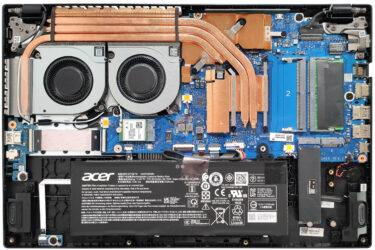
0How to open Acer Nitro V 15 (ANV15-41) – disassembly and upgrade options
Opening the Device Undo the 11 Phillips-head screws securing the bottom panel. Pop the zones behind the hinges with a lever tool. Pry the sides and the front, leaving the rear for last. More info:…
Published:
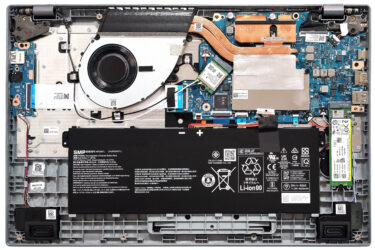
0How to open Acer Aspire 15 (A15-41M) – disassembly and upgrade options
Opening the Device Undo the 11 Phillips-head screws securing the bottom panel. Pop the top two corners with a thin plastic tool, then pry the sides, the front, and the back to remove the bottom…
Published:
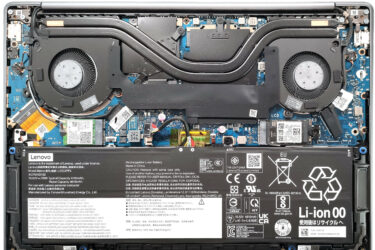
0How to open Lenovo Yoga Pro 7i 14 – disassembly and upgrade options
Opening the Device Undo the six Phillips-head screws securing the bottom panel. Pop the bottom panel behind the hinge cover close to the top two corners. Work your way around the sides and the front…
Published:
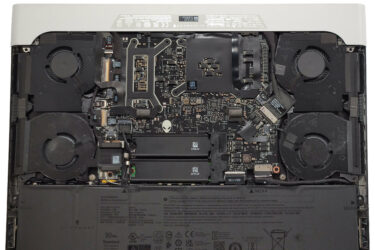
0How to open Alienware x16 R2 – disassembly and upgrade options
Opening the Device Undo the 6 Phillips-head screws securing the bottom panel. The screws in the middle and bottom are captive, and they will slightly lift almost half of the panel, making the disassembly process…
Published:
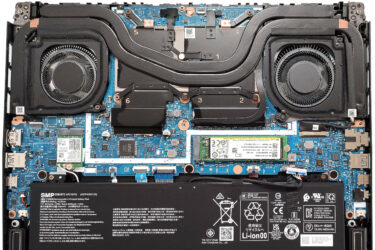
0How to open Acer Predator Helios Neo 14 (PHN14-51) – disassembly and upgrade options
Opening the Device Undo the 9 Torx-head screws securing the bottom panel. Turn over the laptop and pop the hinge cover. Carefully pop the rear step by step by inserting a thin plastic tool between…
Published:
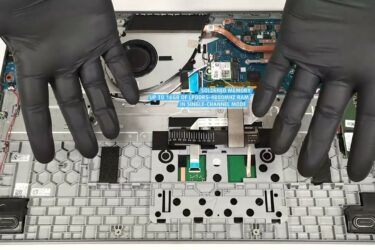
0How to open Acer Aspire 3 (A317-55P) – disassembly and upgrade options
Opening the Device Undo the 11 Phillips-head screws securing the bottom panel. Pop the top two corners with a thin plastic tool. Pry the back and then work your way around the sides and…




