How to open ASUS Vivobook 15 (X1502) – disassembly and upgrade options
The ASUS Vivobook 15 (X1502) is a really affordable everyday device, but it has a tremendous amount of power.
Check out all ASUS Vivobook 15 (X1502) prices and configurations in our Specs System, or read more in our In-Depth review.
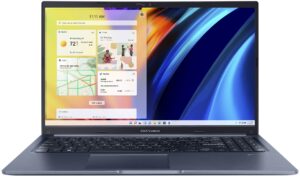
1. Remove the bottom plate
To open this notebook, you need to undo all 10 Phillips-head screws that keep the bottom panel attached to the chassis. Then, pry the panel with a plastic tool.
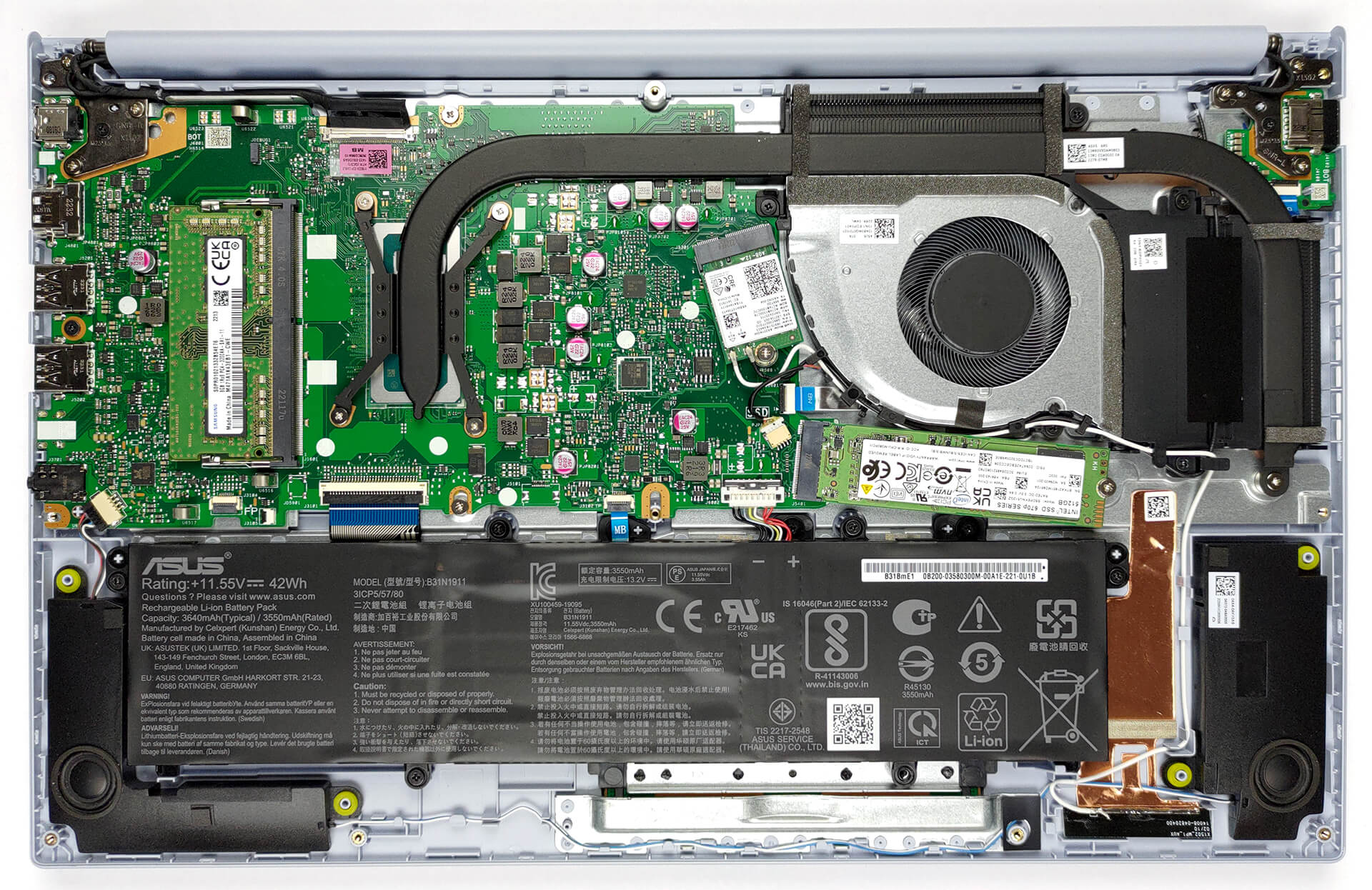
2. Remove the battery
The Vivobook 15 features a 42Wh battery pack. It lasts for 9 hours of Web browsing, or 6 hours of video playback. Before you remove it, you need to unplug the battery connector and undo the 5 Phillips-head screws that keep it in place.
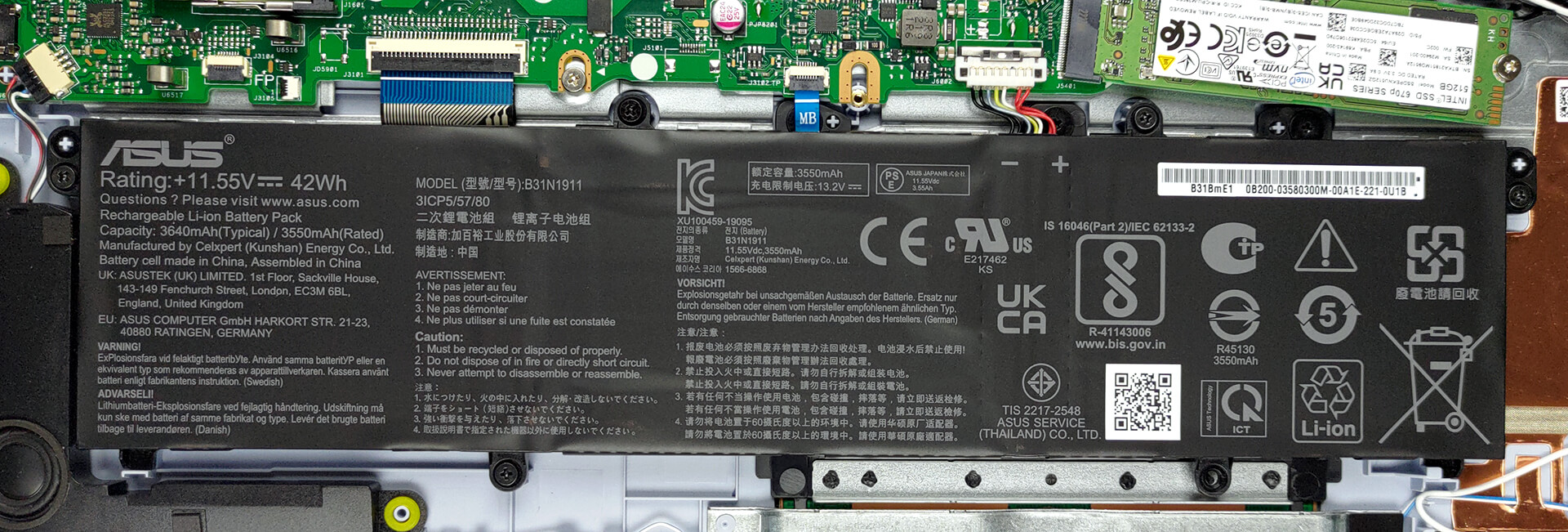
3. Upgrade memory and storage
Memory-wise, you get either 4 or 8GB of memory soldered to the motherboard. In addition, you can use the single SODIMM slot to expand it with DDR4 RAM. For storage, there is one M.2 PCIe x4 slot, which supports Gen 4 SSDs.

4. Cooling system
Interestingly, the cooling comprises one heat pipe but two heat sinks. This means that the single fan needs to push air in two directions.

Check out all ASUS Vivobook 15 (X1502) prices and configurations in our Specs System, or read more in our In-Depth review.
ASUS Vivobook 15 (X1502 / M1502 / F1502 / P1502) uitgebreide review
Today, the visitor in our office is being pretty light on your budget. Nevertheless, the Vivobook 15 (X1502) aims to strike you with its bold hardware choices, as well as its high-performance potential.One would imagine that ASUS will want to cut some costs when it comes to hardware. Well, that's definitely not the case. This machine is supplied with an Alder Lake CPU. There are options with 15W TDPs, and others with 28W power limits.And here comes the trick up ASUS's sleeve - it's the "My ASUS" app. Through it, you can change between three performance presets. The most potent one has[...]
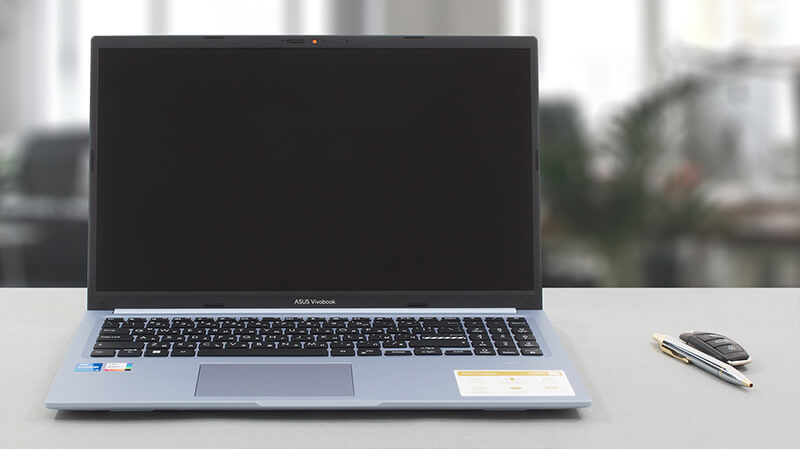
Pros
- 1x SODIMM + 1x M.2 PCIe x4 Gen 4
- Comfortable keyboard
- No PWM (Innolux N156HCA-EAB (CMN15E7))
- Optional fingerprint reader
- Decent performance
- Antibacterial coating
Minpunten
- Covers only 56% of sRGB (Innolux N156HCA-EAB (CMN15E7))
- USB Type-C port is data-transfer only
- No keyboard backlight
- Lacks an SD card reader
 Author: Alex Iliev

![[augustus 2026] Wereldwijde ranglijst van bestverkochte laptop-GPU’s op Amazon – Apple is onbetwist nummer één, NVIDIA’s RTX 5060 staat bovenaan de ranglijst voor dedicated GPU’s](https://laptopmedia.com/wp-content/uploads/2026/09/Best-Selling-GPUs-GLOBAL-Top-10-400x225.jpg)
![[augustus 2026] Wereldwijde ranglijst van bestverkochte laptop-CPU’s op Amazon – Apple domineert zowel het budget- als het premiumsegment: A18 Pro en M5 verslaan Intel en AMD in augustus 2026](https://laptopmedia.com/wp-content/uploads/2026/09/Best-Selling-CPUs-GLOBAL-Top-10-400x225.jpg)
![[augustus 2026] Amazon Global: Top 10 van best verkochte laptops – De Apple MacBook Neo domineert de hitlijsten, terwijl goedkope en middenklasse Windows-laptops strijden om het verkoopvolume](https://laptopmedia.com/wp-content/uploads/2026/09/Best-Selling-Laptops-GLOBAL-Top-10-400x225.jpg)
![[augustus 2026] Bestverkochte laptopmerken op Amazon Global – Apple domineert qua omzet, terwijl HP koploper is qua modelvariëteit](https://laptopmedia.com/wp-content/uploads/2026/09/GLOBAL-Best-Brands-400x225.jpg)
![[augustus 2026] Amazon Global: Top 10 bestverkochte gaminglaptops – HP Victus 15 pakt de eerste plaats terwijl budgetvriendelijke modellen de hitlijsten domineren](https://laptopmedia.com/wp-content/uploads/2026/09/Best-Selling-Gaming-Laptops-GLOBAL-Top-10-400x225.jpg)
