How to open Lenovo Yoga Slim 7 Pro (14″, 2022) – disassembly and upgrade options
The soldered memory and 16GB maximum capacity are not ideal. On the other hand, the Yoga Slim 7 Pro is super responsive, partially thanks to the laptop’s RAM, which works at 6400MHz.
Check out all Lenovo Yoga Slim 7 Pro (14″, 2022) prices and configurations in our Specs System, or read more in our In-Depth review.
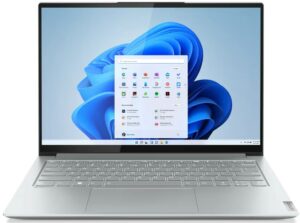
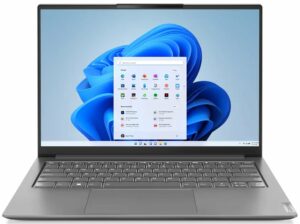
1. Remove the bottom plate
To open this notebook, you need to undo 7 Torx-head screws. Then, pry the bottom panel with a plastic tool and remove it from the chassis.
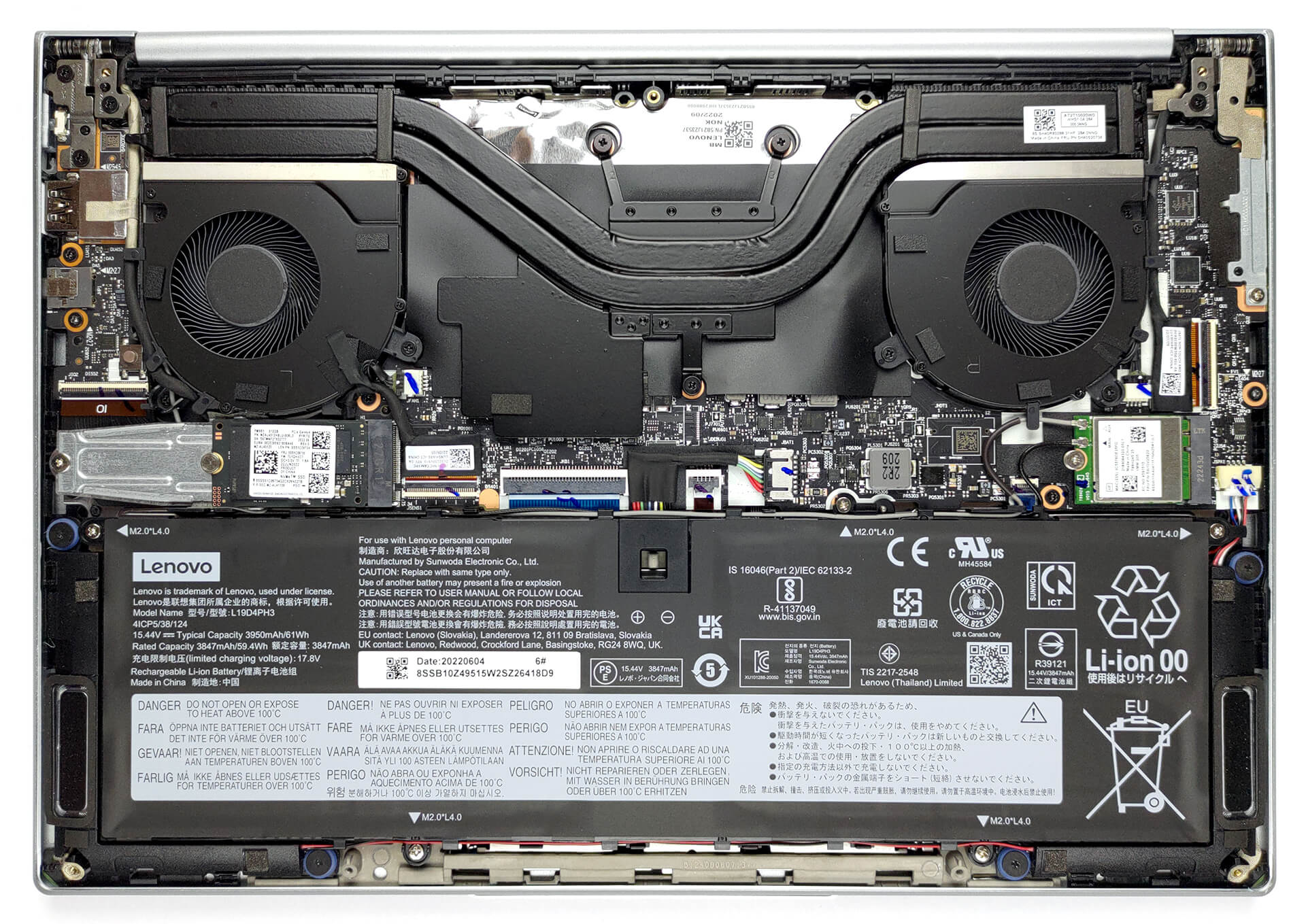
2. Remove the battery
Here, we have a 61Wh battery pack. It lasts for 18 hours of Web browsing, or 12 hours and 30 minutes of video playback. To take the battery out, you need to undo 5 Phillips-head screws. Then, unplug the connector from the motherboard. After that, you will need to carefully untangle the Wi-Fi antenna cables from the top, and the speaker cables from the bottom of the battery housing.

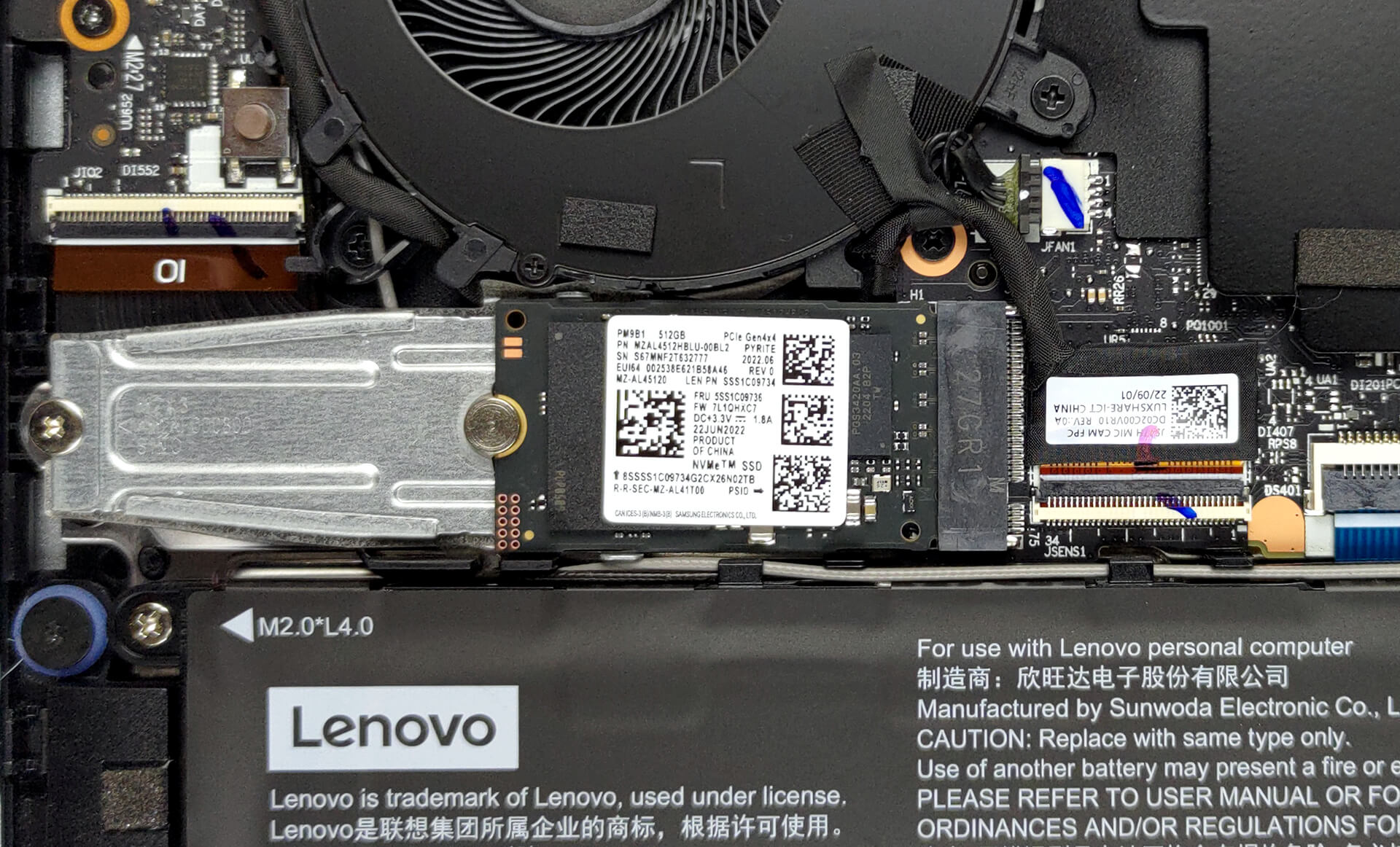
3. Upgrade memory and storage
Unfortunately, the memory here is soldered to the motherboard. The device can be found in configurations with up to 16GB of LPDDR5 RAM, working at 6400 MHz. Storage-wise, there is one M.2 PCIe x4 slot, which supports Gen 4 SSDs.
4. Cooling system
Lenovo has provided decent cooling, comprising two heat pipes, two fans, and a heat spreader over the VRMs.
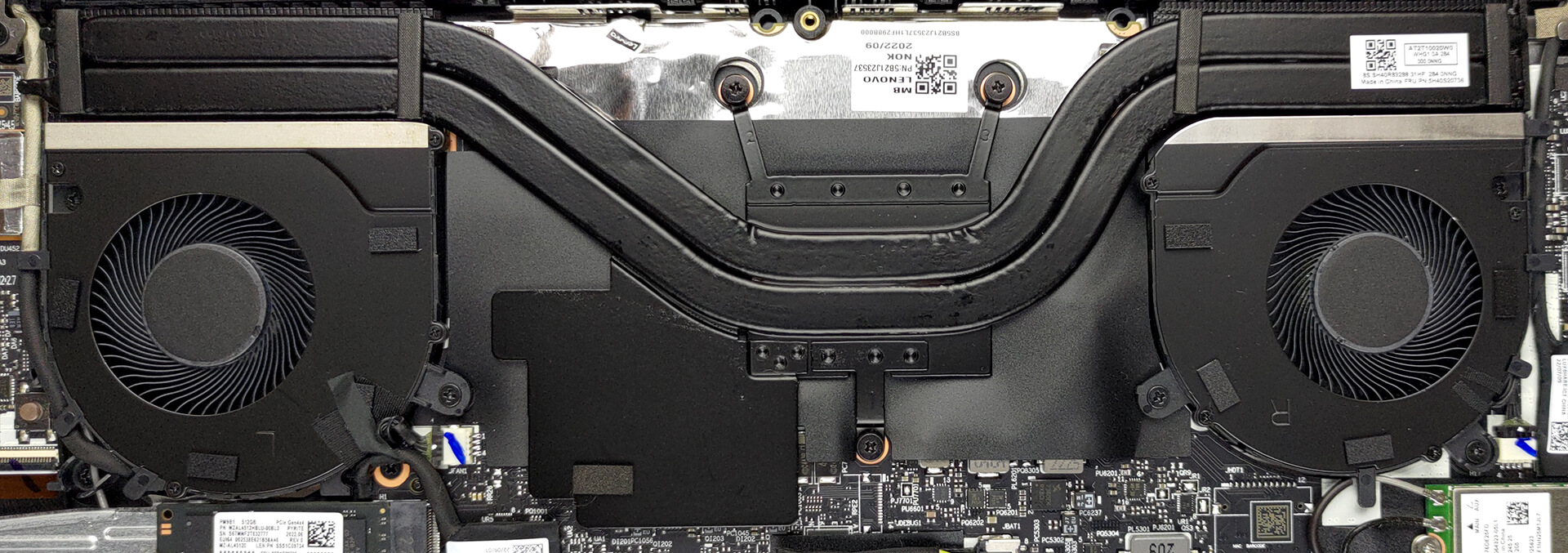
Check out all Lenovo Yoga Slim 7 Pro (14″, 2022) prices and configurations in our Specs System, or read more in our In-Depth review.
Lenovo Yoga Slim 7 Pro (14", 2022) uitgebreide review
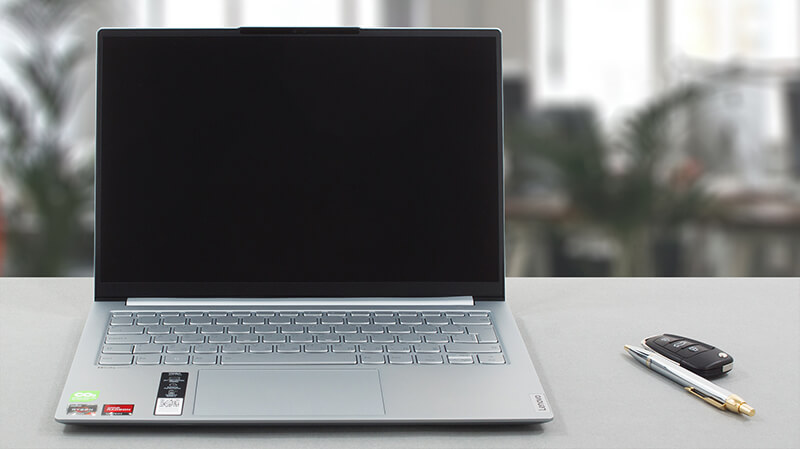
At this point, it is getting really hard to differentiate one Lenovo notebook from another. Not only does the brand have the ThinkPads, IdeaPads, Legions, and Yogas, but some of them have their own mini iterations. For example, the Yoga can be found in a convertible, and a "Slim" variant, which is a clamshell device.Furthermore, the Yoga Slim can come in vanilla, Pro, and ProX type. Today, we're going to cover the Pro model. Particularly, we're talking about the AMD version. It features the Ryzen 6000HS processors. They are somewhat energy-efficient while offering almost the same performa[...]
Pros
- Great battery life
- Super rigid chassis
- 96% sRGB coverage and accurate colors with our profiles (BOE NV140DRM-N61)
- No PWM (BOE NV140DRM-N61)
- 1x USB4 + Gen 4 SSD support
- IR face recognition
- Proximity sensor
Minpunten
- No SD card reader
- Soldered memory
 Author: Alex Iliev

![[juni 2026] Bestverkochte laptopmerken op Amazon Global – Apple’s ongeëvenaarde dominantie in aantal verkochte exemplaren en omzet](https://laptopmedia.com/wp-content/uploads/2026/07/GLOBAL-Best-Brands-400x225.jpg)
![[juni 2026] Amazon Global: Top 10 bestverkochte laptops – De nieuwe MacBook Neo van Apple stormt naar de eerste plaats en zet de markt op zijn kop dankzij zijn betaalbaarheid](https://laptopmedia.com/wp-content/uploads/2026/07/Best-Selling-Laptops-GLOBAL-Top-10-400x225.jpg)
![[juni 2026] Amazon Global: Top 10 van best verkochte gaminglaptops – De Nitro V 16S AI van Acer domineert de verkoopcijfers, terwijl ASUS qua totale omzet aan kop gaat](https://laptopmedia.com/wp-content/uploads/2026/07/Best-Selling-Gaming-Laptops-GLOBAL-Top-10-400x225.jpg)
![[juni 2026] Wereldwijde ranglijst van bestverkochte laptop-GPU’s op Amazon – De NVIDIA RTX 5060 is de bestverkochte speciale GPU](https://laptopmedia.com/wp-content/uploads/2026/07/Best-Selling-GPUs-GLOBAL-Top-10-400x225.jpg)
![[juni 2026] Wereldwijde ranglijst van bestverkochte laptop-CPU’s op Amazon – Apple M5 domineert, AMD Ryzen 7 260 verovert een stevig aandeel in het premiumsegment](https://laptopmedia.com/wp-content/uploads/2026/07/Best-Selling-CPUs-GLOBAL-Top-10-400x225.jpg)
