Inside Dell Latitude 14 3420 – disassembly and upgrade options
Thankfully, this is a business laptop, that provides a good amount of upgrade options.
Check out all Dell Latitude 14 3420 prices and configurations in our Specs System or read more in our In-Depth review.
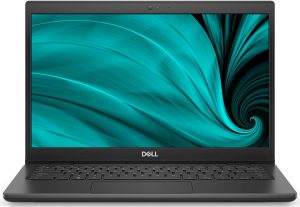
1. Remove the bottom plate
This laptop’s bottom panel is held in place by 8 captive Phillips-head screws. After you undo them, the two on the back will lift the backside of the panel by a couple of millimeters. This will allow you to easily start the prying process.
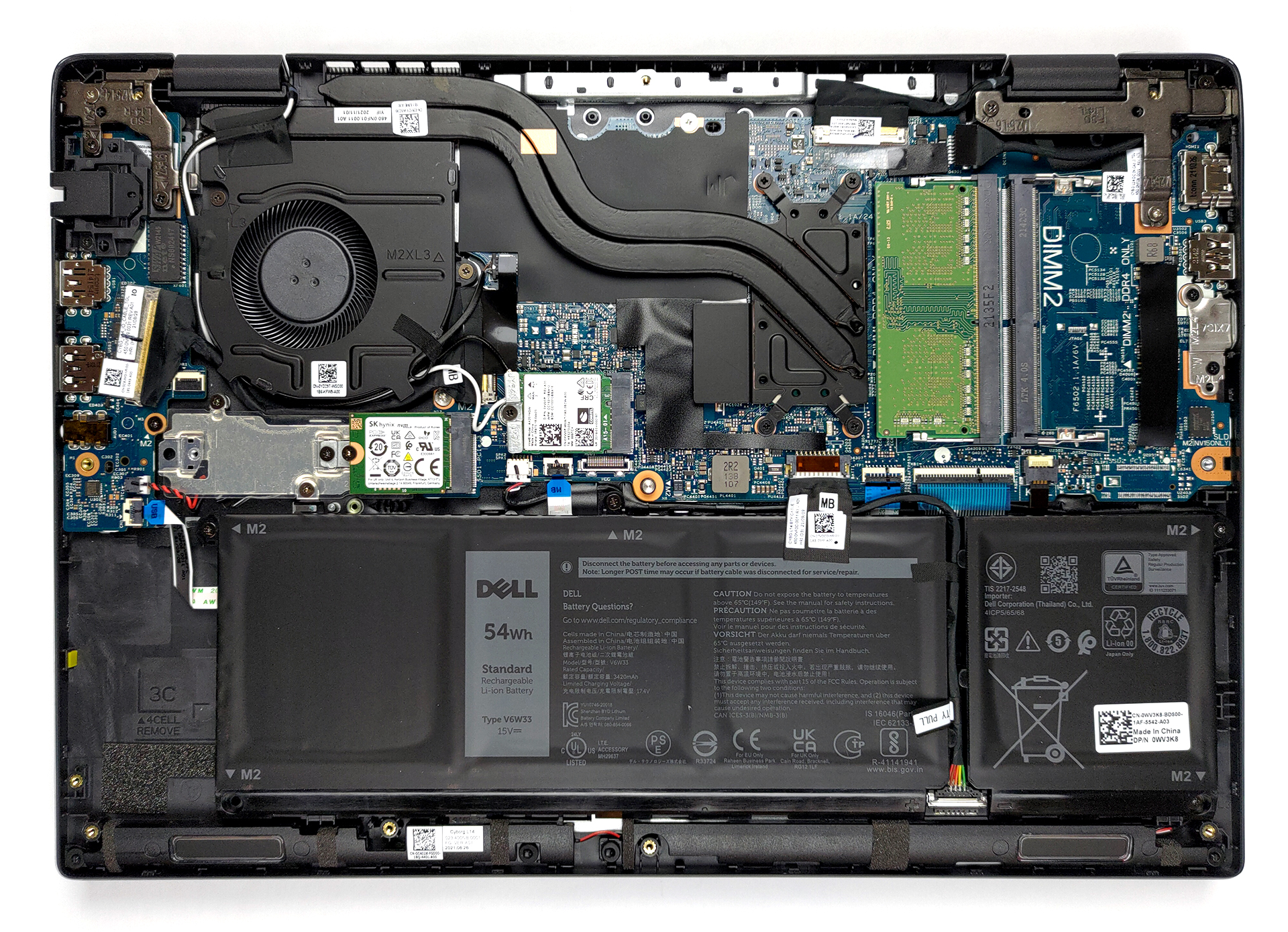
2. Battery
Our unit was equipped with the larger 54Wh battery pack. To take the battery out of the machine, remove its connector from the motherboard. Undo all 4 Phillips-head screws, and lift it away.
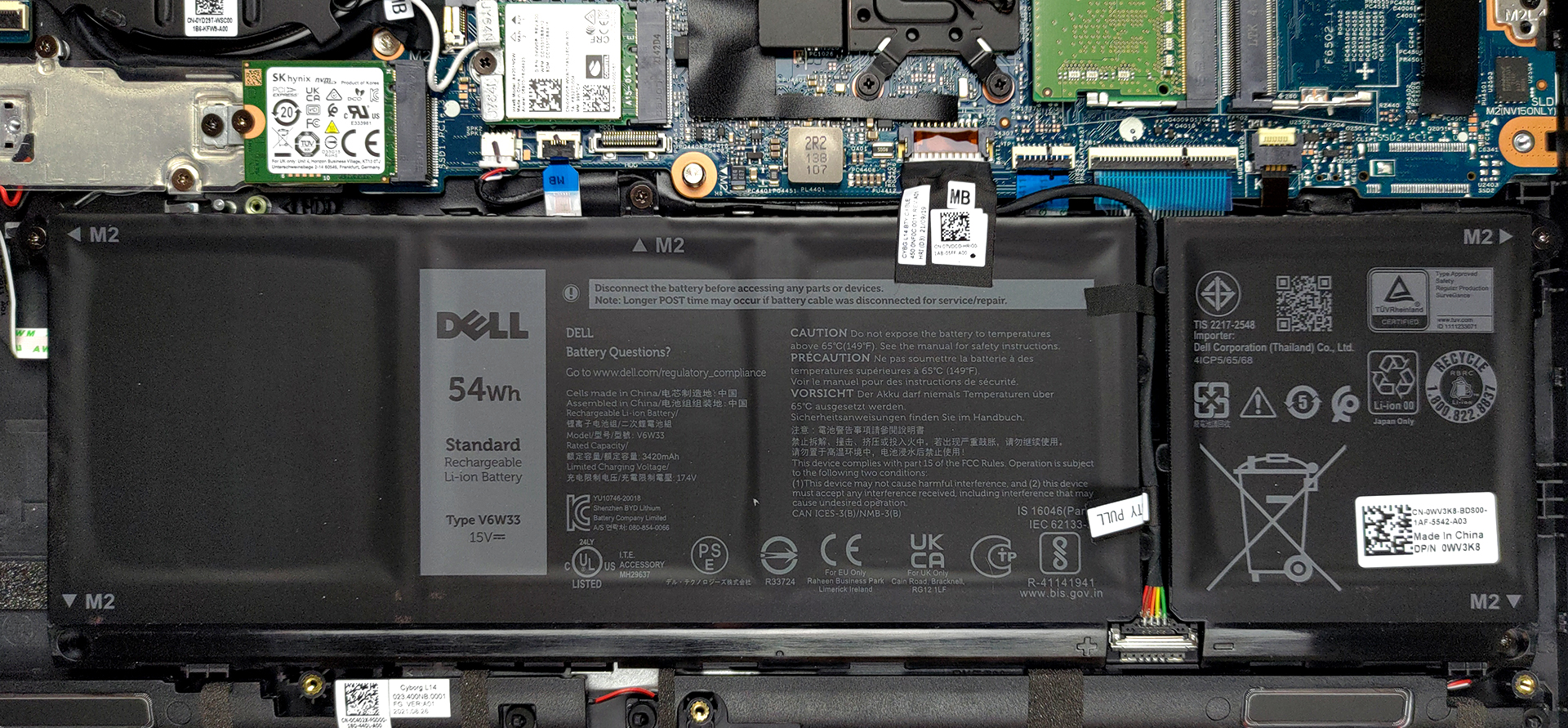
3. Memory and storage
Here, you will see two SODIMM slots. According to Dell, they support up to 32GB of DDR4 RAM in total and work in dual-channel mode. Storage-wise, there is only one M.2 PCIe x4 slot.

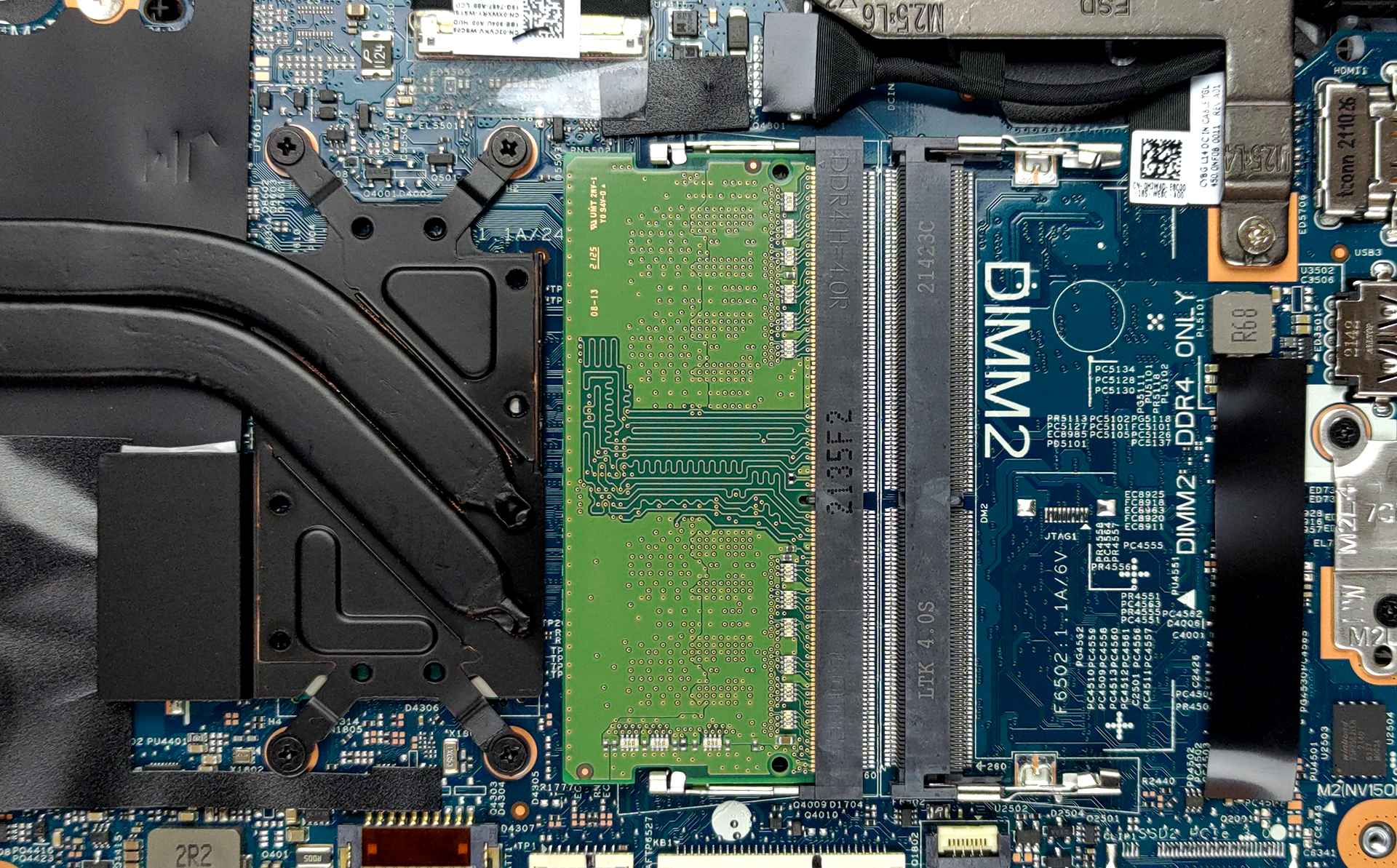
4. Cooling system
Looking at the cooling, we are surprised to see two heat pipes. Other than that, it is pretty standard, with its heat sink, and fan of average size.

Check out all Dell Latitude 14 3420 prices and configurations in our Specs System or read more in our In-Depth review.
Dell Latitude 14 3420 uitgebreide review
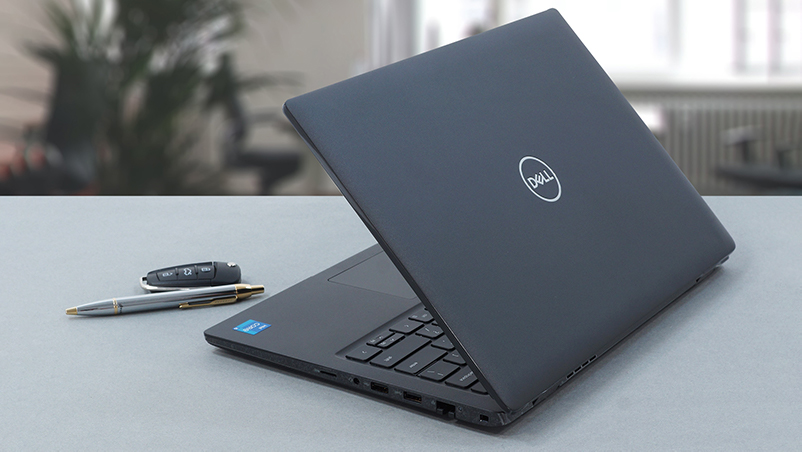
Once again, we have one of the most affordable business notebooks from Dell in for a review. Well, we shouldn't use words like "affordable" so carelessly, because an adequate configuration of the device runs for nearly $1000.Thankfully, you get quite the pool of processors to choose from. It spans from the Celeron 6305U, all the way up to the Core i7-1165G7. By the way, configurations equipped with the Celeron CPU are starting from around $500, but they are very limited in terms of performance.In addition to that, you get a choice of three displays. The first is a 768p TN panel, which[...]
Pros
- Great upgradeability
- Stable and secure notebook
- MicroSD card, Wi-Fi 6 support, and wide I/O
- Great battery life
- Charges with USB Type-C
- Doesn't use aggressive PWM for brightness adjustment (Sharp XWXRY-LQ140M1 (SHP1542))
- Optional IR face recognition, fingerprint reader, and LTE support
Minpunten
- 53% sRGB coverage (Sharp XWXRY-LQ140M1 (SHP1542))
- A bit pricey
- Not the best build quality
 Author: Alex Iliev

![[juni 2026] Bestverkochte laptopmerken op Amazon Global – Apple’s ongeëvenaarde dominantie in aantal verkochte exemplaren en omzet](https://laptopmedia.com/wp-content/uploads/2026/07/GLOBAL-Best-Brands-400x225.jpg)
![[juni 2026] Amazon Global: Top 10 bestverkochte laptops – De nieuwe MacBook Neo van Apple stormt naar de eerste plaats en zet de markt op zijn kop dankzij zijn betaalbaarheid](https://laptopmedia.com/wp-content/uploads/2026/07/Best-Selling-Laptops-GLOBAL-Top-10-400x225.jpg)
![[juni 2026] Amazon Global: Top 10 van best verkochte gaminglaptops – De Nitro V 16S AI van Acer domineert de verkoopcijfers, terwijl ASUS qua totale omzet aan kop gaat](https://laptopmedia.com/wp-content/uploads/2026/07/Best-Selling-Gaming-Laptops-GLOBAL-Top-10-400x225.jpg)
![[juni 2026] Wereldwijde ranglijst van bestverkochte laptop-GPU’s op Amazon – De NVIDIA RTX 5060 is de bestverkochte speciale GPU](https://laptopmedia.com/wp-content/uploads/2026/07/Best-Selling-GPUs-GLOBAL-Top-10-400x225.jpg)
![[juni 2026] Wereldwijde ranglijst van bestverkochte laptop-CPU’s op Amazon – Apple M5 domineert, AMD Ryzen 7 260 verovert een stevig aandeel in het premiumsegment](https://laptopmedia.com/wp-content/uploads/2026/07/Best-Selling-CPUs-GLOBAL-Top-10-400x225.jpg)
