Inside Dell Vostro 5590 – disassembly and upgrade options
Dell Vostro 5590 is an incredibly good looking device, that is somewhat resembling the design features of the premium XPS line up. However, the affordable price tag makes this notebook incredibly appealing to students and business people.
Check out all Dell Vostro 5590 prices and configurations in our Specs System or read more in our In-Depth review.

1. Remove the bottom plate
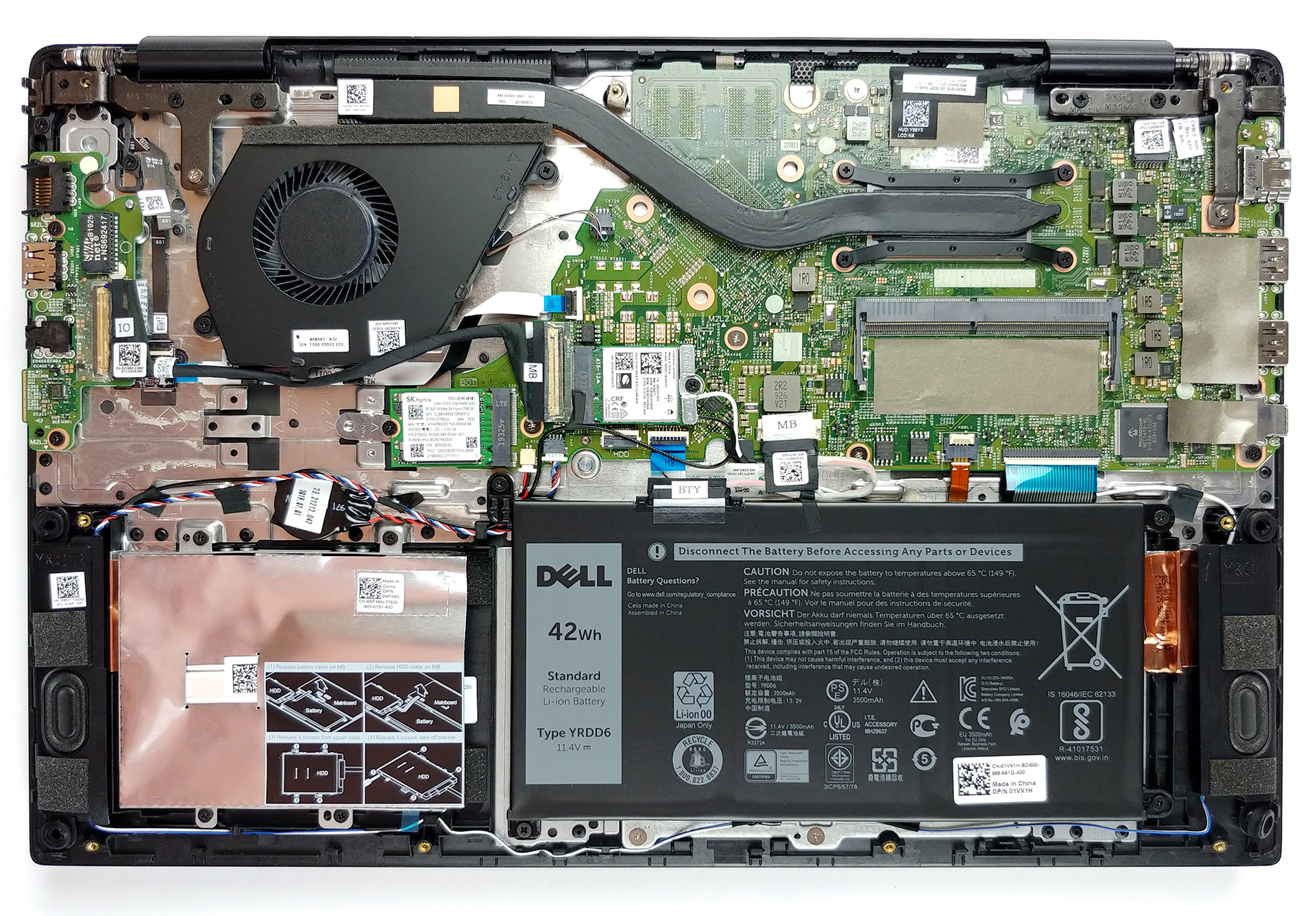
Like most of the laptops that come to the market lately, the Vostro 5590 is not equipped with a service lid compartment. Hence, you need to remove the entire back panel in order to access its internals. Nevertheless, you can easily do so with a simple Phillips screwdriver and a plastic pry tool. After that, you just need to pry the bottom plate with a plastic tool.
2. Battery
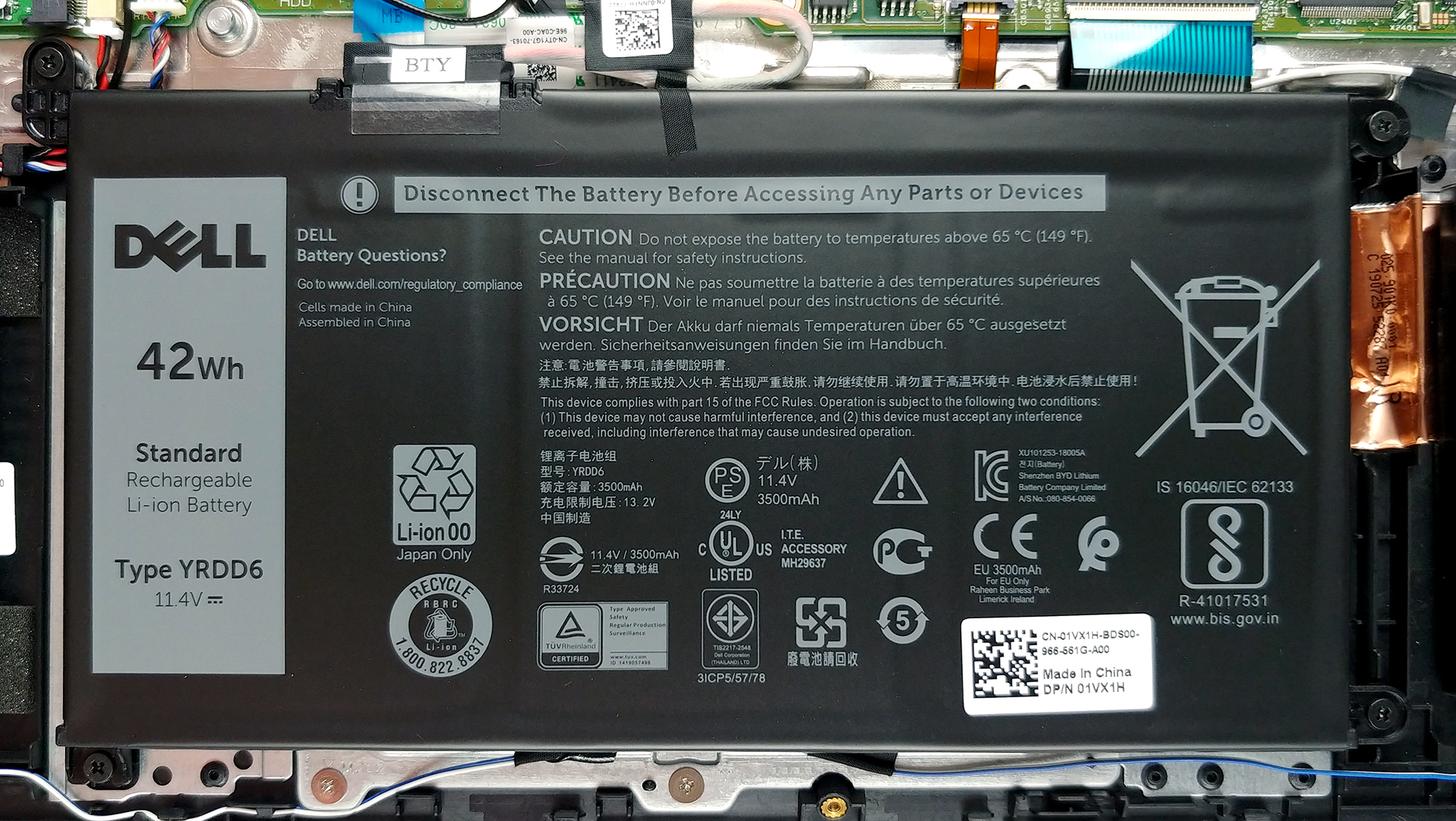
Dell has disappointed a little with the battery capacity of this notebook, which is 42Wh. However, the optimizations were on point, as you can see HERE.
3. Storage and memory
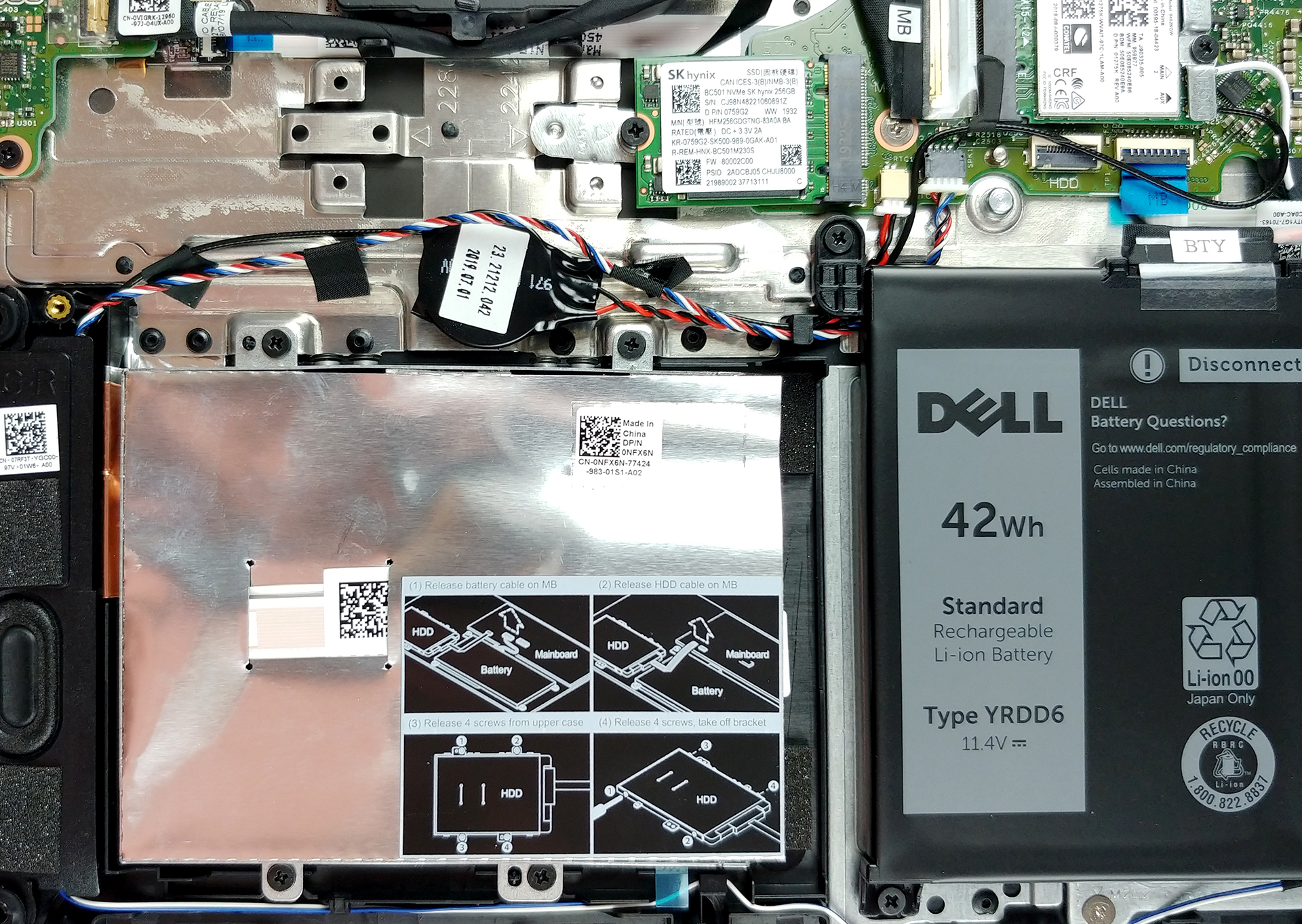
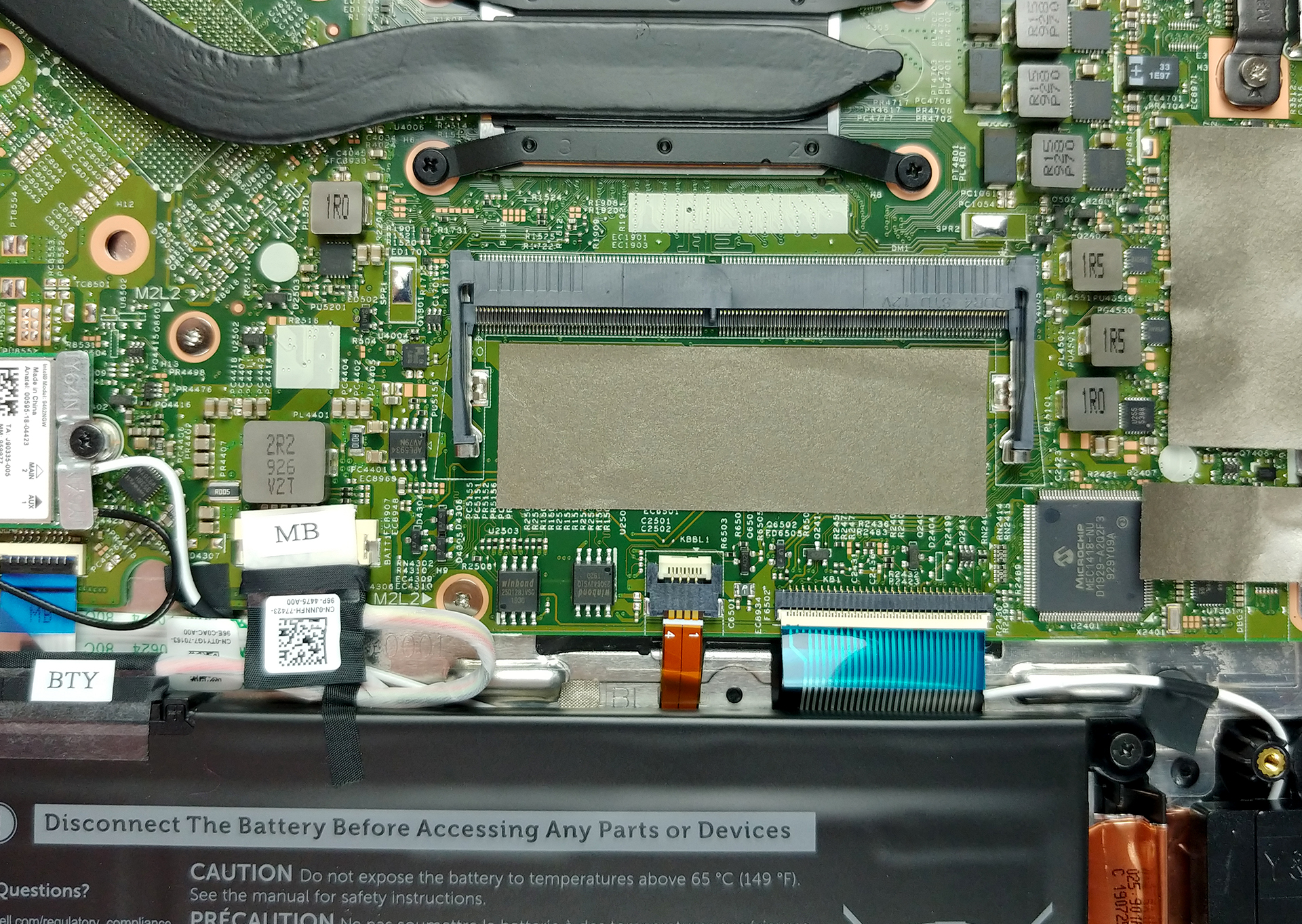
There are a couple of options for this device – either you get the version with 4GB or 8GB of soldered memory. Additionally, there is one RAM DIMM for upgrades. The slot itself can fit a maximum of 16GB, which depending on the configuration you pick may result in a maximum of 20GB or 24GB of DDR4 memory, working at 2666 MHz. When it comes to storage, there is the standard 2.5″ SATA drive slot and an M.2 PCIe x4 slot. You can put up to 2TB of 5400rpm HDDs, 1TB of 7200rpm HDDs, 512GB of M.2 2232 drives, 1TB of M.2 2280 drives and 512GB of Intel Neptune Harbor SSDs.
4. Cooling system
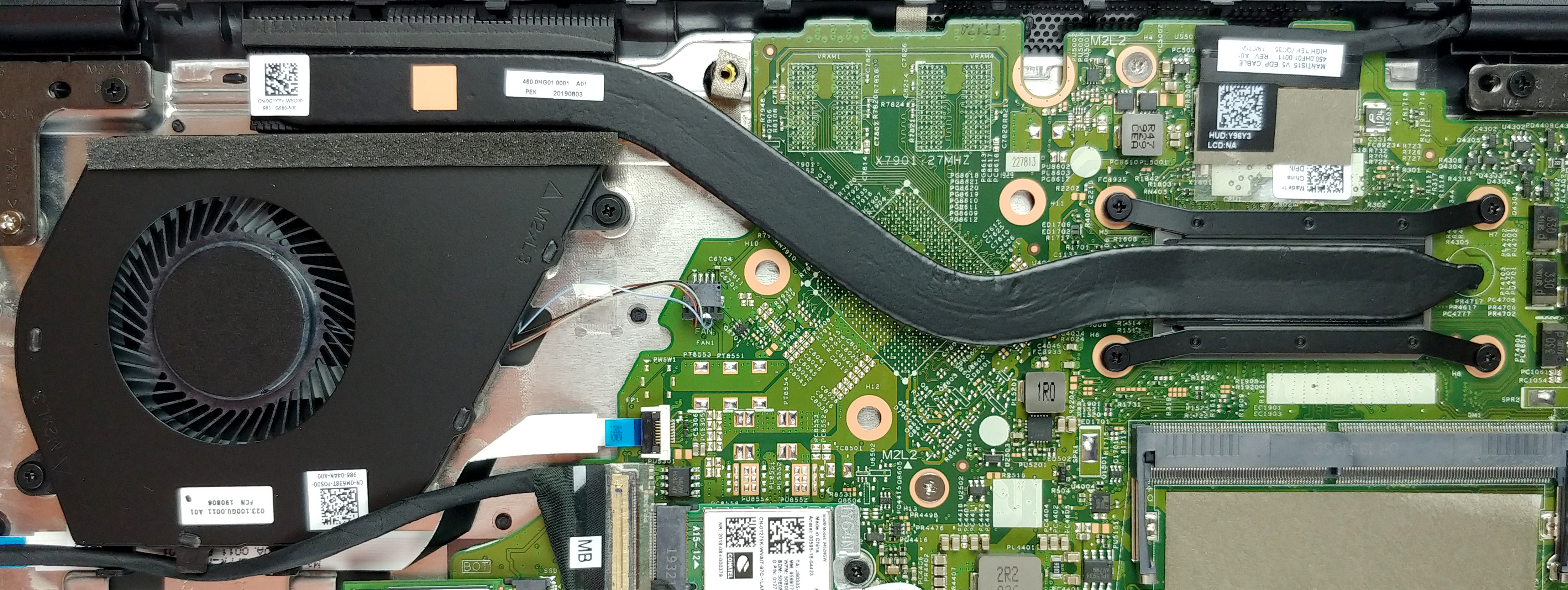
When it comes to cooling, the GPU-less iteration of the Vostro 5590 has only one, relatively thin heat pipe. Most of the time we see that to be pretty sufficient, but it is not the most sophisticated system we’ve seen.
Check out all Dell Vostro 5590 prices and configurations in our Specs System or read more in our In-Depth review.
 Author: Alex Iliev

![[juni 2026] Bestverkochte laptopmerken op Amazon Global – Apple’s ongeëvenaarde dominantie in aantal verkochte exemplaren en omzet](https://laptopmedia.com/wp-content/uploads/2026/07/GLOBAL-Best-Brands-400x225.jpg)
![[juni 2026] Amazon Global: Top 10 bestverkochte laptops – De nieuwe MacBook Neo van Apple stormt naar de eerste plaats en zet de markt op zijn kop dankzij zijn betaalbaarheid](https://laptopmedia.com/wp-content/uploads/2026/07/Best-Selling-Laptops-GLOBAL-Top-10-400x225.jpg)
![[juni 2026] Amazon Global: Top 10 van best verkochte gaminglaptops – De Nitro V 16S AI van Acer domineert de verkoopcijfers, terwijl ASUS qua totale omzet aan kop gaat](https://laptopmedia.com/wp-content/uploads/2026/07/Best-Selling-Gaming-Laptops-GLOBAL-Top-10-400x225.jpg)
![[juni 2026] Wereldwijde ranglijst van bestverkochte laptop-GPU’s op Amazon – De NVIDIA RTX 5060 is de bestverkochte speciale GPU](https://laptopmedia.com/wp-content/uploads/2026/07/Best-Selling-GPUs-GLOBAL-Top-10-400x225.jpg)
![[juni 2026] Wereldwijde ranglijst van bestverkochte laptop-CPU’s op Amazon – Apple M5 domineert, AMD Ryzen 7 260 verovert een stevig aandeel in het premiumsegment](https://laptopmedia.com/wp-content/uploads/2026/07/Best-Selling-CPUs-GLOBAL-Top-10-400x225.jpg)
