Inside HP Pavilion x360 15 (15-er0000) – disassembly and upgrade options
HP could have definitely made our job easier here, but instead, they once again hid the screws away from plain sight.
Check out all HP Pavilion x360 15 (15-er0000) prices and configurations in our Specs System or read more in our In-Depth review.
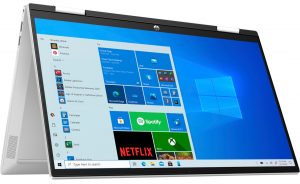
1. Remove the bottom plate
Once again, all of the screws of this laptop are hidden beneath the rubber feet. Keep in mind that the feet are rather thin, so be gentle when you remove them. After that, undo all 7 Phillips-head screws, and pry the bottom panel with a plastic tool.

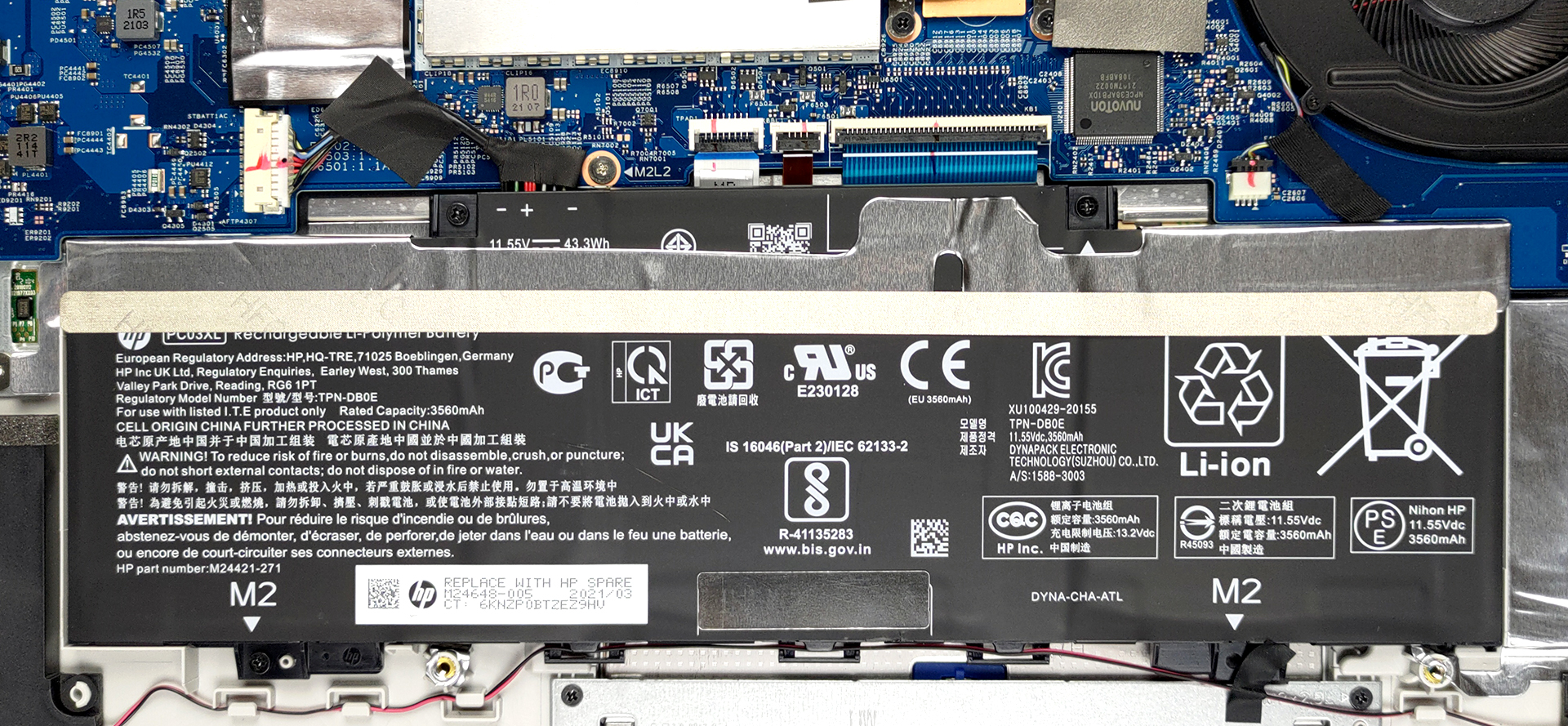
2. Battery
Inside, you will find a 43Wh battery pack.
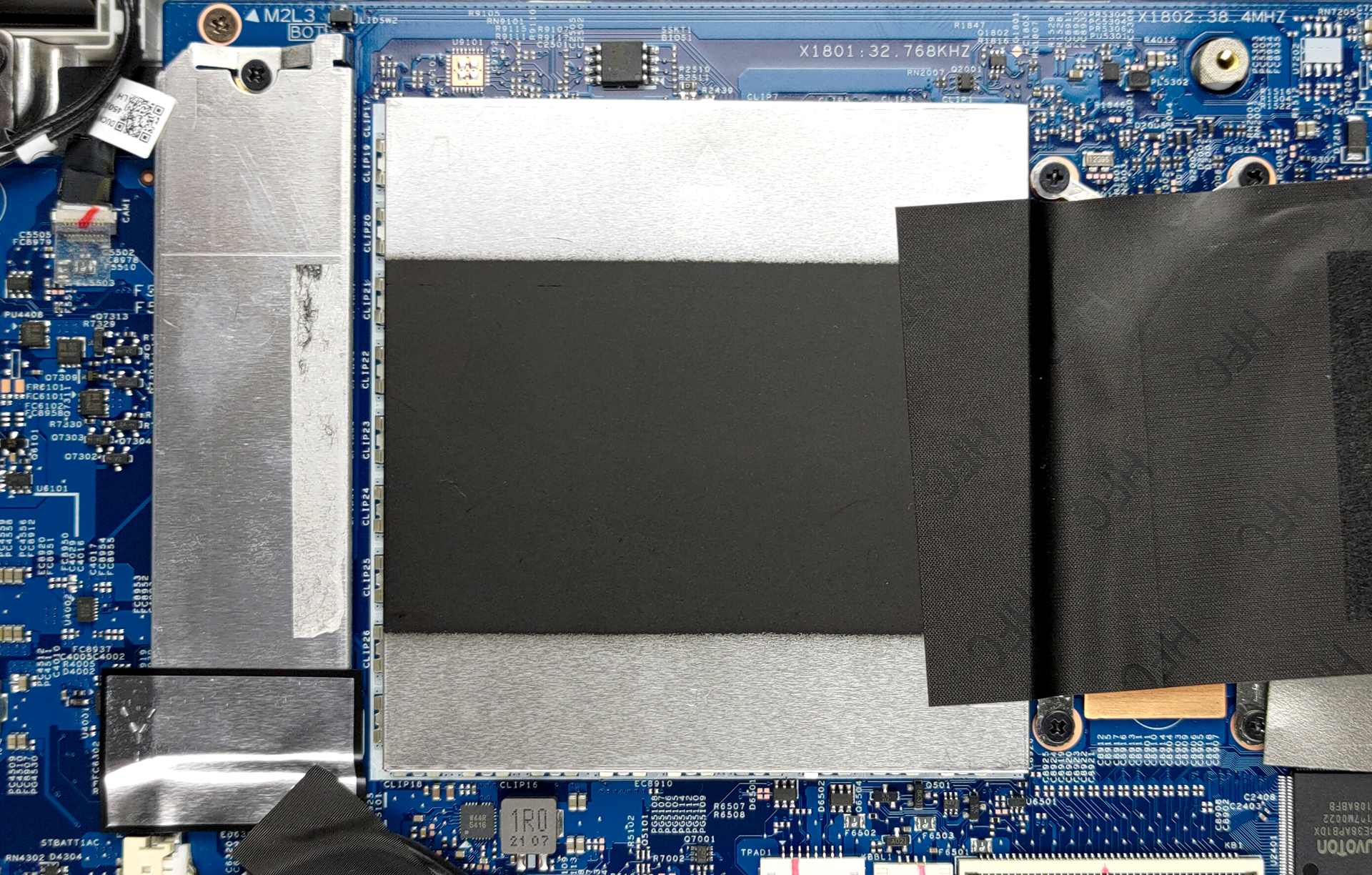
3. Мemory and storage
Once you get to the upgrade options, you will see more hide-and-seek adventures. First, remove the metal bracket next to the processor, to reveal the two SODIMM slots for memory upgrades. The maximum supported RAM here is 32GB. Storage-wise, there is one M.2 NVMe slot.
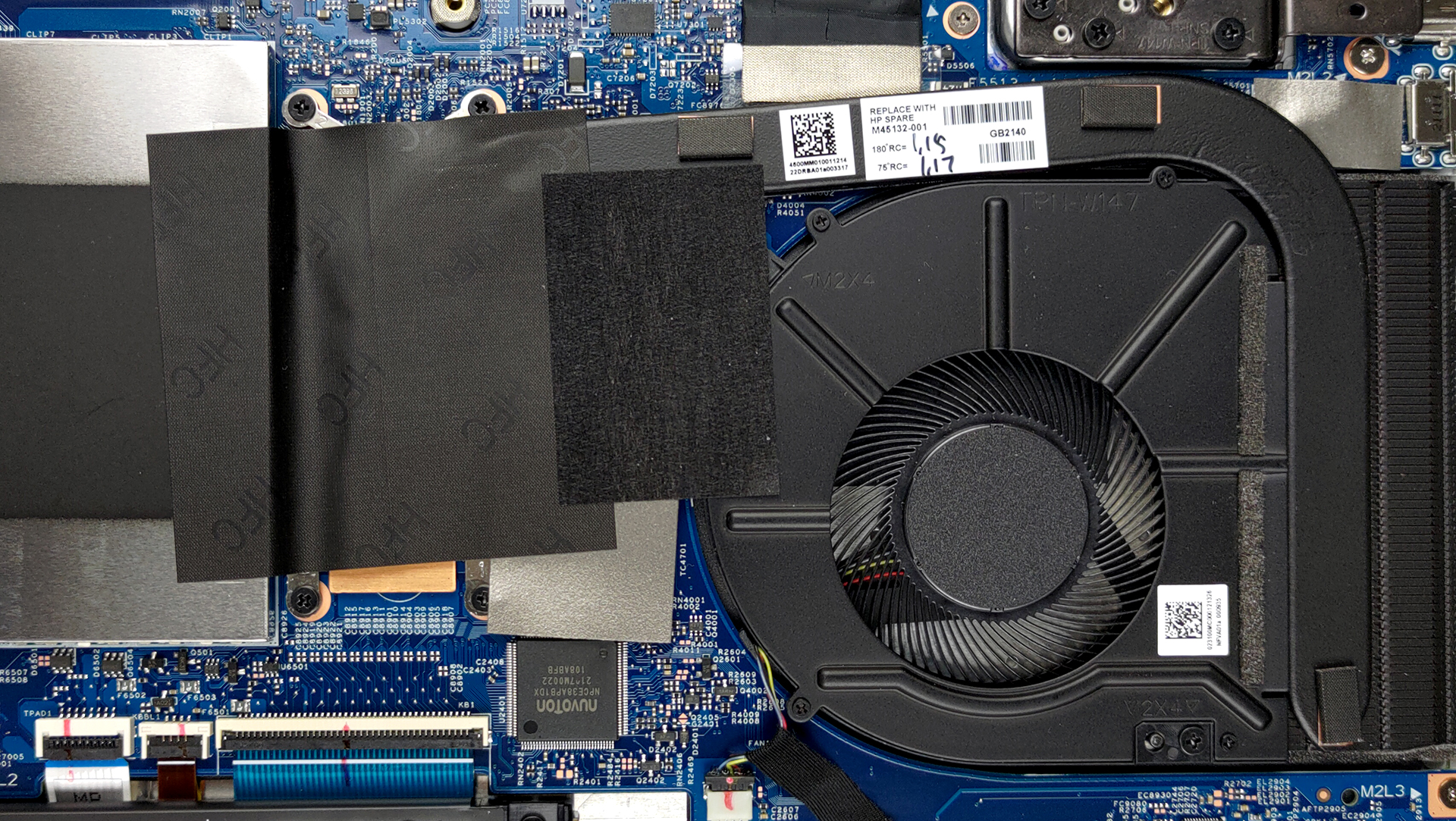
4. Cooling system
As for the cooling, there is one heat pipe, and medium-sized heat sink, and a fan.
Check out all HP Pavilion x360 15 (15-er0000) prices and configurations in our Specs System or read more in our In-Depth review.
HP Pavilion x360 15 (15-er0000, er1000) uitgebreide review
What HP is doing with their Spectre and Envy brands is delivering high-quality products with a lot of features. Well, not everyone has the budget for that, unfortunately. This is why devices like the Pavilion x360 15 (15-er0000) exist. They should present the ultimate balance between price and performance while keeping the compromises to a minimum.Looking at the specs sheet, we see a reason to be optimistic. The laptop comes equipped with a brand new Tiger Lake U processor. Well, you can pick the Pentium 7505 Silver, if you don't need the performance of the Core iX devices.Additionall[...]
Pros
- Fine upgradeability
- MicroSD card slot
- Appetizing price tag
- Can be configured with capable hardware
- No PWM (Innolux CMN1512)
- Extremely comfortable input devices
- Stylus inside the box
Minpunten
- No Thunderbolt
- Questionable build quality
- Covers only 55% of sRGB (Innolux CMN1512)
 Author: Alex Iliev

![[juni 2026] Bestverkochte laptopmerken op Amazon Global – Apple’s ongeëvenaarde dominantie in aantal verkochte exemplaren en omzet](https://laptopmedia.com/wp-content/uploads/2026/07/GLOBAL-Best-Brands-400x225.jpg)
![[juni 2026] Amazon Global: Top 10 bestverkochte laptops – De nieuwe MacBook Neo van Apple stormt naar de eerste plaats en zet de markt op zijn kop dankzij zijn betaalbaarheid](https://laptopmedia.com/wp-content/uploads/2026/07/Best-Selling-Laptops-GLOBAL-Top-10-400x225.jpg)
![[juni 2026] Amazon Global: Top 10 van best verkochte gaminglaptops – De Nitro V 16S AI van Acer domineert de verkoopcijfers, terwijl ASUS qua totale omzet aan kop gaat](https://laptopmedia.com/wp-content/uploads/2026/07/Best-Selling-Gaming-Laptops-GLOBAL-Top-10-400x225.jpg)
![[juni 2026] Wereldwijde ranglijst van bestverkochte laptop-GPU’s op Amazon – De NVIDIA RTX 5060 is de bestverkochte speciale GPU](https://laptopmedia.com/wp-content/uploads/2026/07/Best-Selling-GPUs-GLOBAL-Top-10-400x225.jpg)
![[juni 2026] Wereldwijde ranglijst van bestverkochte laptop-CPU’s op Amazon – Apple M5 domineert, AMD Ryzen 7 260 verovert een stevig aandeel in het premiumsegment](https://laptopmedia.com/wp-content/uploads/2026/07/Best-Selling-CPUs-GLOBAL-Top-10-400x225.jpg)

where do i buy the screen with its cover replacements when it is broken?