Inside Lenovo ThinkPad L15 Gen 2 – disassembly and upgrade options
Business devices usually come with some sort of upgrade options. Well, this one comes well prepared and is easy to get inside of.
Check out all Lenovo ThinkPad L15 Gen 2 prices and configurations in our Specs System or read more in our In-Depth review.
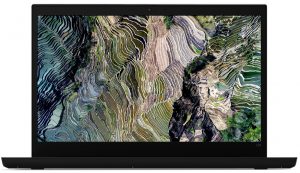
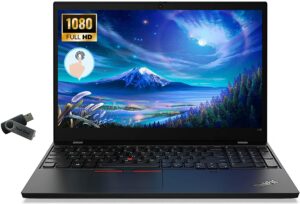
1. Remove the bottom plate
To get inside this notebook, you first need to unplug the SIM card tray. Then, undo all 9 captive Phillips-head screws, and pry the panel open with a plastic tool.
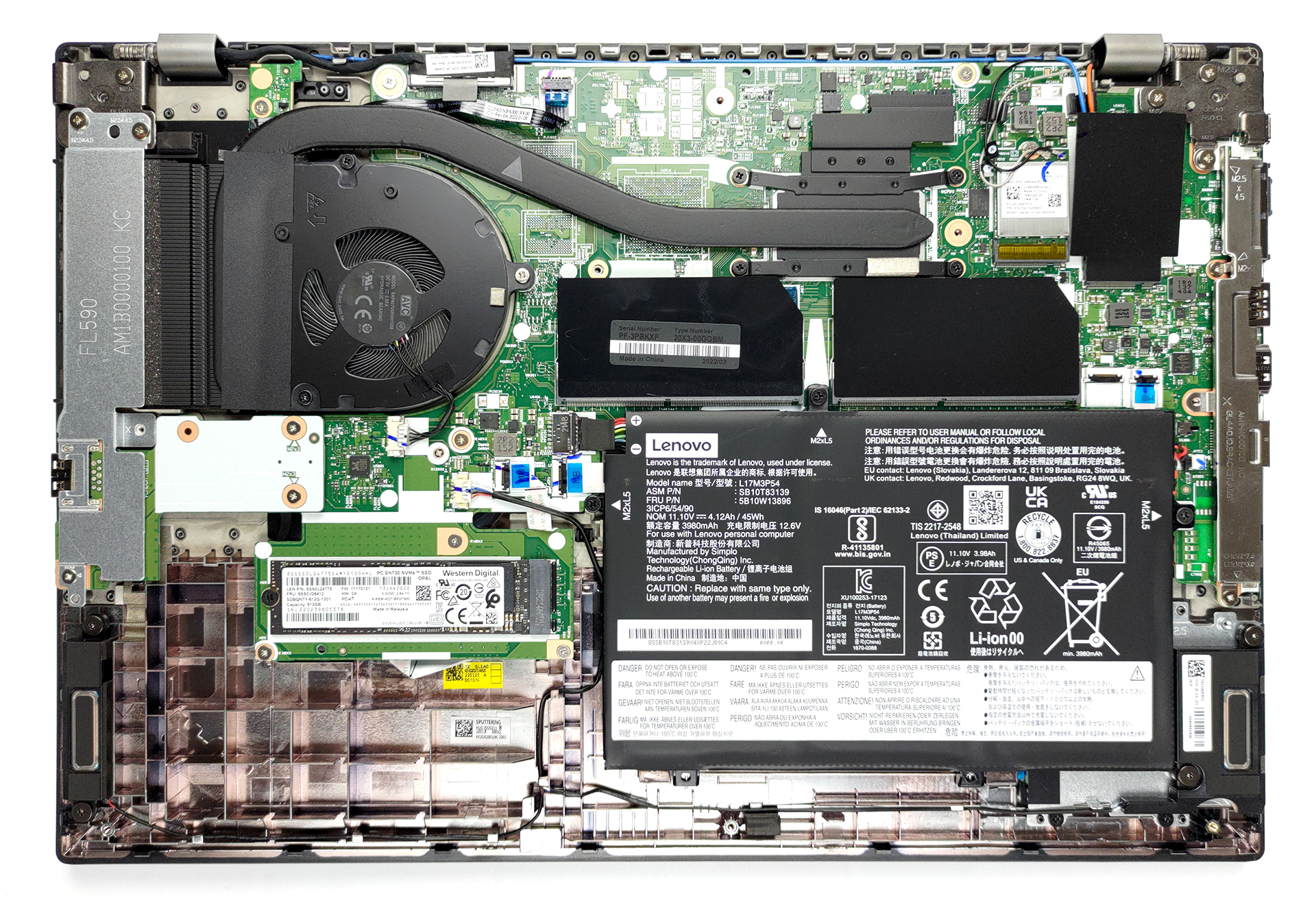
2. Battery
Here, we find a 45Wh battery pack, which lasts for 7 hours of Web browsing, or nearly 6 hours of video playback. To remove it, unplug the battery connector, and remove all three Phillips-head screws, holding it in place.
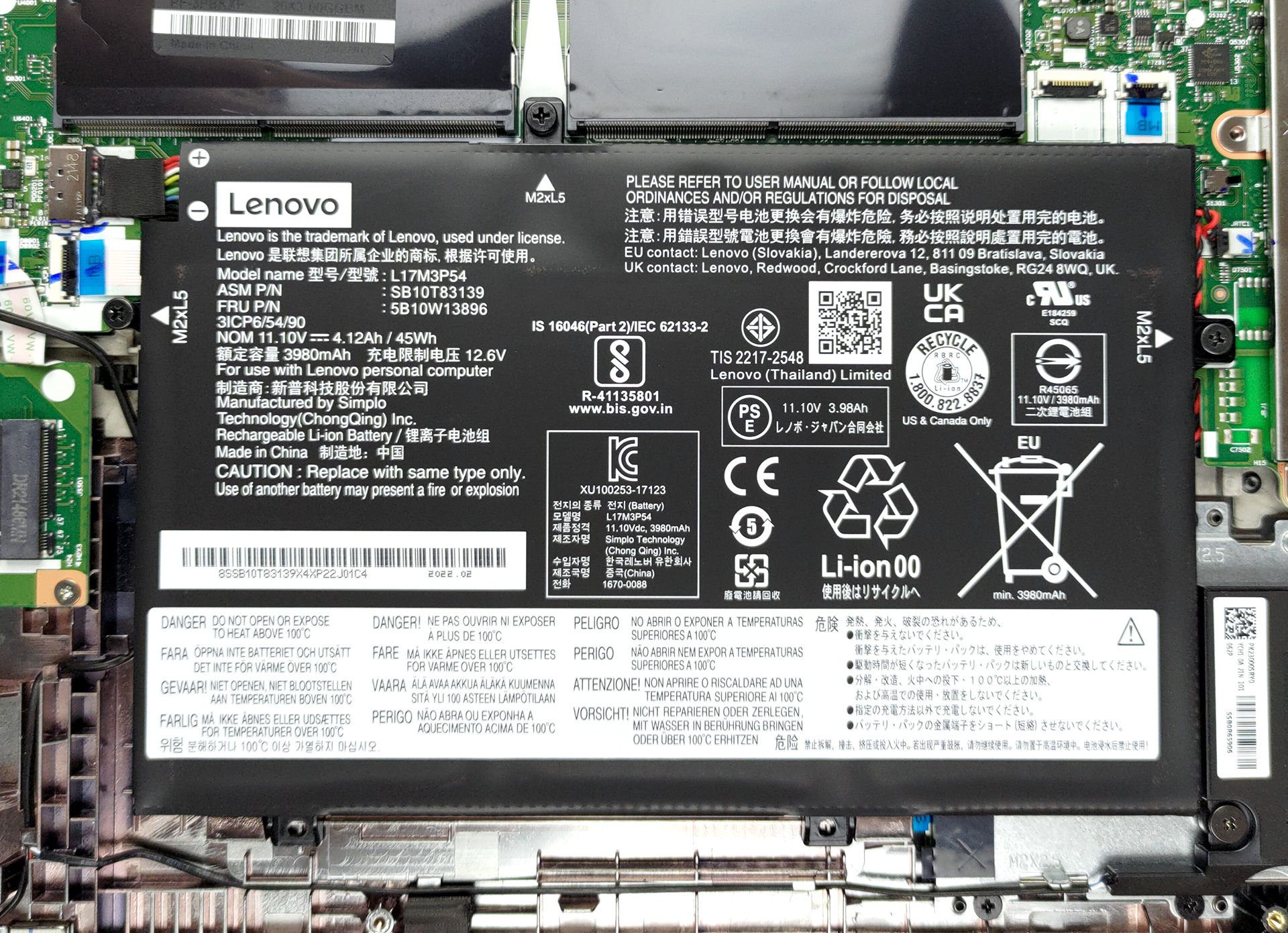
3. Memory and storage
It is great to see that there are two SODIMM slots for memory upgrades of up to 64GB of DDR4 RAM. Storage-wise, there are two options. The one here involves a secondary board, which houses one M.2 PCIe x4 slot. The other one features an additional 2.5-inch SATA drive bay.
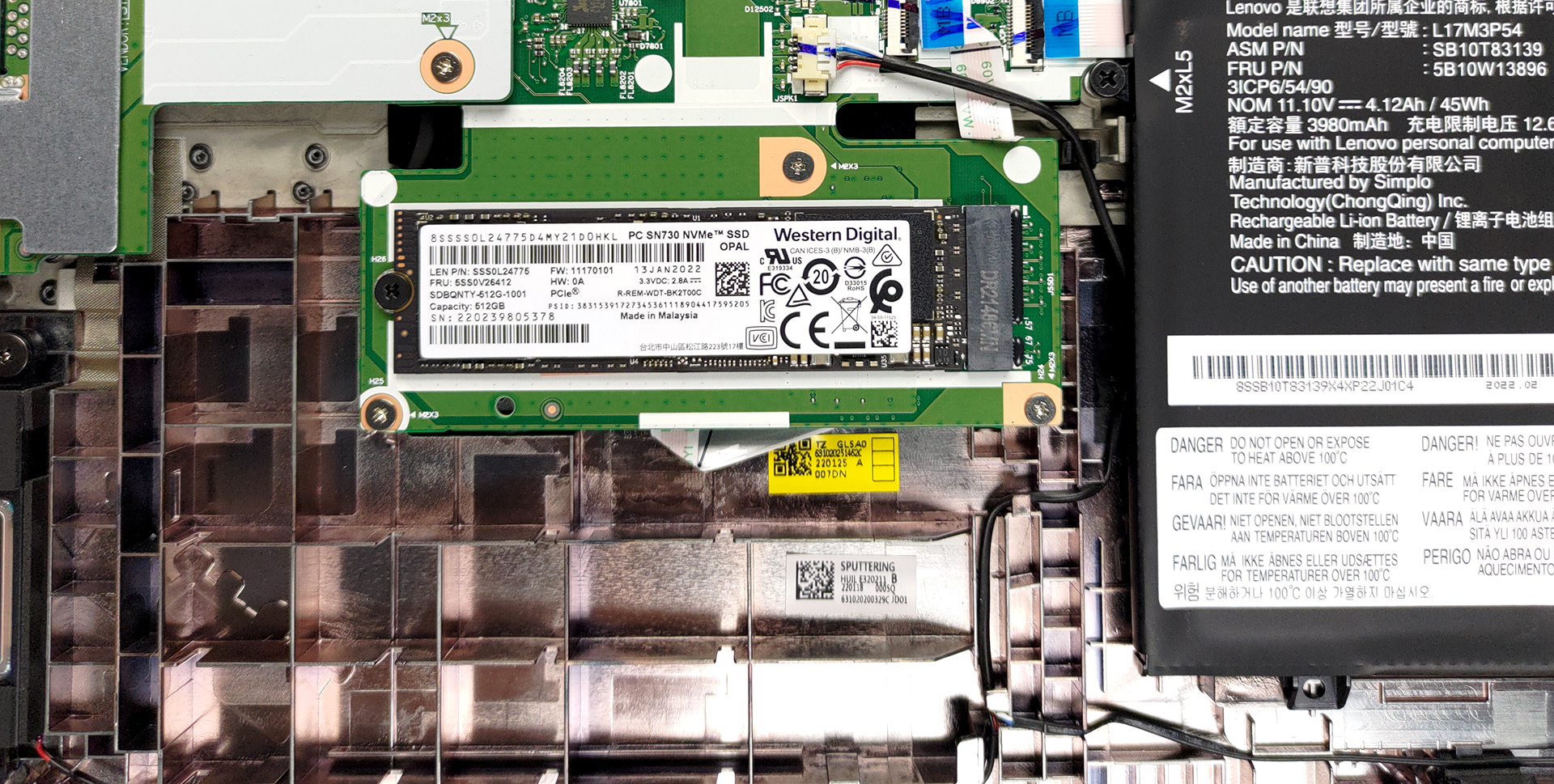
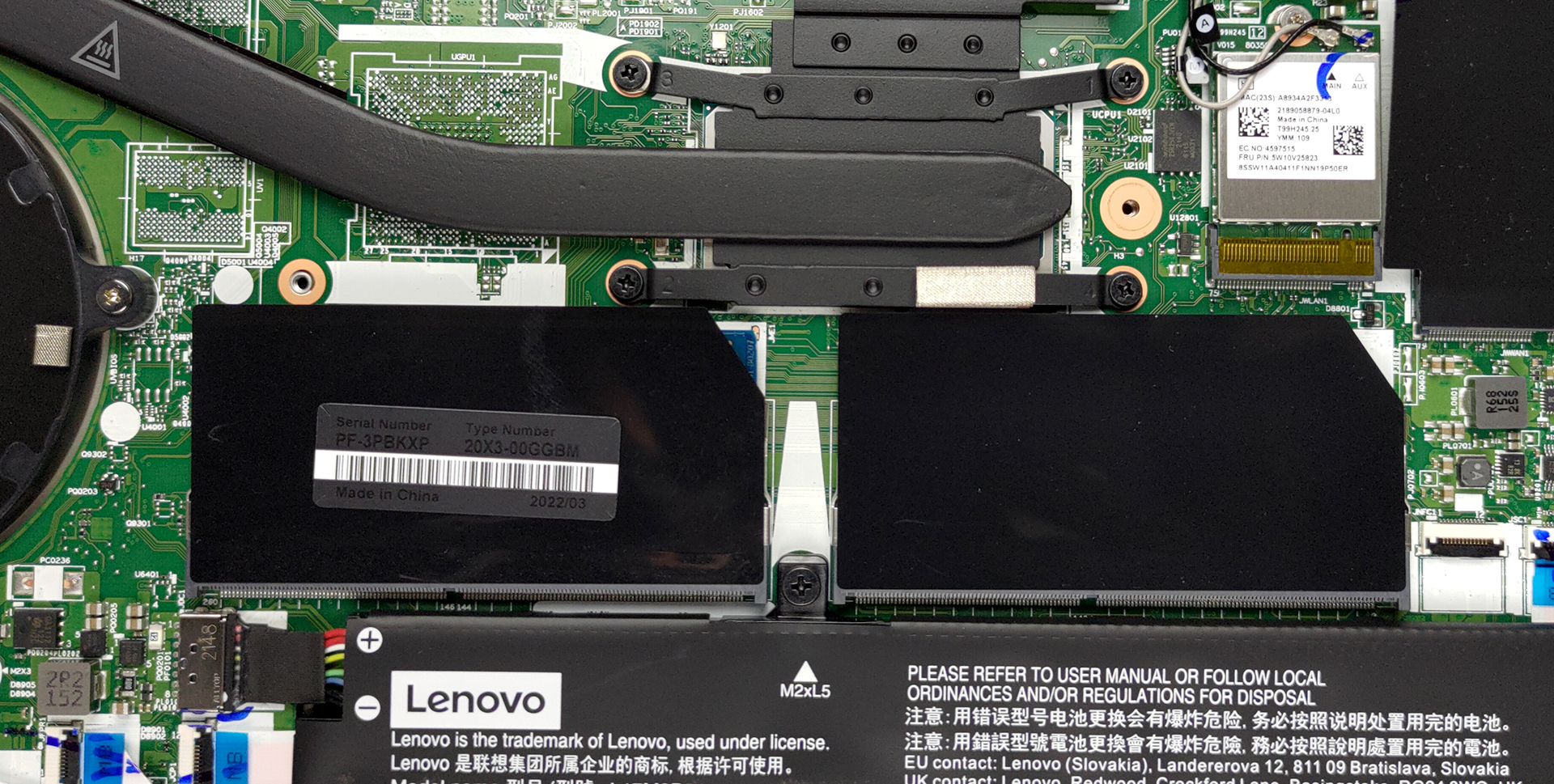
4. Cooling system
Cooling-wise, there is one heat pipe, connecting to a heat sink, where a medium-sized fan blows the heat away from the chassis. It’s also good to see that the VRMs are also being cooled.
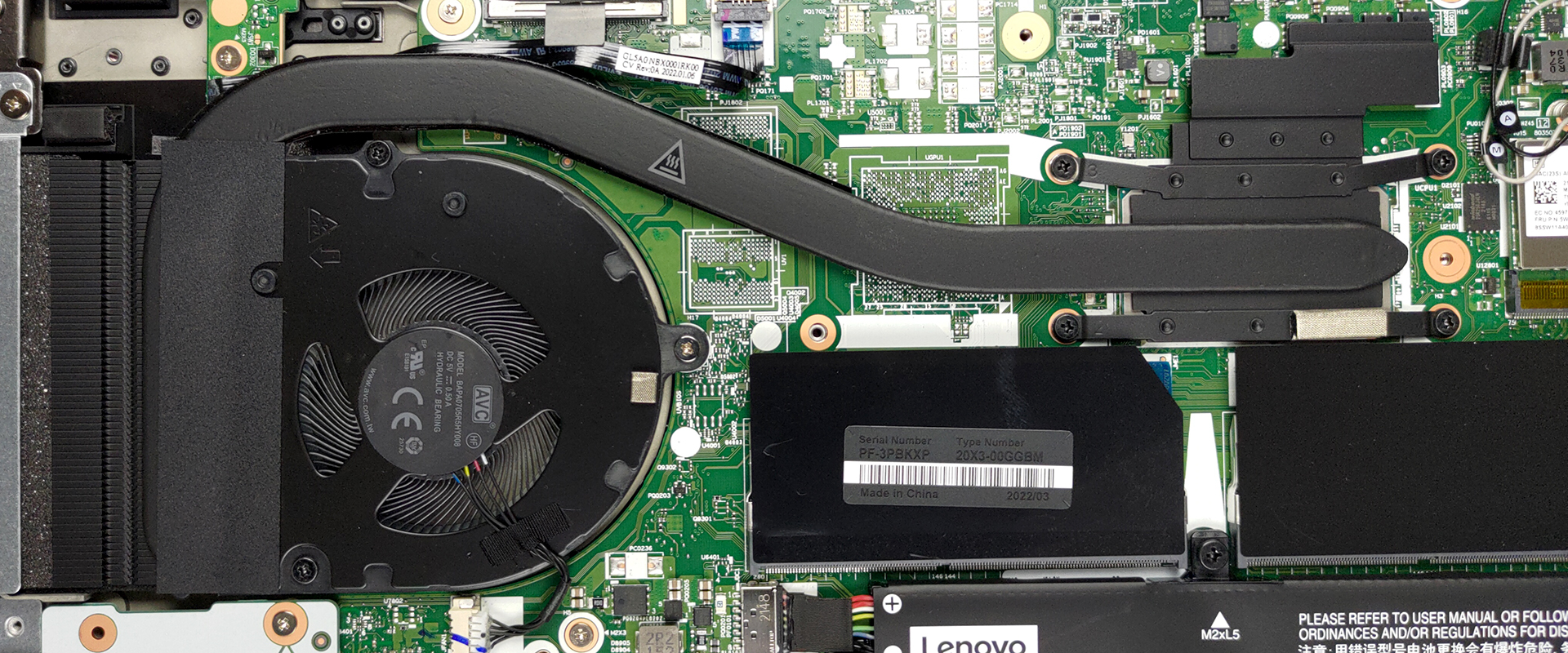
Check out all Lenovo ThinkPad L15 Gen 2 prices and configurations in our Specs System or read more in our In-Depth review.
Lenovo ThinkPad L15 Gen 2 (Intel) uitgebreide review
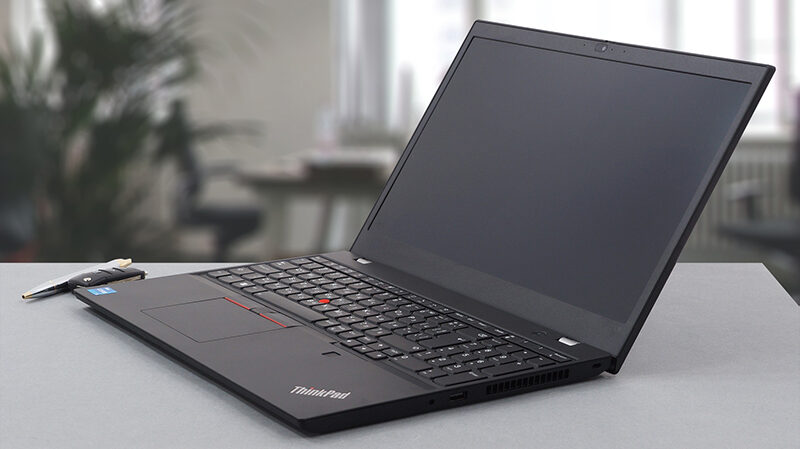
Usually, there is no incentive for buying a business laptop on your own. Of course, it can be useful, but it is overkill in terms of features. However, business people or enterprise users will surely be able to take advantage of the full package. This is why a lot of corporations provide their employees with ThinkPads, Latitudes, or ProBooks.Today, we are going to show you the ThinkPad L15 Gen 2. It is a mid-range business notebook, which sits between the E series and the T series of the ThinkPad portfolio. Ultimately, this means you should expect some cost-cutting measures, but at the sa[...]
Pros
- Quiet under extreme load
- Wi-Fi 6 + 2x SODIMM + 1x M.2 PCIe slot
- PWM-free display (AUO B156HAN02.1)
- IR face recognition + Fingerprint reader + TPM
- Great spill-resistant keyboard
- Thunderbolt 4 + MicroSD card slot + optional LTE support
Minpunten
- CPU gets toasty during long stress
- Covers only 51% of the sRGB color gamut (AUO B156HAN02.1)
- Big bezels around the display
- Average battery life
 Author: Alex Iliev

![[juni 2026] Bestverkochte laptopmerken op Amazon Global – Apple’s ongeëvenaarde dominantie in aantal verkochte exemplaren en omzet](https://laptopmedia.com/wp-content/uploads/2026/07/GLOBAL-Best-Brands-400x225.jpg)
![[juni 2026] Amazon Global: Top 10 bestverkochte laptops – De nieuwe MacBook Neo van Apple stormt naar de eerste plaats en zet de markt op zijn kop dankzij zijn betaalbaarheid](https://laptopmedia.com/wp-content/uploads/2026/07/Best-Selling-Laptops-GLOBAL-Top-10-400x225.jpg)
![[juni 2026] Amazon Global: Top 10 van best verkochte gaminglaptops – De Nitro V 16S AI van Acer domineert de verkoopcijfers, terwijl ASUS qua totale omzet aan kop gaat](https://laptopmedia.com/wp-content/uploads/2026/07/Best-Selling-Gaming-Laptops-GLOBAL-Top-10-400x225.jpg)
![[juni 2026] Wereldwijde ranglijst van bestverkochte laptop-GPU’s op Amazon – De NVIDIA RTX 5060 is de bestverkochte speciale GPU](https://laptopmedia.com/wp-content/uploads/2026/07/Best-Selling-GPUs-GLOBAL-Top-10-400x225.jpg)
![[juni 2026] Wereldwijde ranglijst van bestverkochte laptop-CPU’s op Amazon – Apple M5 domineert, AMD Ryzen 7 260 verovert een stevig aandeel in het premiumsegment](https://laptopmedia.com/wp-content/uploads/2026/07/Best-Selling-CPUs-GLOBAL-Top-10-400x225.jpg)
