ASUS Vivobook Pro 15 OLED (N6506) review – Uitstekend scherm, duurzame batterij, kleine compromissen
Ontwerp en constructie
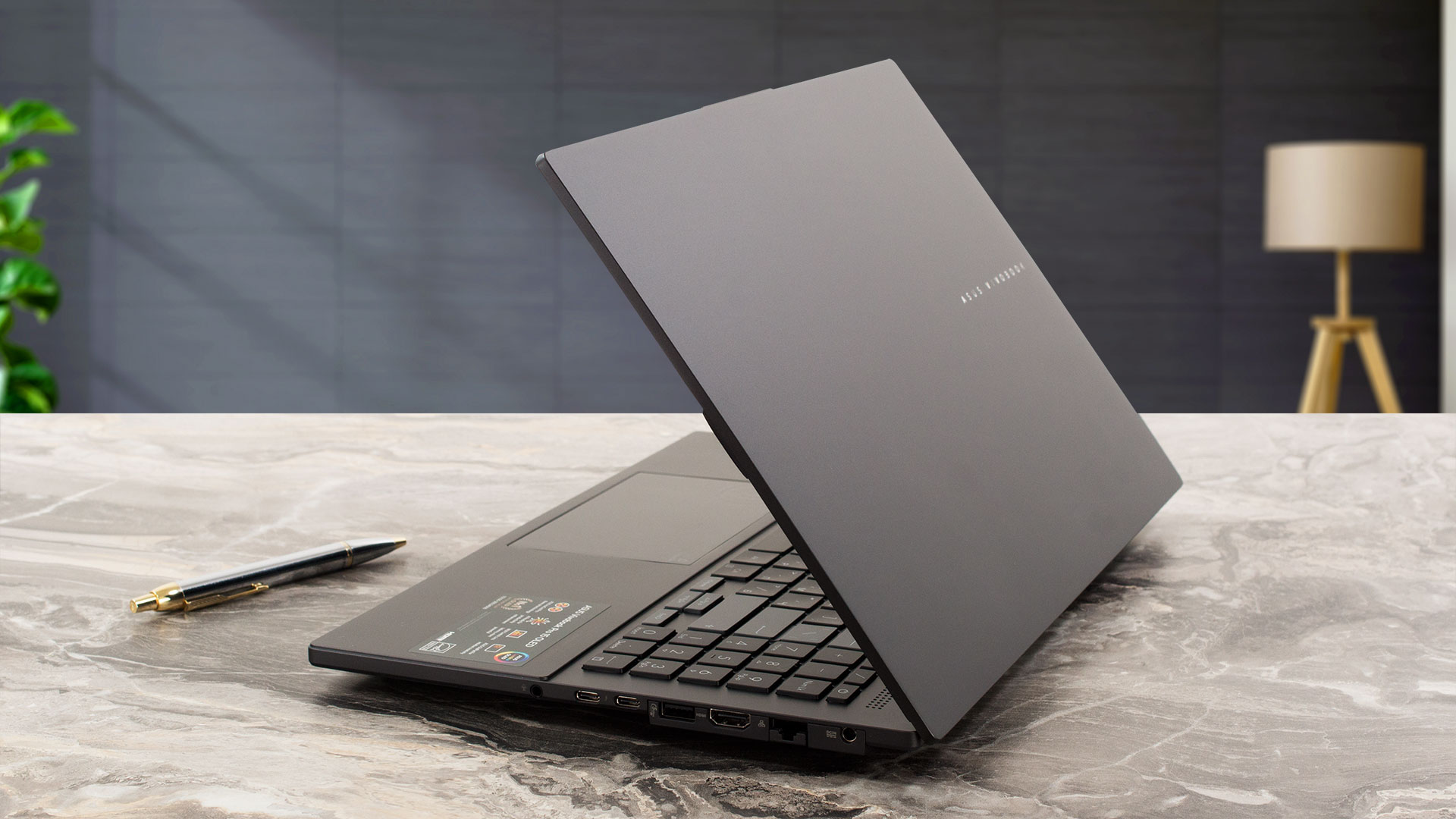
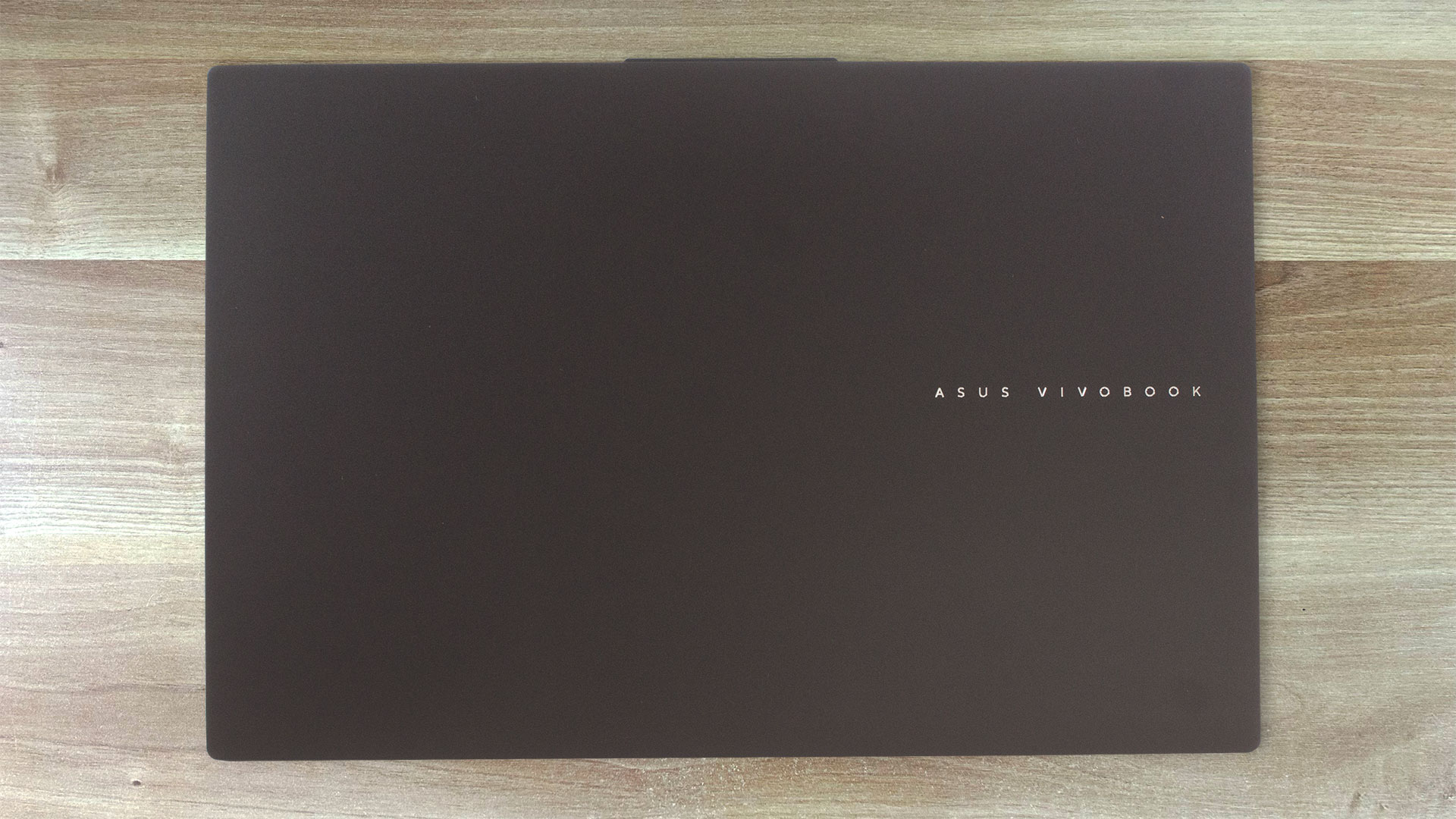
Het ontwerp van de ASUS Vivobook Pro 15 OLED (N6506) is strak en niet opdringerig, vooral in Earl Grey kleur. De basis is stabiel, we zien een klein beetje buiging onder de pijltjestoetsen maar dat is niet erg. Het deksel is gemaakt van metaal en het buigt een beetje meer dan normaal toen we het probeerden te draaien. De afmetingen zijn goed voor een 15-incher met krachtige hardware – 1,80 kg en 19,9 mm profieldikte.
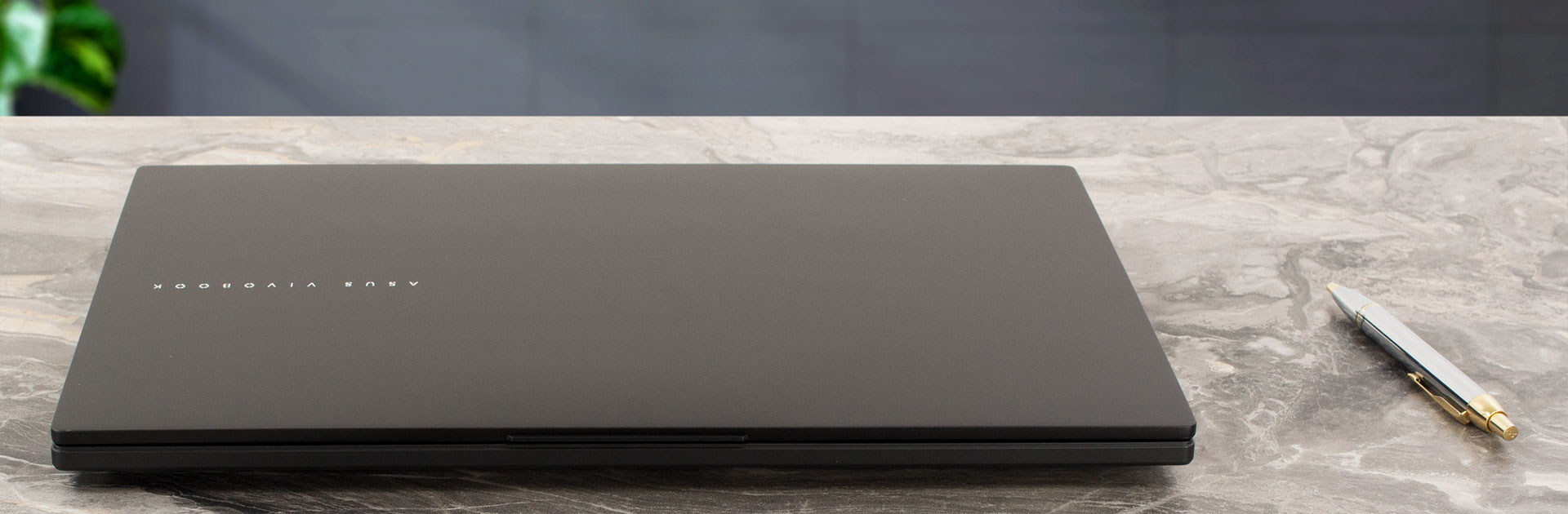
Het deksel kan moeiteloos met één hand worden geopend en het scharniermechanisme is aangenaam soepel. Toch stuitert het apparaat een beetje tijdens het veranderen van hoek.
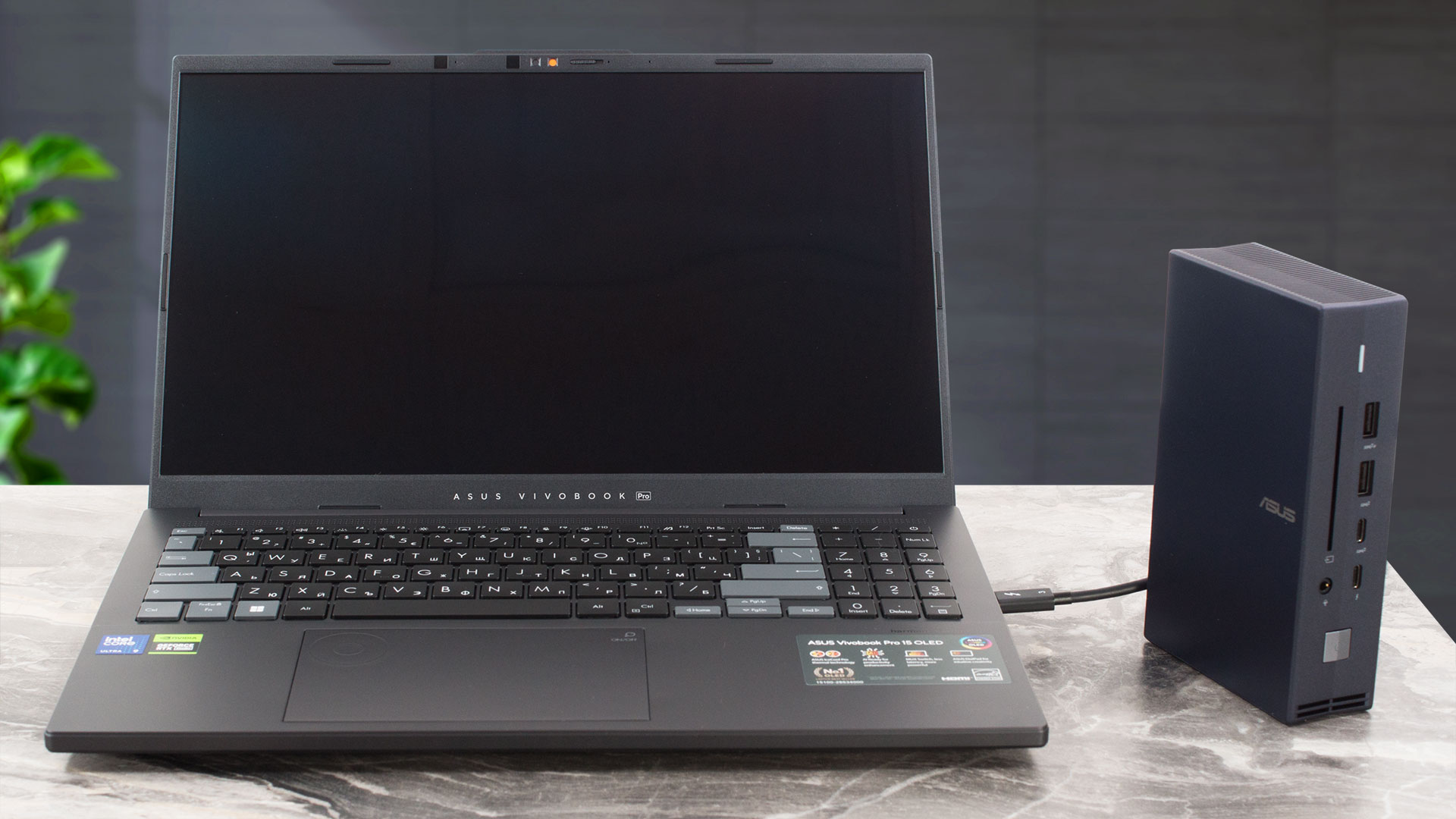
Het OLED-scherm met een oneindige contrastverhouding wordt omringd door dunne randen. Oké, de onderste is iets dikker dan de andere drie.

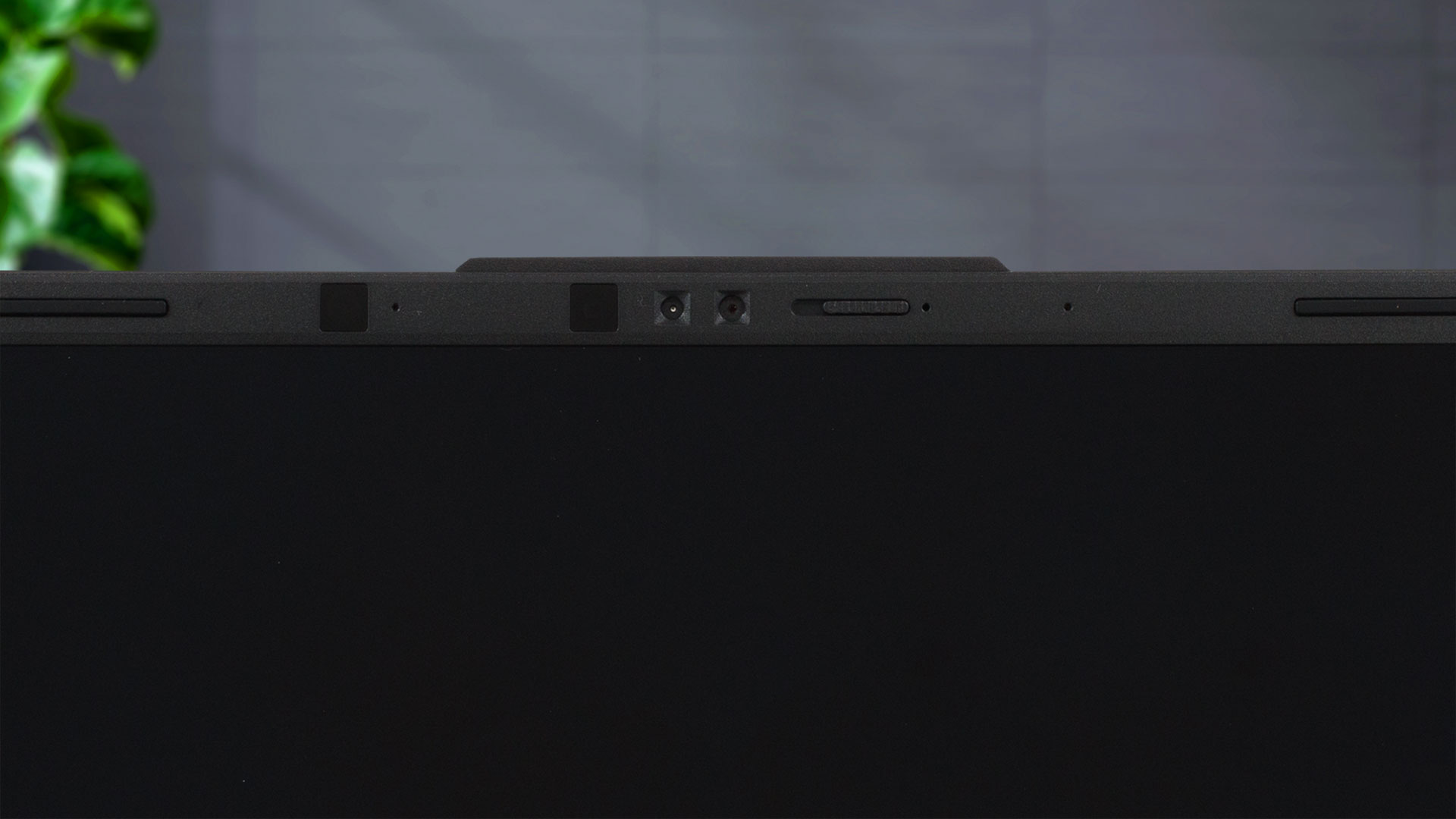
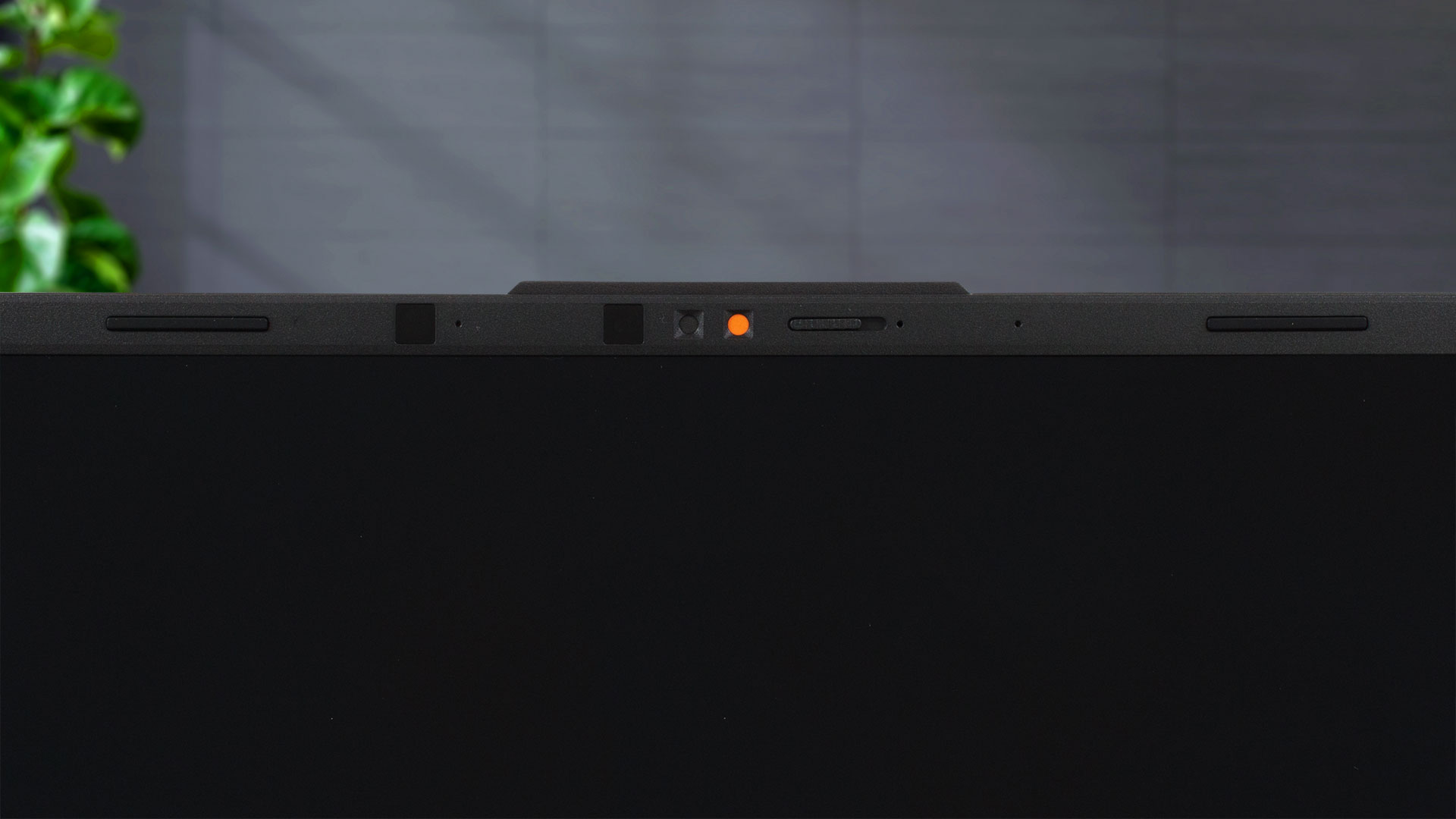
De bovenste rand bevat een 5MP IR webcamera met een privacy shutter en AI Noise Cancelation.
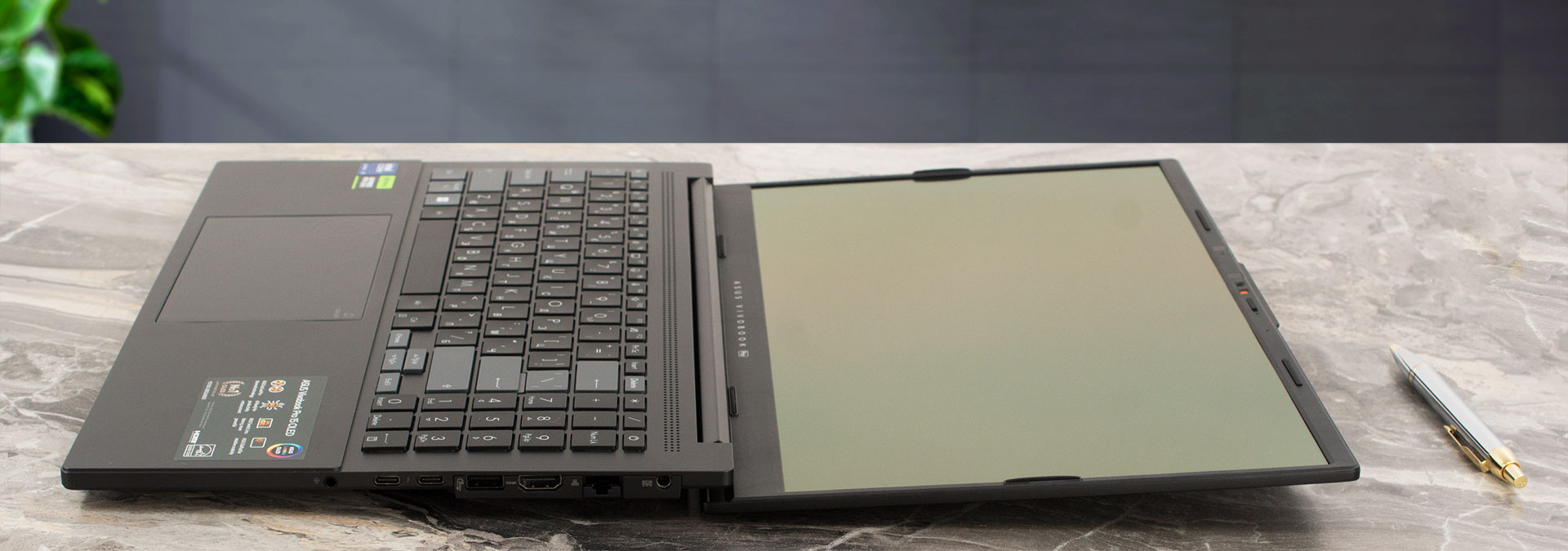
De laptop kan bijna helemaal plat op een vlakke ondergrond liggen. De voet zit vrij hoog van de grond, wat een positief effect heeft op de koeling. Het dual-tone ErgoSense toetsenbord met achtergrondverlichting is comfortabel voor het werk met zijn lange toetsbereik en klikkende feedback. Het bord heeft ook een NumPad gedeelte en de keycaps bieden een stille werking – fijn!
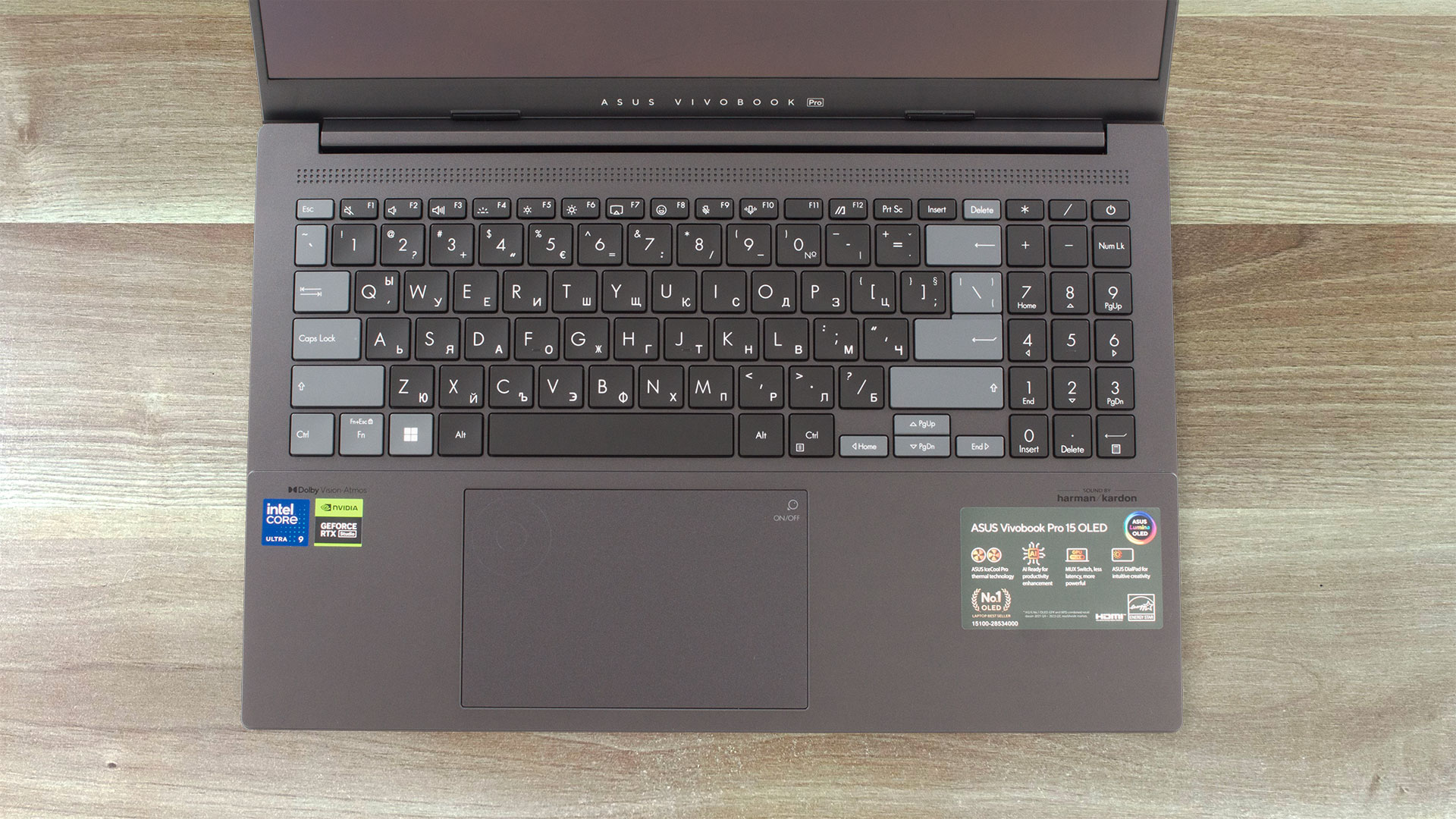
Geen klachten over het touchpad. Het is redelijk groot en werkt soepel en nauwkeurig. Het ingebouwde DialPad is te zien in de linkerbovenhoek van het pad. Deze functie is erg handig voor creatieve apps.
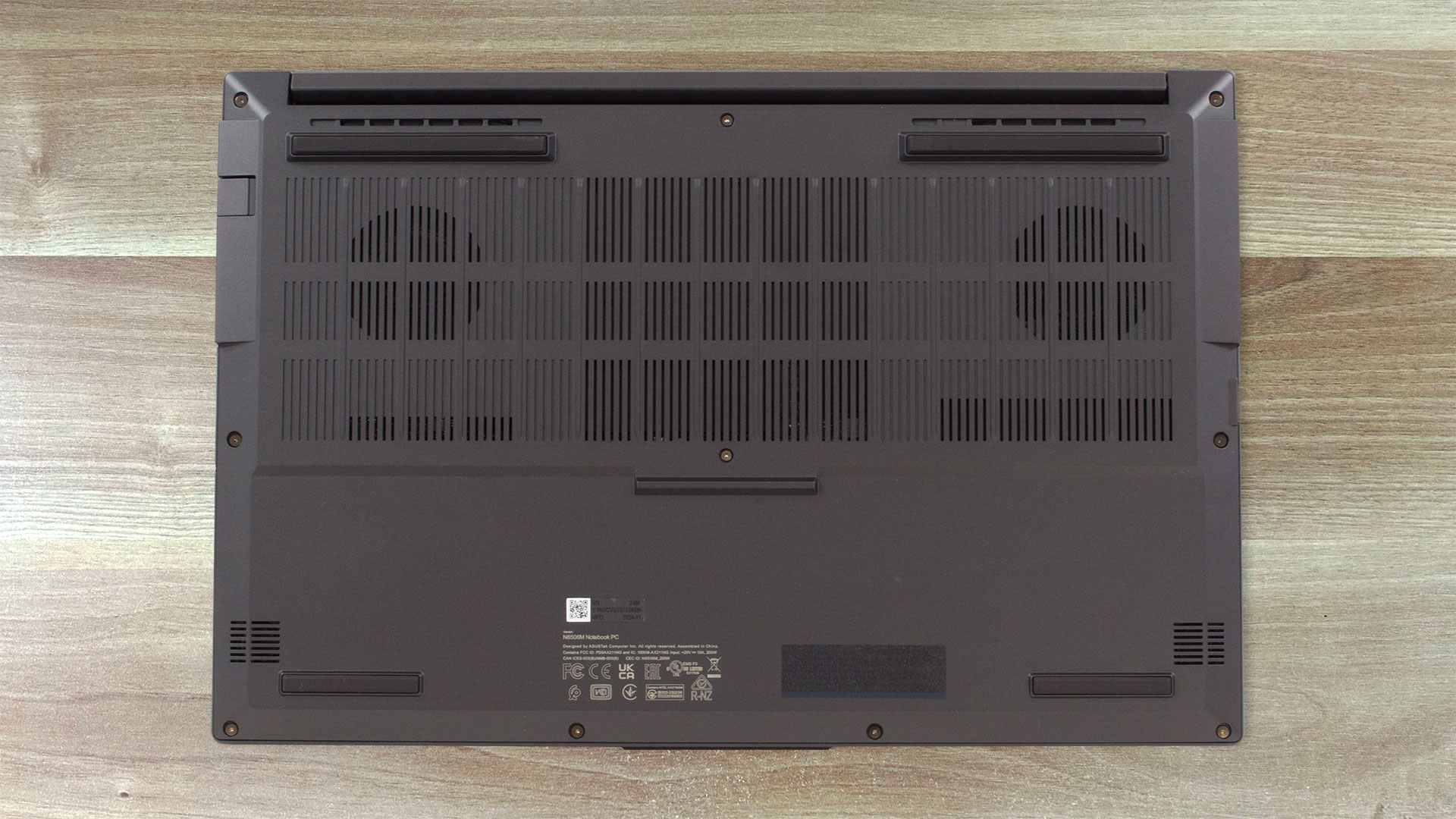
Op de bodemplaat zien we vier rubberen voetjes aan de zijkanten plus een plastic voetje in het midden, samen met twee uitsparingen voor de luidsprekers. De warme lucht wordt geleid via drie ventilatieopeningen – twee aan de achterkant en één aan de linkerkant. Bij zware belasting bereikt slechts een kleine hoeveelheid hete lucht het scherm omdat het scharnierdeksel recht voor de ventilatieopeningen aan de achterkant staat.
Poorten
Aan de linkerkant vind je een USB Type-A 3.2 (Gen. 1) poort en een SD 4.0 kaartlezer. De meeste aansluitingen bevinden zich aan de rechterkant: een voedingsstekker, LAN, HDMI 2.1 TMDS, een USB Type-A 3.2 (Gen. 1) poort, een Thunderbolt 4 poort, een USB Type-C 3.2 (Gen. 2) poort en een audio combo-aansluiting. Beide Type-C’s ondersteunen Power Delivery en DisplayPort-functies.


 Author: Nikolay Palaozov
 Author: eng. Kroum NikolovHead of Engineering at LaptopMedia.com, inventor and innovator with 40+ years of experience in electronics and high technology.

![[augustus 2026] Wereldwijde ranglijst van bestverkochte laptop-GPU’s op Amazon – Apple is onbetwist nummer één, NVIDIA’s RTX 5060 staat bovenaan de ranglijst voor dedicated GPU’s](https://laptopmedia.com/wp-content/uploads/2026/09/Best-Selling-GPUs-GLOBAL-Top-10-400x225.jpg)
![[augustus 2026] Wereldwijde ranglijst van bestverkochte laptop-CPU’s op Amazon – Apple domineert zowel het budget- als het premiumsegment: A18 Pro en M5 verslaan Intel en AMD in augustus 2026](https://laptopmedia.com/wp-content/uploads/2026/09/Best-Selling-CPUs-GLOBAL-Top-10-400x225.jpg)
![[augustus 2026] Amazon Global: Top 10 van best verkochte laptops – De Apple MacBook Neo domineert de hitlijsten, terwijl goedkope en middenklasse Windows-laptops strijden om het verkoopvolume](https://laptopmedia.com/wp-content/uploads/2026/09/Best-Selling-Laptops-GLOBAL-Top-10-400x225.jpg)
![[augustus 2026] Bestverkochte laptopmerken op Amazon Global – Apple domineert qua omzet, terwijl HP koploper is qua modelvariëteit](https://laptopmedia.com/wp-content/uploads/2026/09/GLOBAL-Best-Brands-400x225.jpg)
![[augustus 2026] Amazon Global: Top 10 bestverkochte gaminglaptops – HP Victus 15 pakt de eerste plaats terwijl budgetvriendelijke modellen de hitlijsten domineren](https://laptopmedia.com/wp-content/uploads/2026/09/Best-Selling-Gaming-Laptops-GLOBAL-Top-10-400x225.jpg)

Does the laptop support the installing of a 32GB stick of memory in the sodimm slot or intalling it results in the system not booting up, not recognize the memory or behave strangely? On the zephyrus g14 2022 Asus claims a maximum memory of 32GB but I knew of people reaching 48GB with no problem changing the 16GB stick with a 32GB one.
Thank you in advance.
According to ASUS, the maximum amount of RAM supported is 24GB. However, since the CPU can support up to 96GB, the Vivobook Pro 15 OLED likely wouldn’t have issues running with up to 56GB of DDR5-5600MHz RAM (8GB soldered + 48GB in the SODIMM slot).
Yes. But 32GB is a 2 rank memory, so the frequency will be lowered to 4800 and the total speed will be around 40GB/s.
Thank you for such a comprehensive review. I would really appreciate if you could incorporate the fan noise for a normal workload – web browsing, movies, etc. This is often left out in favor of fan noise at full load, which is seldom relevant.
How would you categorize the fan noise under normal office work, please?
It’s basically silent, occasionally there is some fan noise but it’s very quiet. Does get very loud sometimes during intensive workloads, but silent mode should do the trick in most cases.
Is the GPU eco mode disabled when the laptop is connected via the power brick? 🙁
With my current asus laptop I usually always have eco mode on even when connected to power to keep my laptop cool (often have it my lap or chest)
For the display what is the max brightness in HDR (small window and full screen)? Also what is the colour accuracy like in HDR?
Measuring color accuracy in HDR mode is more complex and influenced by various external and internal factors, which is why our current measurements are limited to SDR mode. Additionally, manufacturers typically prioritize more attractive picture over color accuracy in HDR. If you aim for the most realistic colors, working in SDR mode is the better option.
Regarding the size of the white window when measuring screen brightness, we’ve conducted tests with both 10% fill and fullscreen fill. In both cases, the max brightness was similar, just below 400 nits.
Did you really get 25 hours of browser time or is that a mistake?
I have this laptop at idle on minimum brightness consumes about 9 watts, that is about 8 hours of idle time with no applications running.
Any activity increases the consumption and the actual browser time is about 6 hours.
But I have a second module 32 GB, maybe the reason is this, or the drivers are not installed correctly. Installed different Windows builds several times, different drivers – nothing helps.
Hi,
I have this laptop, and with browsing on chrome, I only get 2-3 hours. Could you tell me what settings you are using?
Even though they said 25 hours, 6 hours is still better than the 3 hours that I’m getting.
I’m on silent mode, and it’s fairly new. I usually just use google docs and some other websites like amazon, makerworld, but nothing super power intensive.
Thank you!!
Just use Optimal Operation mode to disconnect Nvidia from the battery (this is crucial) and Standard or Quiet cooler mode.
If only 2-3 hours in this case as well,
1. Look in Task Manager to see which applications are loading the CPU and/or graphics card
2. Install drivers for your laptop from the official Asus website, because other, even newer drivers not from Asus may not work correctly.
Thank you so much for your helpful response! I looked in the Task Manager and found that a few background apps like steam were using a lot of resources, so I just closed out of them, and with a few chrome tabs, I also let MyASUS auto install some drivers, and I’m getting much better battery life! (Nvidia was already disconnected and quiet mode was on before.)
Thanks for your help! I’m getting around an estimate of around 5 hours, seeing that I lost around 50 percent after 3 hours.
Hi,
Please tell me how you got it to 25 hours of battery life!!! I can’t even get 3 hours on this thing and I’m just doing basic web browsing with google docs!
Anything helps!!
Thank you so much!