Lenovo IdeaPad 1 (14″) quick review – one of the most affordable laptops with Windows 10
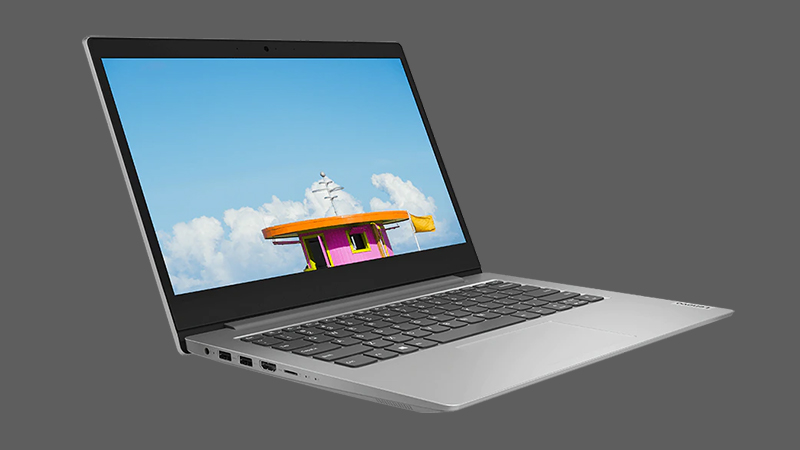 The IdeaPad 1 (14″) is a budget offering from Lenovo. While it might be pretty modest in what it offers to its users, it is also one of the pillars in Lenovo’s laptop industry. However, in order to appeal to the widest audience on the market, you have to be better than the competition.
One way of being better is by having the lowest price tag. This particular model starts at about $250 and gives you an option of several Intel and AMD processors. According to Lenovo, you can purchase the machine with two TN panels – one with a 768p resolution and one with 1080p. However, there is a third display that has a 1080p IPS panel. Unfortunately, we weren’t able to find it in our region, so we had to settle for the higher res TN one.
There is no reason to be pessimistic, though, as there are other areas that can make (or break) the deal.
You can check the prices and configurations in our Specs System: https://laptopmedia.com/series/lenovo-ideapad-1-14/
Contents
Specs Sheet
Lenovo IdeaPad 1 (14") - Specs

- GPU
- Intel UHD Graphics Xe G4 (48EU) #314 in Top GPU's Intel UHD Graphics 605 #366 in Top GPU's Intel UHD Graphics 600 #367 in Top GPU's Intel UHD Graphics #365 in Top GPU's AMD Radeon RX Vega 7 (R4000/5000, 15W) #322 in Top GPU's AMD Radeon RX Vega 3 #335 in Top GPU'sLenovo IdeaPad 1 (14") quick review - one of the most affordable laptops with Windows 10 AMD Radeon R4
- HDD/SSD
- tot 2000GB SSD + tot 128GB HDD
- M.2 Sleuf
- none/ 1x 2242 M.2 slot Zie foto
- RAM
- up to 20GB
- OS
- Windows 10 S, Chrome OS, Windows 11 Home, Windows 11 Pro, Windows 10 Home, Windows 11, Windows 10 Pro, Windows OS
- Accu
- 35Wh, 35Wh, 2-cell, 32Wh, 2-cell
- Materiaal behuizing
- Plastic / Polycarbonate
- Afmetingen
- 327.1 x 235 x 17.9 mm (12.88" x 9.25" x 0.70")
- Gewicht
- 1.40 kg (3.1 lbs)
- Poorten en connectiviteit
- 2x USB Type-A
- 3.2 Gen 1 (5 Gbps)
- HDMI
- 1.4
- Kaartlezer
- MicroSD
- Wi-Fi
- 802.11ac
- Bluetooth
- 4.2
- Audio-aansluiting
- 3.5 Combo Jack
- Functies
- Vingerafdruklezer
- optional
- Webcamera
- HD
- Verlicht toetsenbord
- Microfoon
- Dual Array Microphone
- Luidsprekers
- 2x 1.5W, Dolby Audio
- Optische drive
Alle Lenovo IdeaPad 1 (14″) configuraties
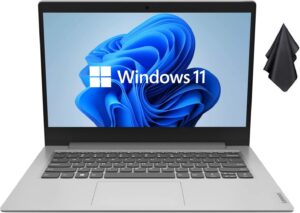
What’s in the box?
Inside of the package, there is a 45W power adapter, some paper manuals, the IdeaPad 1, and nothing more.
Design and construction
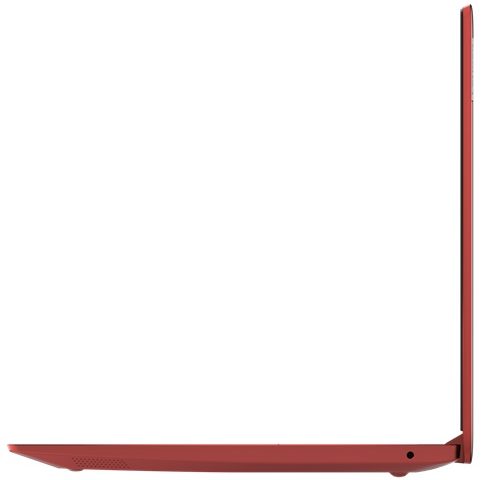
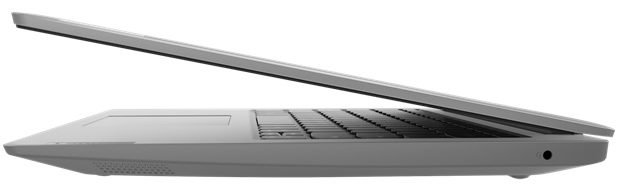
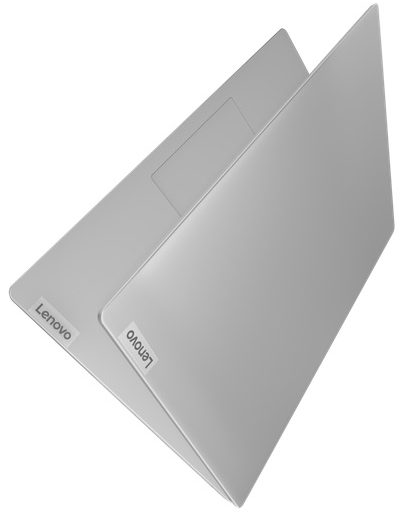
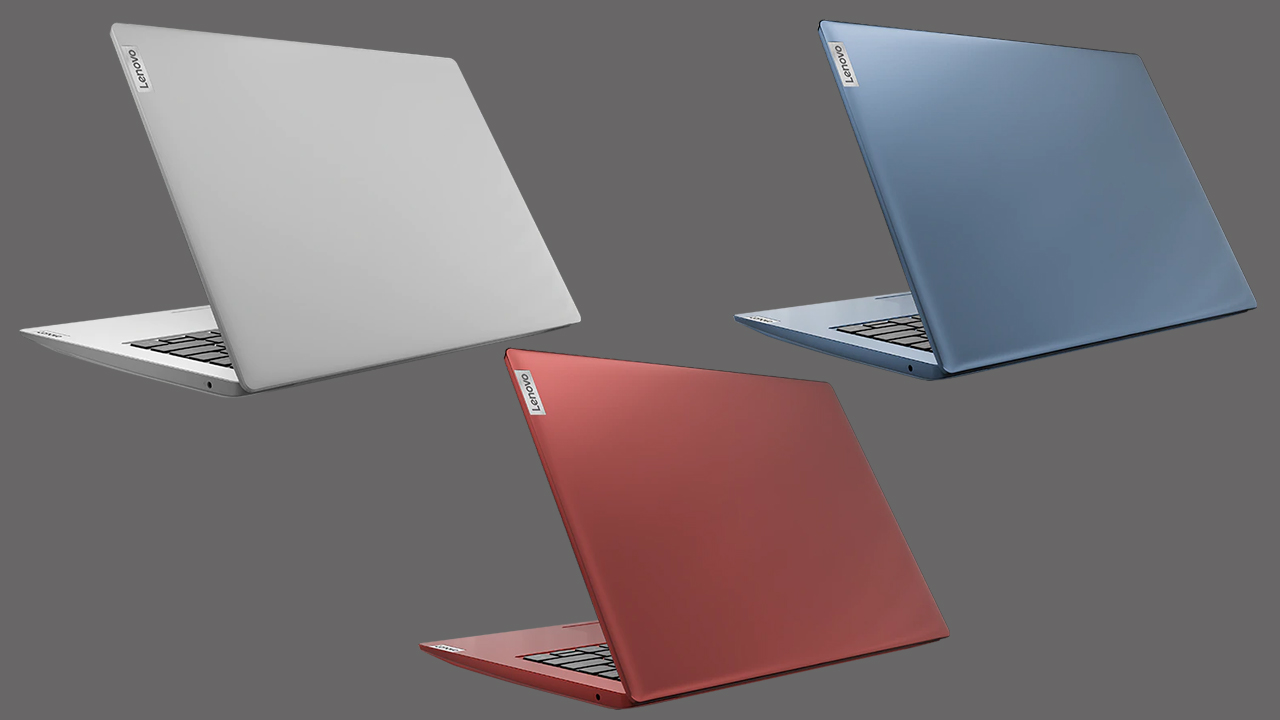
Unsurprisingly, Lenovo has gone for plastic for the build of the IdeaPad 1 (14″). There are some benefits from that – for instance, the weight is pretty low at 1.40 kilos. Also, its profile is pretty thin ranging from 17.7-17.9mm. Unfortunately, the benefits end there, as the body of the laptop is extremely soft. Both the lid and the base bend like cheese, which doesn’t provide any confidence in the structural integrity of the machine.
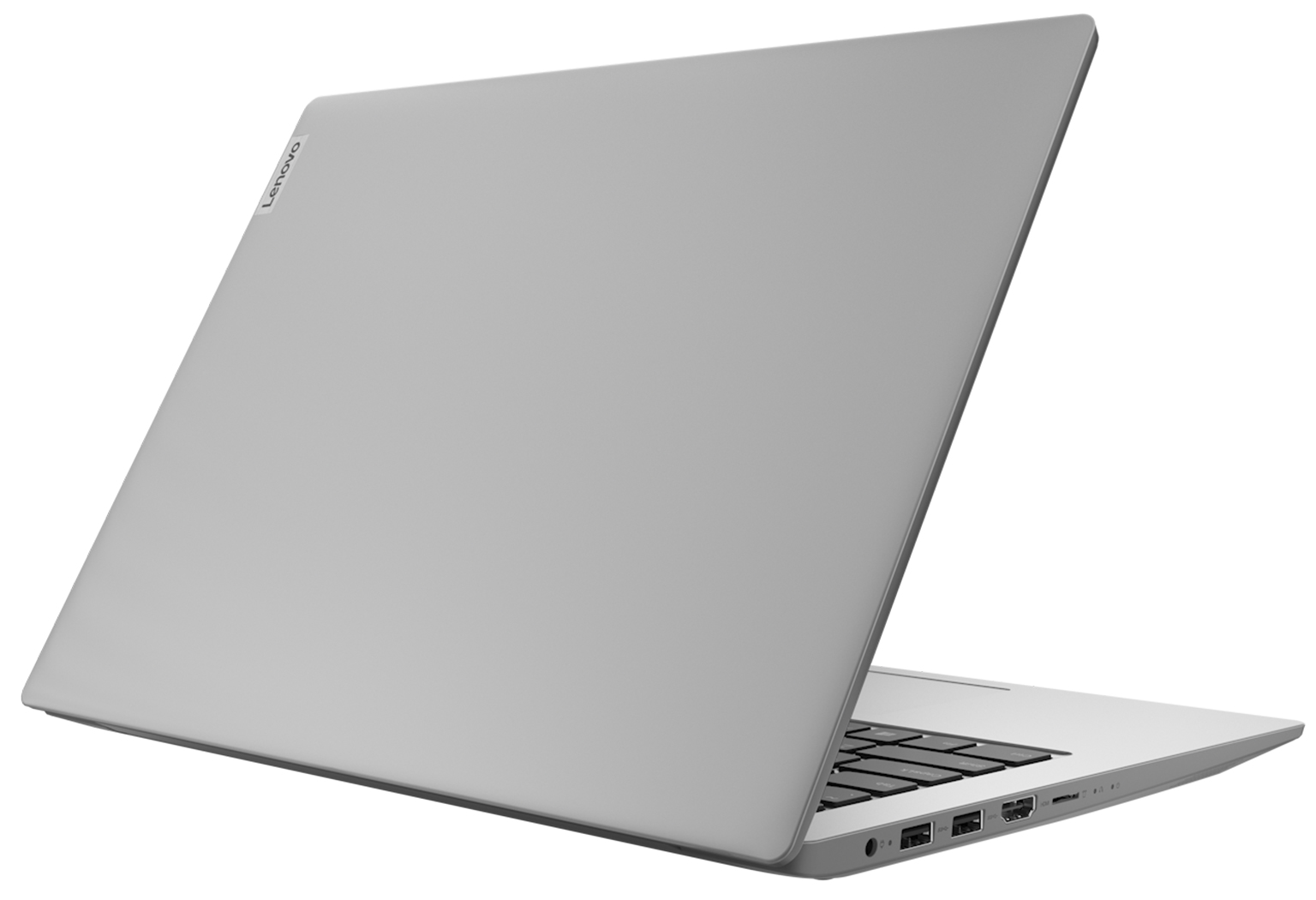
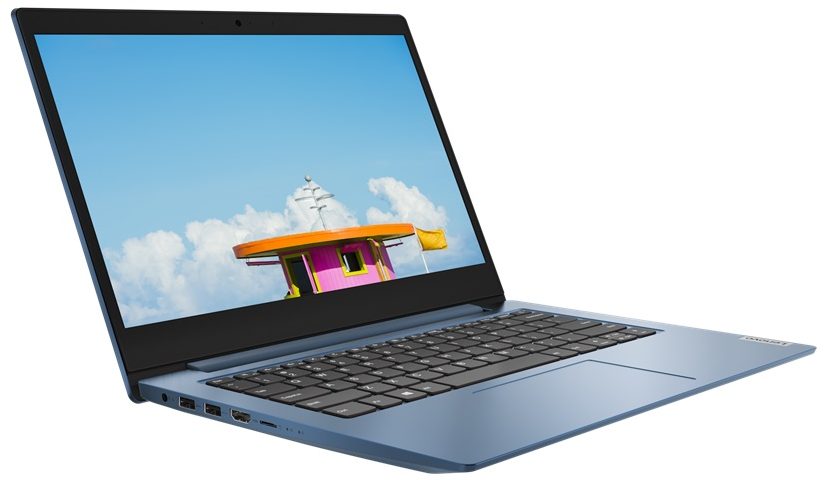
In addition to that, the lid can’t be opened with a single hand, and the bezels around the matte display seem a bit too thick. On the other side, the laptop comes with either a VGA or an HD Web camera.

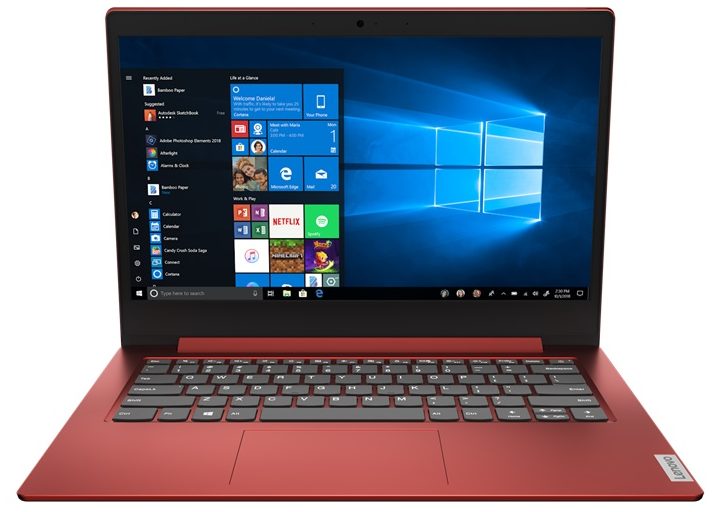
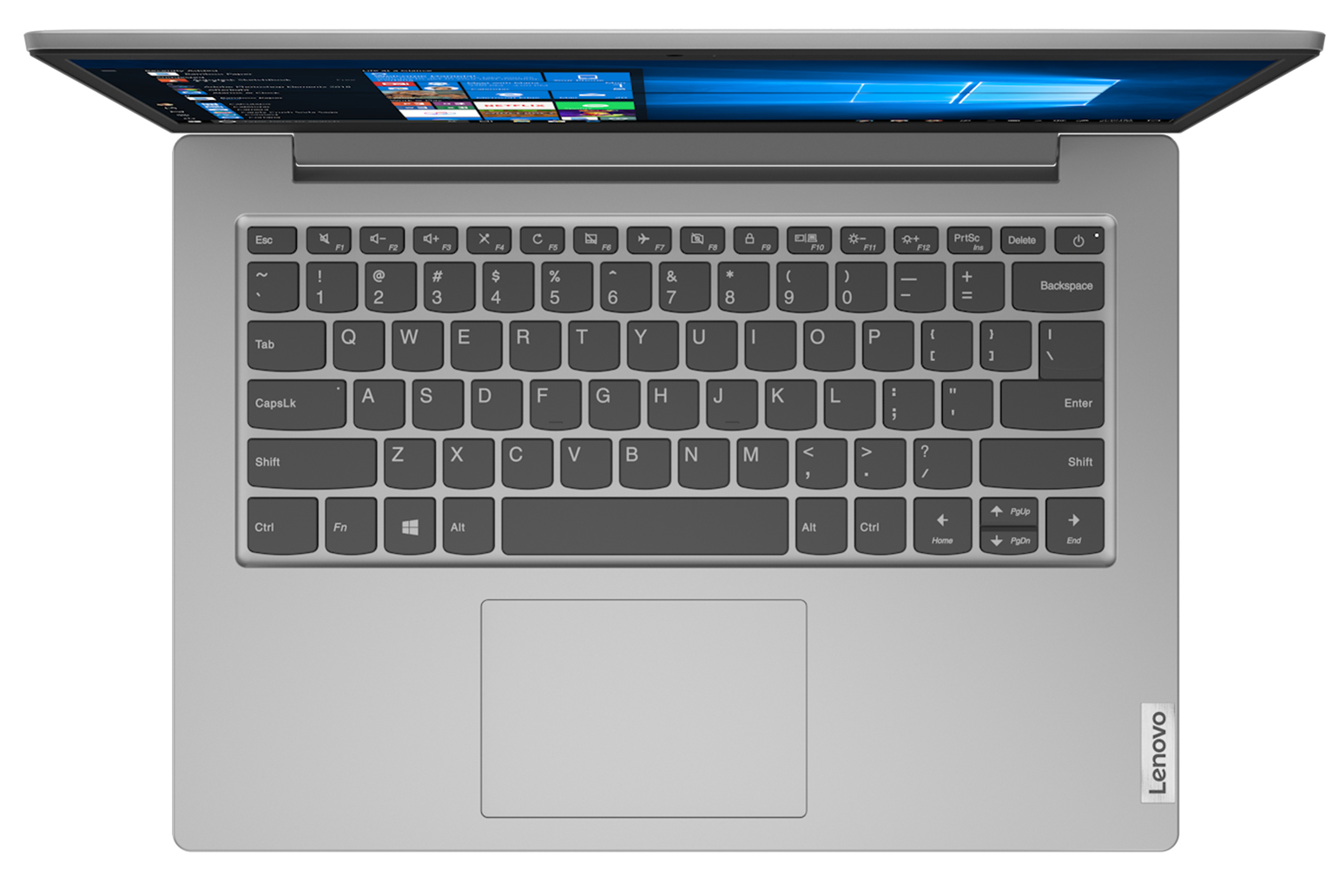
Moving to the base, we see the best feature on this machine – the keyboard. It has loads of key travel and clicky feedback, which altogether results in a comfortable typing experience. Sadly, the keyboard bends when you press it too hard, and the touchpad seems to have a bit of a dead zone. Other than that, we think it is more than decent, considering the price of the laptop.
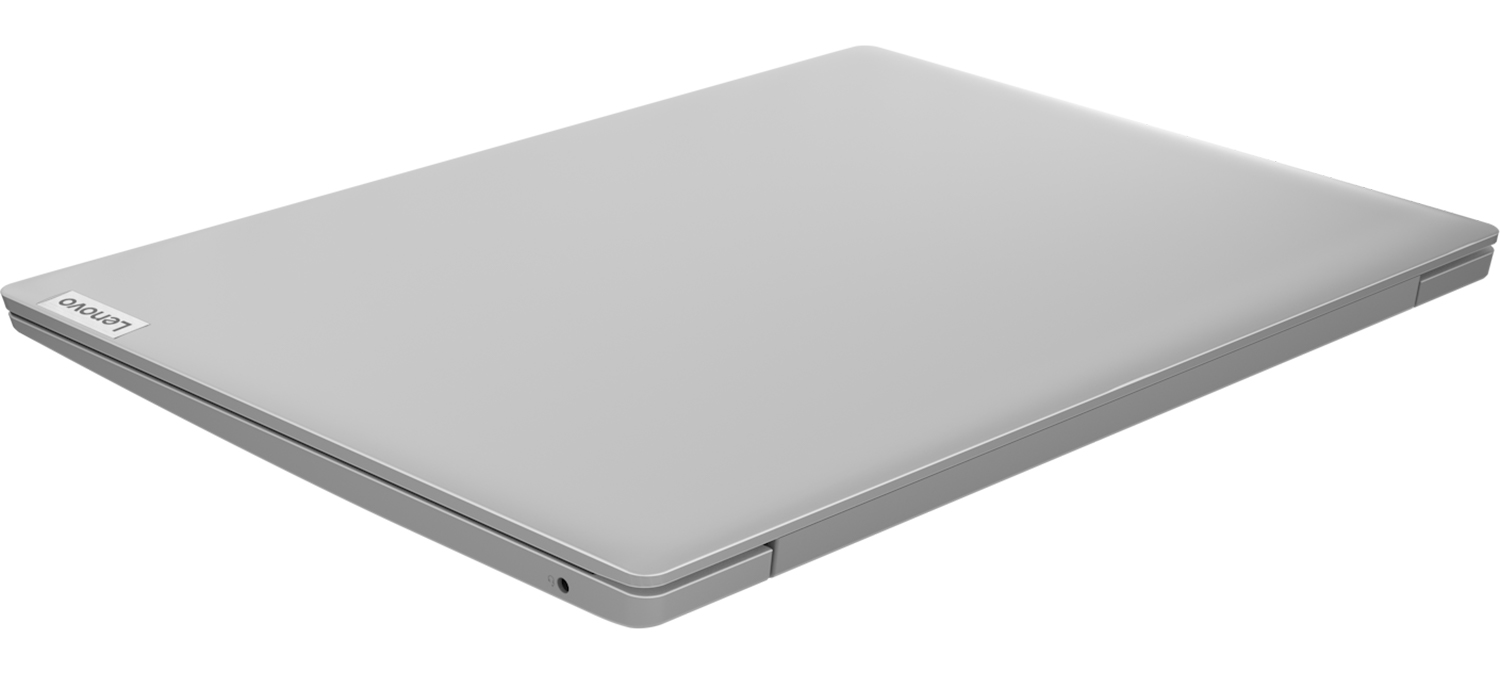
So, this notebook’s speakers are placed on the bottom and are firing towards the desk. In addition to them, the bottom panel is home to a vent and nothing more. Since this laptop is passively cooled and lacks a fan, there are no more vents to be found.
Ports
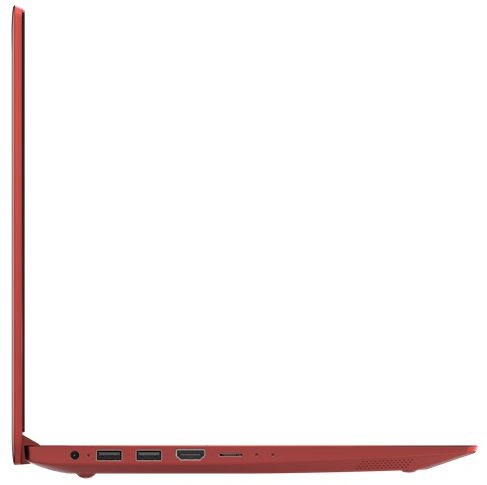
On the left side of this device, you will find the power plug, two USB Type-A 3.2 (Gen. 1) ports, an HDMI 1.4 connector, and a MicroSD card slot. And on the right, you can see the lonely Audio jack.


Disassembly, upgrade options and maintenance
There are 10 Phillips-head screws you need to undo to open this device. After you do so, pry the bottom panel with a plastic tool and remove it from the chassis.
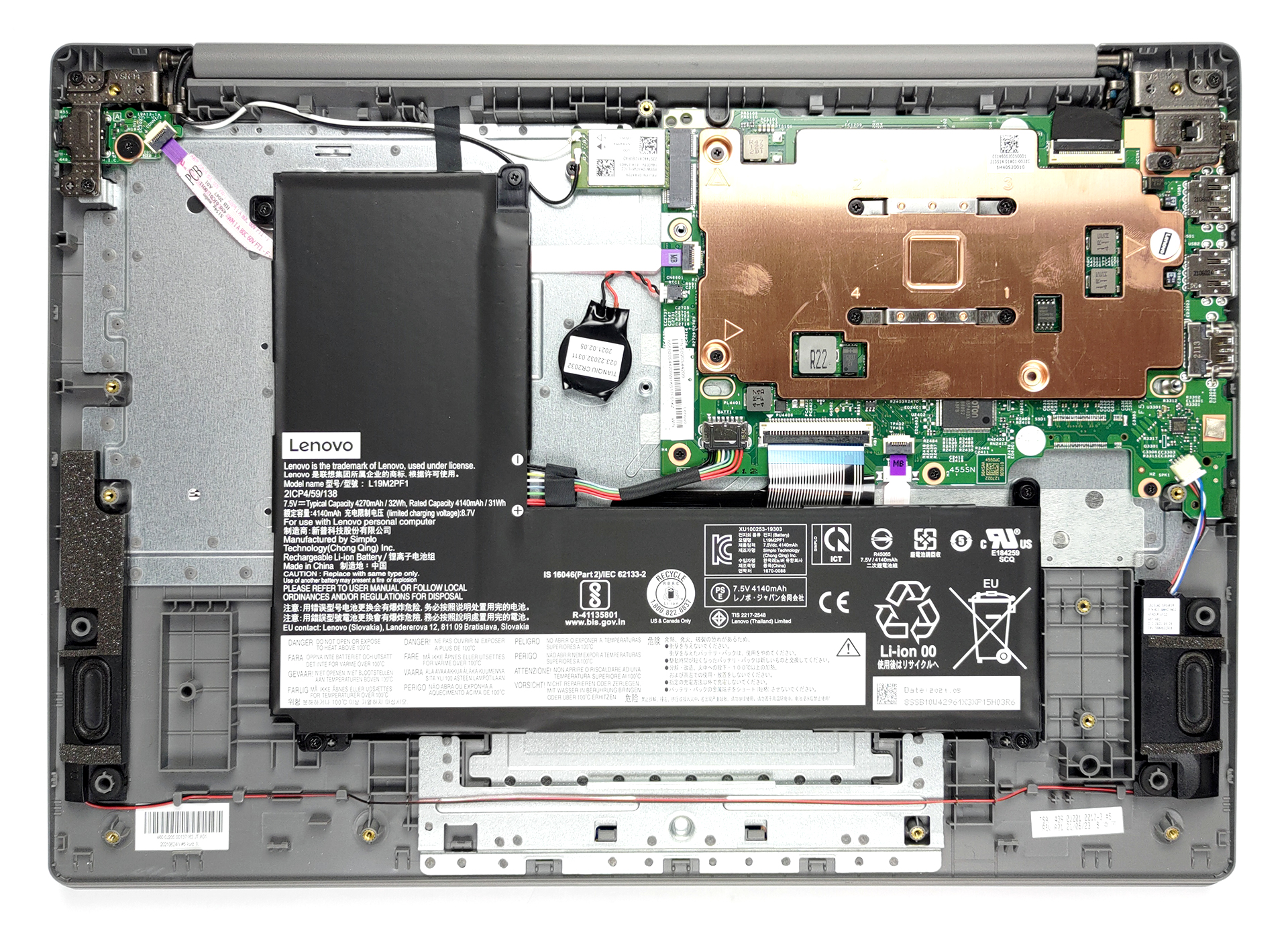
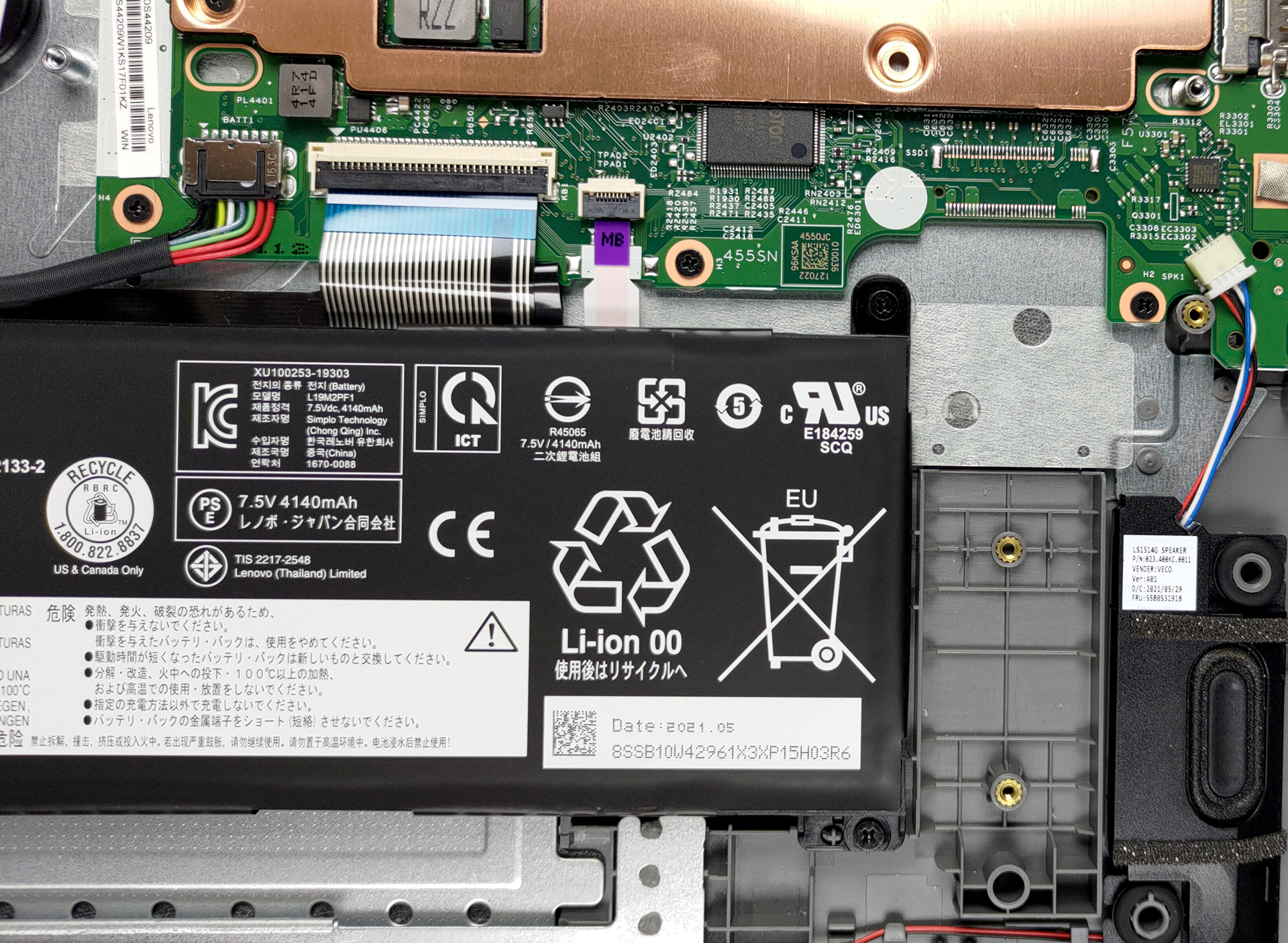
Lenovo was a bit modest with the battery, as they put a 32Wh unit inside.
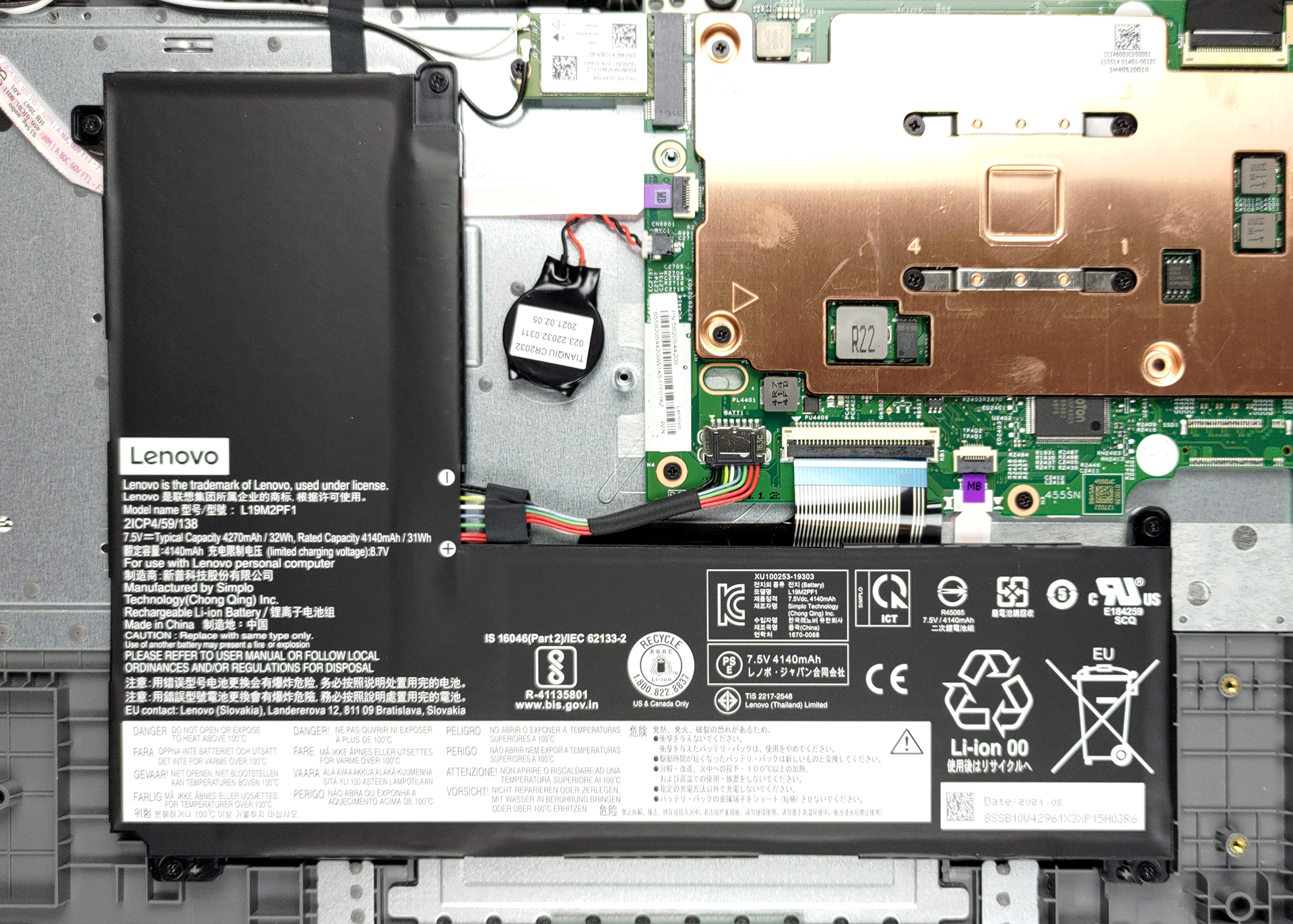
Keep in mind that this is a budget notebook. We say that because it has only one memory option and it has 4GB of soldered DDR4 RAM. Interestingly, we had a similar situation in the past where the company offers two options. Either you get your device with a 64GB eMMC soldered drive, and stick with it, or you go for the SSD-equipped option and get the opportunity to upgrade it down the line.
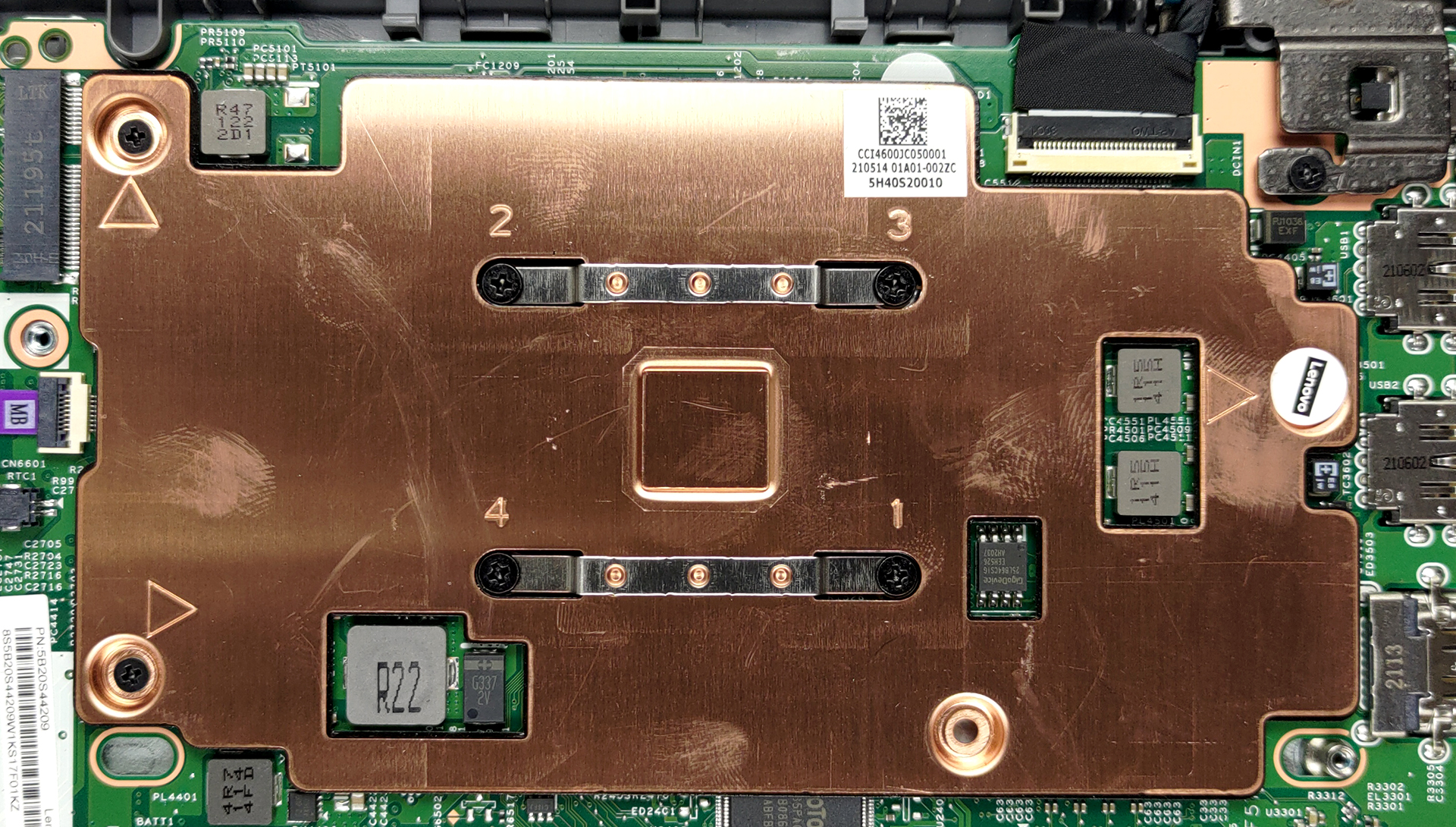
Cooling-wise, Lenovo supplied a fan-less solution for a completely silent setup. It comprises a metal heat spreader and it should do a job for the efficient Celeron N4020.temperature stabilizing at 71 degrees.
Drivers
All of the drivers and utilities for this notebook can be found here: https://pcsupport.lenovo.com/us/en/products/laptops-and-netbooks/1-series/1-14igl05/downloads/driver-list
Battery
Now, we conduct the battery tests with Windows Better performance setting turned on, screen brightness adjusted to 120 nits, and all other programs turned off except for the one we are testing the notebook with. This device’s 32Wh battery delivers 10 hours and 25 minutes of Web browsing, or 10 hours and 42 minutes of video playback.
Helderheid: 180 nits; Weergavemodus: SDR
Tijd tot Volledige Ontlading: Hoger is Beter
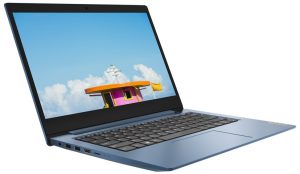
Om realistische omstandigheden te simuleren, hebben we ons eigen script gebruikt voor automatisch surfen op meer dan 70 websites.
CPU options
This notebook comes with either Intel or AMD processors. Our unit features the first option, and you get four choices – Celeron N4000, Celeron N4020, Celeron N4120, and the Pentium Silver N5030.
De resultaten zijn afkomstig van de Cinebench R23 CPU-test (hoe hoger de score, hoe beter)
GPU options
As for the graphics, the device arrives with integrated graphics only.
De resultaten zijn van 3DMark Time Spy (Graphics). Hoger is beter.
De resultaten zijn van de 3DMark Fire Strike (Graphics) benchmark (hoe hoger de score, hoe beter)
Lenovo IdeaPad 1 (14") GPU-varianten
Hier ziet u bij benadering een vergelijking tussen de GPU's die in de [serie] modellen op de markt te vinden zijn. Op deze manier kunt u voor uzelf beslissen welk [serie] model het beste is voor uw geld.
Note: The chart shows the cheapest different GPU configurations so you should check what the other specifications of these laptops are by clicking on the laptop’s name / GPU.
De resultaten zijn van 3DMark Time Spy (Graphics). Hoger is beter.
De resultaten zijn van de 3DMark: Fire Strike (Graphics) benchmark (hoe hoger de score, hoe beter)
De resultaten zijn van de Unigine Superposition benchmark (hoe hoger de score, hoe beter)
Temperatures and comfort
Max CPU load
In this test we use 100% on the CPU cores, monitoring their frequencies and chip temperature. The first column shows a computer’s reaction to a short load (2-10 seconds), the second column simulates a serious task (between 15 and 30 seconds), and the third column is a good indicator of how good the laptop is for long loads such as video rendering.
Average core frequency (base frequency + X); CPU temp.
| Intel Celeron N4020 (6W TDP) | 0:02 – 0:10 sec | 0:15 – 0:30 sec | 10:00 – 15:00 min |
|---|---|---|---|
| Lenovo IdeaPad 1 (14″) | 2.69 GHz @ 51°C @ 7W | 2.69 GHz @ 54°C @ 7W | 2.69 GHz @ 71°C @ 7W |
What more can you ask from your cooling solution. Yes, the Celeron N4020 is definitely not a power-hungry CPU, but we have to give credit where it’s due.
Comfort during full load
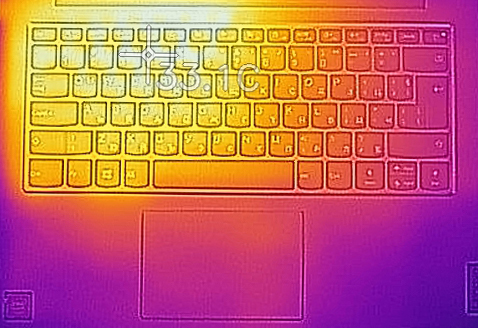
Even though there is no fan to take the heat away from the chassis, the keyboard remained rather cool at 33°C.
Verdict
 Affordable devices will always leave something to be desired. In this case, the laptop is made out of a rather inexpensive plastic, which makes the body soft, and prone to twists. Additionally, the situation around the storage is a real bummer. Well, there is a chance it’s not, but for that, you have to scratch the 64GB base option from the equation.
But then, you have to think about the pricing. It is super aggressive, and for a laptop that comes with Windows 10 preinstalled – it sounds like Lenovo is selling the IdeaPad 1 on a net loss. On the other hand, we don’t really care about that. What we do care about, however, is battery life. And boy does this laptop deliver. We were very surprised that the tiny 32Wh unit was able to deliver more than 10 hours of Web browsing or video playback.
In addition to that, the keyboard is the next strong point. It offers long key travel and clicky feedback. Pretty much the Holy Grail of keyboard comfort. And although there is no USB Type-C port to be found, you get a MicroSD card slot, an HDMI connector, and two USB Type-A 3.2 (Gen. 1) ports. Alas, it is possible to make a super affordable laptop without sacrificing USB speed. Thanks, Lenovo for showing that.
On the other hand, the biggest downside of this notebook is its display. However, when the price starts at only $250, you can’t expect anything different. That doesn’t make the 768p TN display look any better, but if this is the sacrifice you have to make to own a laptop, so be it.
Pros
- Super affordable
- Great keyboard
- Very good battery life
- MicroSD card slot
Cons
- Mediocre performance
- Soldered memory
- Subpar build quality
- Narrow viewing angles
You can check the prices and configurations in our Specs System: https://laptopmedia.com/series/lenovo-ideapad-1-14/
 Author: Alex Iliev

![[augustus 2026] Wereldwijde ranglijst van bestverkochte laptop-GPU’s op Amazon – Apple is onbetwist nummer één, NVIDIA’s RTX 5060 staat bovenaan de ranglijst voor dedicated GPU’s](https://laptopmedia.com/wp-content/uploads/2026/09/Best-Selling-GPUs-GLOBAL-Top-10-400x225.jpg)
![[augustus 2026] Wereldwijde ranglijst van bestverkochte laptop-CPU’s op Amazon – Apple domineert zowel het budget- als het premiumsegment: A18 Pro en M5 verslaan Intel en AMD in augustus 2026](https://laptopmedia.com/wp-content/uploads/2026/09/Best-Selling-CPUs-GLOBAL-Top-10-400x225.jpg)
![[augustus 2026] Amazon Global: Top 10 van best verkochte laptops – De Apple MacBook Neo domineert de hitlijsten, terwijl goedkope en middenklasse Windows-laptops strijden om het verkoopvolume](https://laptopmedia.com/wp-content/uploads/2026/09/Best-Selling-Laptops-GLOBAL-Top-10-400x225.jpg)
![[augustus 2026] Bestverkochte laptopmerken op Amazon Global – Apple domineert qua omzet, terwijl HP koploper is qua modelvariëteit](https://laptopmedia.com/wp-content/uploads/2026/09/GLOBAL-Best-Brands-400x225.jpg)
![[augustus 2026] Amazon Global: Top 10 bestverkochte gaminglaptops – HP Victus 15 pakt de eerste plaats terwijl budgetvriendelijke modellen de hitlijsten domineren](https://laptopmedia.com/wp-content/uploads/2026/09/Best-Selling-Gaming-Laptops-GLOBAL-Top-10-400x225.jpg)
