ASUS VivoBook S14 S433 (M433)
ASUS VivoBook S14 S433 (M433) - Specs
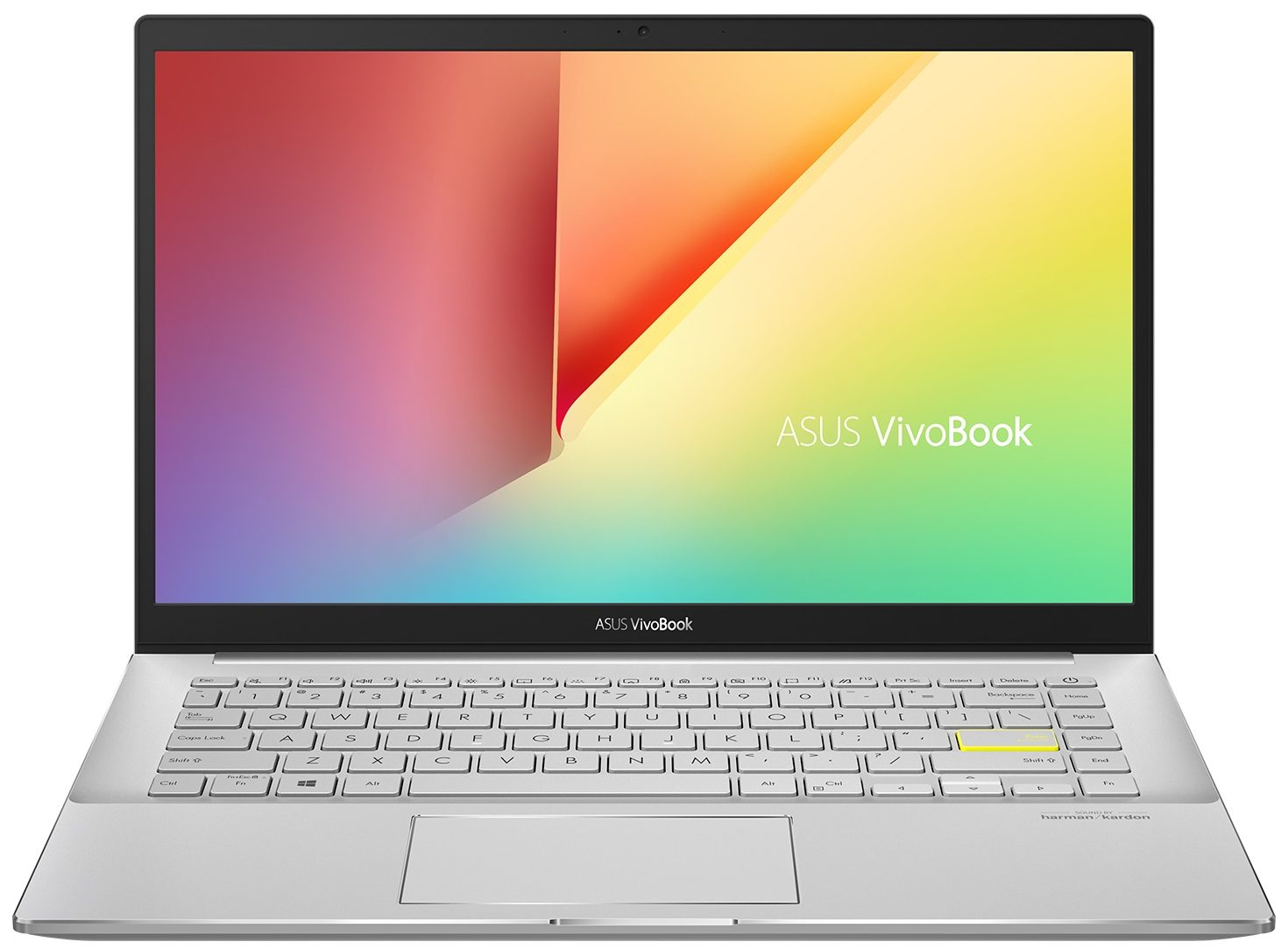
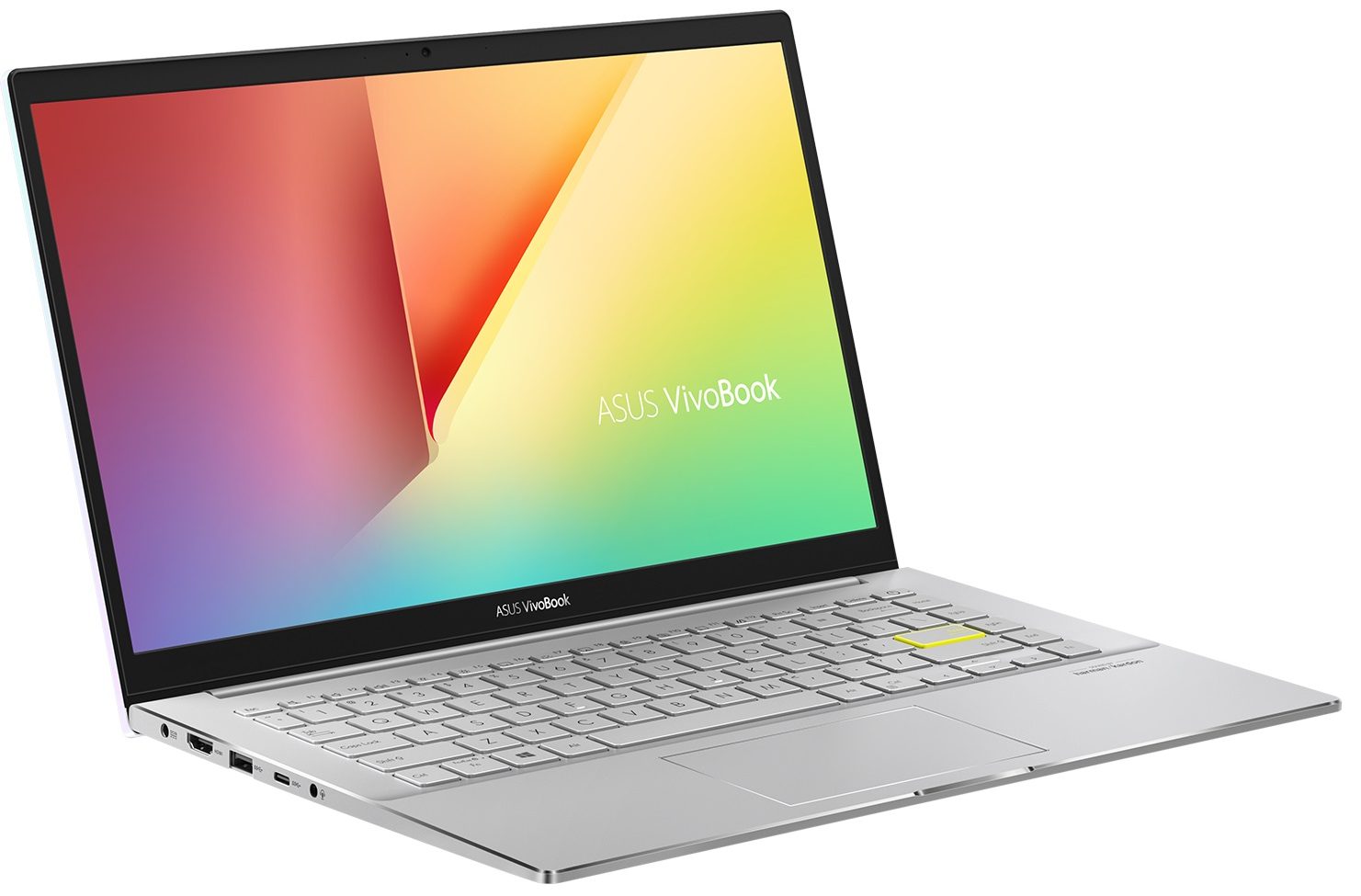
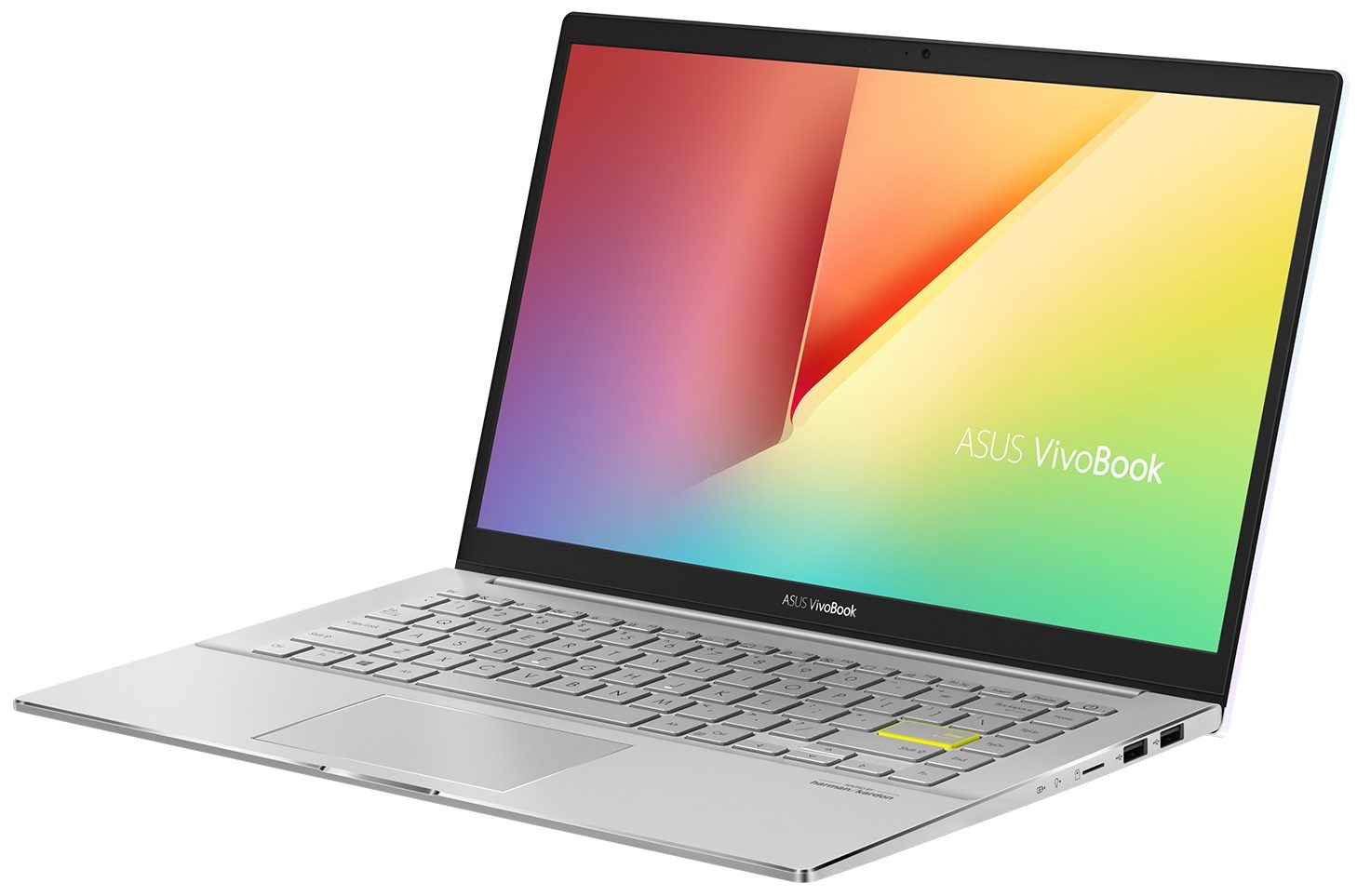
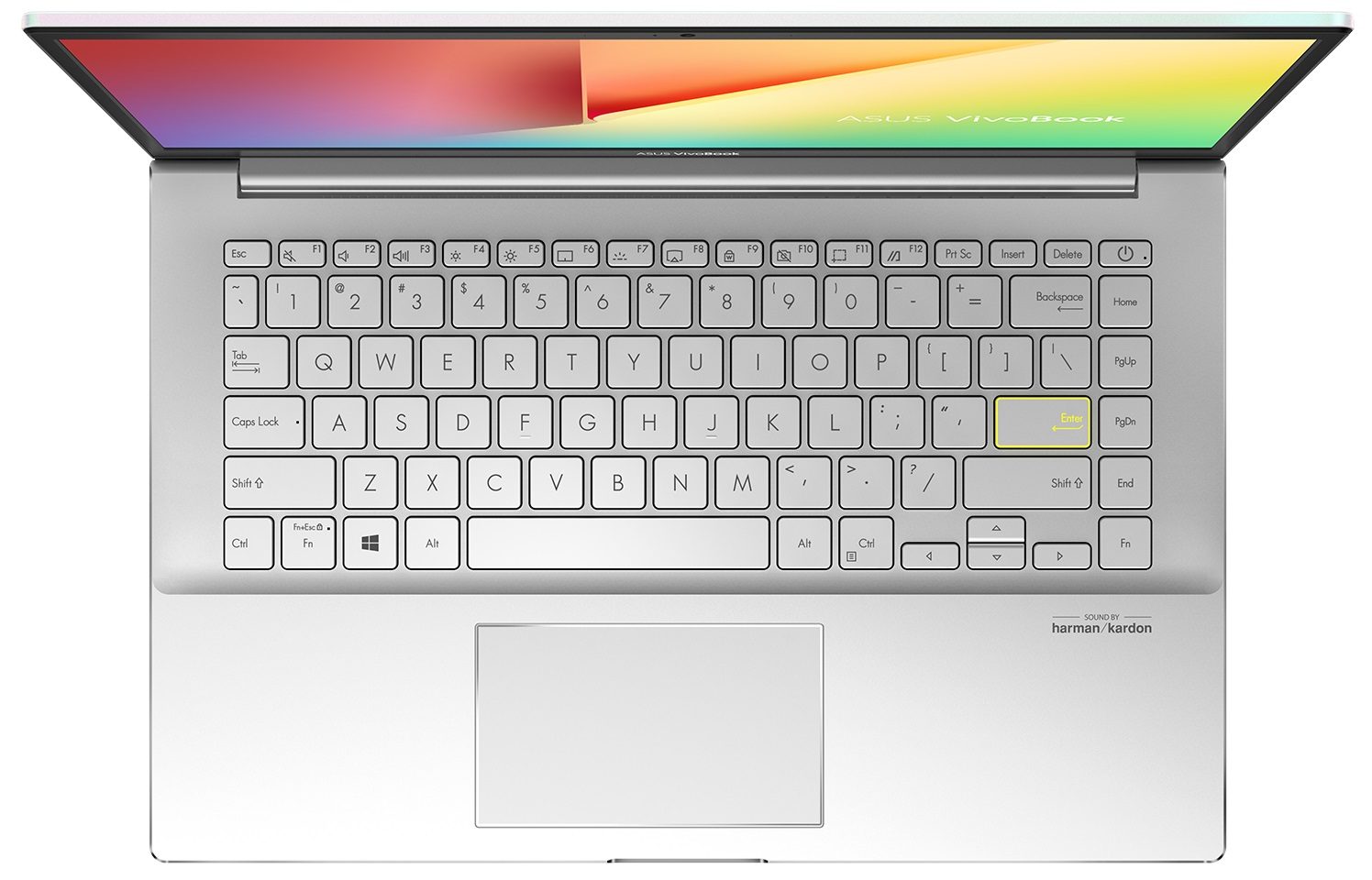


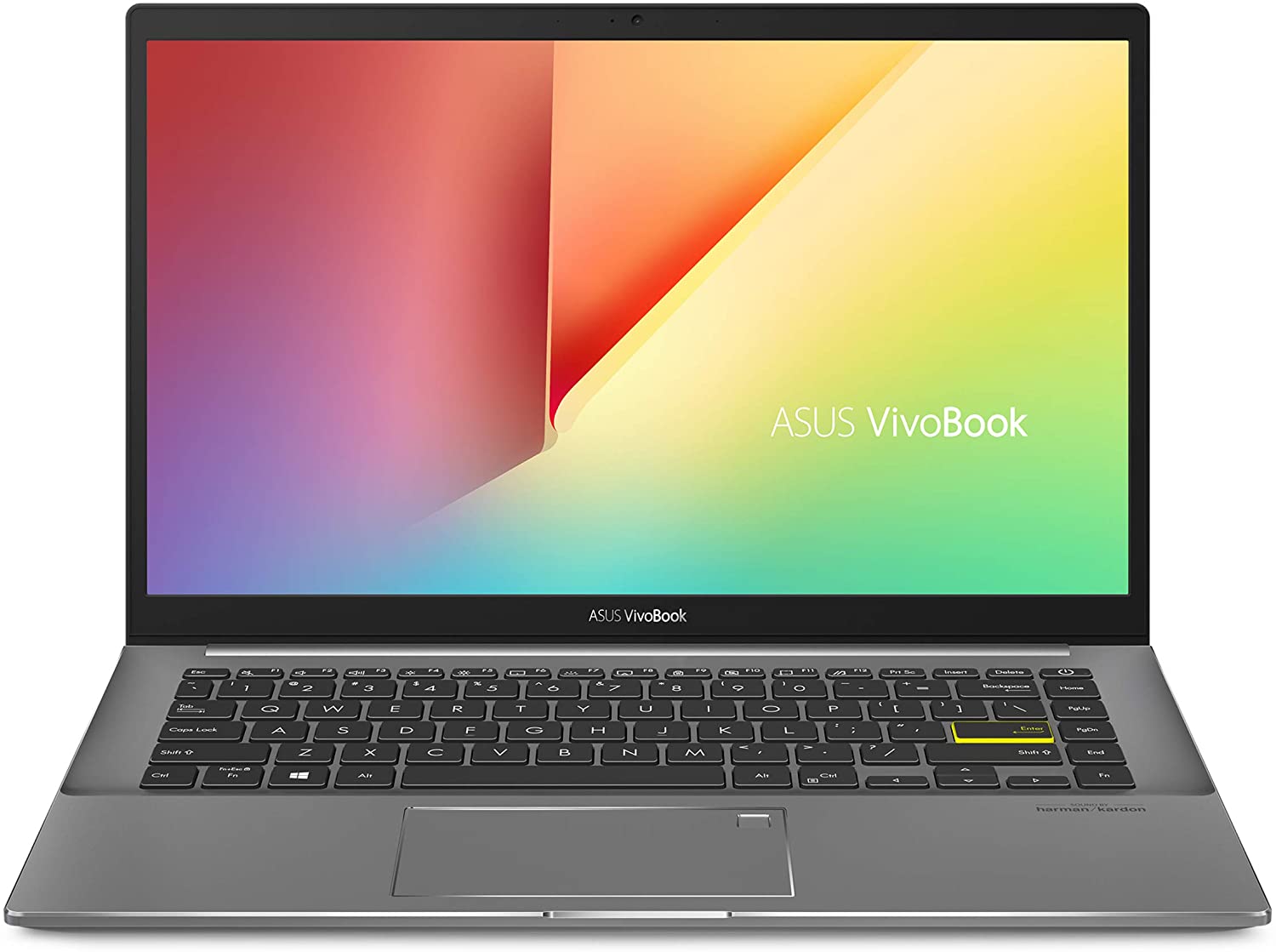

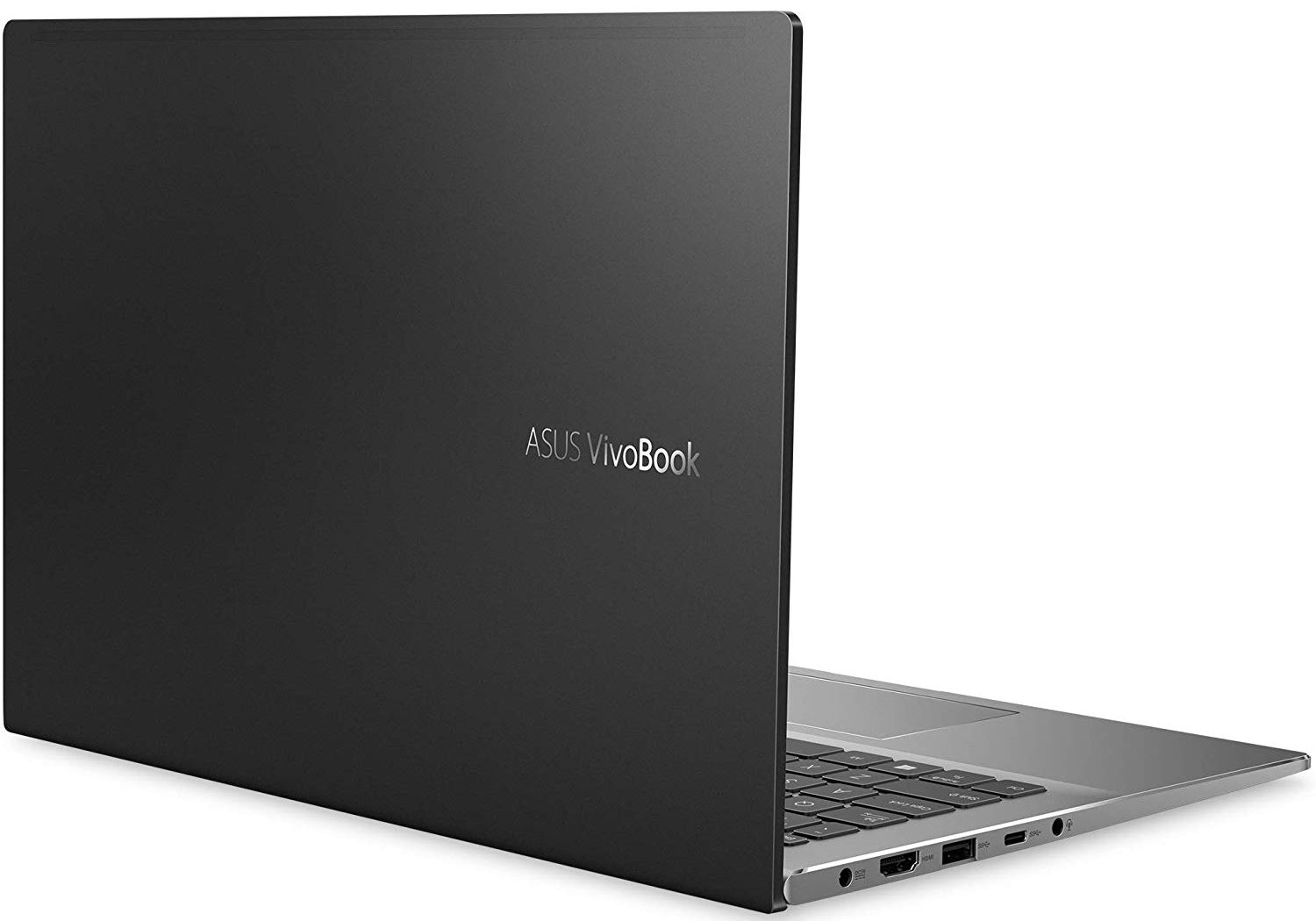
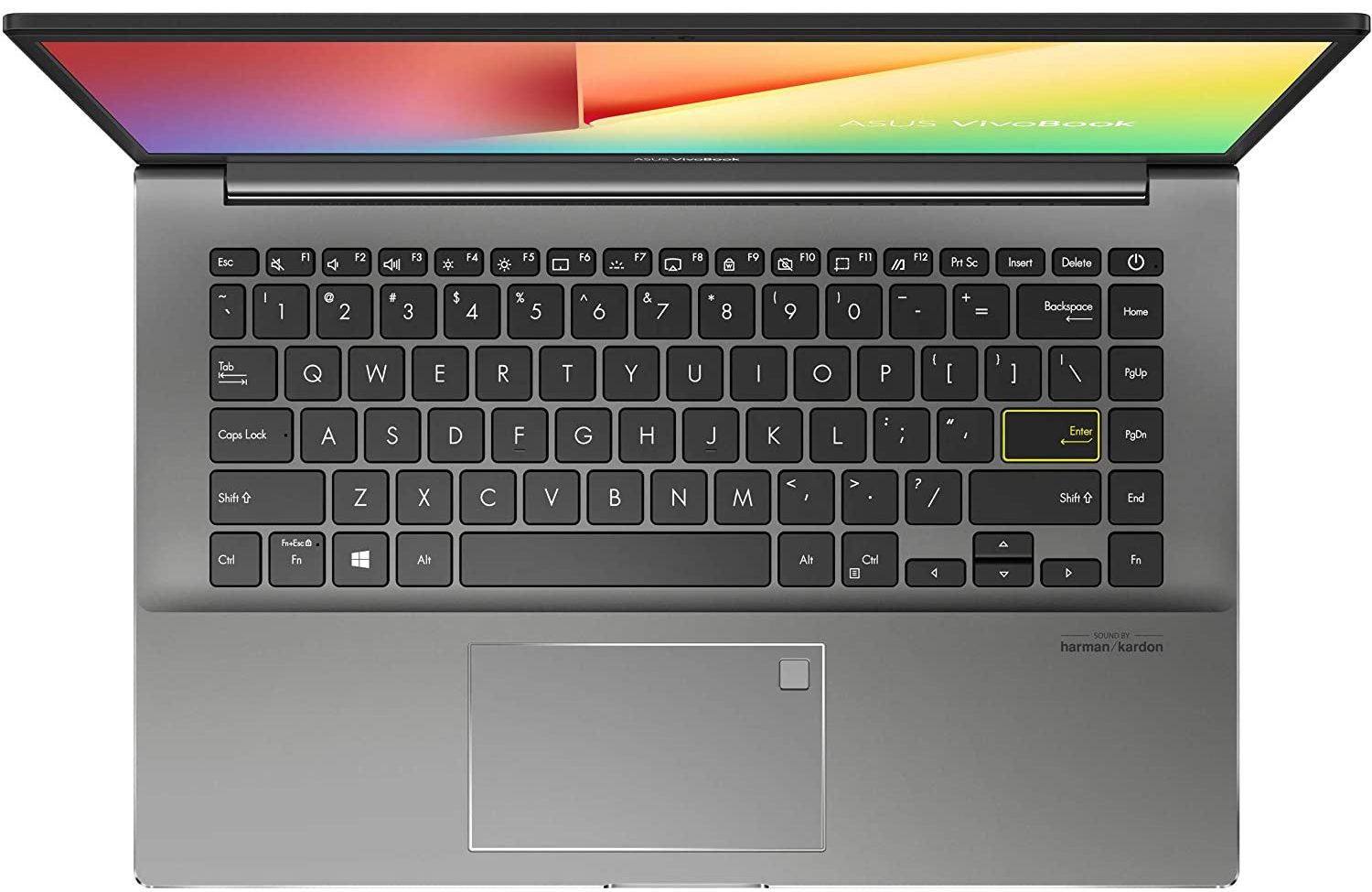
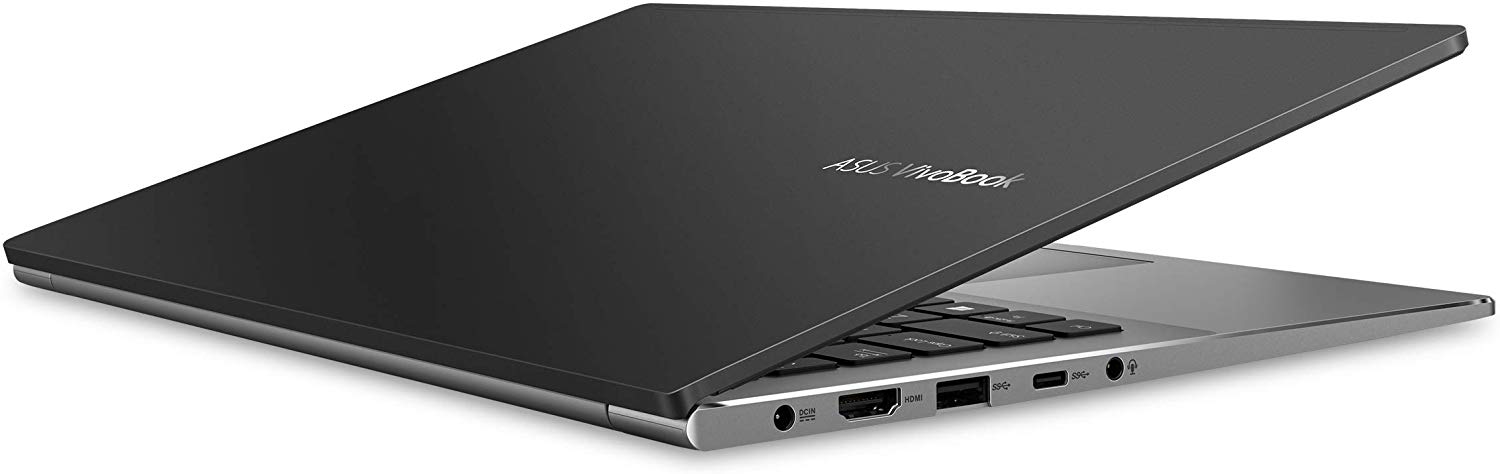
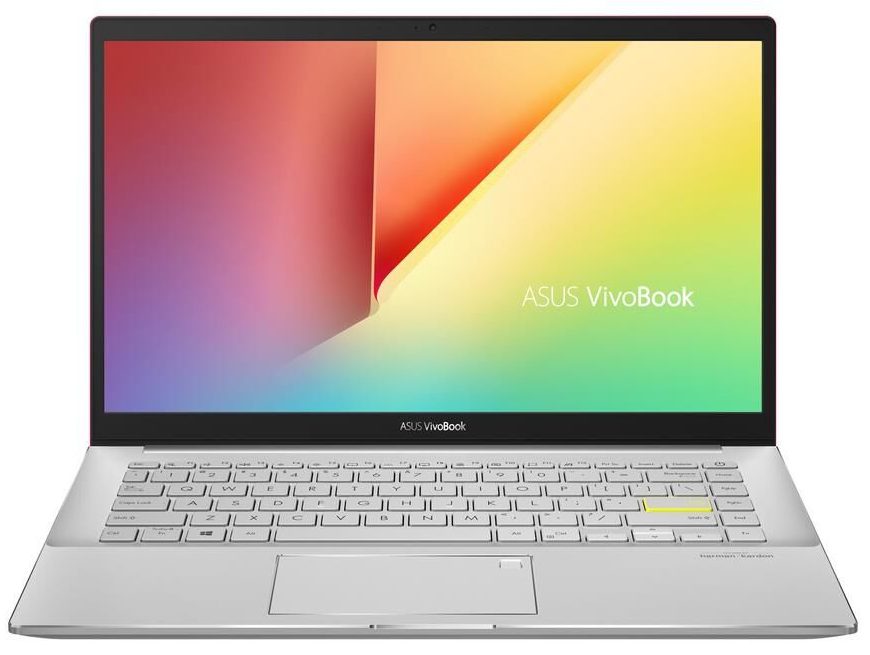
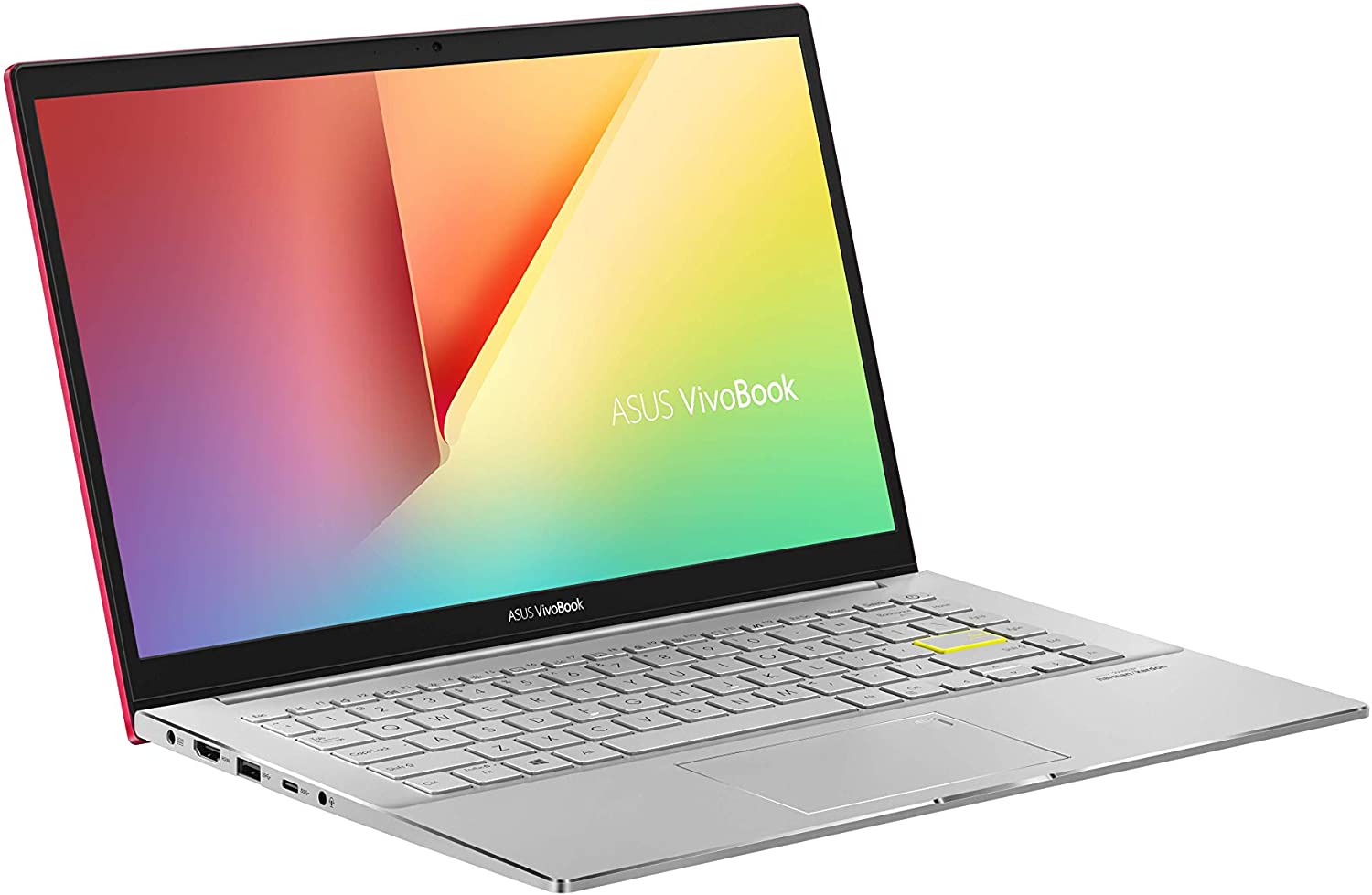
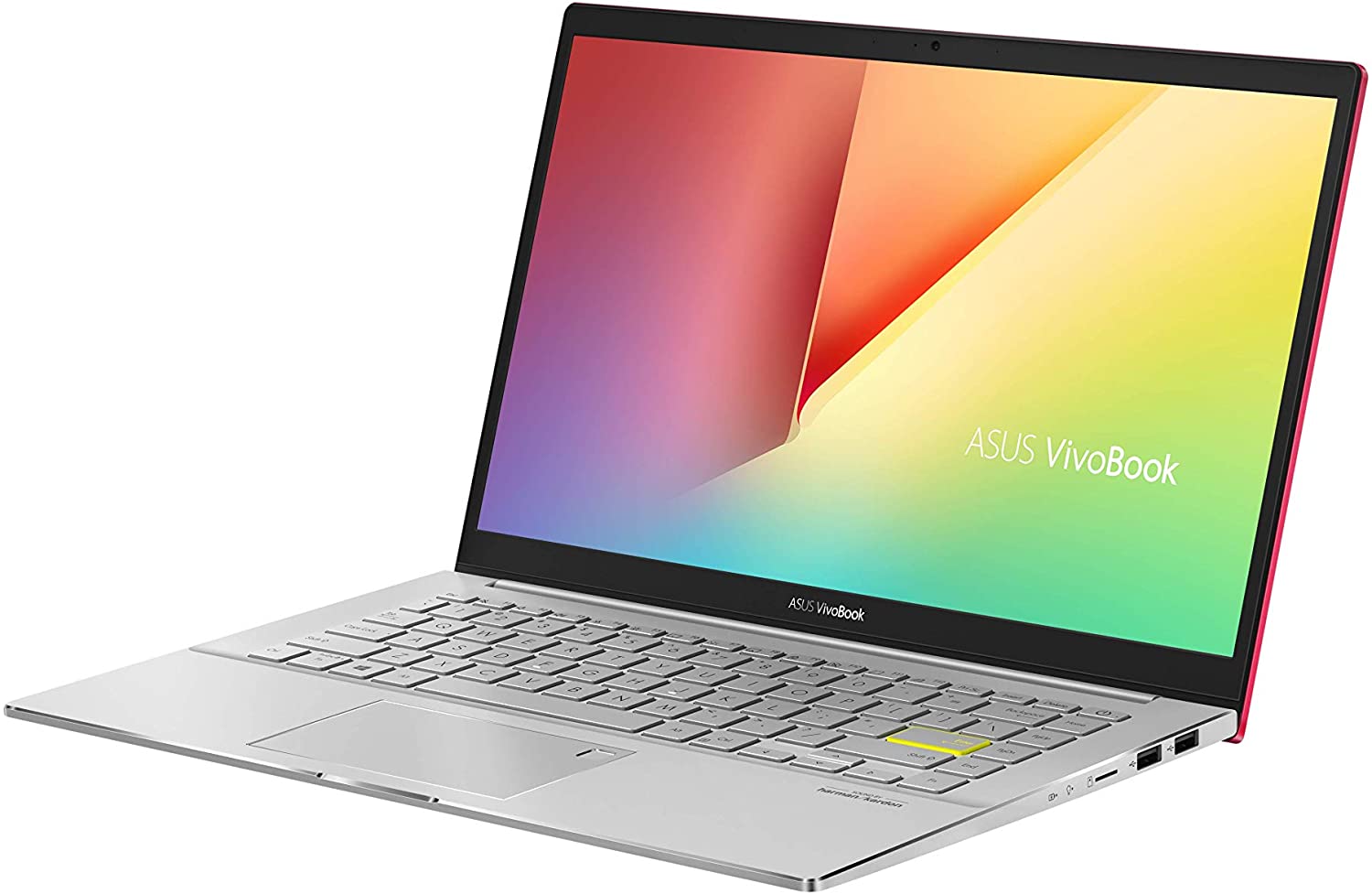
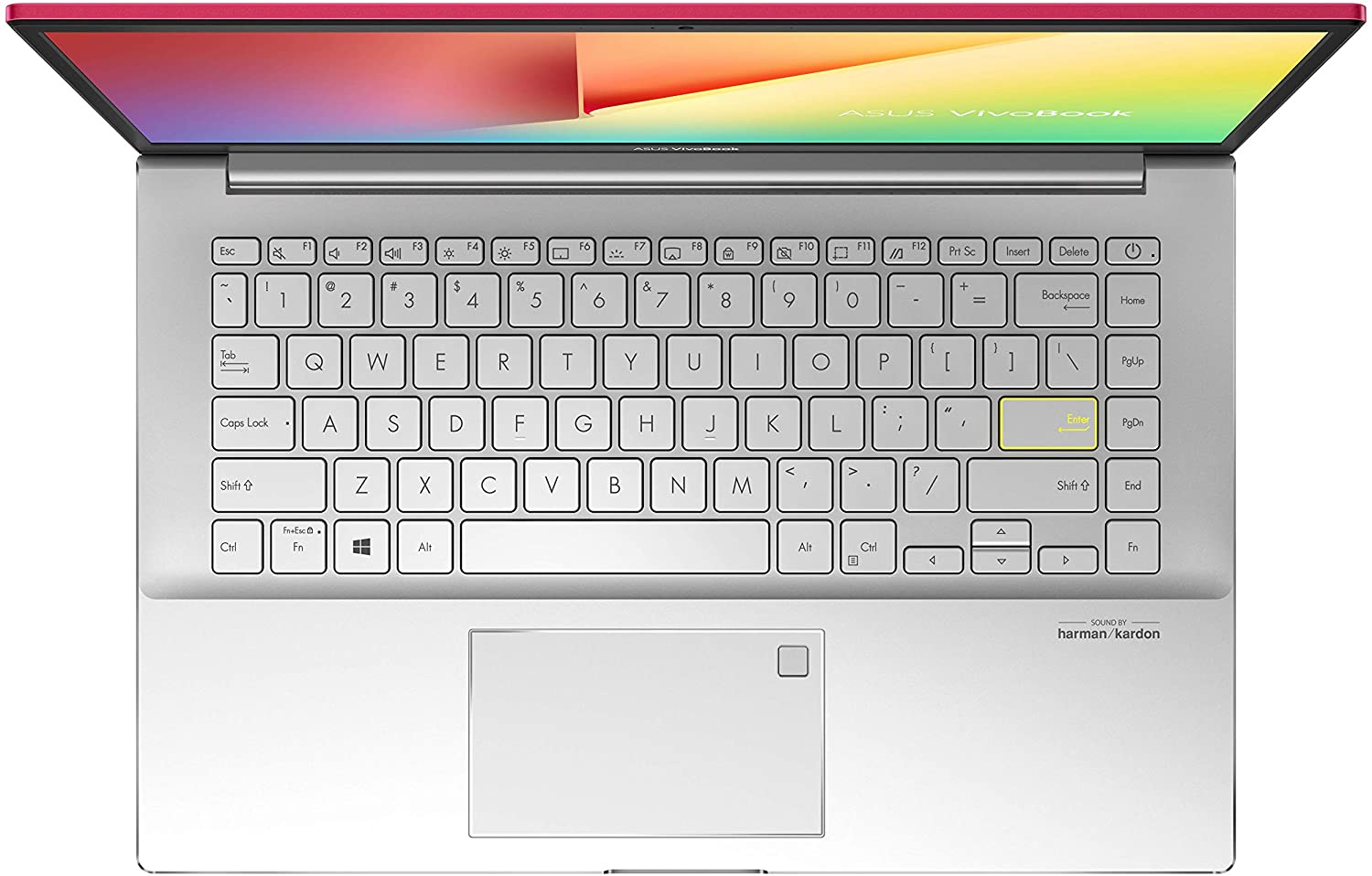
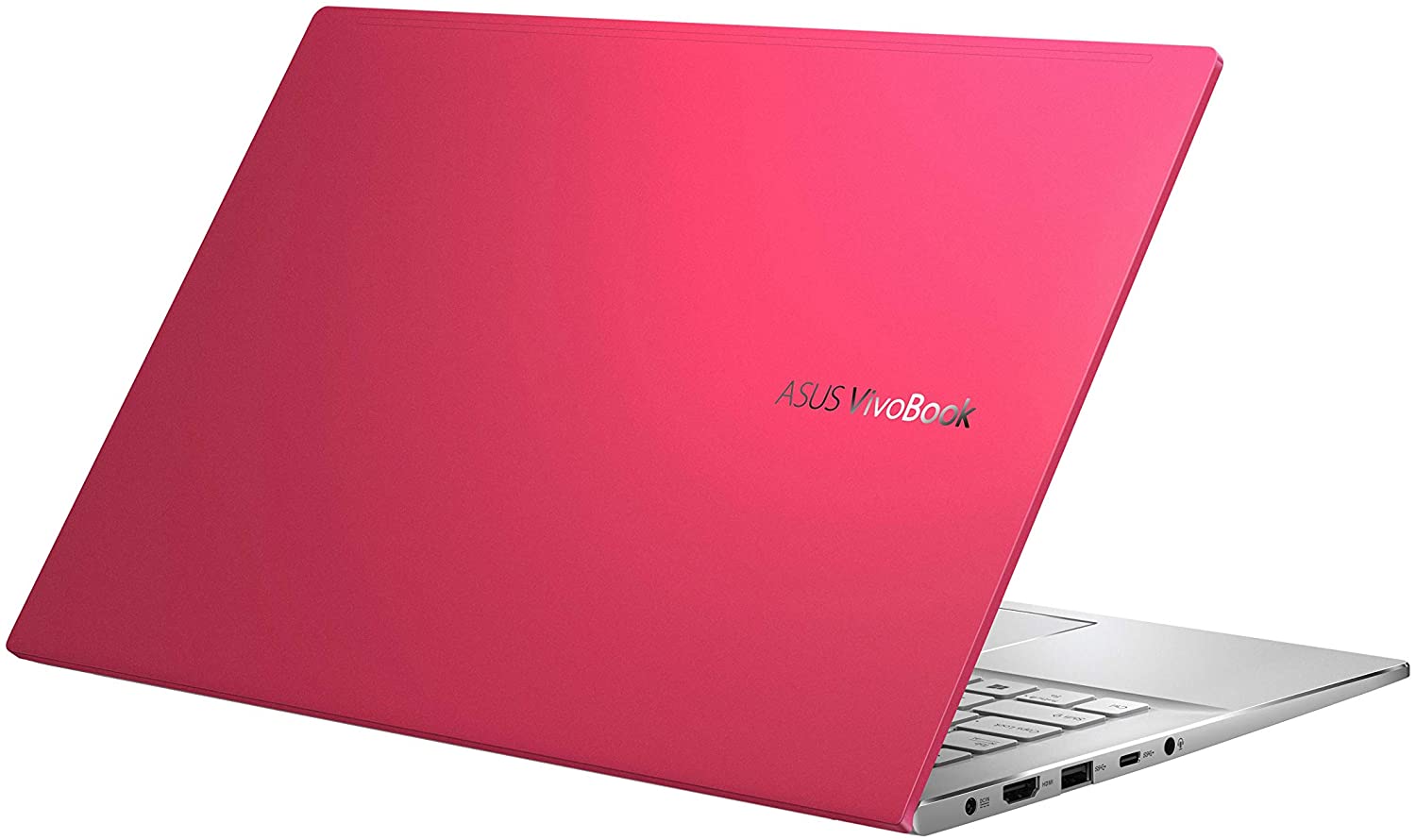
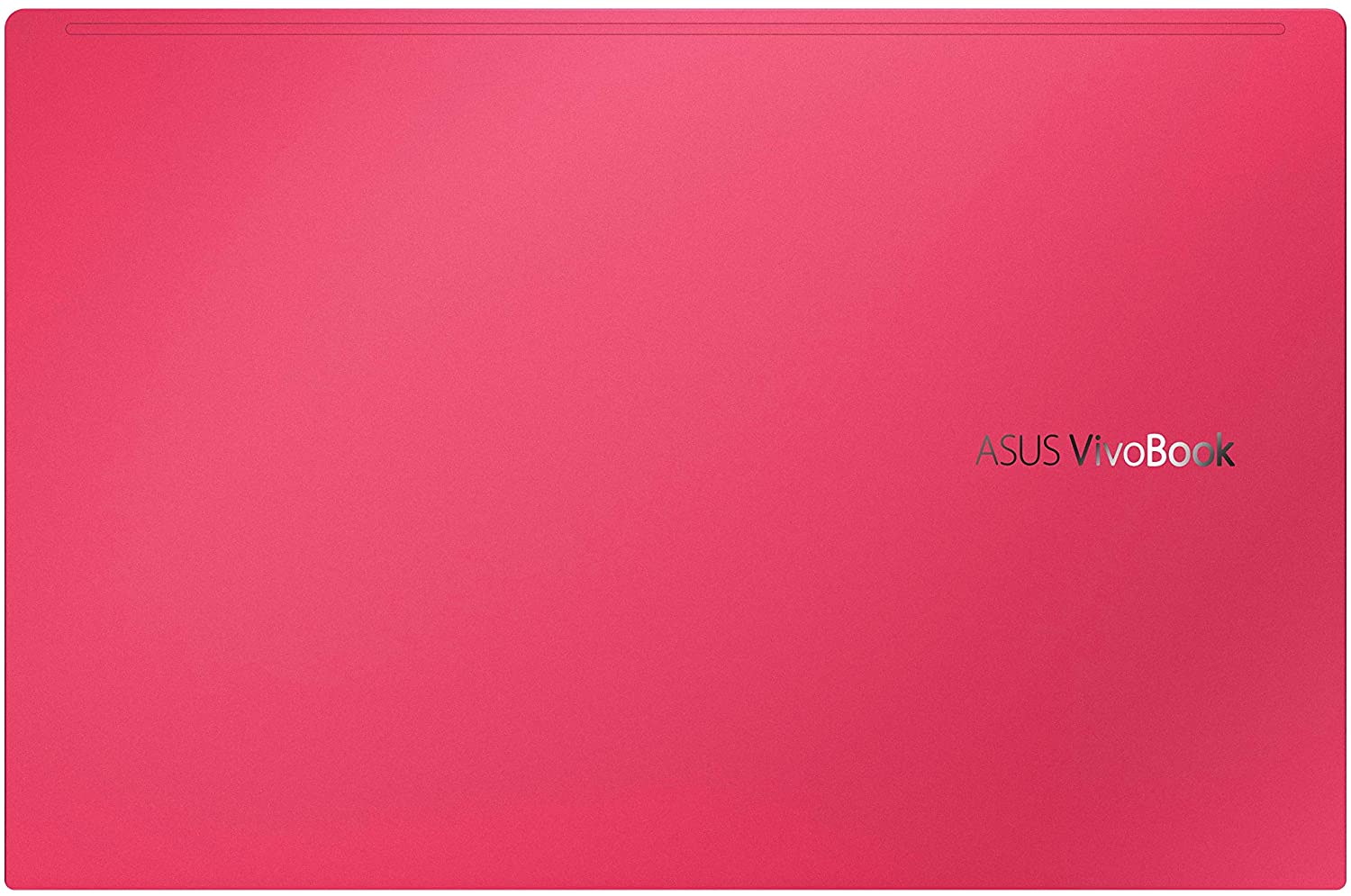
- GPU
- NVIDIA GeForce MX350 (25W) #278 in Top GPU's NVIDIA GeForce MX350 #277 in Top GPU's NVIDIA GeForce MX250 (25W) #283 in Top GPU's Intel UHD Graphics G1 #346 in Top GPU's Intel UHD Graphics #365 in Top GPU's Intel Iris Xe Graphics G7 (96EU) #324 in Top GPU's Intel Iris Xe Graphics G7 (80EU) #319 in Top GPU's Intel Iris Plus Graphics G7 #341 in Top GPU's AMD Radeon RX Vega 8 (R4000/5000, 15W) #311 in Top GPU's AMD Radeon RX Vega 7 (R4000/5000, 15W) #322 in Top GPU's AMD Radeon RX Vega 6 (R4000/5000, 15W) #330 in Top GPU's

- HDD/SSD
- tot 1032GB SSD
- M.2 Sleuf
- 2x 2280 PCIe NVMe 3.0 x2 Zie foto
- RAM
- up to 16GB
- OS
- Windows 10 Home, Windows 11 Home, Windows 10 Pro, No OS
- Accu
- 50Wh, 3-cell, 42Wh, 3-cell
- Materiaal behuizing
- Plastic / Polycarbonate, Aluminum
- Afmetingen
- 324 x 213 x 15.9 mm (12.76" x 8.39" x 0.63")
- Gewicht
- 1.40 kg (3.1 lbs)
- Poorten en connectiviteit
- 2x USB Type-A
- 2.0
- 1x USB Type-A
- 3.2 Gen 1 (5 Gbps)
- 1x USB Type-C
- 3.2 Gen 1 (5 Gbps)
- HDMI
- 1.4
- Kaartlezer
- MicroSD
- Ethernet LAN
- Wi-Fi
- 802.11ax
- Bluetooth
- 5.0
- Audio-aansluiting
- 3.5 mm combo
- Functies
- Vingerafdruklezer
- optional
- Webcamera
- HD
- Verlicht toetsenbord
- optional
- Microfoon
- Array Microphone
- Luidsprekers
- Speakers by Harman Kardon
- Optische drive
- Sleuf voor veiligheidsslot
Alle ASUS VivoBook S14 S433 (M433) configuraties
Koop onze profielen voor BOE NV140FHM-N49 / 14.0”, Full HD (1920 x 1080), IPS
Naast het ontvangen van efficiënte en gezondheidsvriendelijke profielen, ondersteunt u door het kopen van LaptopMedia's producten ook de ontwikkeling van onze labs, waar we apparaten testen om zo objectief mogelijke reviews te produceren.

Office Work
Office Work is voornamelijk bedoeld voor gebruikers die de meeste tijd besteden aan het bekijken van teksten, tabellen of gewoon surfen. Dit profiel streeft naar een betere onderscheidbaarheid en helderheid door een vlakke gammacurve (2.20), native kleurtemperatuur en perceptueel accurate kleuren te behouden.

Design and Gaming
Dit profiel is bedoeld voor ontwerpers die professioneel met kleuren werken, maar ook voor games en films. Design and Gaming haalt het uiterste uit beeldschermen, waardoor ze zo nauwkeurig mogelijk zijn in de sRGB IEC61966-2-1 norm voor Web en HDTV, met witpunt D65.

Health-Guard
Health-Guard elimineert de schadelijke Pulsbreedtemodulatie (PWM) en vermindert het negatieve Blauwe Licht dat onze ogen en lichaam beïnvloedt. Omdat het op maat gemaakt is voor elk paneel, slaagt het erin de kleuren perceptueel accuraat te houden. Health-Guard simuleert papier zodat de druk op de ogen sterk wordt verminderd.
Krijg alle 3 profielen met 33% korting

CPU Prestaties
Hier vindt u het prijs/prestatieverschil tussen alle CPU's die in de ASUS VivoBook S14 S433 (M433) Series.
De resultaten zijn afkomstig van de Cinebench R23 CPU-test (hoe hoger de score, hoe beter)
GPU Prestaties
Hier vindt u het prijs/prestatieverschil tussen alle GPU's die in de ASUS VivoBook S14 S433 (M433) Series.
De resultaten zijn van 3DMark Time Spy (Graphics). Hoger is beter.
ASUS VivoBook S14 S433 (M433) uitgebreide review
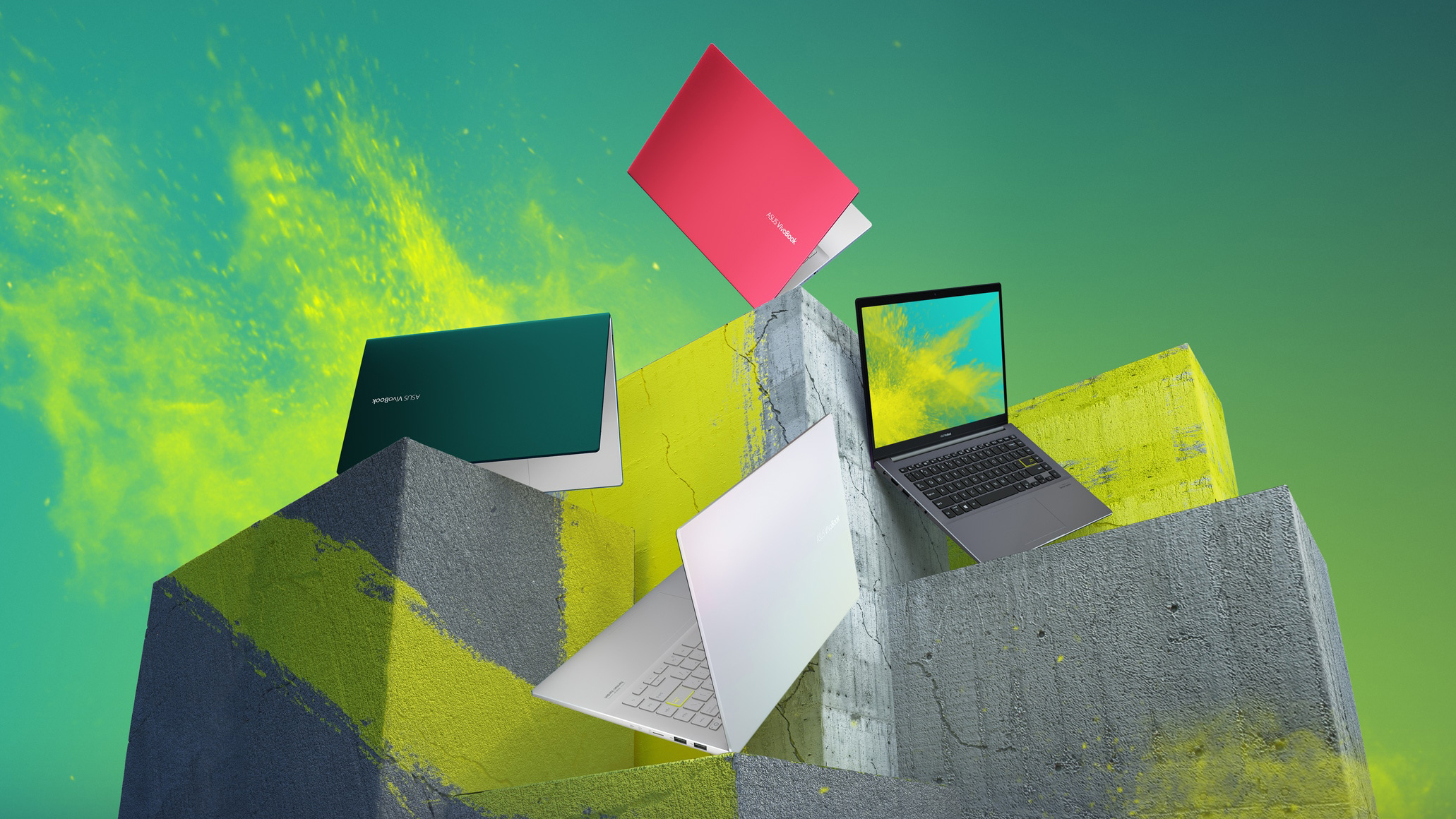
Well, well, well. What do we have here? A 14-inch VivoBook. It looks like the successor of the S14 S432 but interestingly - it lacks the ScreenPad 2.0 support. Have ASUS made it exclusive to the ZenBook series? Are they trying to keep the price down? We don't know. What we know, however, is that the new notebook comes with a new look, new processors, and a 1080p IPS display.While the processors of choice here are mere refreshes of the Whiskey Lake family, we found out that in some laptops, they offer better optimization, thus improving the battery life of the device. You will see shortly,[...]
Pros
- Stylish customizable design
- Nice performance/efficiency ratio
- Good battery life
- Good contrast ratio and comfortable viewing angles (BOE NV140FHM-N49)
- Doesn't use PWM to adjust its brightness (BOE NV140FHM-N49)
- MicroSD card reader on board
Minpunten
- Poor upgradability
- Lacks Thunderbolt connection
- Covers only 52% of sRGB (BOE NV140FHM-N49)
- Seems like a downgrade from last year
- Modest I/O
Spelletjes die je op deze laptop serie kunt spelen









Resolution: 1920 x 1080 (Full HD) |
LOW |
HIGH |
|---|---|---|
 | 68 FPS VIDEO AFSPELEN | 36 FPS VIDEO AFSPELEN |
| NVIDIA GeForce MX350 | 64 FPS | 38 FPS |



![[Oktober 2026] bestverkopende laptopmerken op Amazon wereldwijd – Apple haalt de meeste omzet, hoewel HP de meeste modellen aanbiedt](https://laptopmedia.com/wp-content/uploads/2026/11/GLOBAL-Best-Brands-400x225.jpg)
![[Oktober 2026] Amazon wereldwijd: top 10 bestverkochte laptops – Apple voert de wereldmarkt aan en de MacBook Air 13 met M5-chip staat op nummer 1](https://laptopmedia.com/wp-content/uploads/2026/11/Best-Selling-Laptops-GLOBAL-Top-10-400x225.jpg)
![[Oktober 2026] Amazon wereldwijd: de 10 bestverkochte gaminglaptops – HP Victus 15 voert de lijst aan, terwijl betaalbare configuraties wereldwijd de verkoop domineren](https://laptopmedia.com/wp-content/uploads/2026/11/Best-Selling-Gaming-Laptops-GLOBAL-Top-10-400x225.jpg)
![[Oktober 2026] Wereldwijde ranglijst van bestverkochte laptop-GPU’s op Amazon – Apple M5 domineert, terwijl NVIDIA’s RTX 5060 de bestverkochte aparte GPU is in oktober 2026](https://laptopmedia.com/wp-content/uploads/2026/11/Best-Selling-GPUs-GLOBAL-Top-10-400x225.jpg)
![[oktober 2026] Wereldwijde ranglijst van bestverkochte laptopprocessors op Amazon – Apple’s M5 staat bovenaan, terwijl Intel en AMD om de overige plaatsen strijden](https://laptopmedia.com/wp-content/uploads/2026/11/Best-Selling-CPUs-GLOBAL-Top-10-400x225.jpg)

