ASUS Vivobook 16X (M1603) review – a product with a high value and low price
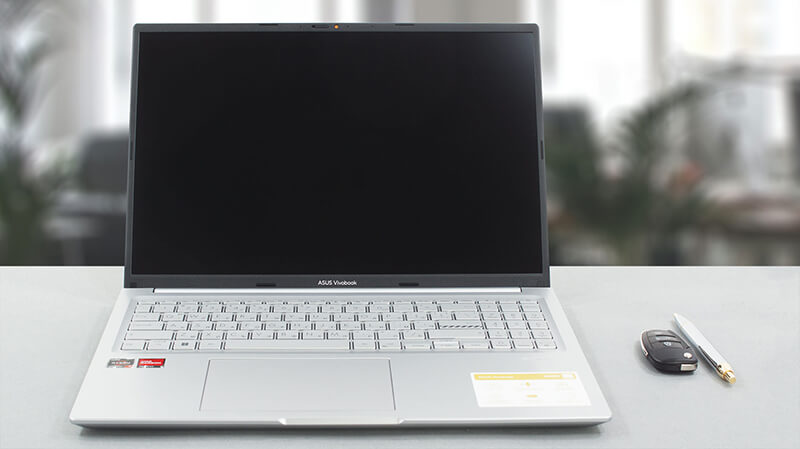 Even though AMD has officially announced its Ryzen 7000-series processors, devices with their Ryzen 5000 CPUs still hit the market. One such laptop is the ASUS Vivobook 16X (M1603).
What is more exciting, is that we’re talking about the H-series processors, which have a TDP of 45W. What Ryzen 5000H brings to the table is value. And this is the entire philosophy behind the Vivobook 16X (M1603).
It aspires to attract young users, who are practical, like no-nonsense designs, and want to get the job done. This, and the need for a good performance-by-cost ratio, brings the device really into contention with more expensive machines.
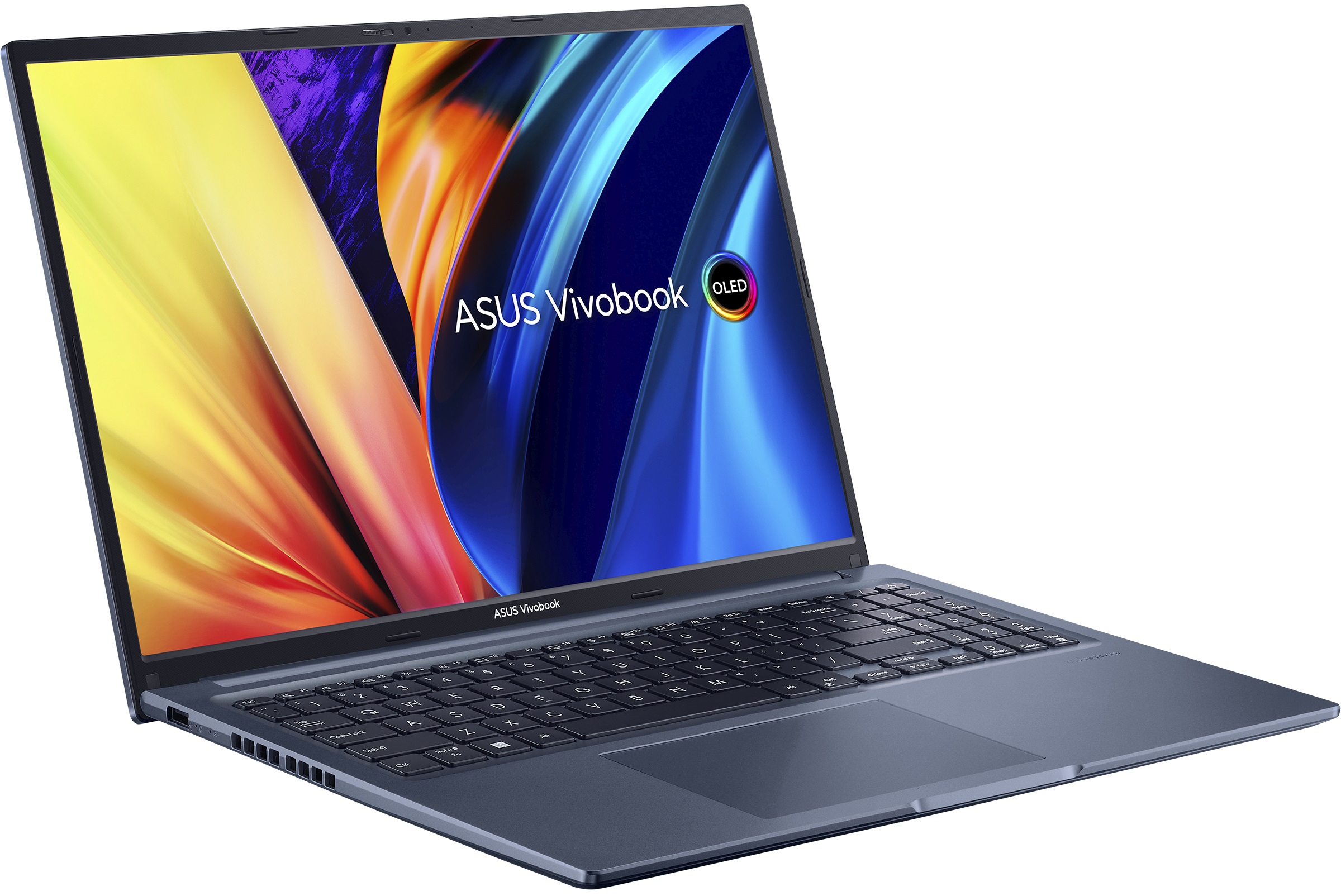
It’s also worth mentioning that this notebook can be found with an OLED panel too. And weirdly (or not), it will feature a larger battery – 70Wh versus 50Wh on the IPS model. This is a 40% increase and may lead to a huge difference in battery life.
You can check the prices and configurations in our Specs System: https://laptopmedia.com/series/asus-vivobook-16x-oled-m1603/
Contents
Specs, Drivers, What’s in the box
ASUS VivoBook 16X (F1603 / M1603 / X1603 / P1603 / S1603) - Specs
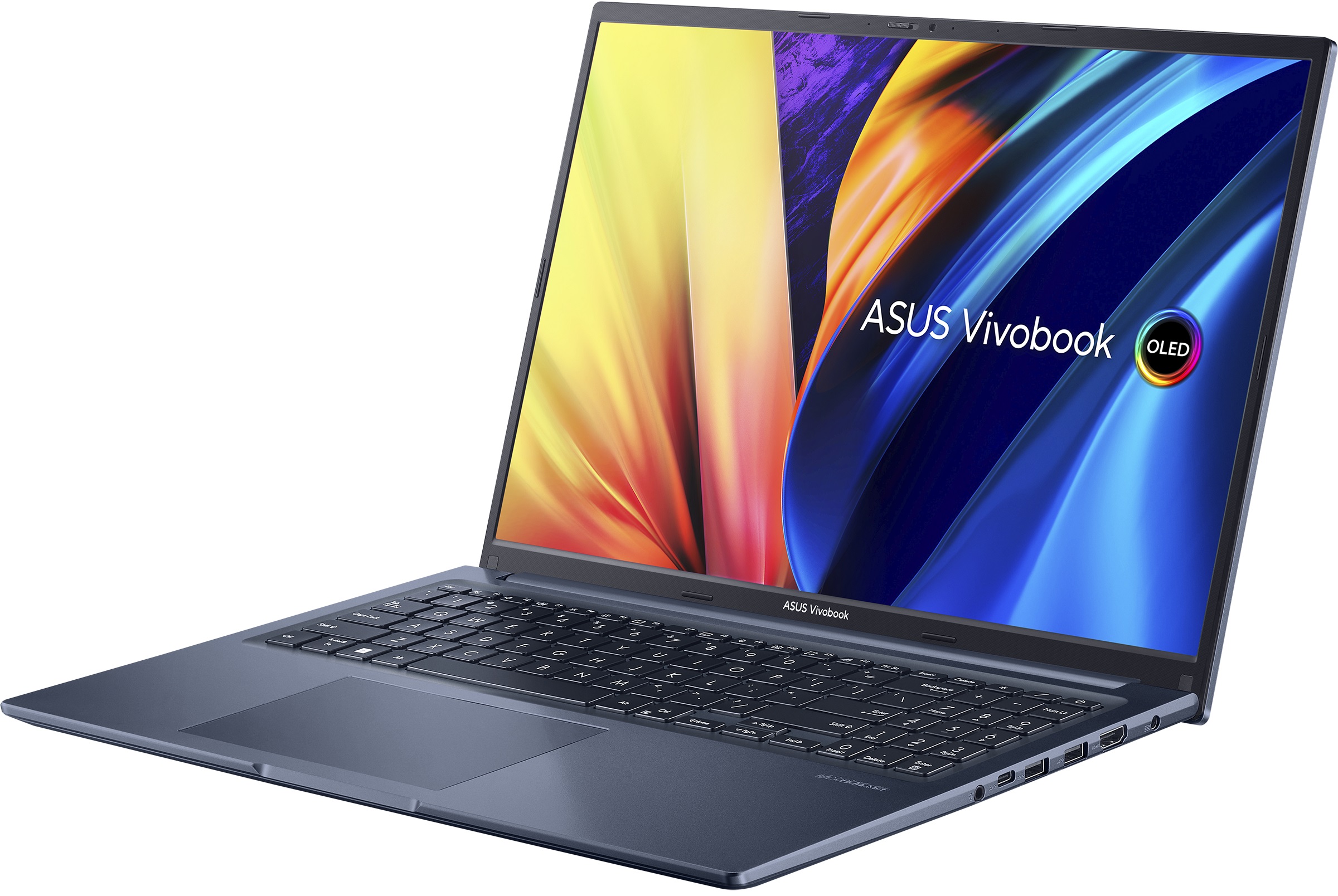
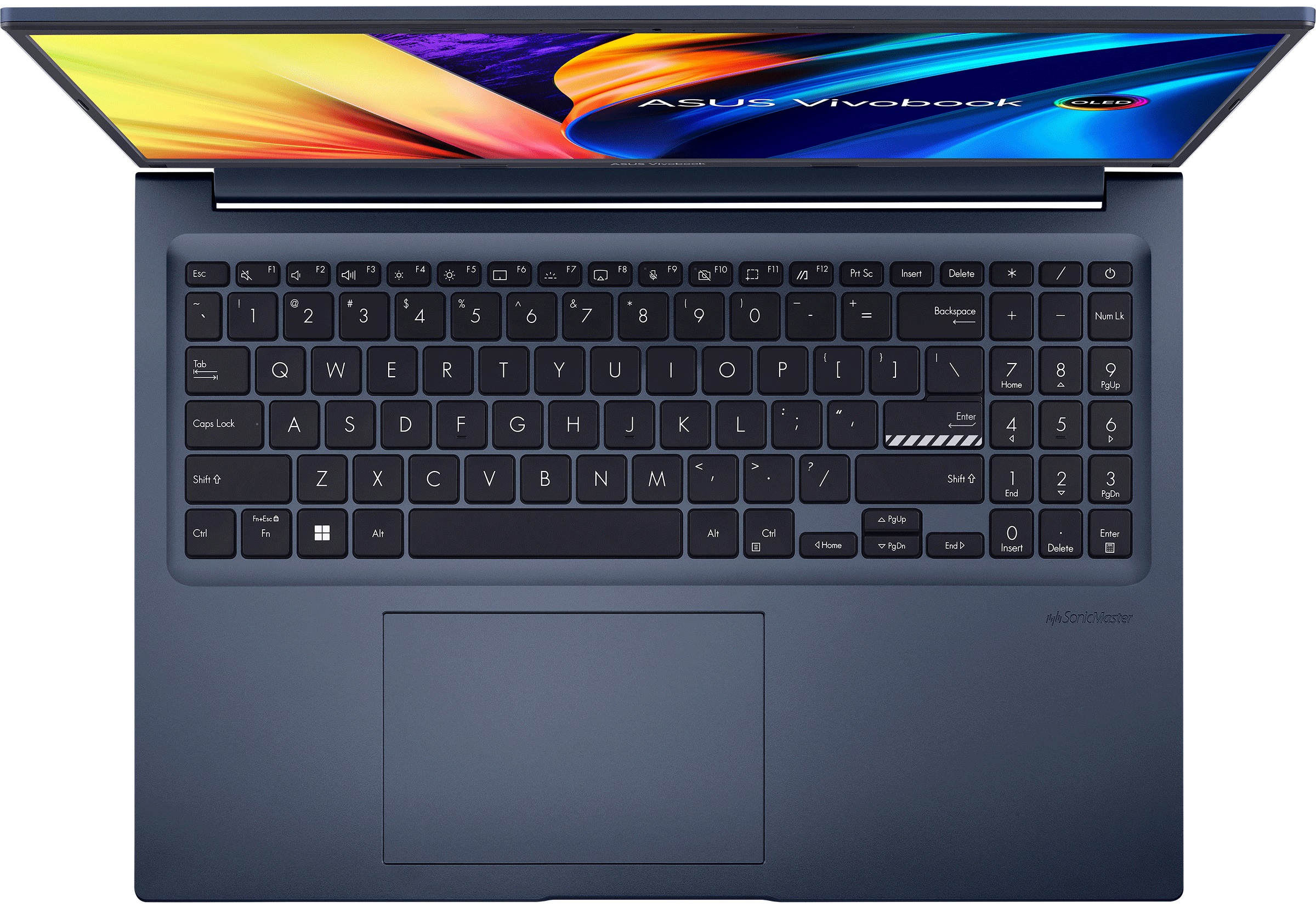
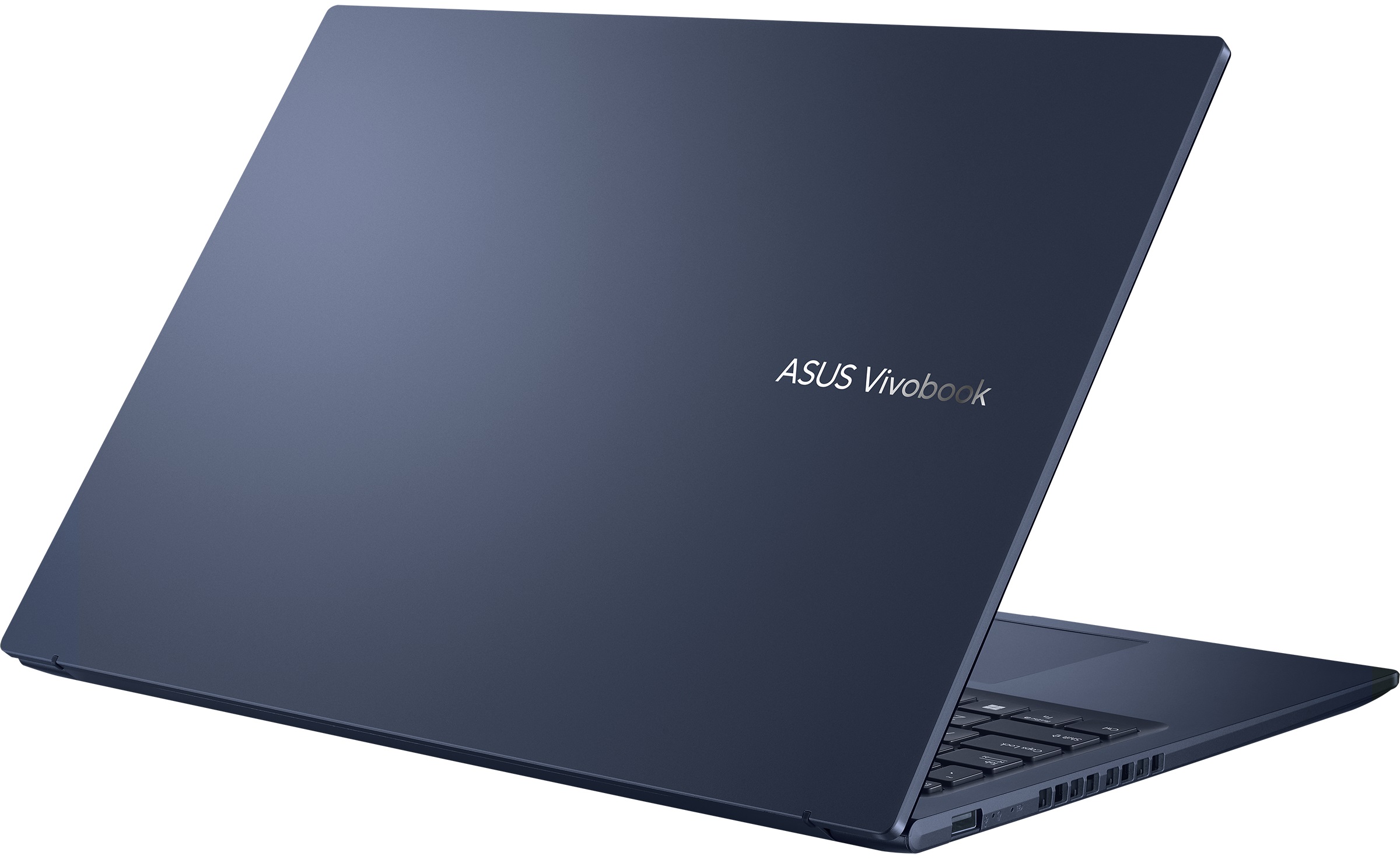

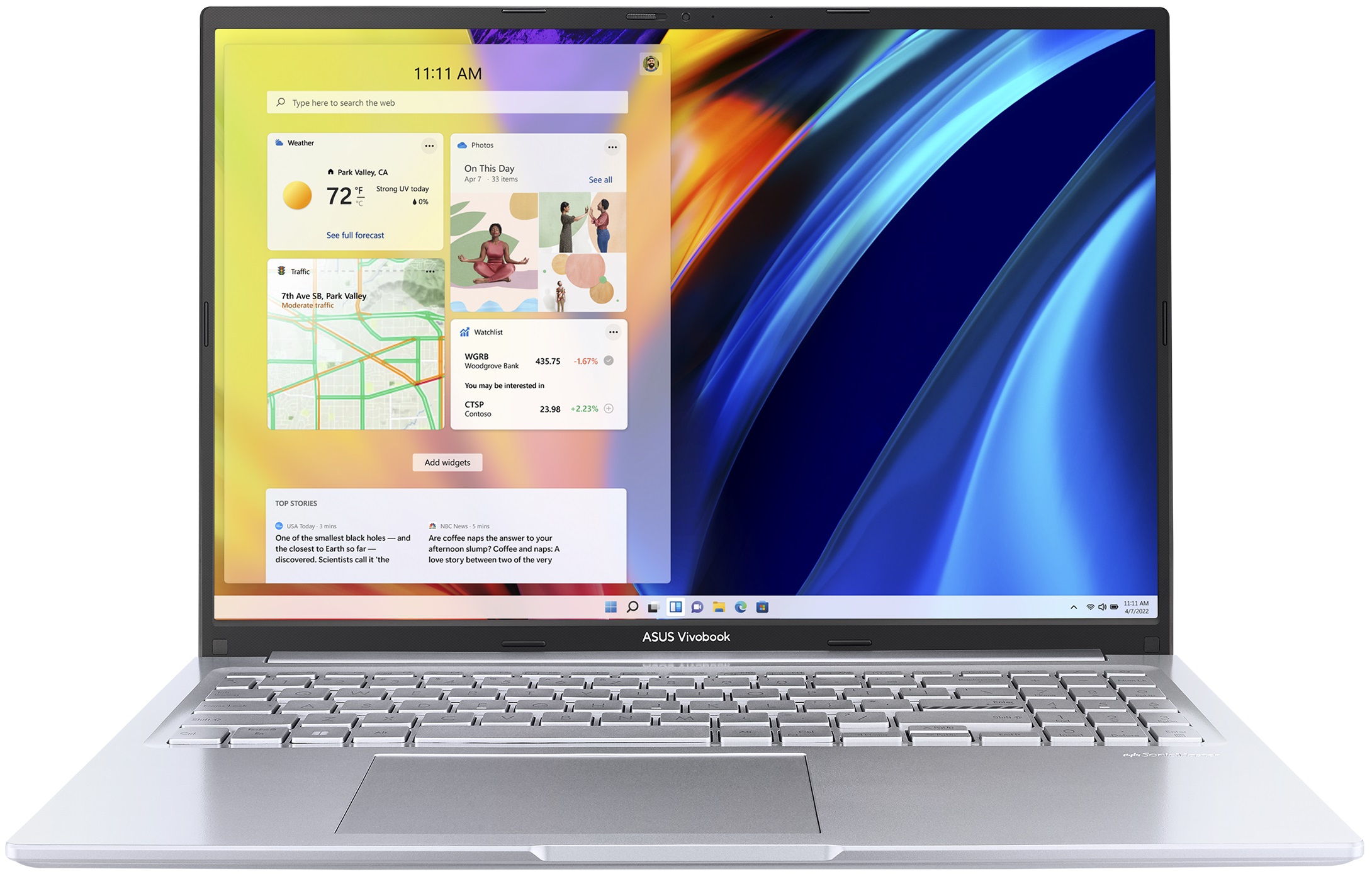
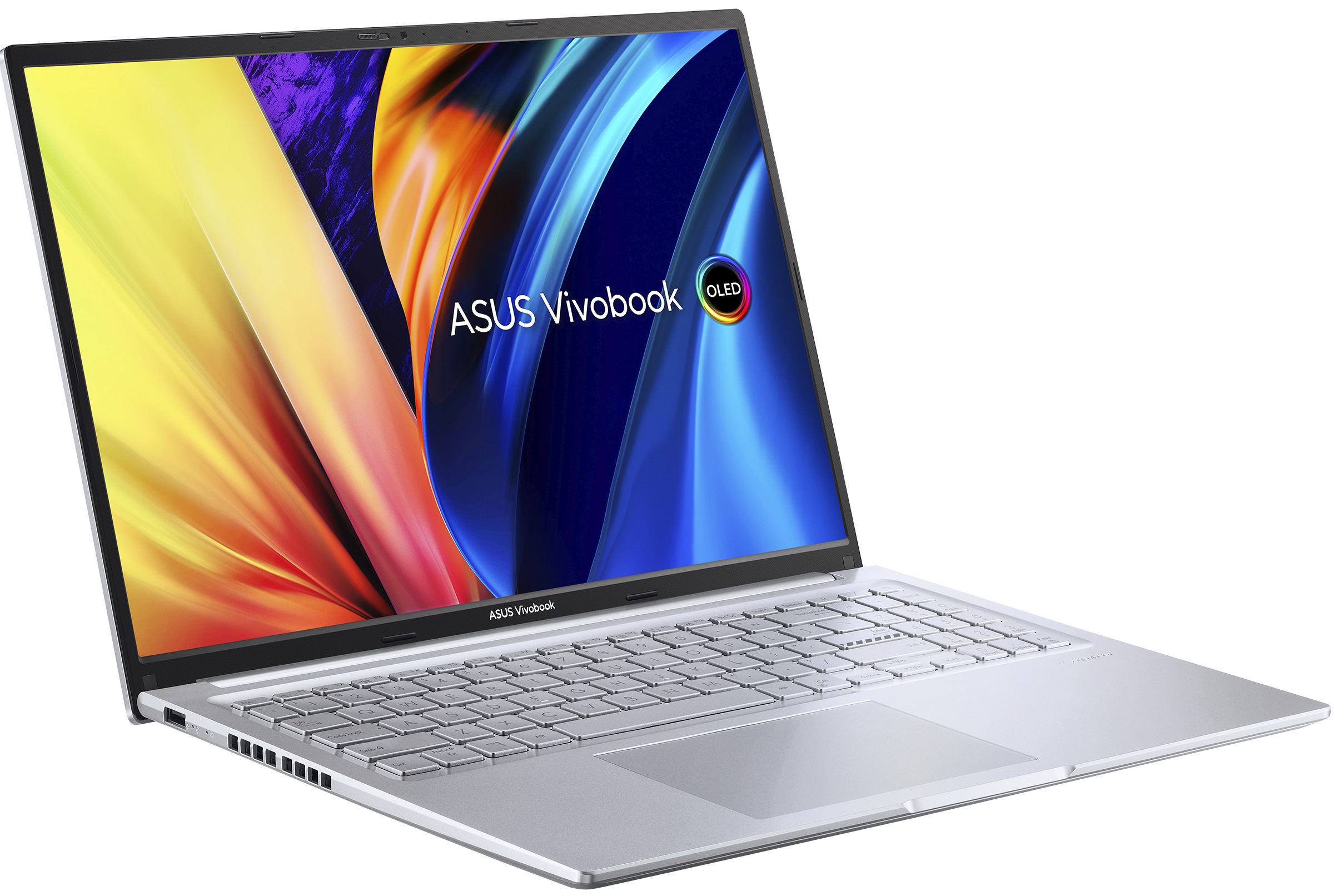
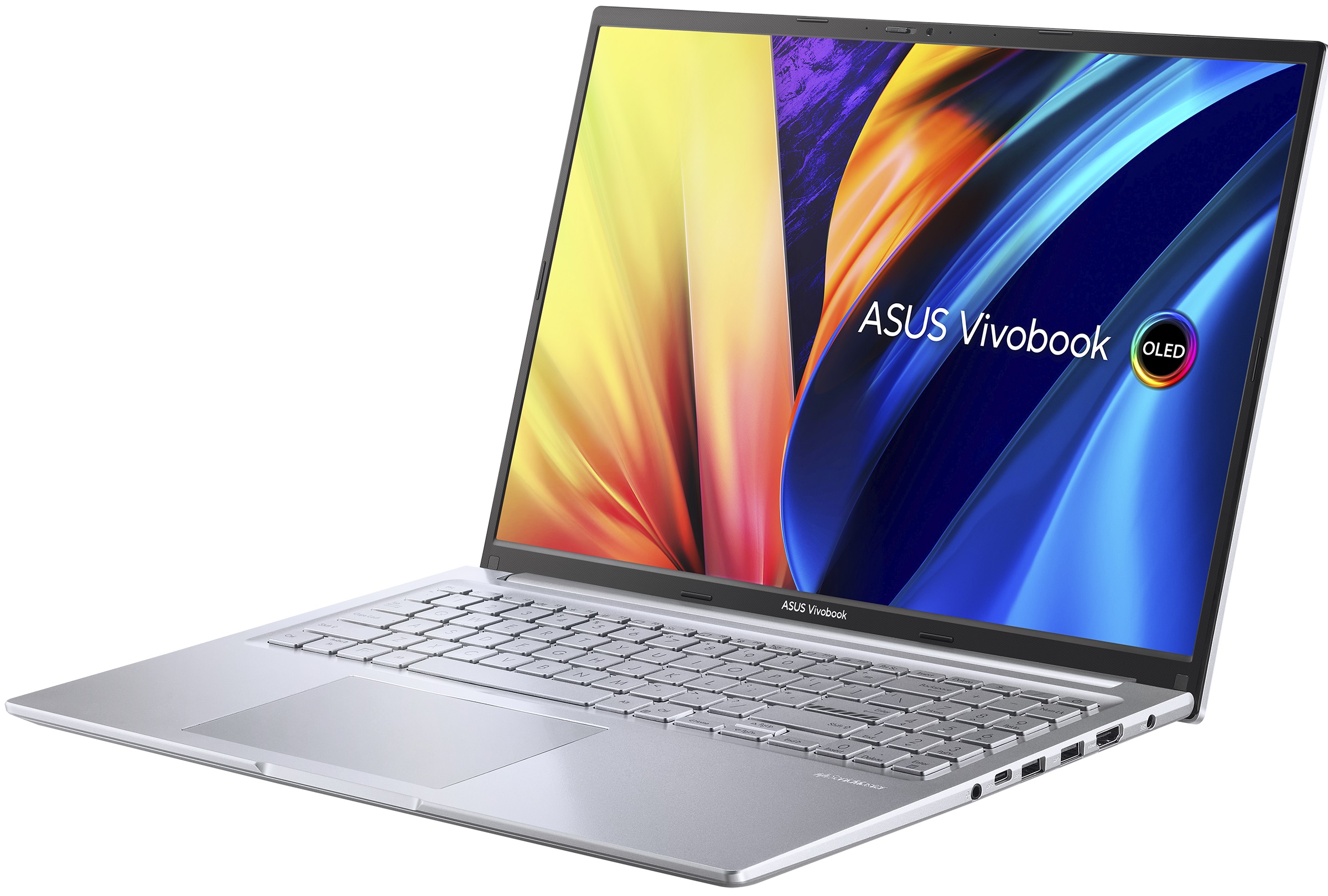

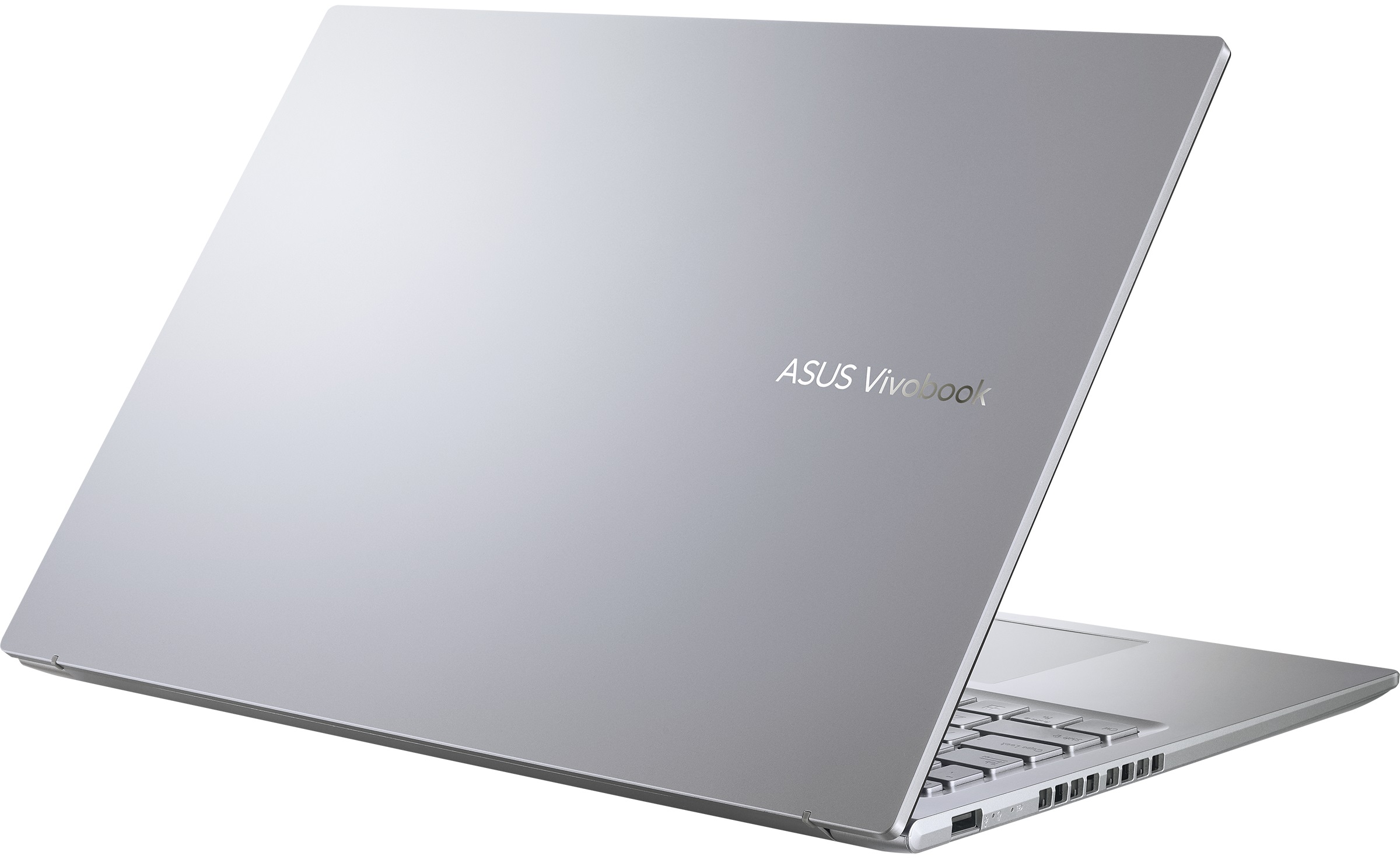

- CPU
- Intel Core i7-12700H #81 in Top CPUs Intel Core i7-1255U #159 in Top CPUs Intel Core i5-12500H #163 in Top CPUs Intel Core i3-1220P #198 in Top CPUs Intel Core i3-1215U #201 in Top CPUs AMD Ryzen 7 7730U #144 in Top CPUs AMD Ryzen 7 5800H #131 in Top CPUs AMD Ryzen 5 5600H #182 in Top CPUsIntel Core i5-1235U Intel Core i5-1135G7 AMD Ryzen 7 5800HS
- GPU
- Intel UHD Graphics (Alder Lake, 64EU) #315 in Top GPUs Intel Iris Xe Graphics G7 (96EU) #323 in Top GPUs Intel Iris Xe Graphics G7 (80EU) #318 in Top GPUs AMD Radeon RX Vega 8 (R4000/5000, 35/45W) #279 in Top GPUs AMD Radeon RX Vega 8 (R4000/5000, 15W) #310 in Top GPUs AMD Radeon RX Vega 7 (R4000/5000, 35/45W) #288 in Top GPUs

- HDD/SSD
- up to 8000GB SSD
- M.2 Slot
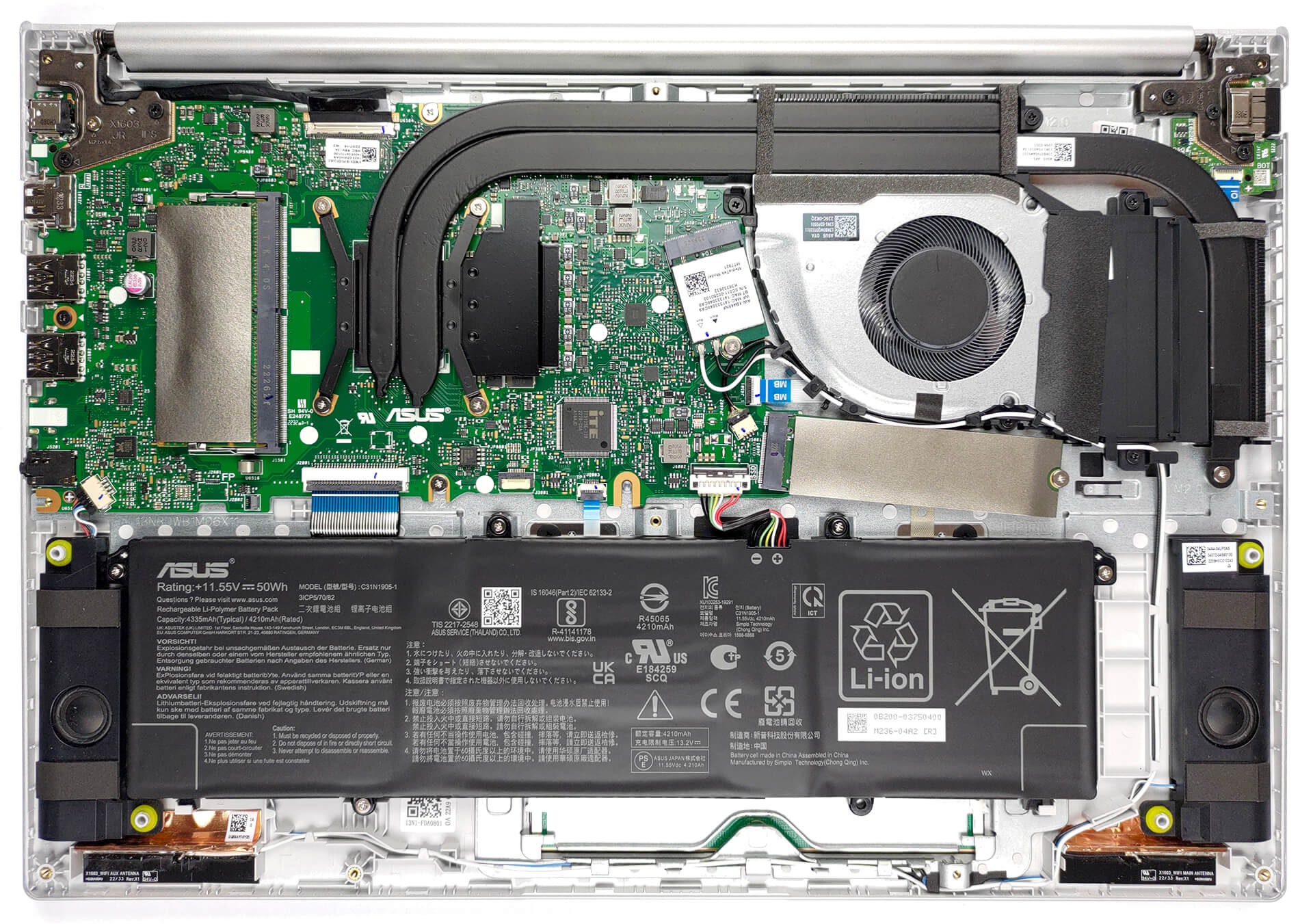
- 1x 2280 PCIe NVMe 3.0 x4 See photo
- RAM
- up to 40GB
- OS
- Windows 11 Home, Windows 10 Home, Windows 11 Pro, Windows 10 Pro, Windows 11
- Battery
- 50Wh, 3-cell, 51Wh, 3-cell, 70Wh, 3-cell
- Body material
- Plastic / Polycarbonate
- Dimensions
- 358.4 x 247.7 x 19.9 mm (14.11" x 9.75" x 0.78")
- Weight
- 1.88 kg (4.1 lbs)
- Ports and connectivity
- 1x USB Type-A
- 2.0
- 2x USB Type-A
- 3.2 Gen 1 (5 Gbps)
- 1x USB Type-C
- 3.2 Gen 1 (5 Gbps)
- HDMI
- 1.4
- Card reader
- Ethernet LAN
- Wi-Fi
- 802.11ax
- Bluetooth
- 5.2
- Audio jack
- 3.5mm Combo Jack
- Features
- Fingerprint reader
- optional
- Web camera
- HD with Privacy Shutter
- Backlit keyboard
- optional
- Microphone
- Array Microphone with Cortana and Alexa voice rec.
- Speakers
- Speakers by SonicMaster
- Optical drive
- optional
- Security Lock slot
All ASUS VivoBook 16X (F1603 / M1603 / X1603 / P1603 / S1603) configurations
Drivers
All drivers and utilities for this notebook can be found here: https://www.asus.com/laptops/for-home/vivobook/vivobook-16x-m1603-amd-ryzen-5000-series/helpdesk_download/?model2Name=Vivobook-16X-M1603-AMD-Ryzen-5000-series
What’s in the box?
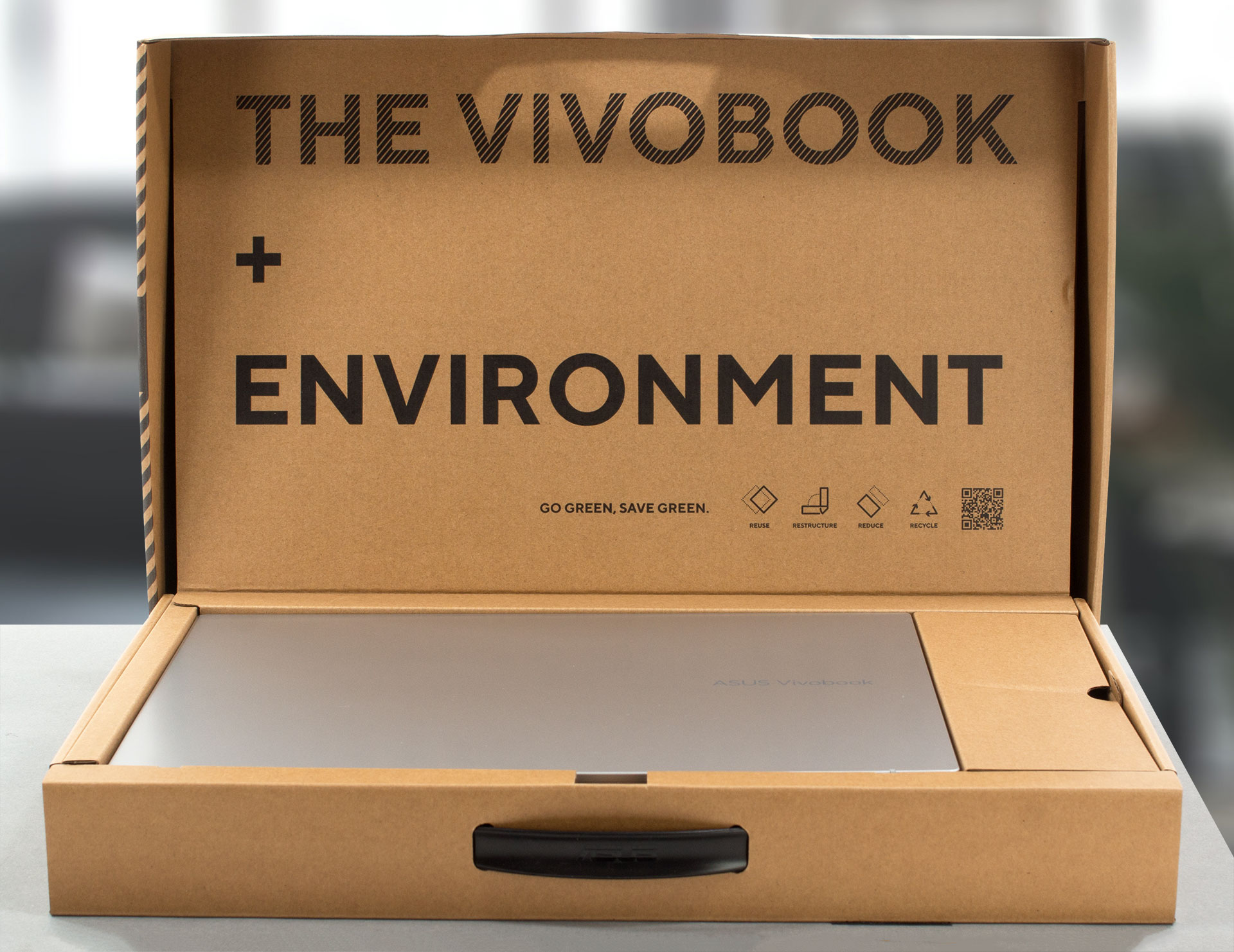
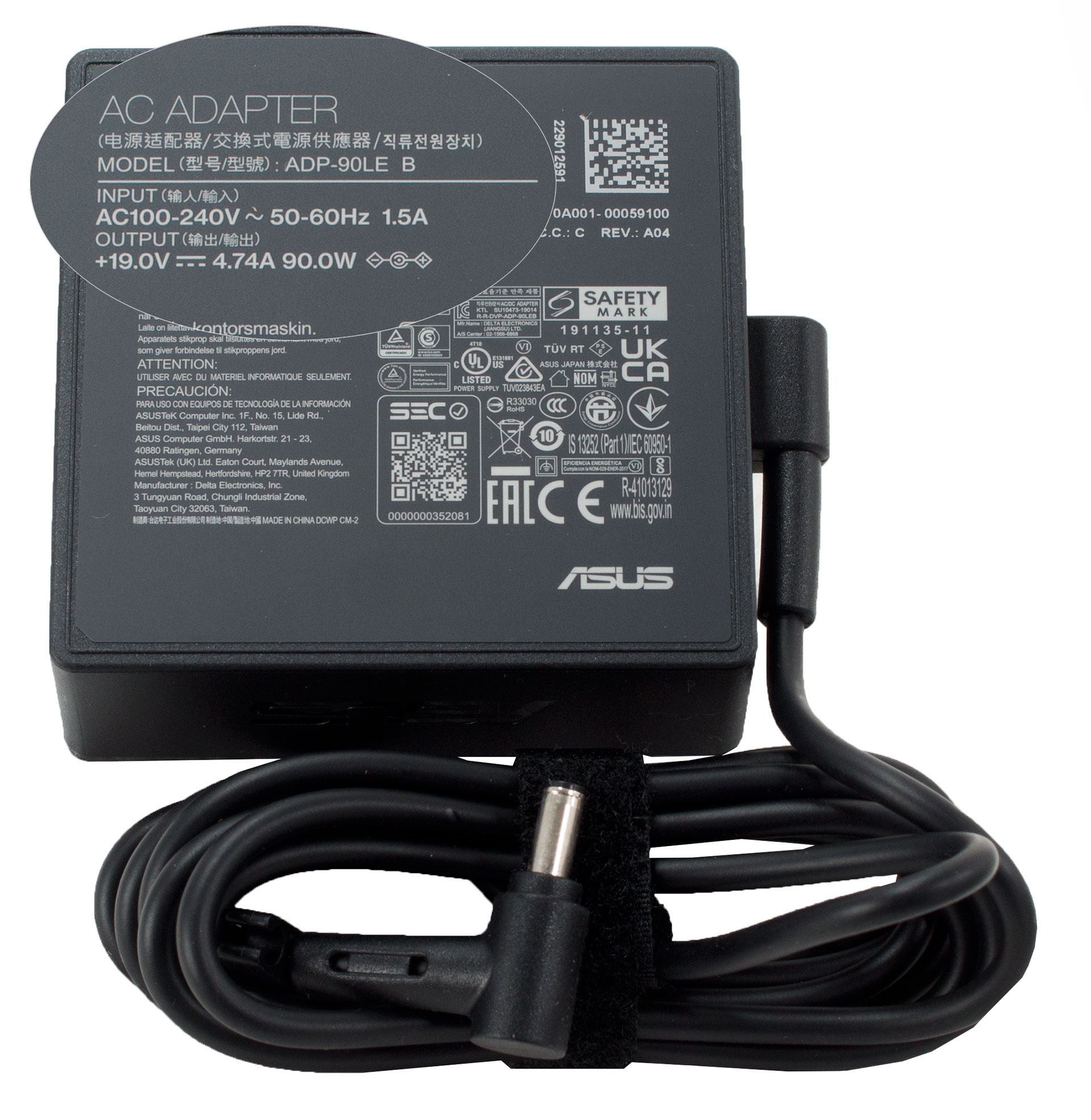
Once you open this notebook’s packaging, you will notice the device itself, as well as the manuals, and a 90Wh charger hidden inside its own compartment.
 Author: Alex Iliev
 Author: eng. Kroum NikolovHead of Engineering at LaptopMedia.com, inventor and innovator with 40+ years of experience in electronics and high technology.

![[August 2026] Global Ranking of Best-Selling Laptop GPUs on Amazon – Apple Reigns Supreme, NVIDIA’s RTX 5060 Tops Dedicated Chart](https://laptopmedia.com/wp-content/uploads/2026/09/Best-Selling-GPUs-GLOBAL-Top-10-400x225.jpg)
![[August 2026] Global Ranking of Best-Selling Laptop CPUs on Amazon – Apple Dominates Both Budget and Premium: A18 Pro and M5 Crush Intel and AMD in August 2026](https://laptopmedia.com/wp-content/uploads/2026/09/Best-Selling-CPUs-GLOBAL-Top-10-400x225.jpg)
![[August 2026] Amazon Global: Top 10 Best-Selling Laptops – Apple MacBook Neo Dominates the Charts as Budget and Mid-Range Windows Portables Fight for Volume](https://laptopmedia.com/wp-content/uploads/2026/09/Best-Selling-Laptops-GLOBAL-Top-10-400x225.jpg)
![[August 2026] Best-Selling Laptop Brands on Amazon Global – Apple Dominates Revenue While HP Leads in Model Variety](https://laptopmedia.com/wp-content/uploads/2026/09/GLOBAL-Best-Brands-400x225.jpg)
![[August 2026] Amazon Global: Top 10 Best-Selling Gaming Laptops – HP Victus 15 Captures the Crown as Budget-Friendly Models Dominate the Charts](https://laptopmedia.com/wp-content/uploads/2026/09/Best-Selling-Gaming-Laptops-GLOBAL-Top-10-400x225.jpg)
Driver from the Asus website does not fix the issue with WLAN! Wi-Fi still not working after installing Win 11 and official drivers
I put a new SSD and when formatting with Windows 10 the wifi did not work, so I put a USB to Ethernet adapter and with Windows updates the correct driver was installed, maybe with Win11 it is the same.
Cool review guys 🙂
With the display profiles you are selling. Do they expand the coverage of SRGB at all? As it doesn’t say exactly how they differ except the de
sRGB coverage is a limitation of the hardware. The only thing calibration can do is balance the display if it is skewed towards a certain colour.
why???
“Prepaid cards are not a valid payment method. Please try again with a new payment method.”
why doesnt it has tuv flicker free certification