Published:
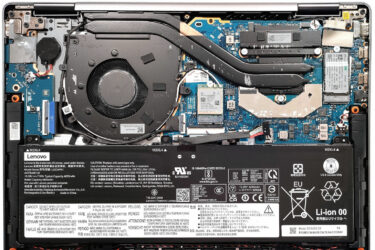
0How to open Lenovo Yoga 7 2-in-1 Gen 9 (14″ AMD) – disassembly and upgrade options
Opening the Device Undo the seven Torx-head screws securing the bottom panel. Raise the top two edges with a thin plastic tool and pry the sides. Pop the front but do not pry the back.…
Published:
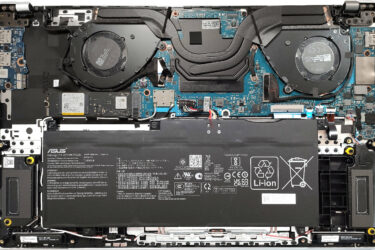
0How to open ASUS Vivobook S 15 OLED S5507 – disassembly and upgrade options
Opening the Device Undo the 10 Torx-head screws securing the bottom panel. Note that the two screws in the middle are hidden under small caps, which need to be unglued first. Use a lever tool…
Published:
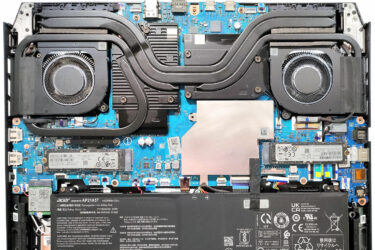
0How to open Acer Predator Helios Neo 16 (PHN16-72) – disassembly and upgrade options
Opening the Device Undo the 10 Torx-head screws securing the bottom panel. Lift the rear side by carefully raising it while holding firmly the two plastic exhausts on the back. You can lift the two…
Published:
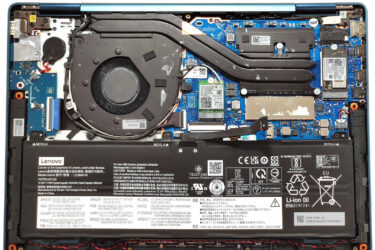
0How to open Lenovo Yoga 7i 2-in-1 (14″, Gen 9) – disassembly and upgrade options
Opening the Device Undo the seven Torx-head screws securing the bottom panel. Lift the top two corners with a thin plastic tool to create a gap and pry the sides. Pry the front of the…
Published:
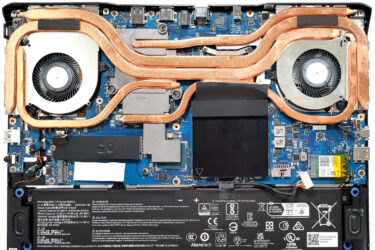
0How to open MSI Sword 16 HX B14V – disassembly and upgrade options
Opening the Device Undo the 13 Phillips-head screws securing the bottom panel. Find the visible tiny gap in the front and start prying the panel from there. Pop the sides until reaching the far end…
Published:
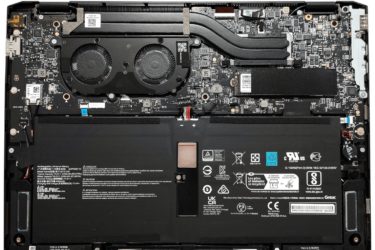
0How to open MSI Summit E13 AI Evo A1M – disassembly and upgrade options
Opening the Device Undo the 4 Phillips-head screws securing the bottom panel. Note that two of these screws are hidden beneath the back rubber feet, which need to be unglued first. Lift the top two…
Published:
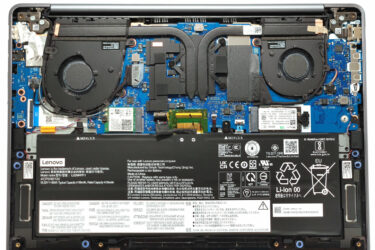
0How to open Lenovo Yoga Slim 7i (14, Gen 9) – disassembly and upgrade options
Opening the Device Undo the six Torx-head screws securing the bottom panel. Use a lever tool to lift the zone behind the hinge near the top corners to create a slight gap. Pry the sides…
Published:
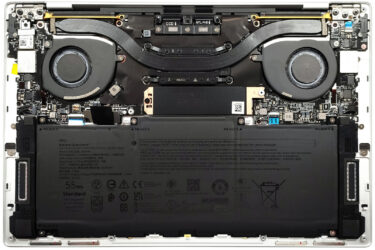
4How to Open Dell XPS 13 9340 – disassembly and upgrade options
Opening the Device Undo the 6 Torx-head screws securing the bottom panel. Lift the bottom panel with a lever tool in the hinge zone near the top two corners. Do not fully pry the back…
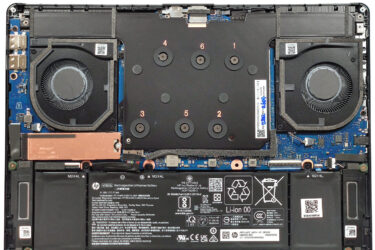
Published:
0How to Open HP OMEN Transcend 14 (14-fb0000) – disassembly and upgrade options
Opening the Device Undo the 4 Phillips-head screws securing the bottom panel. Use a thin plastic tool to pop the backside in the middle. Fully pry the rear, sides, and front to remove the bottom…
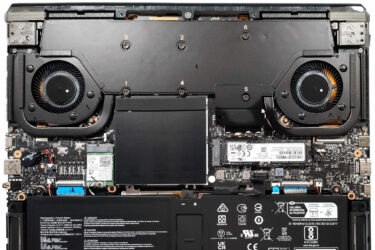
Published:
0How to open MSI Stealth 14 AI Studio A1V – disassembly and upgrade options
Opening the Device Undo the 8 Phillips-head screws securing the bottom panel. Lift the top two corners by inserting a thin plastic tool between the plate and the chassis. Flip the laptop and pry the…
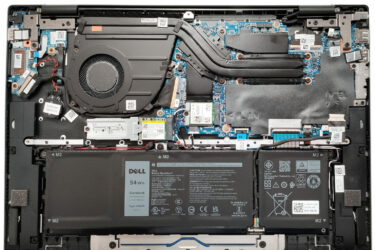
Published:
0How to open Dell Inspiron 16 5630 – disassembly and upgrade options
Opening the Device Undo the 9 Phillips-head screws securing the bottom panel. Note that the screws in the top two corners are captive and will lift the panel up slightly. Raise one of the top…
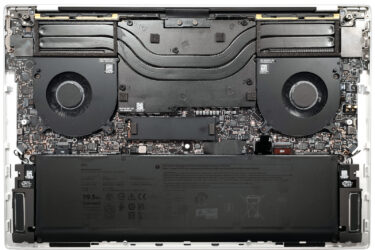
Published:
0How to Open Dell XPS 16 9640 – disassembly and upgrade options
Opening the Device Undo the 8 Torx-head screws securing the bottom panel. Pop the bottom panel in the top two corners behind the hinge cover. Lift the middle section of the rear vent, which is…
Published:
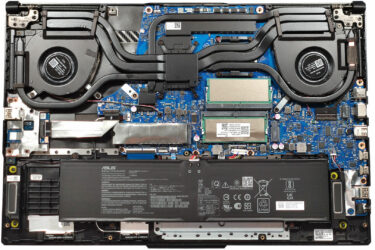
0How to open ASUS TUF Gaming F17 (FX707, 2023) – disassembly and upgrade options
Opening the Device Undo the 12 Phillips-head screws securing the bottom panel. Note that the captive screw in the lower right corner will slightly raise the plate up, making it the best starting point. Pop…
Published:
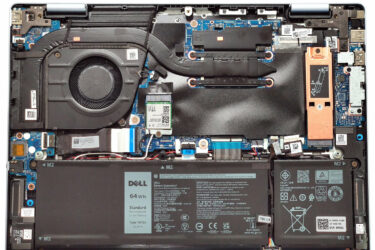
0How to open Dell Inspiron 14 Plus (7440) – disassembly and upgrade options
Opening the Device Undo the 7 Phillips-head screws securing the bottom panel. Note that the screws in the top two corners are captive and will lift the panel up. Pop the zones behind the hinges…

Published:
0How to Open Dell XPS 14 9440 – disassembly and upgrade options
Opening the Device Undo the 8 Torx-head screws securing the bottom panel. Use a lever tool to pop the bottom panel in the hinge zone areas near the top two corners. Raise the central part…

Published:
0How to open MSI Modern 15 H C13M – disassembly and upgrade options
Opening the Device Undo the 11 Phillips-head screws securing the bottom panel. Insert a thin plastic tool at around a 45-degree angle between the plate and the base, and pry the sides. Push harder than…
Published:
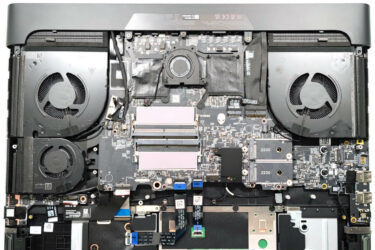
0How to open Alienware m18 R2 – disassembly and upgrade options
Step 1: Opening the Alienware m18 R2 Ensure the laptop is powered off and placed on a clean, flat surface. Undo the 8 Phillips-head screws securing the bottom panel. Note the screws in the…
Published:
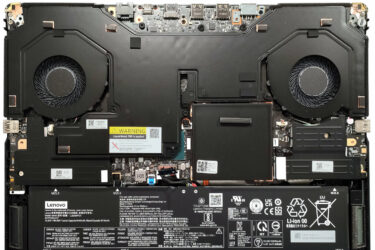
0How to open Lenovo Legion Pro 7i Gen 9 (16″ Intel) – disassembly and upgrade options
Step 1: Opening the Lenovo Legion Pro 7i Gen 9 Ensure the device is powered off and placed on a clean, flat surface. Remove the 10 Phillips-head screws from the bottom of the laptop. Flip…
Published:
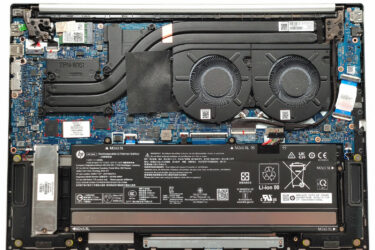
0How to open HP Pavilion Plus 16 (ab0000) – disassembly and upgrade options
Step 1: Opening the HP Pavilion Plus 16 Turn off the laptop and place it on a clean, flat surface. Start by removing the 4 Phillips-head screws located at the bottom. Use a lever…
Published:
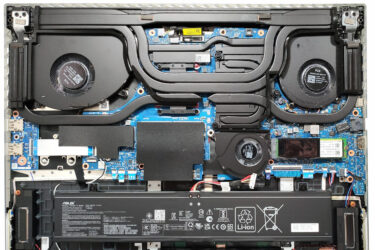
0How to open ASUS ROG Strix SCAR 18 (G834, 2024) – disassembly and upgrade options
Step 1: Opening the ASUS ROG Strix SCAR 18 (G834, 2024) Ensure the device is powered off and placed on a clean, static-free surface. Remove the 11 Philips-head screws starting from the front, above the…




