Best RTX 5070 Gaming Laptops – 25 Models Tested and Compared
 We bought and tested 25 laptops with NVIDIA’s GeForce RTX 5070 in our lab, from compact 14-inch models to 18-inch desktop replacements.
They all have the same graphics chip, yet in 3DMark Time Spy the slowest scored about 17% less than the fastest. So which one should you buy, and what should you look at besides the GPU?
Here’s how the 25 compare in graphics and processor performance, games, displays, battery life and weight, followed by a short look at each laptop with its current offers.
You can also check out our Top Laptop Graphics Ranking.
Table of Contents
The short answer
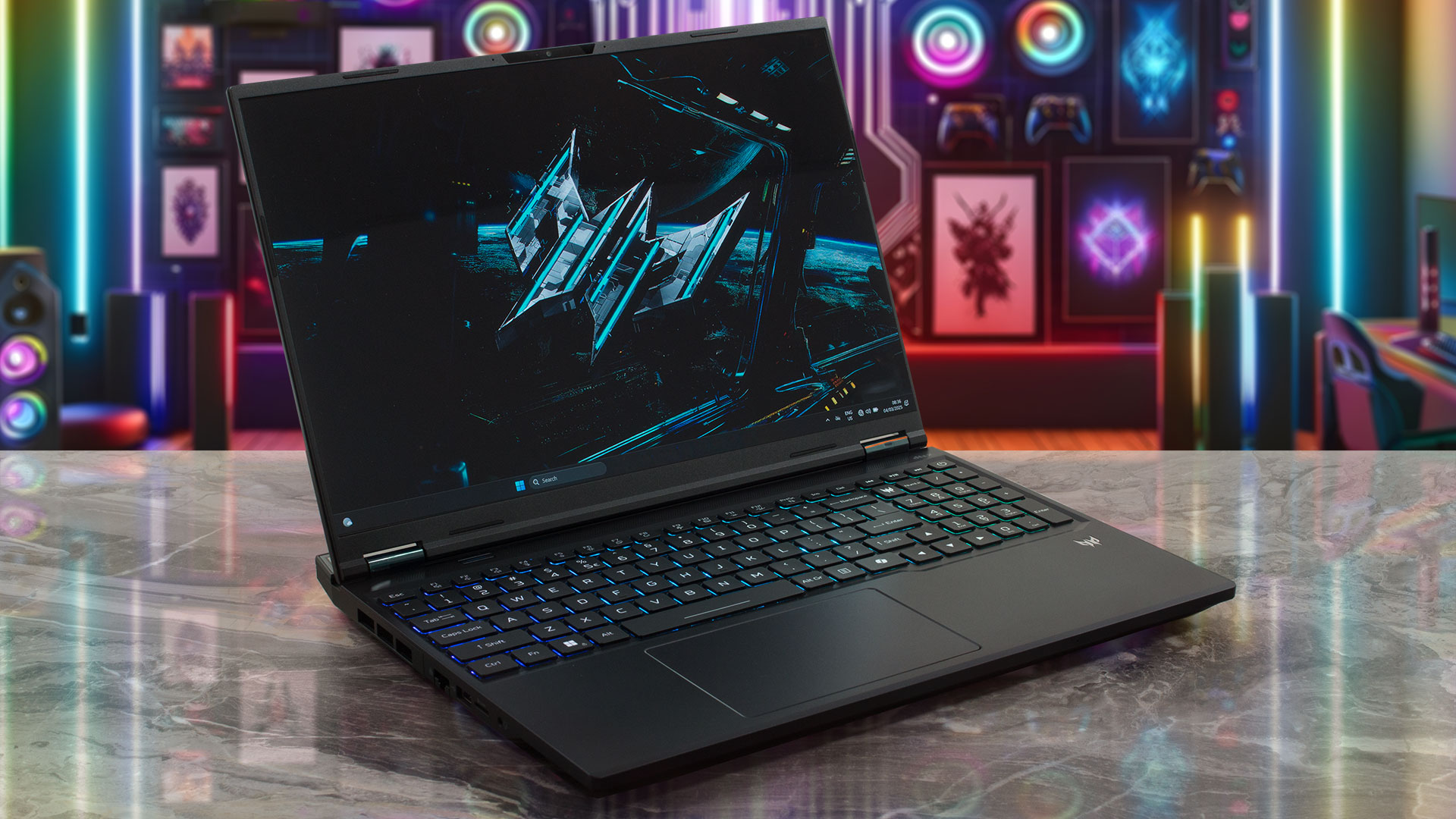
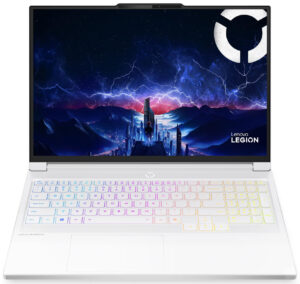
- THE FASTEST: a four-way tie. The Acer Predator Helios Neo 16 AI, ASUS TUF Gaming A18, Lenovo Legion 5 and Lenovo Legion 5i are within 0.5% of each other in 3DMark Time Spy. Of the laptops we also ran games on, the Legion 5i was among the fastest in every game.
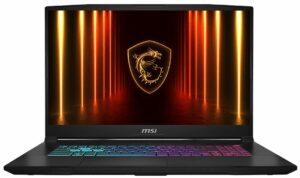
- BEST VALUE: MSI Katana 15 HX (B14W). It’s only about 2% behind the fastest in Time Spy and has a 1440p 165Hz display that covers 98% of DCI-P3. In the US, it currently starts at $1,299.
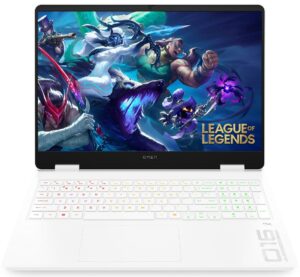
- BEST BATTERY LIFE FOR GAMERS: HP OMEN 16 (16-am0000). It lasted 8 hours and 39 minutes in our video playback test, and it runs its RTX 5070 at a full 113W in games. The ASUS ProArt P16 and Acer Nitro V 15 lasted even longer, but their GPUs are slower.
- THE 12GB RTX 5070 ISN’T FASTER. Our HyperX OMEN 16 with the 12GB version scored 14199 in Time Spy, and the same laptop with the 8GB version 14265.
- CHECK THE GPU POWER. The laptops we reviewed ran the RTX 5070 at 71 to 113W in games, and that explains most of the gap between them.
The 25 laptops we tested
All 25 have the GeForce RTX 5070 laptop GPU: 24 the 8GB version and the HyperX OMEN 16 the newer 12GB version. We reviewed 16 of them with the RTX 5070. The other 9 went through our benchmarks with the RTX 5070, and for 7 of them we have a review of another GPU option. Here they are, from the lightest to the heaviest:
| Laptop | CPU | Display | Weight | Battery (video) |
|---|---|---|---|---|
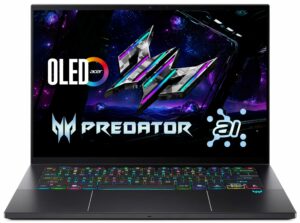
| Acer Predator Triton 14 AI (PT14-52T) (detailed review) | Core Ultra 9 288V | 14.5″, 2880×1800, 120Hz, OLED | 1.60 kg | 2h 42m |
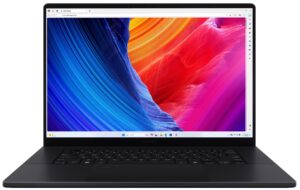
| ASUS ProArt P16 (H7606) (detailed review) | Ryzen AI 9 HX 370 | 16″, 3840×2400, 60Hz, OLED | 1.85 kg | 11h 09m |
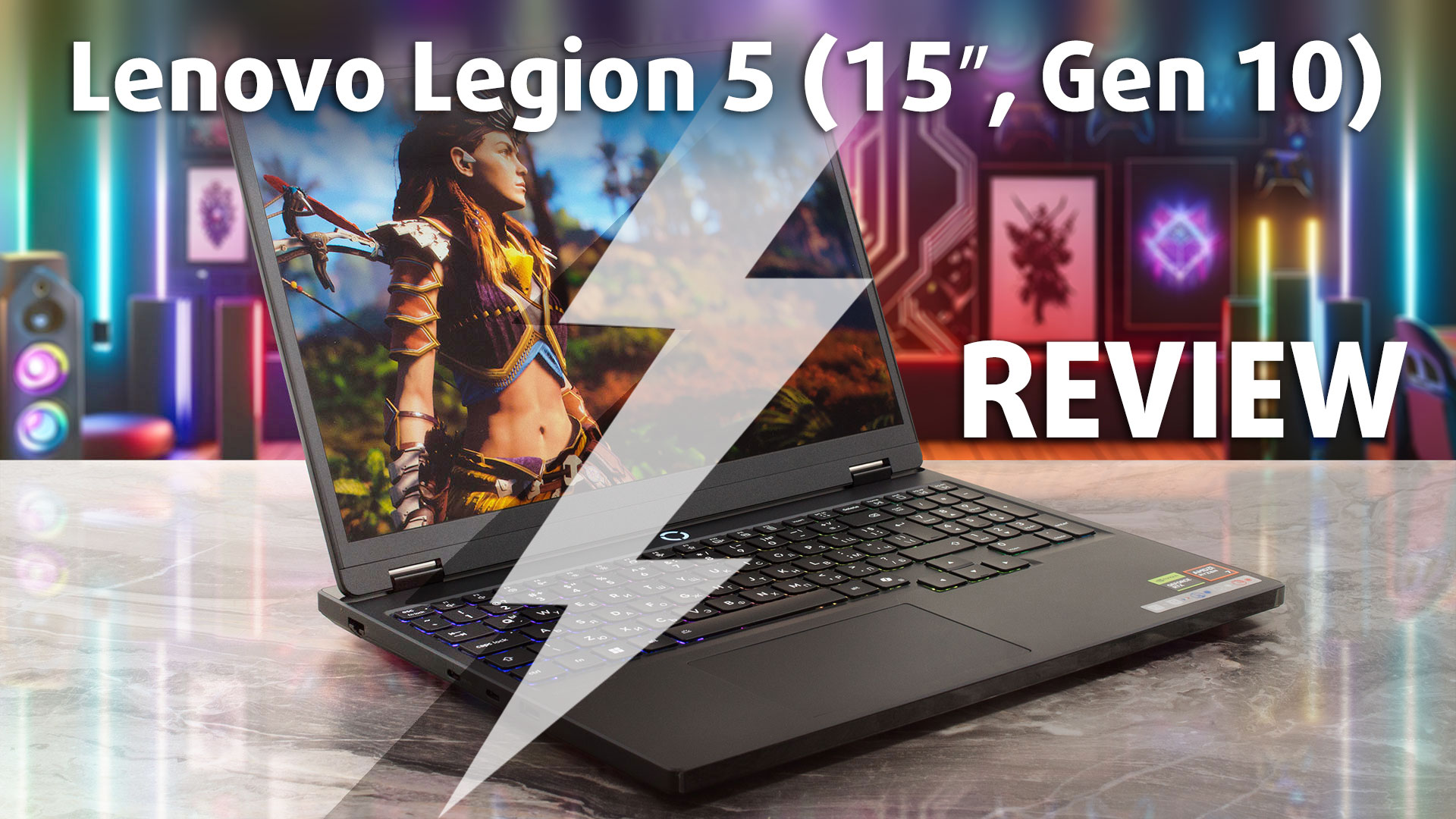
| Lenovo Legion 5 (15″, Gen 10) (detailed review) | Ryzen AI 7 350 | 15.1″, 2560×1600, 165Hz, OLED | 1.90 kg | – |
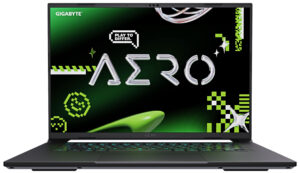
| GIGABYTE AERO X16 (EG61H) | Ryzen AI 7 350 | 16″, 2560×1600, 165Hz, IPS | 1.90 kg | – |
| Lenovo Legion 7i (16″, Gen 10) (detailed review) | Core Ultra 9 275HX | 16″, 2560×1600, 240Hz, OLED | under 2 kg | 4h 07m |
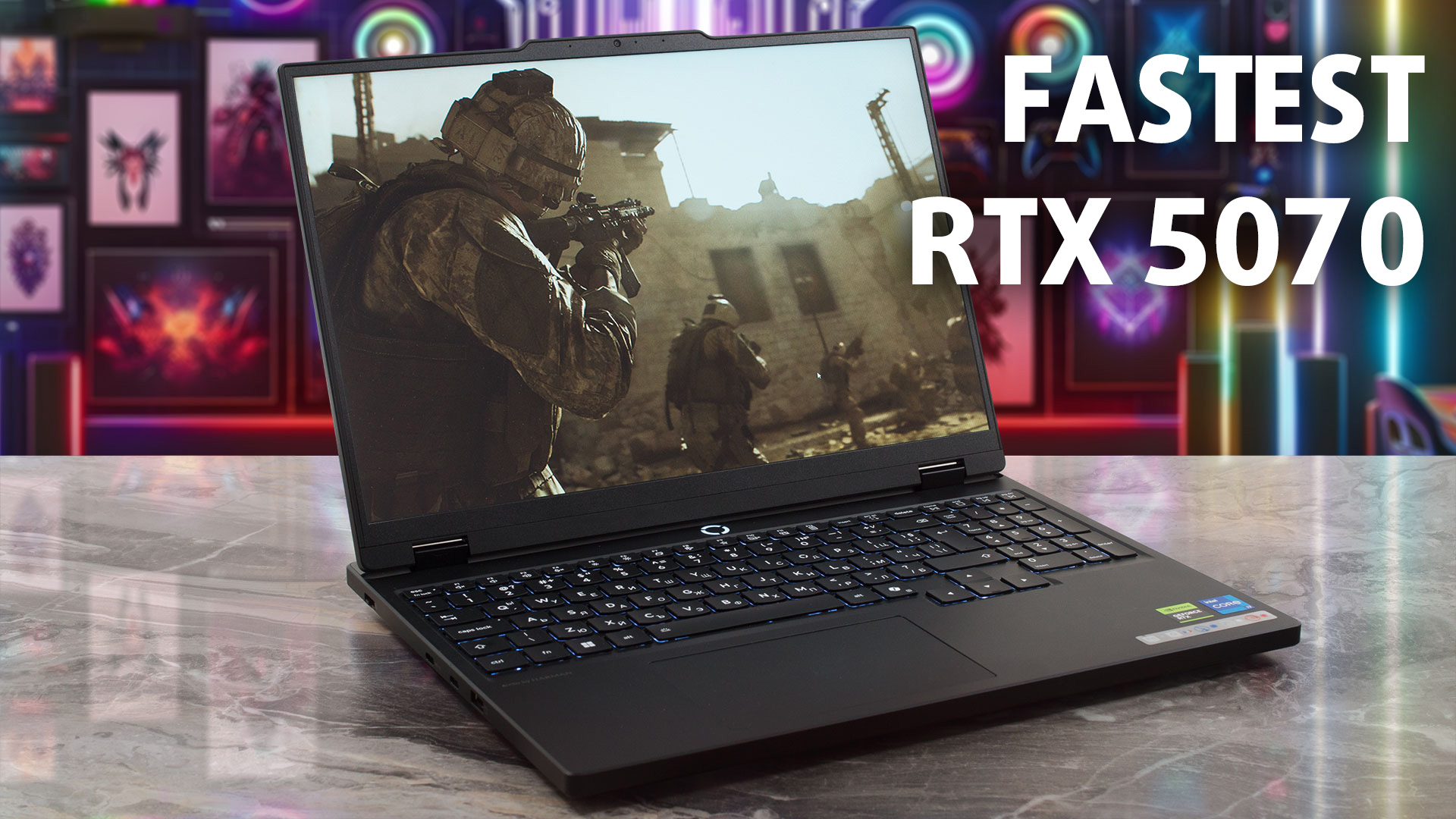
| Lenovo Legion 5i (15″, Gen 10) (detailed review) | Core i7-13650HX | 15.3″, 1920×1200, 165Hz, IPS | 2.10 kg | 3h 12m |
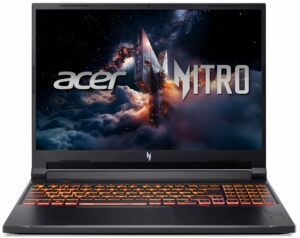
| Acer Nitro V 15 (ANV15-A31) (detailed review) | Ryzen 7 170 | 15.6″, 1920×1080, 165Hz, IPS | 2.10 kg | 10h 42m |
| GIGABYTE GAMING A16 (GA63H) (detailed review) | Ryzen 7 260 | 16″, 1920×1200, 165Hz, IPS | 2.20 kg | 7h 55m |
| MSI Katana 15 HX (B14W) (detailed review) | Core i7-14650HX | 15.6″, 2560×1440, 165Hz, IPS | 2.40 kg | 6h 50m |
| Lenovo LOQ 15 (15″, Gen 10) (detailed review) | Core i7-13650HX | 15.6″, 1920×1080, 144Hz, IPS | 2.40 kg | – |
| Acer Nitro V 16 (ANV16-72) (detailed review) | Core 9 270H | 16″, 2560×1600, 180Hz, IPS | 2.40 kg | 7h 08m |
| HP OMEN 16 (16-am0000, 2025) (detailed review) | Core 7 240H | 16″, 1920×1200, 144Hz, IPS | 2.43 kg | 8h 39m |
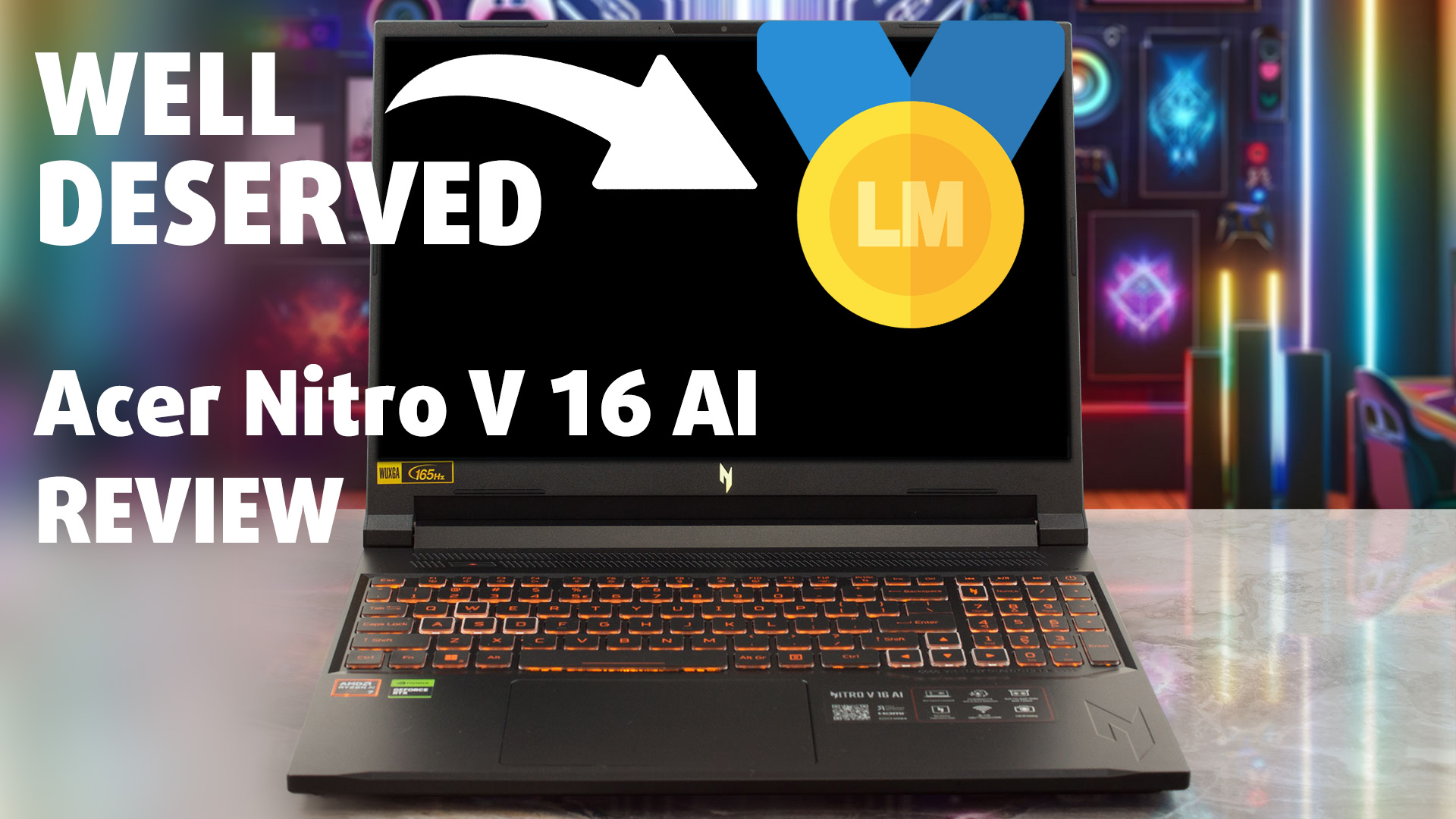
| Acer Nitro V 16 AI (ANV16-61) (detailed review) | Ryzen AI 7 350 | 16″, 2560×1600, 180Hz, IPS | 2.43 kg | – |
| HP OMEN 16 (16-ap0000, 2025) (detailed review) | Ryzen 9 8940HX | 16″, 1920×1200, 144Hz, IPS | 2.44 kg | 4h 31m |
| Acer Nitro V 16 AI (ANV16-42) (detailed review) | Ryzen 7 260 | 16″, 2560×1600, 180Hz, IPS | 2.44 kg | – |
| HyperX OMEN 16 (16-am2000) (detailed review) – RTX 5070 12GB | Core Ultra 7 255HX | 16″, 1920×1200, 165Hz, IPS | 2.48 kg | 4h 36m |
| HP OMEN MAX 16 (16-ak0000) (detailed review) | Ryzen AI 7 350 | 16″, 2560×1600, 240Hz, IPS | from 2.48 kg | – |
| Alienware 16 Aurora (AC16250) (detailed review) | Core 9 270H | 16″, 2560×1600, 120Hz, IPS | 2.49 kg | 7h 39m |
| ASUS TUF Gaming A18 (FA808) | Ryzen 7 260 | 18″, 1920×1200, 144Hz, IPS | 2.60 kg | – |
| Alienware 16X Aurora (AC16251) (detailed review) | Core Ultra 9 275HX | 16″, 2560×1600, 240Hz, IPS | 2.61 kg | 4h 02m |
| Acer Predator Helios Neo 16 AI (PHN16-73) (detailed review) | Core Ultra 9 275HX | 16″, 2560×1600, 240Hz, IPS | 2.70 kg | – |
| MSI Katana 17 HX (B14W) (detailed review) | Core i9-14900HX | 17.3″, 2560×1440, 240Hz, IPS | 2.70 kg | 5h 03m |
| Acer Nitro V 17 AI (ANV17-41) (detailed review) | Ryzen 7 260 | 17.3″, 2560×1440, 165Hz, IPS | 2.71 kg | 6h 23m |
| Acer Nitro 18 AI (AN18-61) (detailed review) | Ryzen AI 9 365 | 18″, 2560×1600, 165Hz, IPS | 3.02 kg | 7h 46m |
| Acer Predator Helios Neo 18 AI (PHN18-72) (detailed review) | Core Ultra 7 255HX | 18″, 2560×1600, 240Hz, IPS | 3.30 kg | – |
In our reviews, we tested each laptop in one of its maker’s performance modes, in most cases the highest one. The battery figures come from our video playback test, and we list them only for the laptops we reviewed with the RTX 5070, since battery life depends on the configuration. Our reviews span May 2025 to November 2026, so drivers and game versions differ.
Graphics performance
Four laptops are within 0.5% of each other at the top, and the GPU power explains most of the gaps below them. Most of the laptops we reviewed ran the RTX 5070 at 102 to 113W in our one-hour gaming test. The Acer Nitro V 16 (ANV16-72) and Nitro V 17 AI ran it at 93W, the GIGABYTE GAMING A16 at 83W, and the Alienware 16 Aurora and Acer Nitro V 15 at only 71 to 74W, which puts them at the bottom.
The results are from 3DMark Time Spy (Graphics). Higher is better.









The results are from 3DMark Wild Life Extreme Unlimited. Higher is better.
Gaming Tests
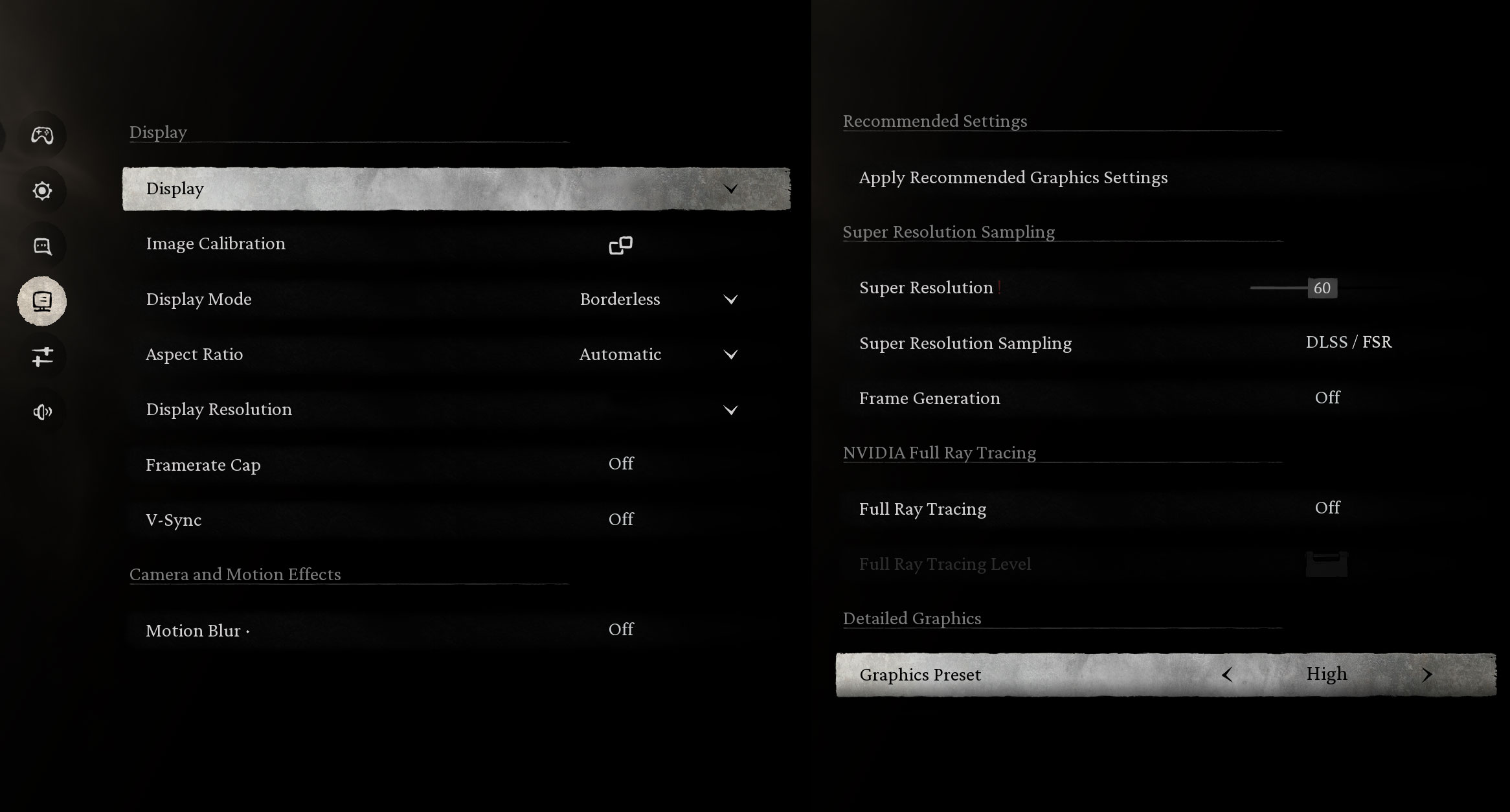
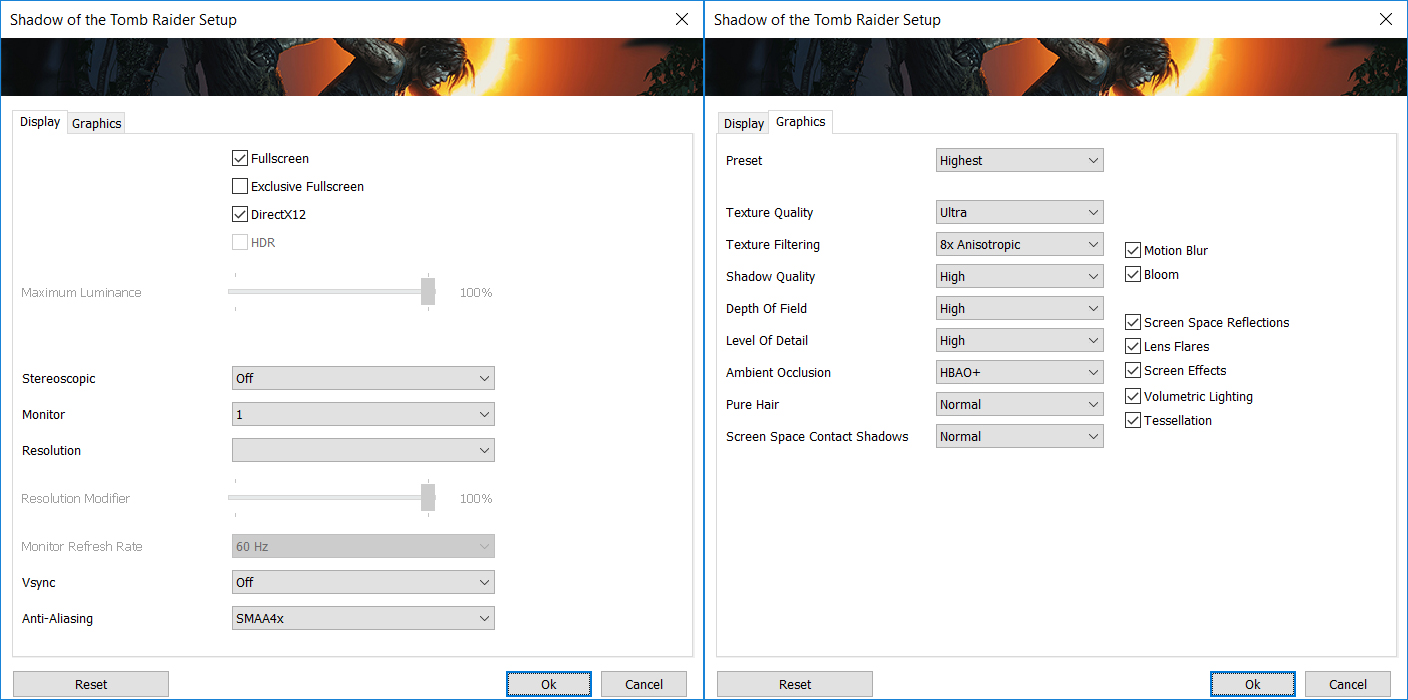
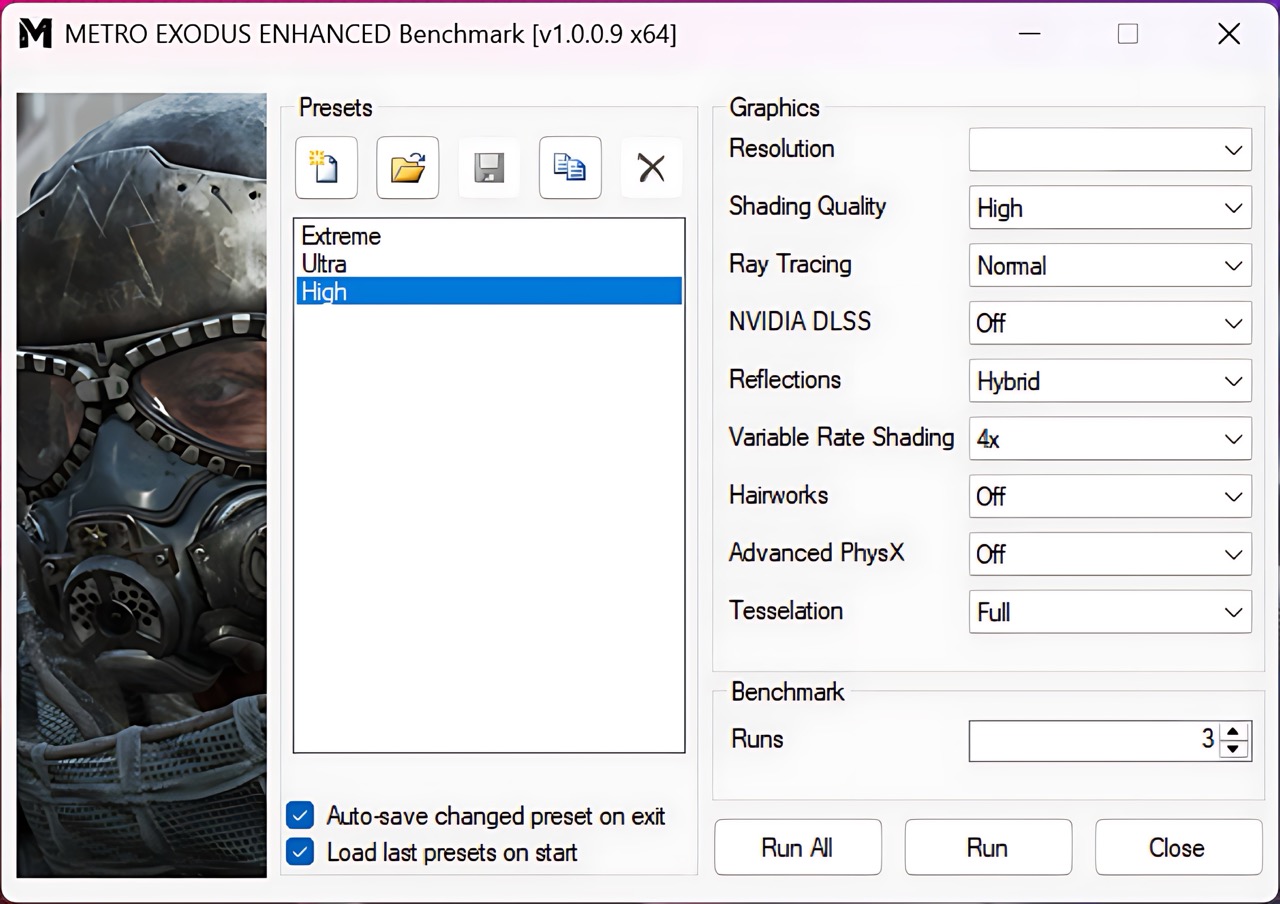
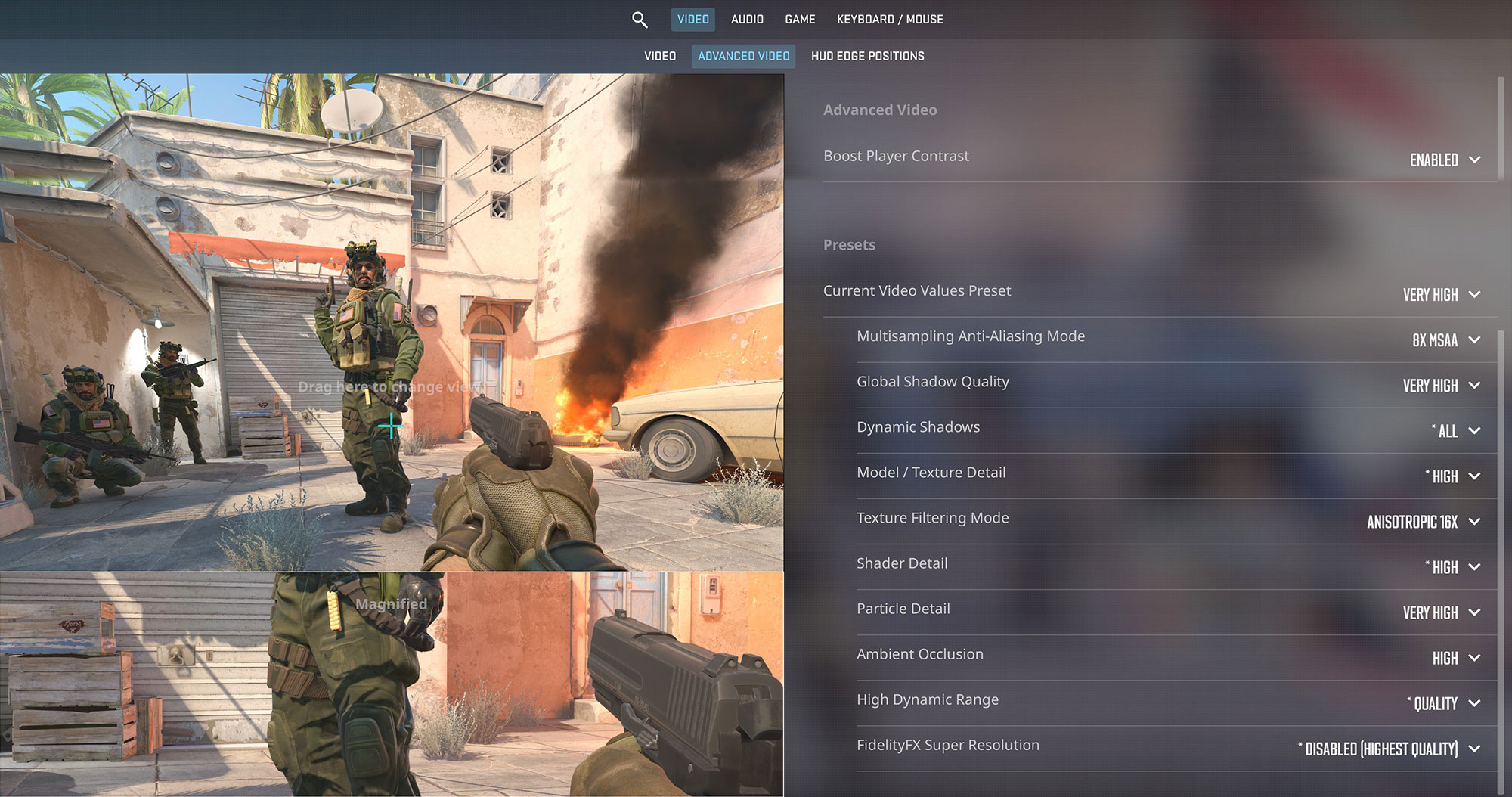
We ran four games on the 16 laptops we reviewed, mostly at 1920×1200 and at their displays’ native resolution. These are the 11 we tested at 1920×1200 (a dash means we didn’t run that test, or we left out a result that doesn’t match our other data):
| Laptop | Black Myth: Wukong (High) (Check settings) | Shadow of the Tomb Raider (Highest) (Check settings) | Metro Exodus Enhanced Edition (High) (Check settings) | Counter-Strike 2 (Very High) (Check settings) |
|---|---|---|---|---|
| Lenovo Legion 5i (15″, Gen 10) (detailed review) | 107 | 131 | 108 | 285 |
| HyperX OMEN 16 (16-am2000) (detailed review) – RTX 5070 12GB | 108 | – | 100 | 273 |
| Acer Nitro 18 AI (AN18-61) (detailed review) | – | 130 | 110 | 219 |
| HP OMEN 16 (16-ap0000, 2025) (detailed review) | – | 130 | 109 | 305 |
| Lenovo Legion 7i (16″, Gen 10) (detailed review) | – | 128 | – | – |
| Alienware 16X Aurora (AC16251) (detailed review) | – | – | 102 | – |
| HP OMEN 16 (16-am0000, 2025) (detailed review) | 103 | – | 104 | 288 |
| Acer Nitro V 16 (ANV16-72) (detailed review) | – | 122 | 100 | – |
| Acer Predator Triton 14 AI (PT14-52T) (detailed review) | – | – | 92 | – |
| ASUS ProArt P16 (H7606) (detailed review) | – | 118 | – | 187 |
| GIGABYTE GAMING A16 (GA63H) (detailed review) | 95 | – | 88 | – |
And these are the 5 we tested at 2560×1600:
| Laptop | Black Myth: Wukong (High) (Check settings) | Shadow of the Tomb Raider (Highest) (Check settings) | Metro Exodus Enhanced Edition (High) (Check settings) | Counter-Strike 2 (Very High) (Check settings) |
|---|---|---|---|---|
| Acer Nitro 18 AI (AN18-61) (detailed review) | 81 | 79 | 78 | 161 |
| Lenovo Legion 7i (16″, Gen 10) (detailed review) | 82 | 76 | – | 161 |
| Alienware 16X Aurora (AC16251) (detailed review) | – | – | 76 | 155 |
| Acer Nitro V 16 (ANV16-72) (detailed review) | 80 | 76 | 72 | 157 |
| Alienware 16 Aurora (AC16250) (detailed review) | 74 | 69 | 66 | 143 |
At 1920×1200, the 113W laptops lead. The Legion 5i, Nitro 18 AI and HP OMEN 16 (16-ap0000 and 16-am0000) were within about 6% of each other in Metro Exodus, while the 83W GIGABYTE GAMING A16 was about 20% slower than the fastest. In Counter-Strike 2, the Acer Nitro 18 AI and ASUS ProArt P16, both with Ryzen AI 9 processors, were clearly behind.
The three laptops with 1440p displays, the MSI Katana 15 HX, Katana 17 HX and Acer Nitro V 17 AI, were within about 10% of each other at 2560×1440: 80 to 87 FPS in Black Myth: Wukong (High), 78 to 82 FPS in Metro Exodus (High) and 168 to 173 FPS in Counter-Strike 2 (Very High). At 1920×1080, the slowest laptop here, the Acer Nitro V 15, reached 85 FPS in Metro Exodus (High), against 105 FPS for the MSI Katana 15 HX.
Processor performance
The Alienware 16X Aurora posted the fastest processor scores here with its Core Ultra 9 275HX. It led Cinebench 2024 and Geekbench 6 multi-core, but it also averaged 101°C in our 30-minute load test and throttled. The Lenovo Legion 7i has the same processor and came second. The Acer Predator Triton 14 AI, with a low-power Core Ultra 9 288V, scored the lowest in Cinebench 2024, but it stayed the coolest, at 69°C.
Single-core performance ensures smooth operation and responsiveness in operating systems, providing a better user experience.
Results are from the Geekbench 6 Single-Core test (higher is better)
Multi-core performance is essential for handling complex and demanding tasks, such as Video editing, CAD, and Scientific simulations.
Results are from the Geekbench 6 Multi-Core test (higher is better)
Here, we evaluate the CPU's performance using a real-world 3D rendering task, assessing its ability to handle complex computations and rendering workloads efficiently.
Results are from the Cinebench 2024 Multi-Core test (higher is better)
Displays, battery life and weight
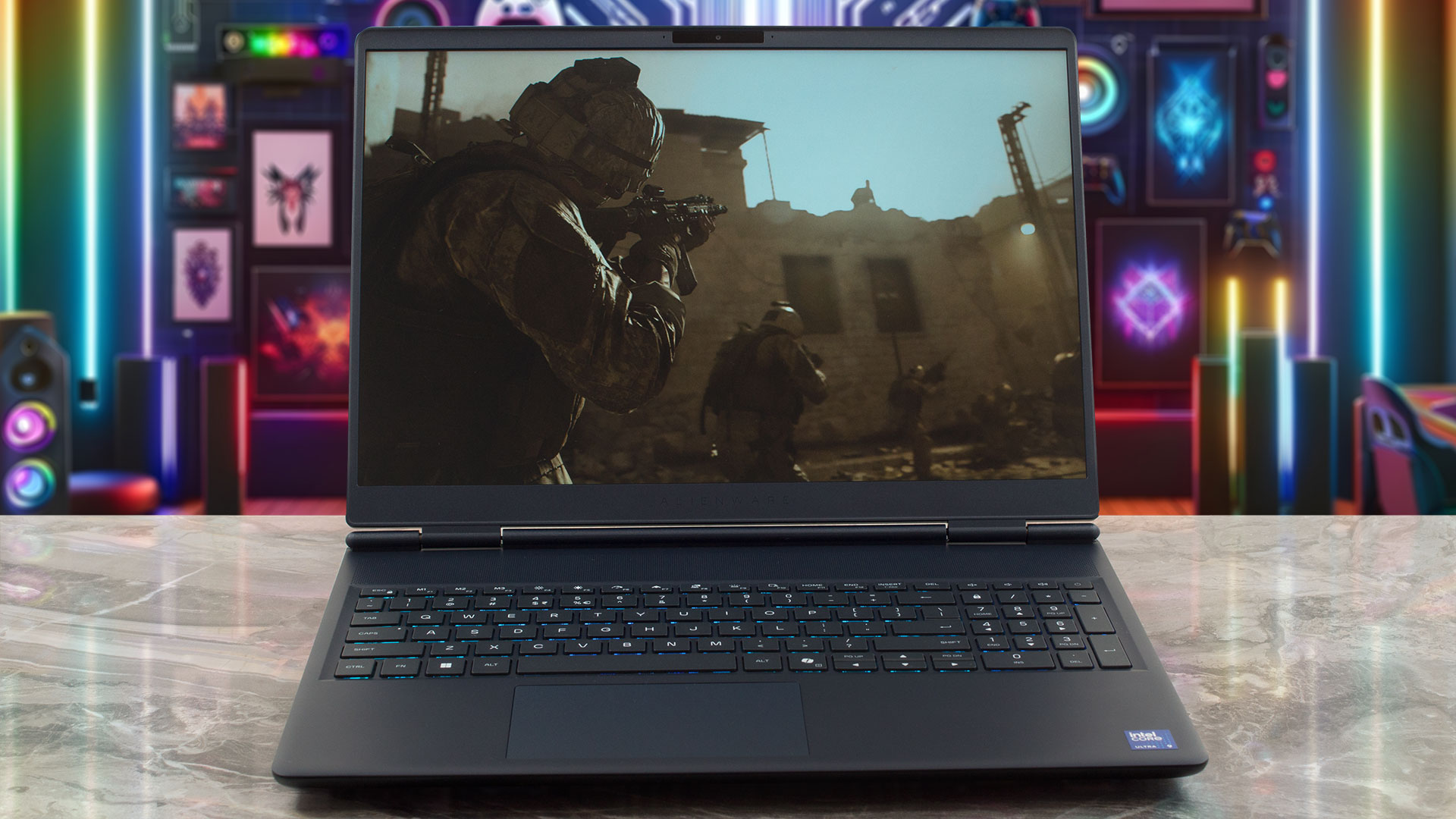 The brightest display is the 240Hz IPS panel of the Alienware 16X Aurora, at 565 nits, with 98% DCI-P3 coverage and no PWM. The HP OMEN MAX 16 and Lenovo Legion 7i follow at about 505 nits, but the OMEN’s panel covers only 73% of DCI-P3. The OLEDs of the Acer Predator Triton 14 AI and ASUS ProArt P16 use PWM below about 90 nits, while the Legion 7i’s OLED flickers only slightly. None of the IPS panels we measured uses PWM.
Check which display you get. The 1200p panels of our HP OMEN 16 (16-ap0000 and 16-am0000), HyperX OMEN 16 and GIGABYTE GAMING A16, and the 1080p panel of the Acer Nitro V 15, cover only 41% to 46% of DCI-P3, so colors look washed out. HP and GIGABYTE also sell these laptops with better panels.
For battery life, the HP OMEN 16 (16-am0000) is the best gaming pick, at 8 hours and 39 minutes of video playback. The ASUS ProArt P16 lasted 11 hours and 9 minutes and the Acer Nitro V 15 10 hours and 42 minutes, while the Acer Predator Triton 14 AI and Lenovo Legion 5i lasted only 2 hours 42 minutes and 3 hours 12 minutes.
The lightest is the 14.5-inch Acer Predator Triton 14 AI, at 1.6 kg, followed by the ASUS ProArt P16, at 1.85 kg. The 18-inch Acer Predator Helios Neo 18 AI and Nitro 18 AI weigh 3.3 and 3.02 kg.
14- and 15-inch RTX 5070 laptops
Here’s each laptop with our review, where we have one, and the current offers for its RTX 5070 versions, grouped by screen size and ordered by its 3DMark Time Spy score. Eight of the reviews cover another configuration or an earlier version of the same laptop.
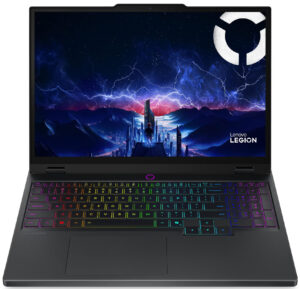
Lenovo Legion 5 (15", Gen 10) in-depth review
The Lenovo Legion 5 (15", Gen 10) arrives not just as an update, but as a bold statement in the mid-range gaming laptop market. It's a machine that feels decidedly premium, centered around a spectacular OLED display that could easily belong on a device twice its price. However, this pursuit of excellence comes with a fiery consequence, as its aggressive performance tuning pushes the CPU to its absolute limit. Adding to the intrigue, Lenovo has made a fascinating choice: the very materials and build of the laptop change depending on which screen you select. Is this the best mid-range gamer [...]
Pros
- Stunning 165Hz OLED display with 100% DCI-P3 coverage
- Excellent gaming stability and great GPU thermal management
- Fantastic upgradeability with two RAM and two M.2 slots
- Very good battery life for a gaming laptop
- Premium and slim aluminium build (on the OLED model)
- PWM-free screen is great for eye comfort
Cons
- CPU runs extremely hot (99°C) under sustained load
- OLED screen is highly reflective and glossy
- The physical build material and thickness depend on the screen choice
Lenovo Legion 5i (15", 15IRHX10, Gen 10) in-depth review
The Lenovo Legion 5i (15", Gen 10) looks like a refined productivity machine that would blend perfectly into any office. But don't let the modest exterior fool you; beneath the hood lies a ferocious gaming engine. In our testing, this laptop didn't just perform well - it shattered expectations, clocking in as the fastest RTX 5070 laptop we have ever reviewed. However, this unchecked power comes with a significant trade-off that tethers it to the wall. Is raw, record-breaking speed enough to justify the compromise in endurance?You can check the prices and configurations in our Specs Sys[...]
Pros
- Chart-topping GPU performance (fastest RTX 5070 clocks tested)
- Excellent thermal management for the GPU
- Great keyboard layout with full-sized arrow keys
- PWM-free display with potential for high color accuracy
- Fantastic upgradeability with two RAM and two M.2 slots
- Robust build quality and professional design
Cons
- Very poor battery life (approx. 3 hours)
- No biometric login options
MSI Katana 15 HX (B14Wx) in-depth review
In the world of gaming laptops, you usually get what you pay for. But every now and then, a machine comes along that completely defies expectations. The MSI Katana 15 HX (B14Wx) is exactly that kind of surprise. On the outside, it looks like a standard, budget-conscious gaming laptop with a plastic chassis and a modest design. But under the hood, it's hiding a secret: it is an absolute performance monster. In our testing, this unassuming laptop didn't just compete with high-end rivals; it beat them, setting a new record as the fastest RTX 5070 laptop we have ever reviewed. Is this the best[...]
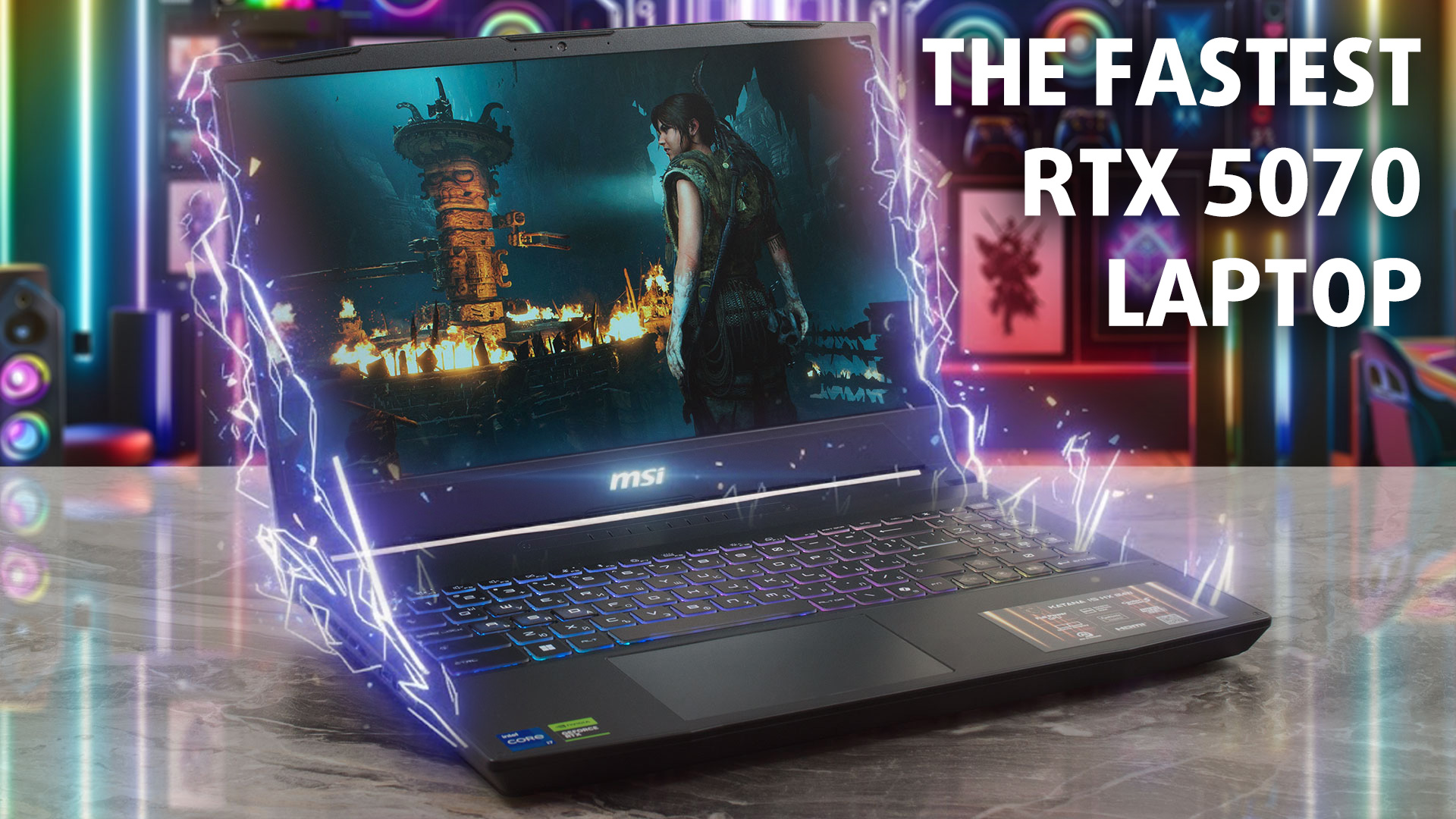
Pros
- Record-breaking GPU performance (fastest RTX 5070 tested)
- Excellent 165Hz QHD display with 100% DCI-P3 coverage and no PWM
- Very good battery life for a gaming laptop (nearly 7 hours)
- Solid build quality with fingerprint-resistant finish
- Two user-accessible RAM slots for easy upgrades
- Comfortable keyboard with 4-zone RGB lighting
Cons
- Only one M.2 slot limits storage expansion
- CPU runs hot under sustained heavy load
- No privacy shutter or biometric login options
- All-plastic chassis feels less premium
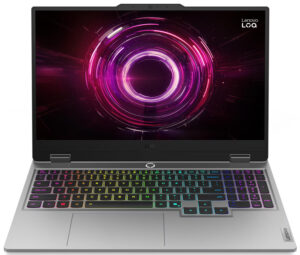
Lenovo LOQ 15 (15", Gen 10) in-depth review
The budget gaming laptop market is a constant balancing act between performance, features, and price, and the Lenovo LOQ 15 (Gen 10, 15AHP10) attempts to walk that tightrope with the grace of its premium Legion siblings. Designed for gamers who want robust performance without the eye-watering price tag, it promises a refined, mature aesthetic and solid core specs. But in a segment where every manufacturer has to cut corners somewhere, the real test is where those cuts are made. Has Lenovo managed to deliver a cool, capable, and enduring machine, or are there hidden compromises lurking bene[...]

Pros
- Exceptional thermal management keeps the CPU very cool
- Great battery life for a gaming laptop (7+ hours)
- Excellent 144Hz display with accurate colors and no PWM
- Superb keyboard with full-sized, offset arrow keys
- Smart rear-port layout for clean cable management
- Physical privacy shutter for the webcam
Cons
- Second M.2 slot is limited to slower PCIe 4.0 x2 speeds
- Fans are audible even when idle
- No biometric login options (fingerprint or IR camera)
Acer Predator Triton 14 AI (PT14-52T / PT14-52TP) in-depth review
In a world where gaming laptops often sacrifice portability for power, the Acer Predator Triton 14 AI (PT14-52T) flips the script with its sleek 14.5-inch design hiding RTX 4070-level performance and a vibrant 120Hz OLED screen - perfect for creators and gamers on the go. But with battery life that barely scrapes three hours and non-upgradeable RAM, is this dual-purpose beast truly worth the hype? Dive into our detailed review to uncover its strengths and weaknesses.You can check the prices and configurations in our Specs System: https://laptopmedia.com/series/acer-predator-triton-14-a[...]
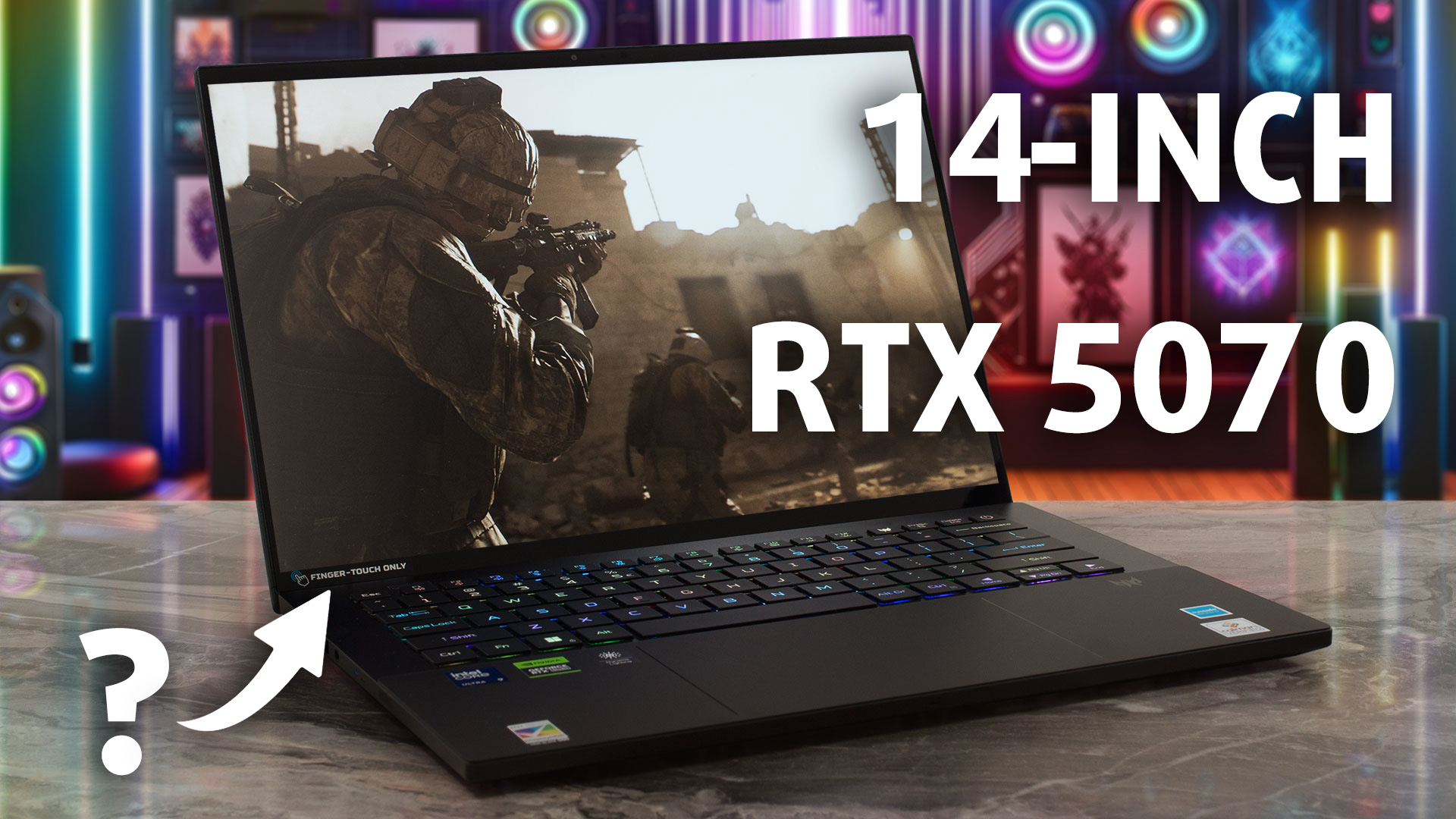
Pros
- Incredible gaming performance for a 14-inch laptop
- Phenomenal thermal management keeps CPU and GPU cool
- Stunning 2.8K 120Hz OLED display with 100% DCI-P3
- Premium, compact, and lightweight aluminium build
- Excellent keyboard with per-key RGB
- Future-proof connectivity with Wi-Fi 7 and Thunderbolt 4
Cons
- Extremely poor battery life (under 3 hours)
- Soldered RAM with no upgrade options
- Only one M.2 slot for storage
- Stylus only works on the trackpad, not the screen
Acer Nitro V 15 (ANV15-A31) in-depth review
The Acer Nitro V 15 (ANV15-A31) is an affordable and unusually practical gaming laptop. Its understated black chassis avoids excessive gamer styling, the keyboard is comfortable, connectivity is better than expected for the class, and its exceptional battery life makes it suitable for much more than sitting permanently on a desk.However, Acer has achieved this balance through several deliberate compromises. The older processor, restricted GPU power, slow display response times, and limited storage expansion prevent the Nitro V 15 from competing with more performance-focused gaming machines[...]
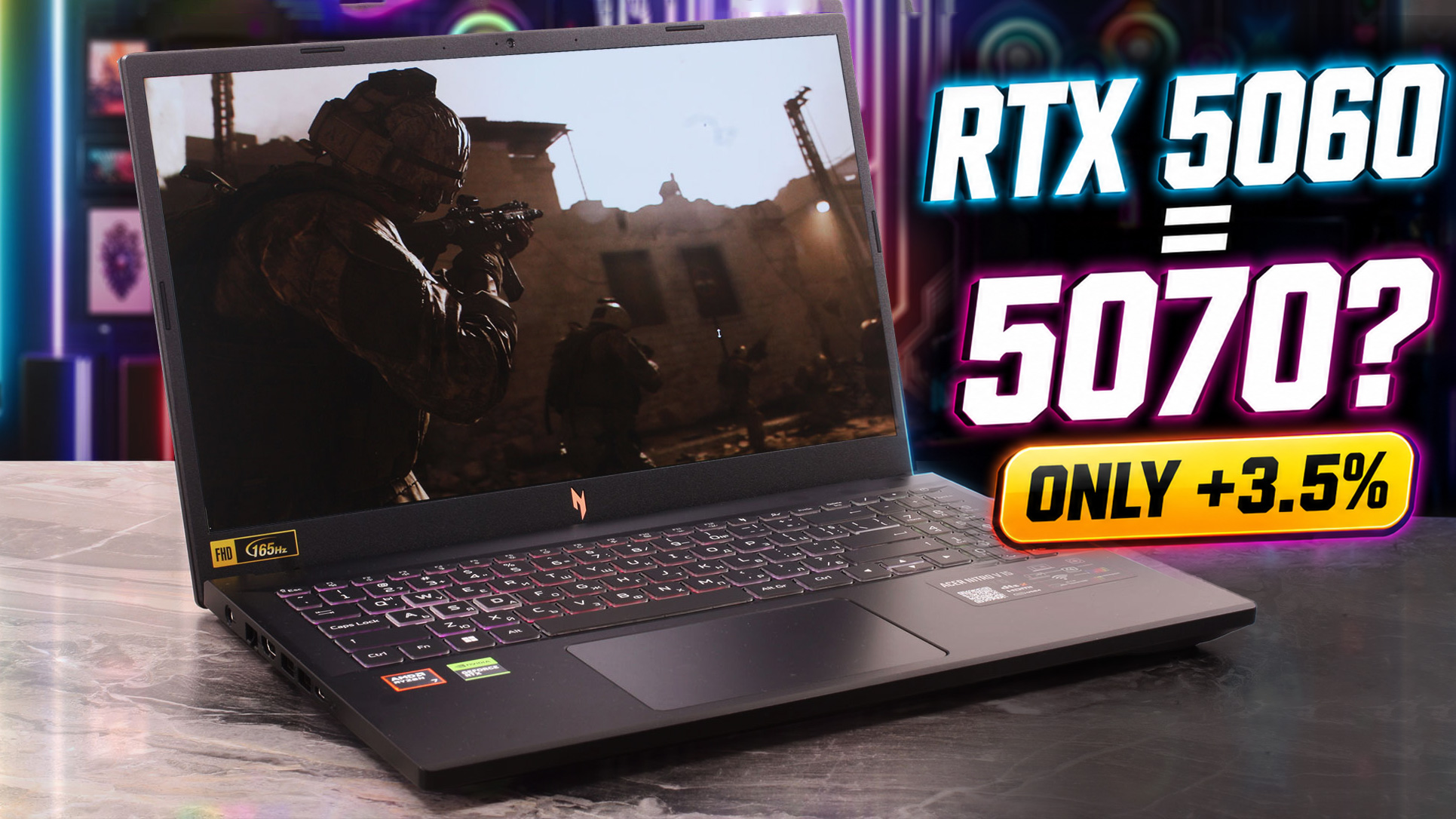
Pros
- Exceptional battery life for a gaming laptop – 10 hours and 42 minutes
- Our tested 165 Hz IPS panel is bright, PWM-free, and has an excellent 1820:1 contrast ratio
- Versatile connectivity with a 40Gbps USB4 port
- Comfortable keyboard with four-zone RGB lighting and a NumPad
- Two accessible DDR5 SO-DIMM slots
- Understated design suitable for work, school, and gaming
- Well-controlled GPU temperatures during prolonged gaming
Cons
- Both GPUs are restricted to 75W
- RTX 5070 is only around 3.5% faster on average in our gaming tests
- Our 165Hz BOE panel covers only 54% of sRGB and has slow pixel response times
- Older Zen 3+ processor runs hot under prolonged CPU loads
- Only one M.2 SSD slot
- No physical webcam shutter or biometric login
16-inch RTX 5070 laptops
Acer Predator Helios Neo 16 AI (PHN16-73) in-depth review
The Acer Predator Helios Neo 16 AI (PHN16-73) arrives as a compelling contender in the high-performance gaming laptop space, aiming to strike that elusive sweet spot between raw power, a premium feel, and a manageable form factor. On paper, it's a winner, centered around a spectacular 240Hz OLED display that promises a top-tier visual experience. However, this machine is a true paradox. As we discovered, its greatest strength, that beautiful screen, is also the source of its most significant and frustrating flaws. This is a story of a laptop that gets so much right, yet stumbles badly on t[...]
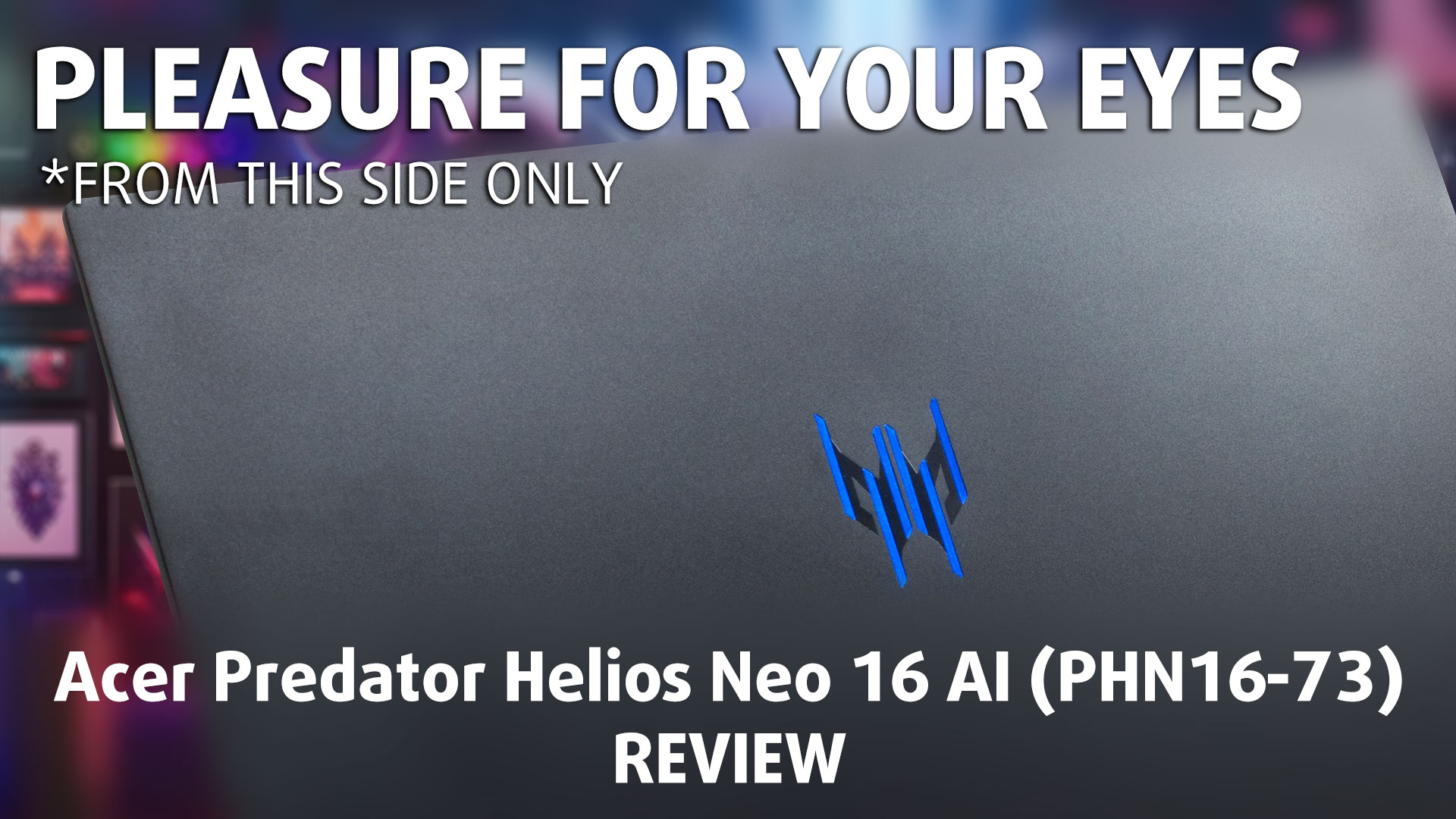
Pros
- Stunning 240Hz OLED display with 100% DCI-P3 coverage
- Excellent and stable gaming performance
- Fantastic upgradeability with two RAM and two M.2 slots
- Great port selection, including a Thunderbolt 4 port
- Comfortable keyboard with full-sized arrow keys and a NumPad
- Premium-feeling and chic design
Cons
- Extremely reflective glossy screen, one of the worst measured + PWM for brightness control, bad for eye-safety
- Mediocre battery life for a 90Wh capacity
- No physical privacy shutter for the webcam
HP HyperX OMEN 16 (16-am2000) in-depth review
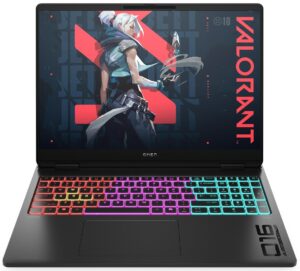
The HyperX OMEN 16 (16-am2000) is HP's 2026 mainstream 16-inch gaming laptop, now sold under the HyperX name. It sits in the upper mid-range: our configuration pairs an Intel Core Ultra 7 255HX with an NVIDIA GeForce RTX 5070. It's made for gaming first, but its plain Shadow Black chassis wouldn't look out of place in an office. The gaming hints are limited to the RGB keyboard, a tone-on-tone HyperX logo on the lid, a big "O16" graphic on the palm rest, and the large vents at the back.What impressed us most is the cooling. During our one-hour gaming load, the RTX 5070 held 2.6 GHz at 112 W[...]

Pros
- Excellent GPU cooling: the RTX 5070 held 2.6 GHz at 71°C and 112 W in our one-hour test
- RTX 5070 with 12GB of video memory in our configuration
- Very fast PCIe 5.0 SSD and a free second M.2 slot
- Two SO-DIMM slots, up to 64GB of RAM
- Fast gray-to-gray response (8.2 ms) and no PWM
- MUX switch and HDMI 2.1
- Full-size arrow keys, NumPad, and 4-zone RGB backlighting
- Physical webcam privacy shutter
Cons
- Base display covers only 56% of sRGB
- Single 16GB memory module (single-channel) in our configuration
- Short battery life: 4 hours and 36 minutes of video playback
- Only one USB-C port (10 Gbps), no Thunderbolt, USB4, or card reader
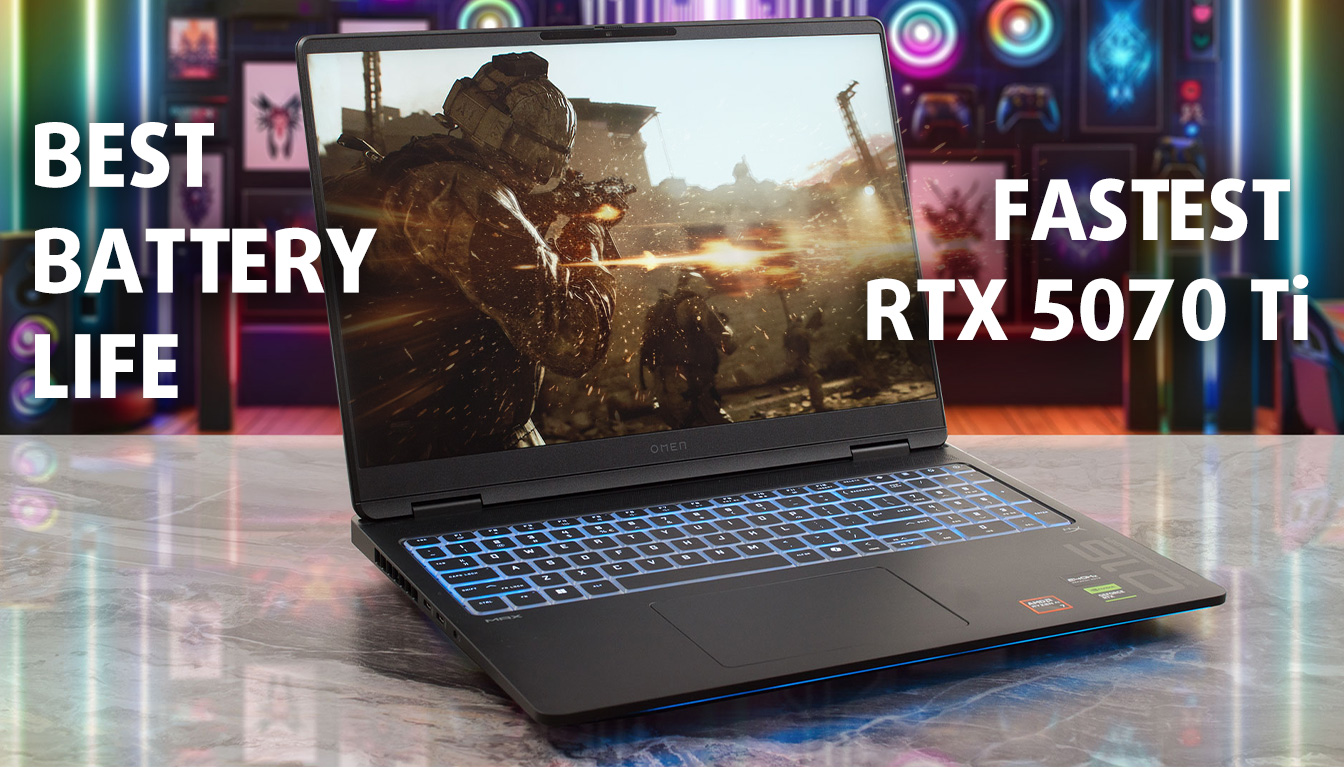
HP OMEN MAX 16 (16-ab0000, ak0000) in-depth review
The HP OMEN MAX 16 arrives with a mission: to prove that you don't need a loud, aggressive design to house record-breaking performance. It wraps some of the most powerful mobile hardware available (including top-tier AMD Ryzen AI processors and NVIDIA RTX 50-series GPUs) inside a sleek, understated chassis that looks as much at home in a boardroom as it does in a battlestation. But this isn't just a "sleeper" hit; it's a statement. With benchmark-crushing graphics scores and battery life that puts its rivals to shame, the OMEN MAX 16 challenges the very idea of what a high-performance gami[...]
Pros
- Record-breaking GPU performance (fastest RTX 5070 Ti tested)
- Phenomenal battery life (over 10 hours)
- Excellent thermal management for both CPU and GPU
- PWM-free display is great for eye comfort
- Great upgradeability with two RAM slots and Gen5 SSD support
- Sleek, understated design suitable for any environment
Cons
- Display color coverage (90% sRGB) is lower than advertised (100%)
- Half-height arrow keys are not ideal for gaming
- Primary SSD slot is difficult to access (under vapor chamber)
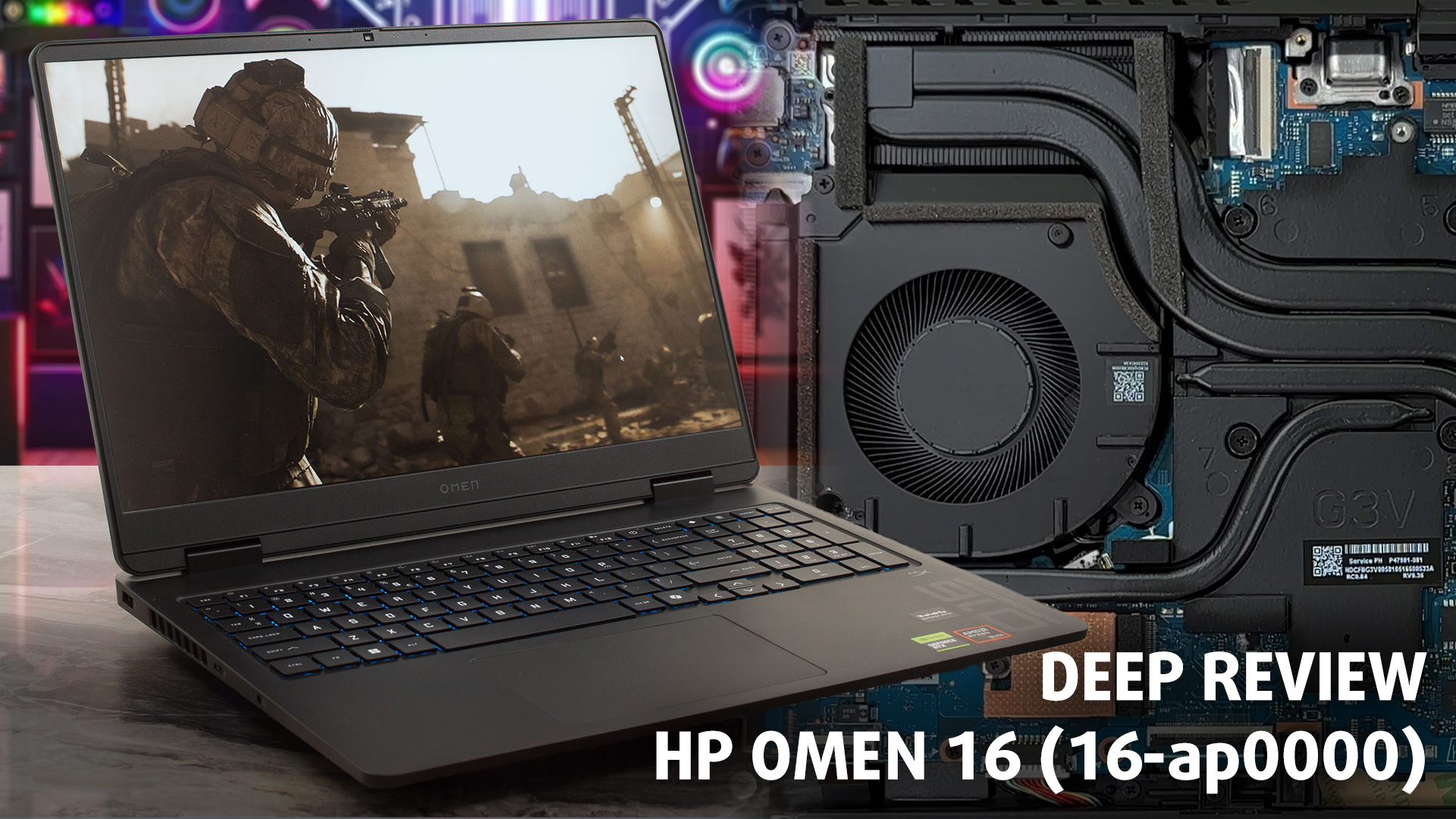
HP OMEN 16 (16-ap0000, 2025) in-depth review
The HP OMEN 16 (16-ap0000) isn't the flashiest or most premium-feeling gaming laptop on the block, but it might just be the smartest. Instead of chasing the highest possible benchmark scores for a few fleeting seconds, HP has engineered a machine that prioritizes what truly matters for long, enjoyable gaming sessions: cool, quiet, and incredibly stable performance.The result is a thermal masterpiece that runs with a composure that many of its hotter, louder rivals can only dream of. However, this laser focus on the core gaming experience comes with one very significant and very common [...]
Pros
- Exceptional thermal management keeps the system cool, quiet, and stable
- Excellent and consistent gaming performance with no throttling
- Great upgradeability with two RAM and two M.2 slots
- PWM-free display is great for eye comfort
- Thoughtful port layout with rear-facing connections
- Physical privacy shutter for the webcam
Cons
- Base model display has very poor color coverage (53% sRGB)
- Half-height up and down arrow keys
- One of the two M.2 slots is the smaller 2230 format
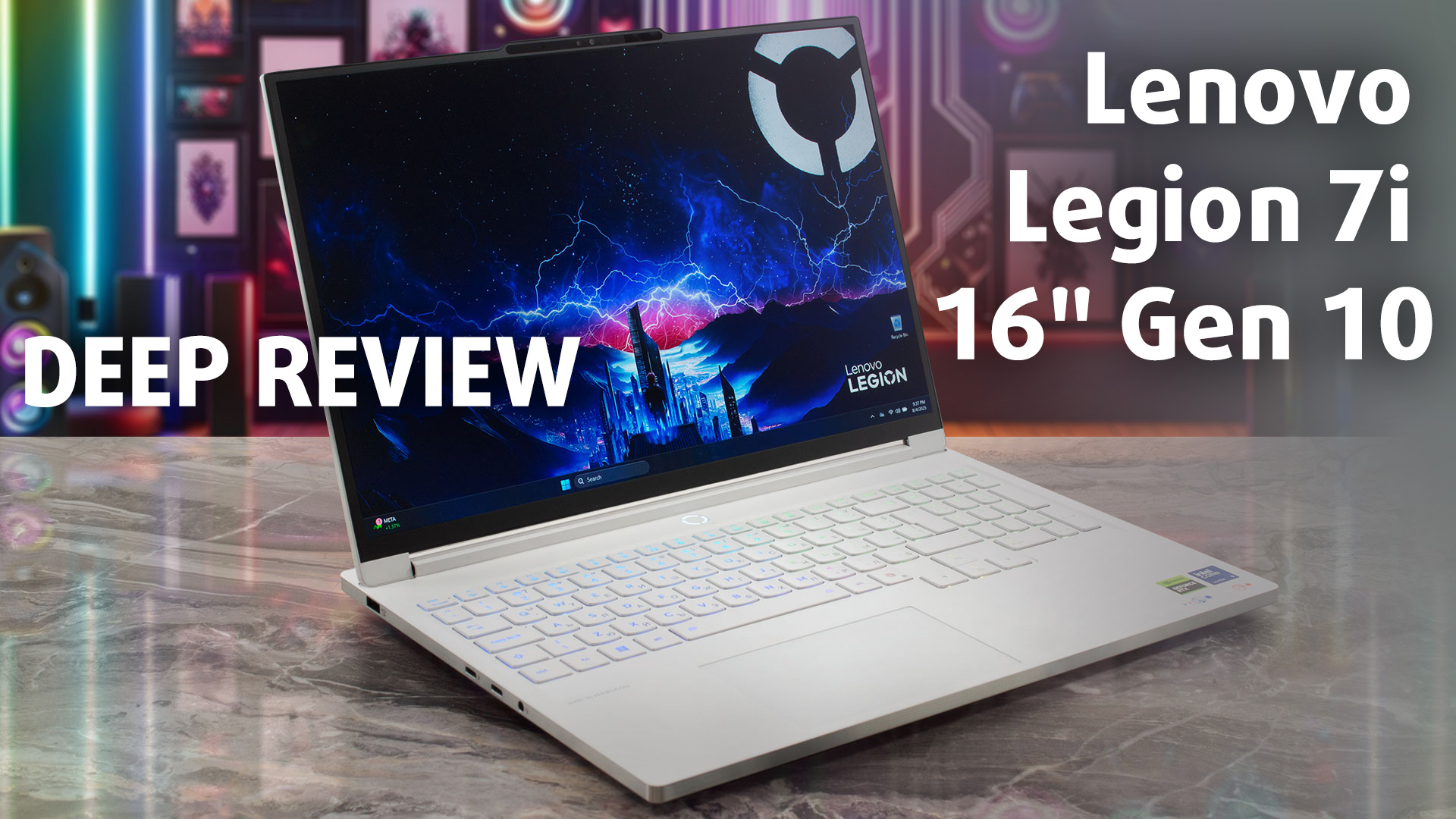
Lenovo Legion 7i (16″, Gen 10) in-depth review
The Lenovo Legion 7i (16", Gen 10) is, without a doubt, one of the most beautiful gaming laptops we have ever seen. Its stunningly thin, light, and elegant all-aluminium design feels more like a high-end ultrabook than a powerful gaming rig. We were initially in awe of its form factor, but that awe quickly turned to concern. Can a chassis this slim truly handle the heat generated by its high-performance components? The answer, unfortunately, is the central story of this laptop. It's a tale of a breathtaking design that comes at a direct and significant cost to both performance and enduranc[...]
Pros
- Stunningly thin, light, and elegant all-aluminium design
- Breathtaking 240Hz OLED display with 100% DCI-P3 coverage
- Excellent keyboard with a great layout and full-sized arrow keys
- Fantastic upgradeability with two RAM and two M.2 slots
- Great future-proof port selection including Thunderbolt 4 and Wi-Fi 7
- Premium build quality and fingerprint-resistant finish
Cons
- Throttled CPU and GPU performance due to slim design
- Very poor battery life, one of the worst in its class
- Highly reflective glossy screen
- Runs hot under sustained load
Alienware 16X Aurora (AC16251) in-depth review
The Alienware 16X Aurora (AC16251) arrives with the confidence of a premium contender, flaunting a sleek aluminium and magnesium chassis that feels every bit as expensive as it looks. It promises a top-tier experience with a stunning 240Hz QHD+ display and powerful internals designed to crush modern games. But as we dug deeper into our testing, a stark contrast emerged. While the exterior is cool and composed, the internal reality is a different story entirely. This is a laptop of extreme highs and lows, where exceptional build quality and display performance clash with thermal management [...]

Pros
- Premium aluminium and magnesium build with no flex
- Excellent 240Hz QHD+ display with accurate colors and no PWM
- Stable GPU gaming performance with good thermals
- Two user-accessible RAM slots for upgrades
- Modern connectivity with Thunderbolt 4 and Wi-Fi 7
- Distinctive and stylish design
Cons
- CPU runs dangerously hot (100°C+) and throttles heavily
- Storage limited to small M.2 2230 SSDs
- Very poor battery life (approx. 4 hours)
- Half-height arrow keys
- No physical privacy shutter
HP OMEN 16 (16-am0000, 2025) in-depth review
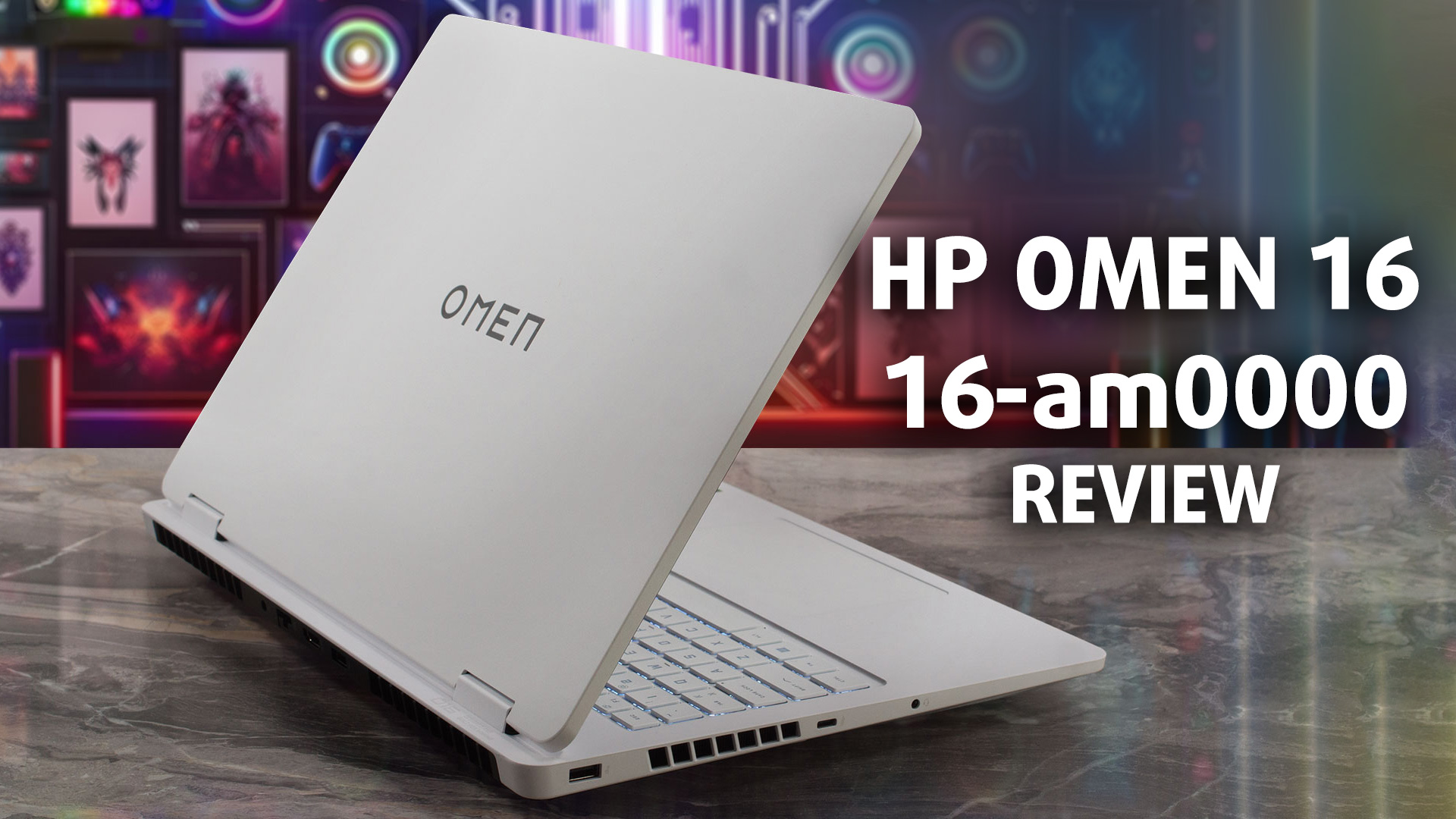
The HP OMEN 16 (16-am0000, 2025) enters the gaming arena quietly. It trades the aggressive, LED-drenched aesthetic of many competitors for a clean, minimalist "Ceramic White" finish that looks just as good in a boardroom as it does on a desk. But don't mistake its subtle design for weakness. Underneath that professional exterior lies a potent combination of an Intel Core 7 processor and an NVIDIA RTX 5070. While it promises high-end gaming performance, our testing revealed its true superpower lies in an unexpected area: astonishing efficiency. Can a laptop this powerful really be an all-da[...]
Pros
- Exceptional battery life for a gaming laptop (8.5+ hours)
- Excellent GPU thermal management and performance stability
- Fantastic upgradeability with two RAM and two M.2 2280 slots
- Clean, professional design with a fingerprint-resistant finish
- Practical rear-port layout for cable management
- Physical privacy shutter for the webcam
Cons
- Base model display has very poor color coverage (52% sRGB)
- CPU runs very hot under sustained heavy load
- Half-height up and down arrow keys
- Fans can be audible even at idle
Acer Nitro V 16 AI (ANV16-42) in-depth review
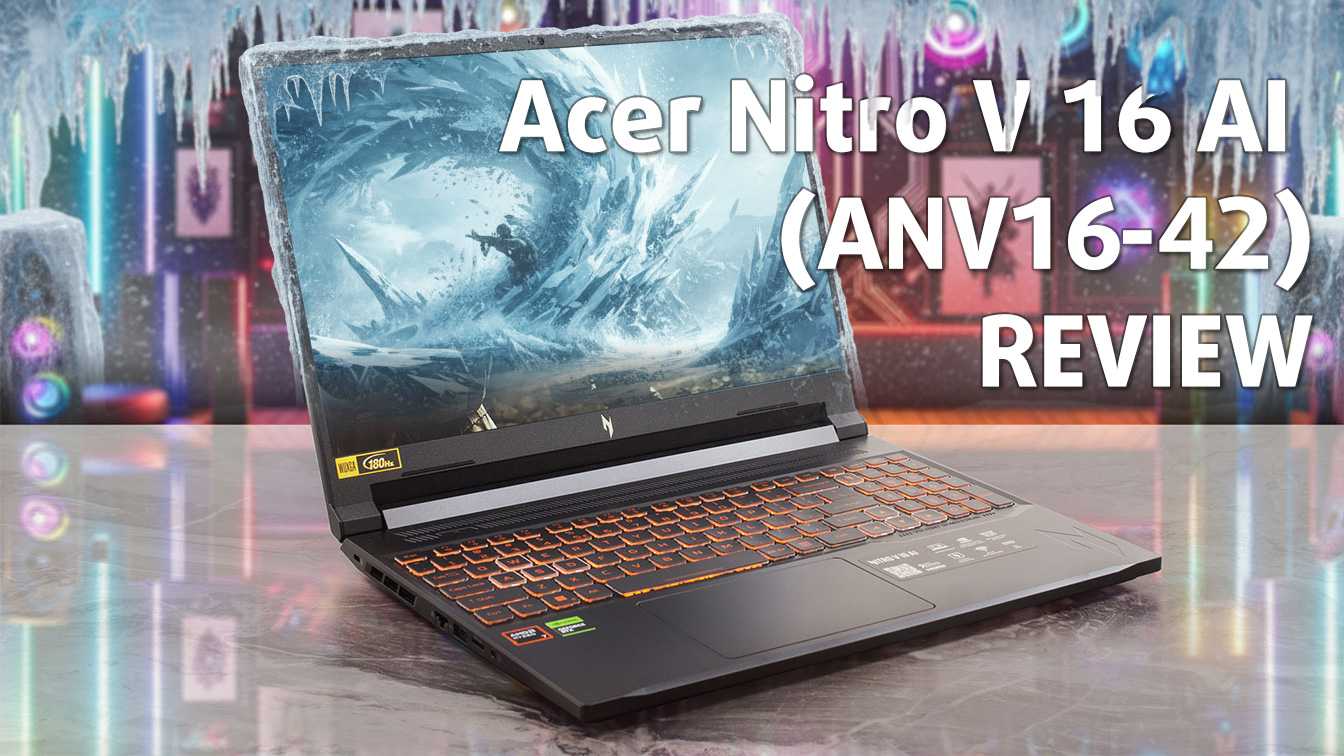
In the relentless race for the highest benchmark scores, many gaming laptops push their components to the absolute thermal limit. The Acer Nitro V 16 AI (ANV16-42) takes a different, smarter path. Instead of chasing a few extra points on a chart, Acer has engineered a machine that prioritizes what truly matters for a great long-term gaming experience: thermal stability, reliability, and impressive battery life. The result is a surprisingly balanced and responsible powerhouse that runs dramatically cooler than its direct competitors. But to achieve this cool-headed performance, there is one[...]
Pros
- Exceptional CPU thermal management keeps the system cool and stable
- Great battery life for a gaming laptop
- Fantastic upgradeability with two RAM and two M.2 slots
- PWM-free screen with a fast response time is great for the eyes
- Good port selection including a versatile USB4 port
- Solid and elegant design
Cons
- Base model display has very poor color coverage (50% sRGB)
- CPU performance is slightly lower than direct competitors
- No physical camera shutter or fingerprint reader
Acer Nitro V 16 (ANV16-72) in-depth review
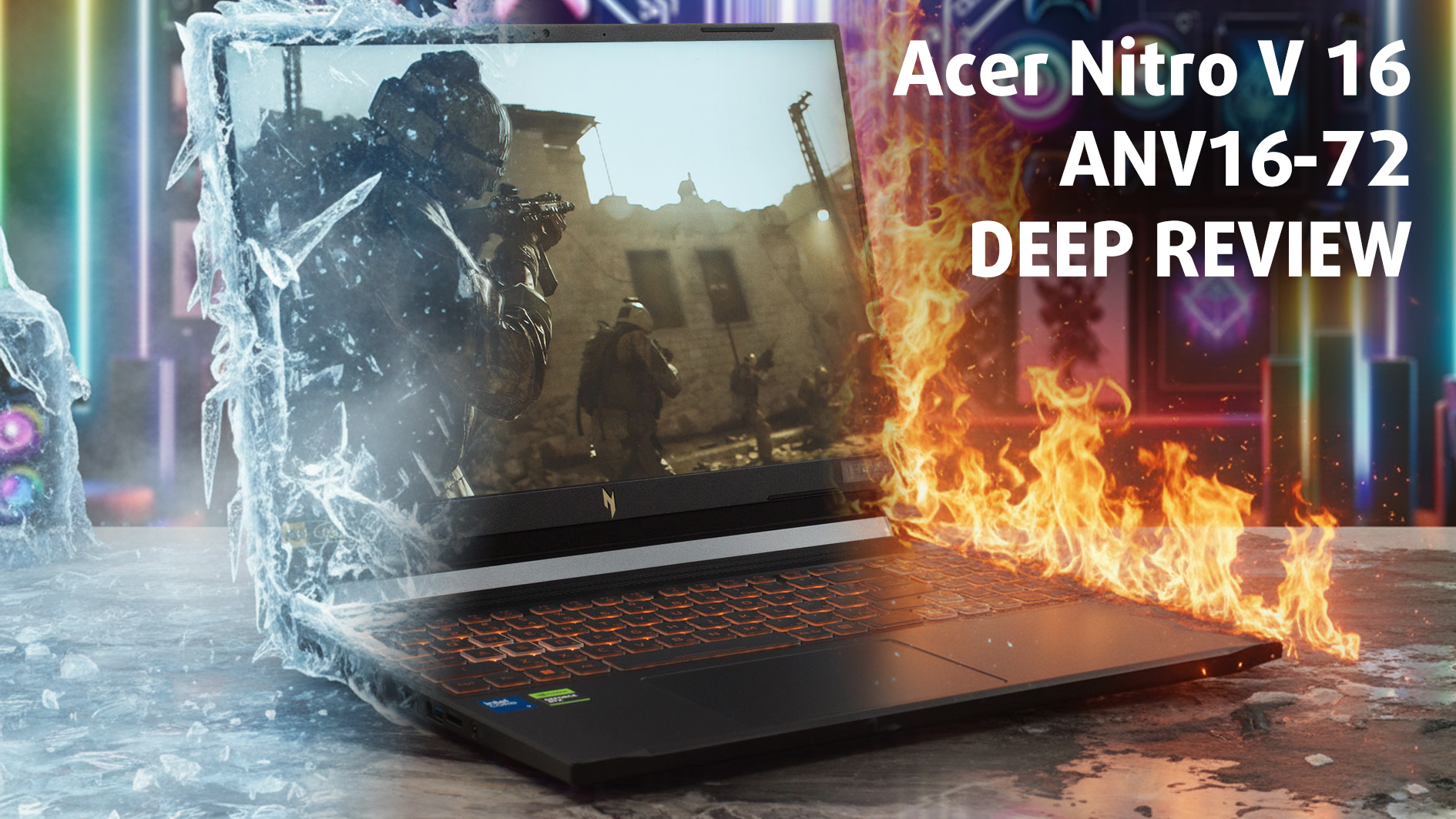
So, the best or worst cooling of 2025? "Why not both?" - some Acer engineers, probably. On one hand, its cooling system is a triumph, keeping the powerful NVIDIA GPU running with a stability and coolness that's truly impressive, resulting in a fantastic gaming experience. On the other hand, that same cooling system seems to completely fail the Intel Core i9 processor, allowing it to run at high temperatures and forcing it to throttle back its performance. This creates a machine with a split personality: a brilliant gaming rig that's a questionable high-performance workhorse.The questio[...]
Pros
- Excellent GPU thermal management keeps the system cool and stable
- Great QHD+ 180Hz display with good colors and low glare
- Completely PWM-free screen is great for eye comfort
- Great upgradeability with two RAM and two M.2 slots
- Very good battery life for a gaming laptop
- Great port selection, including a Thunderbolt 4 port
Cons
- CPU runs extremely hot and throttles performance
- GPU performance is slightly behind competitors
- No biometric login options (fingerprint or IR camera)
- No physical privacy shutter for the webcam
Acer Nitro V 16 AI (ANV16-61) in-depth review
When you hear "budget gaming laptop," you might brace for compromises. But the Acer Nitro V 16 AI (ANV16-61) arrives ready to challenge those expectations. Sporting the familiar, aggressive Nitro design language, this machine packs a surprising punch, especially with its well-optimized NVIDIA GeForce RTX 4050 that performs better than we anticipated. It’s not just about frames per second, though; Acer has also managed to squeeze out over 10 hours of battery life – a figure rarely seen in gaming laptops.So, has Acer crafted the ultimate value gaming champion? Can it sustain its impressi[...]
Pros
- Excellent gaming performance, especially from the well-optimized RTX 4050
- Strong CPU performance with good thermal management under load
- Exceptional battery life for a gaming laptop (10+ hours)
- Robust and fingerprint-resistant chassis despite plastic construction
- Comfortable full-sized keyboard with NumPad and orange backlight
- PWM-free display backlight with good response times (on reviewed base model)
- Well-rounded port selection including USB4, HDMI 2.1, and Ethernet
- Very fast NVMe SSD storage
- Excellent internal upgradeability (dual RAM, dual M.2 SSDs)
- Good sound quality
- High-resolution 1080p 60fps webcam with advanced features
Cons
- Very limited display color gamut on the base 1200p 165Hz model
- No physical webcam privacy shutter
- No fingerprint sensor for biometric login
- Plastic build, while sturdy, may not feel as premium as metal alternatives
ASUS ProArt P16 (H7606) in-depth review
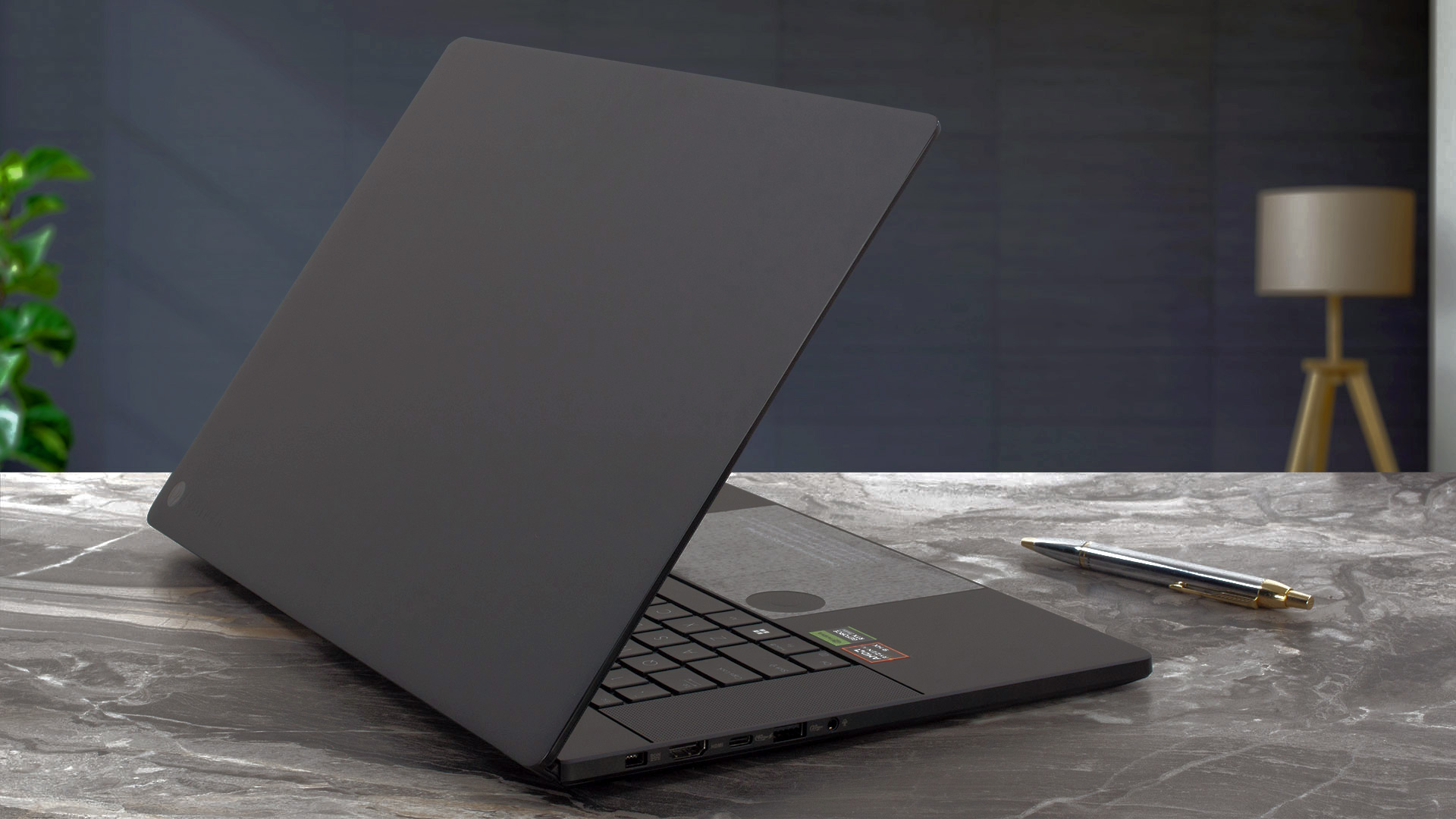
This is one of the most beautiful laptops we've ever seen. Dell upped its game with the latest XPS lineup in terms of design (XPS 9640 review), and now ASUS responds, making life difficult for content creators needing to decide on the best premium laptop on the market.The ASUS ProArt P16 (H7606) is essentially a stealthier version of the portable gaming powerhouse, the ROG Zephyrus G16, with a few key differences. While the ROG model features a display with a lower resolution of 2.5K but a higher refresh rate of 240 Hz, the ProArt P16 opts for greater detail with a 4K resolution but a slow[...]
Pros
- Gorgeous design
- Solid build, meets MIL-STD-810H military-grade standards
- Thin (0.59" / 14.9mm) and light (4.1lbs / 1.85kg) chassis
- High-resolution vivid display with accurate colors (dE = 1.1)
- 100% sRGB and 100% DCI-P3 color coverage
- Great quality Harman/Kardon speaker setup
- Cool ASUS DialPad controller
- ASUS Pen 2.0 and a Backpack in the bundle
Cons
- High reflectance display surface (147 GU)
- 60 Hz panel
GIGABYTE GAMING A16 GA63H in-depth review
The 16-inch gaming laptop market is often dominated by bulky, max-TGP beasts designed to push the absolute limits of performance. The GIGABYTE GAMING A16 GA63H, however, takes a different path. It's a relatively thin and light machine that opts for a more moderate, power-efficient approach to its graphics card rather than brute force. Wrapped in a stealthy, professional design, it aims to be a versatile daily driver rather than just a stationary gaming rig. Interestingly, this AMD-powered GA63H variant holds a significant hidden advantage over its Intel sibling (the GA6H) - the inclusion o[...]

Pros
- Class-leading battery life for a gaming laptop (nearly 8 hours)
- Excellent GPU thermal management keeps the system cool and stable
- Fantastic upgradeability with two RAM and two M.2 slots
- PWM-free display is great for eye comfort
- Modern port selection including a versatile USB4 port
- Stealthy, professional design that blends in anywhere
Cons
- Severely power-limited GPU results in lower gaming performance
- Base model display has very poor color coverage (52% sRGB)
- CPU runs hot (94°C) under sustained heavy load
- Second M.2 slot is limited to slower PCIe 4.0 x2 speeds
GIGABYTE AERO X16 (EG61H)
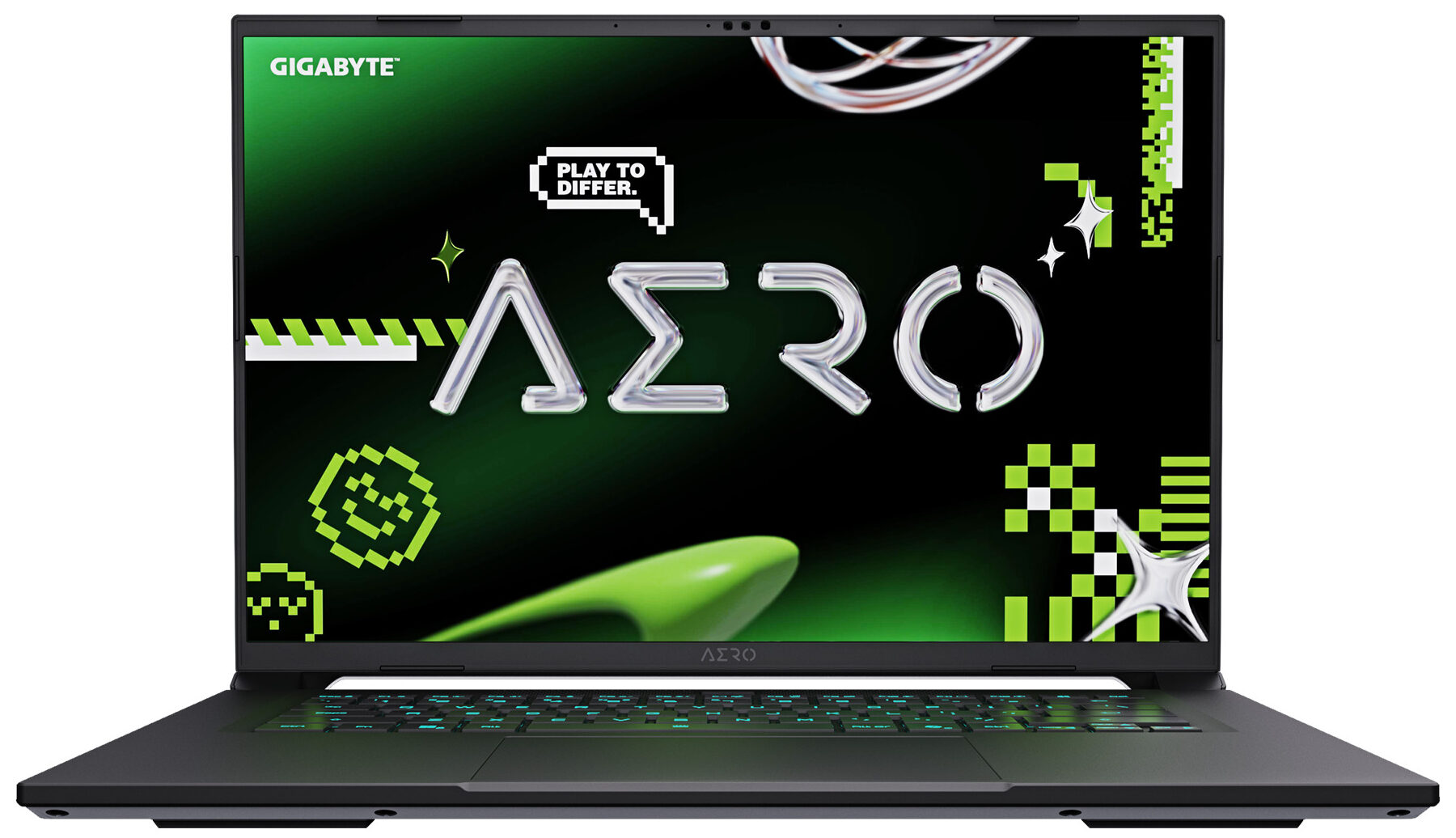 Ryzen AI 7 350 · 16″ 2560×1600 165Hz IPS · 1.9 kg
In our benchmarks, its RTX 5070 scored 12126 points in 3DMark Time Spy, 23rd of the 25 and about 16% behind the fastest, so it’s not the laptop to buy for maximum frame rates. The Lenovo Legion 5, with the same Ryzen AI 7 350, scored 18% more.
The AERO’s strengths are elsewhere: at 1.9 kg, it’s one of the lightest laptops here, and the configuration we tested has a 16-inch 1600p 165Hz display and an NPU that makes it a Copilot+ PC. In the US, it currently starts at $1,449.99.
Alienware 16 Aurora (AC16250) in-depth review
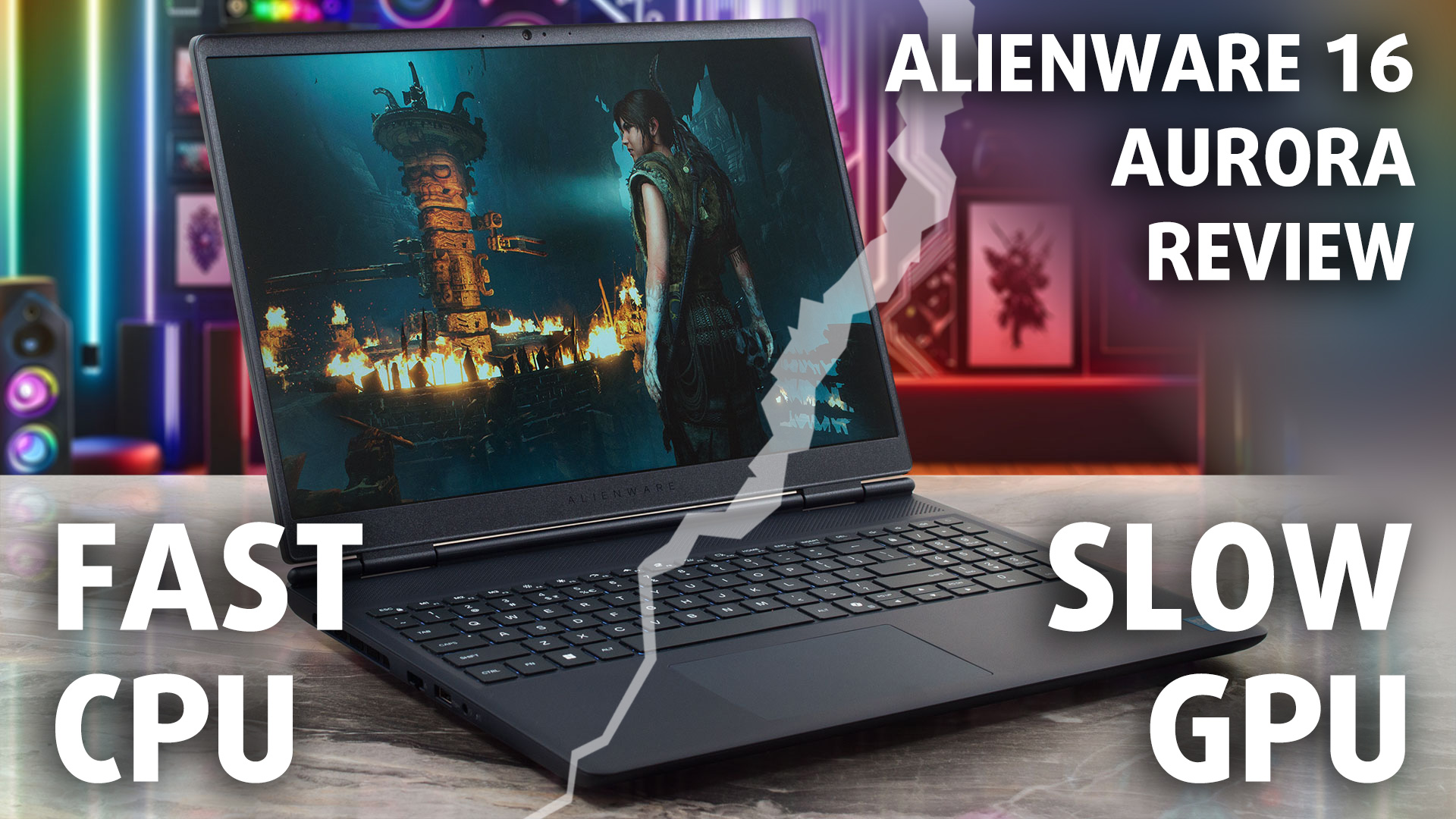
The Alienware 16 Aurora (AC16250) arrives with a mission to redefine what an Alienware laptop can be. Shedding the aggressive, sci-fi aesthetic of its predecessors, it opts for a sleek, understated "Interstellar Indigo" design that could almost pass for a business workstation. It promises a refined experience with a beautiful screen and exceptional battery life for a gaming machine. But in its quest for elegance, has it sacrificed too much of the raw power that defines the Alienware brand? We found a laptop of stark contradictions: one that excels in endurance and build quality but stumble[...]
Pros
- Excellent battery life for a gaming laptop (7.5+ hours)
- Great color-accurate, PWM-free QHD+ display
- Sturdy build quality with magnesium alloy frame
- Two user-accessible RAM slots
- Rear port layout for clean cable management
- Sleek, understated design suitable for work
Cons
- CPU runs extremely hot (99°C) under load
- Lowest RTX 5070 performance in its class
- Storage limited to small M.2 2230 SSDs
- No physical privacy shutter or biometric login
- Half-height arrow keys
17- and 18-inch RTX 5070 laptops
ASUS TUF Gaming A18 (FA808)
 Ryzen 7 260 · 18″ 1920×1200 144Hz IPS · 2.6 kg
We haven’t reviewed the ASUS TUF Gaming A18 yet, but in our benchmarks its RTX 5070 is in the four-way tie at the top of 3DMark Time Spy, with 14336 points, and only the MSI Katana 15 HX scored higher in 3DMark Wild Life Extreme. ASUS lists the GPU at up to 115W, 100W plus 15W of Dynamic Boost.
The configuration we tested has an AMD Ryzen 7 260 and an 18-inch 144Hz IPS display. It’s the only 18-inch laptop here with a 1200p panel, which is low for the size but makes it easier to run games at the native resolution. At 2.6 kg, it’s also the lightest 18-inch laptop here.
In Germany, it had the lowest price we found for any of these laptops, €1,499 at the time of writing. Without a full review, we can’t say yet how hot or loud it runs, or how long its battery lasts.
Acer Predator Helios Neo 18 AI (PHN18-72) in-depth review
The Acer Predator Helios Neo 18 AI (PHN18-72) defies the stereotype that 18-inch gaming laptops have to be thick, cumbersome tanks. It arrives with a surprisingly svelte profile (it's 14.9 mm / 0.59" thick at the front!) that houses serious firepower, including a high-wattage RTX 5070 Ti. This machine aims to deliver the best of both worlds: the immersive, expansive screen real estate of a desktop replacement, packaged in a chassis that doesn't require a forklift to move. But has Acer sacrificed too much performance to achieve this slim design, or have they struck the perfect balance for b[...]
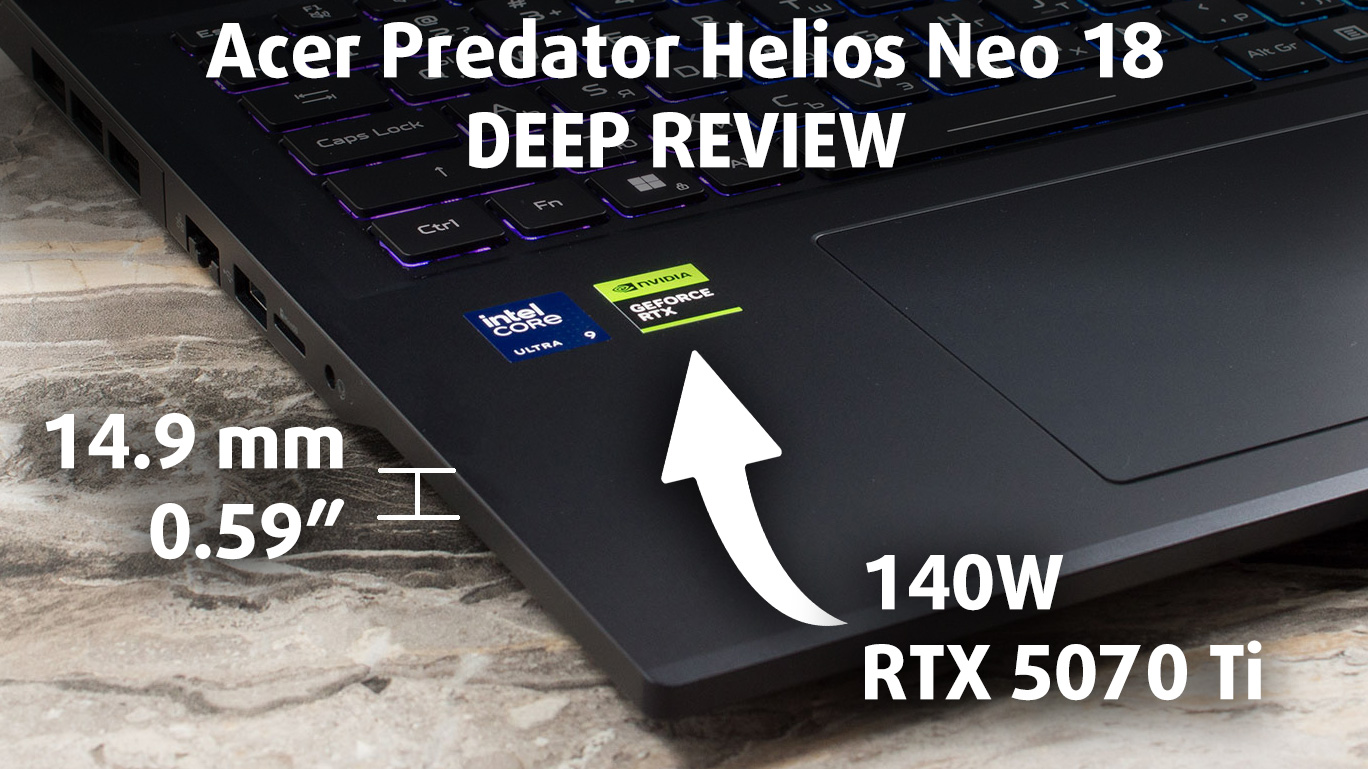
Pros
- Excellent 240Hz QHD+ display with accurate colors and no PWM
- Surprisingly slim and sleek design for an 18-inch laptop
- Solid gaming performance with good stability
- Great battery life for its class (nearly 6 hours)
- Fantastic upgradeability and dual Thunderbolt 4 ports
- Full-sized NumPad and arrow keys
Cons
- GPU clock speeds are lower than some thicker rivals
- No physical privacy shutter for the webcam
- Lid is a fingerprint magnet
Acer Nitro 18 AI (AN18-61) in-depth review
The era of the massive gaming laptop is back, and the Acer Nitro 18 AI (AN18-61) is unapologetically leading the charge. This isn't a machine designed to slip unnoticed into a backpack; it is a dedicated battle station built to dominate your desk with an expansive 18-inch display and a chassis large enough to cool the most demanding hardware. Usually, upsizing a laptop brings diminishing returns, but Acer has used the extra space to pull off a surprising trick. Beyond the raw power and screen real estate, we discovered a hidden strength that defies the stereotypes of the "desktop replaceme[...]
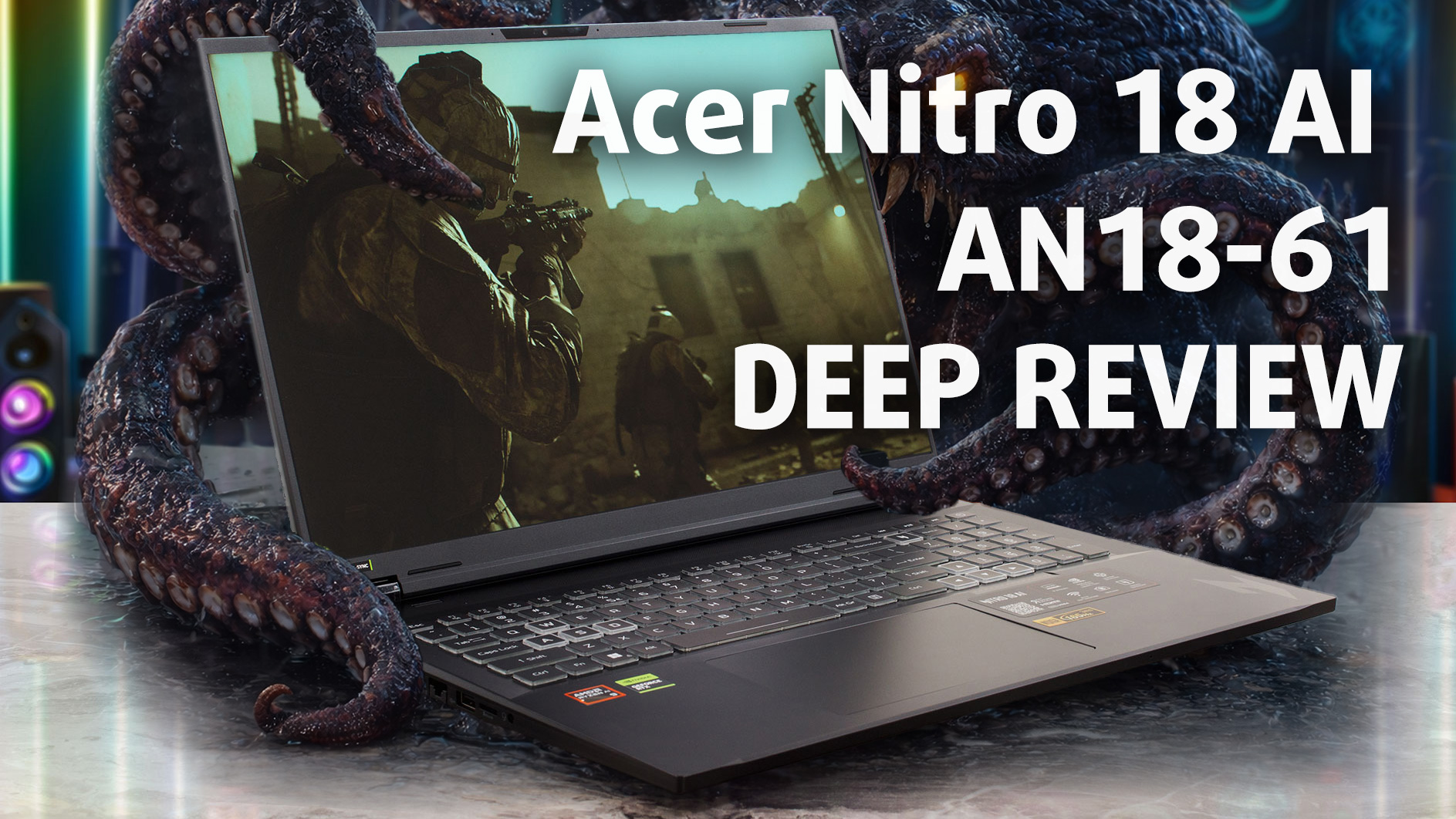
Pros
- Excellent gaming performance with high sustained GPU clocks
- Great 165Hz QHD+ display with accurate colors and no PWM
- Exceptional battery life for an 18-inch gaming laptop (nearly 8 hours)
- Superb thermal management keeps the system cool and stable
- Fantastic upgradeability with two RAM and two M.2 slots
- Spacious keyboard with full-sized NumPad and huge trackpad
Cons
- Large, heavy chassis limits portability
- No physical privacy shutter or biometric login options
- Lid is prone to fingerprints and smudges
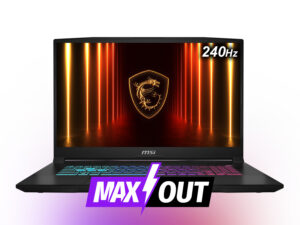
MSI Katana 17 HX (B14Wx) in-depth review
The MSI Katana 17 HX (B14Wx) enters the 17-inch gaming laptop arena with a clear mission: to deliver a big-screen experience and powerful performance without the premium price tag of flagship models. At first glance, its all-plastic build might seem modest, but beneath the surface lies a machine that punches well above its weight. With a surprisingly excellent QHD display and robust internals, it aims to be the pragmatic choice for gamers who care more about frame rates and image quality than flashy materials. But does this focus on function over form result in a winning formula, or does i[...]
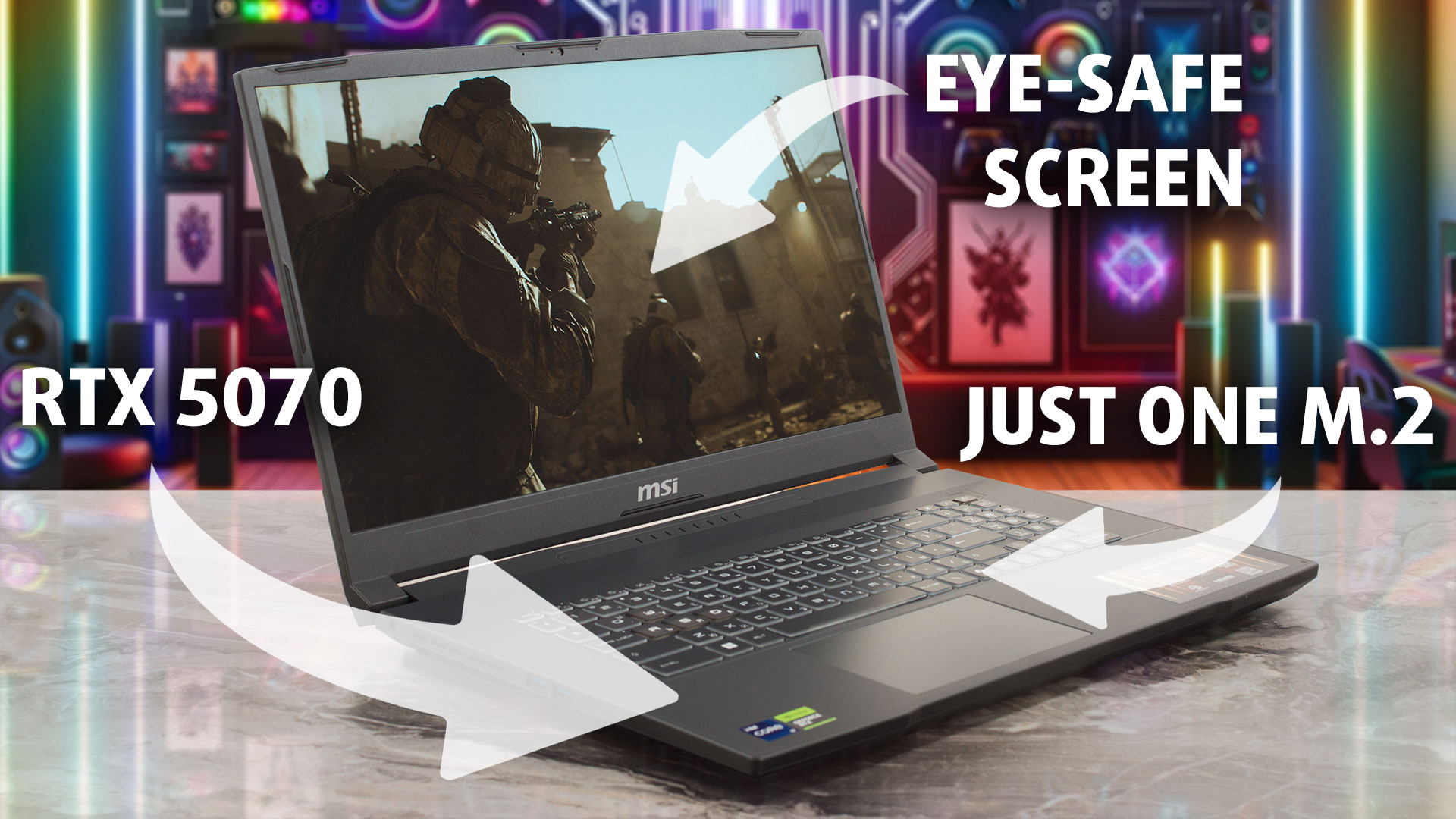
Pros
- Excellent QHD 240Hz display with great color accuracy and no PWM
- Solid gaming performance with good thermal stability
- Two user-accessible RAM slots for easy upgrades
- Fingerprint-resistant chassis
- Decent battery life for a 17-inch gaming laptop
- Full-sized arrow keys (though cramped)
Cons
- Only one M.2 slot limits storage expansion
- Small trackpad for a 17-inch laptop
- No privacy shutter or biometric login options
- Fans can be audible at idle
Acer Nitro V 17 AI (ANV17-41) in-depth review
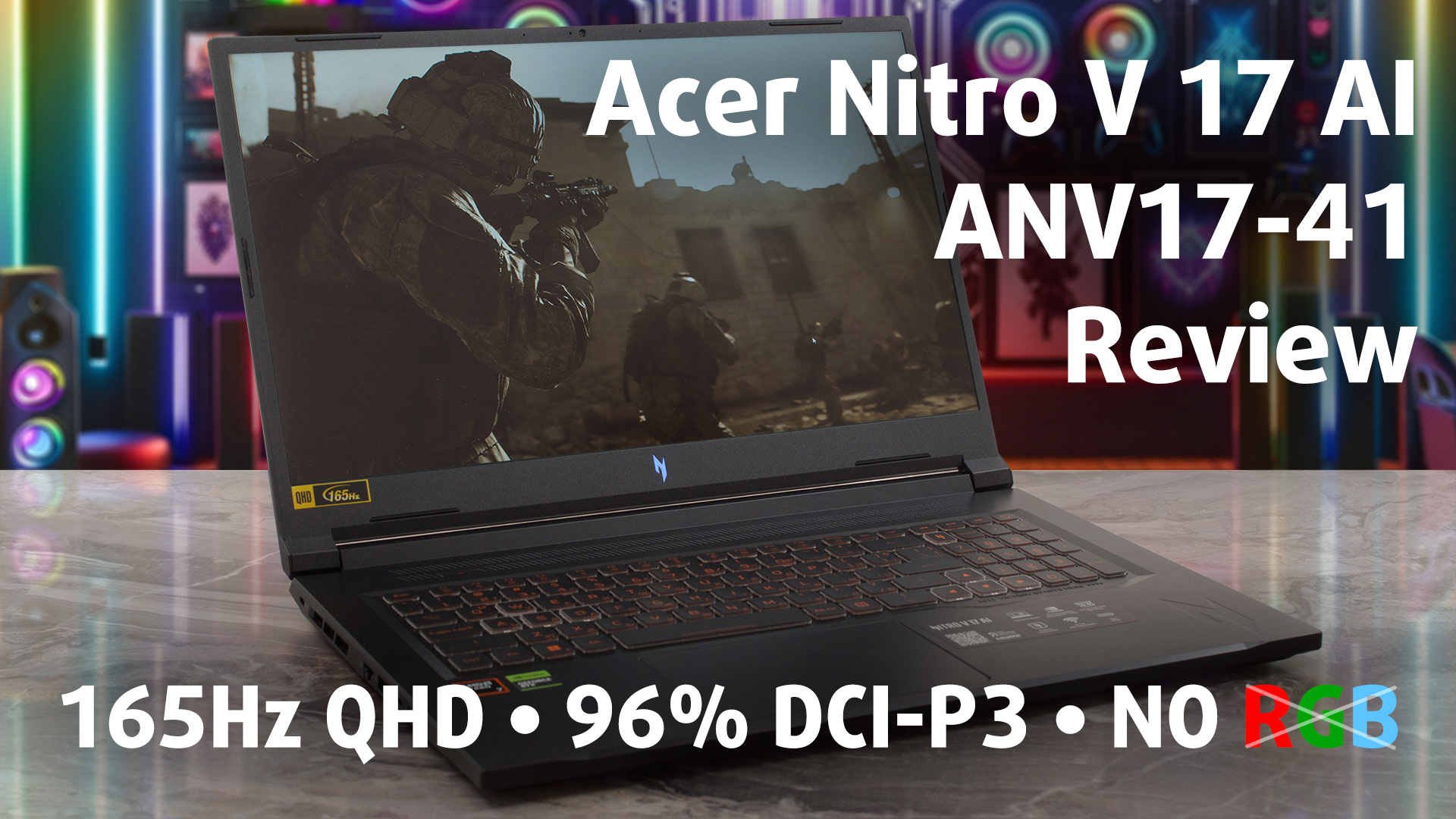
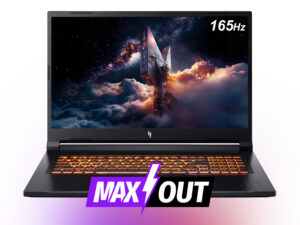
The 17-inch gaming laptop market is a battleground of power versus portability, and the Acer Nitro V 17 AI (ANV17-41) enters the fray with a refreshing strategy: balance. Instead of chasing aggressive aesthetics or unsustainable performance peaks, Acer has delivered a machine that prioritizes stability, display quality, and a surprisingly refined design. With a stunning QHD screen and a robust cooling system, it aims to be the dependable daily driver for gamers who want a big-screen experience without the typical gaming laptop flash. But in a segment crowded with powerful rivals, does this[...]
Pros
- Excellent 165Hz QHD display with 96% DCI-P3 coverage
- Great thermal management keeps the system cool and stable
- Fantastic upgradeability with two RAM and two M.2 slots
- PWM-free screen is great for eye comfort
- Versatile connectivity including a USB4 port
- Refined, understated design with solid build quality
Cons
- Conservative GPU power limits result in lower peak performance
- No physical privacy shutter or biometric login options
- Battery life is average compared to class leaders

Which RTX 5070 laptop should you buy?
- FOR THE HIGHEST PERFORMANCE: the Lenovo Legion 5i (15″, Gen 10) (detailed review). It’s in the four-way tie at the top of Time Spy, was among the fastest in every game we ran and kept its GPU at 82°C, but it lasted only about 3 hours on battery.
- FOR THE BEST VALUE: the MSI Katana 15 HX (B14W) (detailed review). It’s about 2% behind the fastest, has a 1440p display with 98% DCI-P3 coverage and lasted almost 7 hours on battery, currently from $1,299 in the US.
- FOR BATTERY LIFE: the HP OMEN 16 (16-am0000, 2025) (detailed review), with 8 hours and 39 minutes of video playback and a full-power RTX 5070. Choose the better display if you can.
- FOR A BIG SCREEN: the Acer Nitro 18 AI (AN18-61) (detailed review), with an 18-inch 1600p display that covers 99% of DCI-P3, excellent cooling and almost 8 hours of battery life, though it weighs 3 kg.
- FOR A SMALL LAPTOP: the Acer Predator Triton 14 AI (PT14-52T) (detailed review), at 1.6 kg with a 2.8K OLED and a 107W RTX 5070, if you can live with less than 3 hours on battery.
- FOR CREATORS: the ASUS ProArt P16 (H7606) (detailed review), with a 4K OLED that covers 100% of DCI-P3, 1.85 kg and over 11 hours of battery life.
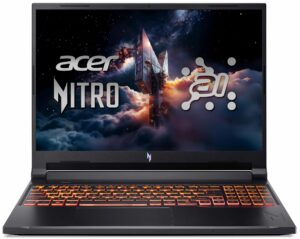
- WHAT TO AVOID: laptops that limit the GPU’s power. The Acer Nitro V 15 (ANV15-A31) (detailed review) runs it at about 71W and was only 3.5% faster in games than its RTX 5060 version, and the Alienware 16 Aurora (AC16250) (detailed review) runs it at 74W yet costs more than many faster laptops.
 Author: Simeon NikolovEditor-in-Chief at LaptopMedia.com with 20+ years of experience in testing and analyzing laptops and mobile devices.