How to open ASUS ROG Zephyrus G16 GU605 – disassembly and upgrade options
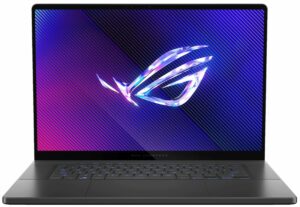
Step 1: Accessing the ASUS ROG Zephyrus G16 GU605
- Ensure the ASUS ROG Zephyrus G16 GU605 is powered off and placed on a soft surface to prevent any damage.
- Remove the 11 Torx-head screws securing the bottom panel, noting that two are hidden under rubber caps in the middle of the top.
- Use a lever tool or spudger to gently lift the bottom panel from one of the top corners, then carefully pry the back and work your way around the sides and the front.
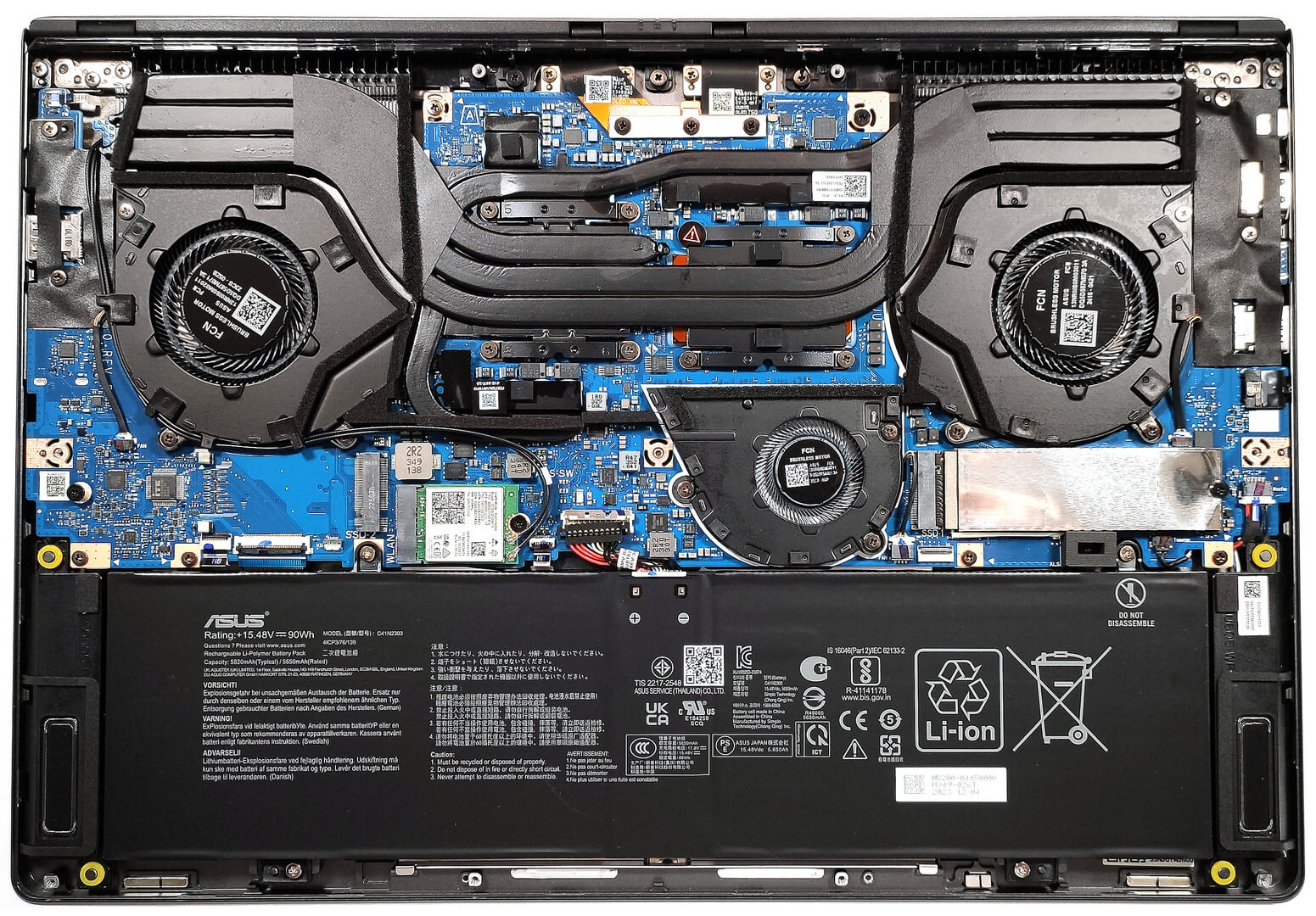
Step 2: Battery Removal
- Disconnect the battery connector from the motherboard for safety.
- Remove the four Phillips-head screws that secure the 90Wh battery to the chassis and lift it out.
More info: The battery provides excellent longevity with up to 20 hours of web browsing or 7 hours and 42 minutes of video playback. Achieving this battery life requires specific settings adjustments in both Windows and the Armoury Crate app.
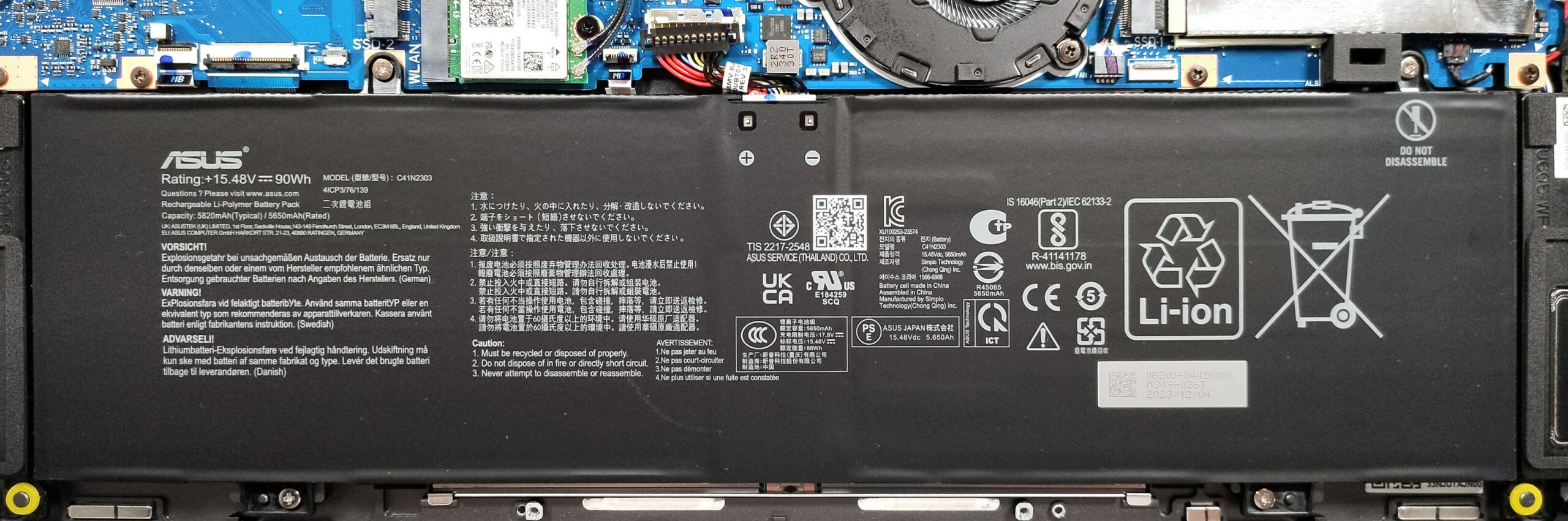
Memory Overview
The ASUS ROG Zephyrus G16 GU605 features soldered and non-upgradable LPDDR5x RAM, with configurations up to 16GB for the RTX 4050 model and up to 32GB for higher GPU variants. Despite the memory chips being rated at 7467MHz, they operate at 5600MHz due to system limitations.
Storage Upgrade
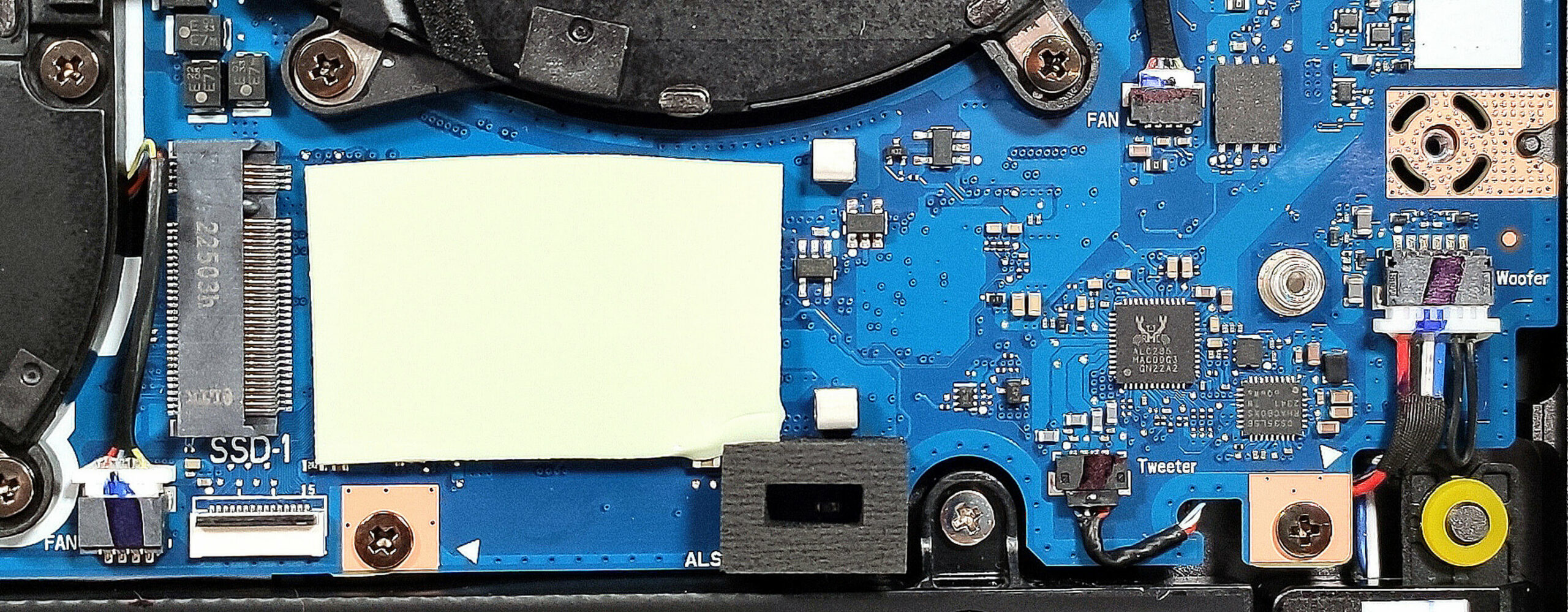
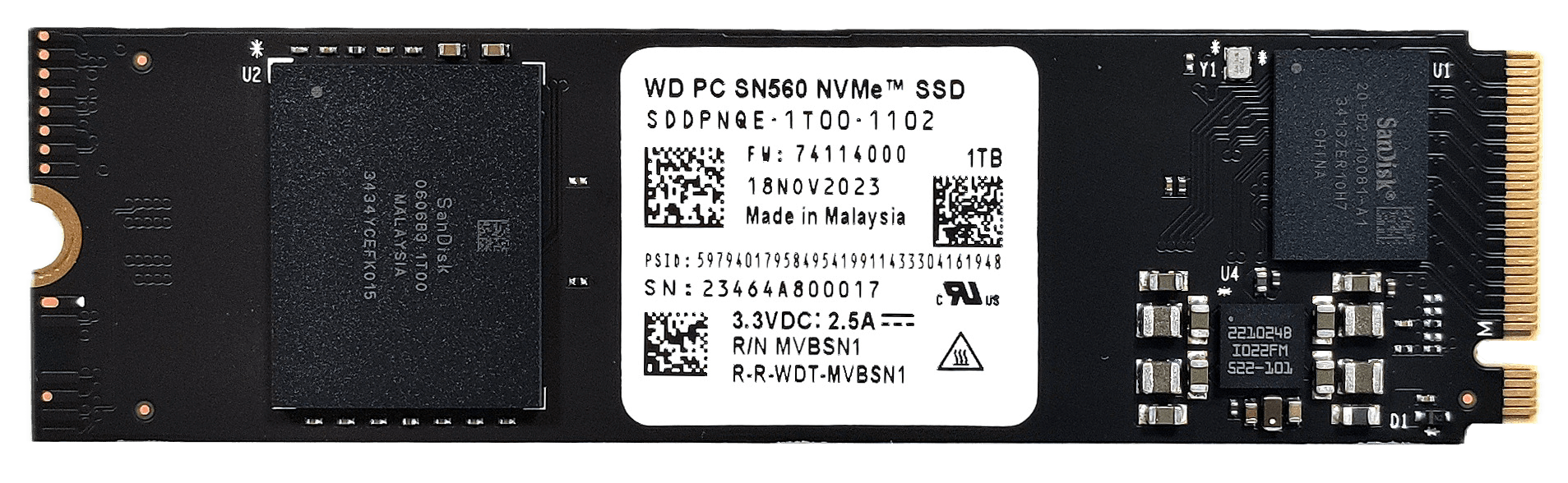
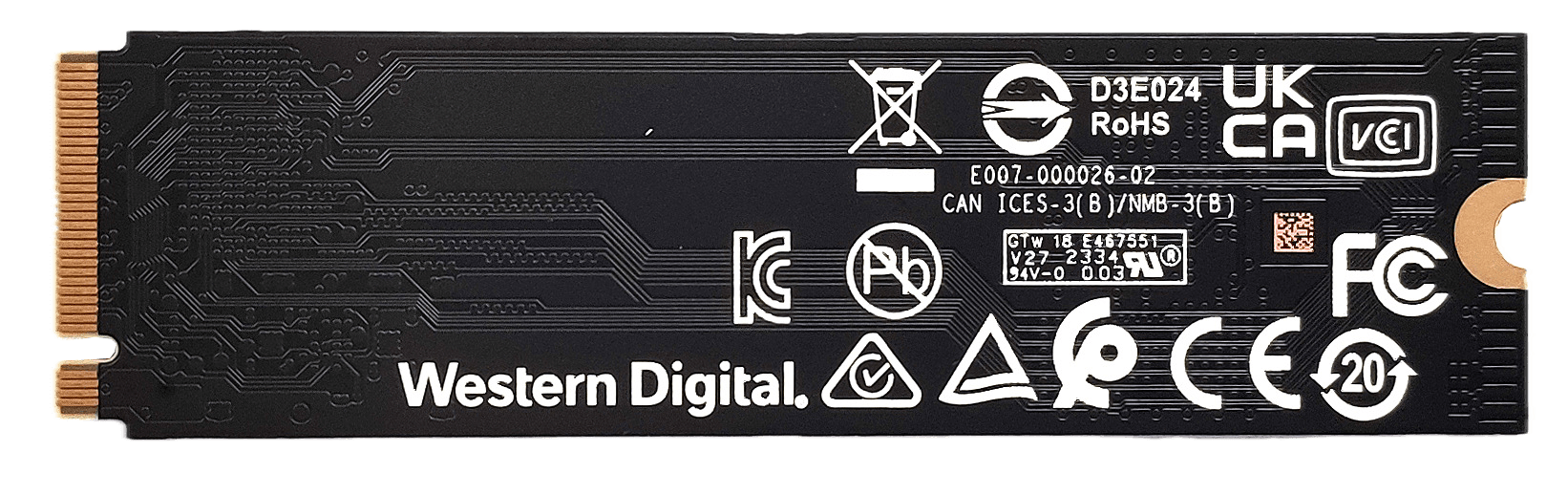
- Identify the two M.2 slots available for 2280 Gen 4 SSDs, suitable for storage expansion or upgrades to enhance the laptop’s performance and storage capacity.
- Note the presence of a cooling pad beneath the installed NVMe SSD for improved thermal management.
Hint: Don’t forget to check out our Top M.2 SSDs Performance Rankings to select the best storage solution for your needs.
You can buy Gen 4 M.2 SSD modules here: Buy from Amazon.ca (#CommissionsEarned)
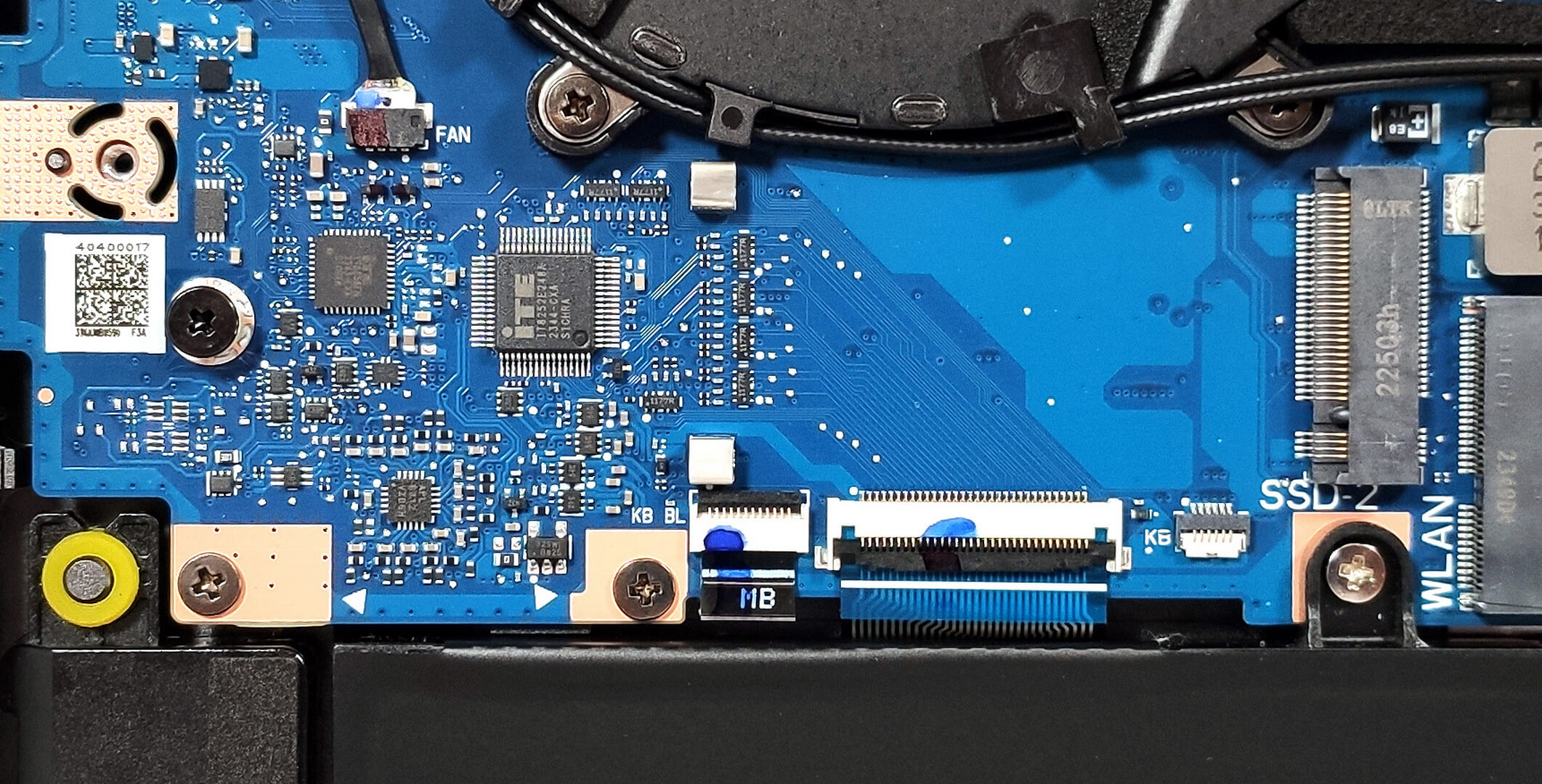
Cooling System Overview
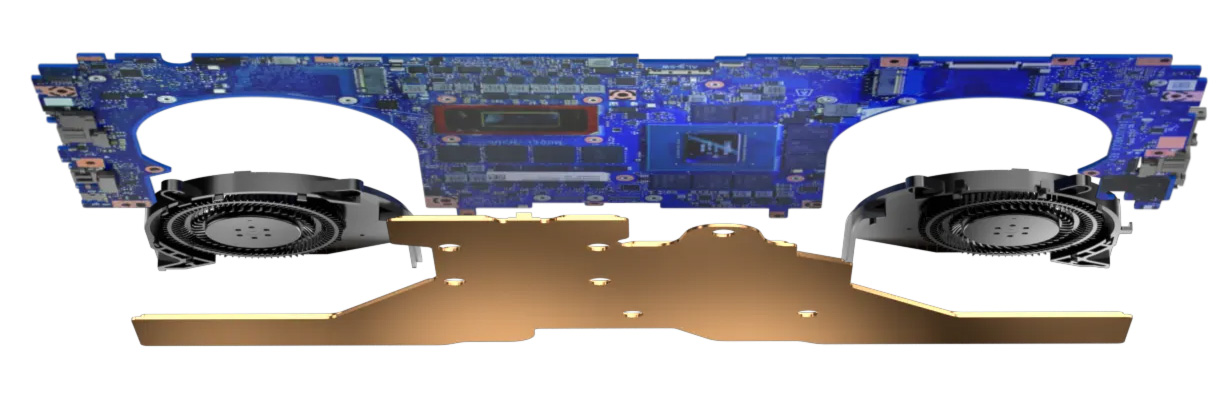
- The ASUS ROG Zephyrus G16 GU605’s cooling system varies by GPU configuration, with RTX 4090 and 4080 models featuring a vapor chamber for optimal cooling efficiency, and RTX 4050, 4060, and 4070 models equipped with a three-fan design.
- Two heat pipes are shared between the CPU and GPU, with additional dedicated pipes for the processor, GPU memory, and voltage regulators. ASUS employs liquid metal on the CPU for enhanced thermal conductivity.
- The bottom plate includes dust filters in front of the vents to maintain clean airflow and cooling efficiency.
ASUS ROG G16 GU605 with RTX 4090/4080
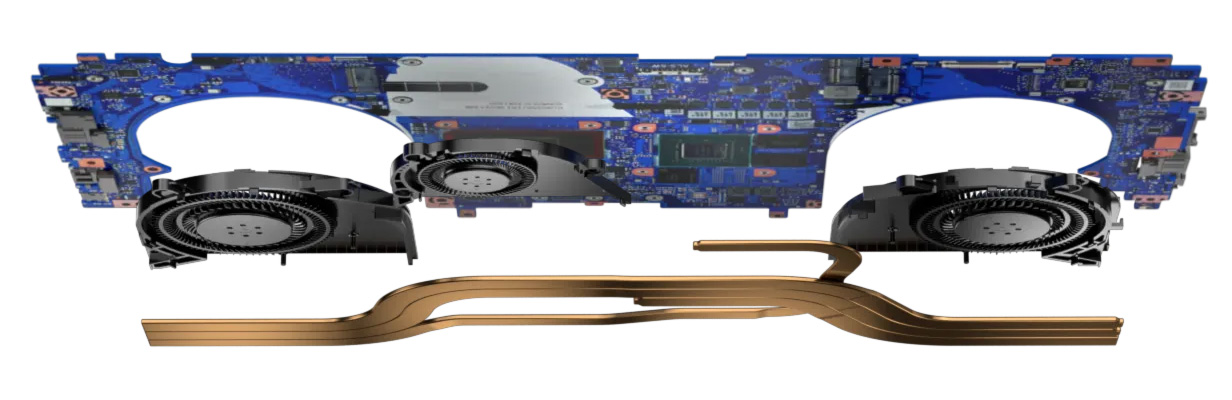
ASUS ROG G16 GU605 with RTX 4050/4060/4070
 Author: Anna Iorgova

![[August 2026] Global Ranking of Best-Selling Laptop GPUs on Amazon – Apple Reigns Supreme, NVIDIA’s RTX 5060 Tops Dedicated Chart](https://laptopmedia.com/wp-content/uploads/2026/09/Best-Selling-GPUs-GLOBAL-Top-10-400x225.jpg)
![[August 2026] Global Ranking of Best-Selling Laptop CPUs on Amazon – Apple Dominates Both Budget and Premium: A18 Pro and M5 Crush Intel and AMD in August 2026](https://laptopmedia.com/wp-content/uploads/2026/09/Best-Selling-CPUs-GLOBAL-Top-10-400x225.jpg)
![[August 2026] Amazon Global: Top 10 Best-Selling Laptops – Apple MacBook Neo Dominates the Charts as Budget and Mid-Range Windows Portables Fight for Volume](https://laptopmedia.com/wp-content/uploads/2026/09/Best-Selling-Laptops-GLOBAL-Top-10-400x225.jpg)
![[August 2026] Best-Selling Laptop Brands on Amazon Global – Apple Dominates Revenue While HP Leads in Model Variety](https://laptopmedia.com/wp-content/uploads/2026/09/GLOBAL-Best-Brands-400x225.jpg)
![[August 2026] Amazon Global: Top 10 Best-Selling Gaming Laptops – HP Victus 15 Captures the Crown as Budget-Friendly Models Dominate the Charts](https://laptopmedia.com/wp-content/uploads/2026/09/Best-Selling-Gaming-Laptops-GLOBAL-Top-10-400x225.jpg)

would it theoretically be possible to install the vapor chamber from the 4080 version to the g16 with the 4070 instead of the 3 fans ?
no need. 4070 doesn’t need the vapor chamber that makes it more costly. By the way, I won’t consider buying 4080 version of it for its poor tdp.
Anyway to bypass the ram limitation speed? I also have the same laptop.