How to open HP EliteBook 660 G11 – disassembly and upgrade options
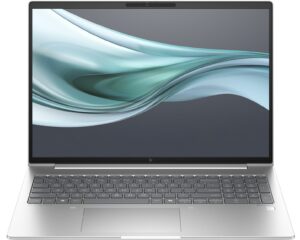
Hint: Ensure the laptop is powered off and disconnected from any power source before starting.
- Undo the five captive Phillips-head screws on the bottom of the laptop.
- Pry the back panel near the top two edges using a lever tool.
- Raise the plate around the upper central screw.
- Once the rear is fully popped, carefully work your way around the sides and the front to remove the back cover.
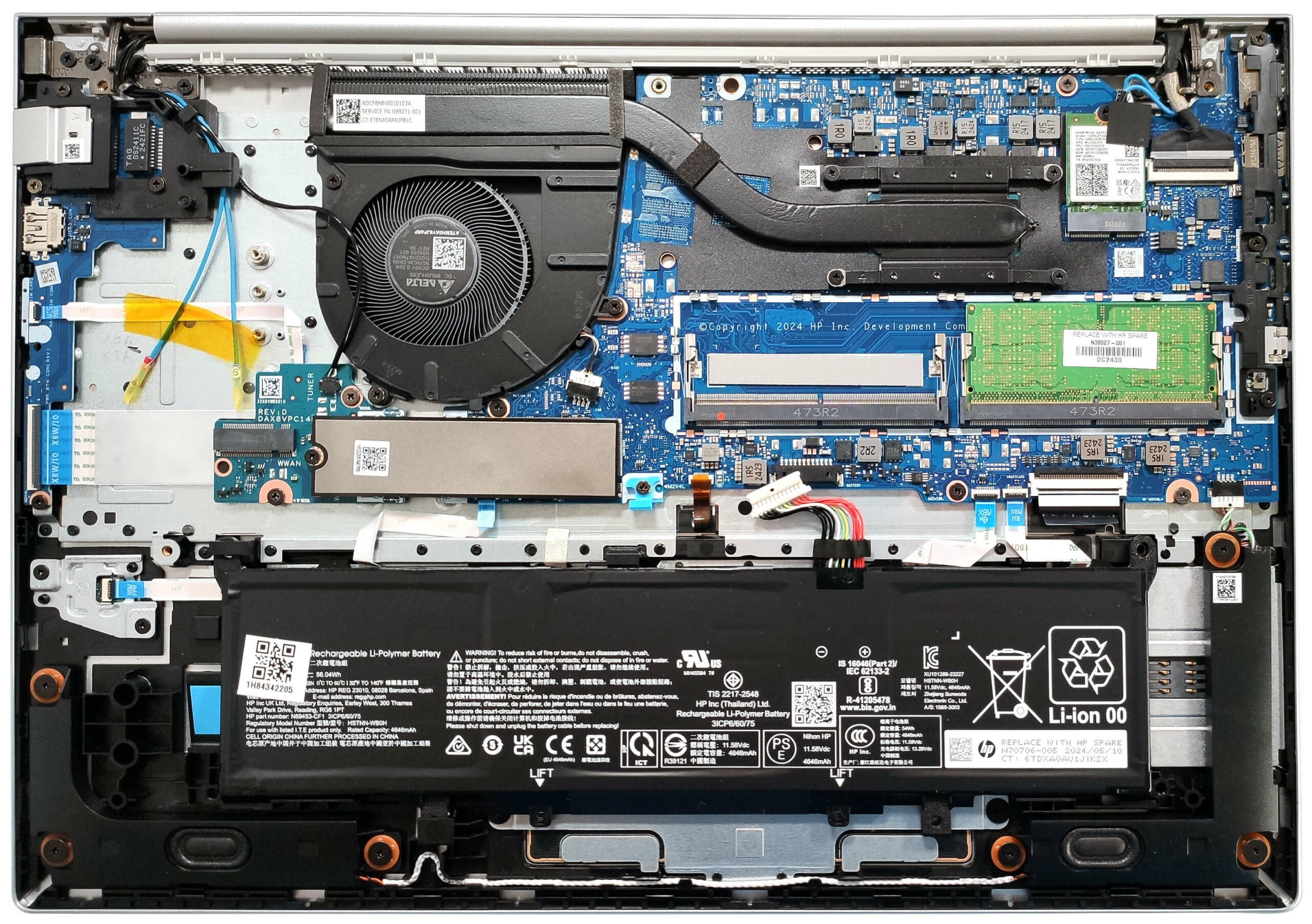
More info: The bottom plate provides access to all internal components, including the battery, memory, storage, and WWAN slot for optional 4G LTE connectivity.
Battery Removal
Caution: Handle the battery with care to avoid damage or injury.
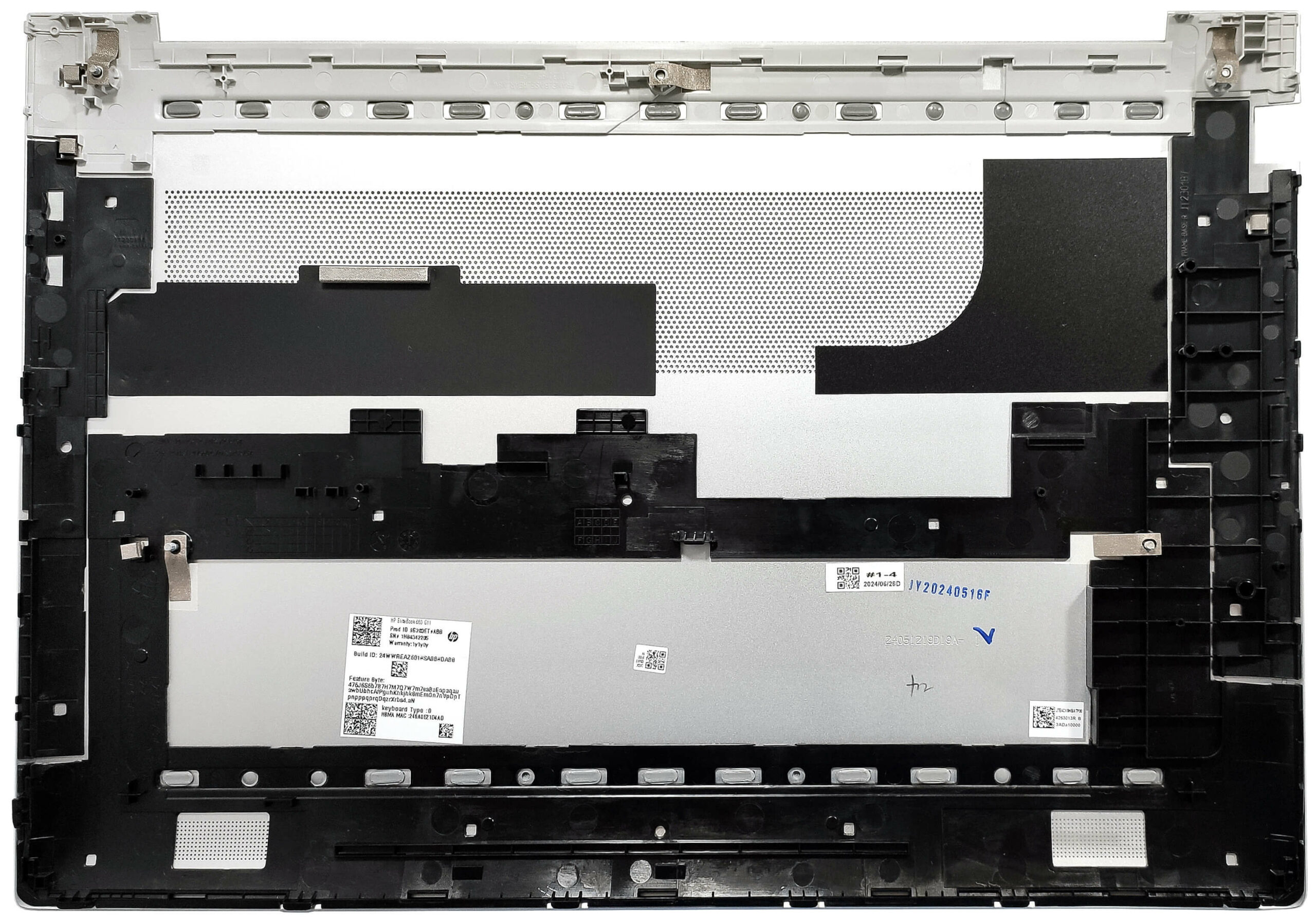
- Detach the battery connector from the mainboard.
- Push down the plastic holder located in front of the battery.
- Carefully slide the battery to the left to remove it.
More info: The laptop comes with an optional 56Wh battery, while the default version has a 48Wh capacity, providing around 11 hours of video playback.
You can buy compatible batteries here: Buy from Amazon.ca (#CommissionsEarned)
Memory Upgrade
Hint: Ensure you are grounded to prevent static discharge when handling memory modules.
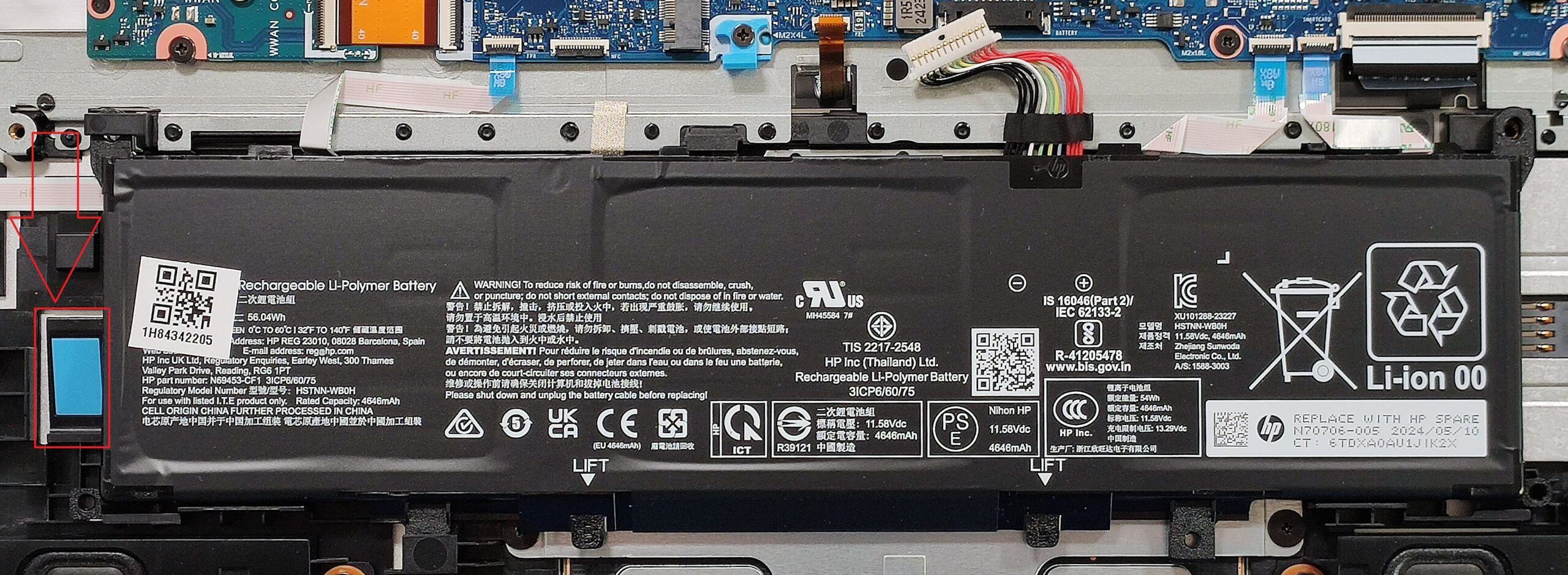
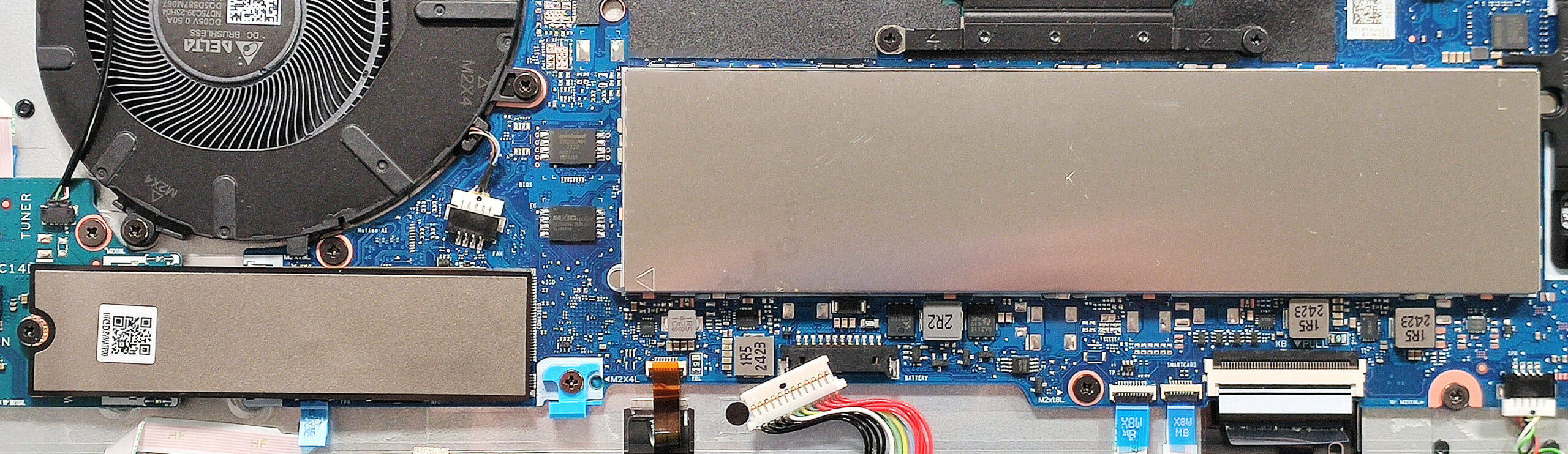
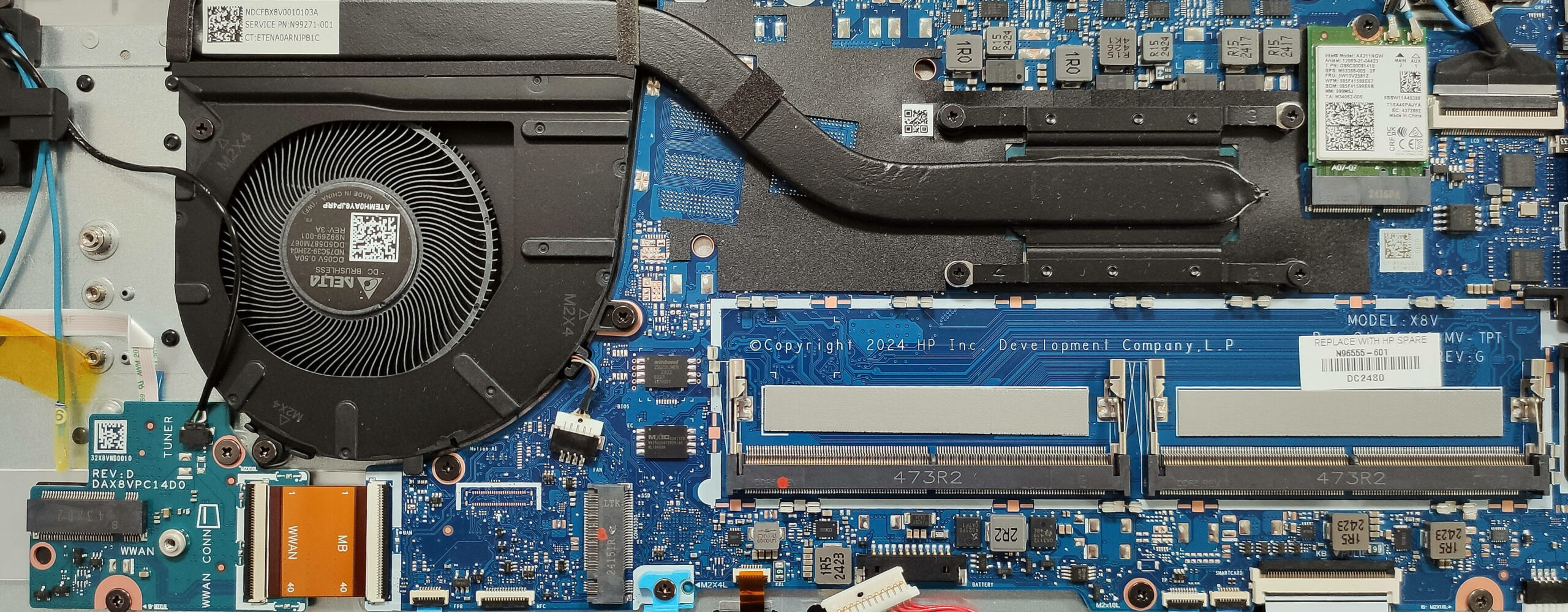
- Locate the RAM zone covered by a metal cap.
- Use a lever tool to pop open the metal cap.
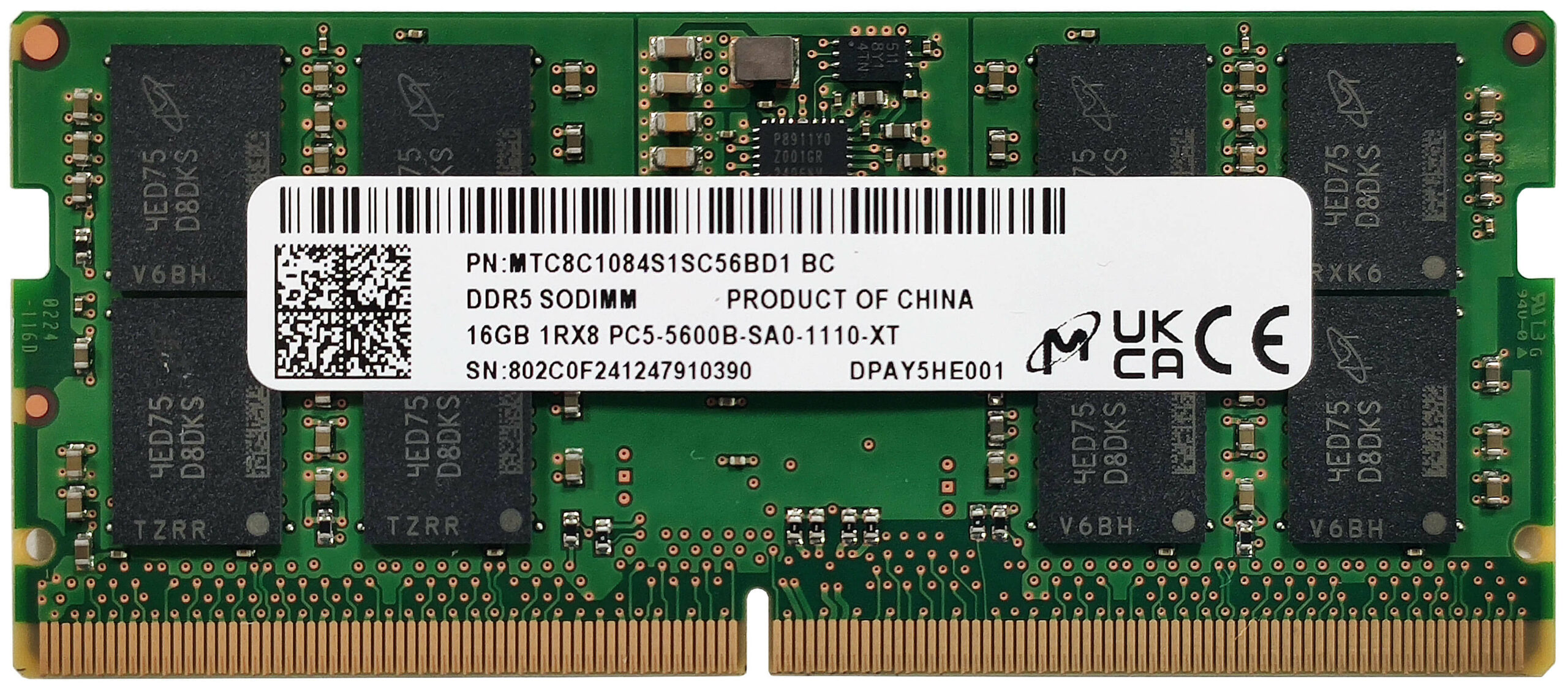
- Insert the new DDR5-5600 MHz RAM modules into the SODIMM slots, ensuring they are seated properly.
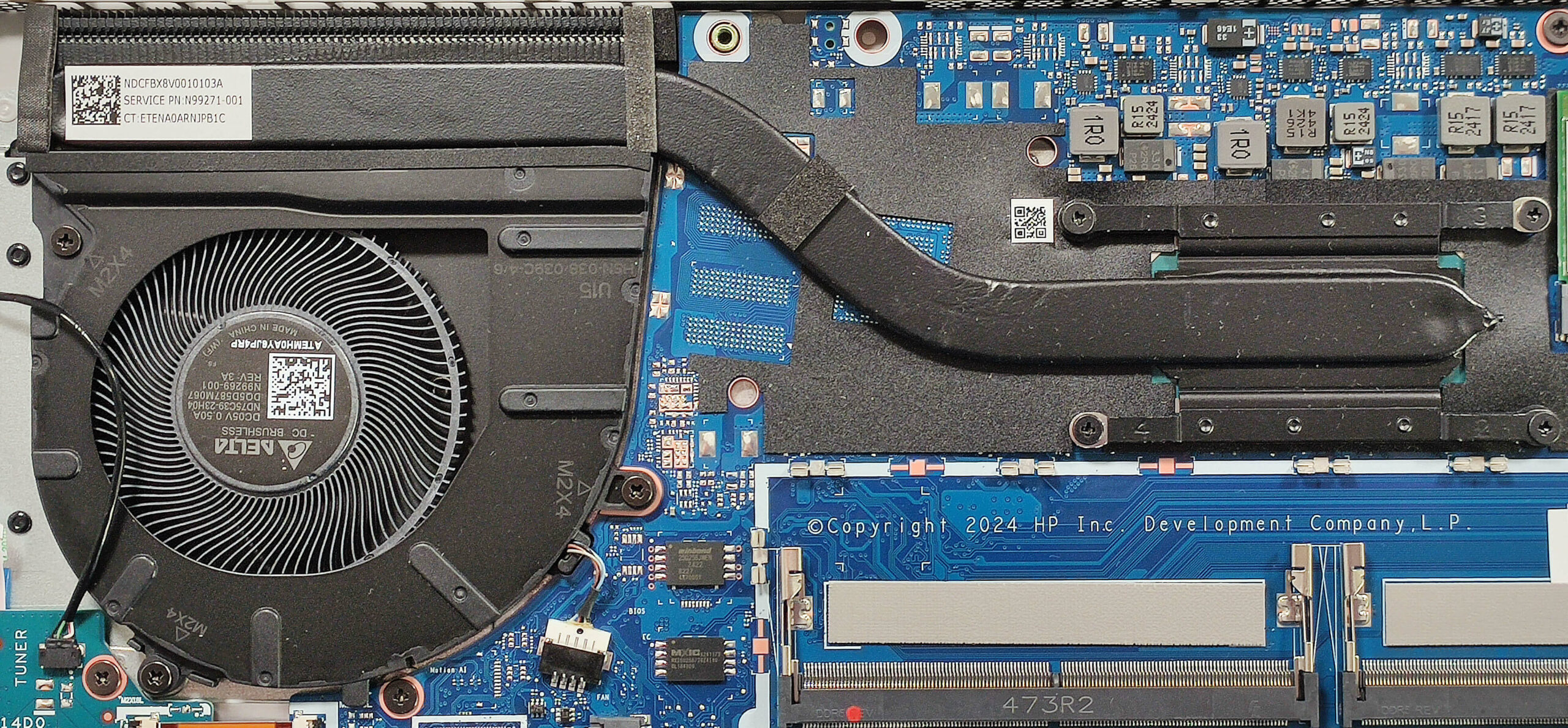
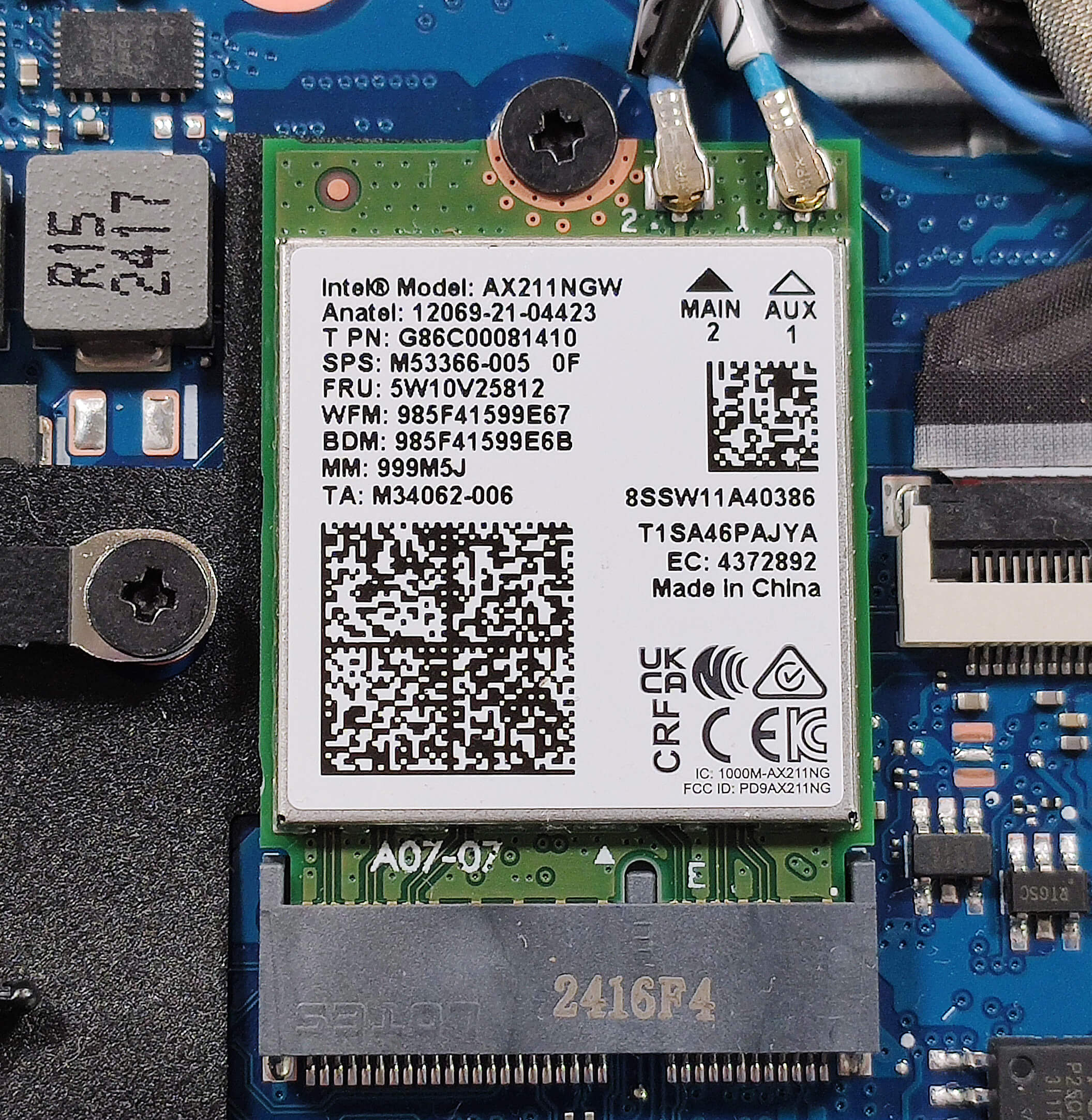
More info: The laptop supports up to 64GB of DDR5-5600 MHz RAM in dual-channel mode. Although the CPU can support up to 96GB, it’s recommended to adhere to the manufacturer’s specified limit. Each RAM module is equipped with a thermal pad for additional cooling. The WWAN slot on the left of the cooling system allows for optional 4G LTE connectivity.
You can buy compatible RAM modules here: Buy from Amazon.ca (#CommissionsEarned)
Storage Upgrade
Hint: Handle the SSD with care to avoid any data loss or damage during installation.
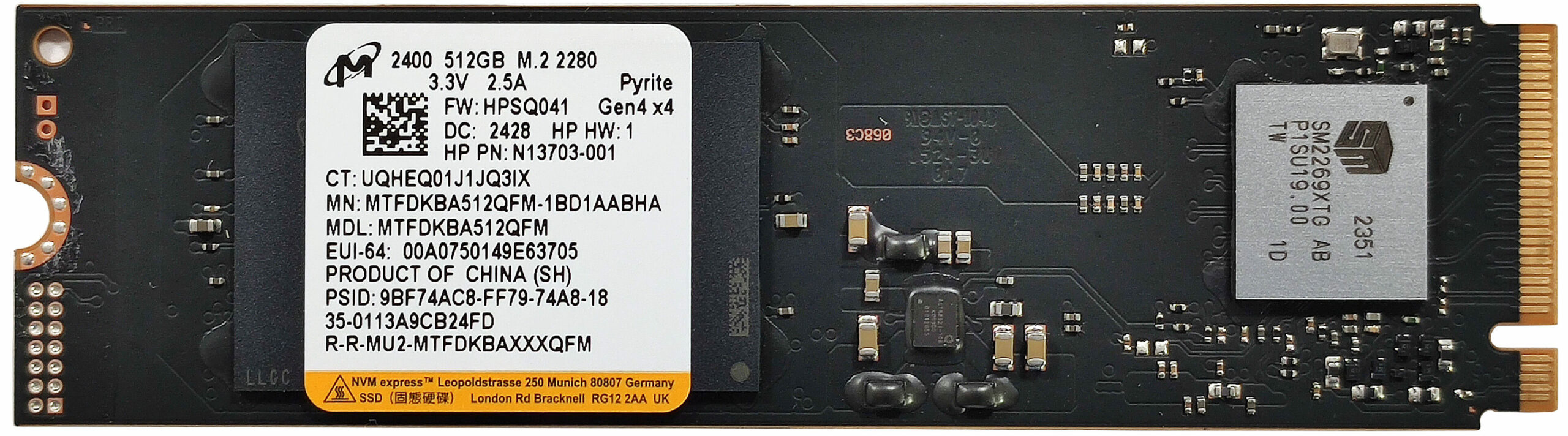
- Locate the single Gen 4 M.2 slot for storage upgrades.
- Remove the heat shield covering the preinstalled 2280 NVMe SSD by unscrewing the securing screws.
- Insert the new Gen 4 M.2 SSD into the slot and secure it with the screws.
More info: The storage compartment includes a heat shield to help manage SSD temperatures. The Wi-Fi 6E card is positioned close to the CPU chip for optimal connectivity performance.
Hint: Don’t forget to check out our Top M.2 SSDs Performance Rankings for insights on the best storage options available.
You can buy compatible SSDs here: Buy from Amazon.ca (#CommissionsEarned)
Cooling System Overview
More info: The cooling system comprises one large fan, a heat pipe, one long heat sink, and a heat spreader. Additionally, the Wi-Fi 6E card is positioned close to the CPU chip.
- Inspect the cooling components to ensure they are free of dust and debris.
- Verify that the heat pipe and heat spreader are properly connected to maintain optimal cooling performance.
HP EliteBook 660 G11 in-depth review
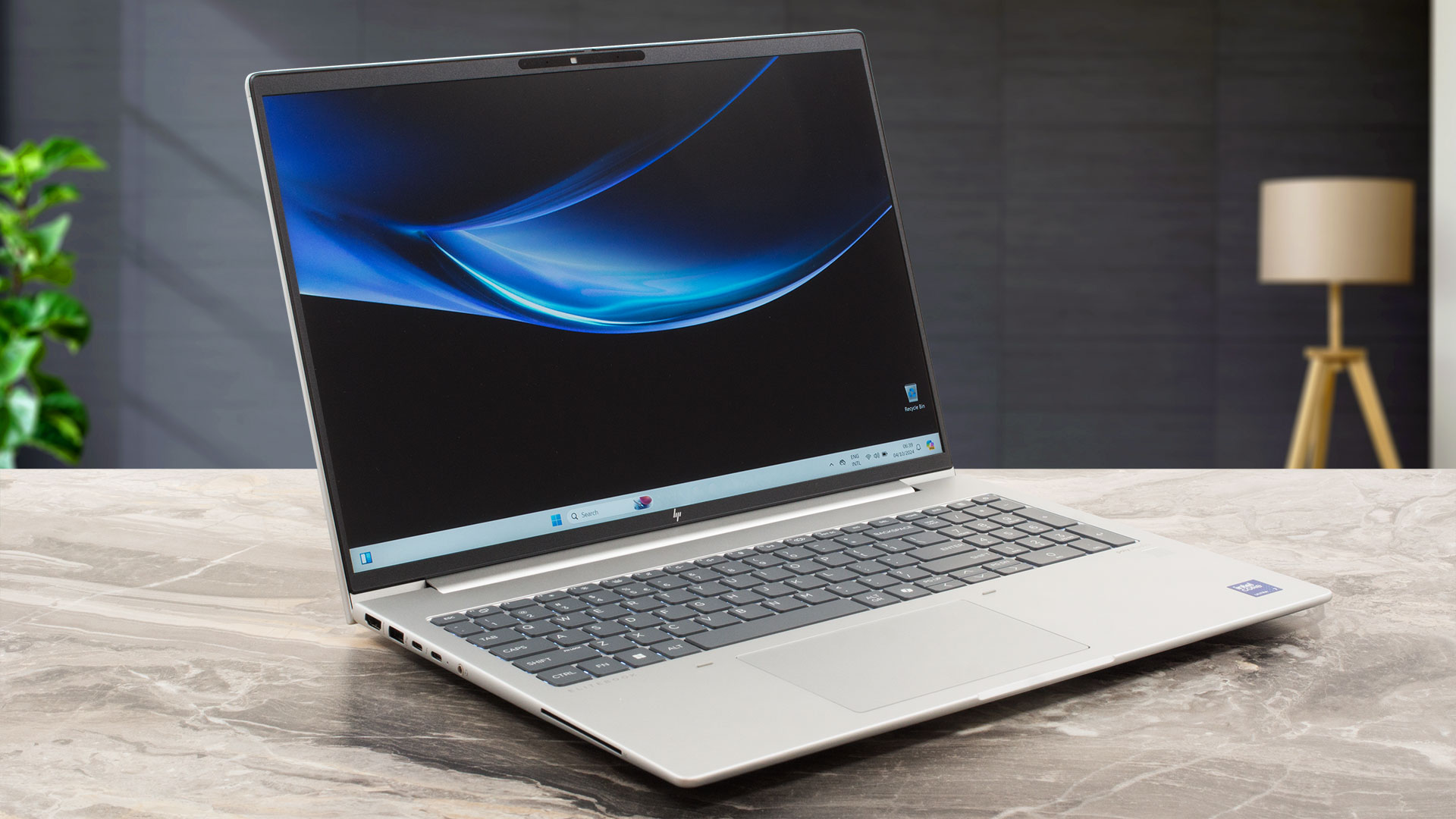
The more feature-rich HP EliteBook devices are positioned higher in the manufacturer hierarchy compared to the ProBook siblings. The EliteBook 660 G11 is a thin business machine that is also powerful, especially if you pick one with a 28W Meteor Lake-H CPU. In our case, we bought a laptop with a 15W Core Ultra 7 155U which is more battery-friendly and still packs enough processor cores for normal business work.All four display options are 1200p units including the touchscreen one. HP claims 100% sRGB coverage (we can't confirm that) for two of the panels so check that before configuring yo[...]
Pros
- Uninstrusive modern design
- Nice comfort during full loads
- Compact for a 16-incher (1.75 kg / 10.9 - 17 mm)
- Good overall performance for normal office work
- Wide viewing angles and a high max brightness of 333 nits (CMN1638)
- PWM-free panel (CMN1638)
- Comfortable keyboard with optional backlight
- 2x Type-A + 2x Type-C ports
- The fan is almost quiet even in "Performance" mode
- Long battery battery life (~ 11 hours of videos)
- Web camera with a privacy shutter
- Well-cooled NVMe (Micron 2400)
- Lid with a lever design
- Solid base
- Optional fingerprint reader, NFC, IR Web camera, Smart Card reader, and 4G connectivity
- Good sound quality
- The Core Ultra 7 155U can maintain a 2.68 GHz / 2.35 GHz P and E-core clock in long heavy loads
- 2x SODIMMs + replaceable Wi-Fi 6E card
Cons
- Our device has a QLC SSD
- Just one M.2 slot
- Average touchpad
- You can't open the lid with one hand
 Author: Dimitar Stalev

![[June 2026] Best-Selling Laptop Brands on Amazon Global – Apple’s Unrivaled Dominance in Units and Revenue](https://laptopmedia.com/wp-content/uploads/2026/07/GLOBAL-Best-Brands-400x225.jpg)
![[June 2026] Amazon Global: Top 10 Best-Selling Laptops – Apple’s New MacBook Neo Storms to #1, Reshaping the Market with Affordability](https://laptopmedia.com/wp-content/uploads/2026/07/Best-Selling-Laptops-GLOBAL-Top-10-400x225.jpg)
![[June 2026] Amazon Global: Top 10 Best-Selling Gaming Laptops – Acer’s Nitro V 16S AI Dominates Sales, While ASUS Leads Overall Revenue](https://laptopmedia.com/wp-content/uploads/2026/07/Best-Selling-Gaming-Laptops-GLOBAL-Top-10-400x225.jpg)
![[June 2026] Global Ranking of Best-Selling Laptop GPUs on Amazon – NVIDIA RTX 5060 is the Top-Selling Dedicated GPU](https://laptopmedia.com/wp-content/uploads/2026/07/Best-Selling-GPUs-GLOBAL-Top-10-400x225.jpg)
![[June 2026] Global Ranking of Best-Selling Laptop CPUs on Amazon – Apple M5 Dominates, AMD Ryzen 7 260 Gets Solid Premium Share](https://laptopmedia.com/wp-content/uploads/2026/07/Best-Selling-CPUs-GLOBAL-Top-10-400x225.jpg)
